 100% FREE No Watermark Batch Edit
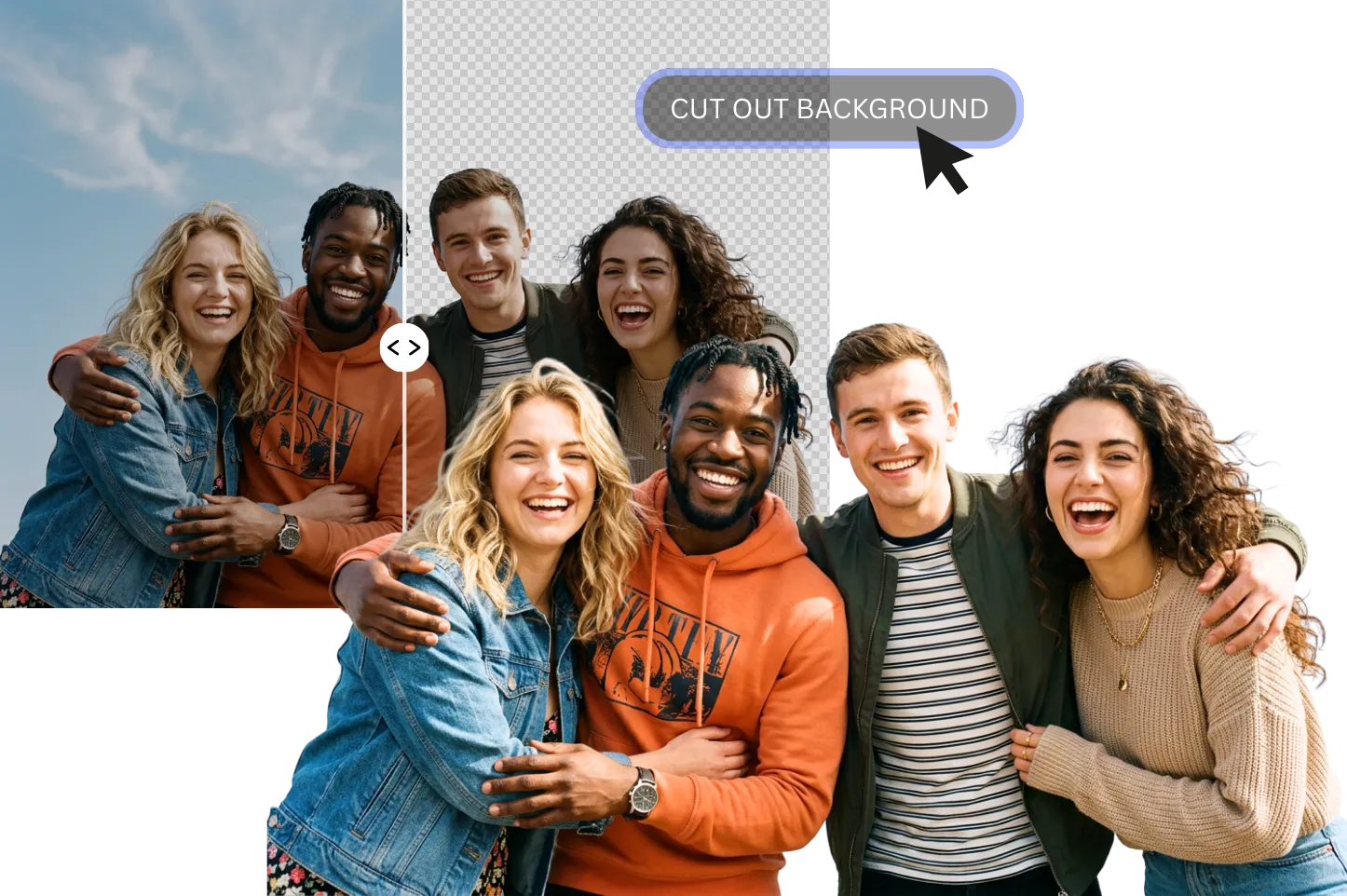
Easily cut the background out of a photo in seconds with PhotoGrid’s AI-powered background remover. Simply upload your image and the smart image cutout tool will automatically detect the subject and remove the background.
Cluttered backgrounds hurt sales; clean ones drive clicks. PhotoGrid's AI cutout tool removes distractions with pixel-perfect precision — preserving fine details like jewelry chains. From there, switch to a pure white background for Amazon listings, drop products into lifestyle scenes with background changer, or erase any stray objects with object remover. All in seconds, with no manual editing. Batch process high-res images ready for web or print.

Scroll-stopping visuals start with a clean cutout.Use PhotoGrid's AI cutout tool to lift yourself from any photo and drop into somewhere fresh — Paris for travel pics, neon grids for OOTD, or funny backdrops for memes. Whether it's a profile pic makeover, story highlights, fit checks, or just messing around with friends, this cutout tool has you covered. Pulling images from the web? Run them through watermark remover first.The remix with trendy templates, AI filters, stickers, and text.
One cutout, endless reuse. With PhotoGrid's cutout tool, you can extract any subject from its background and drop it into posters, digital collages, marketing graphics, stickers, or presentations. Repurpose the same element across different layouts — no need to start from scratch every time. For a polished finish, elevate your results with the AI image enhancer and magic eraser .You can also give your entire project a quick refresh with picture cleanup to ensure every element looks its best.
Upload the image you want to cut out the background from or try out free images. PNG, JPG, or JPEG image formats are all supported.
Click "Background Remover" under the AI Tools options to automatically erase the background from the image.
Download your HD transparent background PNG or JPG images once for free or continue editing by adding new backgrounds or design elements.
Upload the image you want to cut out the background from or try out free images. PNG, JPG, or JPEG image formats are all supported.
Click "Background Remover" under the AI Tools options to automatically erase the background from the image.
Download your HD transparent background PNG or JPG images once for free or continue editing by adding new backgrounds or design elements.
Quickly cut the background out of a photo and generate a clean cutout image in seconds.
No design skills required. Upload your photo and let the AI erase background automatically.
Download your cutout image without a watermark. If you need to remove watermarks from other images, use our free watermark remover.
Download your image cutout with a transparent background, ready for design or marketing use.
Use the background remover online from desktop or mobile devices anytime.
No sign-up fees, 100% free. Just upload your image and click—AI automatically cuts out the background.


Remove unwanted backgrounds and create clean cutout images instantly with PhotoGrid’s AI photo cutter.


©2026 PhotoGrid.app All rights reserved