Free Text-to-Video AI Generator: Turn Text into Video Online | PhotoGrid

Got an idea? Turn your words into viral videos in seconds with PhotoGrid’s free AI text-to-video generator. With smart Magic Prompt, even a single sentence becomes a full story. Just enter your script or a few keywords and let AI bring it to life.

Model
100/800
Preview

Start from a prompt and shape the video style

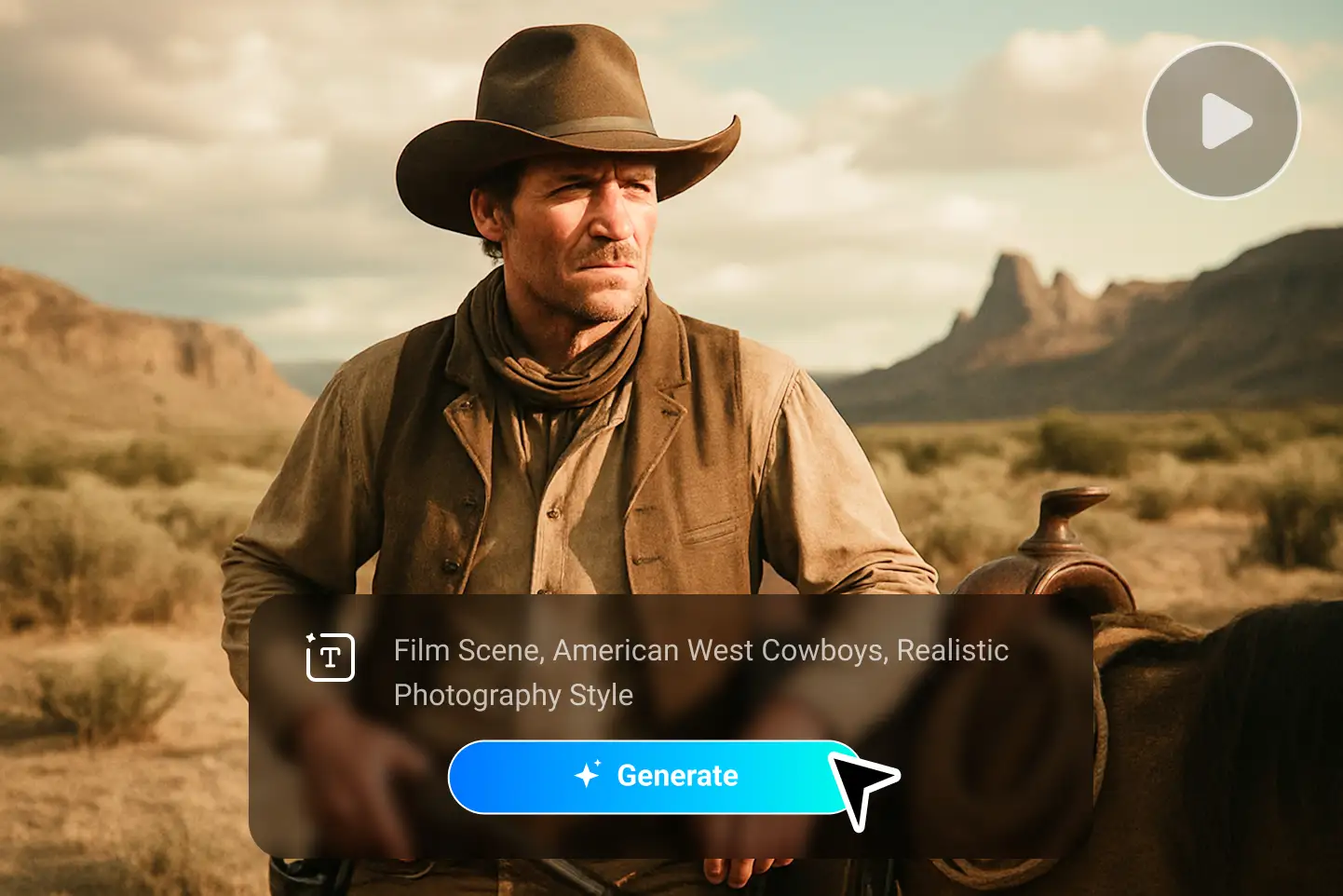
A cowboy in the American West desert generated with PhotoGrid text to video AI, showing cinematic storytelling in realistic photography style.

Drop a Hint, Create AI Videos from Text Instantly with One Click

PhotoGrid's AI video generator from text turns video creation into a one-sentence job. You can start with a simple text description — a sentence, a phrase, or just a few keywords, and the AI text to video generator will generate a complete video for you. You don’t need to cut clips, set keyframes, or figure out where each image should go.
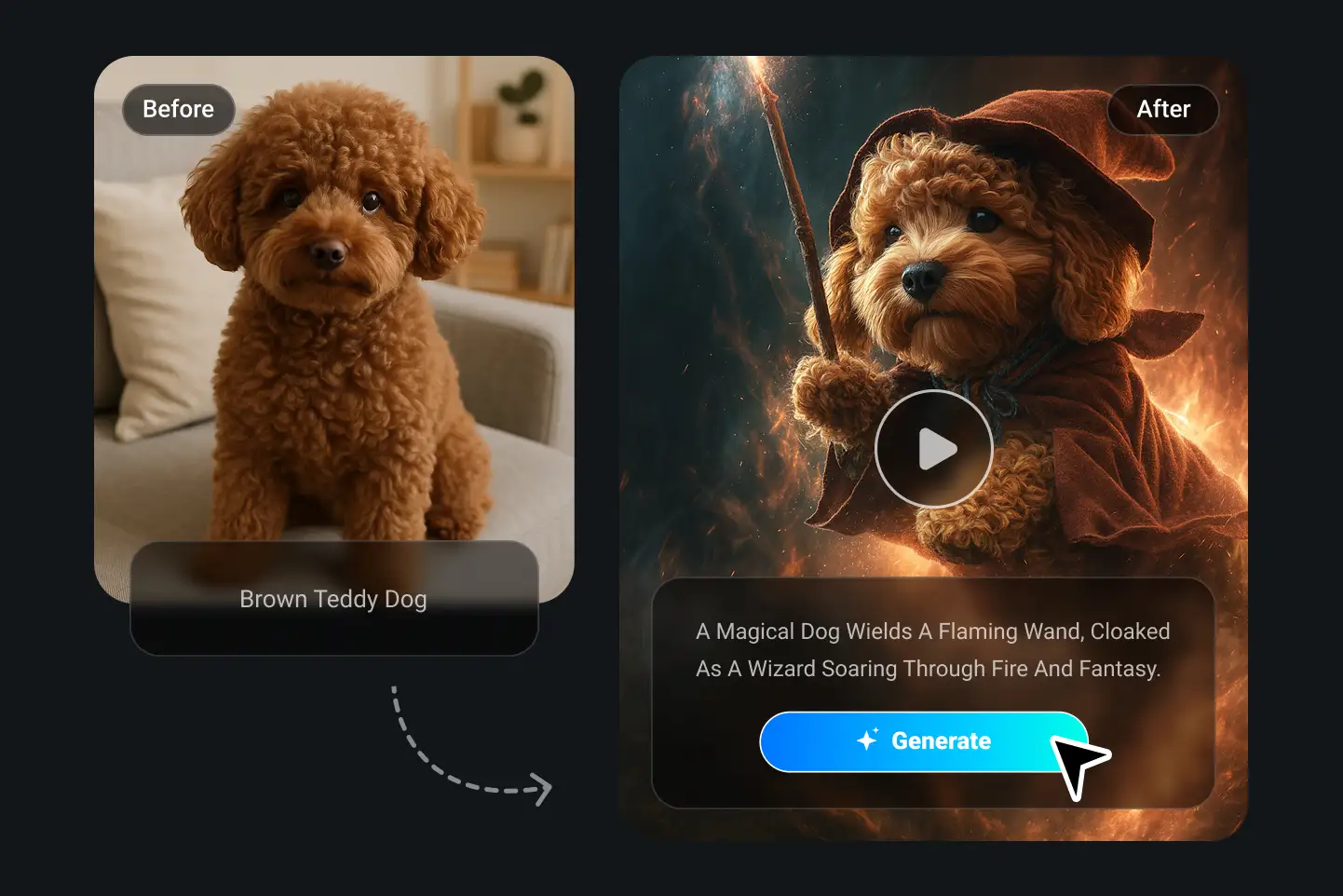
A brown teddy dog transforms into a fantasy wizard through PhotoGrid’s text to video AI, holding a magic wand surrounded by fire and light.

Magic Prompt Writing — Generate the AI Video You Imagine

Writing perfect prompts used to be hard. That’s where PhotoGrid’s Magic Prompt Writing comes in. It’s like having a pro-level prompt to video AI assistant working behind the scenes. Our AI automatically understands what you mean and expands it into a detailed, high-qualityscript for AI video creation. The Magic Prompt Tool also gives you the freedom to fine-tune your prompt in seconds. You can make it as specific as you like or keep it simple. Either way, your idea turns into the video you imagined.
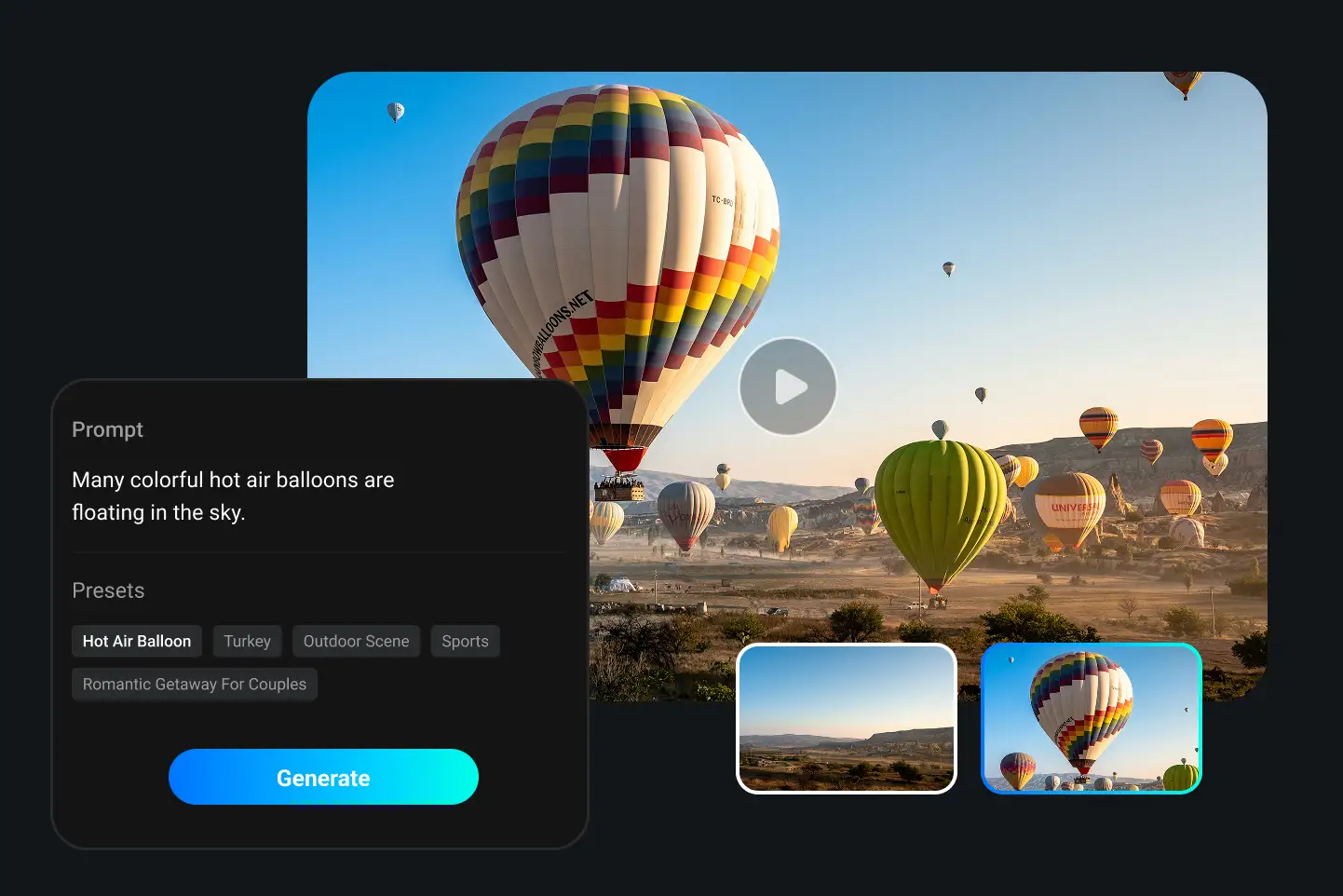
Hot air balloons floating across the sky generated by PhotoGrid’s AI video generator from text, turning prompts into cinematic travel scenes.

Ready-to-Use AI Video Presets for Instant Text-to-Video Inspiration

No time? No ideas? No problem. PhotoGrid’s text to video AI generator presets are built for speed. You don’t need to start from scratch. Browse our curated preset library and turn text into video with one click. Capture “Rainy café mornings,” “Late-night ramen runs,” or “Train rides with headphones on”.You can craft moody aesthetic clips paired with your favorite quotes, transform simple routines into stylish mini vlogs, or bring surreal thoughts to life with fantasy-inspired visuals.

How to Use Text to Video AI Generator

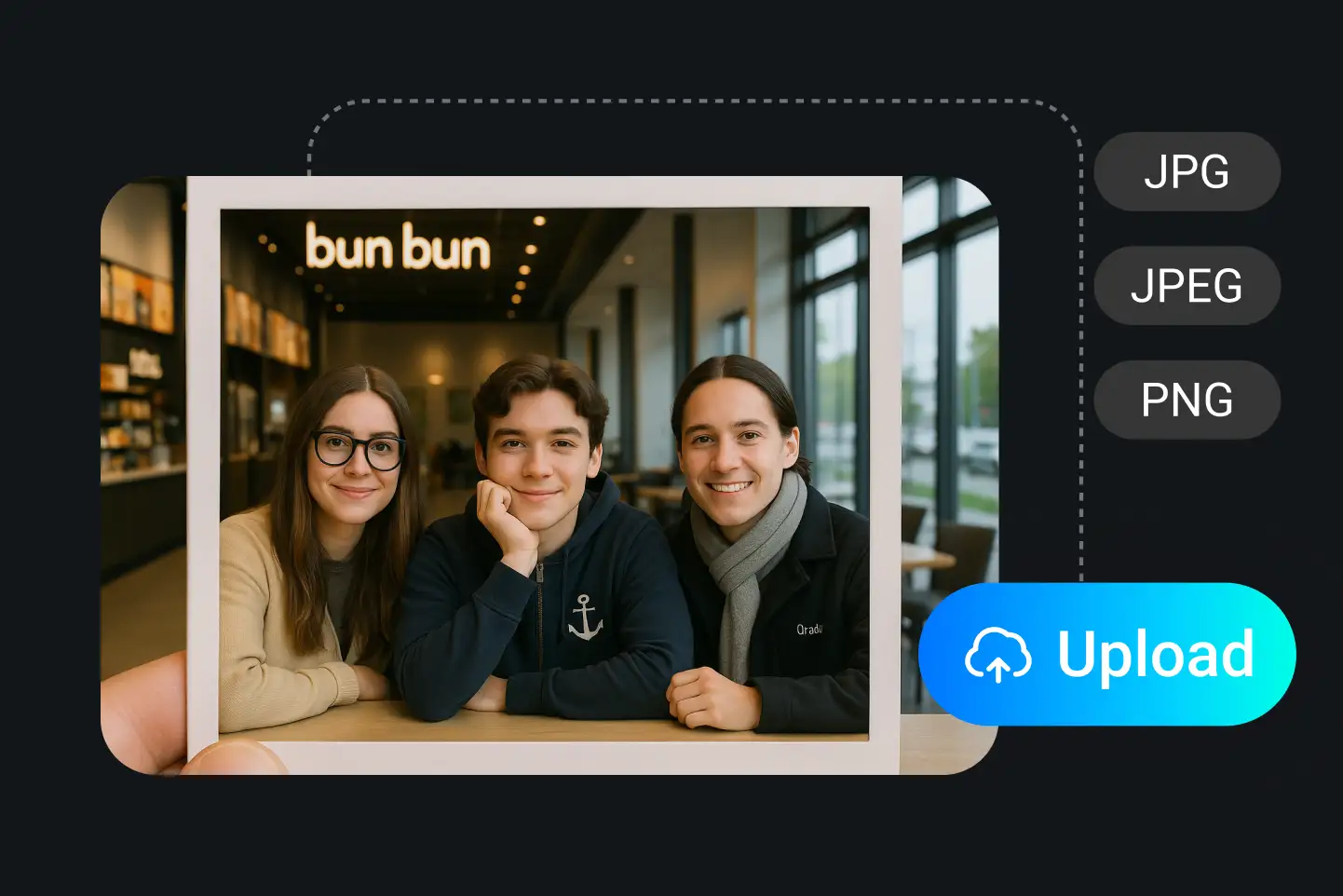
A group photo of three friends in a café uploaded to PhotoGrid text to video AI, ready to be transformed into a clay animation video.

Type Your Idea

Describe what you want to see. For example: “a cat playing piano on the beach” or “a girl running through neon-lit streets,” your text becomes the video script.
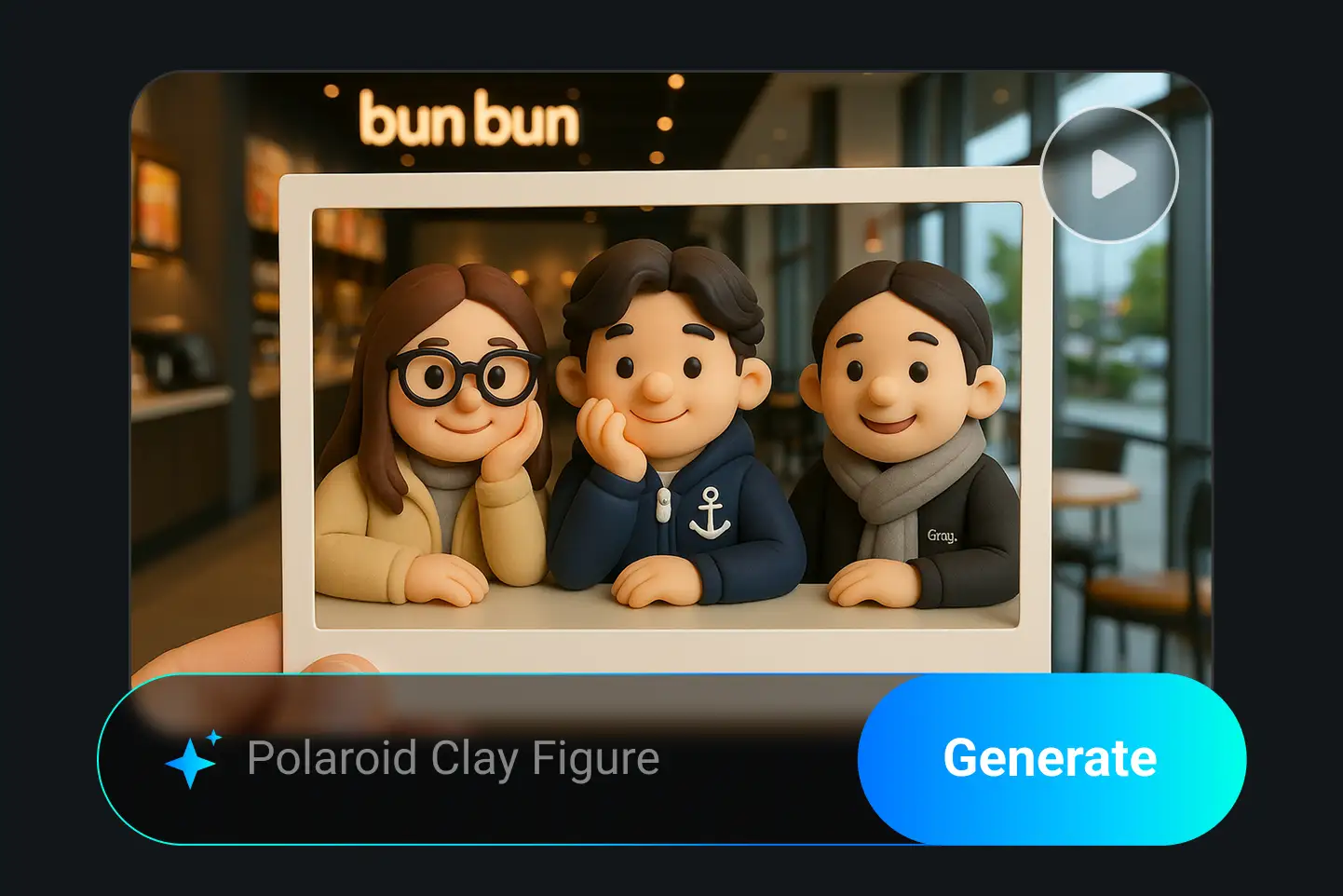
Clay-style 3D characters of three friends generated by PhotoGrid AI video generator, turning a real photo into a cute animated video.

Pick a Style & Settings

Choose from anime, 3D, cyberpunk and more. Customize video length, aspect ratio, and resolution to fit any platform.
Generate and download your clip, as TikTok and Instagram icons sit by the video and a blue Download button with PhotoGrid.

Generate & Download

Hit generate and get your AI video in seconds. Preview, download in HD, or remake until it’s just right.
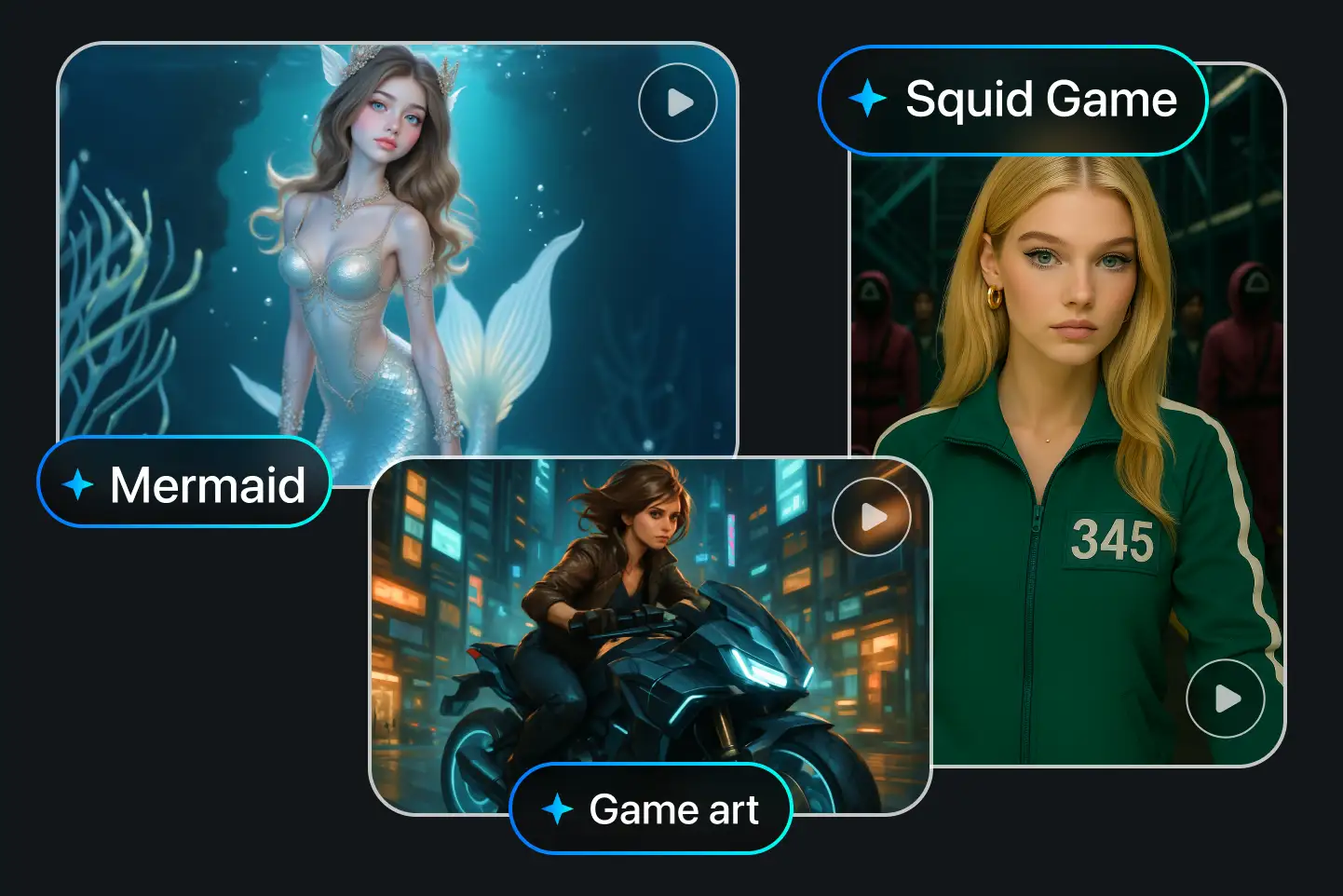
Mermaid, Squid Game, and cyberpunk motorcycle scenes created by PhotoGrid text to video AI, showing how one prompt can produce multiple styles.

Ride the Trend: Create Viral AI Videos from Text in Seconds

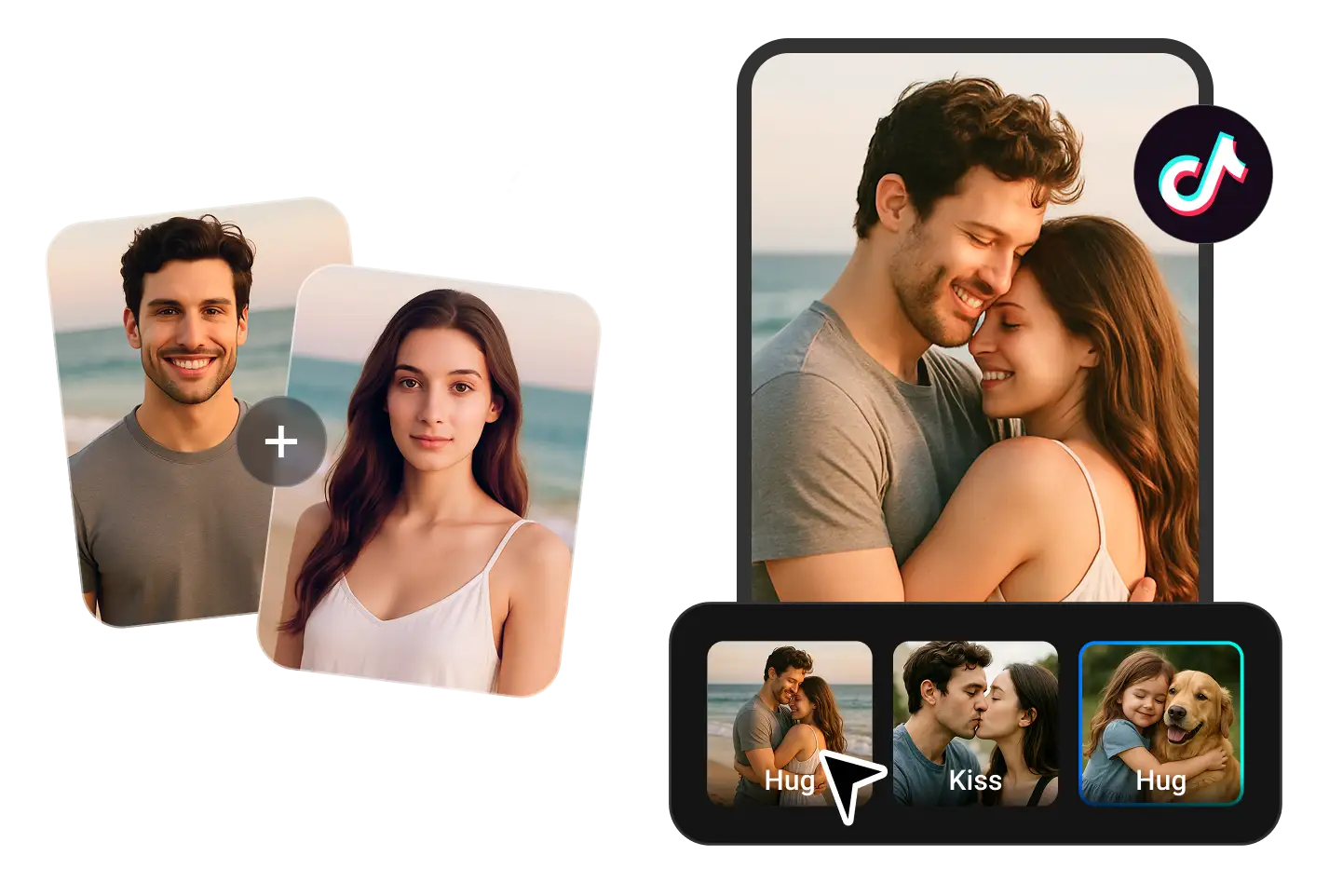
Hot trends don’t wait. With PhotoGrid’s AI video generator from text, you can jump on the latest memes, popular characters, and social moments with AI videos that are ready in seconds. Explore trending effects like AI Mermaid video generator、AI Hug Generator、AI Kiss Generator to create shareable videos in seconds.
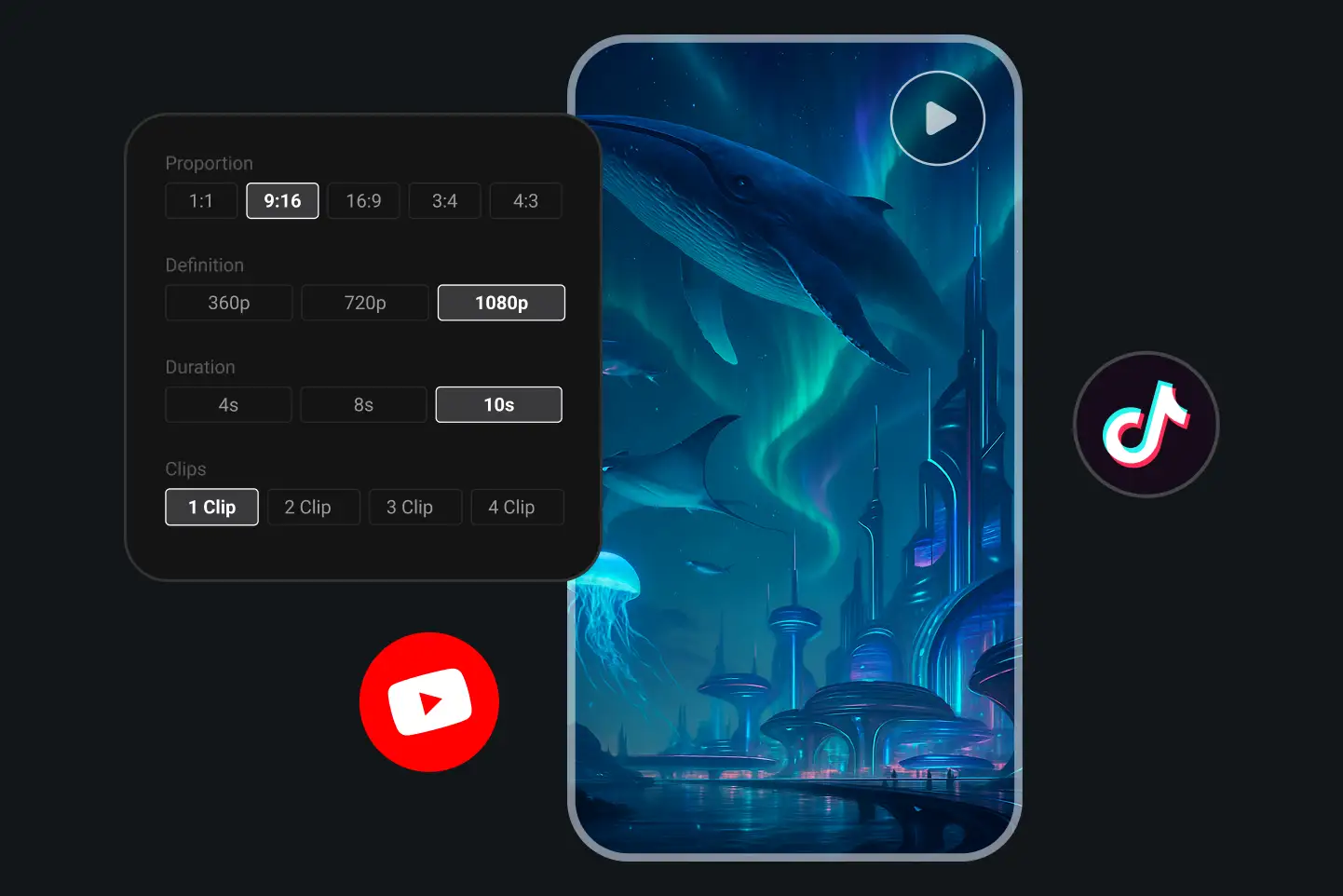
A futuristic ocean city with whales and aurora lights generated by PhotoGrid AI video maker, shown in 9:16 aspect ratio for TikTok and YouTube.

Advanced Text-to-Video AI Controls for Professional-Grade Results

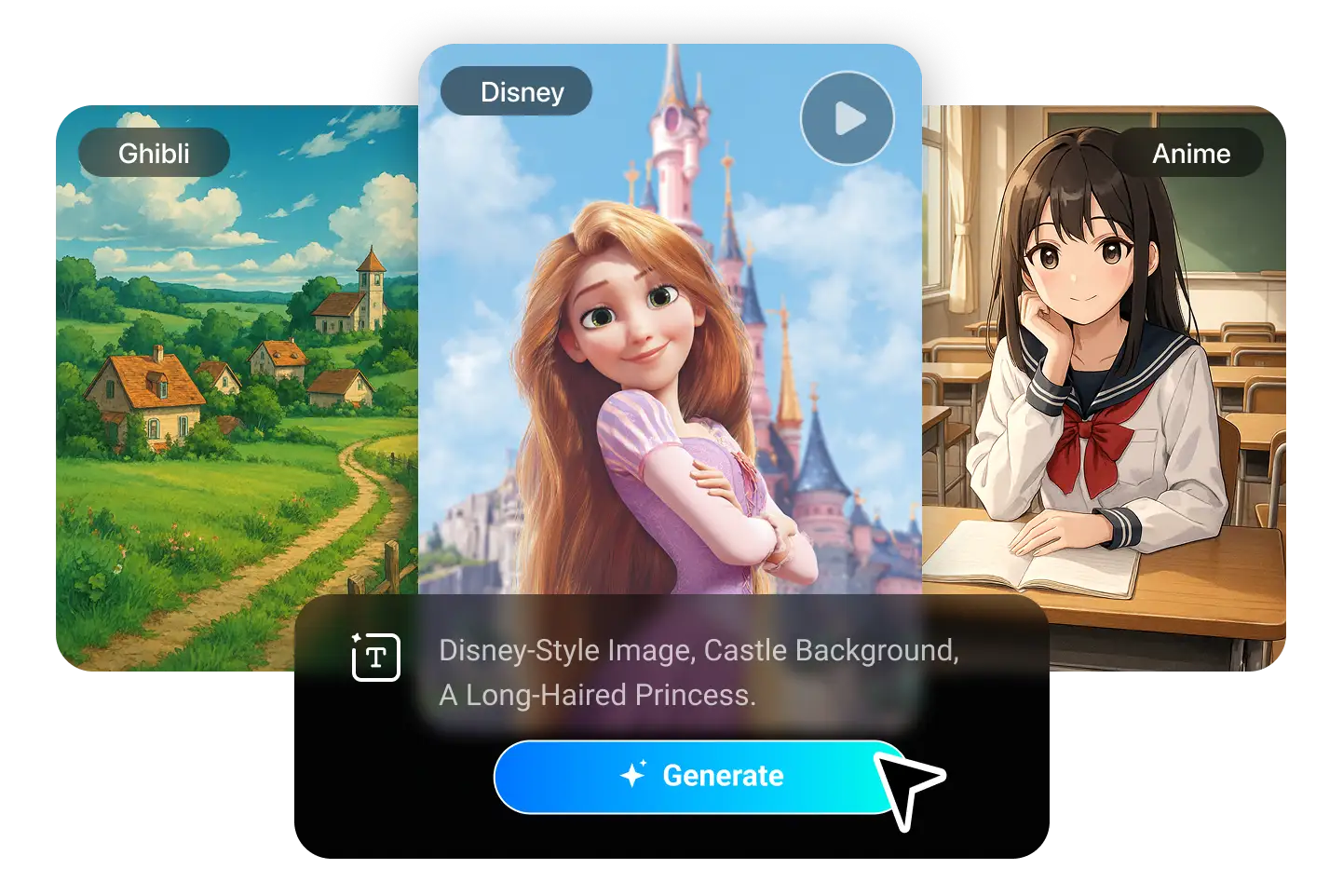
PhotoGrid gives you full creative control for advanced AI video creation. Customize your AI video with flexible length (from 4s), resolution (up to 1080p), aspect ratio, and clip count. Fine-tune pacing, visuals, and camera movement for polished multi-scene videos using our AI video generator from text. For advanced creators, PhotoGrid supports detailed angles, motion effects, and multiple styles like anime, 3D animation, and cyberpunk — giving you full control to bring any idea to life.
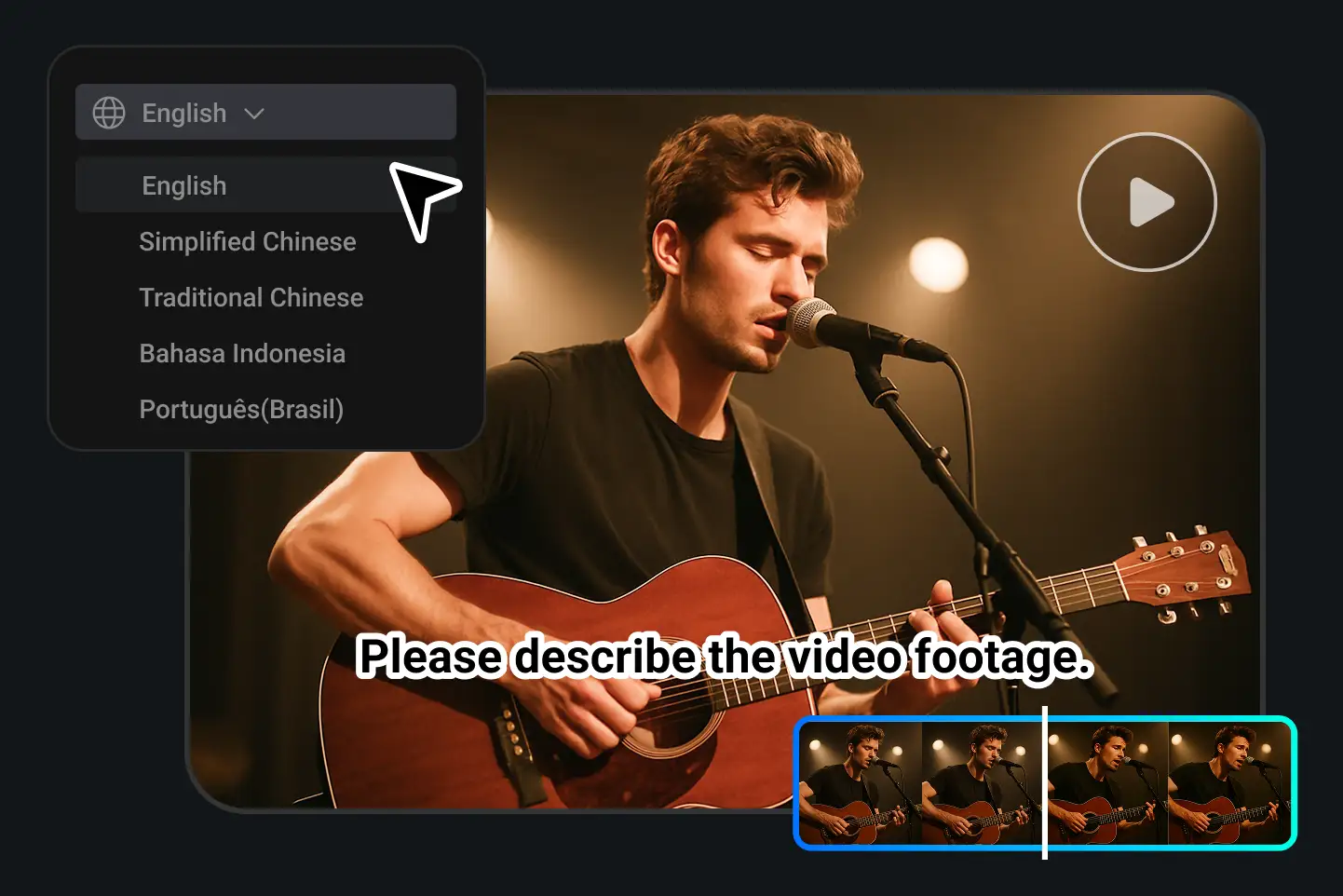
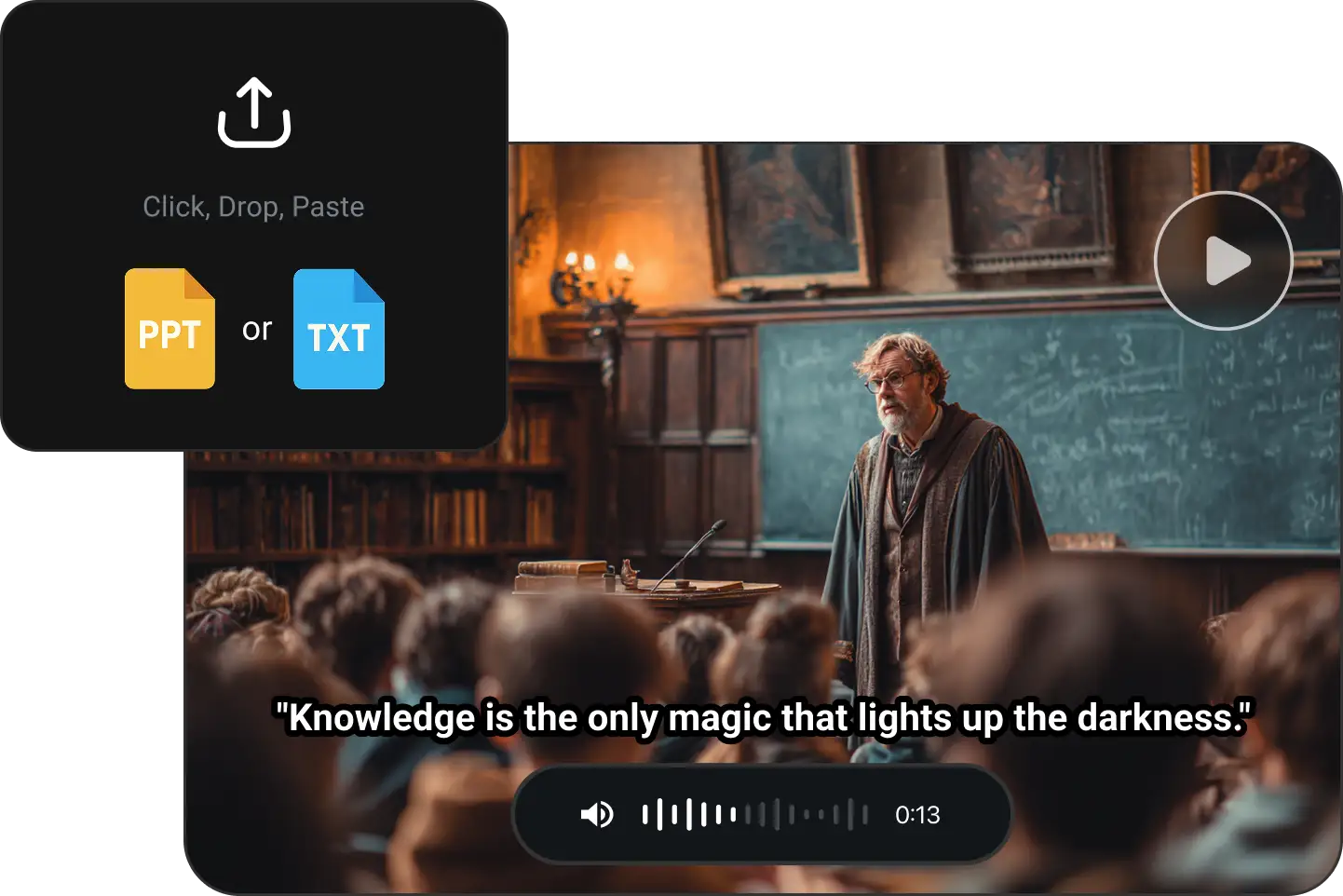
A man singing and playing guitar in a concert video generated with PhotoGrid text to video AI, supporting multilingual input for creative projects.

Multi-Language Text-to-Video AI — Create Videos in Any Language

Take your stories beyond borders. PhotoGrid’s text to video converter makes it easy to create AI generated videos in multiple languages, so you can reach audiences anywhere. Build for your community, grow across regions, and speak directly to the people you want to connect with.
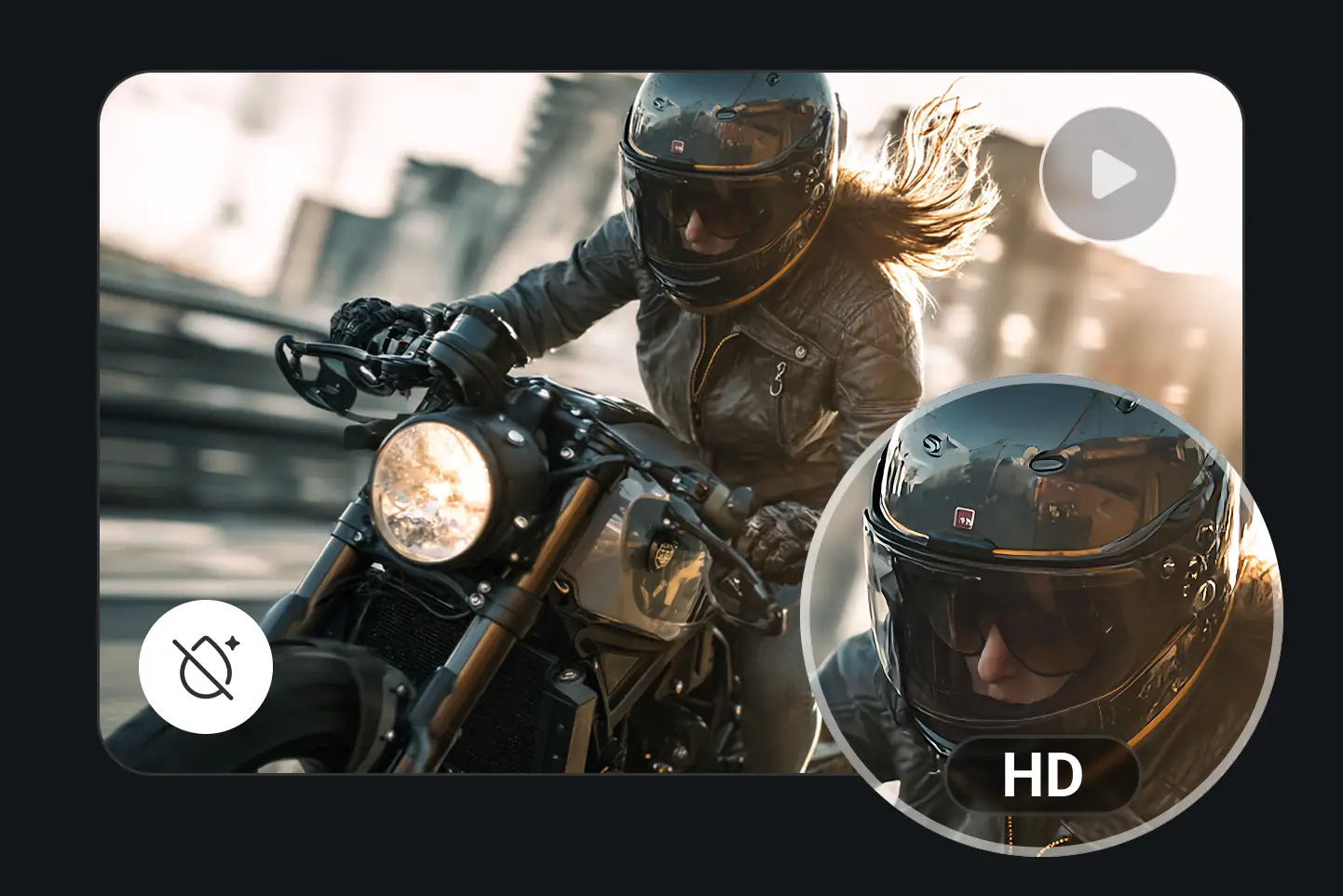
A biker woman riding through the city in HD, showcasing realistic motion and detail powered by PhotoGrid’s AI text to video generator.

High-Quality AI Video Output Ready for Sharing

Get polished, studio-grade AI generated videos you’re proud to share. PhotoGrid helps you craft AI videos that snap into focus, play smoothly, and are ready to post the moment they’re done. Each video is refined for sharp visuals and seamless motion, giving your content a polished, professional finish. Save in full resolution, remix when you want a fresh look, and publish instantly — no waiting.

AI Text-to-Video for Every Scene and Story You Want to Create

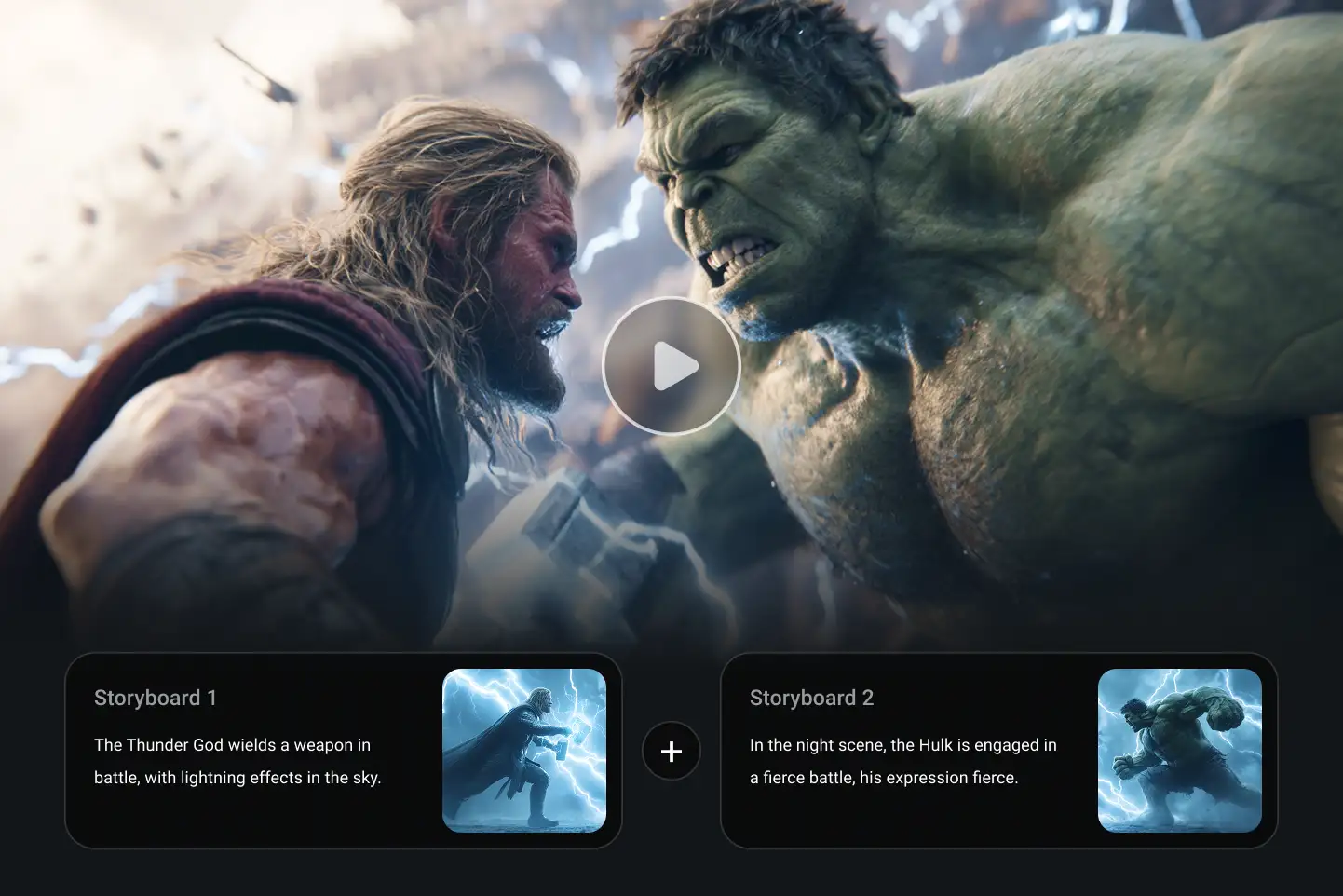
A cinematic battle between two superheroes generated with PhotoGrid AI video generator, using text prompts to build storyboards and effects.

Low-Cost Storyboarding: Bring Your Vlog or Short Script to Life

Creating videos doesn’t always have to start with a full shoot or a big budget. PhotoGrid’s free AI video generator helps you turn vlog scripts, short films, and quick concepts into visual demos in minutes. Storyboard your idea, pitch your project, or test your content flow with AI-powered video creation that’s fast, flexible, and easy to use.

Why Choose PhotoGrid — Your All-in-One Free Text-to-Video AI Generator

Computer and mobile device icon showing PhotoGrid AI video generator’s cross-platform workflow for web and mobile users.

Cross-Platform Workflow

Use PhotoGrid on the web or mobile — start a project on your laptop, finish it on your phone. Seamless sync keeps your creative flow uninterrupted.
Refresh arrow icon representing fast video generation speed powered by PhotoGrid’s next-gen AI video generator.

Fast Video Generation

Powered by cutting-edge AI models, PhotoGrid delivers high-quality video generation with Next-Gen AI in seconds. Skip the slow renders and test your creative ideas instantly.
Stacked video icon symbolizing batch video creation with PhotoGrid AI video generator for multiple prompt processing.

Batch Video Creation

Need more than one video? Upload multiple prompts and generate several clips at once — perfect for series or A/B testing.
Heart-shaped file icon illustrating PhotoGrid AI video generator’s built-in video library for saving, remixing, and managing projects.

Built-In Video Library

All your videos are saved in one place. Easily preview, re-download, remix, or delete with just a few clicks.

Text to Video Frequently Asked Questions

What is text-to-video generation?

arrow-downarrow-right

Is there a free text-to-video AI I can use online?

arrow-downarrow-right

What’s the difference between PhotoGrid and models like Sora or Stable Diffusion video?

arrow-downarrow-right

Does PhotoGrid use Stable Diffusion or other AI models?

arrow-downarrow-right

Make Your First AI Video in Seconds

Got something to say? Turn it into a video that speaks for itself.Use AI to generate, polish, and export your story in one flow.