

 pg
pgSeedance 2.0 AI Video Generator
Turn text, photos, video clips, and audio references into cinematic videos with synchronized sound. Choose Seedance 2.0 4K for polished, high-detail final videos, or switch to Seedance 2.0 Mini for faster, lower-cost creative testing.
pg pg
pg pg
pg pg
pg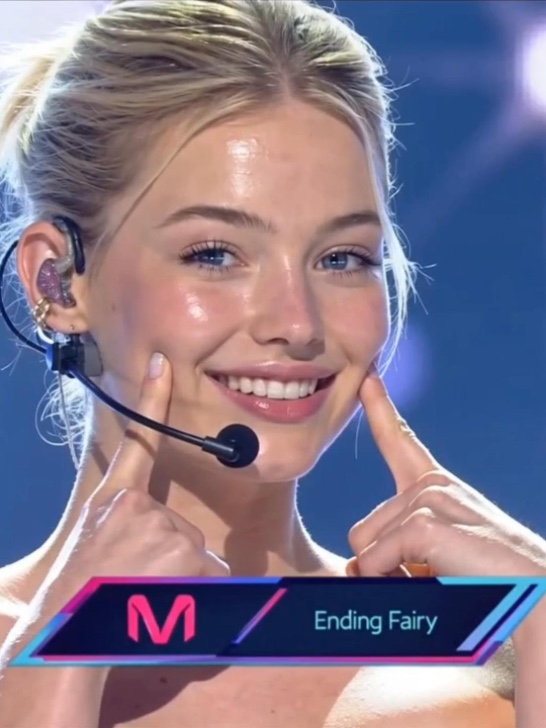 pg
pg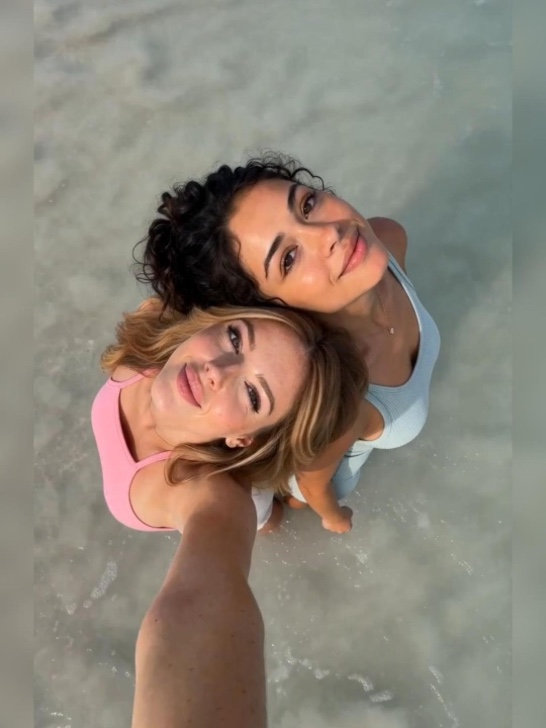 pg
pg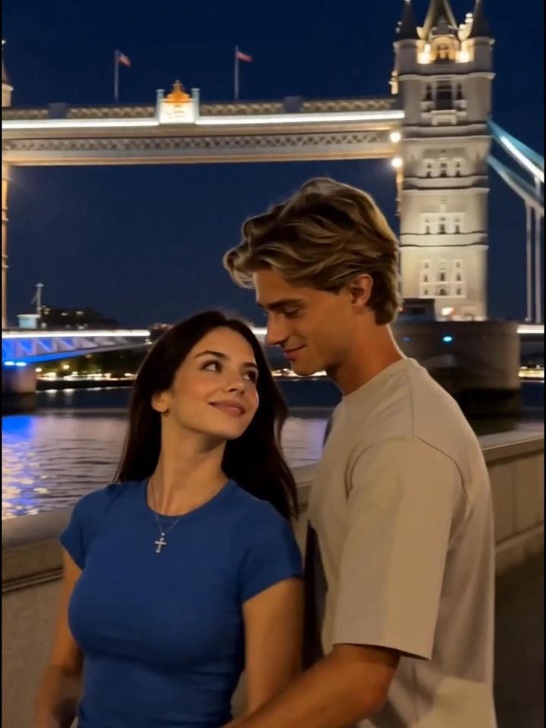 pg
pg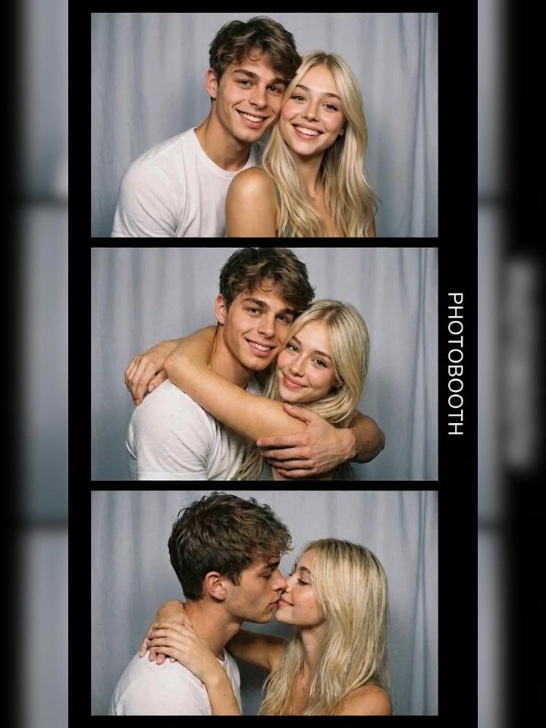 pg_aistyle
 pg_aistyle
 pg
pg pg
pg pg_aistyle
 pg_aistyle
 pg
pg pg_aistyle
 pg
pg pg_aistyle
 pg_aistyle
 pg_aistyle
 pg
pg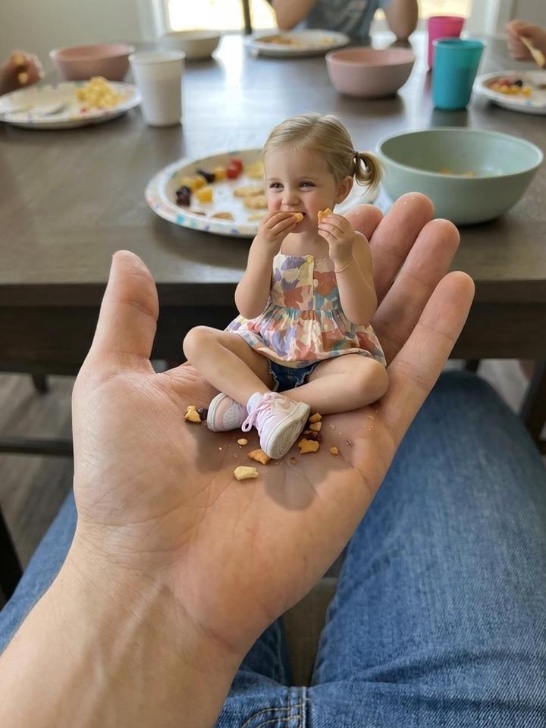 pg
pg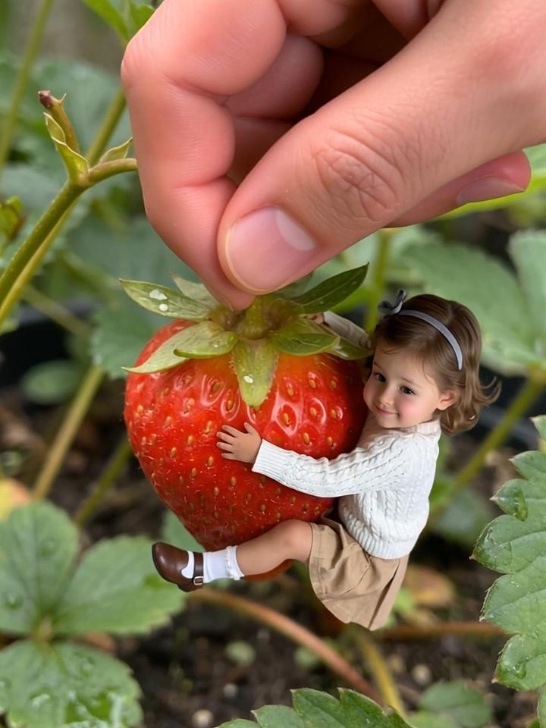 pg
pg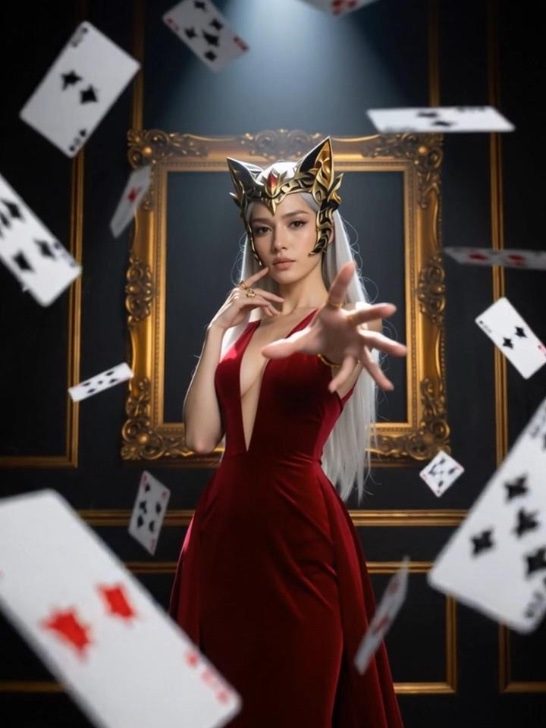 pg
pg pg
pg pg
pg pg
pg pg
pg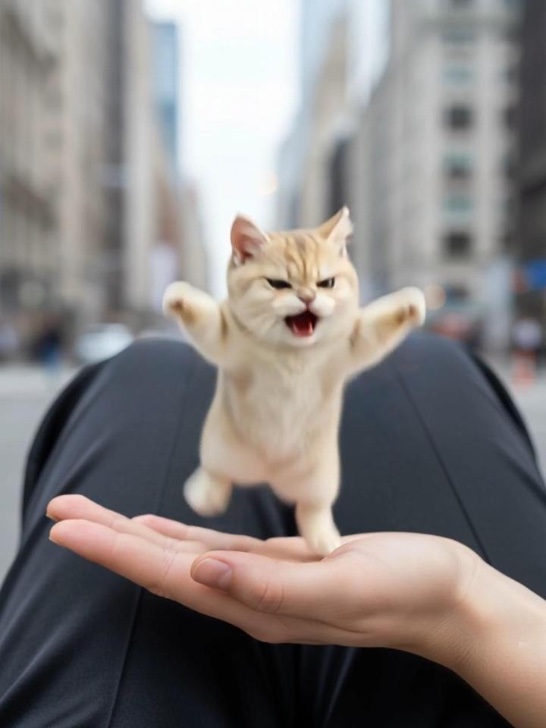 pg
pg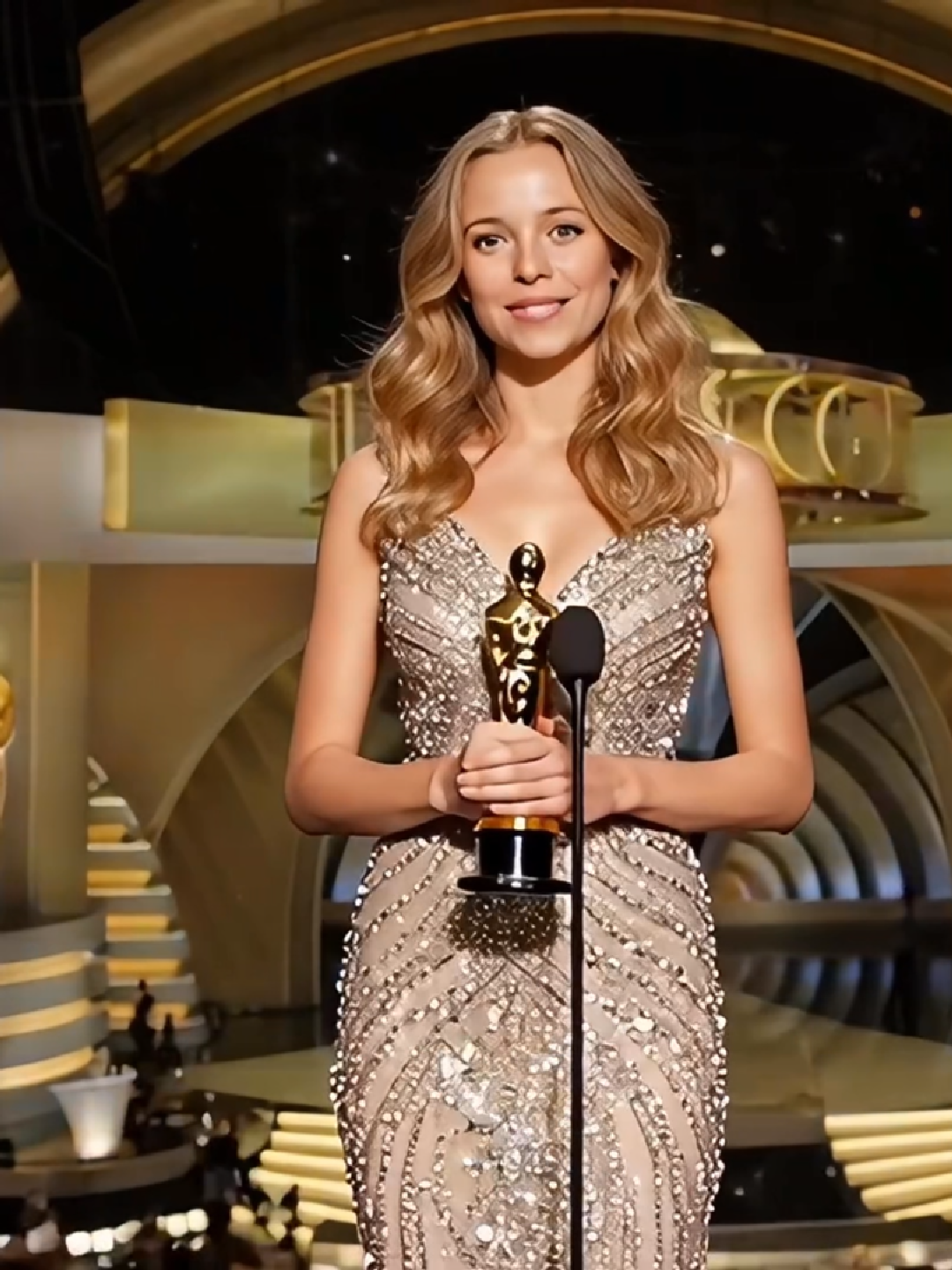 pg
pg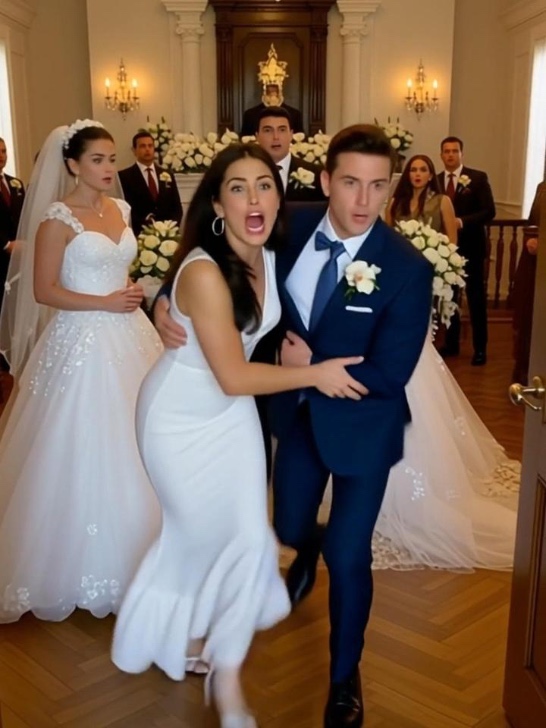 pg
pg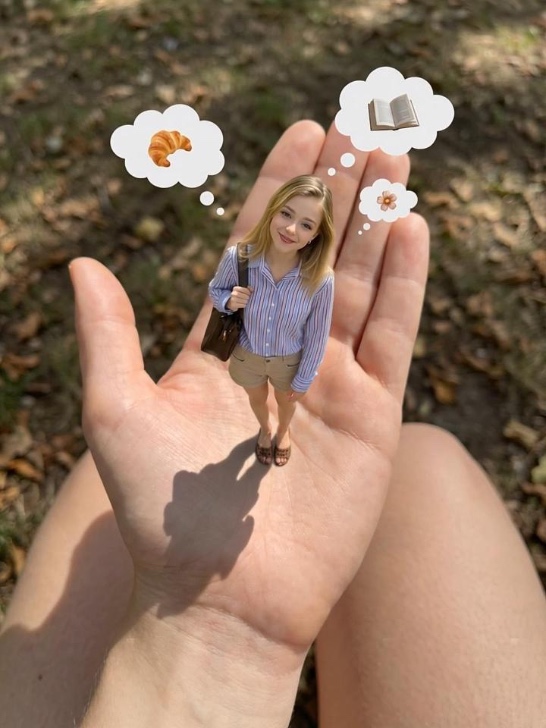 pg
pg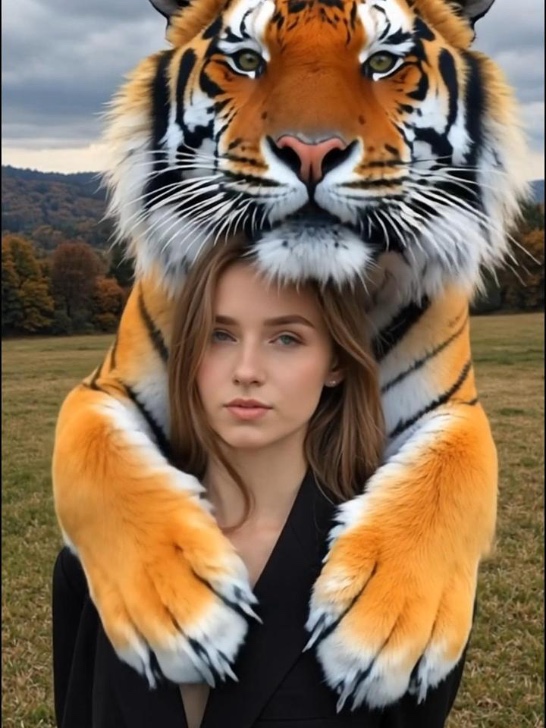 pg
pg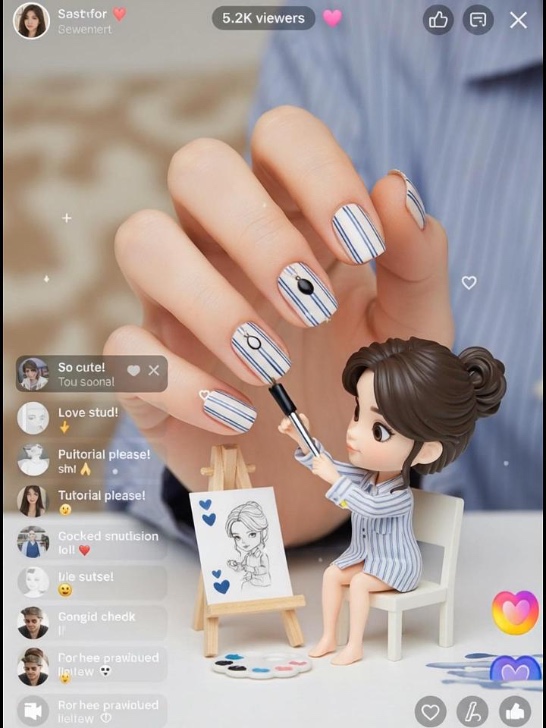 pg
pg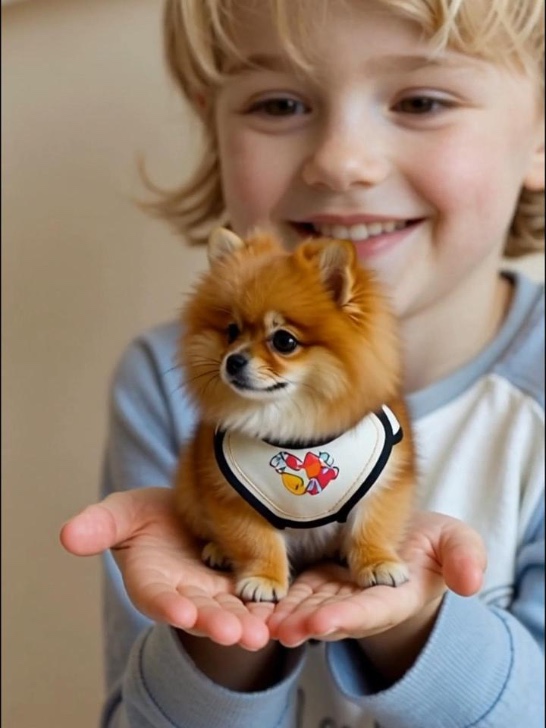 pg
pg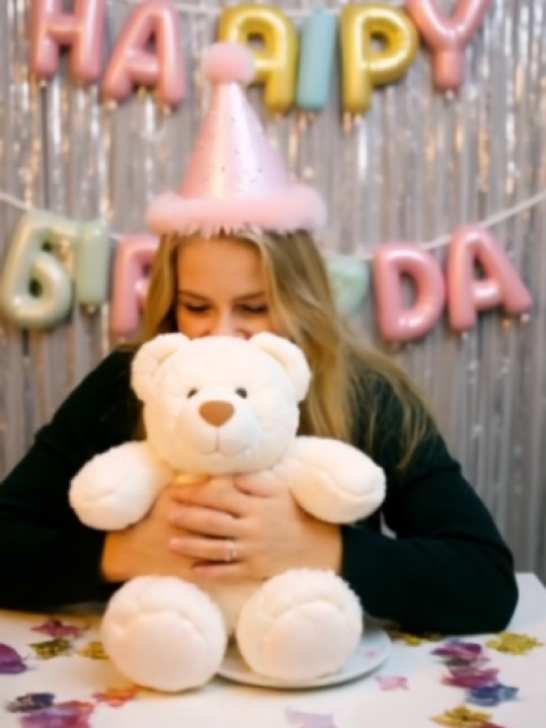 pg_aistyle
 pg
pg pg
pg pg
pg pg
pg pg_aistyle
 pg
pg pg_aistyle
 pg
pg pg
pg pg_aistyle
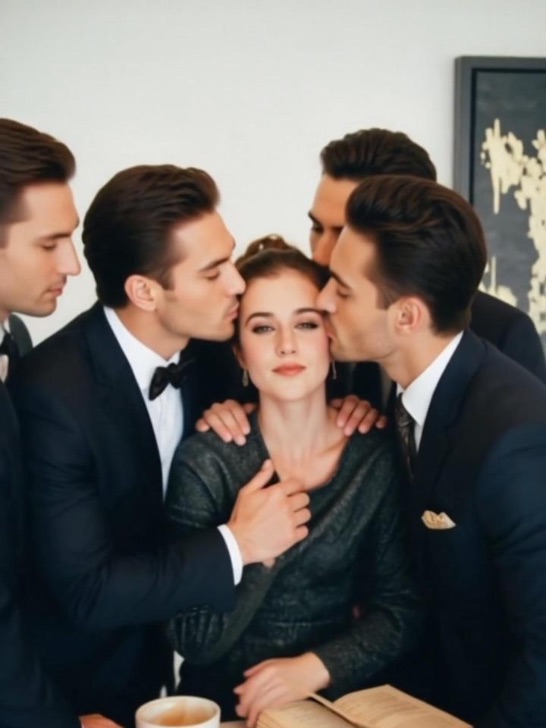 pg
pg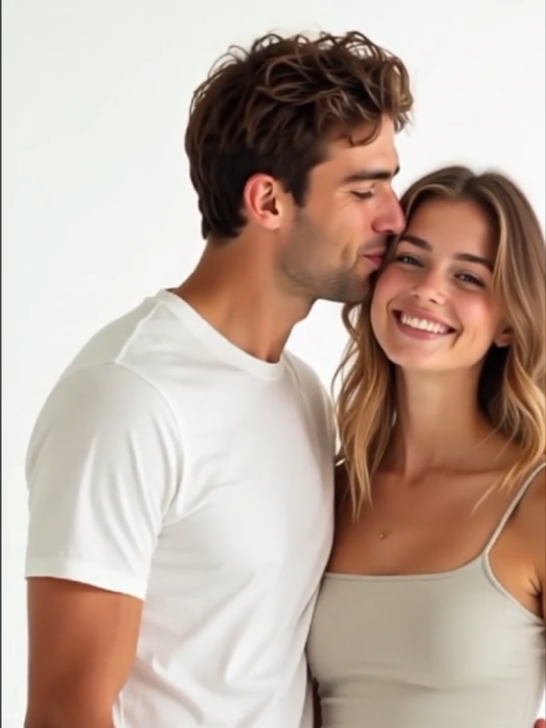 pg
pg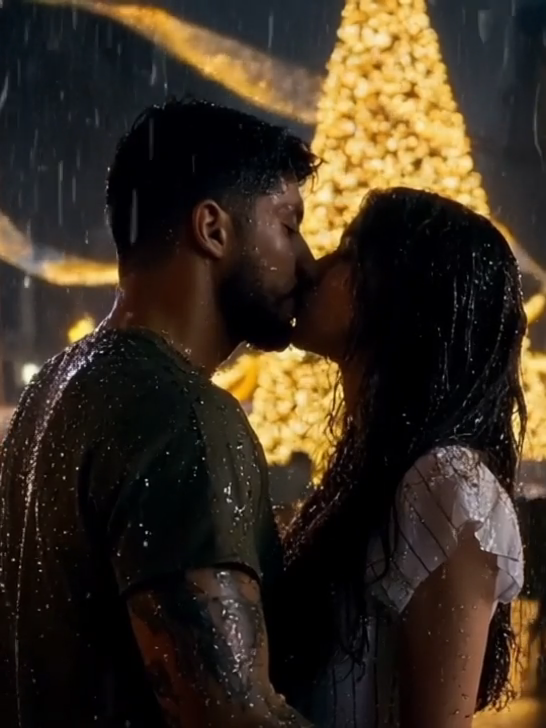 pg
pg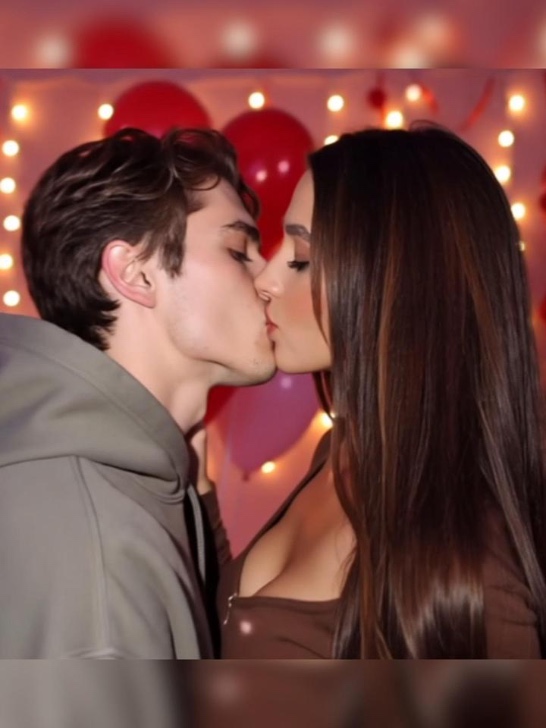 pg
pg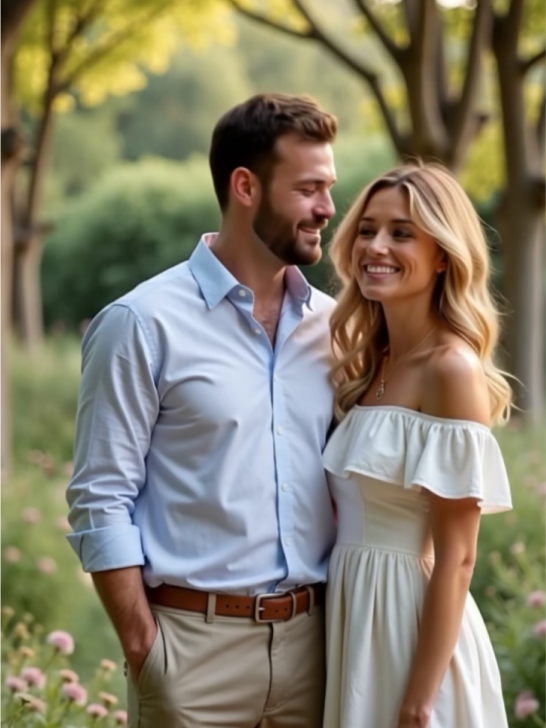 pg
pg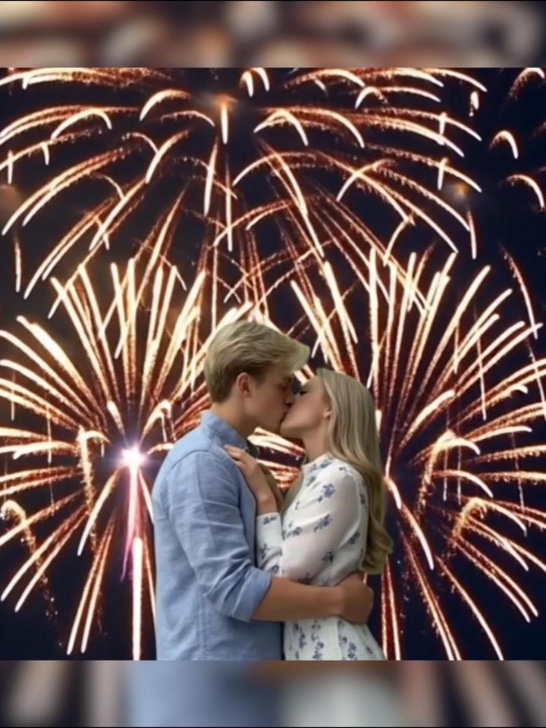 pg
pg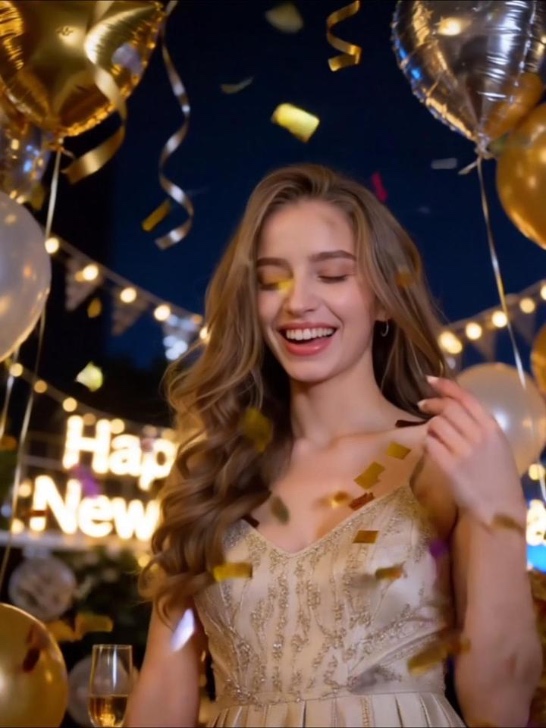 pg_aistyle
 pg
pg pg
pg pg_aistyle
 pg_aistyle
 pg_aistyle
 pg_aistyle
 pg
pg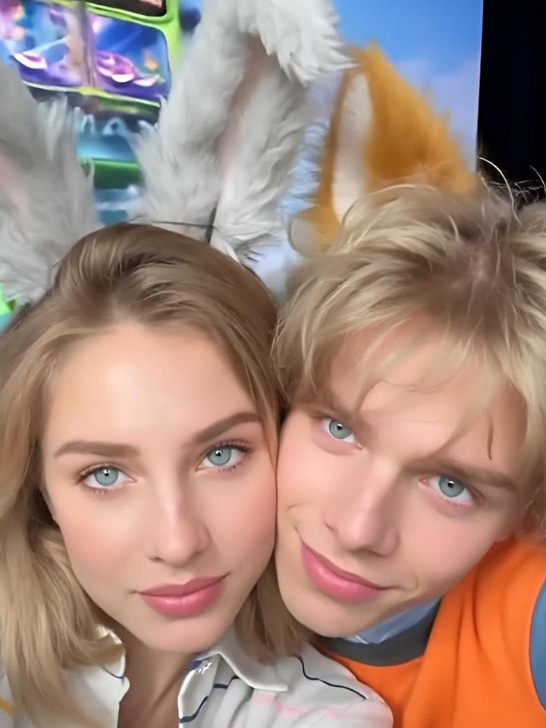 pg
pg pg
pg pg
pg pg
pg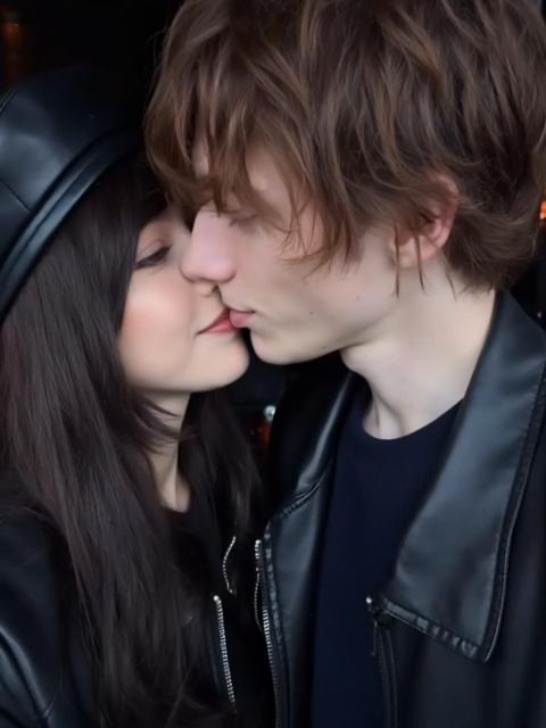 pg
pg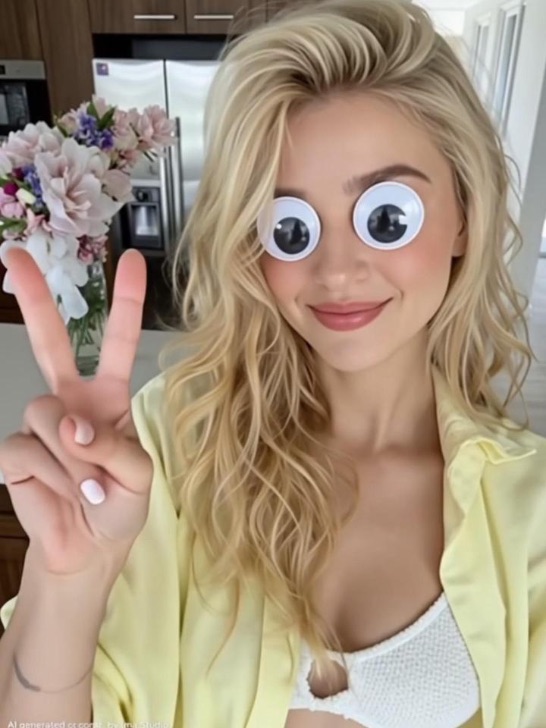 pg_aistyle
 pg
pg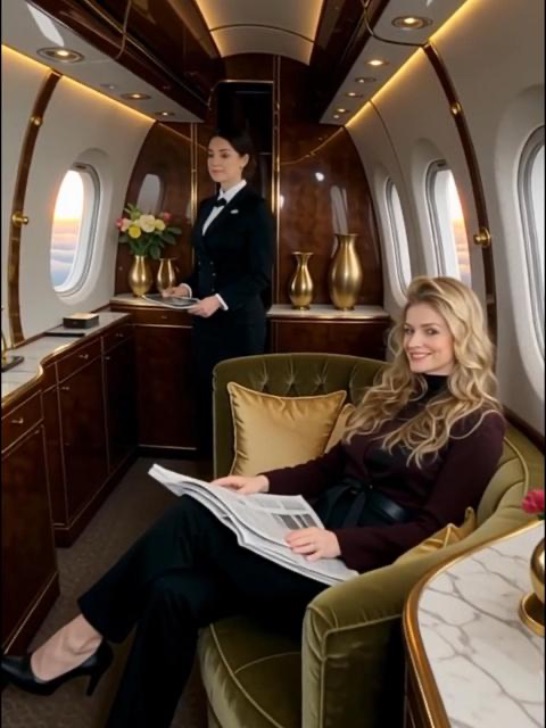 pg
pg pg
pg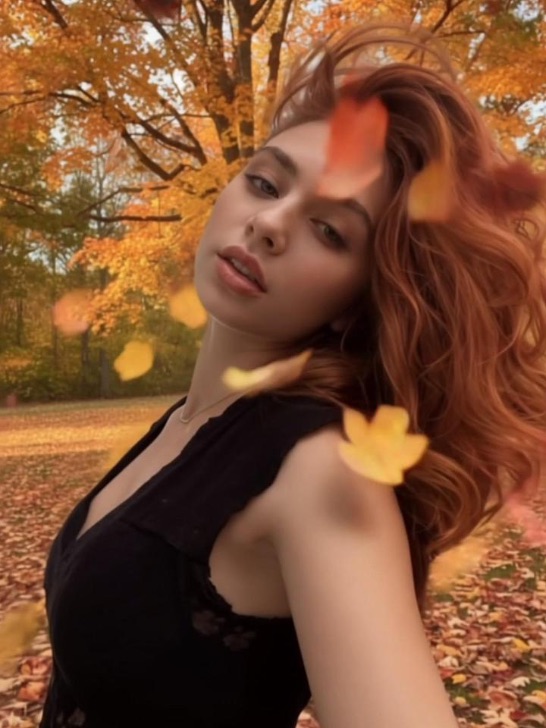 pg_aistyle
 pg_aistyle
 pg
pg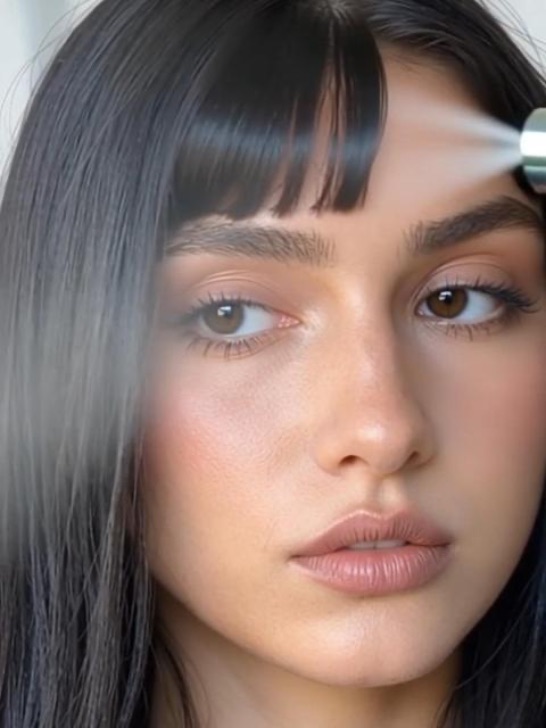 pg
pg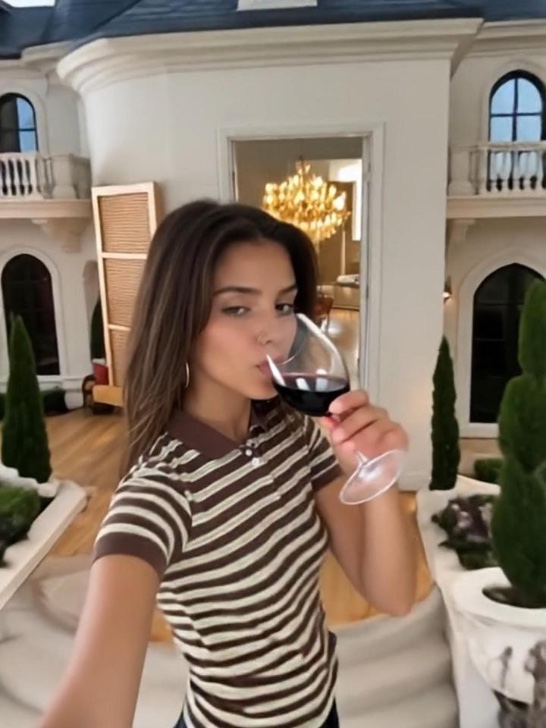 pg
pg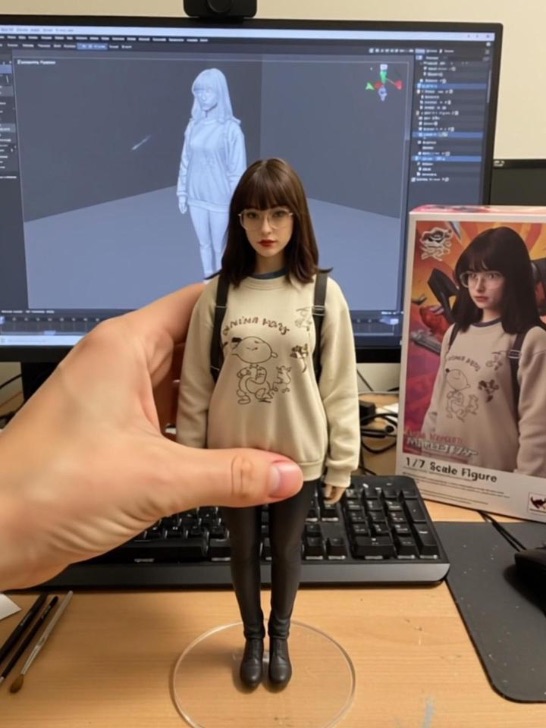 pg_aistyle
 pg
pg pg
pg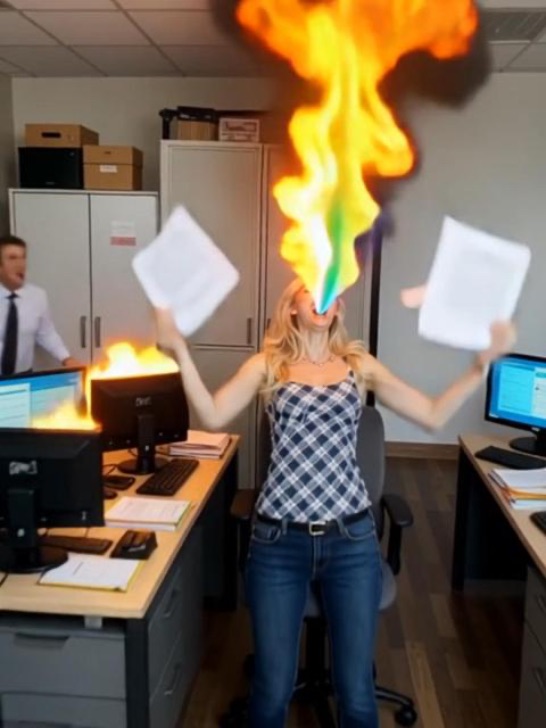 pg
pg pg_aistyle
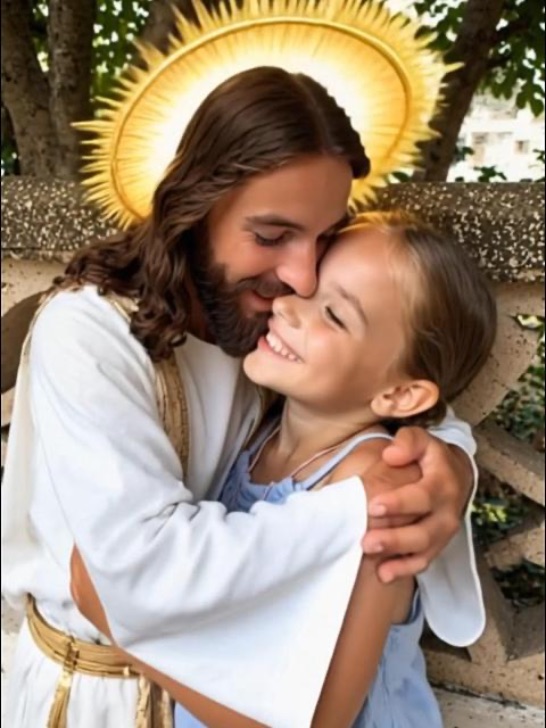 pg
pg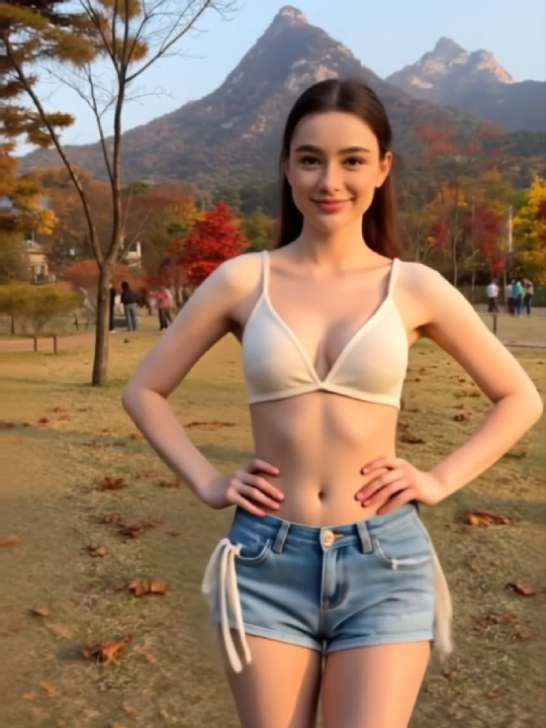 pg
pg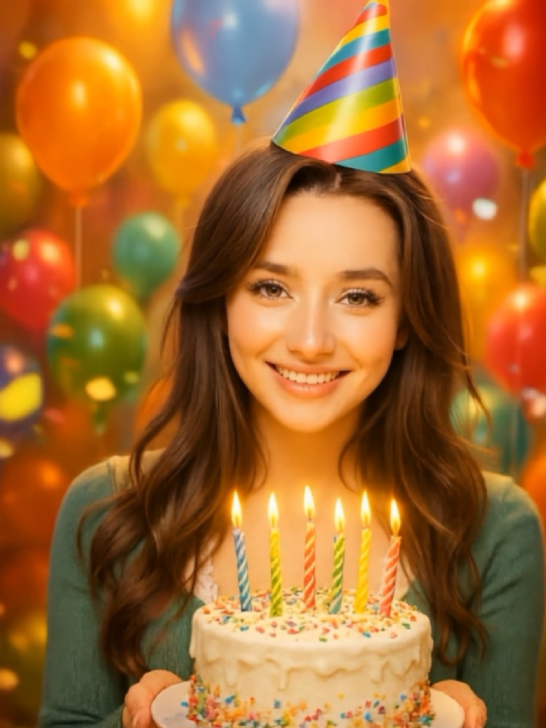 pg
pg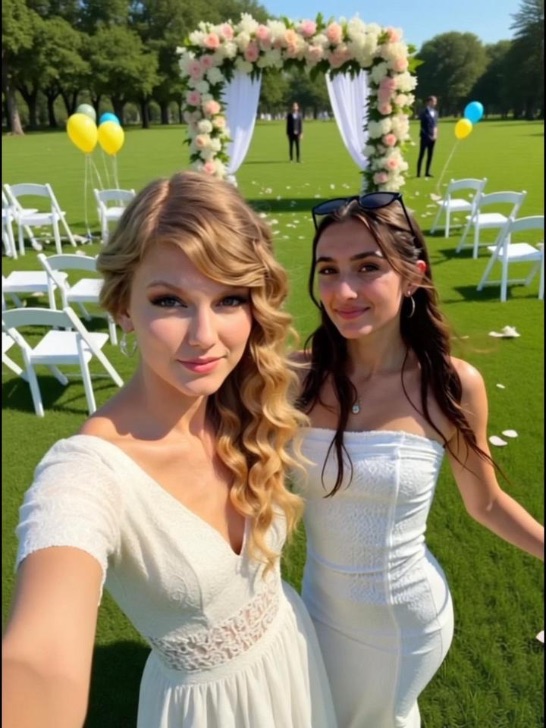 pg_aistyle
 pg
pg pg_aistyle
 pg_aistyle
 pg_aistyle
 pg_aistyle
 pg
pg pg
pg pg_aistyle
 pg
pg pg_aistyle
 pg_aistyle
 pg_aistyle
 pg
pg pg_aistyle
 pg_aistyle
 pg_aistyle
 pg
pg pg
pg pg
pg pg
pg pg
pg pg
pg pg
pg pg
pg pg
pg pg_aistyle
 pg
pg pg
pg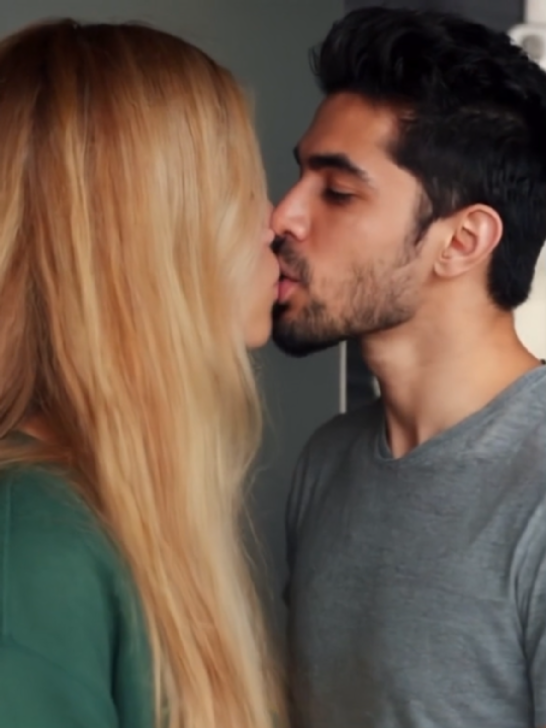 pg
pg pg_aistyle
 pg
pg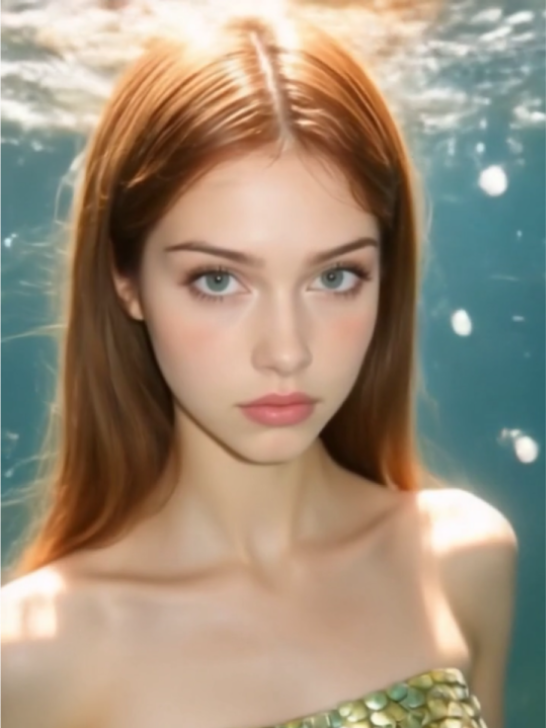 pg
pg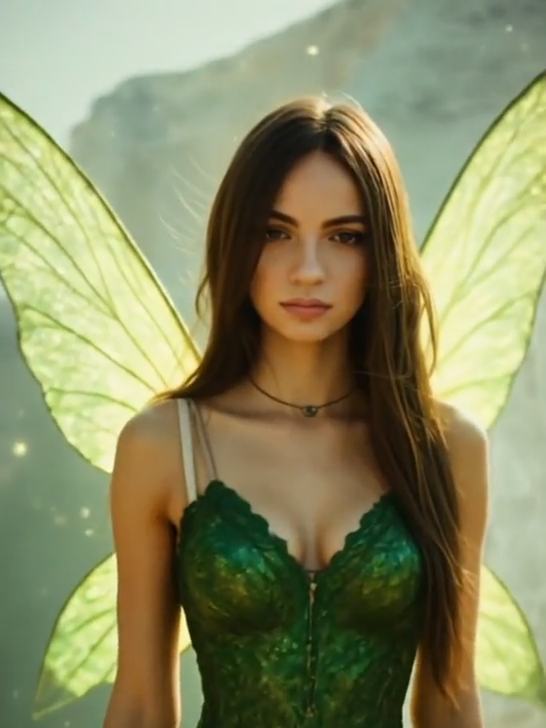 pg
pg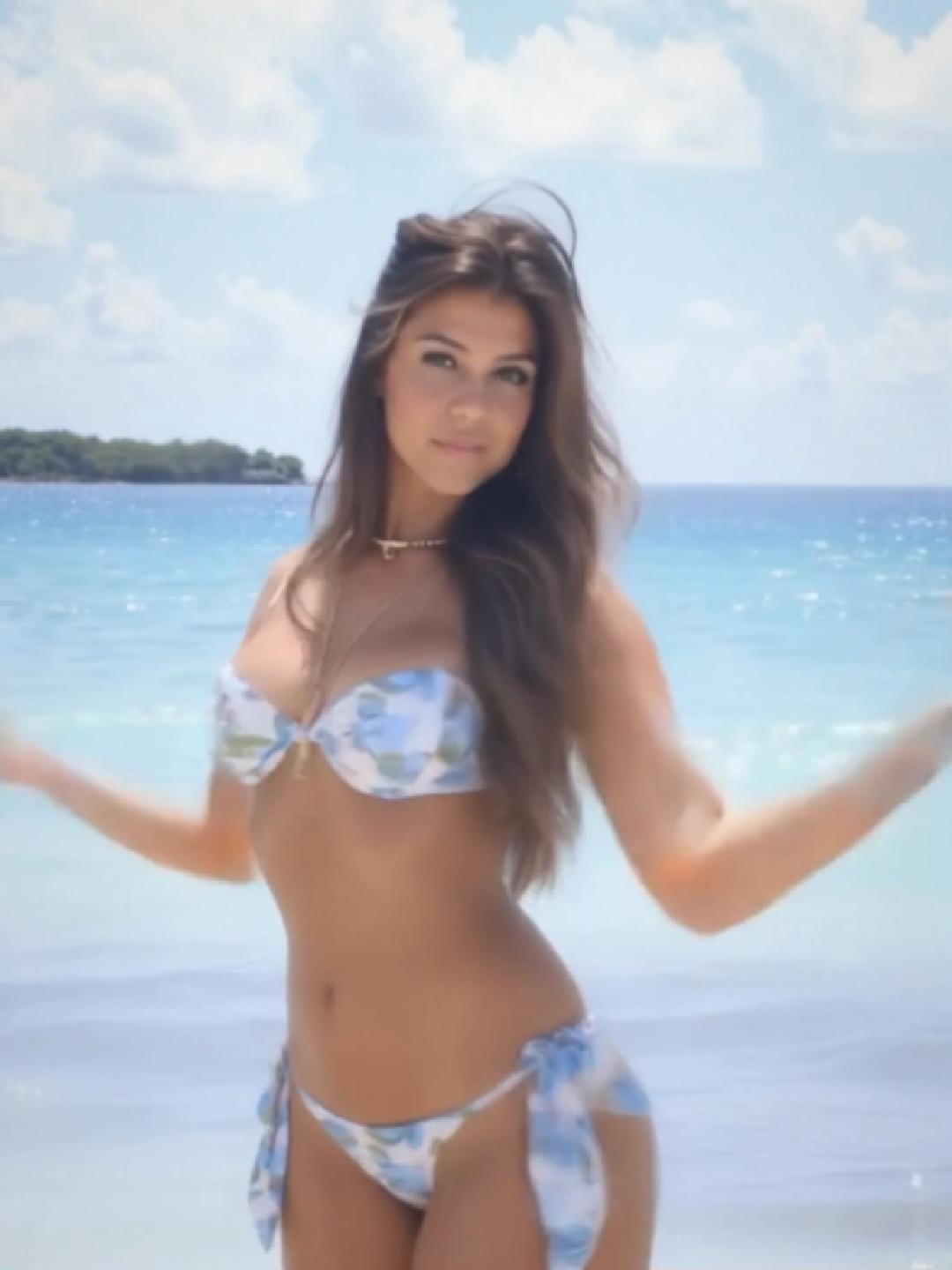 pg
pg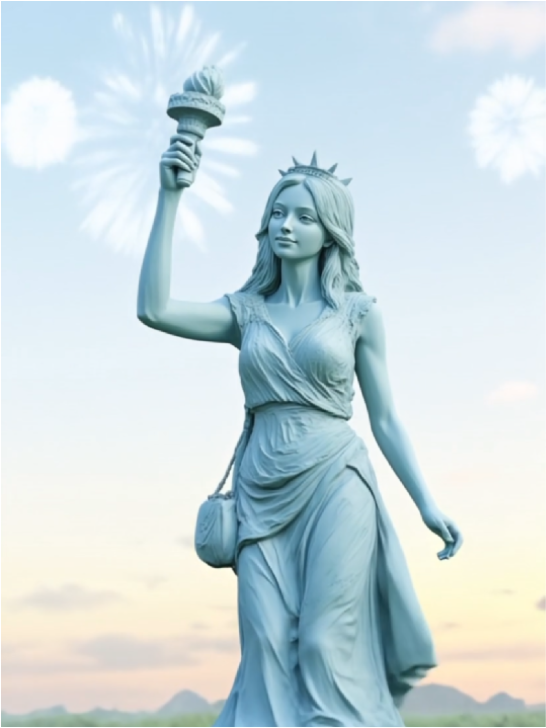 pg_aistyle
 pg
pg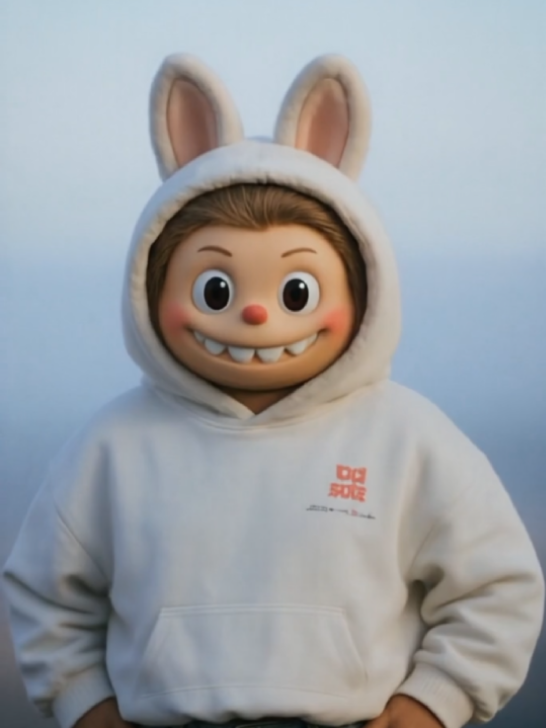 pg
pg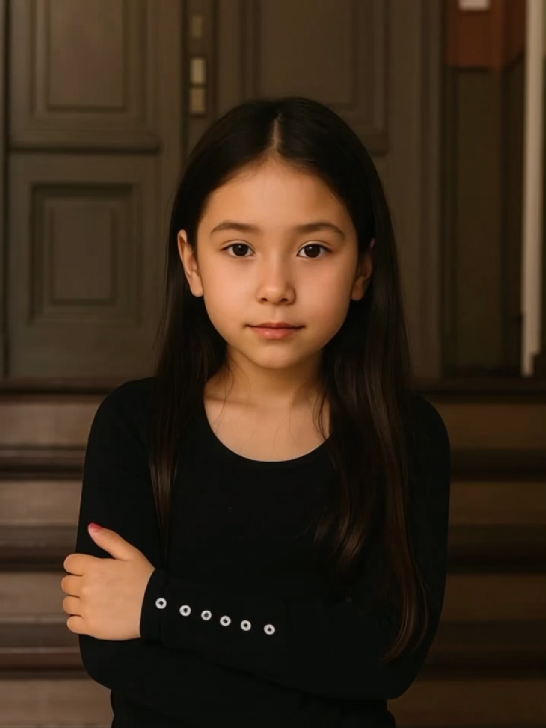 pg_aistyle
 pg
pg pg
pg pg
pg pg
pgHow to Use Seedance 2.0 on PhotoGrid?

Step 1: Choose Seedance 2.0 4K or Mini
Open PhotoGrid in your browser and go to the AI video generator. Select Seedance 2.0 4K when you need a detailed final video, or choose Seedance 2.0 Mini when you want to test ideas and create variations more efficiently.
Step 2: Add References and Direct the Scene
Enter a text prompt or upload the references available in your workflow, such as a subject photo, product image, motion clip, or audio track. Describe the shot type, subject movement, camera direction, lighting, atmosphere, and sound.
Step 3: Generate, Compare, and Export
Generate your video and preview the motion, composition, character consistency, and audio. Use Mini to test alternative ideas or camera directions, then generate the selected concept in 4K when you need a polished final result.
Download the completed video and share it on TikTok, Instagram Reels, YouTube Shorts, or your campaign channels.
Open PhotoGrid in your browser and go to the AI video generator. Select Seedance 2.0 4K when you need a detailed final video, or choose Seedance 2.0 Mini when you want to test ideas and create variations more efficiently.
Enter a text prompt or upload the references available in your workflow, such as a subject photo, product image, motion clip, or audio track. Describe the shot type, subject movement, camera direction, lighting, atmosphere, and sound.
Generate your video and preview the motion, composition, character consistency, and audio. Use Mini to test alternative ideas or camera directions, then generate the selected concept in 4K when you need a polished final result.
Download the completed video and share it on TikTok, Instagram Reels, YouTube Shorts, or your campaign channels.
Seedance 2.0 4K
Create Your Final Video in Greater Detail
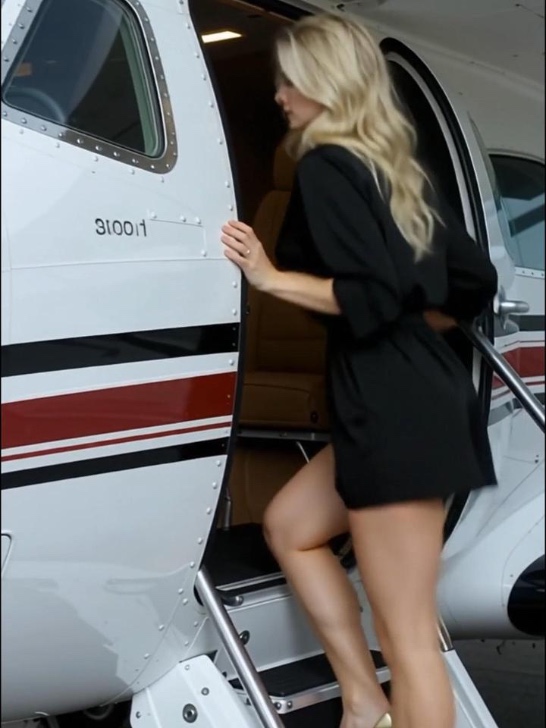
Generate sharper videos with clearer product textures, richer lighting, smoother color transitions, and more visible details. Choose Seedance 2.0 4K for polished ads, cinematic stories, fashion campaigns, and final content ready to publish.
Seedance 2.0 Mini
Test More Ideas with Less Cost
Quickly explore different prompts, camera movements, hooks, and visual styles before creating your final version. Seedance 2.0 Mini is ideal for concept testing, social content, storyboards, and generating multiple creative variations.
Seedance 2.0 Generates Native Audio and Video in One Pass
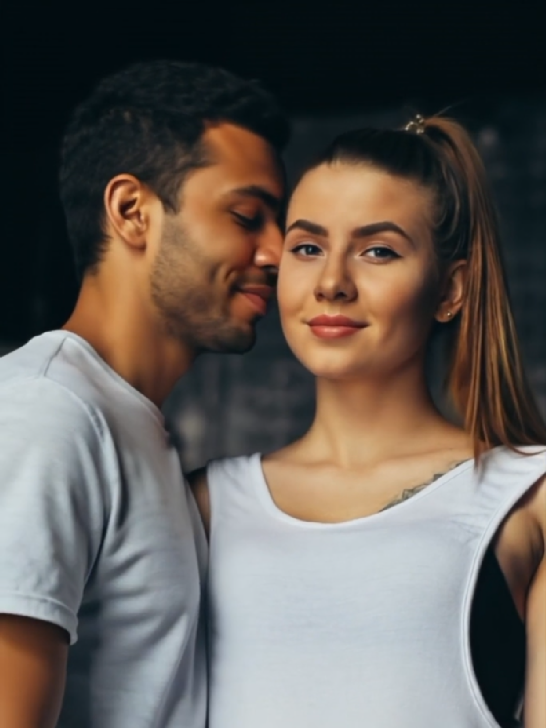
Seedance 2.0 generates dialogue, ambient sound, and background music alongside your visuals in a single pass, with no post-production audio work required. Use the Seedance 2.0 AI video generator on PhotoGrid to add sound that feels native to the scene. Whether it's a TikTok clip where the beat has to land on the cut, a product showcase where the atmosphere sells the item, or an ad where the dialogue has to match the mouth, what you hear matches what you see.
Seedance 2.0 Keeps Characters Consistent Across Multi-Shot Scenes
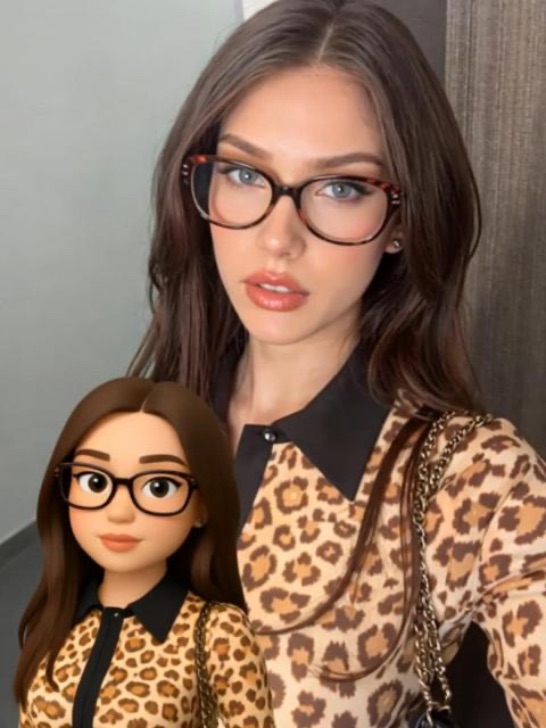
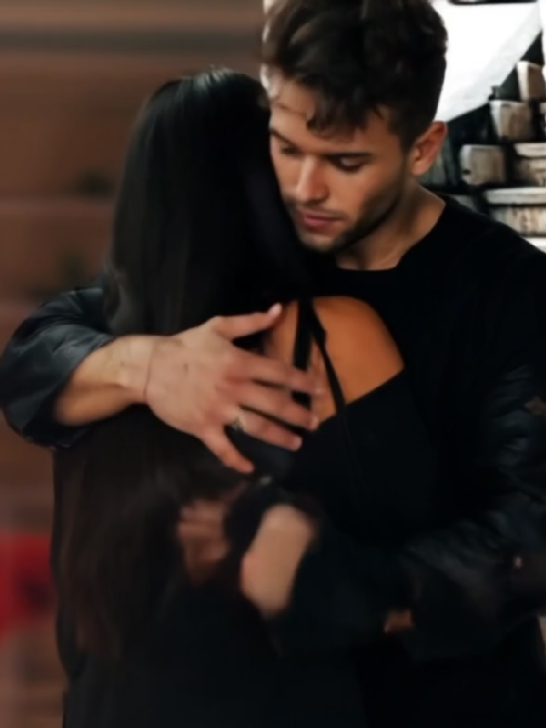
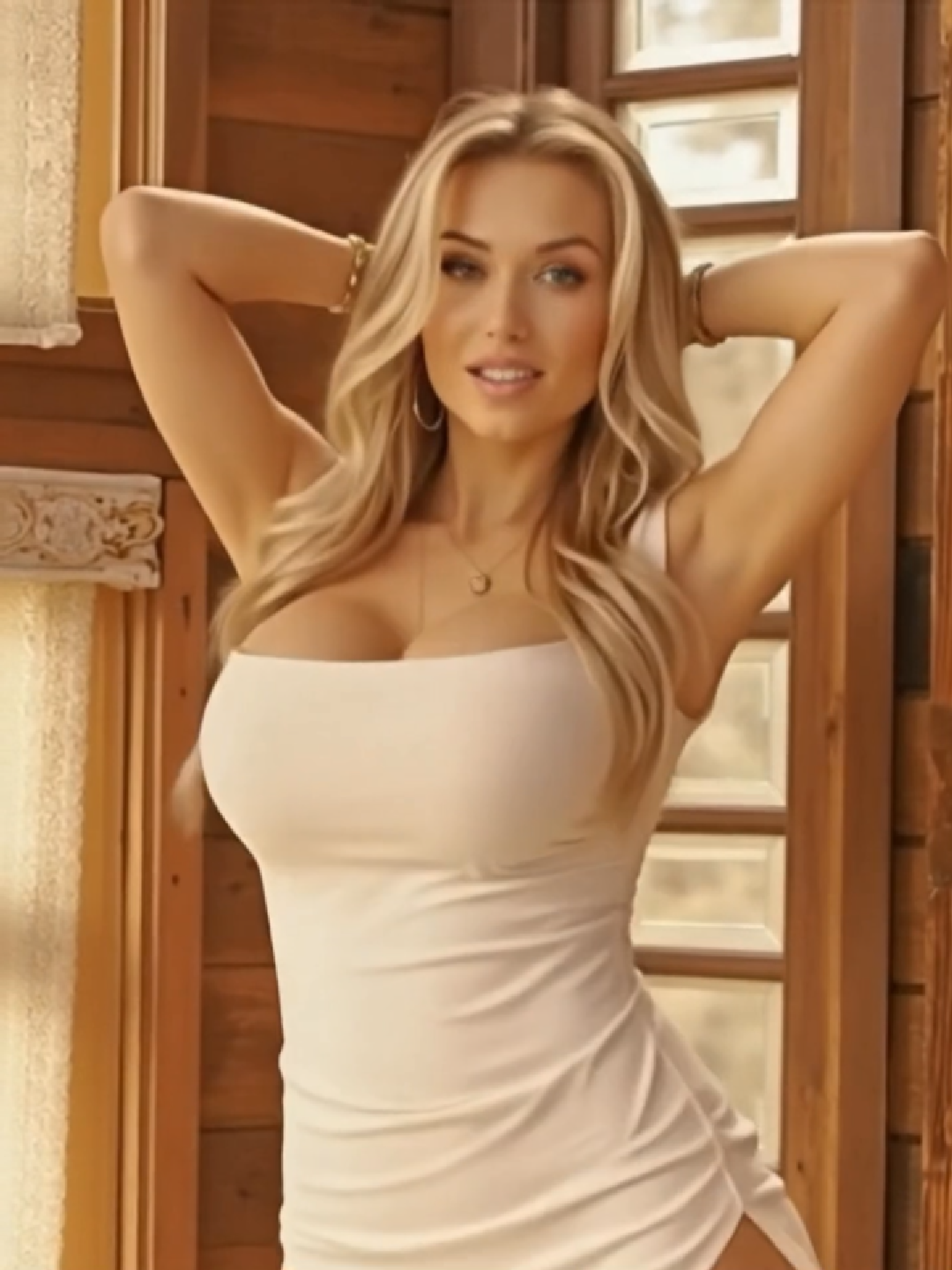
Character drift kills AI video workflows. Seedance 2.0 locks the face, clothing, and lighting across every cut in a multi-shot sequence. Upload a reference photo to PhotoGrid once and your subject stays identical from the first frame to the last. Whether it's a Henshin transformation, a brand ad, or an anime sequence, the character you start with is the character you finish with.
Every Scene You Can Imagine, Seedance 2.0 Can Generate
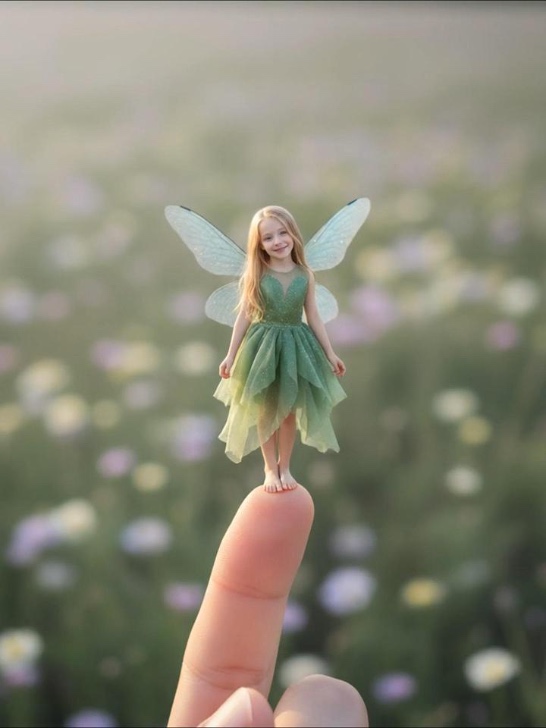
Whether you are a creator, a brand, an animator, or a filmmaker, Seedance 2.0 AI video generator on PhotoGrid gives every idea a cinematic result. It is one of the most talked-about AI video models of 2026, with every feature built around one idea: describe what you want, and the video is ready. Upload a photo. Write two lines. Watch the scene generate.
 Social Content
 E-commerce
 Animation & Anime
 Cinematic Storytelling
Turn Your Photo into a Viral Seedance 2.0 Transformation Video
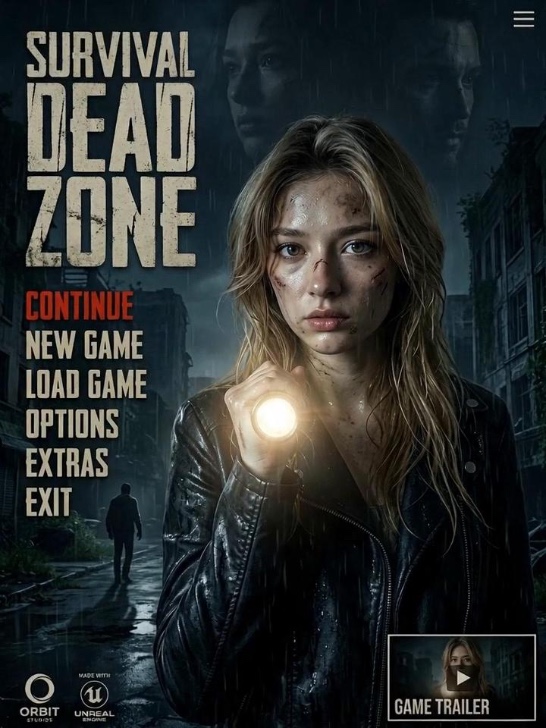
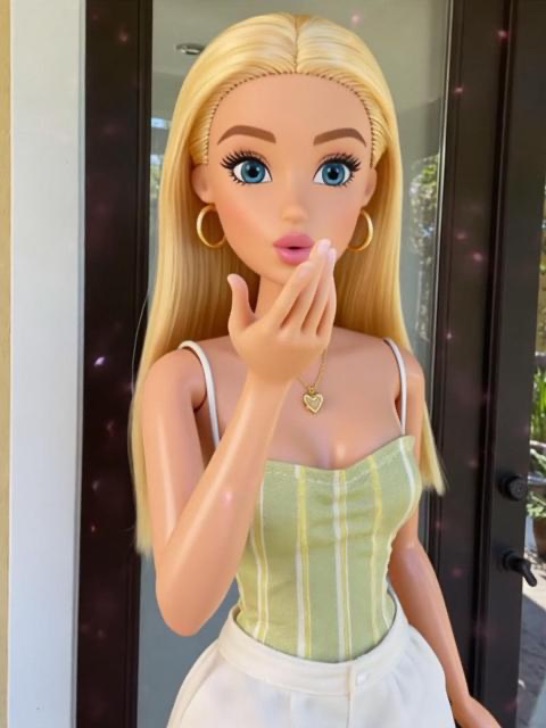
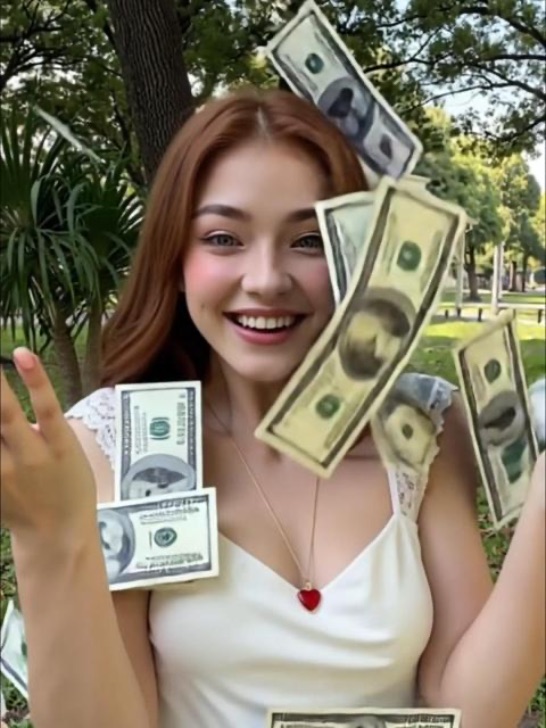
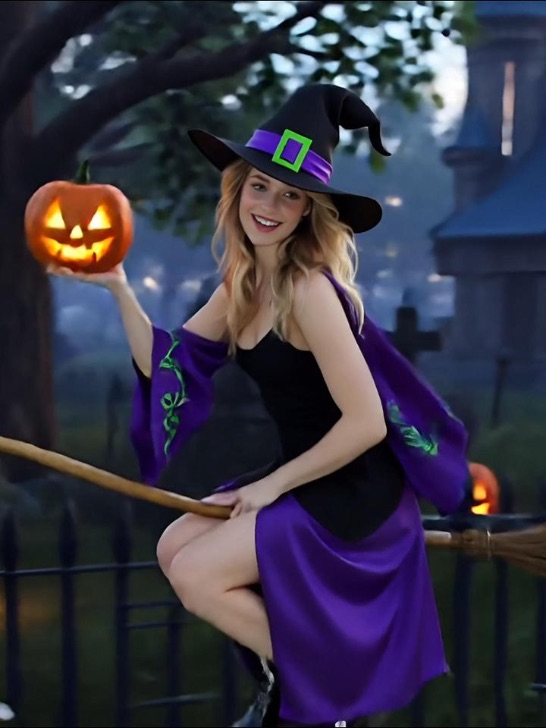
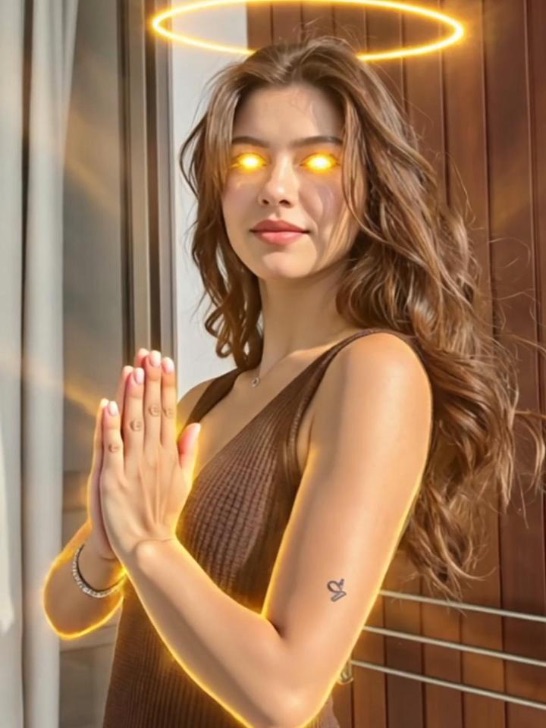
A still photo stops at the moment it was taken. Seedance 2.0 turns it into a Henshin-style transformation that plays to the beat and stops the scroll. Upload your selfie to PhotoGrid, describe the transformation, and get a cinematic sequence that feels native to TikTok, Instagram Reels, or YouTube Shorts. The portrait your followers actually stop to watch.
Animate Product Photos with Seedance 2.0 for Social Ads
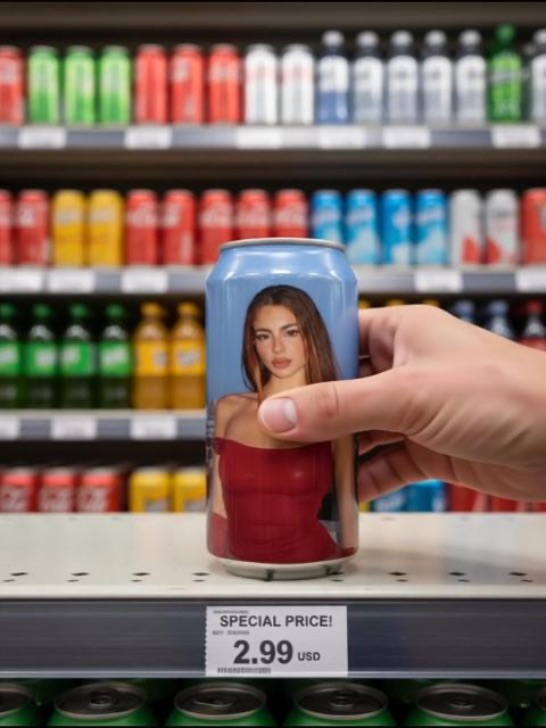
Whether it's a sneaker moving through a neon-lit street scene, a watch rotating in zero gravity with synchronized audio, or a skincare bottle surrounded by slow-moving water, Seedance 2.0 generates the motion and the sound together in one pass. Upload your product shot to PhotoGrid, describe the scene, and turn it into a campaign-ready video with our AI ad generator.
Transform Still Artwork into Seedance 2.0 Animated Sequences
A manga panel or AI illustration has a story waiting inside it. Seedance 2.0 reads the composition, applies motion that matches the scene, and locks the character design across every cut. Upload your artwork to PhotoGrid, describe how the action should flow, and watch the still frame become a sequence. What used to require a full animation pipeline now starts with a single upload.
Direct Multi-Shot Seedance 2.0 Film Sequences from One Prompt
Cutting between camera angles used to mean generating each shot separately and hoping the character looked the same in all of them. Seedance 2.0 handles the full shot structure inside one generation. Describe the scene once and PhotoGrid produces the sequence. Layer on a visual style with our video effects for content that needs no extra prompting to stand out.
Why Everyone Should Choose Seedance 2.0 on PhotoGrid?
Seedance 2.0 ranks among the best AI video models available in 2026 for image-to-video generation with native audio. PhotoGrid gives you direct access to that quality without a waitlist or a third-party subscription.
Runs in your browser on Mac, Windows, iPhone, or Android. Open PhotoGrid and start generating with Seedance 2.0 right away, without installs or setup.
PhotoGrid integrates Seedance 2.0 alongside Wan 2.6, Sora, Hailuo, Kling, Veo, and PixVerse. Switch between models without leaving the platform. Generate with Seedance 2.0 for free and move to another model whenever your project needs a different style.
Seedance 2.0 FAQs
Start Creating with Seedance 2.0 Today
Create cinematic AI videos with Seedance 2.0 on PhotoGrid for real content formats and everyday creative needs. Turn any photo into a Henshin transformation. Animate a product shot into a looping social ad. Build a multi-shot sequence with audio that stays in sync. From TikTok clips to Instagram Reels, create and share directly from your browser with no credit card required.
