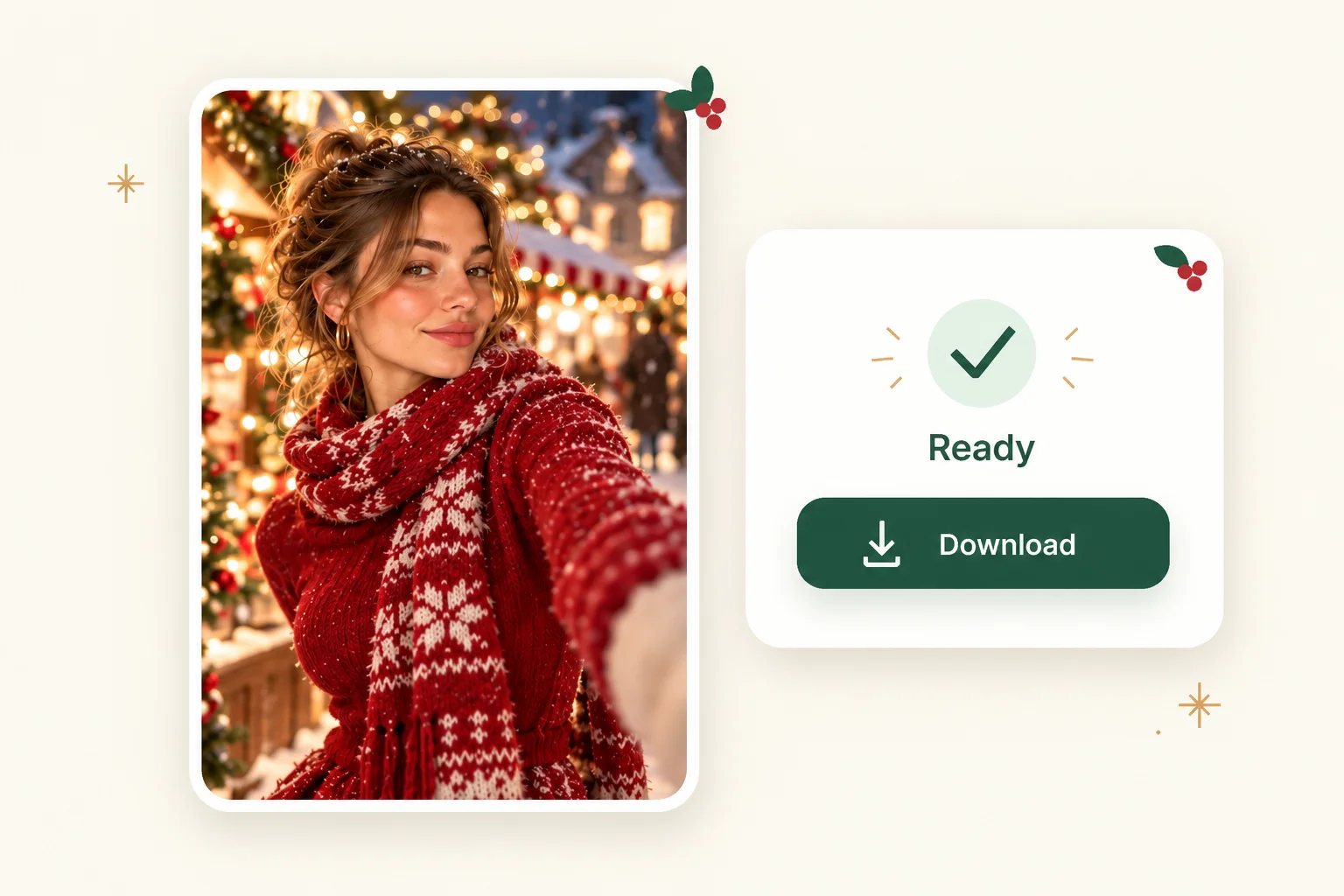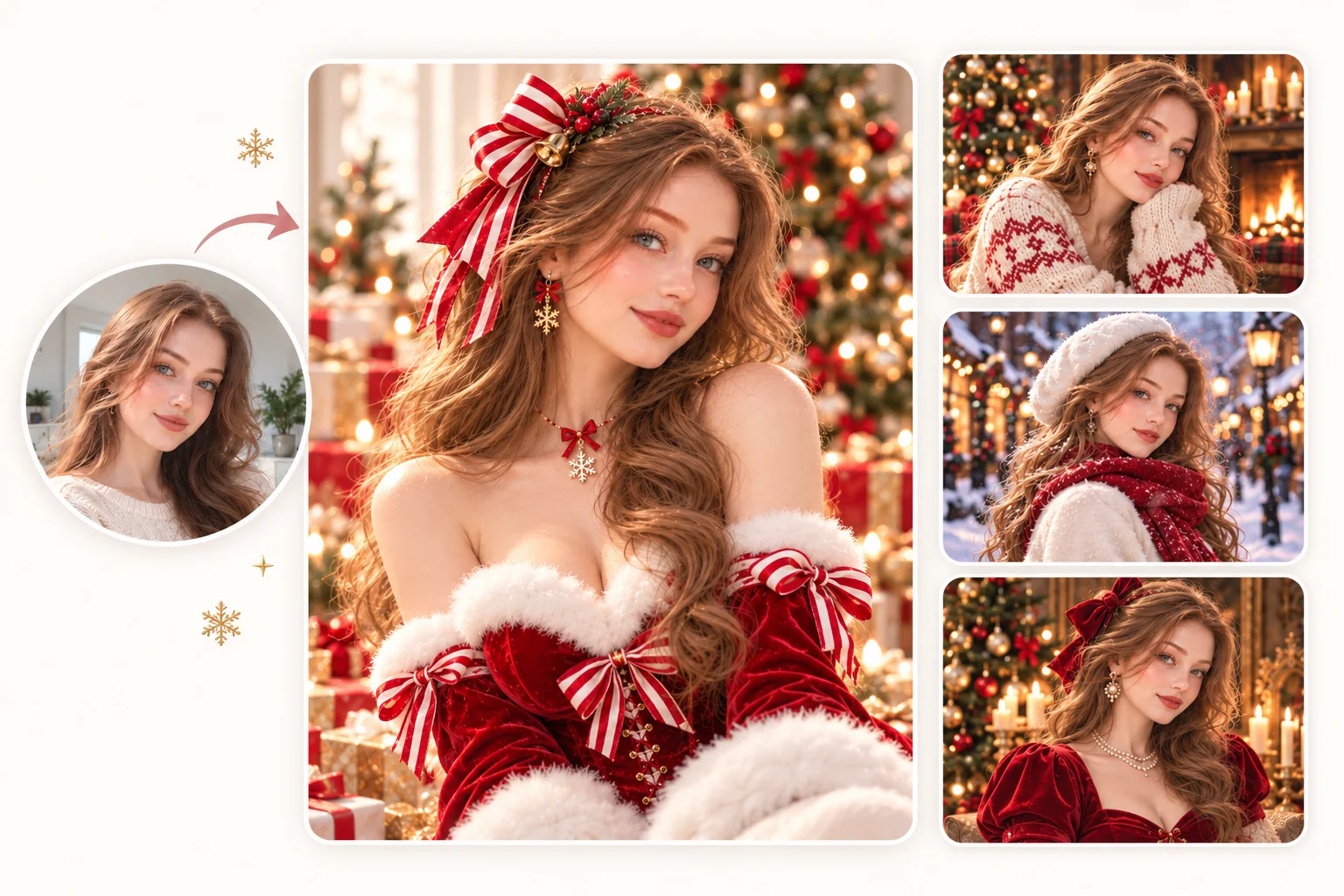
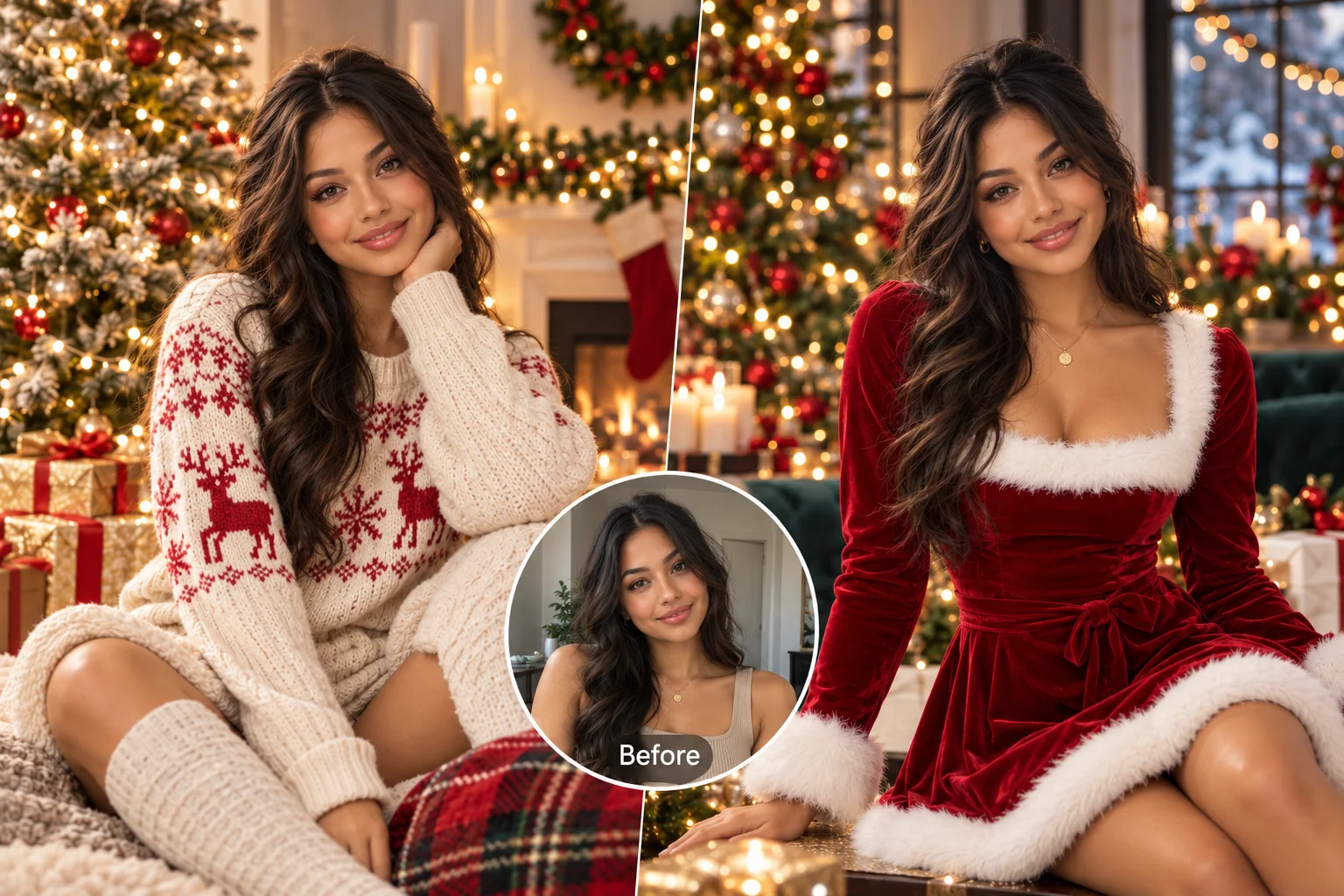
AI Christmas Photo Generator

PhotoGrid’s AI Christmas Photo Generator turns a selfie, family photo, or pet portrait into a holiday picture with festive outfits, trees, and snowy light. Choose a Christmas template or upload a reference image, then generate your own look while keeping recognizable facial features.

AI Christmas Photo Generator
Christmas Reference
Upload a Christmas reference
or
Portrait / Group
Upload a portrait or group photoTry these samples

Loading…

Your result is saved to your image history. View history

Choose Your Christmas Photo Style

Selfie to holiday portrait

Turn Any Photo Into an AI Christmas Photo

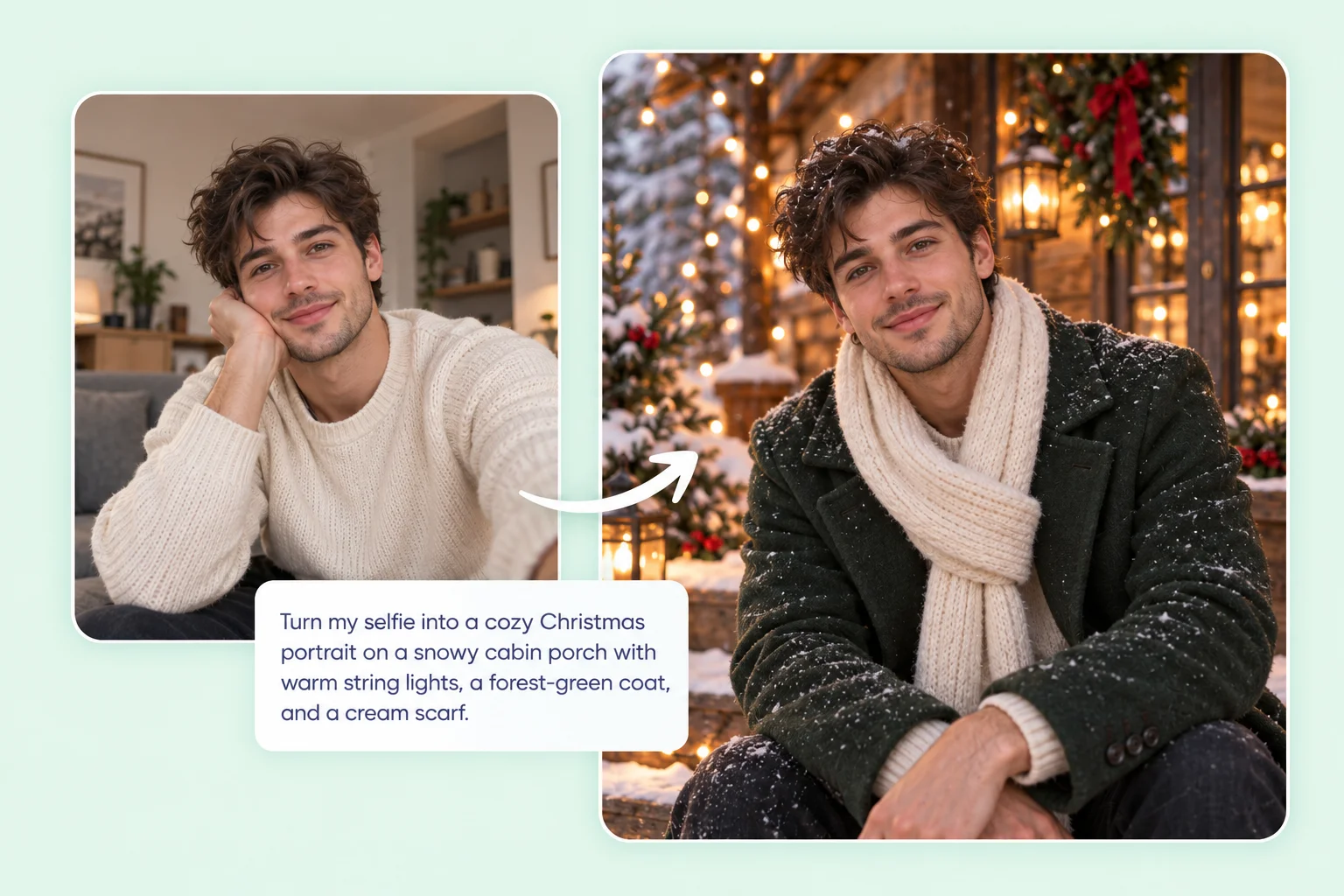
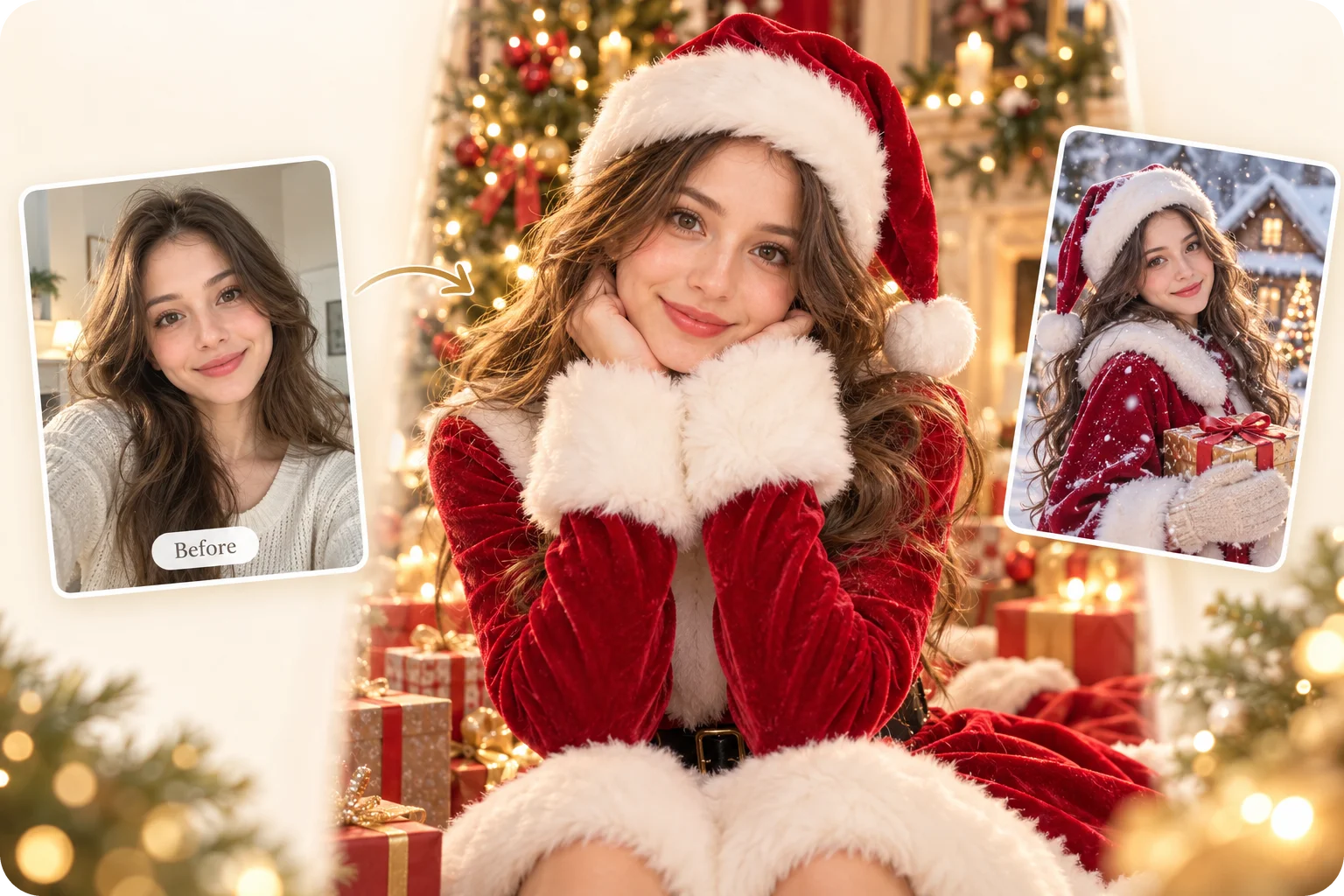
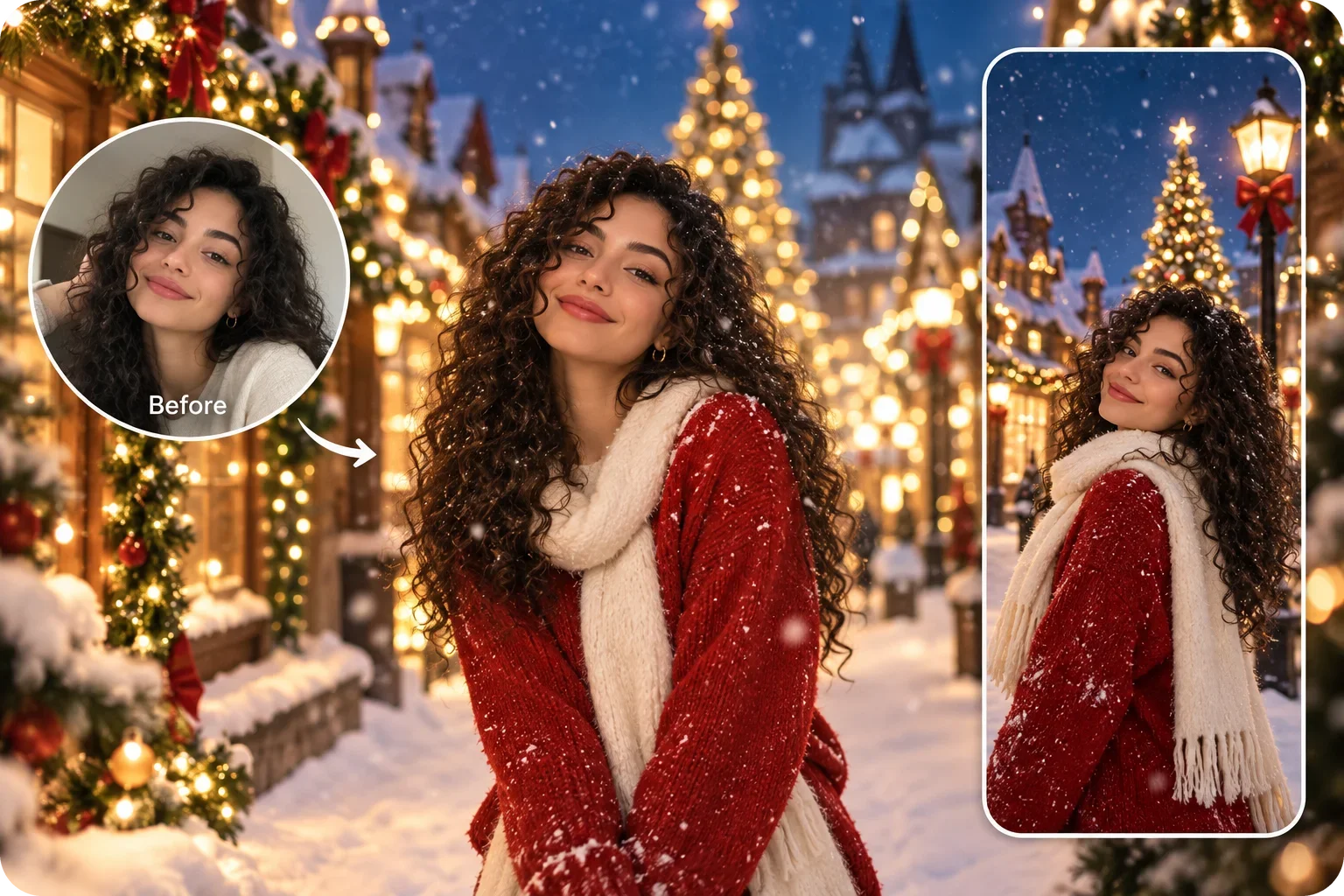
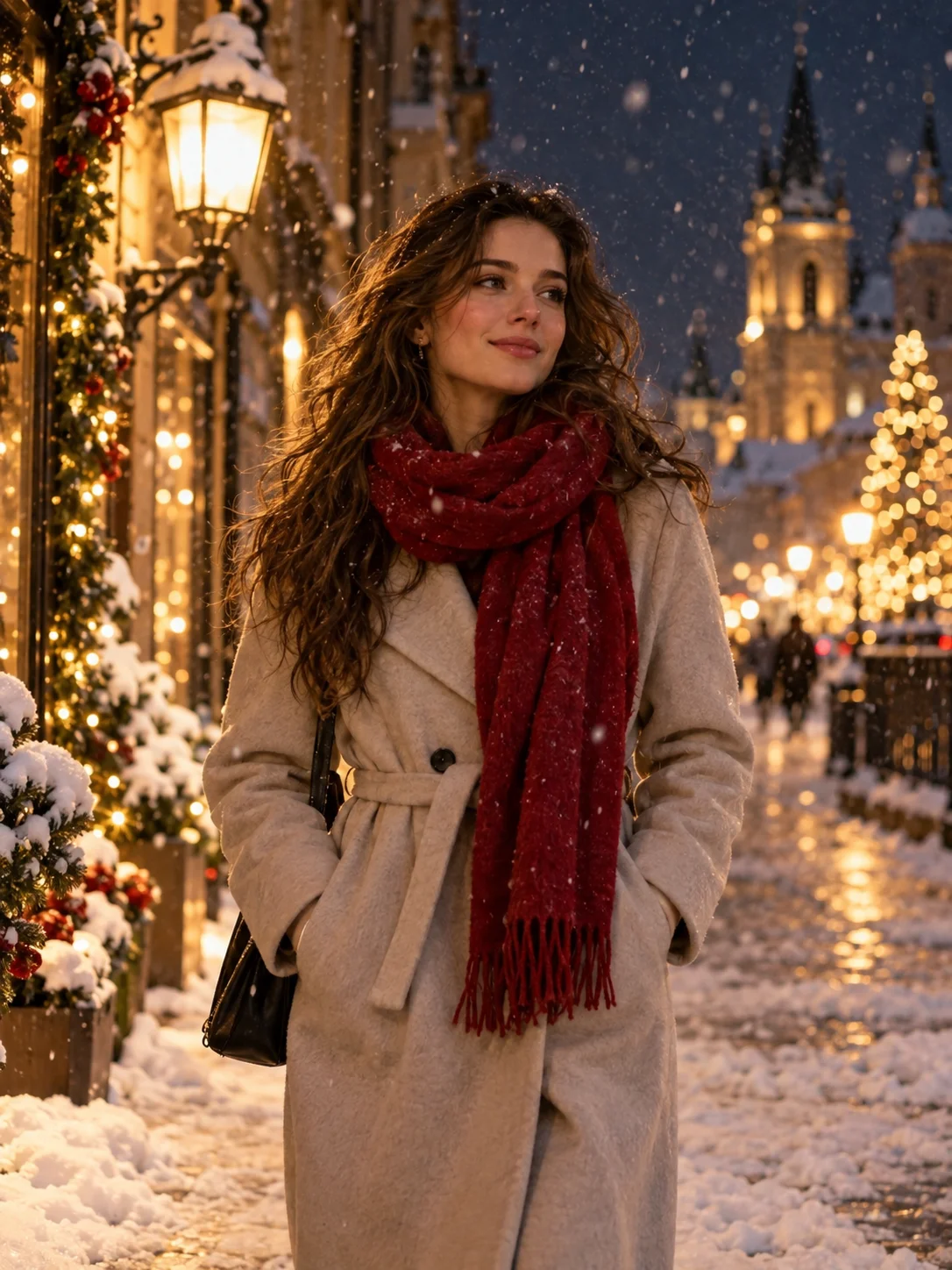
Skip the holiday photoshoot and turn a casual selfie into a festive Christmas portrait. Upload a photo to PhotoGrid and make Christmas AI photos of yourself, with the AI placing you inside a scene, from a fireplace corner to a snowy street lit with string lights.
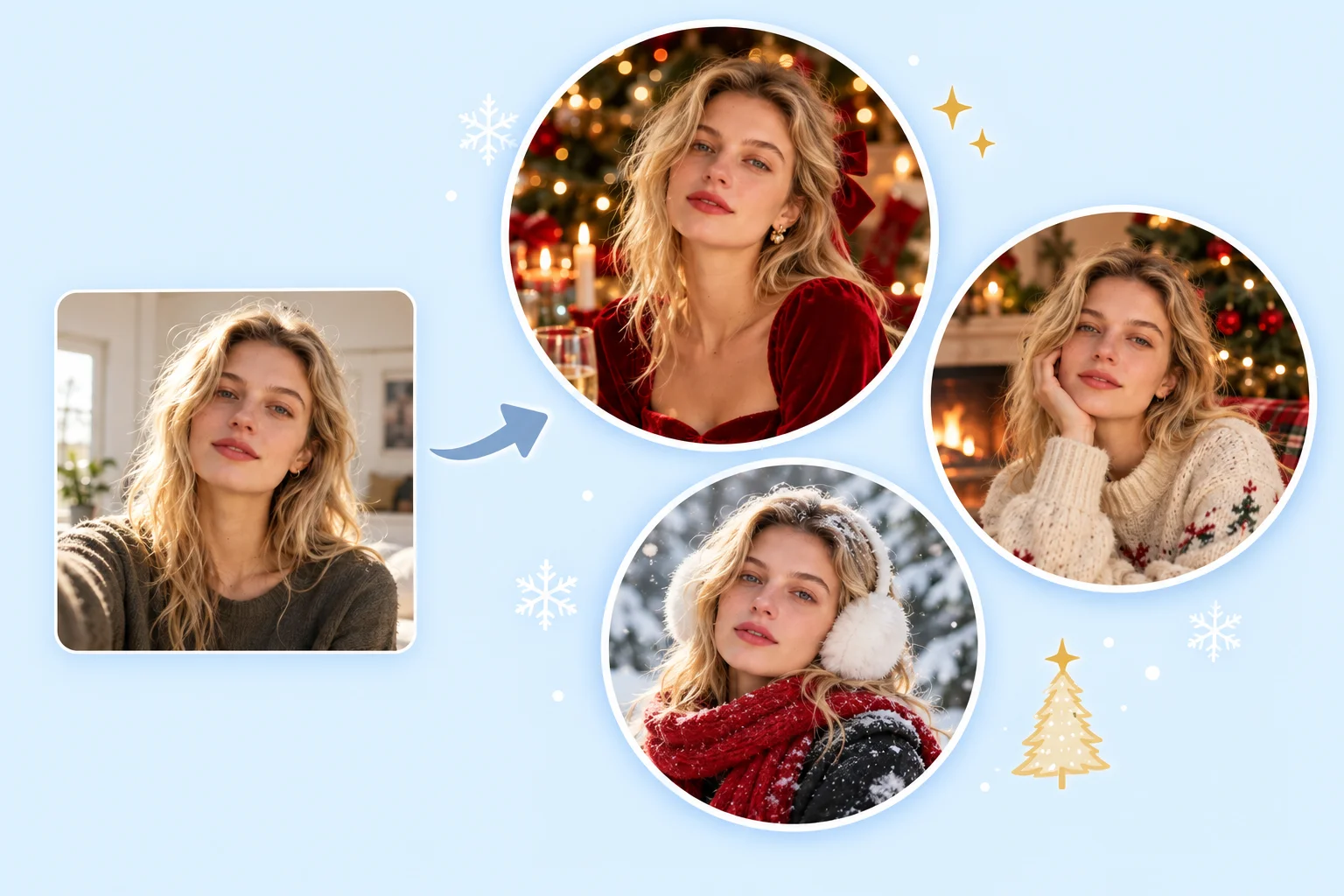
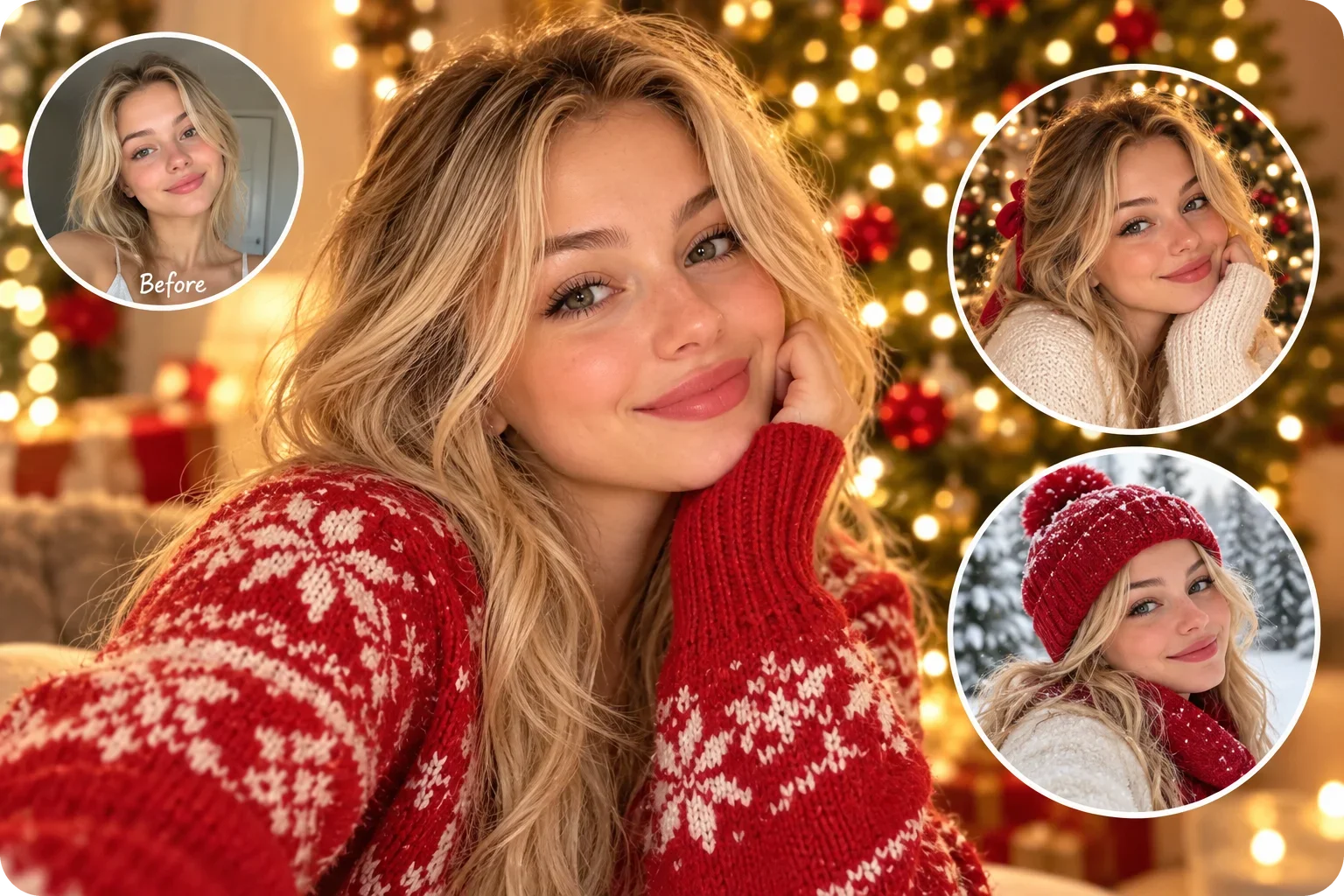
The same face in different Christmas scenes

Keep Your Face Recognizable in Every Holiday Scene

A holiday picture only works if it still looks like you. PhotoGrid builds each scene around your photo, so your face stays recognizable under the Santa hat and the warm light. Results can vary with the photo. Start with a clear, front-facing selfie in even light, with no heavy beauty filter, sunglasses, or hard overhead glare, because those hide the details a holiday scene is built from.

Fine-tune the finished picture with the AI photo editor before you send it out.

Family Christmas photo

Create an AI Family Christmas Photo in One Scene

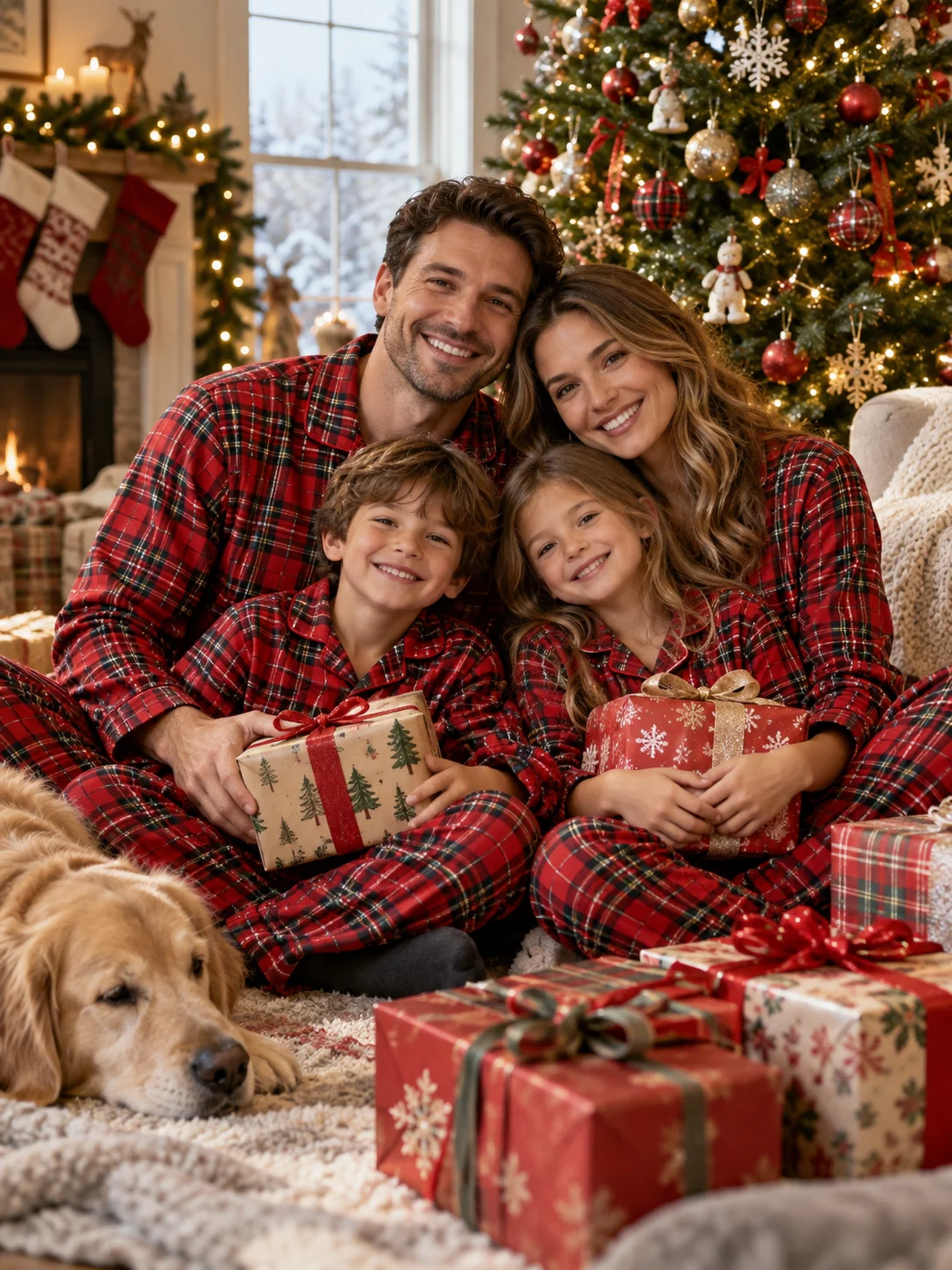
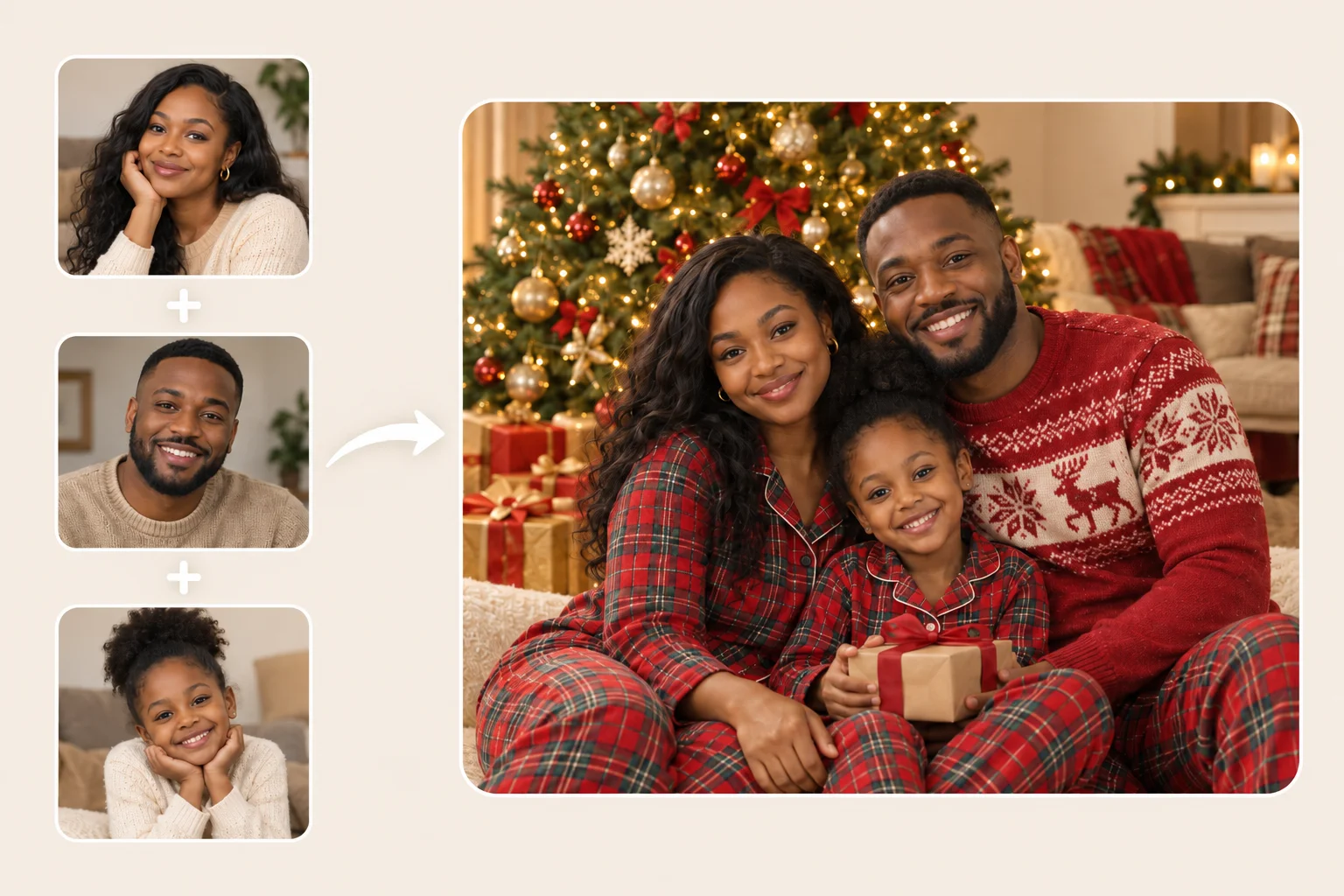
Getting everyone in one frame is the hardest part of a family Christmas photo. Upload a family photo and our AI family Christmas photo generator puts the whole group into one scene, from matching pajamas by the tree to a snowy porch portrait. Everyone stays recognizable when each face is clear, though results can vary with the number of people, the poses, and the light.

Bring separate photos together first with our AI group photo generator .

Christmas card portrait

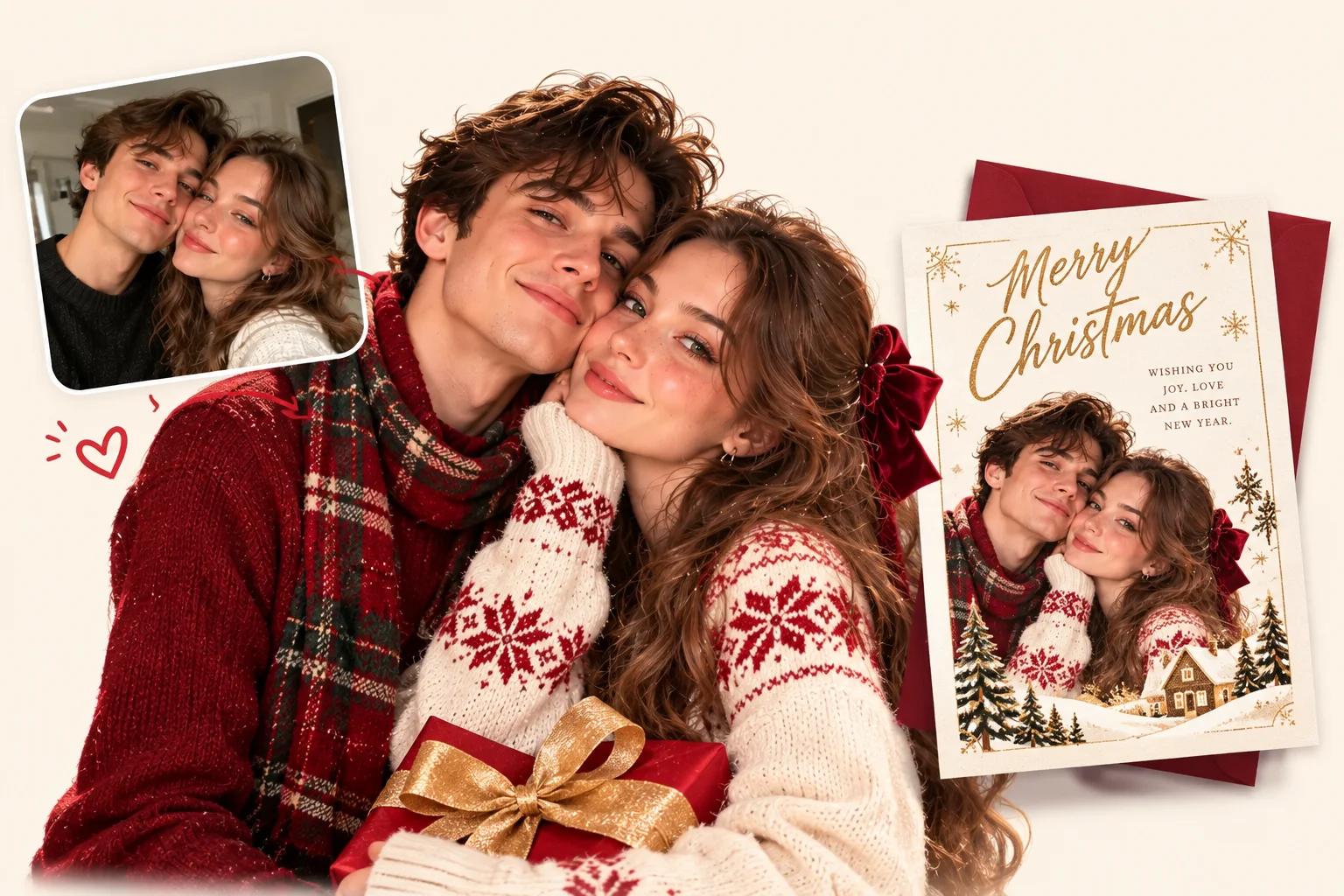
Make an AI Christmas Card Photo Without a Photoshoot

A card needs one good picture, and you do not need to book a studio for it. Upload your photo, choose a warm vintage or modern look, and our AI Christmas card photo generator gives you a card-ready portrait with room left for your greeting.

Next, add text to photo to put your message on the finished card.

Your own Christmas scene

Create Your Own Christmas Scene With a Reference Image

If no ready look covers your idea, upload a reference image for a snowy cabin porch, a candlelit dinner table, or a reading nook beside the tree. PhotoGrid uses the reference to coordinate the outfit, light, and background around the person or pet in your photo.

Make AI Christmas Photos for Every Holiday Moment

Holiday plans come in different shapes, from a card list that needs finishing to a group chat waiting for a photo. Here are eight moments where an AI Christmas photo saves the day, from a quiet pet portrait to a photo with Santa.

Santa
Wallpaper
Pet
Baby
Profile Picture
Social Post
Couple
Gifts
Take an AI Santa Photo With Your Own Picture

Take an AI Santa Photo With Your Own Picture

A photo with Santa does not need a mall queue anymore. Upload your photo and put yourself beside Santa by the tree, then turn the finished picture into a short clip with our santa AI video .

Create an AI Christmas Wallpaper From Your Photo

Create an AI Christmas Wallpaper From Your Photo

Put your own holiday scene on your phone screen. A tall, calm scene with space around the subject works best.

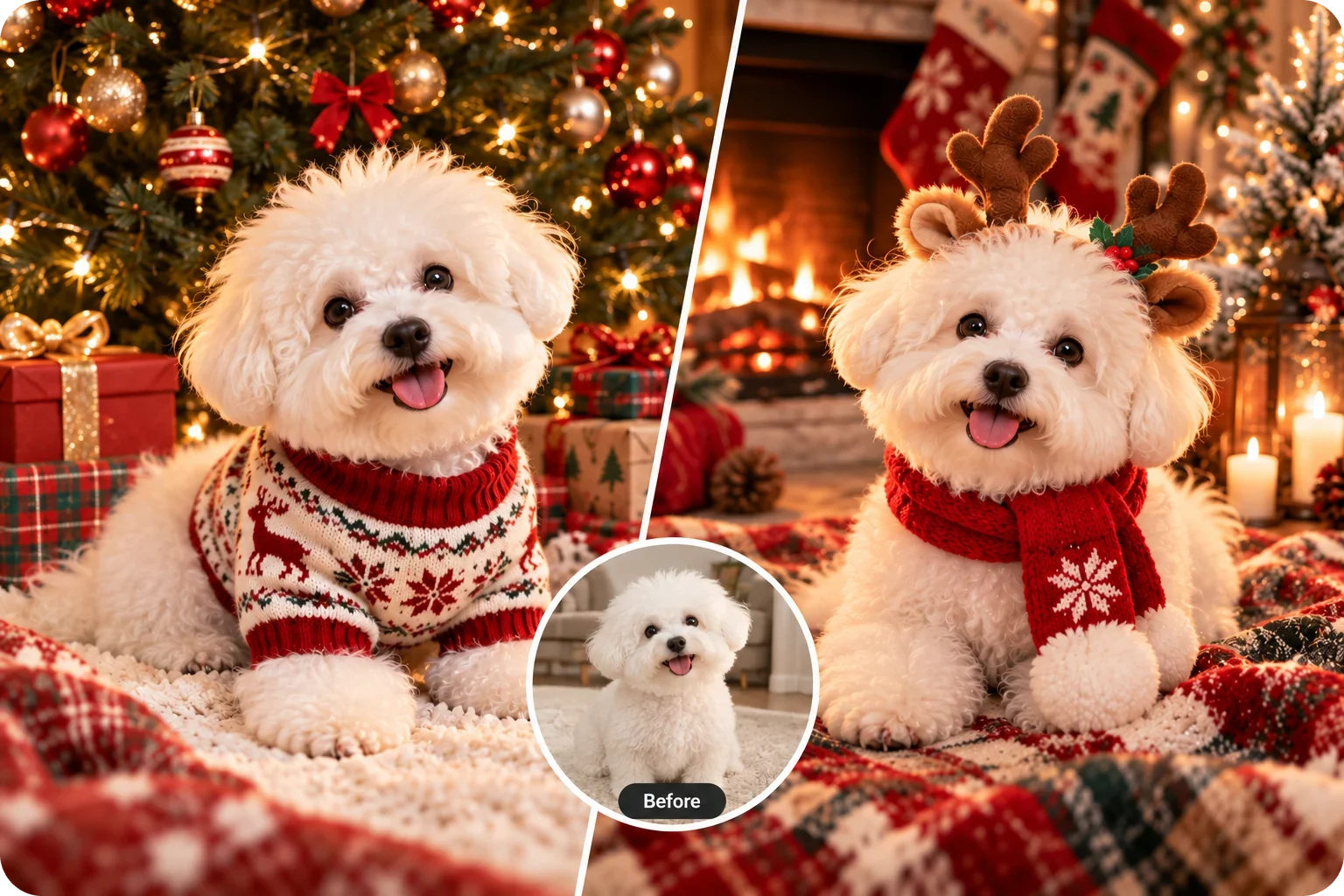
Add Your Dog or Cat to the Christmas Scene

Add Your Dog or Cat to the Christmas Scene

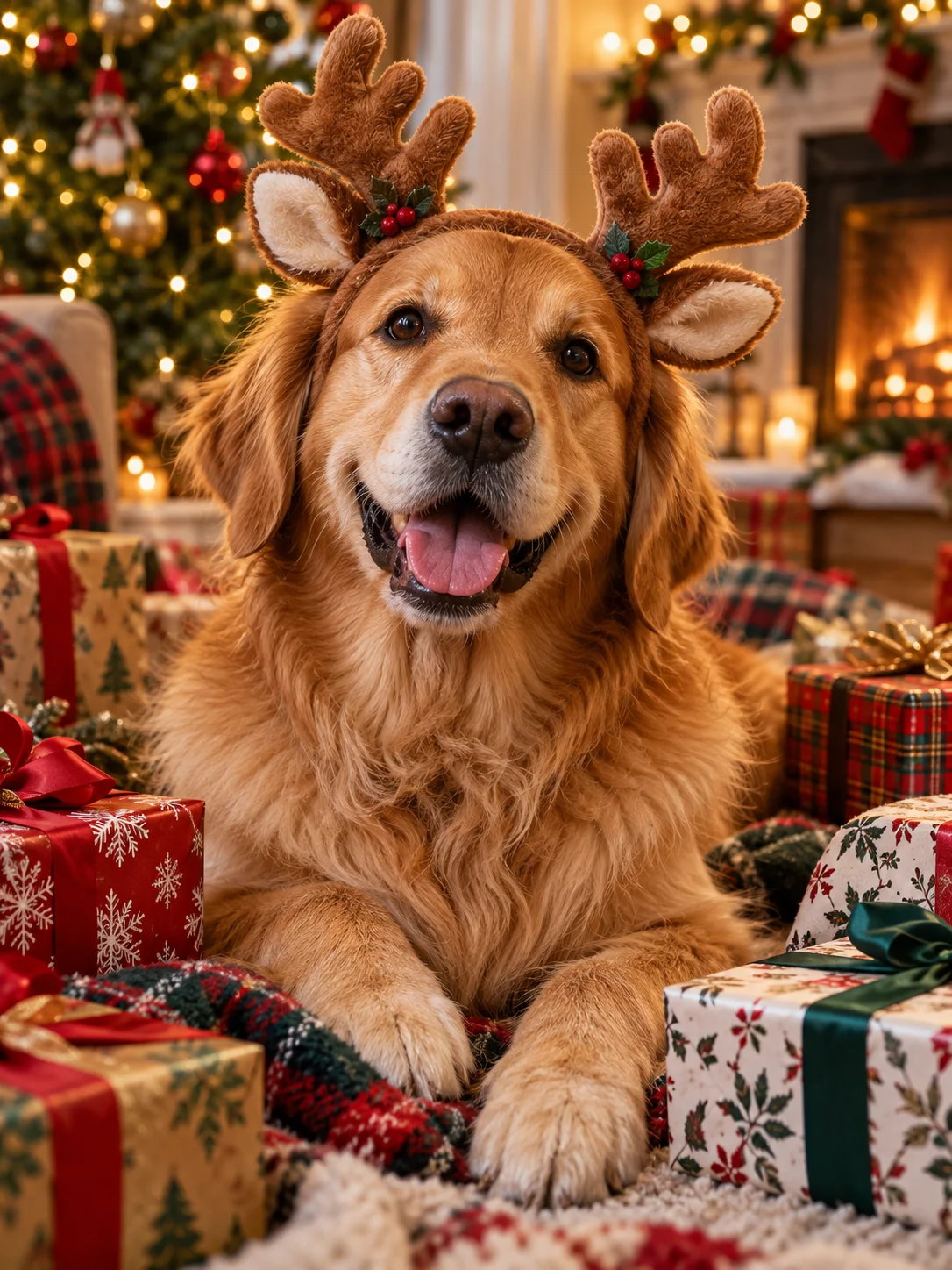
Some pets will never sit still in a reindeer headband. Upload a pet photo and place your dog under the tree or your cat beside the stockings, without a single tug at the collar.

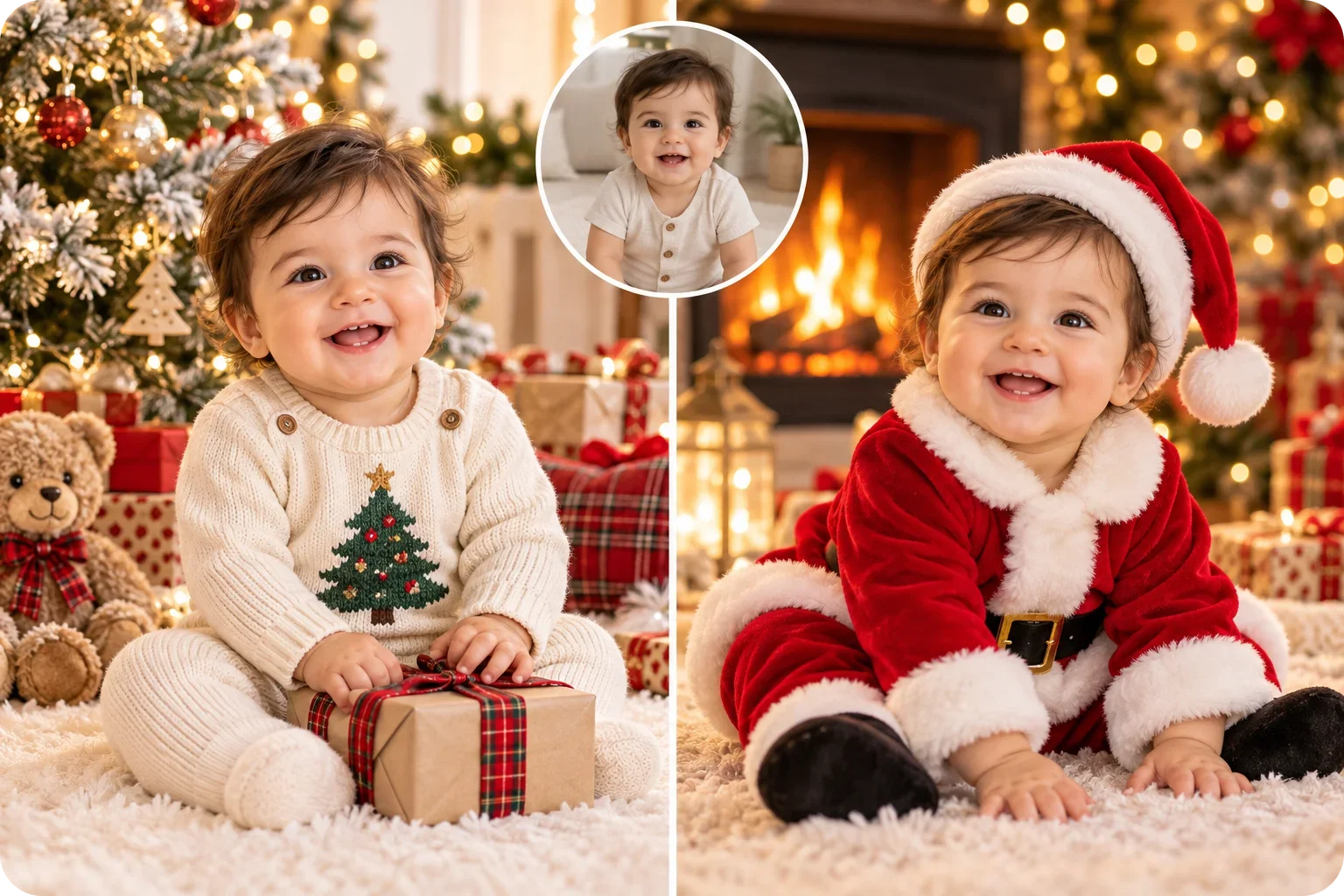
Give Your Baby a First Christmas Photo

Give Your Baby a First Christmas Photo

Babies rarely sit still for a holiday shoot. Upload your best everyday shot and let the AI add a cozy sweater, a tree, and a soft glow.

Make a Christmas Profile Picture From Your Selfie

Make a Christmas Profile Picture From Your Selfie

A seasonal avatar is the easiest way to join in, whether it is a snowy portrait or a cozy sweater look. Keep it until the new year.

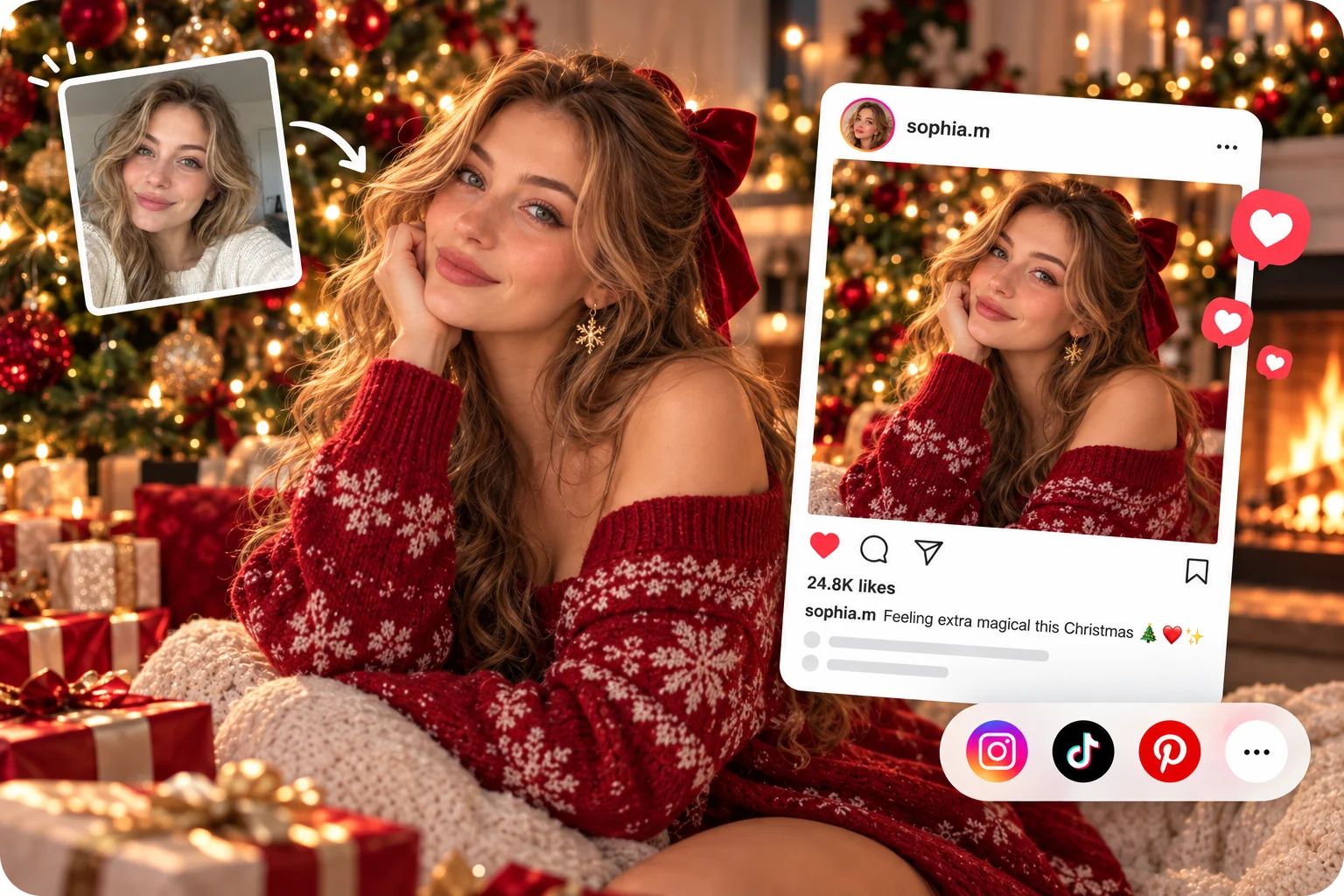
Post AI Holiday Photos Without the Real Setup

Post AI Holiday Photos Without the Real Setup

Your feed needs something festive before December ends. Turn one selfie into a cinematic holiday photo, then line several looks up with the free AI collage generator for a single post.

Get a Christmas Couple Photo Without a Photographer

Get a Christmas Couple Photo Without a Photographer

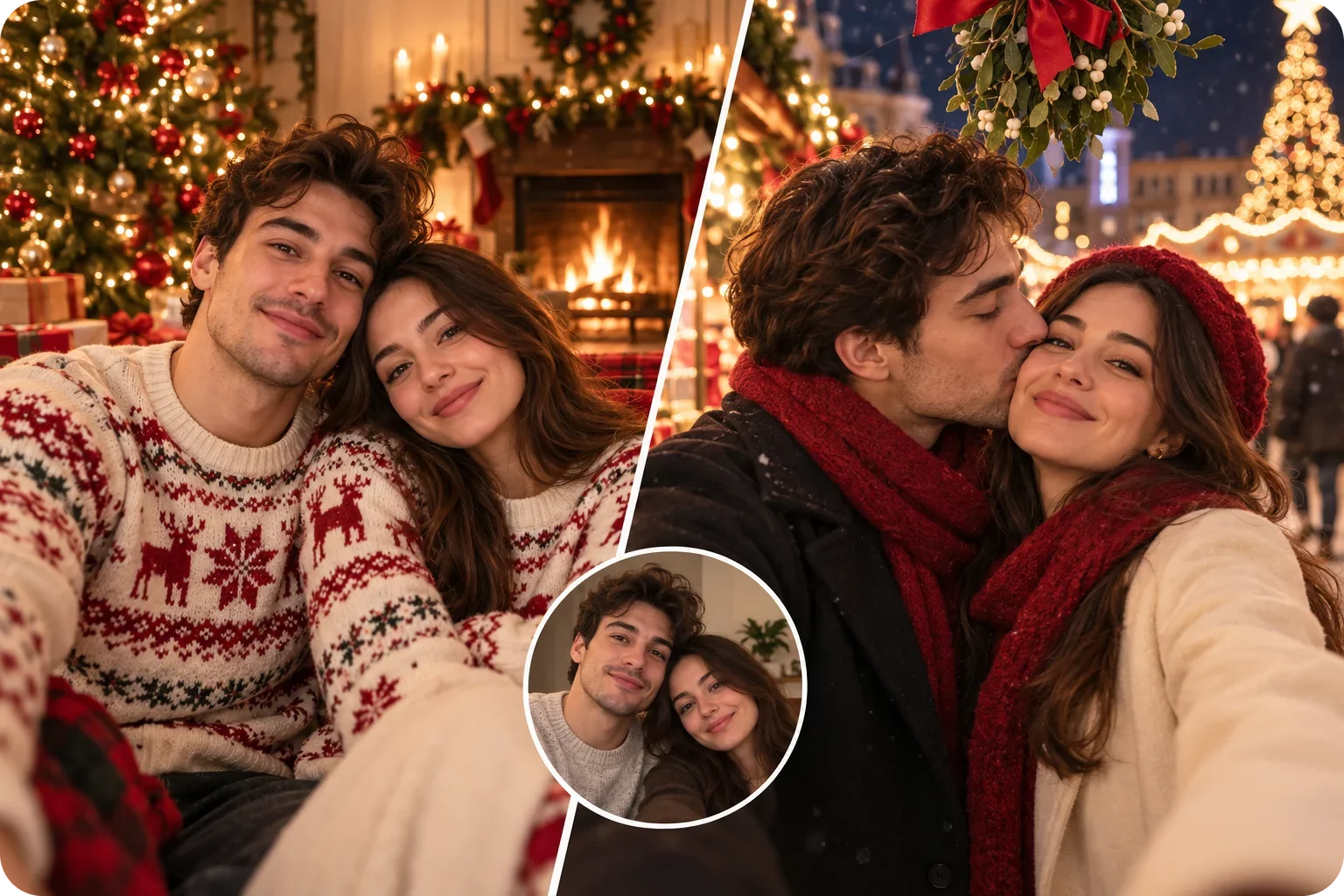
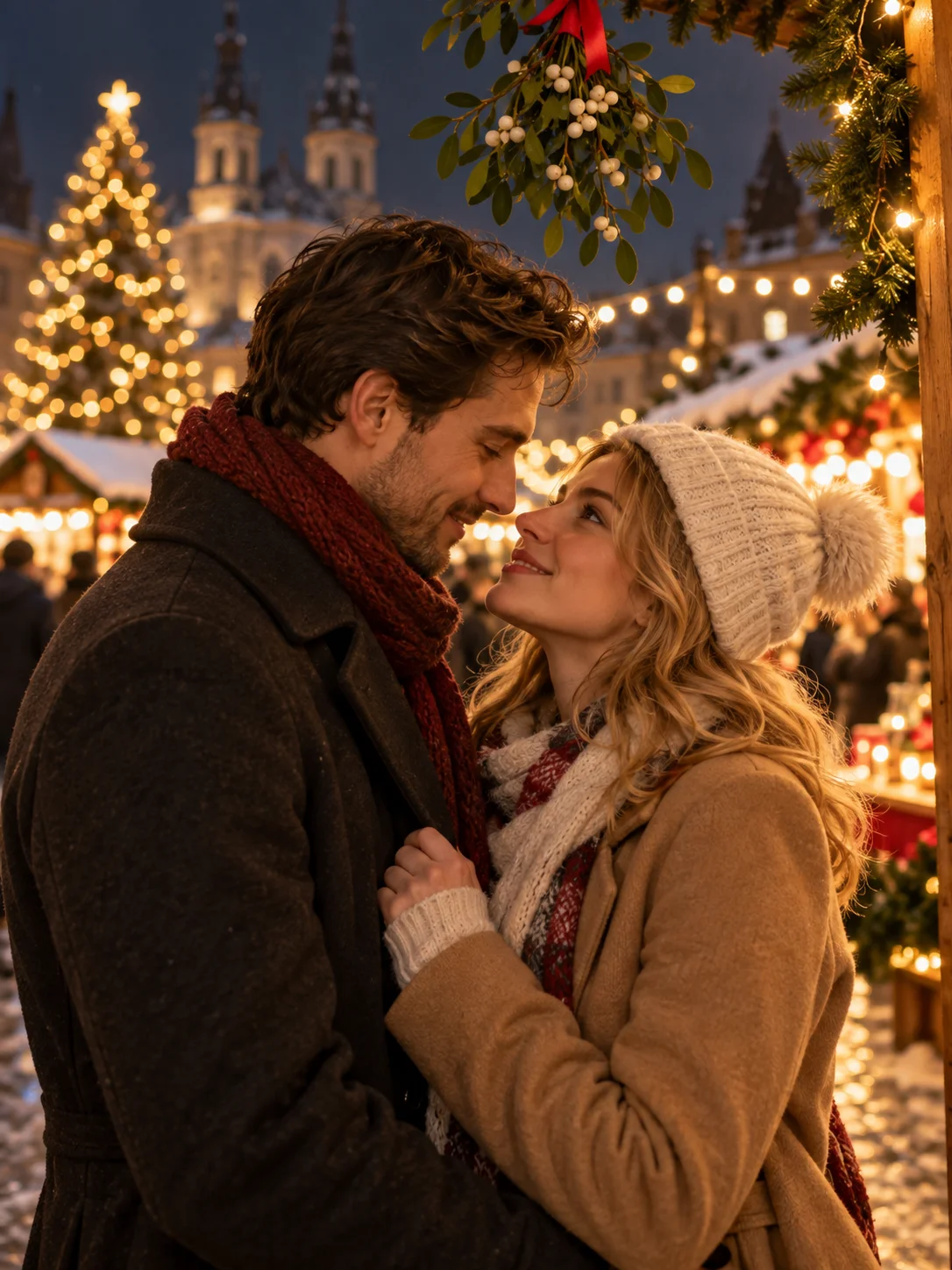
A couple photo at the tree or the market often ends up blurry or rushed. Upload a photo of the two of you and place yourselves in a snowy street or a warm cabin scene, together in one frame.

Send a Christmas Photo Worth Gifting

Send a Christmas Photo Worth Gifting

A warm holiday portrait is a thoughtful message for grandparents and friends. Make the picture first, then send it or print it the way you like.

AI Christmas Photo Ideas: Candy Cane, Snow Globe, and Family Looks

Explore these Christmas looks for inspiration. Choose a matching template above or upload your own reference image, then add your photo to generate.

Candy Cane AI Photo

Candy Cane AI Photo

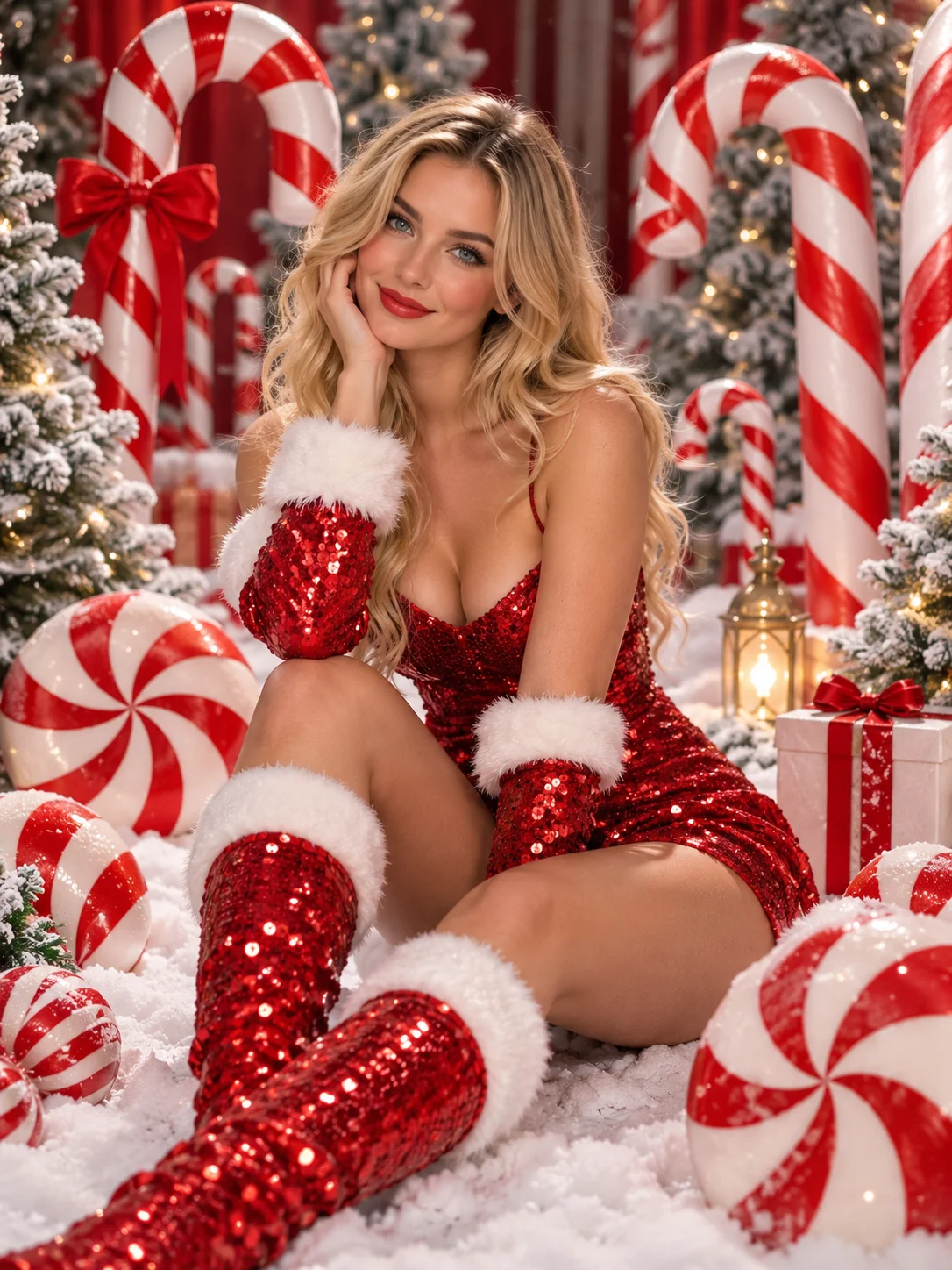
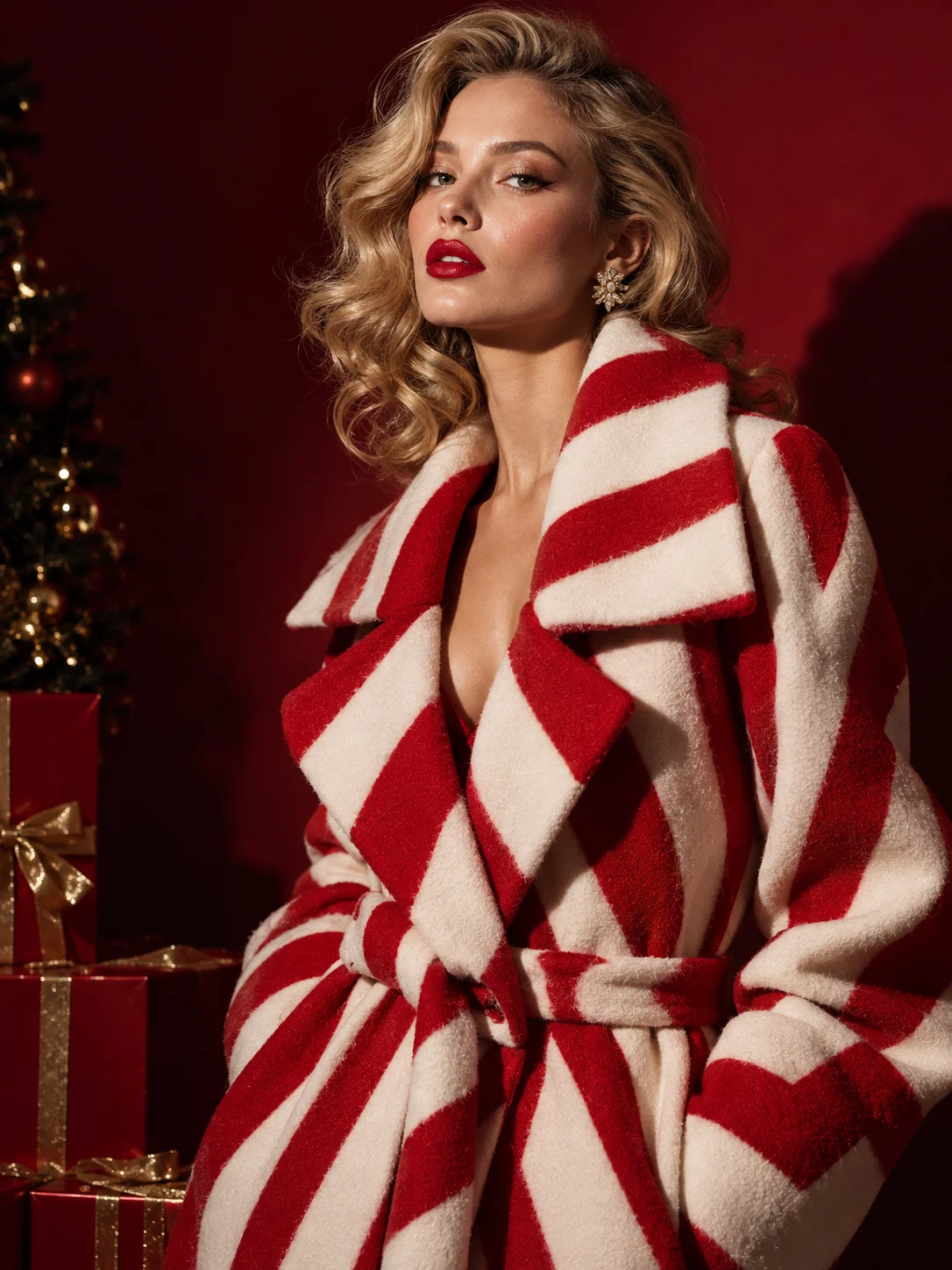
The candy cane AI photo is the glossy studio look that keeps showing up in holiday feeds.

Snow Globe Portrait

Snow Globe Portrait

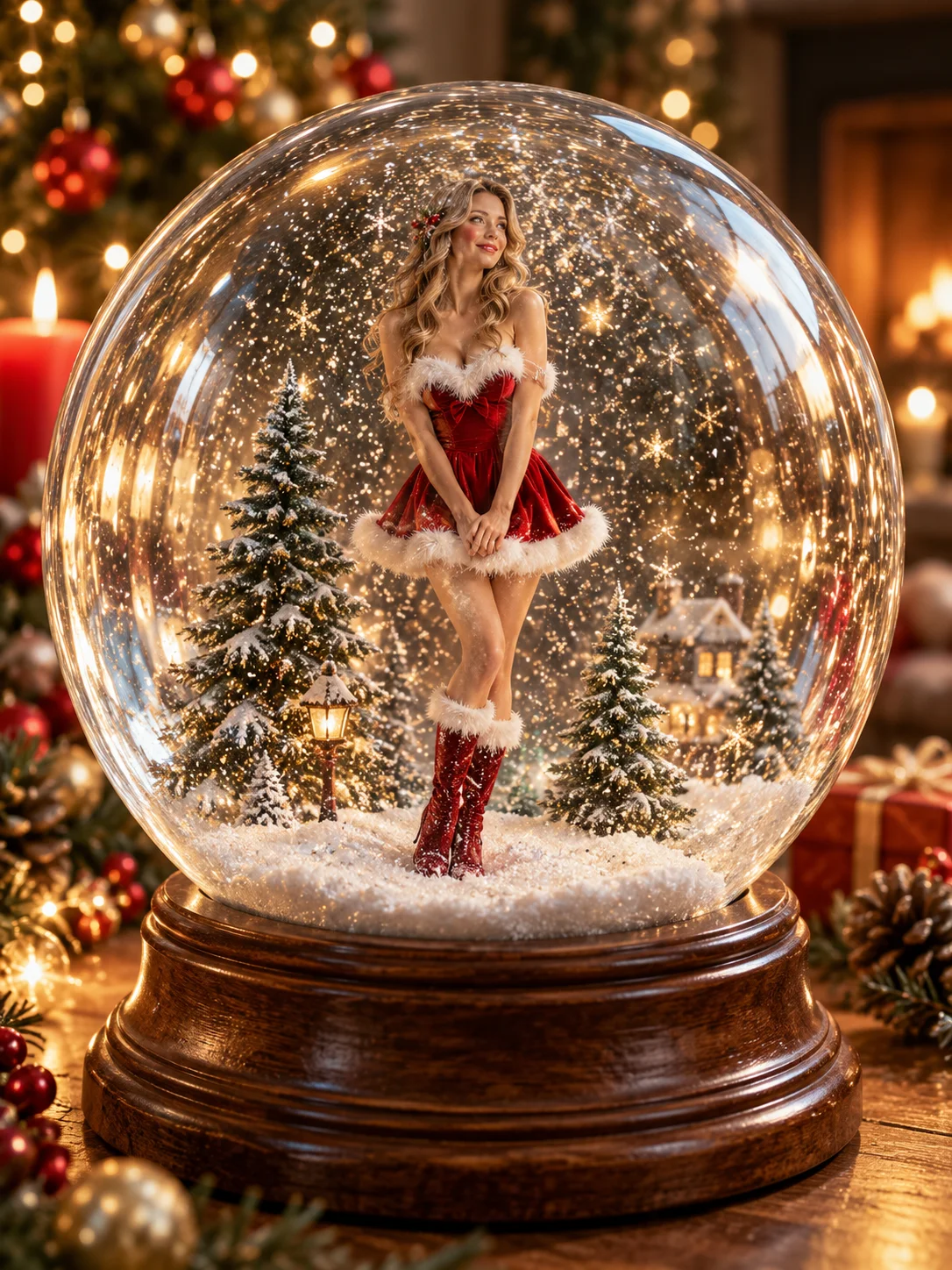
A snow globe portrait that shrinks you into a glass globe full of falling snow.

Cozy Fireplace Portrait

Cozy Fireplace Portrait

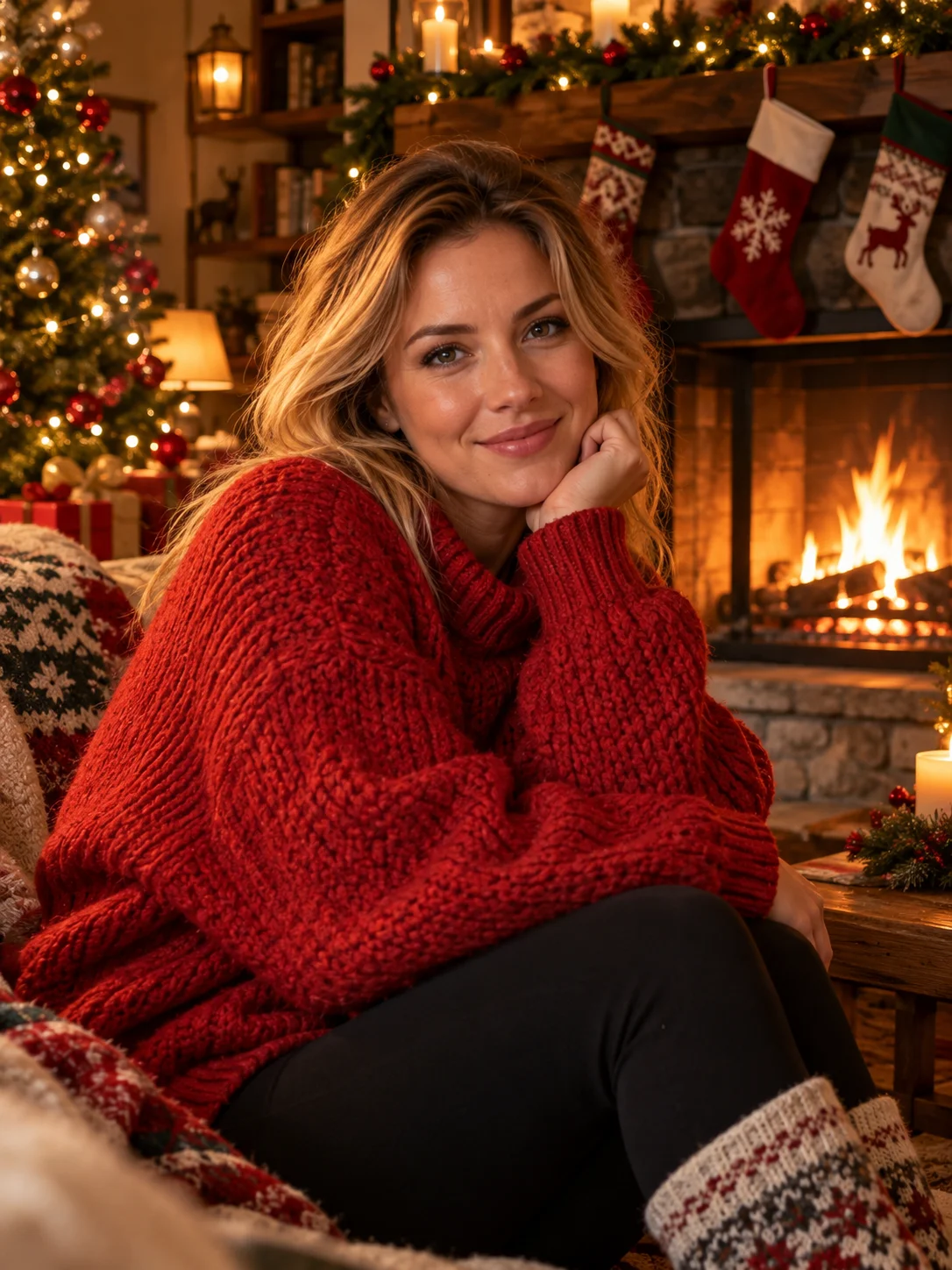
A cozy fireplace portrait for the classic warm-light card look.

Snowy Street Walk

Snowy Street Walk

A snowy street walk with a quiet, cinematic winter mood.

Polaroid Christmas Party Photo

Polaroid Christmas Party Photo

A Polaroid Christmas party photo for a casual, flash-lit snapshot feel.

Vintage Christmas Card Photo

Vintage Christmas Card Photo

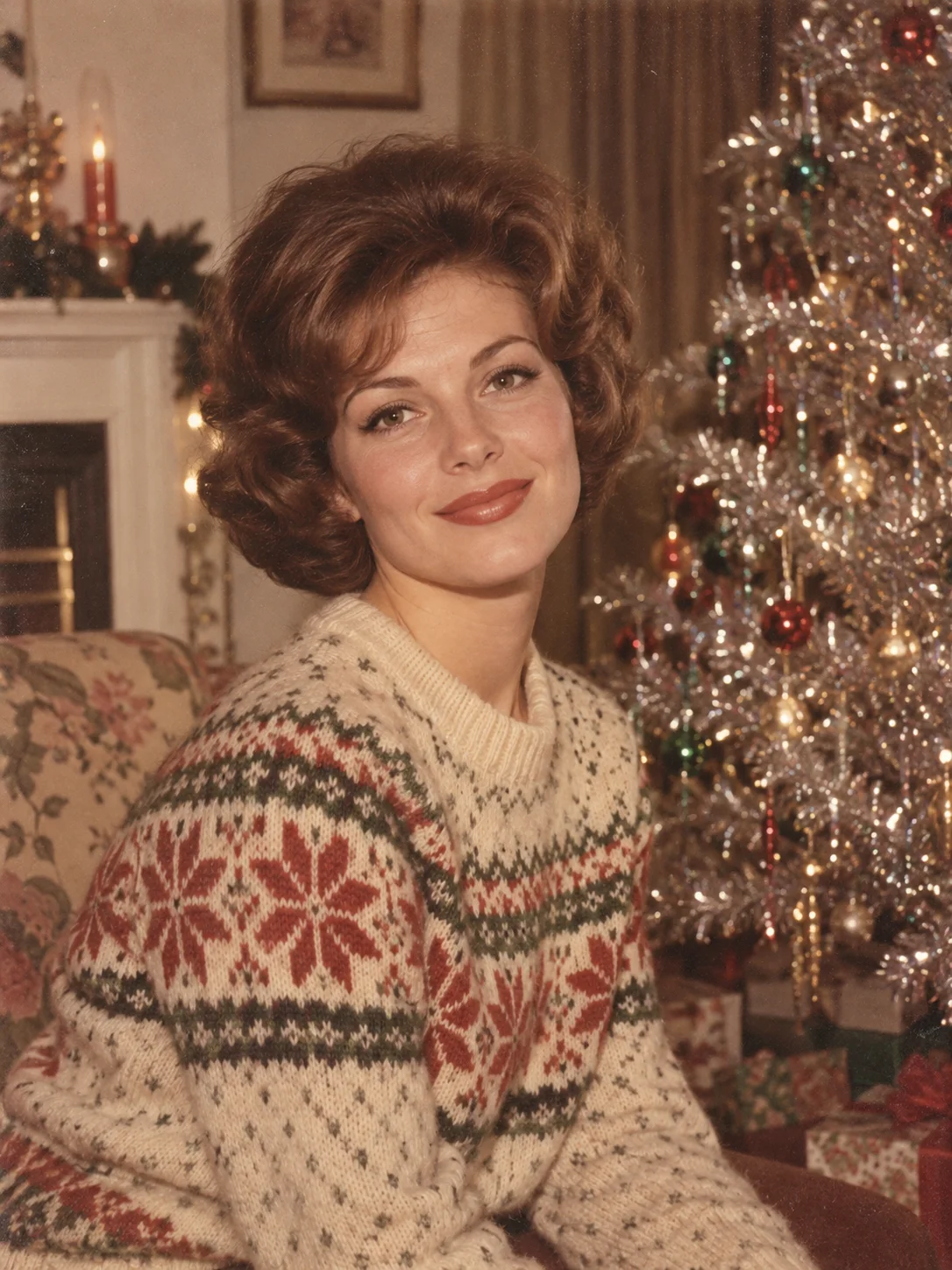
A vintage Christmas card photo with the warmth of an old family print.

High-Fashion Christmas Portrait

High-Fashion Christmas Portrait

A high-fashion Christmas portrait with magazine-style drama.

Reindeer Pet Portrait

Reindeer Pet Portrait

A reindeer pet portrait that keeps your dog or cat looking like themselves.

Family Matching Pajamas Photo

Family Matching Pajamas Photo

A family matching pajamas photo for Christmas morning.

Couple Under the Mistletoe

Couple Under the Mistletoe

A couple under the mistletoe photo for a warm, close portrait.

How to Use PhotoGrid's AI Christmas Photo Generator?

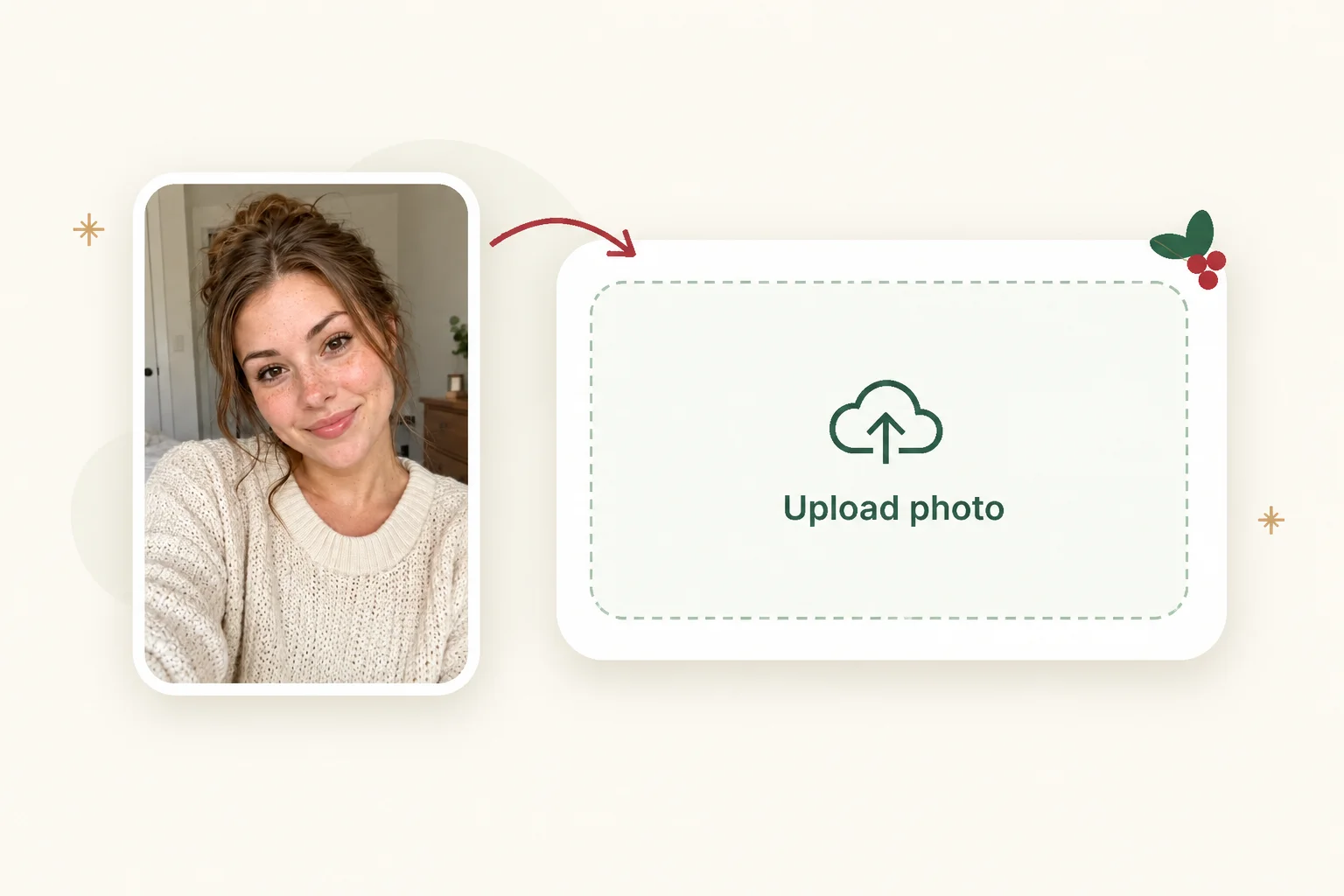
  1. Upload your photo1

    Upload your photo

    Choose a clear photo where every face is easy to see.

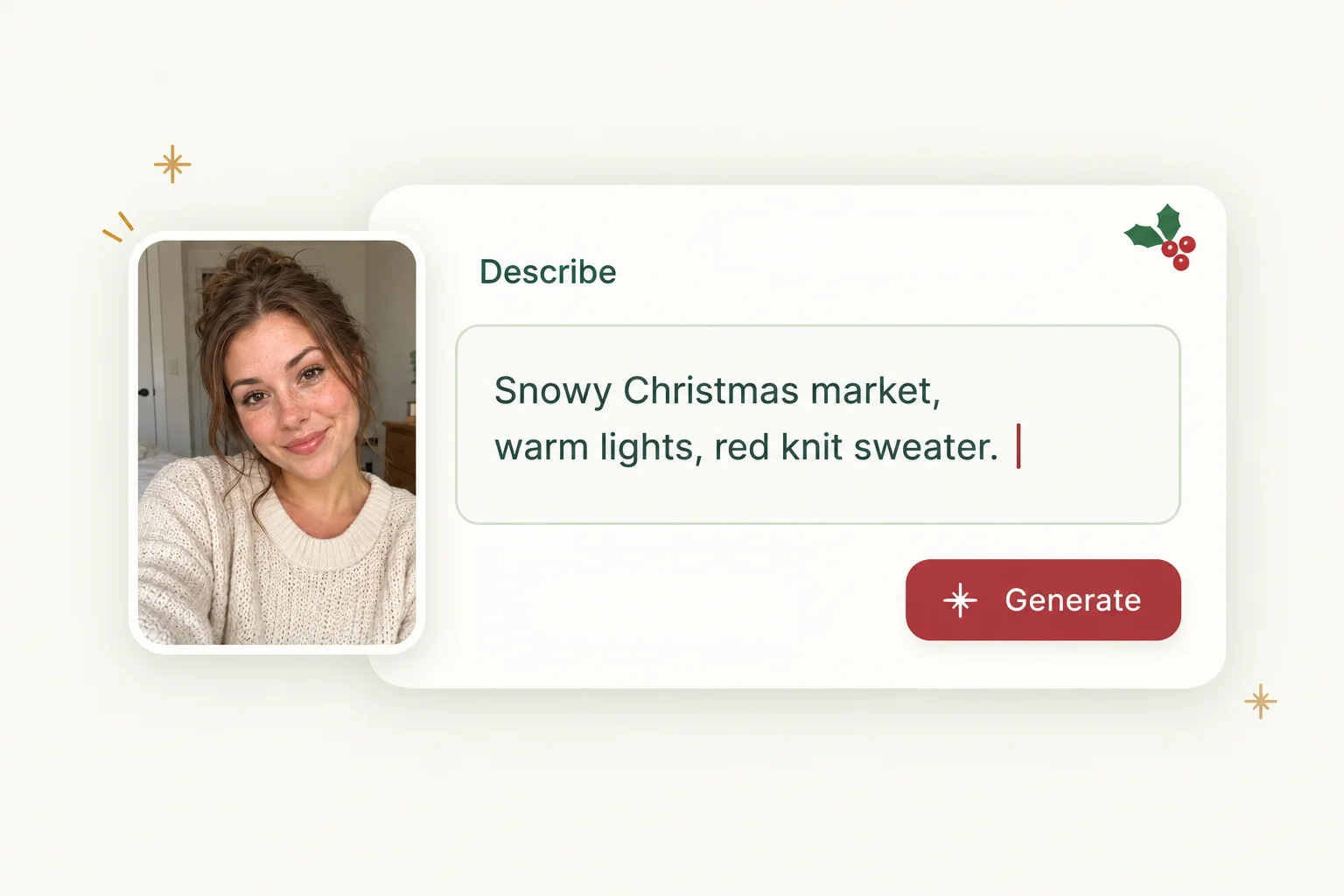
  2. Choose a template or add a reference2

    Choose a template or add a reference

    Pick a Christmas template or upload a reference image showing the outfit, lighting, and scene you want. Check the displayed credit cost before generating.

  3. Generate and download your photo3

    Generate and download your photo

    Generate your photo, check the faces and details, and download a favorite. Change the template or reference image to try another look.

Why Choose PhotoGrid for Your AI Christmas Photo

Keep Your Face Under the Santa Hat

The velvet, snow, and string lights change from look to look, while your face stays recognizable.

Finish Your Card Photo in a Few Seconds

Try the fireplace, the snowy street, and the candy cane set while the card list is still open.

Send It Without a Watermark

Your saved Christmas photo has no watermark, so it looks clean on a card or a feed.

Make It on Your Laptop or Phone

Open PhotoGrid in your browser or in the app, whichever is closer.

Fit the Whole Family and the Dog

Everyone gets a place in the tree scene, so nobody is left out of the card.

Redo the Look Until It Feels Right

Switch from a candy cane studio to a fireplace, or upload a different reference image, then generate another Christmas look.

Frequently Asked Questions

Turn Your Photo Into Your Christmas Picture

Your Christmas card, post, or wallpaper can start with a single photo. Upload one and see the scene before the holiday begins.