
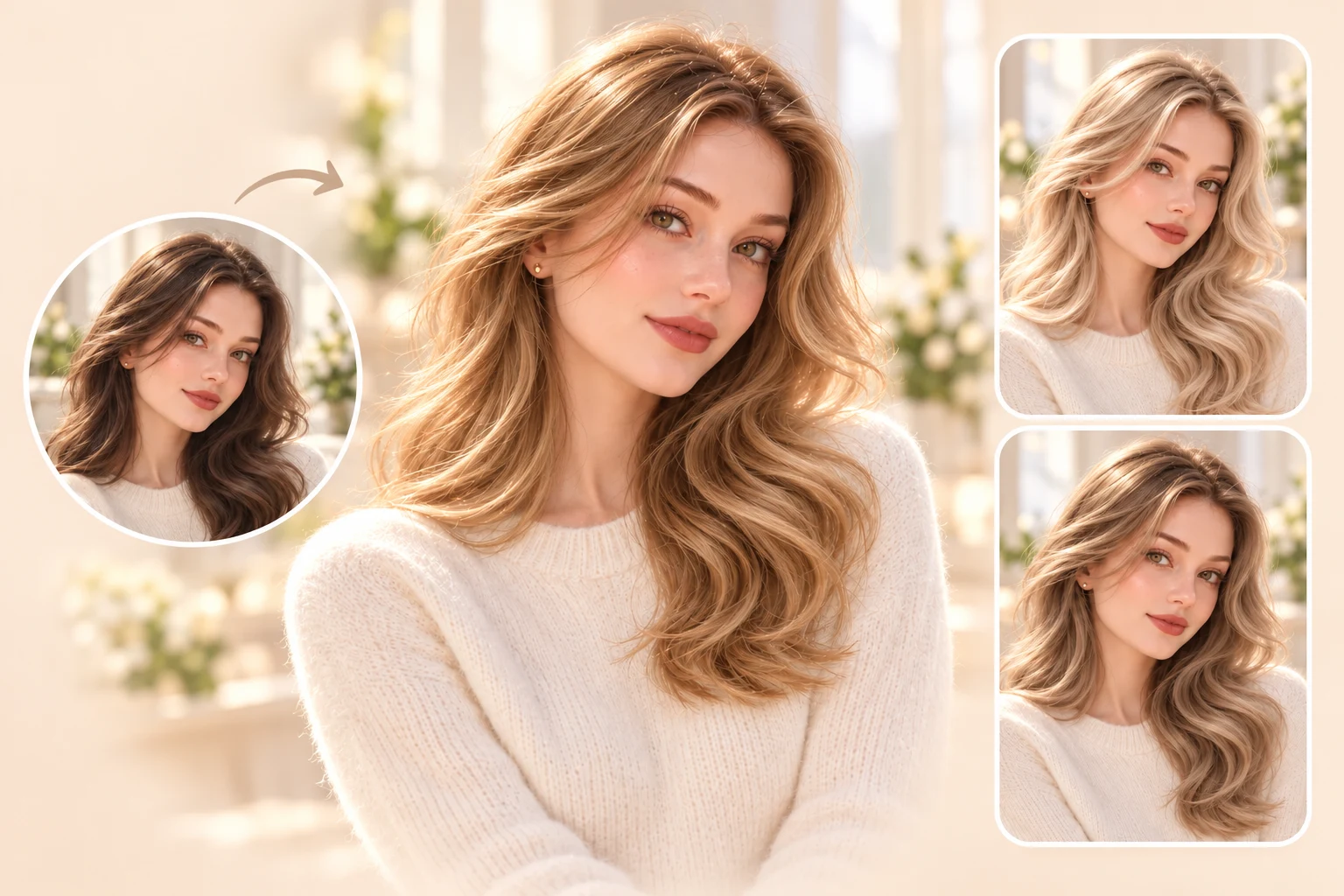
Blonde Hair Filter
Honey, ash, champagne bronde, and platinum look very different on the same face. Put them side by side and you'll spot the one that warms you up within a few clicks.

Change your hair color in a photo with PhotoGrid's AI hair color changer. See yourself in honey blonde, cherry cola red, or icy blue while your haircut stays the same. Every preview still looks like you, just with new color, and every download comes with no watermark.
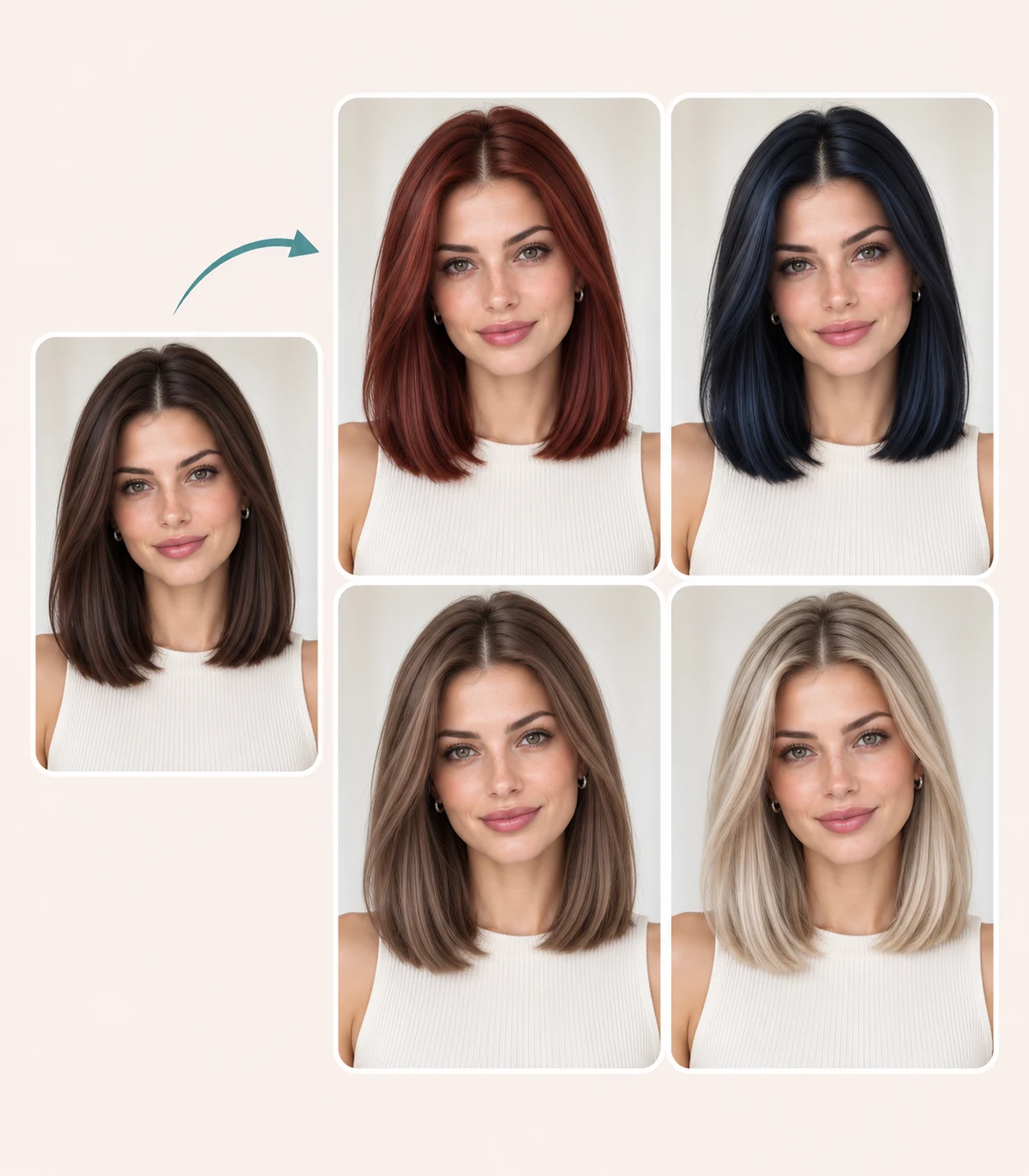
Choose a color or describe the shade you want.
Loading the image model…
Your result is saved in your image history. View history
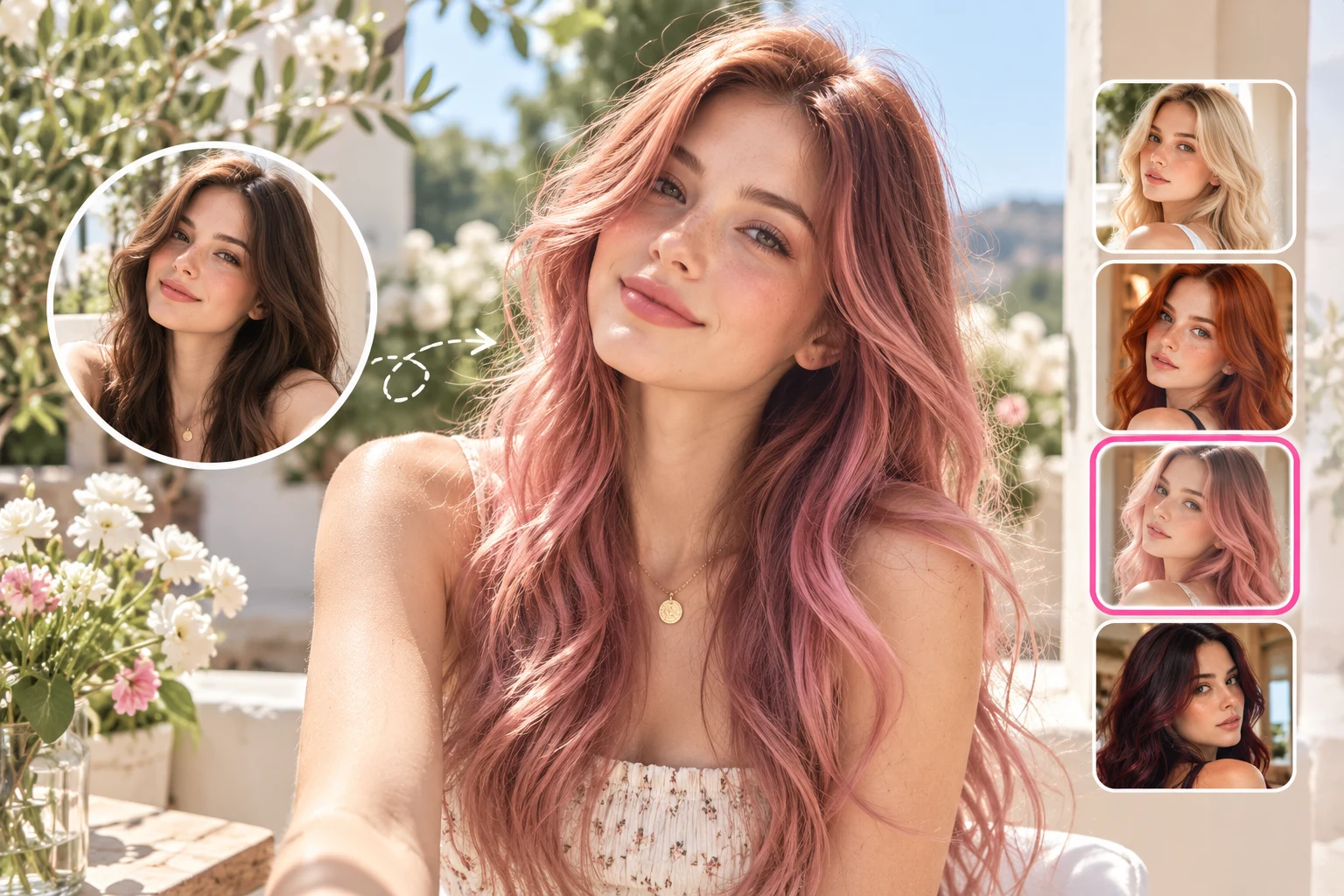
You finally have a haircut you love, and now you're curious how it would look in copper. Upload one photo and PhotoGrid's hair color changer recolors your hair from roots to ends while your cut, curls, and bangs stay put. Your face and background stay the same too, so the shade is the only thing you're judging. When you want a new cut as well, the AI hairstyle changer takes it from there.
A model on a dye box can't show you how a color will look on you. Pick a color family and PhotoGrid shows each shade on your own hair.
Honey, ash, champagne bronde, and platinum look very different on the same face. Put them side by side and you'll spot the one that warms you up within a few clicks.
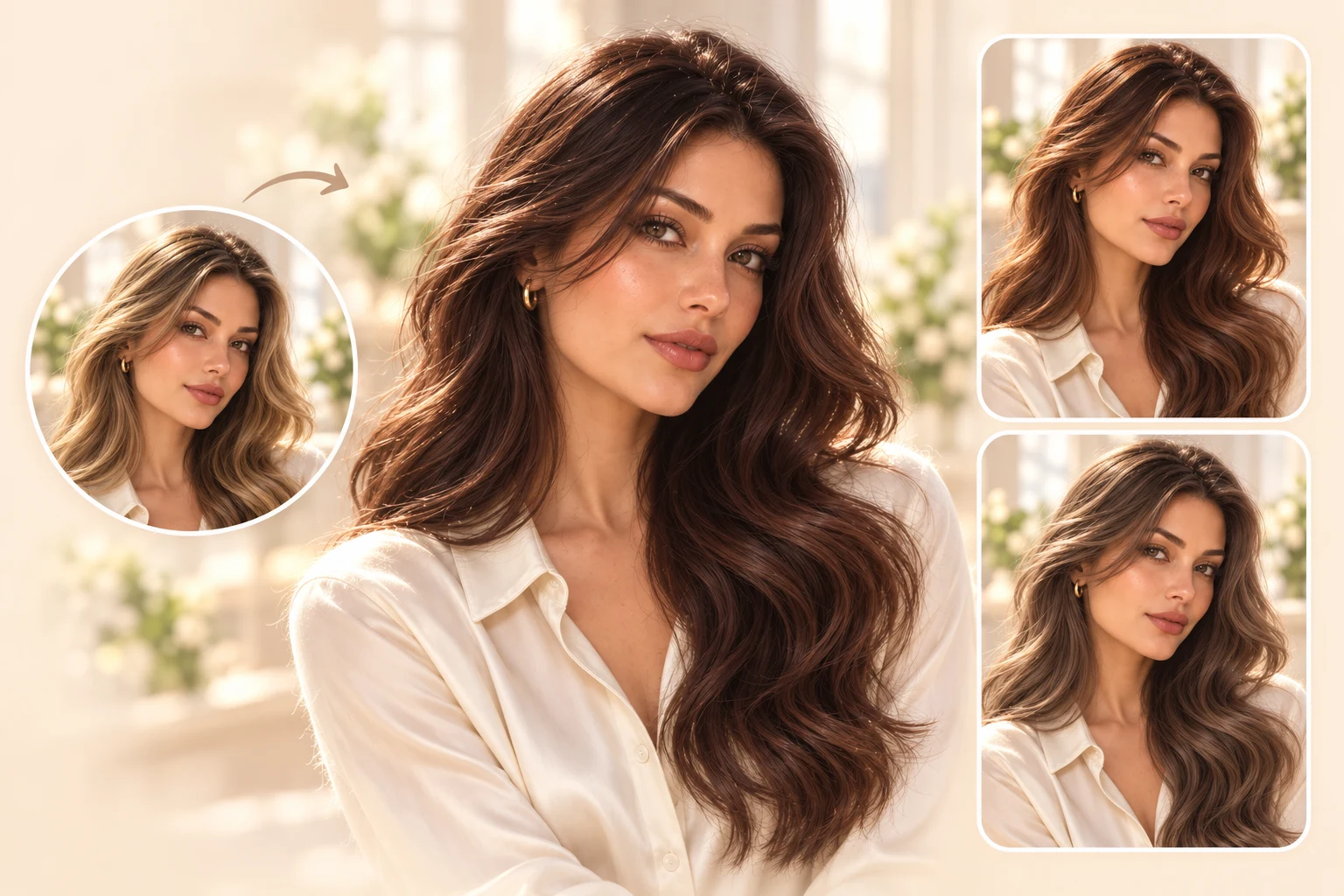
Ash brown, chocolate, chestnut, and mocha all feel like safe picks until you compare them. See whether a cool or a warm brunette suits you, and whether going a shade darker makes the bigger difference.
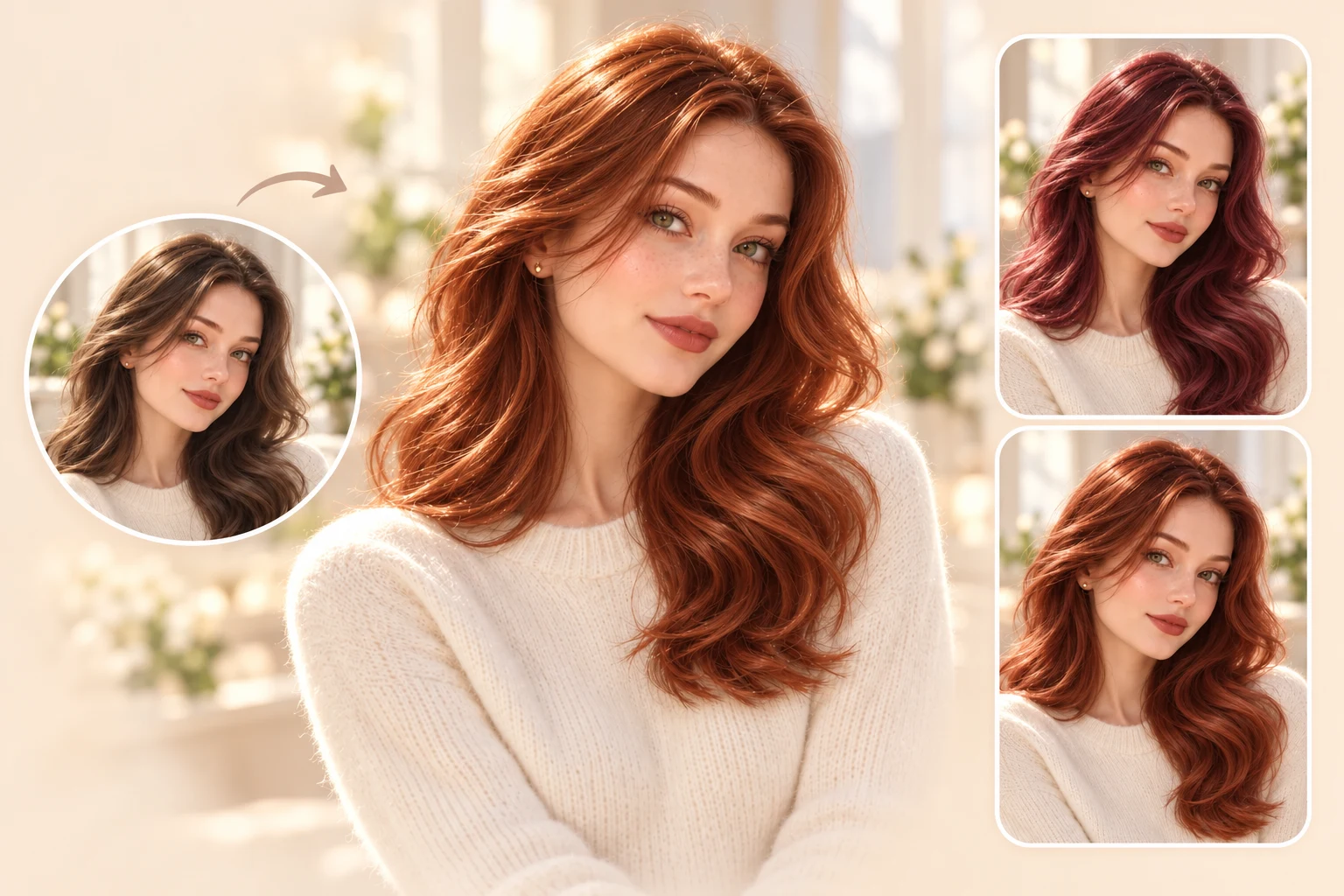
Burnt copper, auburn, cherry cola, and burgundy run from bright to deep. Find the red that works with your skin and your hair texture before you book.
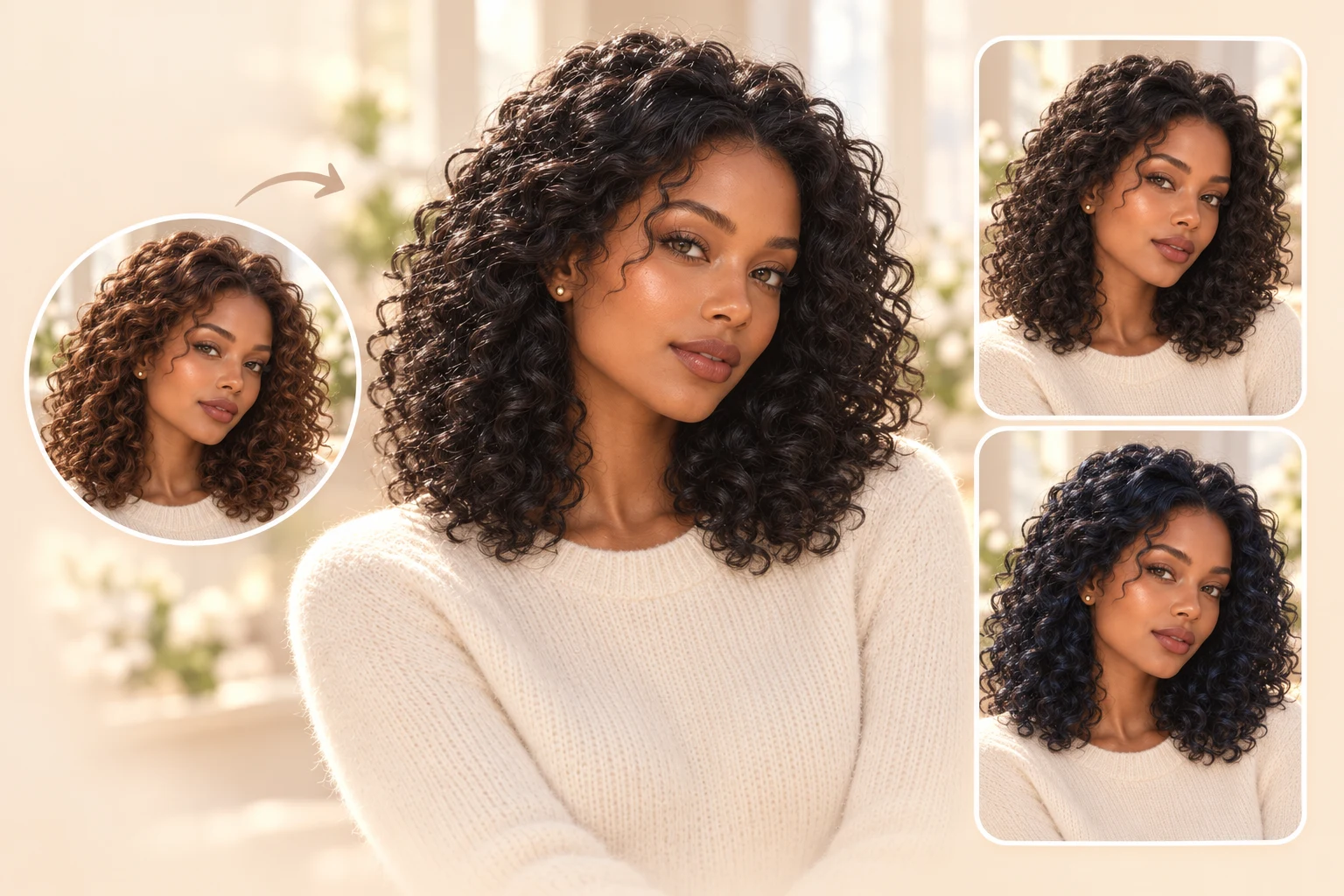
Jet black and soft black give your hair two very different moods. Preview both before you settle on the deepest shade.
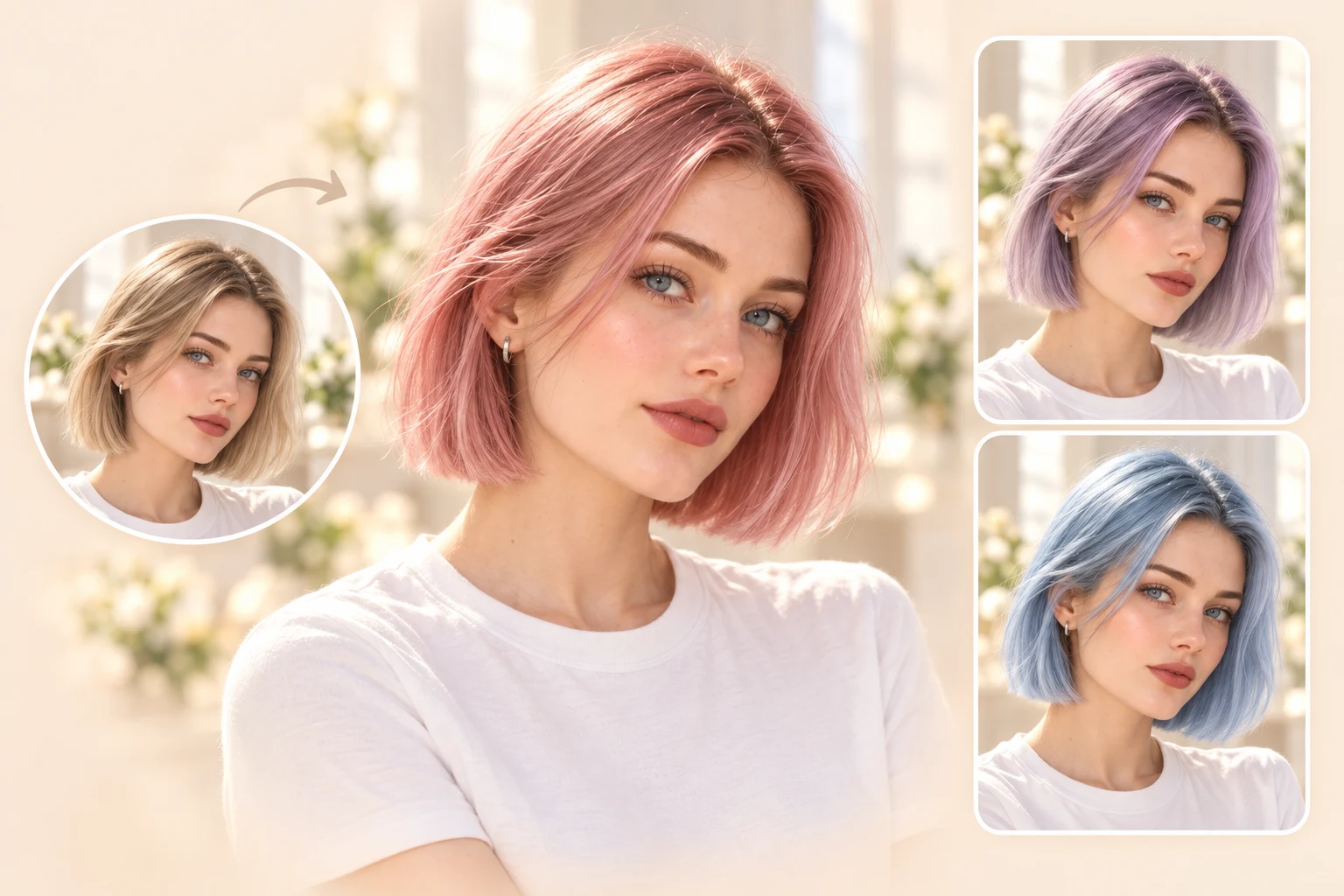
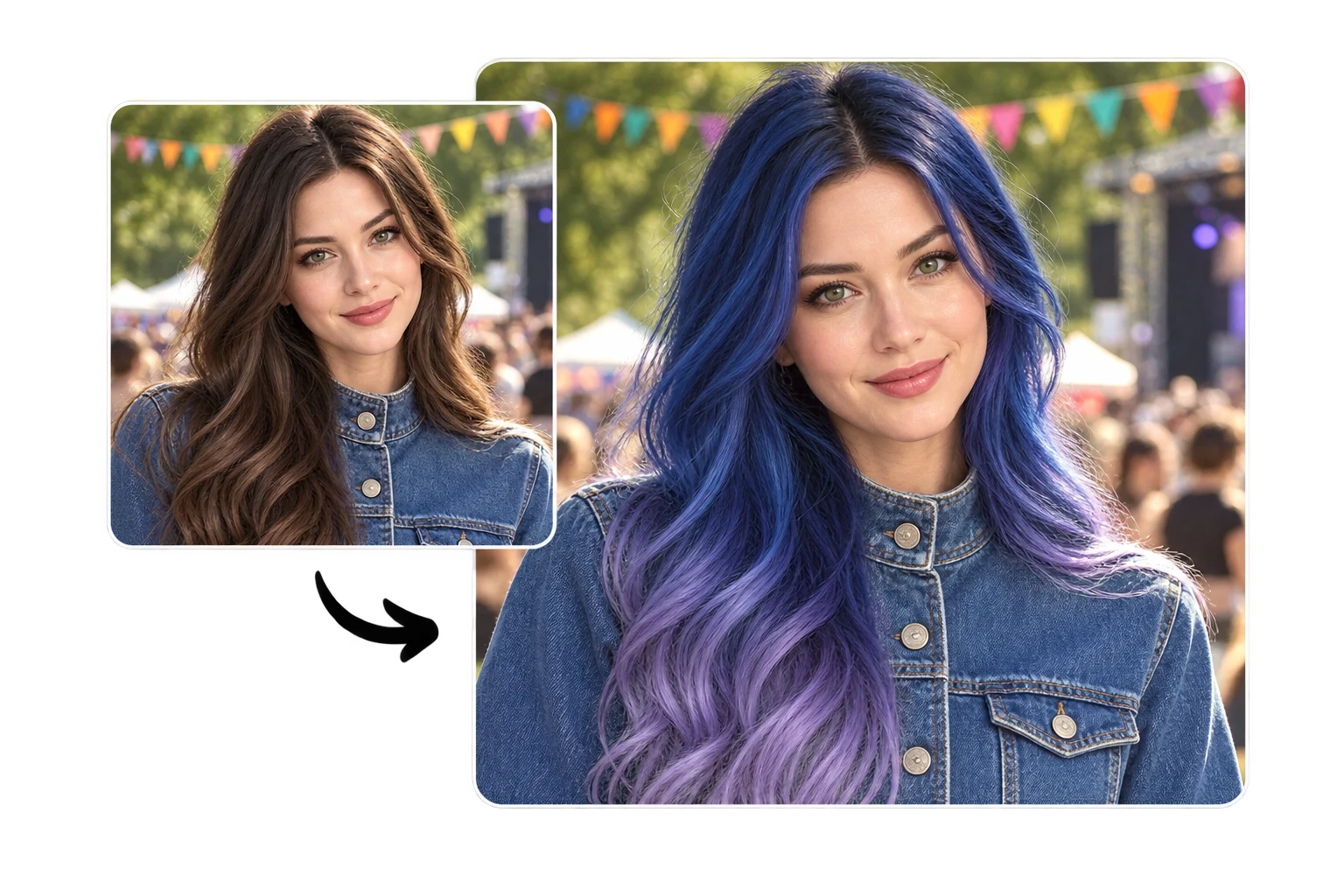
Pastel pink, lavender, and icy blue are fun to imagine and harder to commit to. See them on your photo first, then decide whether they're worth the bleach.
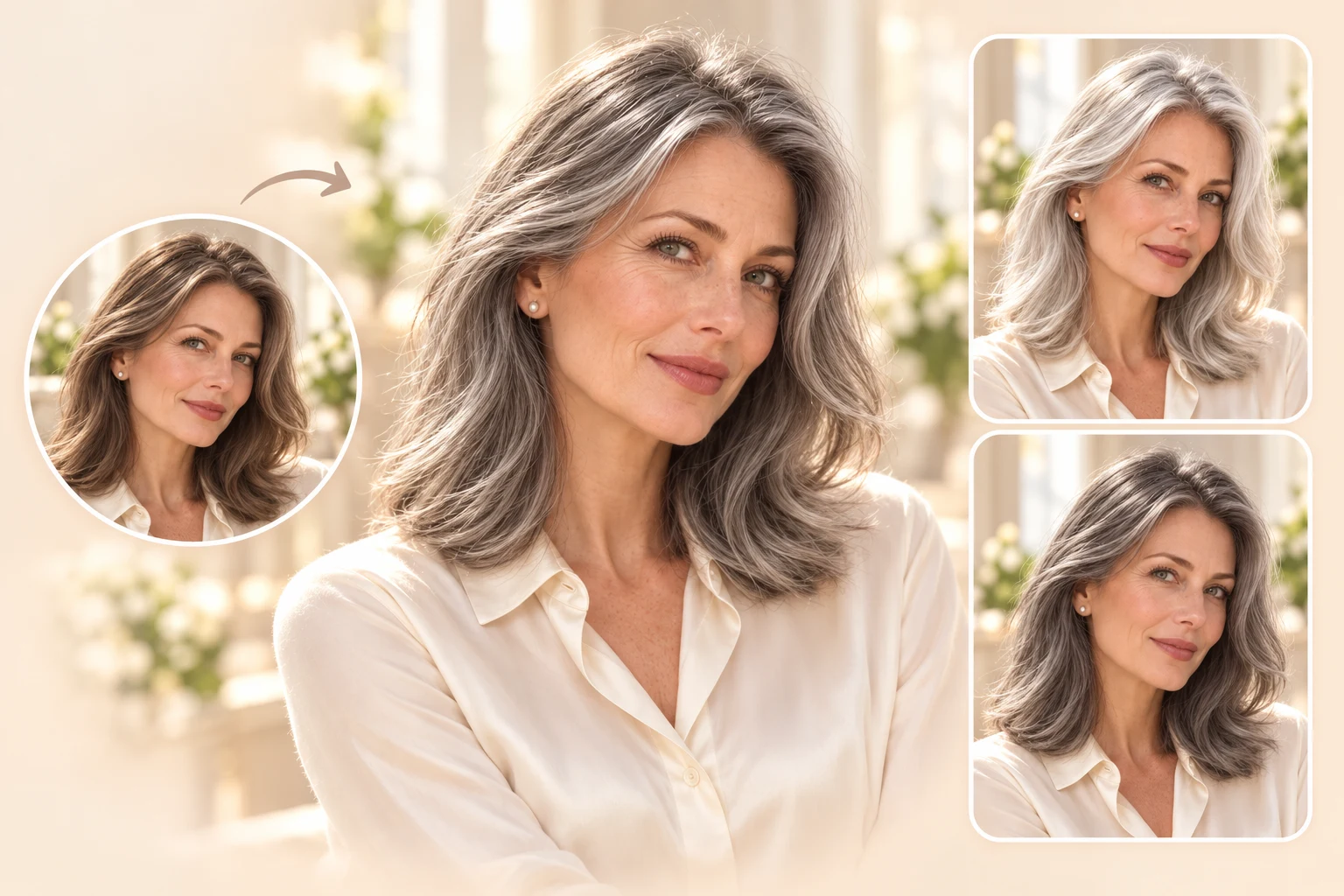
Natural gray, smoky silver, and platinum gray range from soft to bright. Compare all three to choose how bold you want your silver to look.
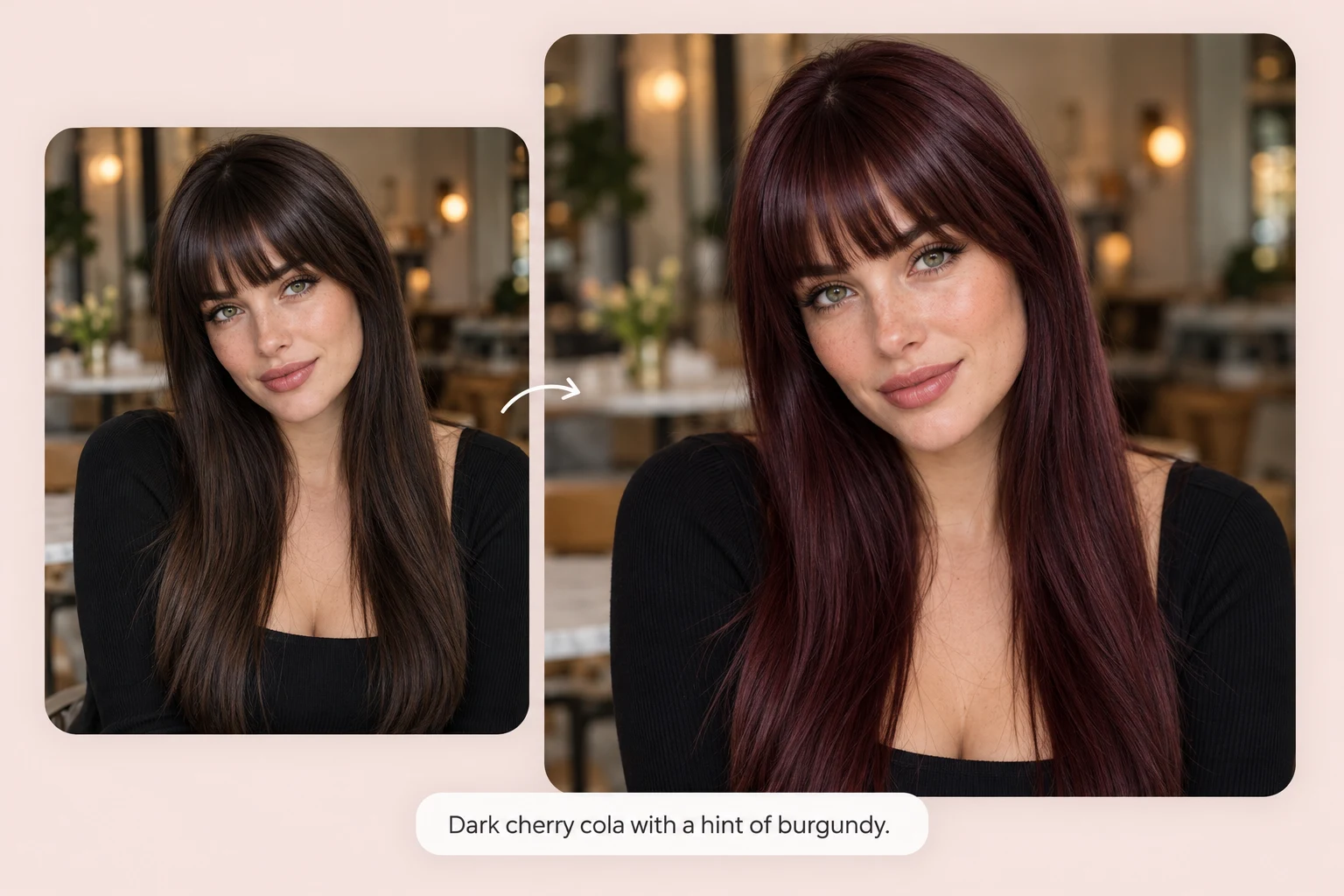
Sometimes the shade you want doesn't have a name on a swatch. Describe it the way you'd tell your colorist: "dark cherry cola with a hint of burgundy." PhotoGrid's AI hair color changer builds that exact shade on your photo. Then adjust one detail at a time, like warmer, darker, or softer at the roots. Keep going until it matches the color in your head.
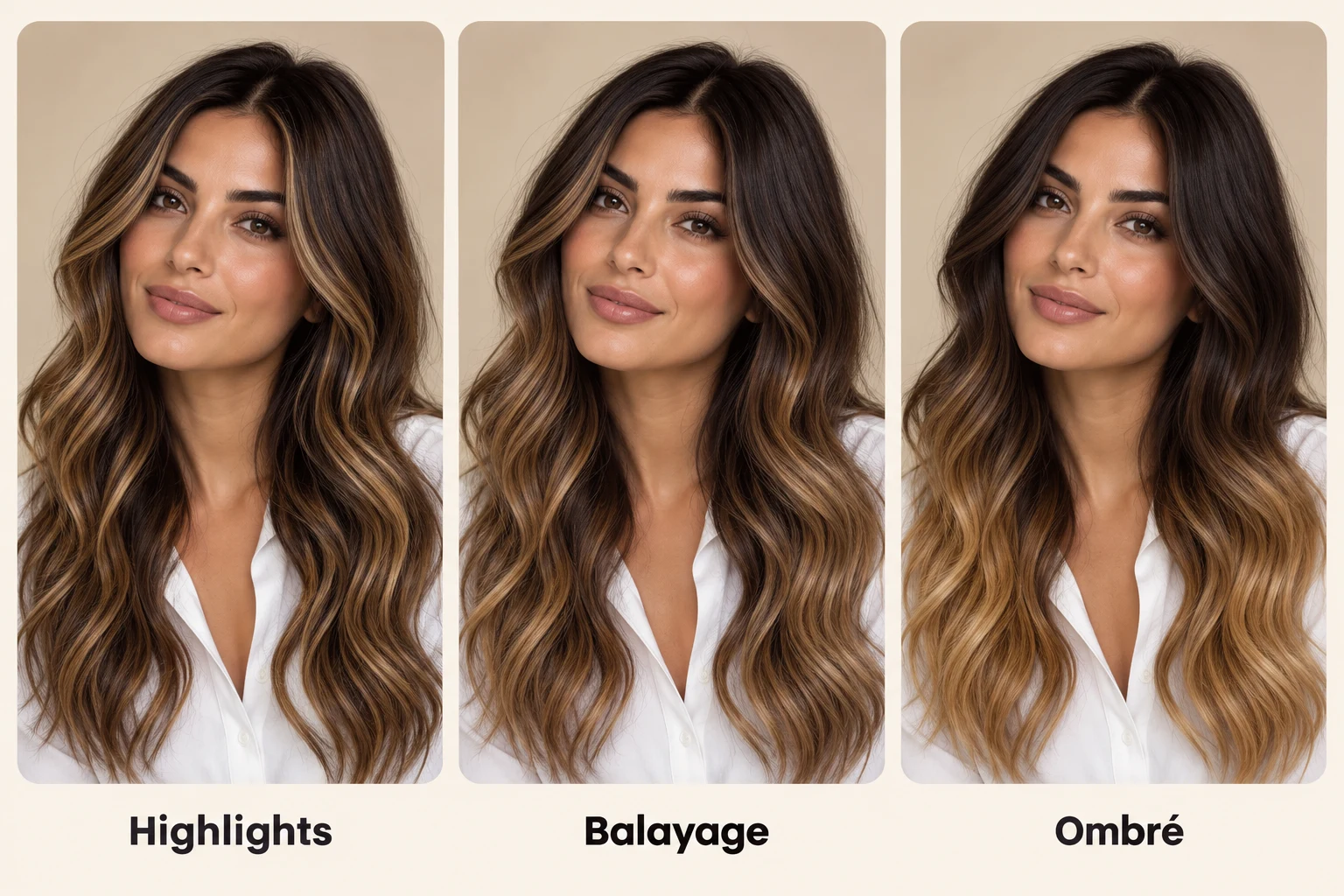
An all-over color is only one option, and many salon looks are really about where the lighter pieces fall. Ask PhotoGrid for mocha balayage, face-framing hair highlights, a money piece, or a brown-to-honey ombré, and see the placement on your own hair. Bring the preview to your colorist, so you're both talking about the same look.
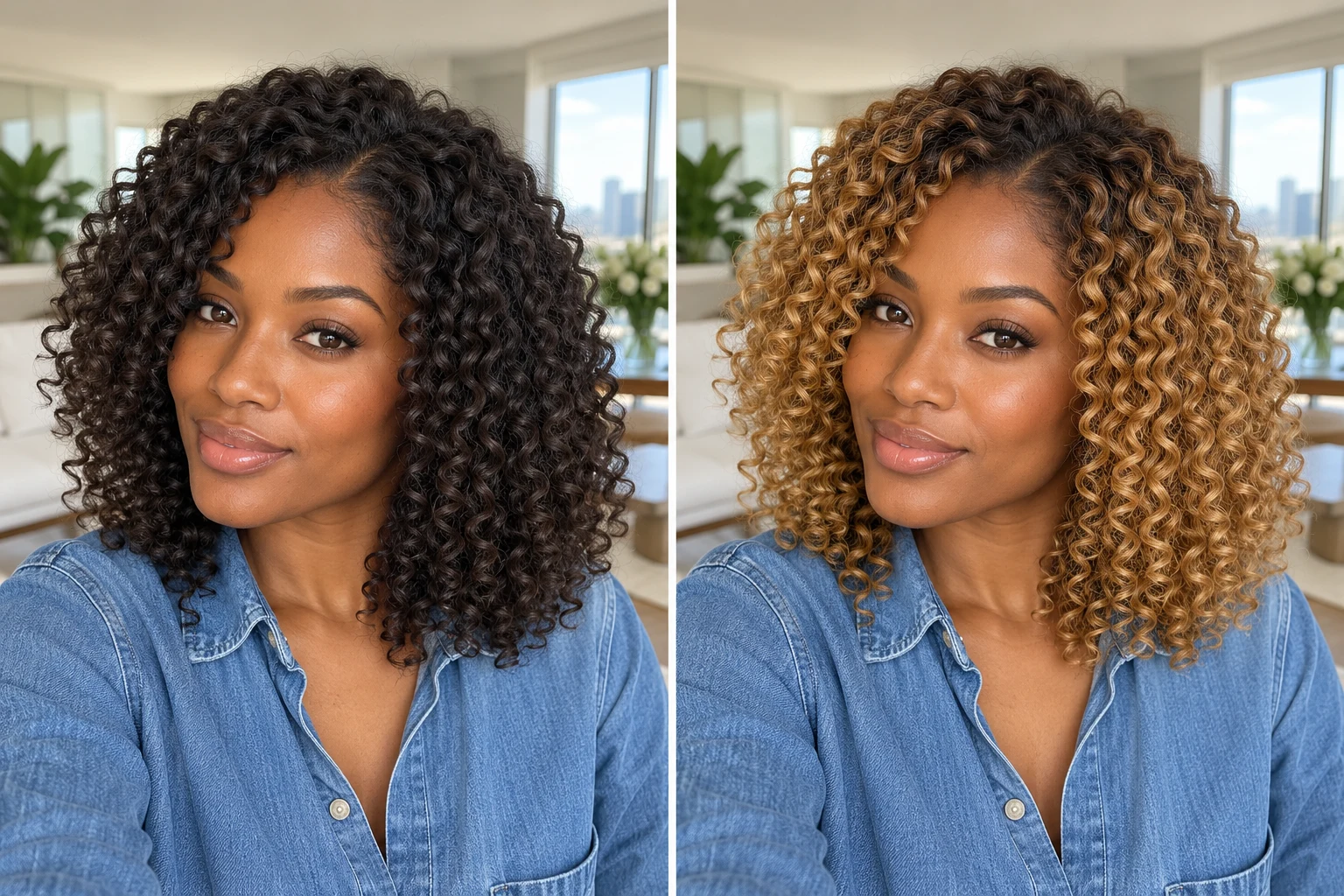
Going from black or dark brown to blonde usually means bleach and more than one salon visit, so it's the change people think about longest. Upload a photo of your dark hair and PhotoGrid previews honey, ash, or platinum blonde, plus pastels like lavender, as if your hair were already lifted. You see the end result first, then plan the steps with your colorist.
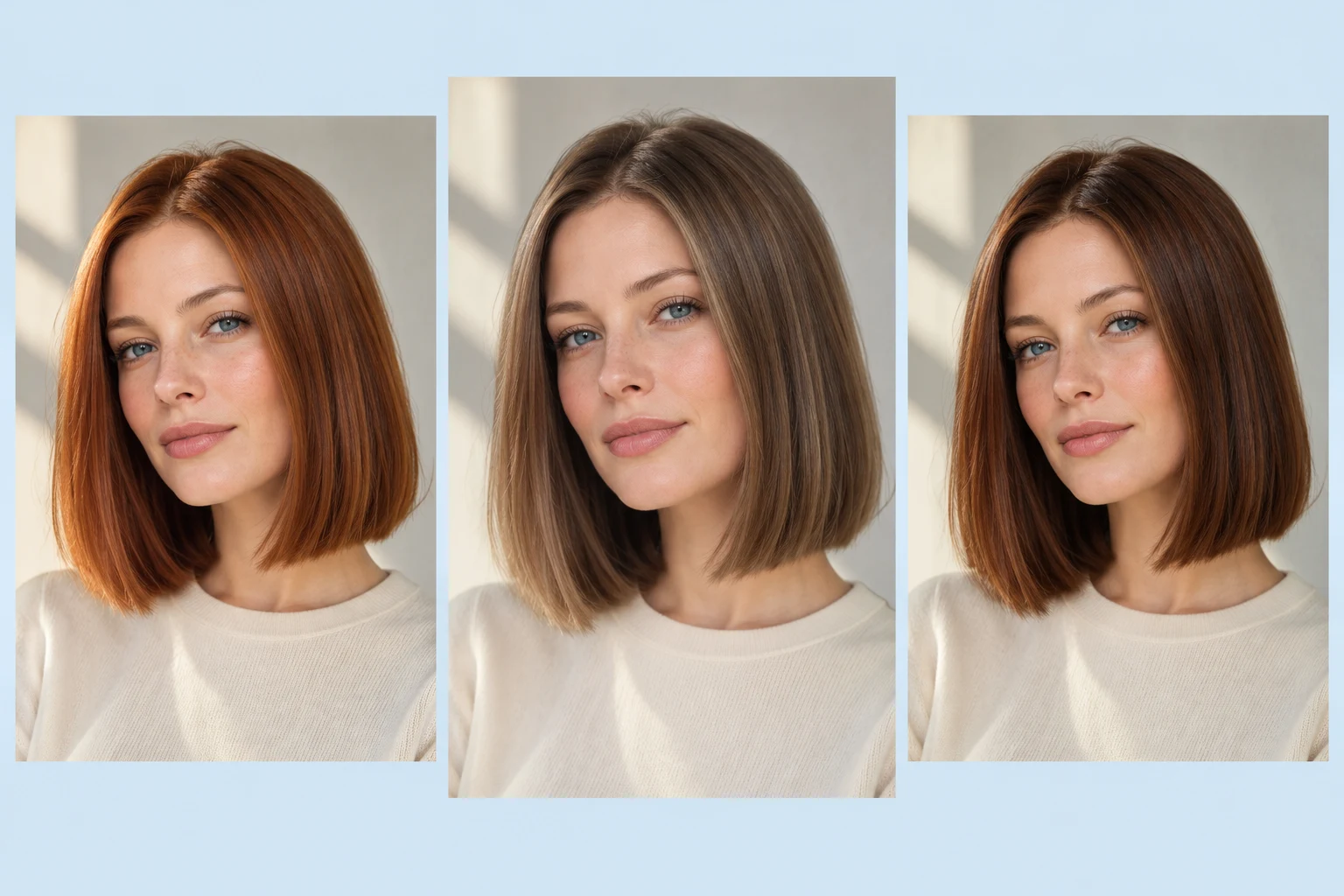
Picking between two shades from memory almost never works. Generate a few colors from the same photo with PhotoGrid and look at them next to your original. Now "what hair color suits me?" is something you can answer by looking. Put a warm copper beside a cool ash brown, or a lighter brown beside a deeper one. The shade that brightens your skin stands out fast.
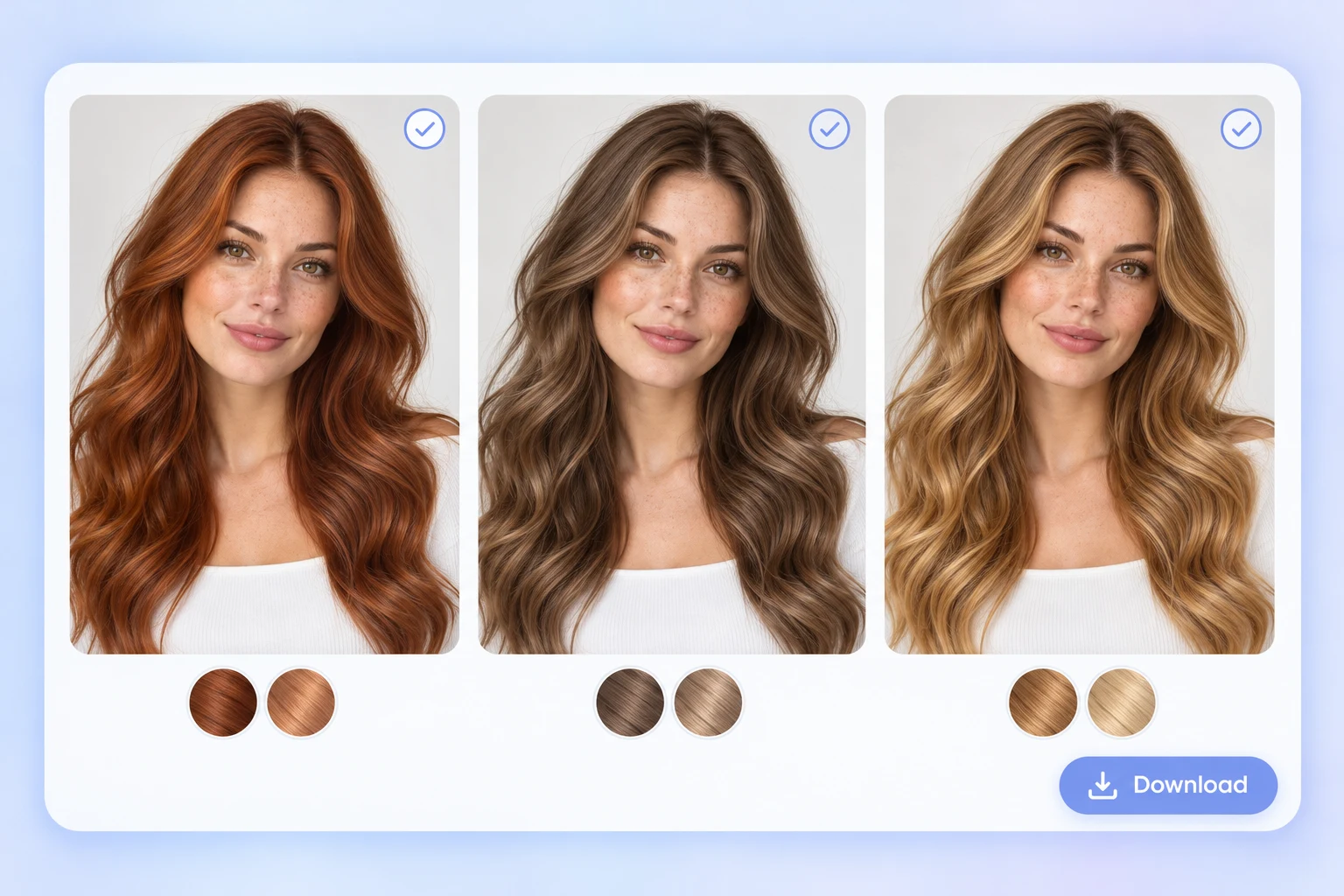
A screenshot of a celebrity tells your stylist very little about your own hair. Download your favorite shades from PhotoGrid with no watermark and keep them in one folder on your phone. Lay out your top three with the AI collage generator to show your stylist one clear comparison, or send it to friends for a quick vote.
From a first dye job to a festival look, every color decision starts with the same question of how it will look on you. PhotoGrid's AI hair color changer gives you the answer before you commit.
A first dye job feels like a big step, so start with a soft change you'd still like a month from now.
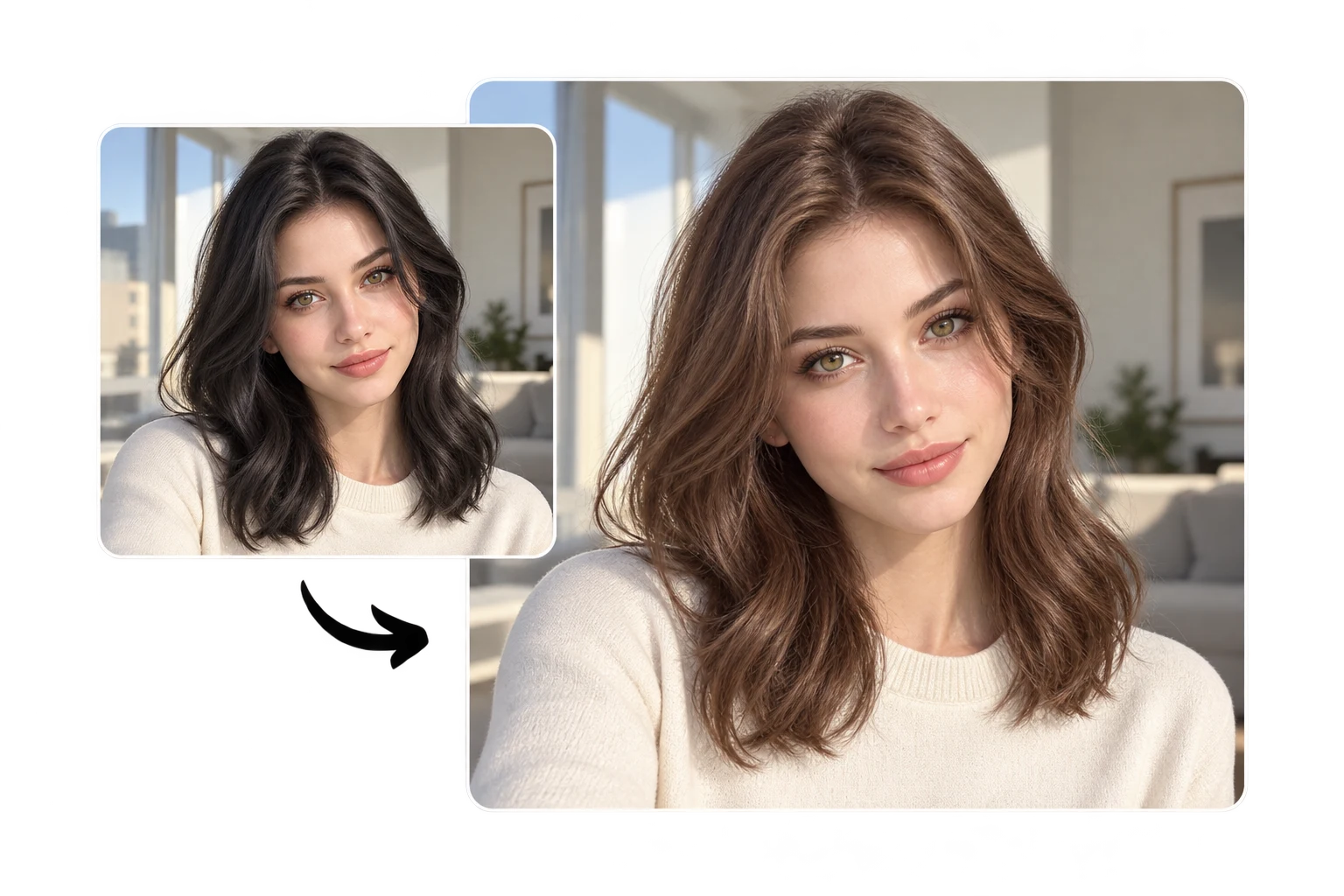
Hair stylists can run a client's photo through a few shades during the consultation, so both agree on the color before any dye is mixed.
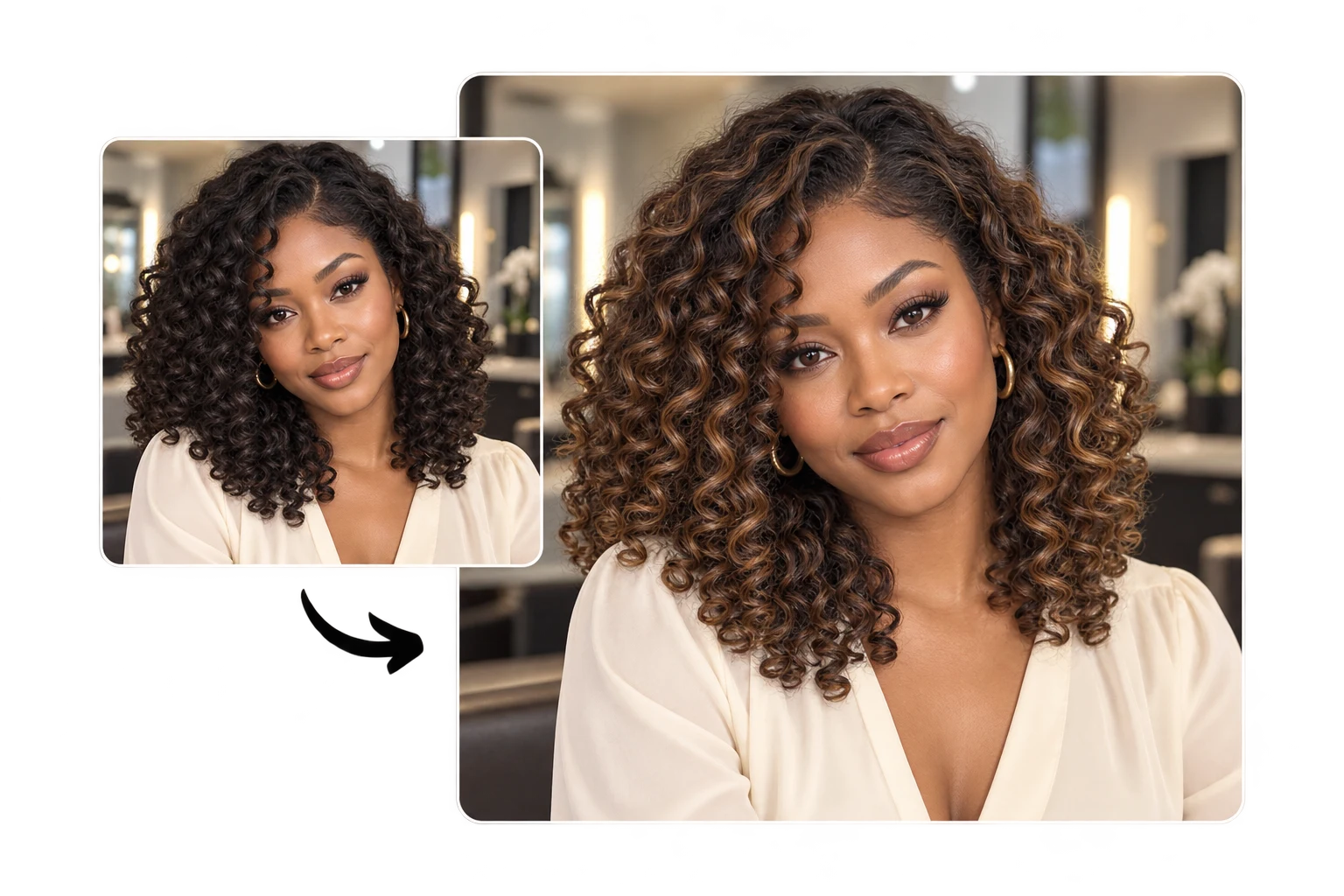
Walk into your appointment with a photo of the exact balayage you want, instead of a screenshot of someone else's hair.
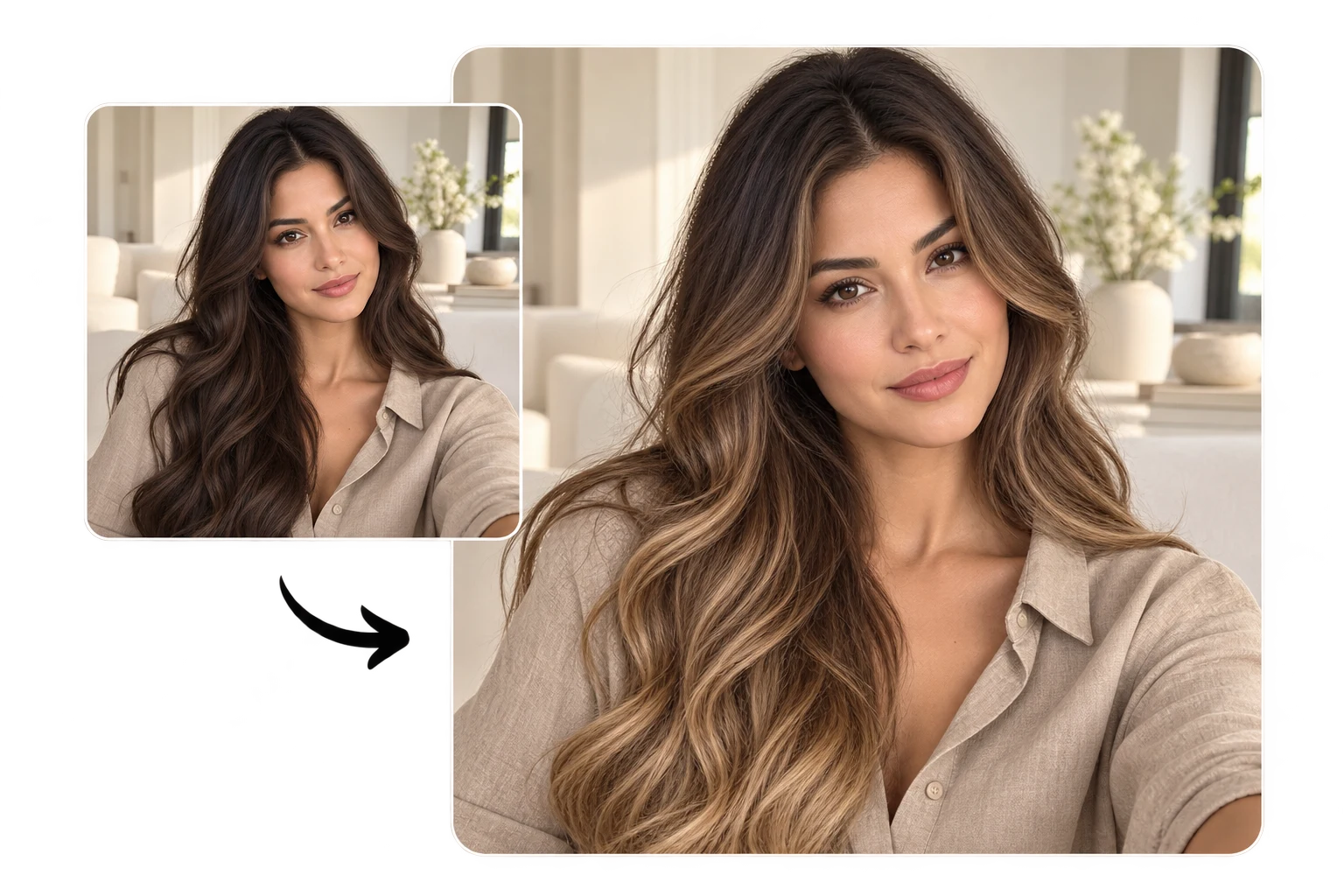
The gray hair filter shows what growing out your grays, or going silver on purpose, would look like on your own face.
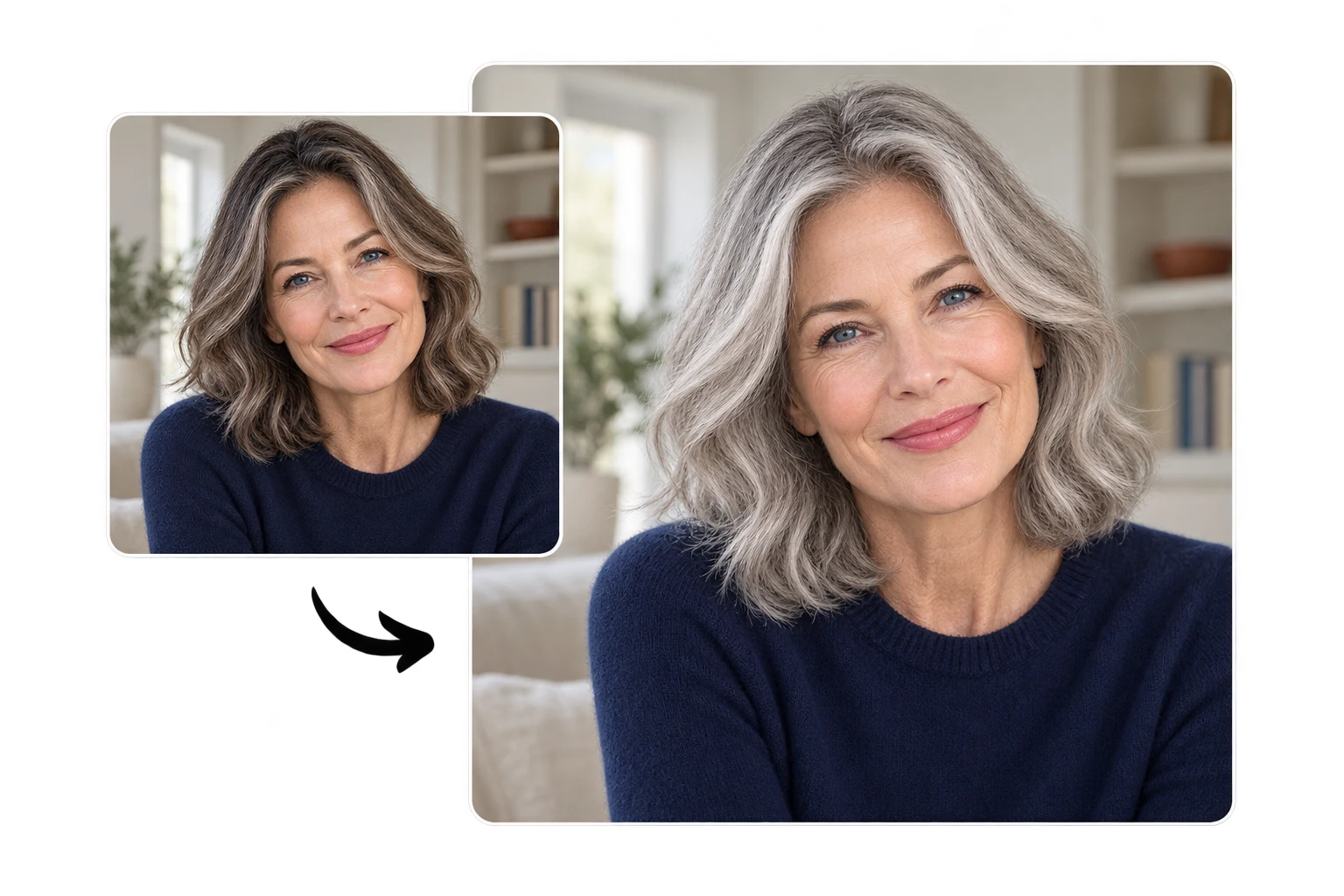
Change the hair color in a photo for a new profile picture or a post that stops the scroll, with no real dye involved.
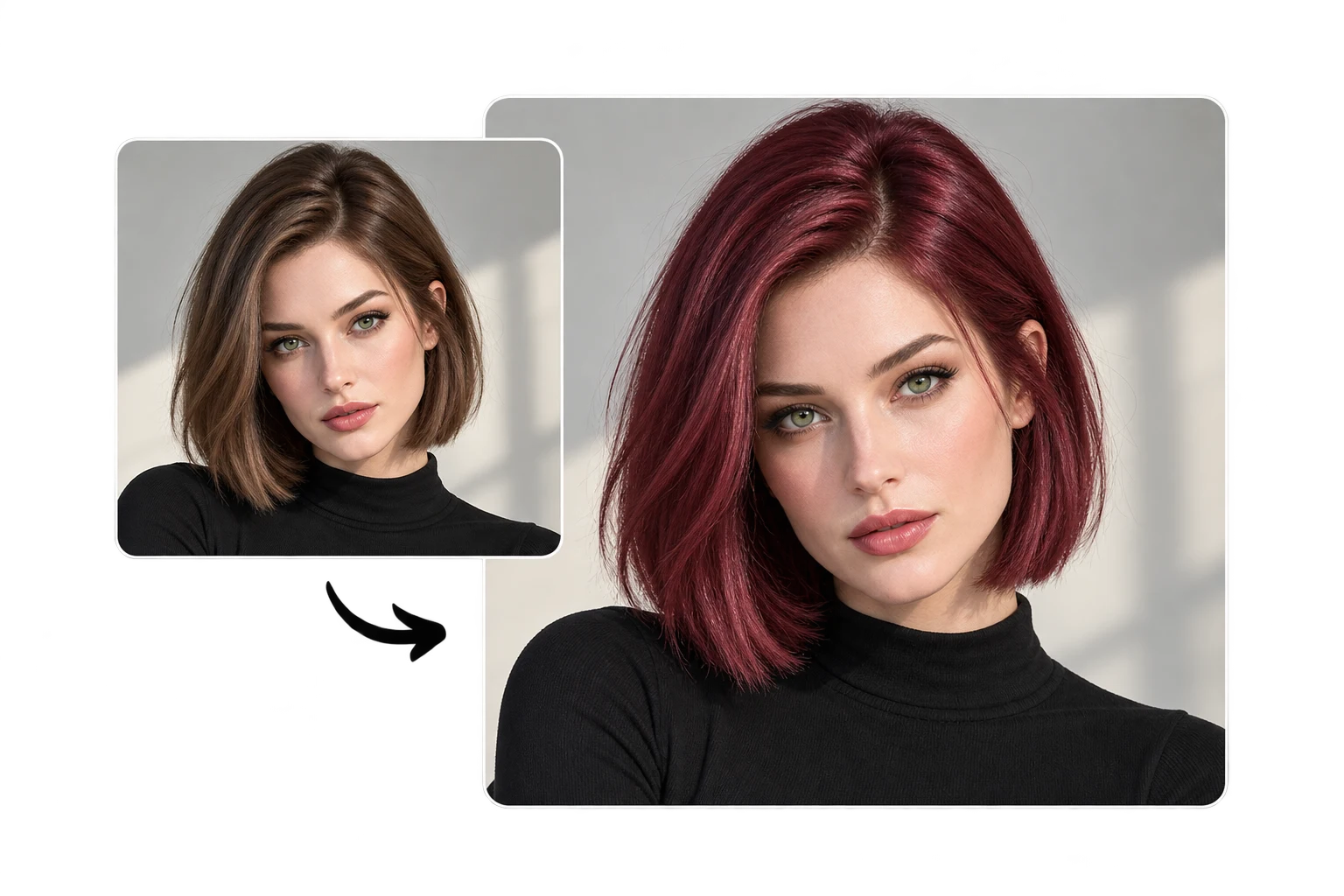
Pink, purple, and blue hair look great at a festival or in a costume. A preview tells you which shade to buy before the event.
 1
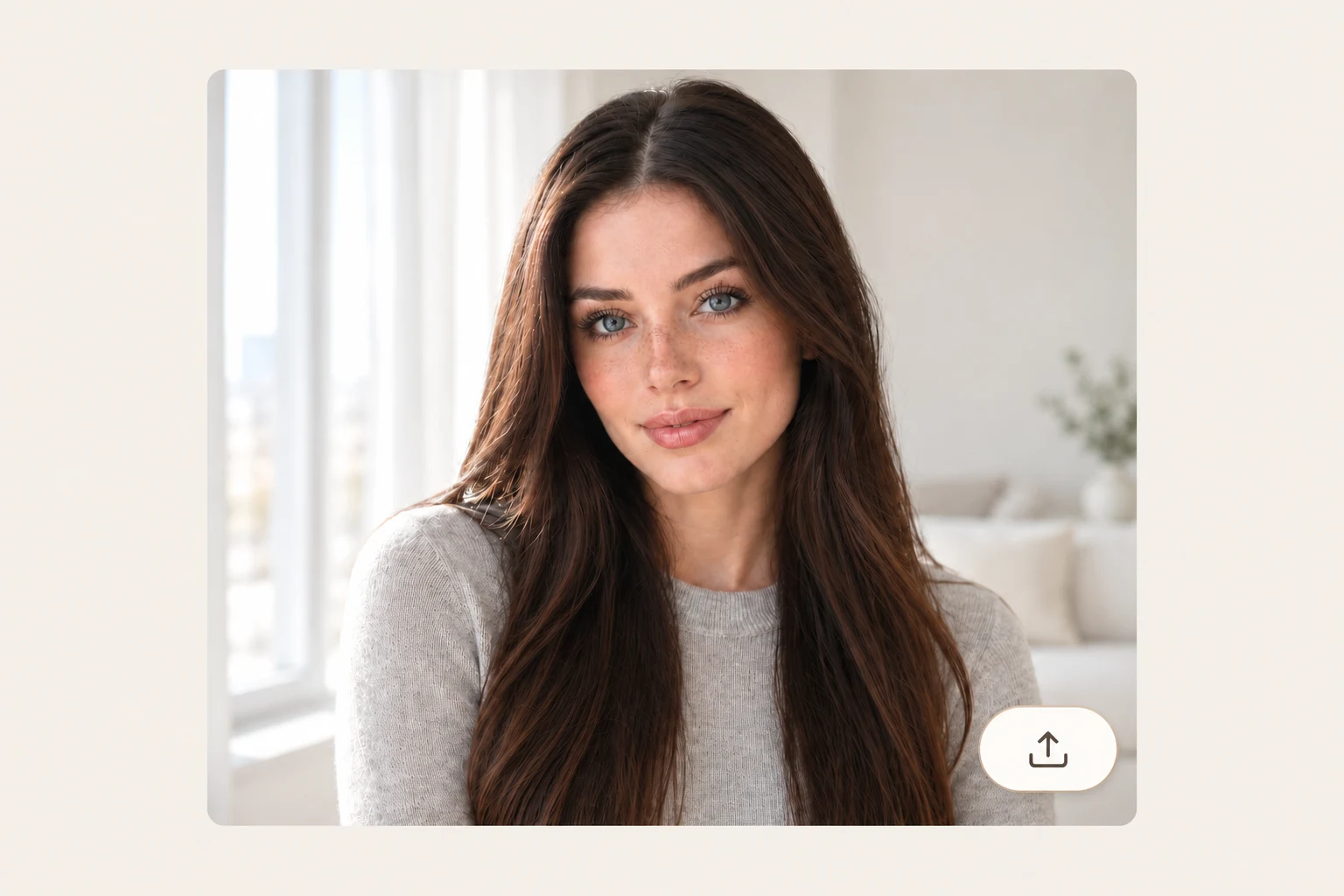
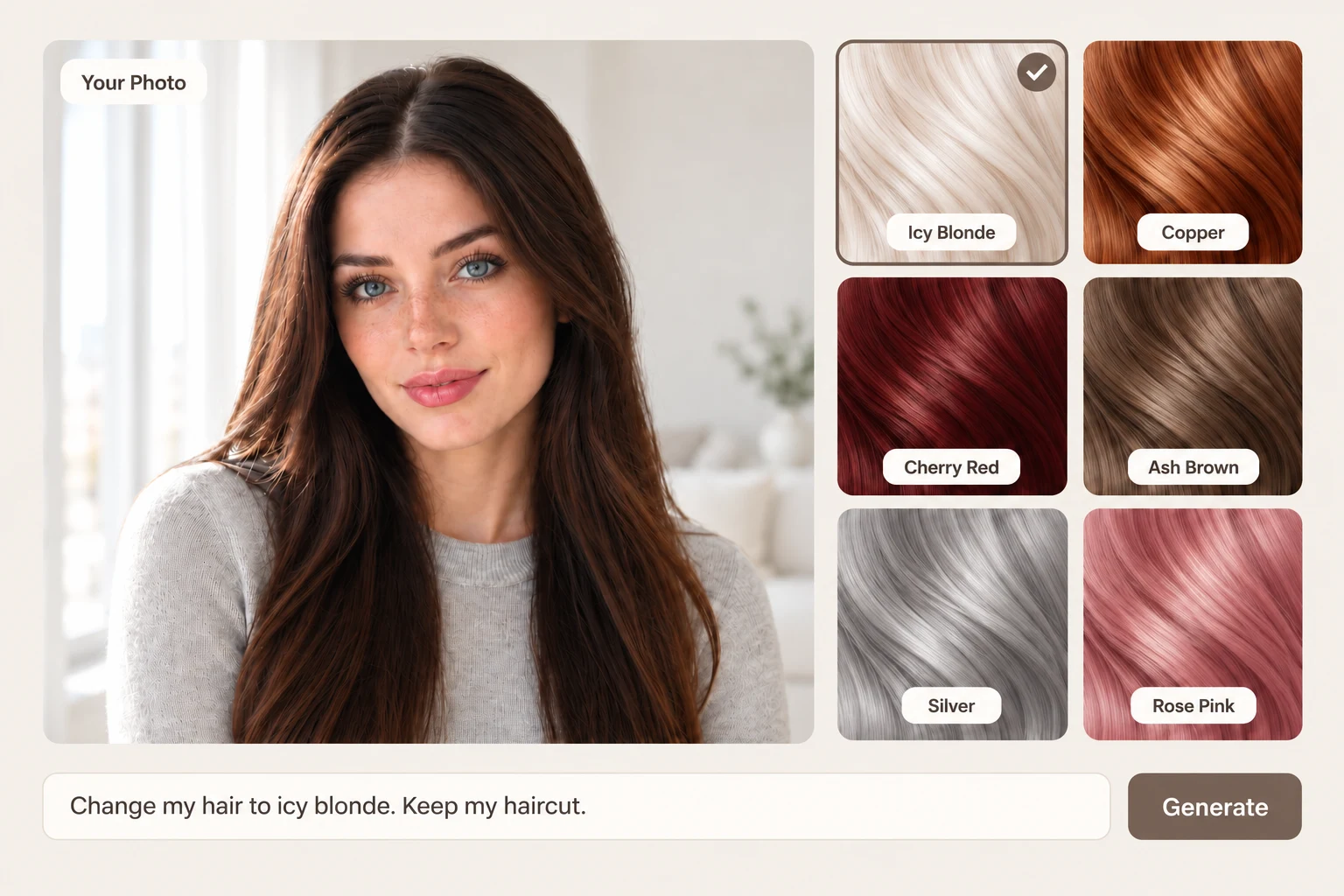
1Choose a front-facing photo taken in natural daylight, close enough that your hair looks sharp. Keep your hair off your face and in front of your shoulders, and skip hats and heavy filters.
 2
2Click a shade like honey blonde or copper, or type the exact color you want. Add "balayage" or "highlights" for a two-tone look.
 3
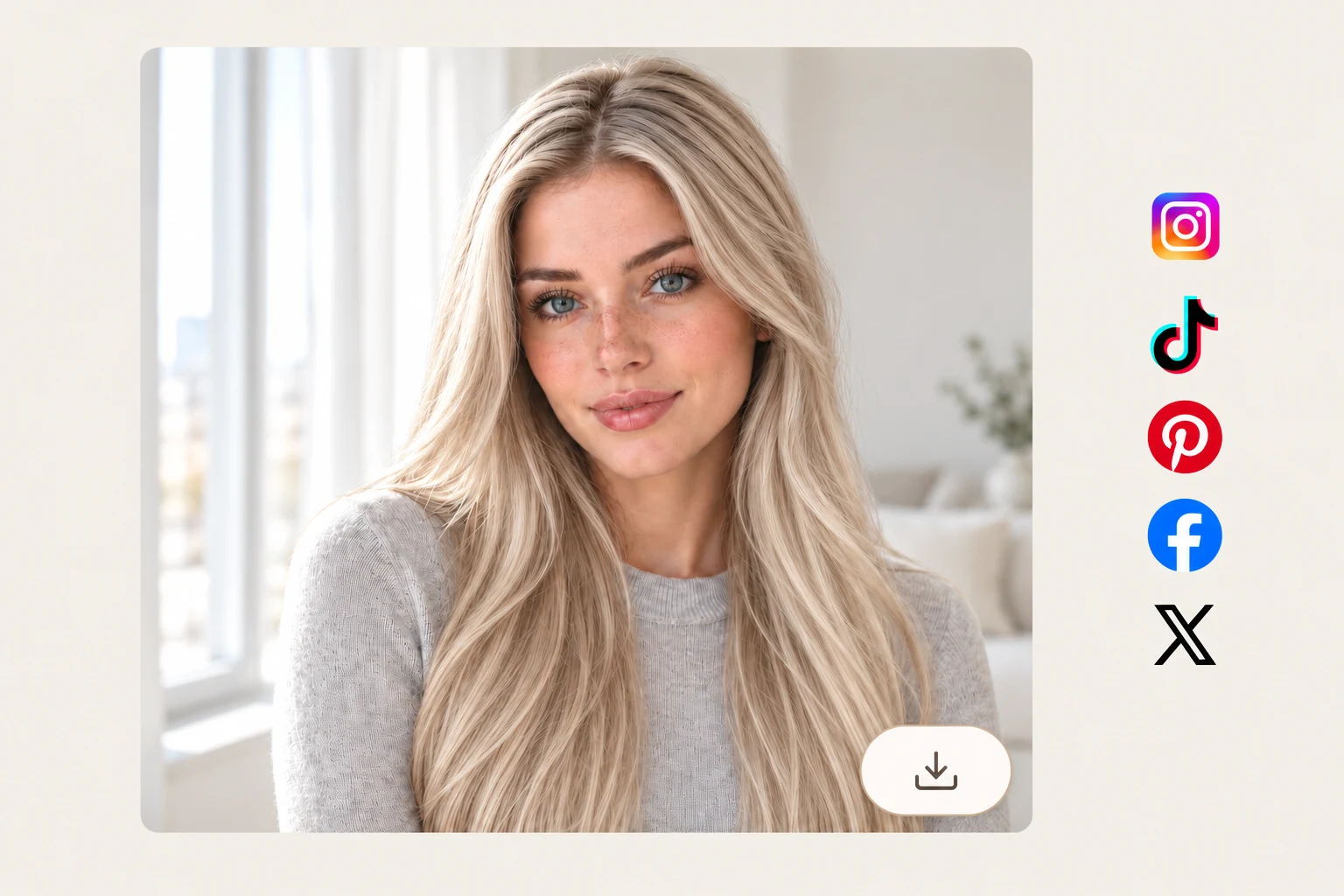
3Generate your new color and download the result with no watermark.
A shade you regret can take weeks of toning to fix, but a preview you don't like takes one click to skip. Find the color that feels like you, then book it with confidence.