A Simple Starting Point
Use your person photo, describe the outfit and add references if useful. Keep the same photo while exploring different ideas.

Start with your photo and explore outfit ideas for work, travel or everyday life. Add optional clothing references or describe the look you want to try.
Loading Doubao Seedream 5.0 Pro Photogrid…
Your result is saved to your image history. View history
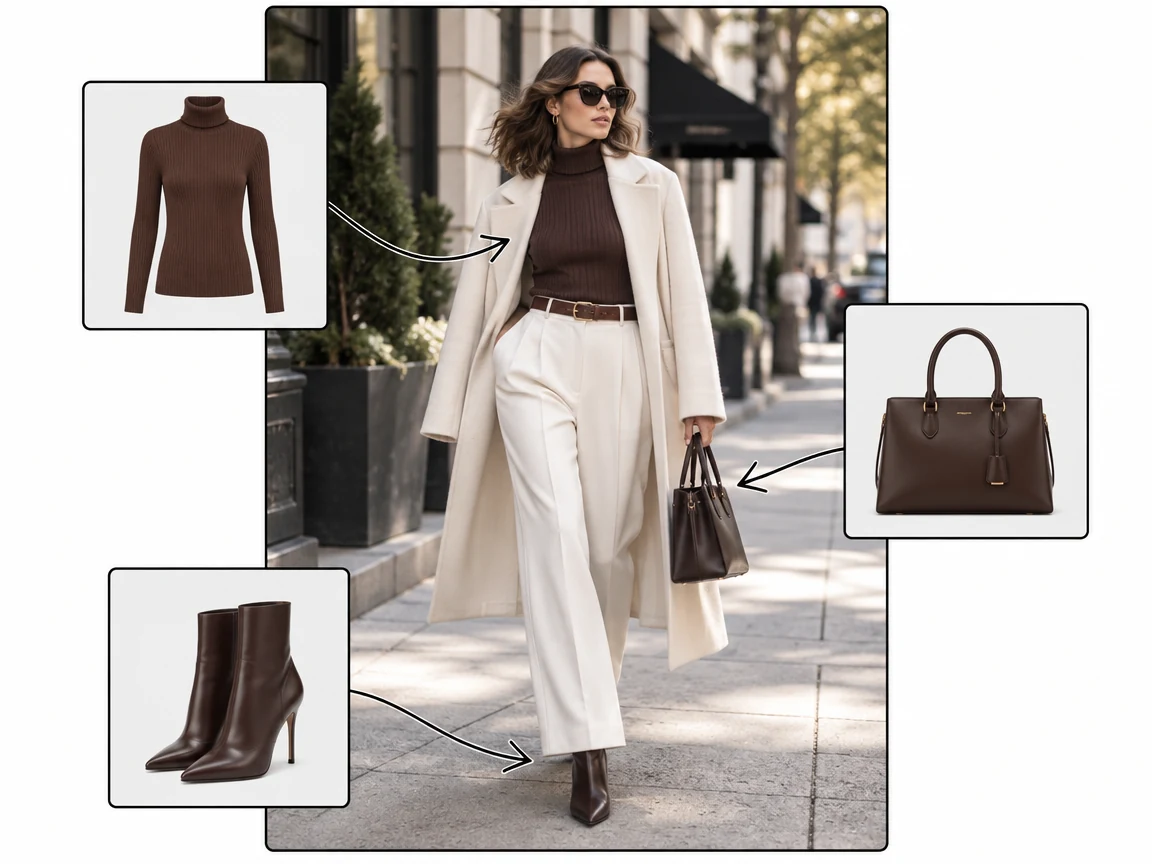
Upload your person photo and add images of clothing you want to combine. The AI uses the references to create an outfit preview on your photo.

Describe an occasion, color palette or clothing style, such as a neutral office outfit or summer streetwear. A person photo is required, even when you use only a prompt to guide the outfit.
Try minimalist, vintage, Y2K or streetwear ideas. Describe the details or add clothing references, then compare different looks on the same photo.
Explore everyday outfits, shopping ideas and travel looks with a person photo as your starting point.
Describe your plans and preferred clothing to explore an outfit idea. Review the result and save the looks you want to try in real life.
Add a reference image of a jacket, dress or shoes and see a visual interpretation on your photo. Always check actual product details and sizing separately.
Explore a fashion direction without changing your wardrobe first. Compare colors, silhouettes and layers using different prompts or references.
Use references of key wardrobe pieces to explore coordinated looks for a trip or work week. Generated images provide inspiration, not a verified wardrobe inventory.
Start with a clear person photo in JPG, JPEG, PNG or WebP format under 10 MB. Clothing references are optional; the person photo is required.
Write the colors, garments or occasion you want. You can also add clothing reference images or choose a preset, then adjust the description.
Sign in and check the credit cost before generating. Preview your outfit image, download it or return to My Images to view it later.
Start with a clear person photo in JPG, JPEG, PNG or WebP format under 10 MB. Clothing references are optional; the person photo is required.
Write the colors, garments or occasion you want. You can also add clothing reference images or choose a preset, then adjust the description.
Sign in and check the credit cost before generating. Preview your outfit image, download it or return to My Images to view it later.
Use your person photo, describe the outfit and add references if useful. Keep the same photo while exploring different ideas.
Guide the look with a theme, color palette, garment or occasion. Edit the prompt to try another direction.
Explore outfit ideas on desktop or mobile in your browser. No separate wardrobe app is required.