

 pg
pgSeedance 2.5 AI Video Generator
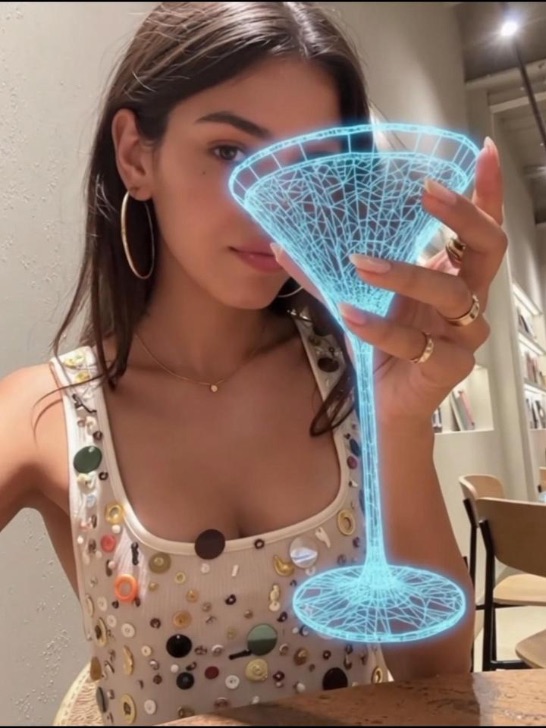
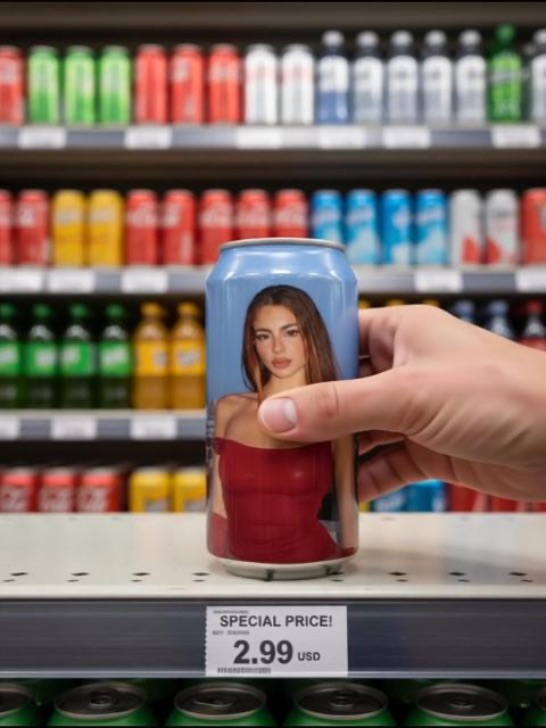
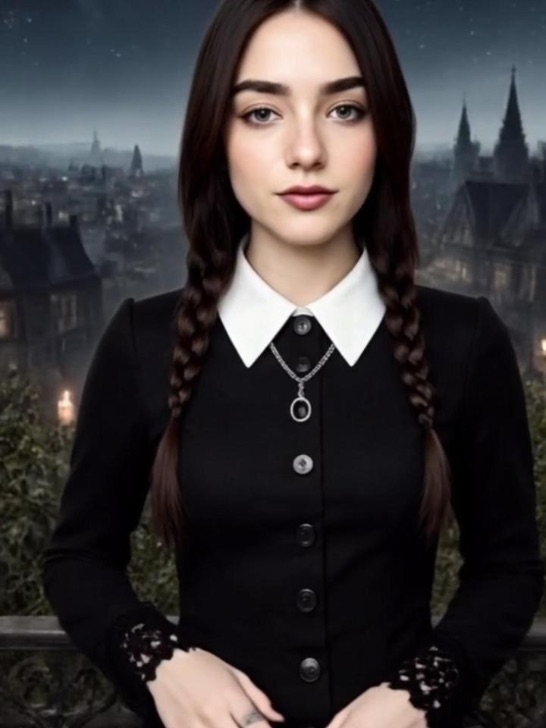
Use the Seedance 2.5 AI Video Generator to create 30-second AI videos from prompts, product images, storyboards, video clips, and audio. Make UGC videos, product ads, avatars, and short stories online with up to 50 references.
pg pg
pg pg
pg pg
pg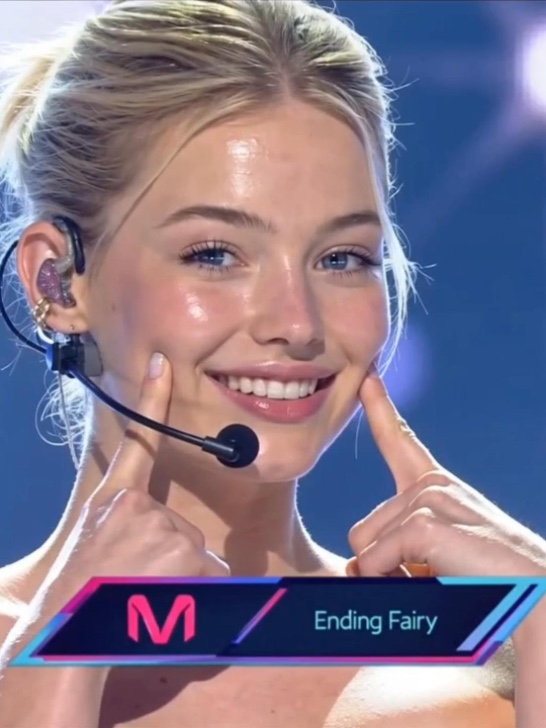 pg
pg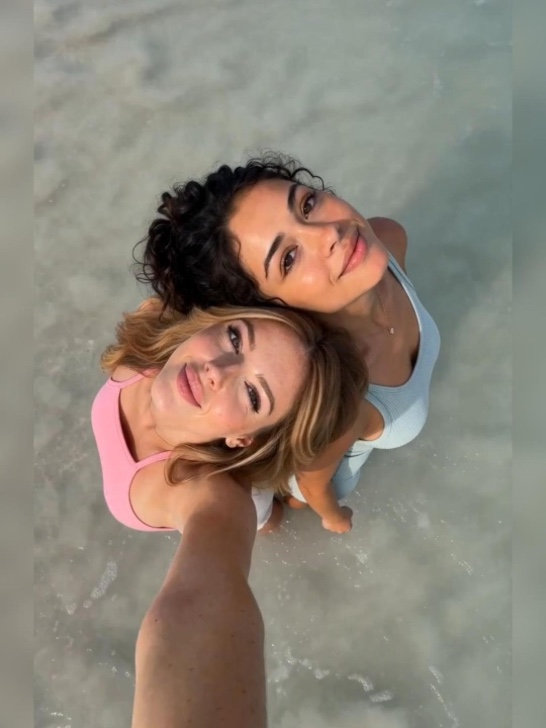 pg
pg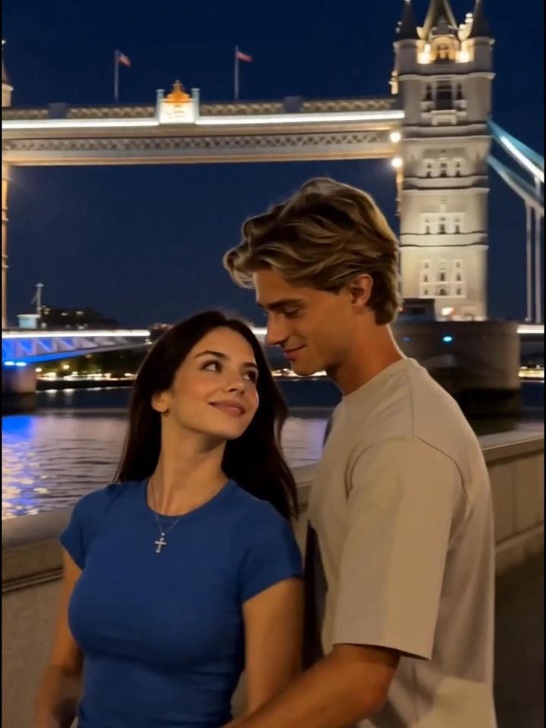 pg
pg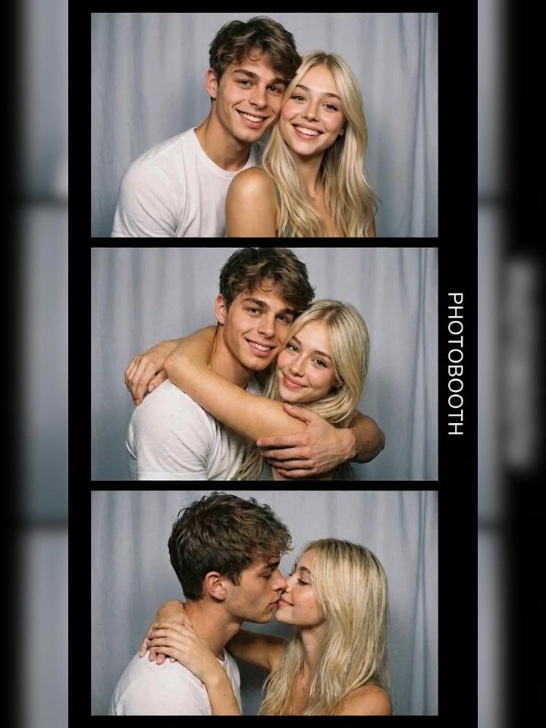 pg_aistyle
 pg_aistyle
 pg
pg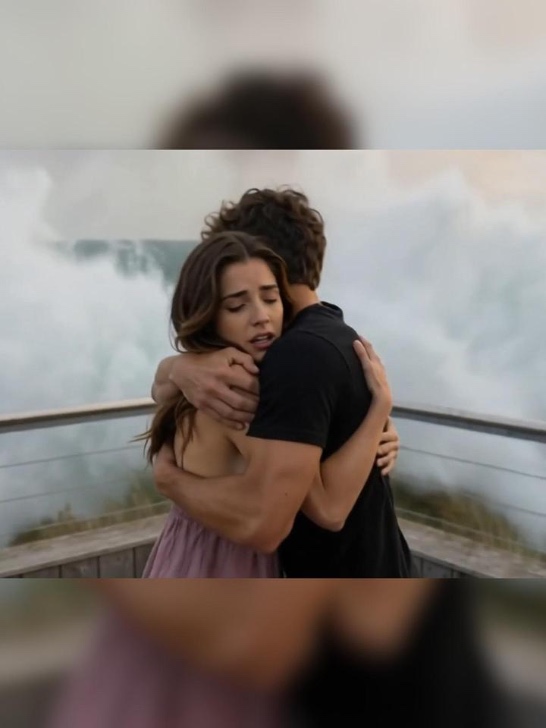 pg
pg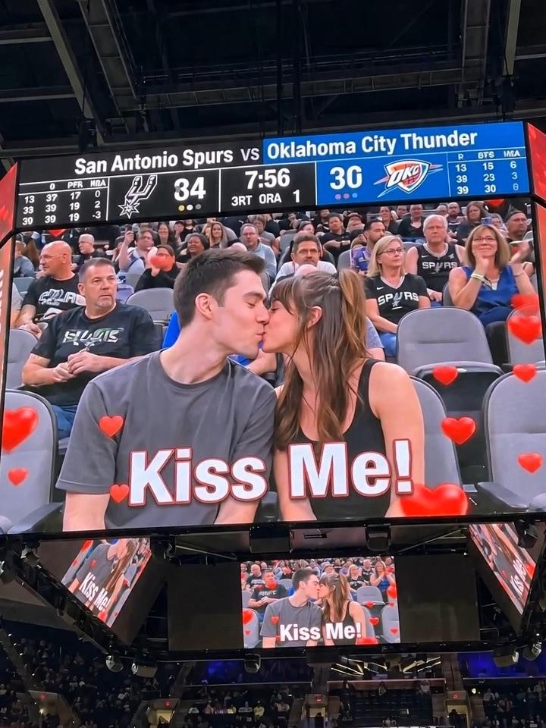 pg_aistyle
 pg_aistyle
 pg
pg pg_aistyle
 pg
pg pg_aistyle
 pg_aistyle
 pg_aistyle
 pg
pg pg
pg pg
pg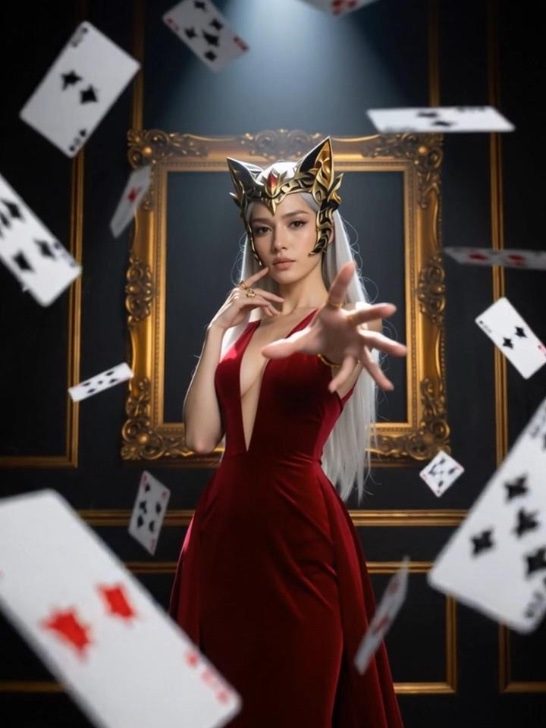 pg
pg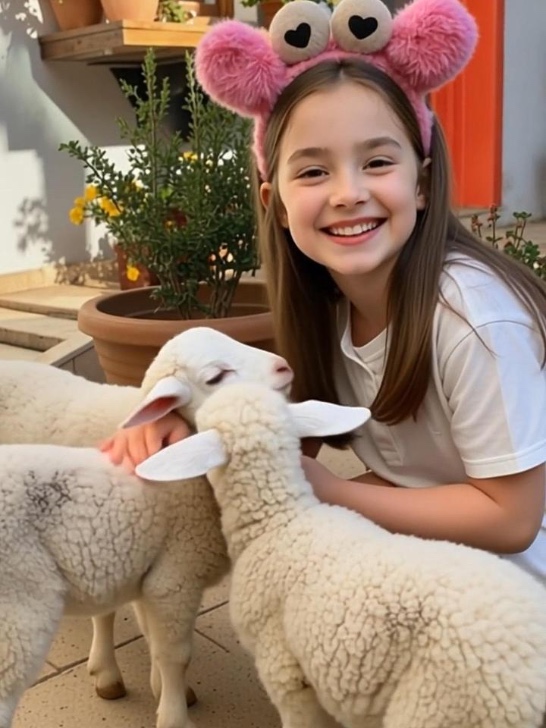 pg
pg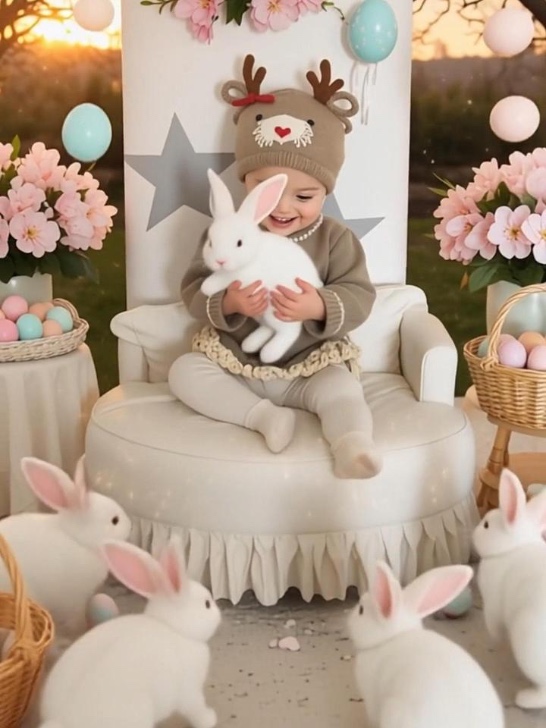 pg
pg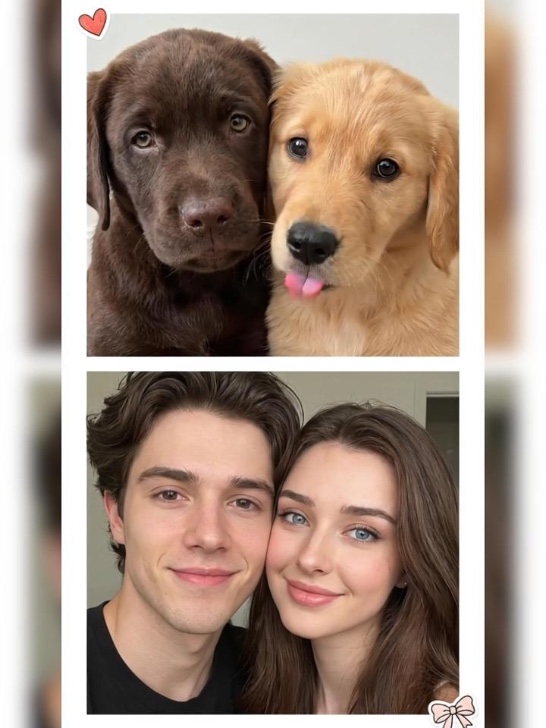 pg
pg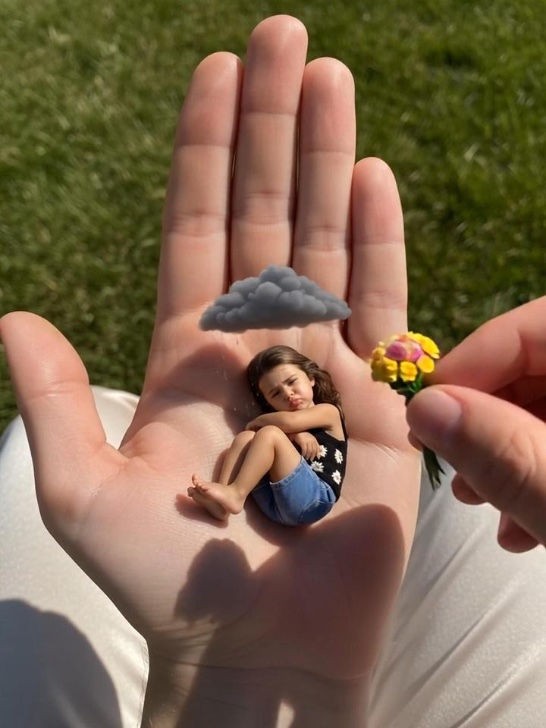 pg
pg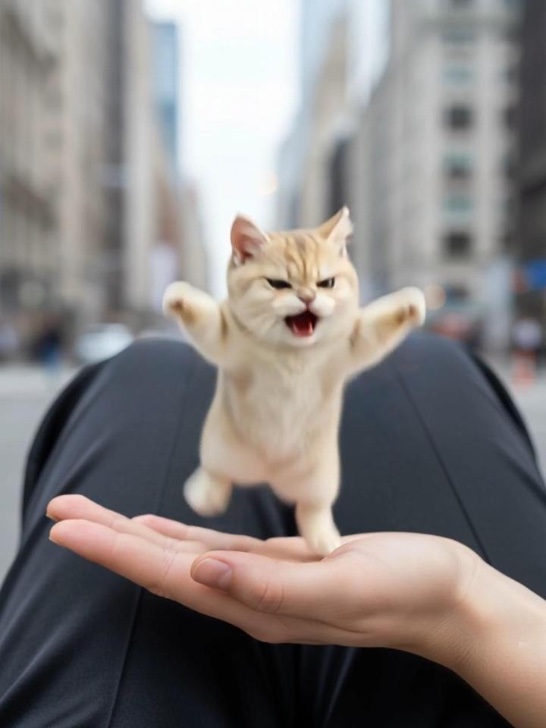 pg
pg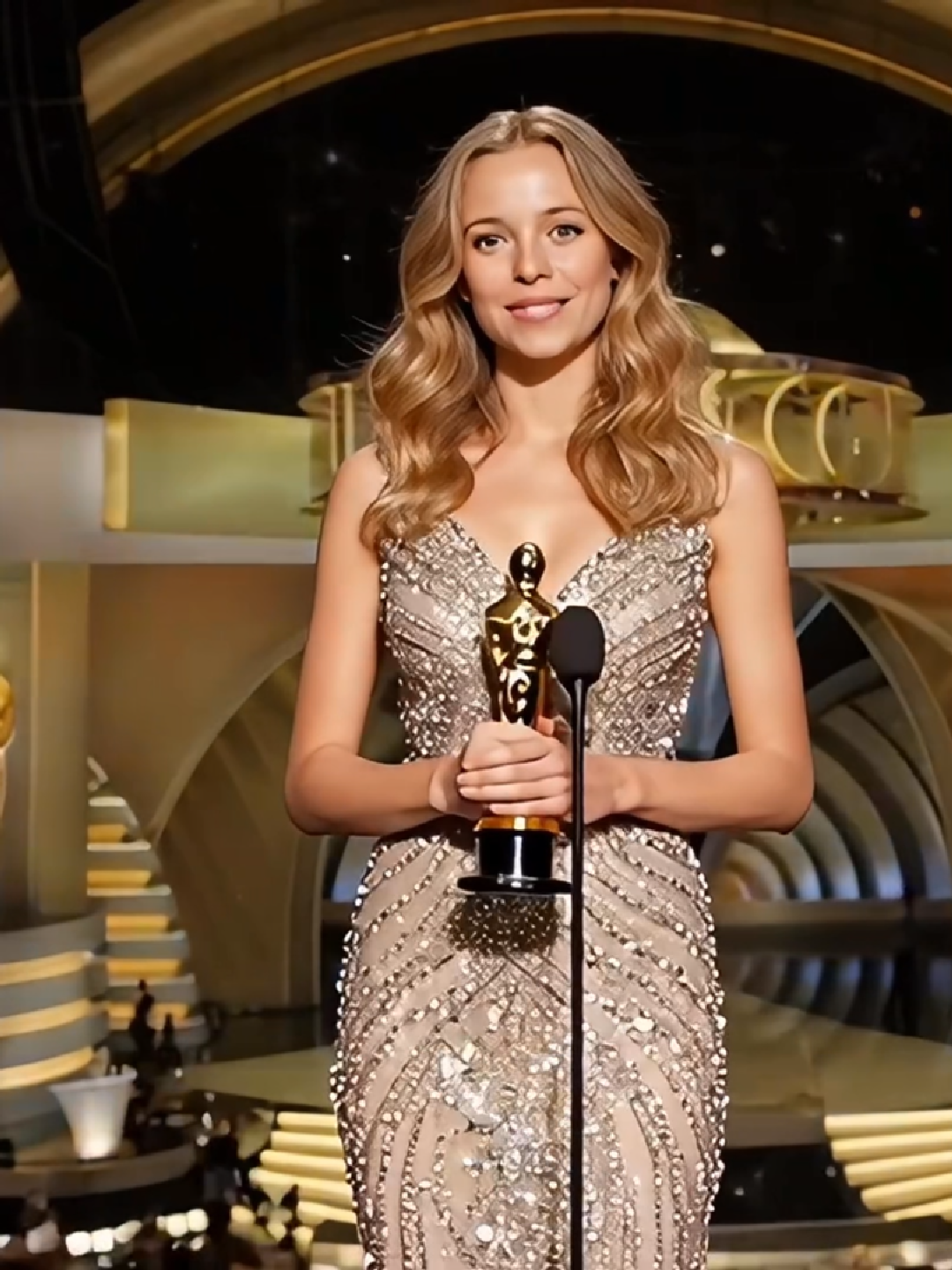 pg
pg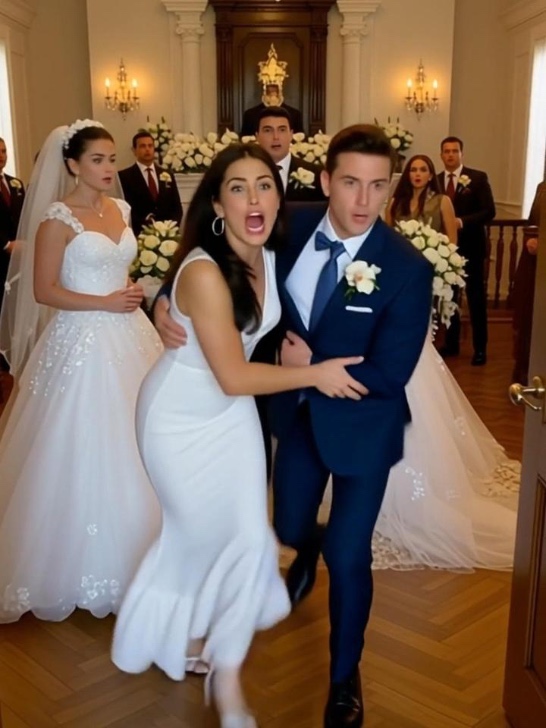 pg
pg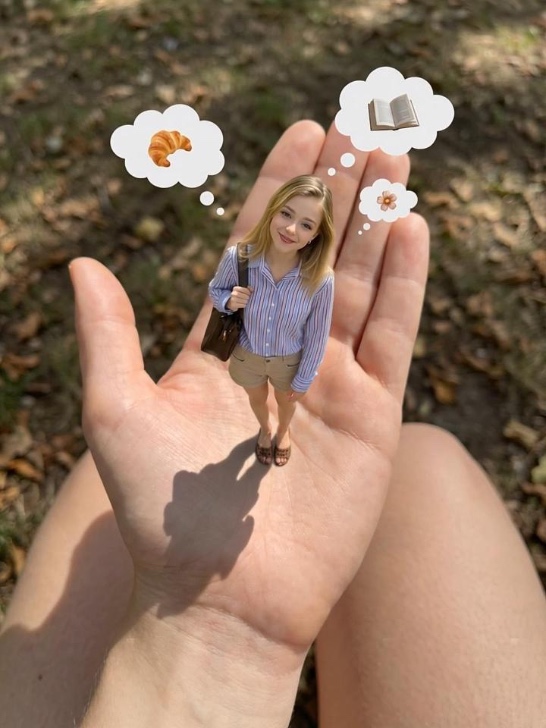 pg
pg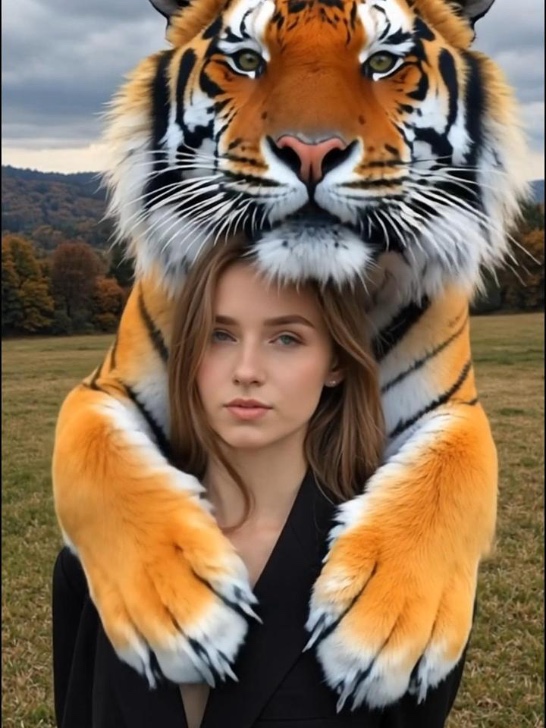 pg
pg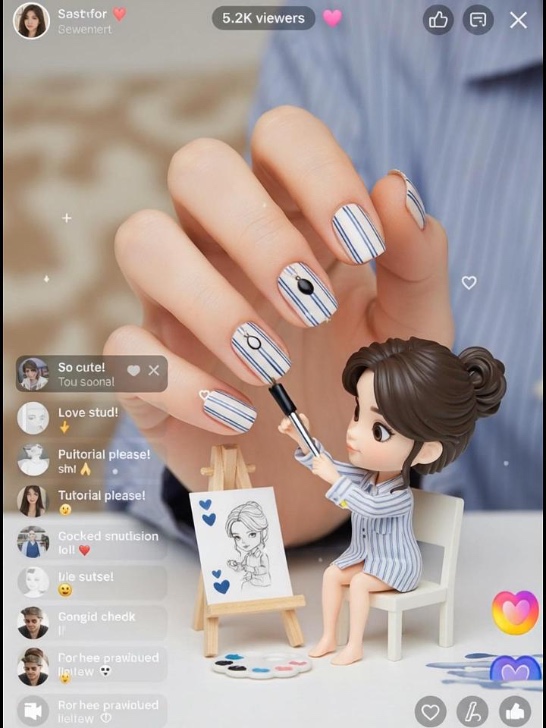 pg
pg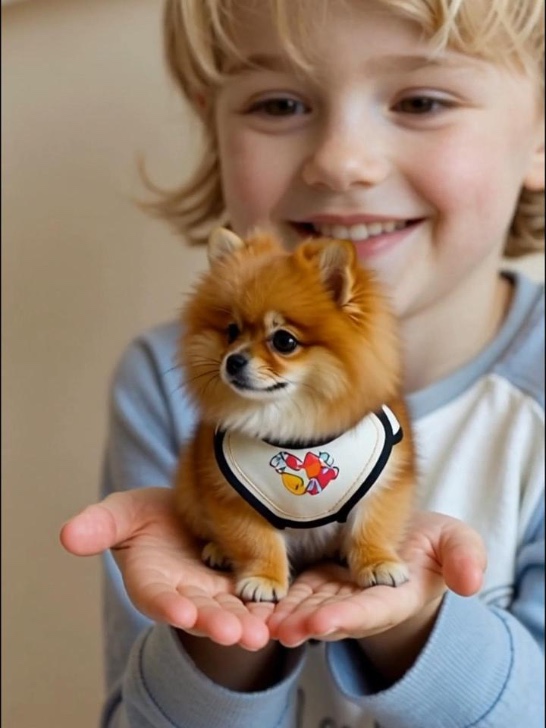 pg
pg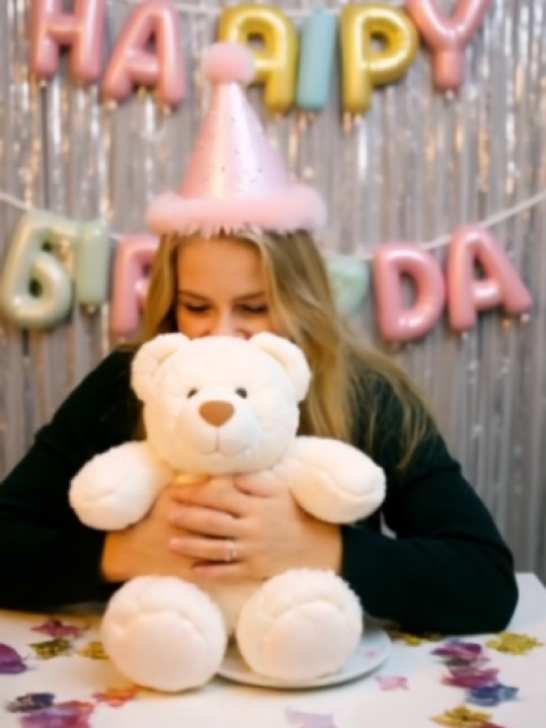 pg_aistyle
 pg
pg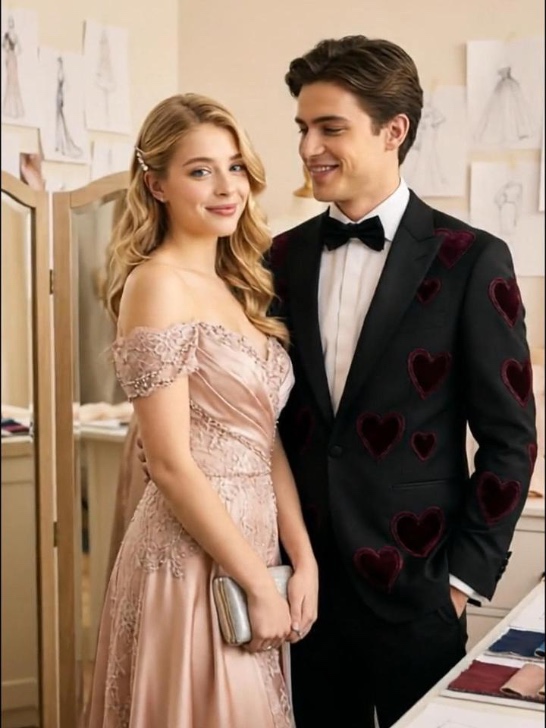 pg
pg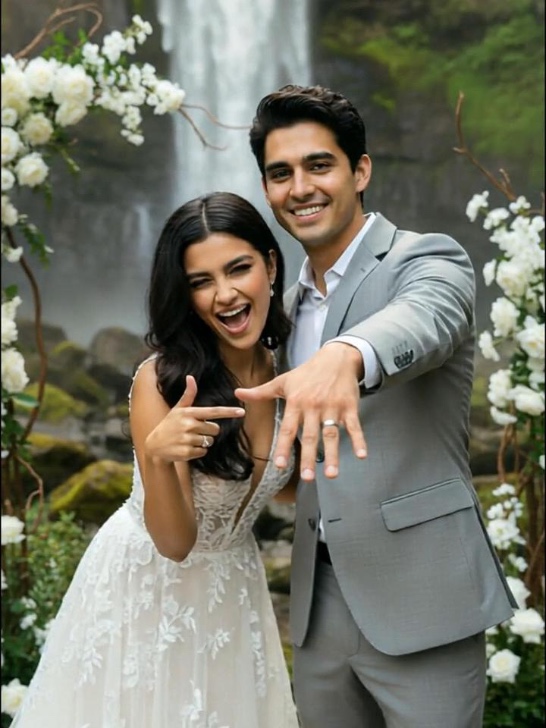 pg
pg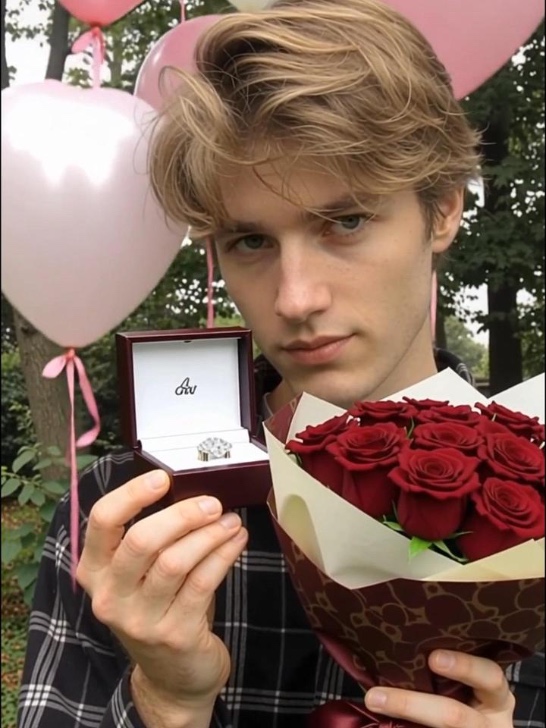 pg
pg pg_aistyle
 pg
pg pg_aistyle
 pg
pg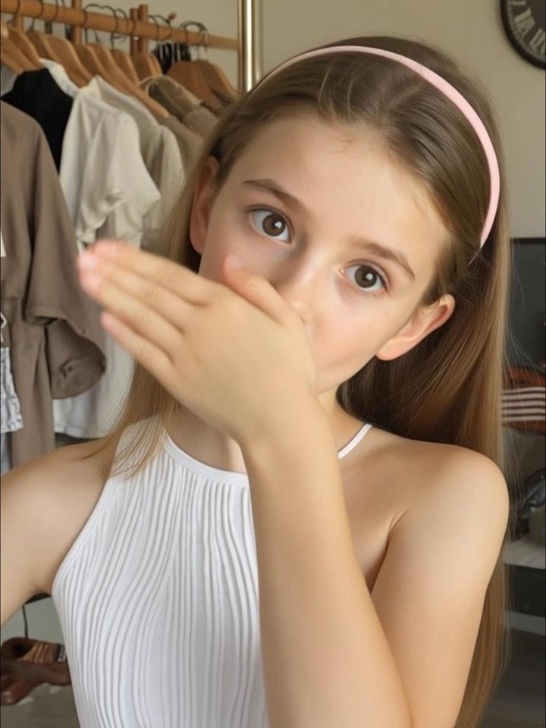 pg
pg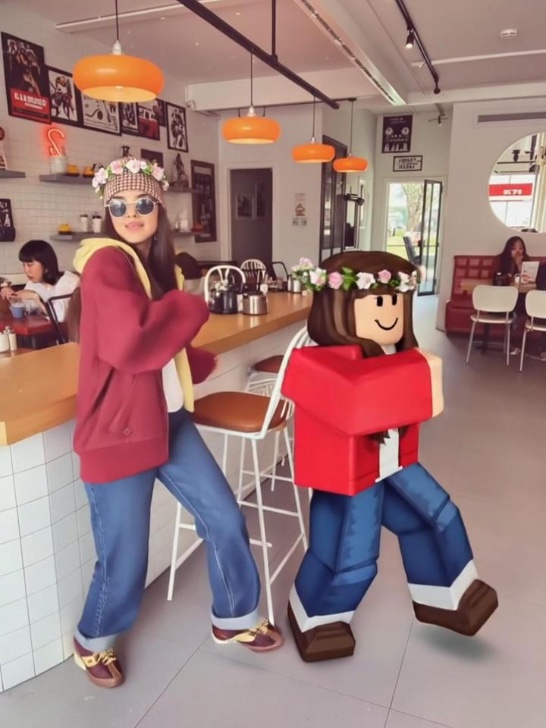 pg_aistyle
 pg
pg pg
pg pg
pg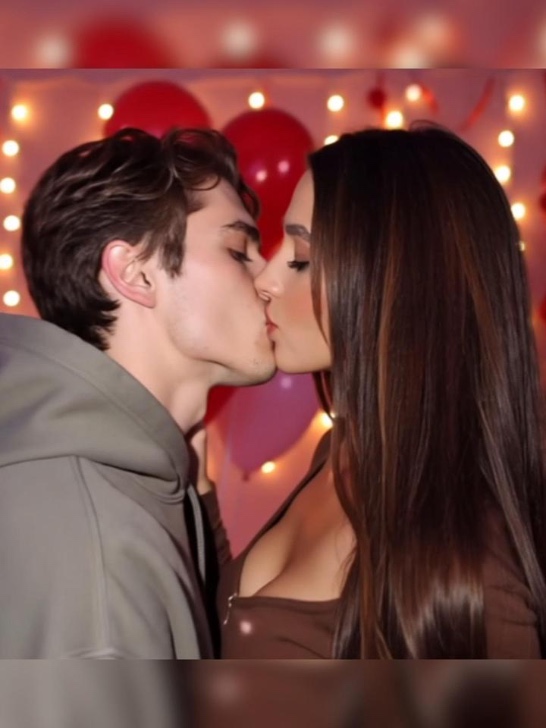 pg
pg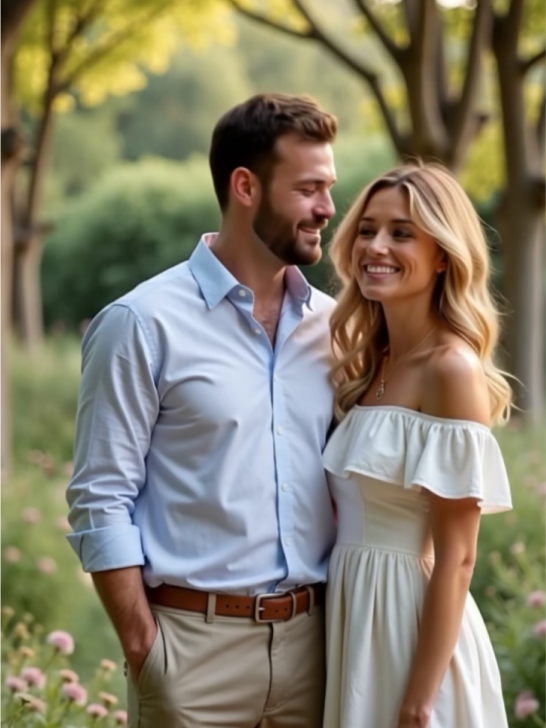 pg
pg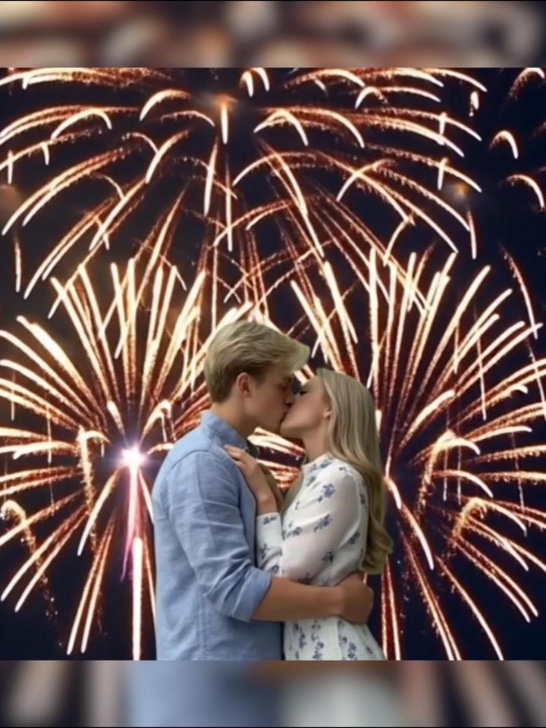 pg
pg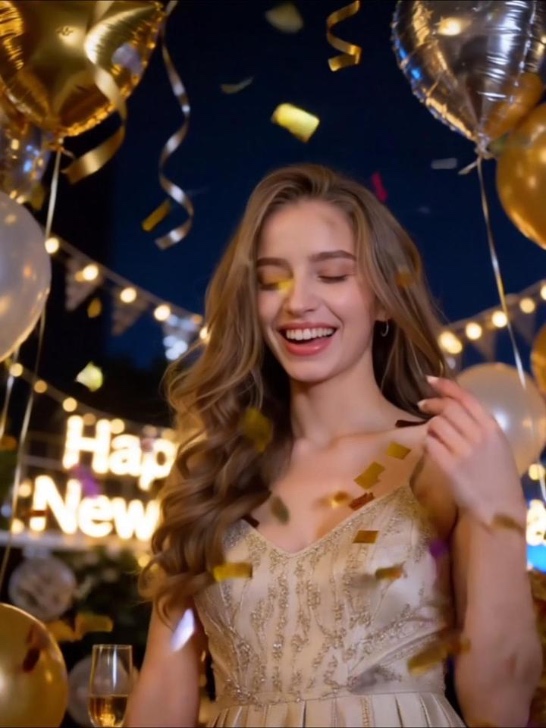 pg_aistyle
 pg
pg pg
pg pg_aistyle
 pg_aistyle
 pg_aistyle
 pg_aistyle
 pg
pg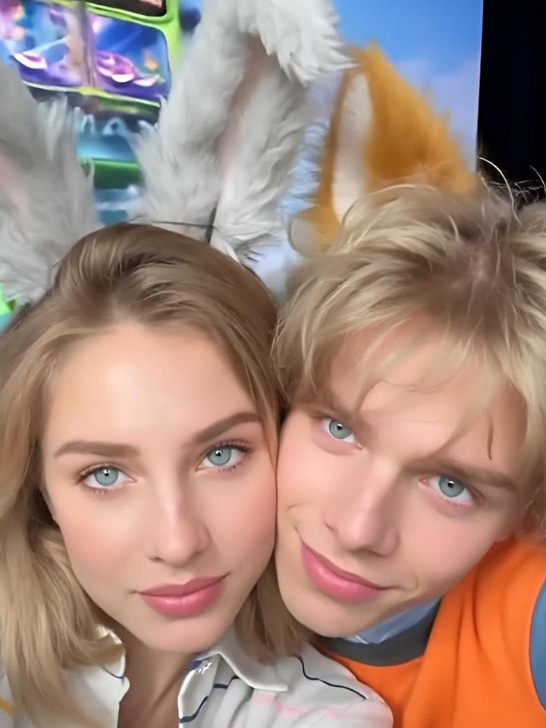 pg
pg pg
pg pg
pg pg
pg pg
pg pg_aistyle
 pg
pg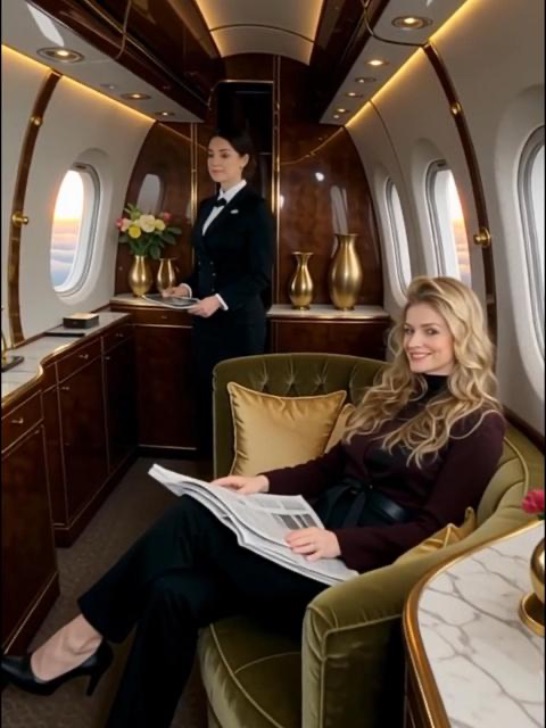 pg
pg pg
pg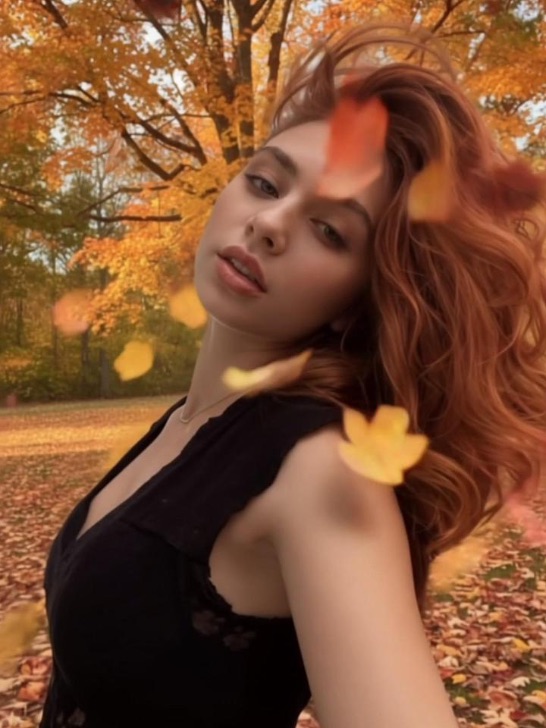 pg_aistyle
 pg_aistyle
 pg
pg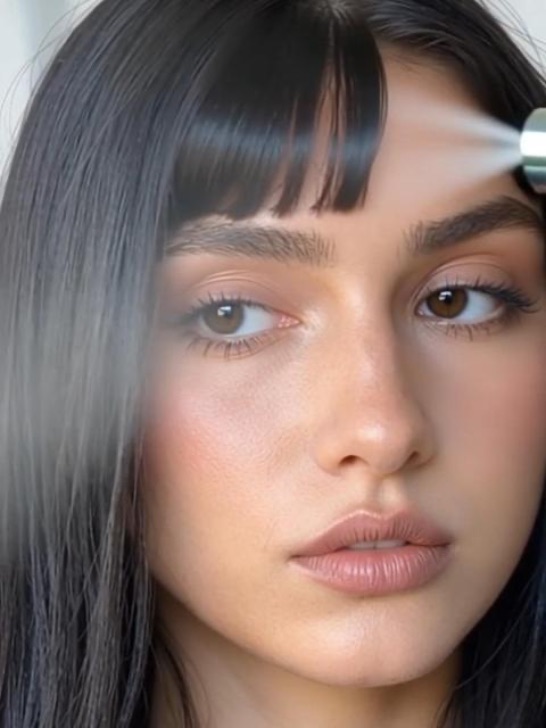 pg
pg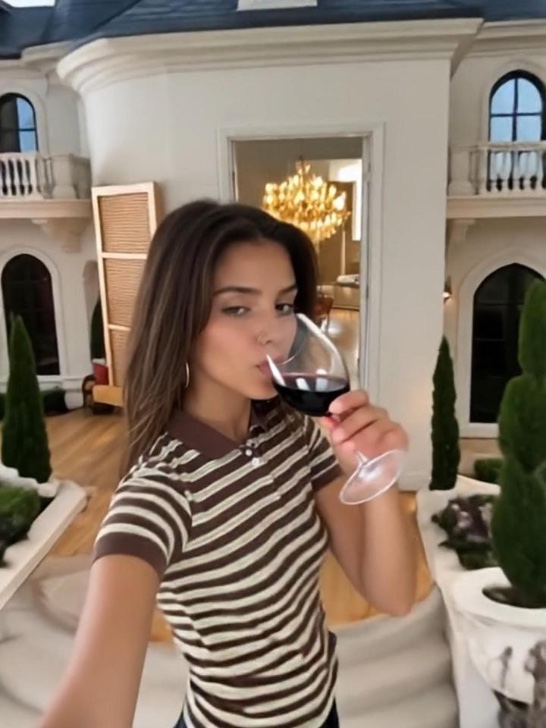 pg
pg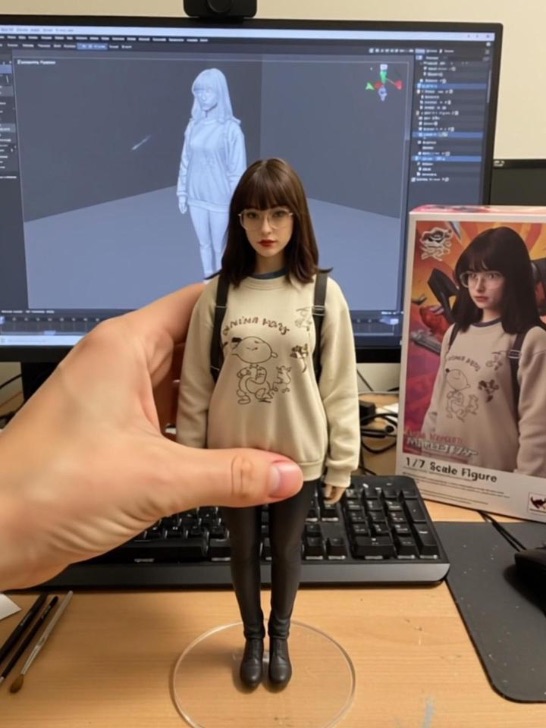 pg_aistyle
 pg
pg pg
pg pg
pg pg_aistyle
 pg
pg pg
pg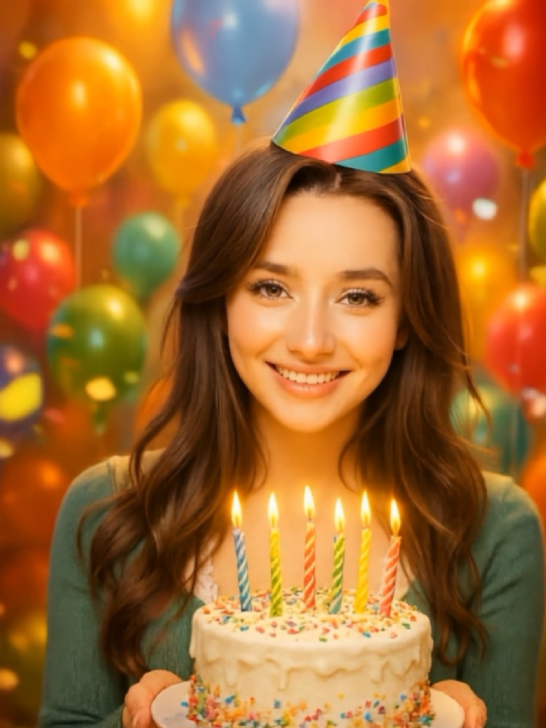 pg
pg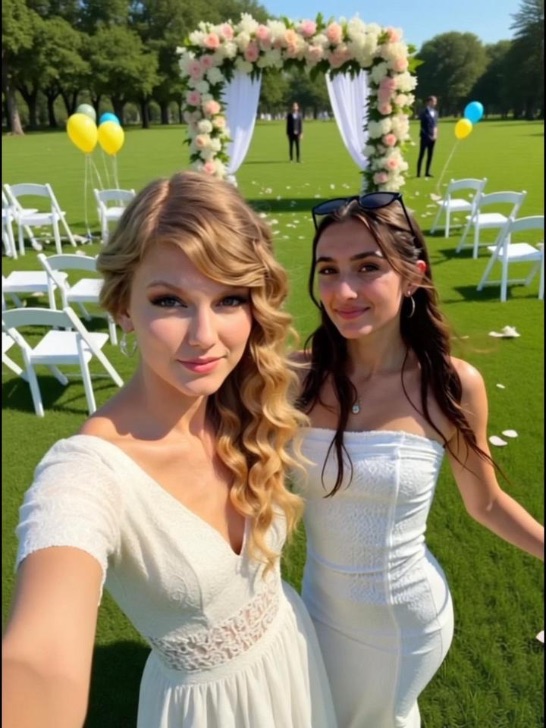 pg_aistyle
 pg
pg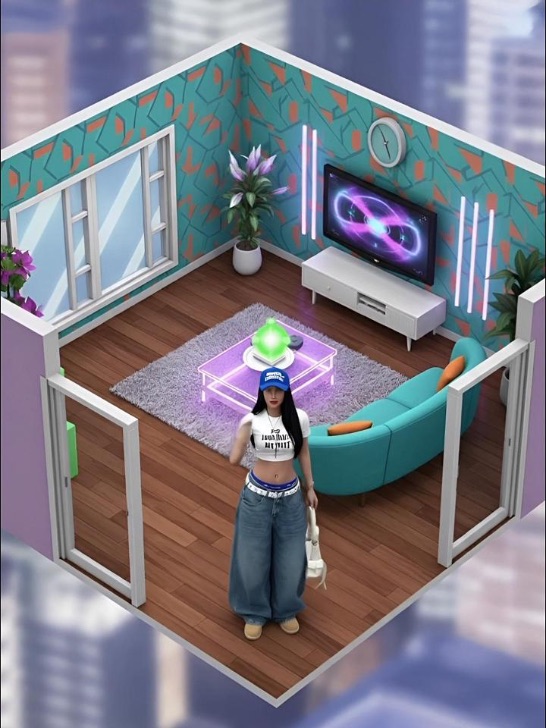 pg_aistyle
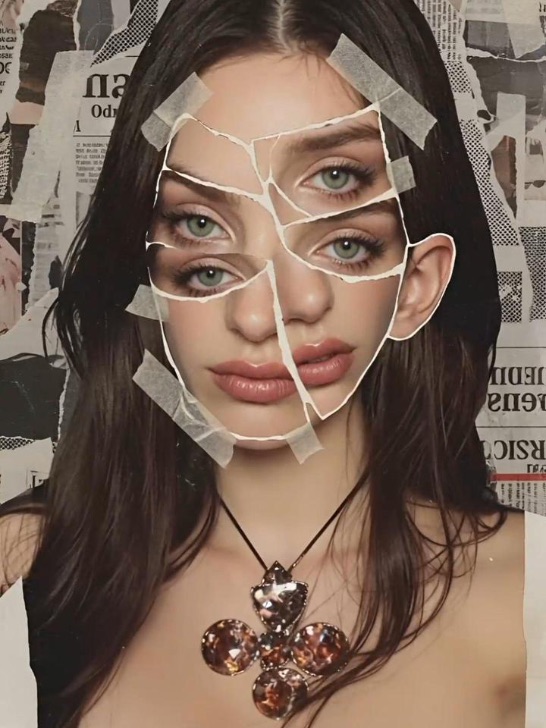 pg_aistyle
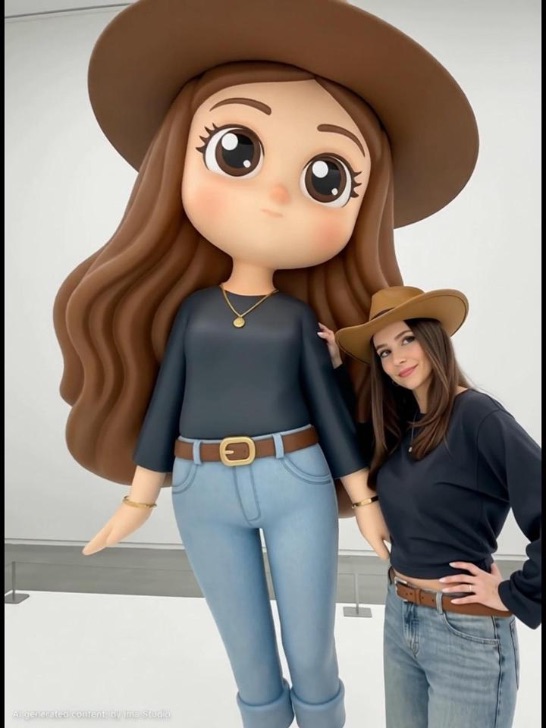 pg_aistyle
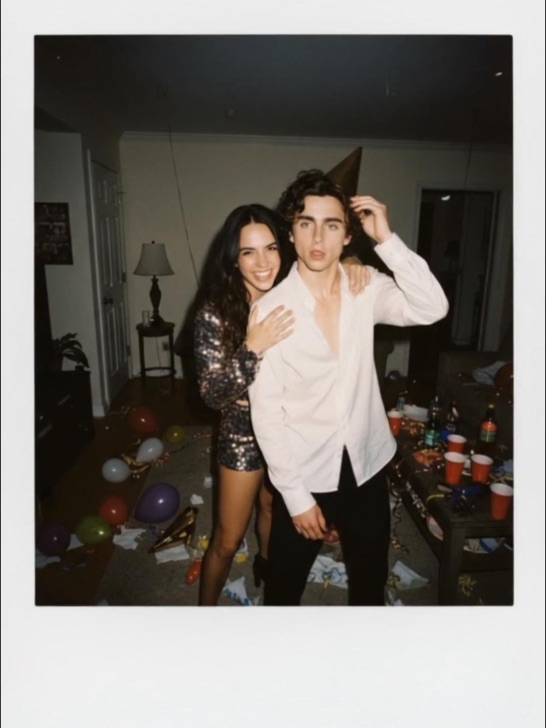 pg_aistyle
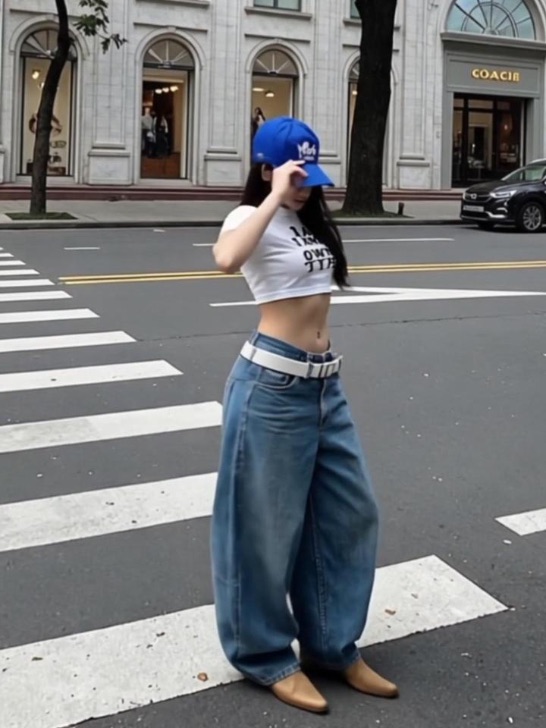 pg
pg pg
pg pg_aistyle
 pg
pg pg_aistyle
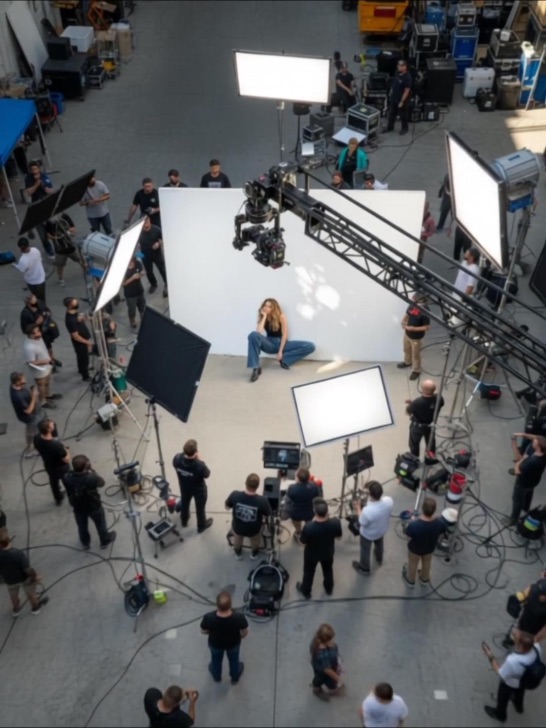 pg_aistyle
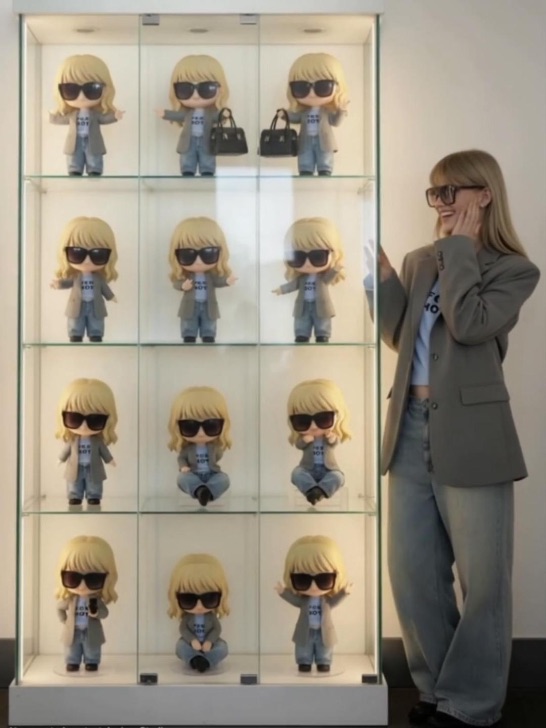 pg_aistyle
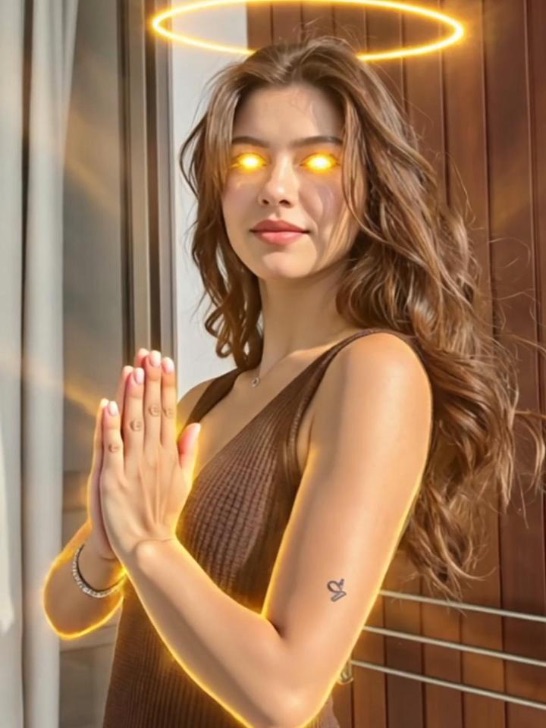 pg
pg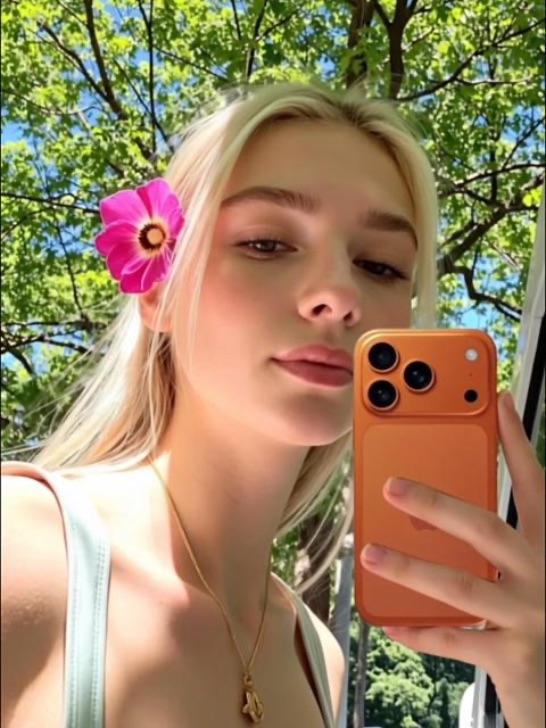 pg_aistyle
 pg_aistyle
 pg_aistyle
 pg
pg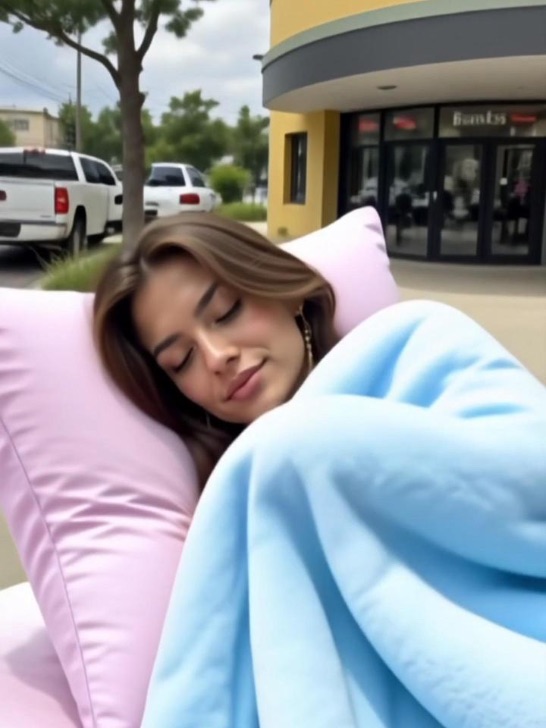 pg
pg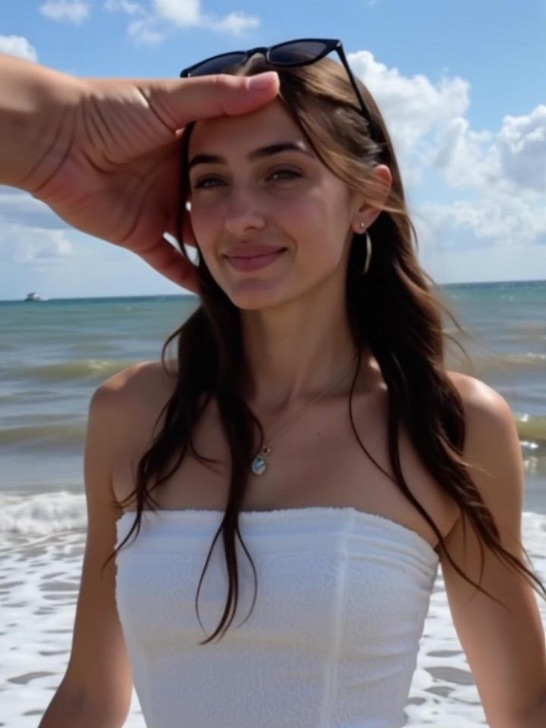 pg
pg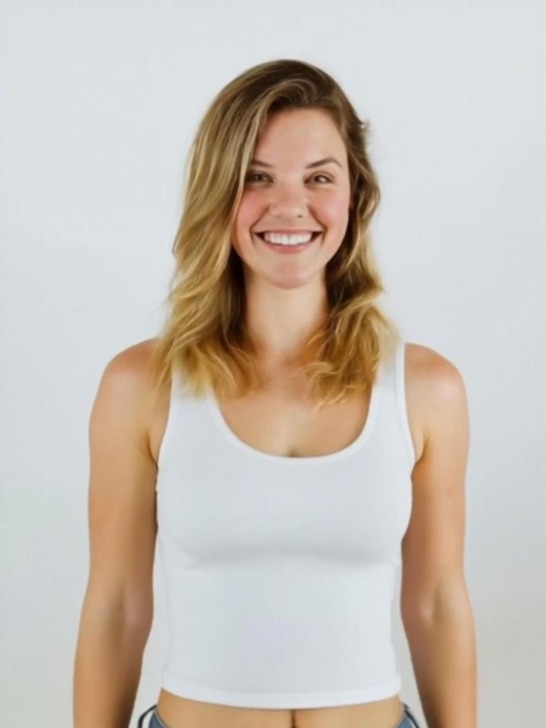 pg
pg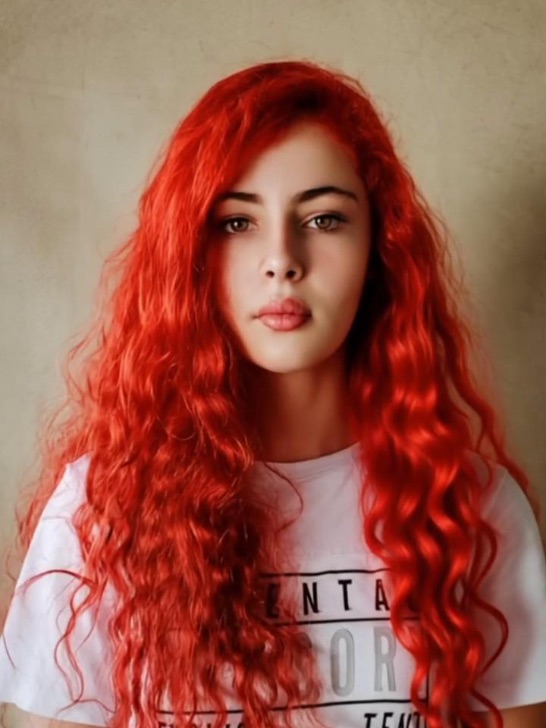 pg
pg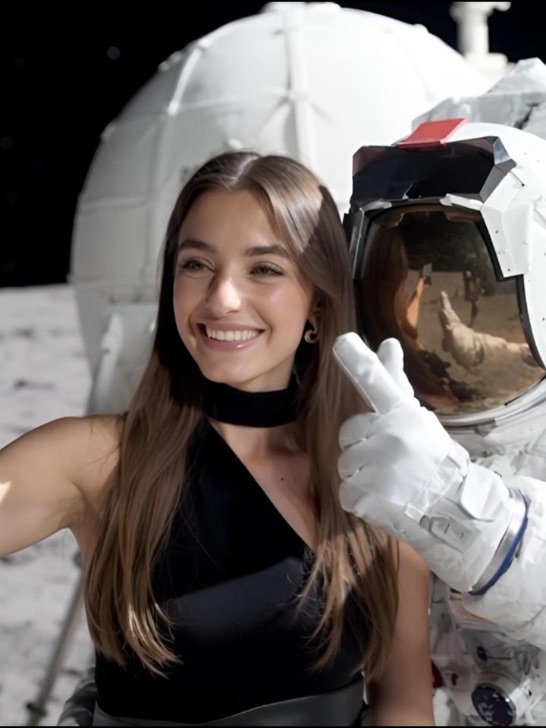 pg
pg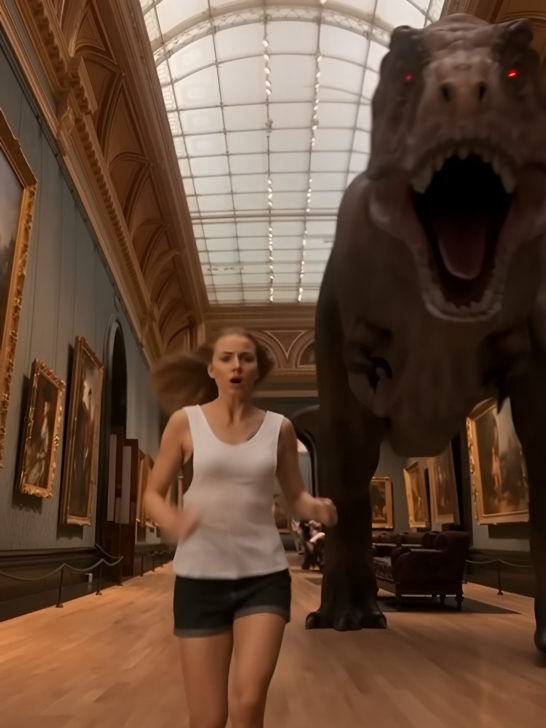 pg
pg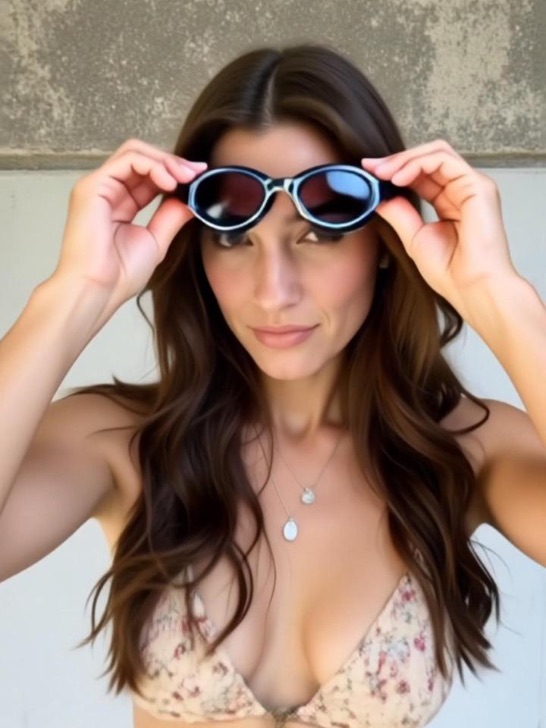 pg
pg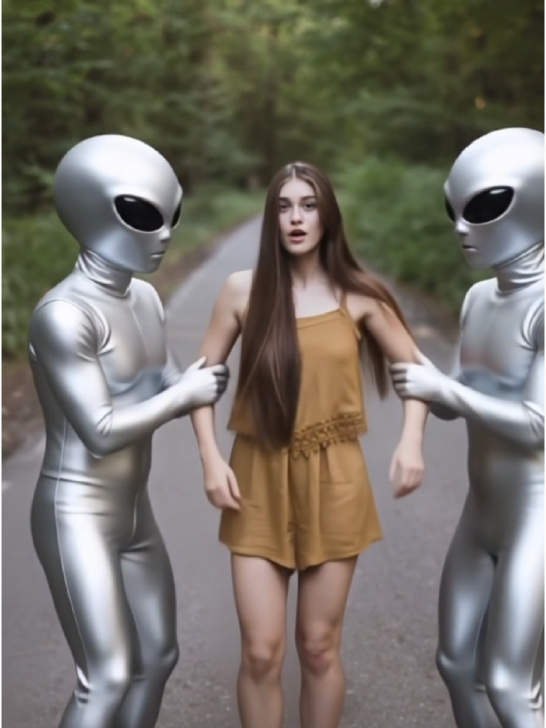 pg
pg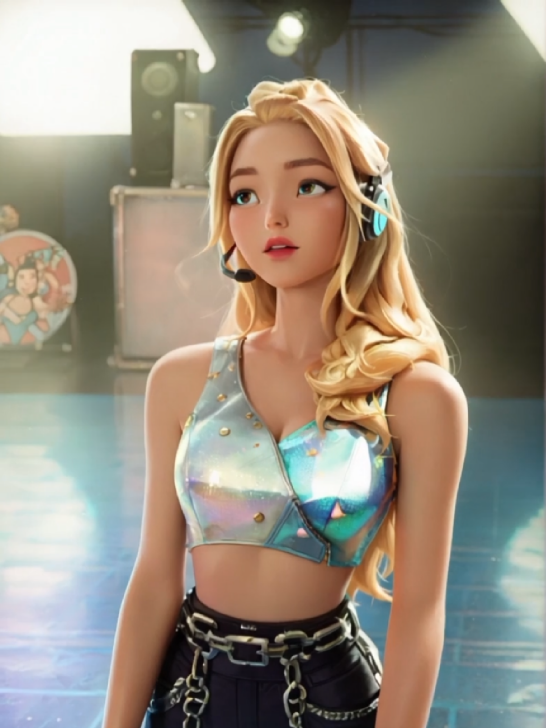 pg_aistyle
 pg
pg pg
pg pg
pg pg_aistyle
 pg
pg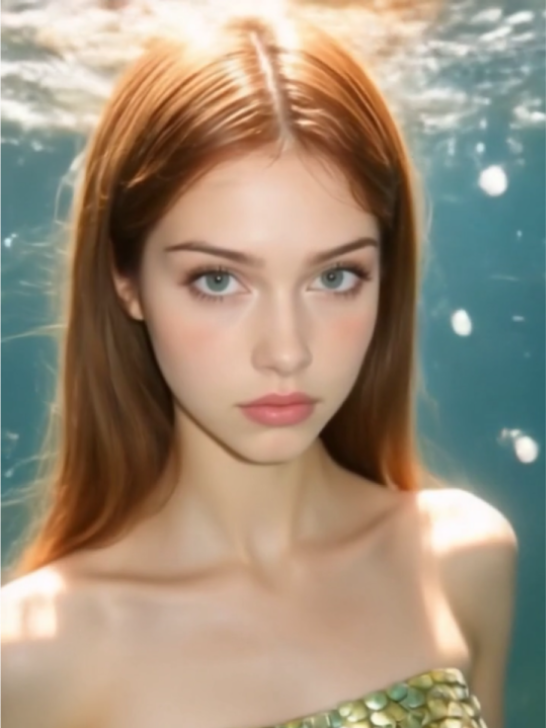 pg
pg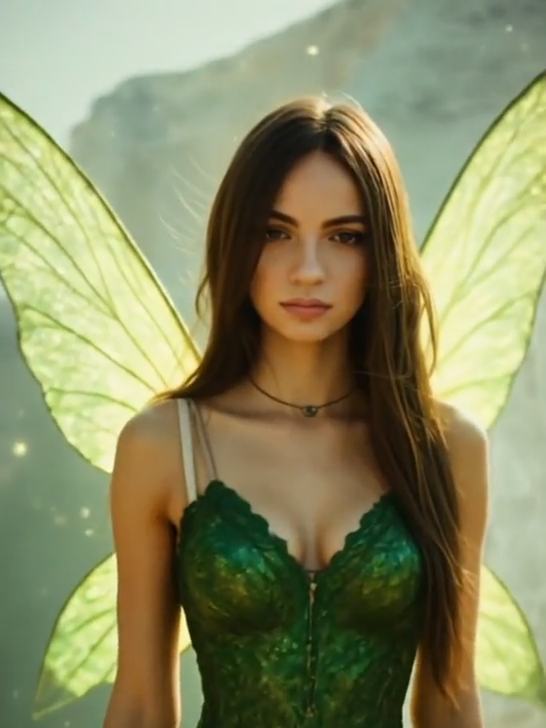 pg
pg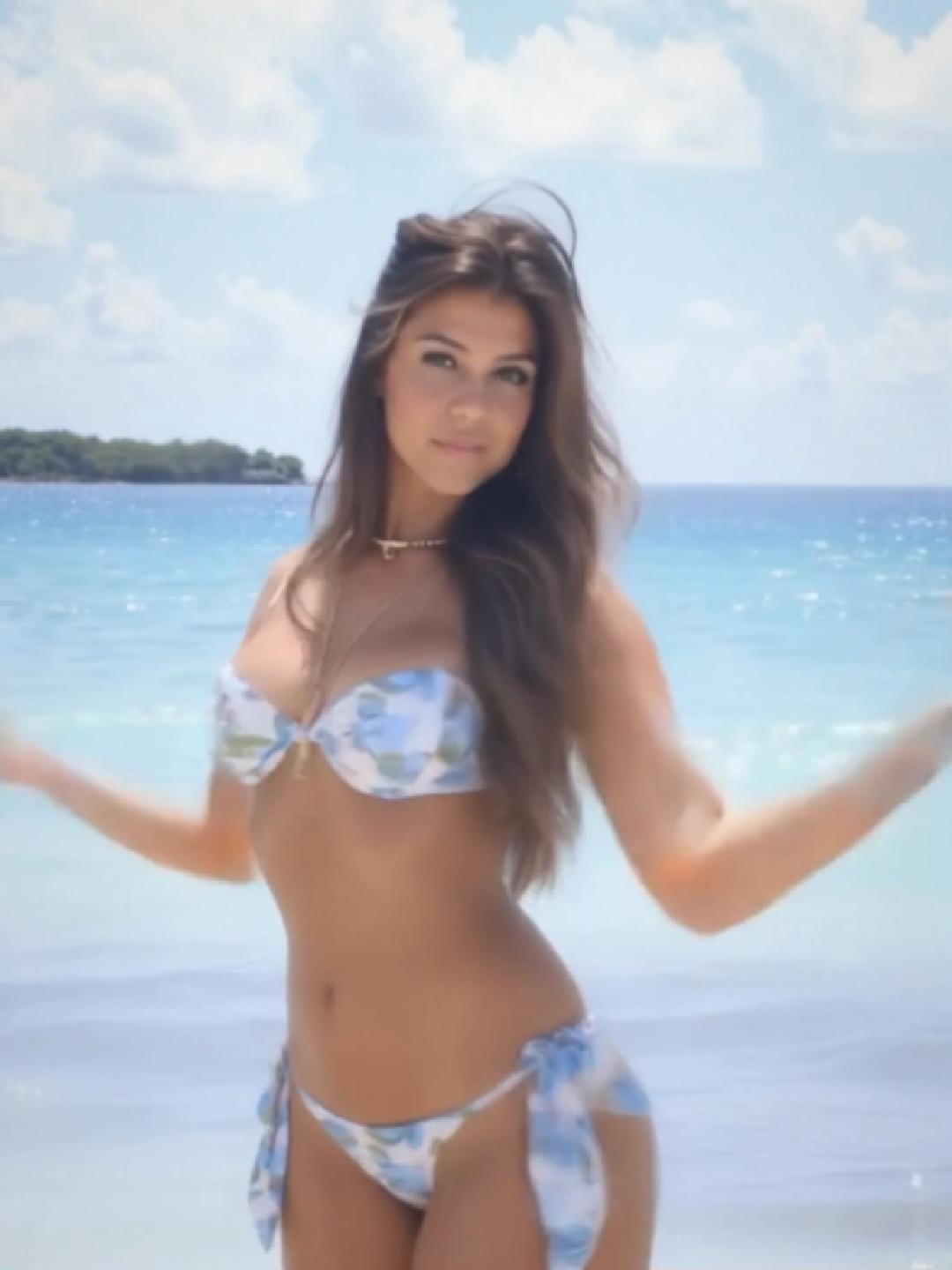 pg
pg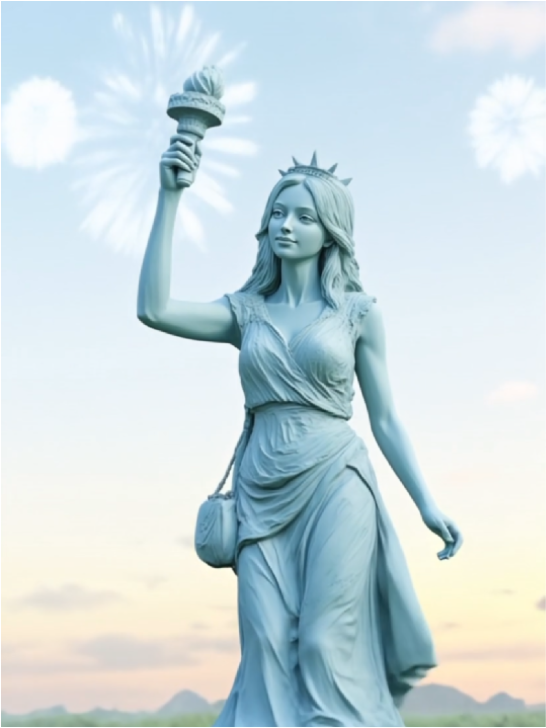 pg_aistyle
 pg
pg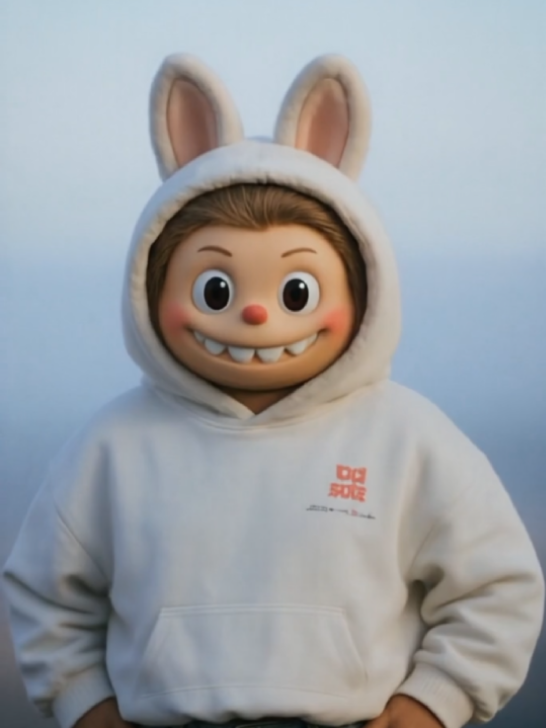 pg
pg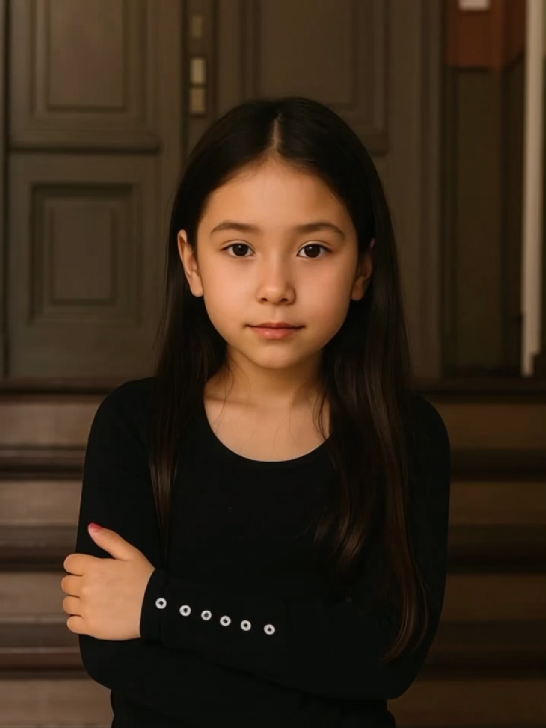 pg_aistyle
 pg
pg pg
pg pg
pg pg
pgSeedance 2.5 Creates Complete 30-Second AI Videos in One Run
Stitching short clips together works until it does not. The moment a character’s face shifts or the lighting breaks between segments, the whole video starts to feel disconnected. Seedance 2.5 is built for creators who want one generation to carry a complete idea. It produces up to 30 seconds of continuous AI video in a single run, helping your opening, middle, and ending stay in the same visual flow. Whether you are building a travel story, a social hook, or a cinematic short scene, Seedance 2.5 gives you one complete video instead of a patchwork of broken clips.

Upload 50 References to Seedance 2.5 for One Consistent Video
The gap between what you describe and what the model generates gets smaller when you show it exactly what you mean. Seedance 2.5 accepts up to 50 reference assets in a single generation. Think of them as a creative kit: character photos for identity, outfit images for styling, scene references for the setting, moodboards for the visual direction, motion clips for camera movement, and audio files for rhythm or atmosphere. Upload a front-facing photo, a side profile, and a wardrobe reference to help keep the character recognizable from the first frame to the last. More context in means fewer surprises out. This is what makes Seedance 2.5 a true multimodal AI video generator, not just a text-to-video tool.
Use Seedance 2.5 Region Editing to Fix Details Without Starting Over
Regenerating a full 30-second clip just to fix one small detail wastes both time and credits. Seedance 2.5 lets you select a specific area of your video and edit it in isolation — without touching anything else in the clip. Pick a region, describe the change, and apply it. Swap out a background element, refine a character's expression, or clean up an object that drifted off in a later scene. The rest of your clip stays exactly as it is. This makes late-stage polish actually practical. If a scene is 90% right, you don't have to gamble on a full regeneration — you fix the 10% and ship.
Seedance 2.5 Generates AI Videos in Sharp 4K 10bit Detail
Seedance 2.5 generates every AI video with 4K 10bit color depth, giving you richer tones, sharper detail, and more room to adjust in post. The higher bit depth holds onto detail in highlights and shadows that standard exports compress away, from fabric texture in a fashion clip to skin tone in a portrait video. Whether your result is headed to a social feed, a brand presentation, or a professional editing timeline, the output holds up at full size on any screen. Explore more AI video models alongside Seedance 2.5 with the free AI video generator on PhotoGrid.
Seedance 2.5 Turns Any Idea into a Complete AI Video
A solo creator chasing a feed algorithm. A small brand without a production budget. Someone trying to turn a memory into something worth watching. Seedance 2.5 brings them all the same reference system and one-pass generation. Turning any idea into a complete video is easy, and fast.
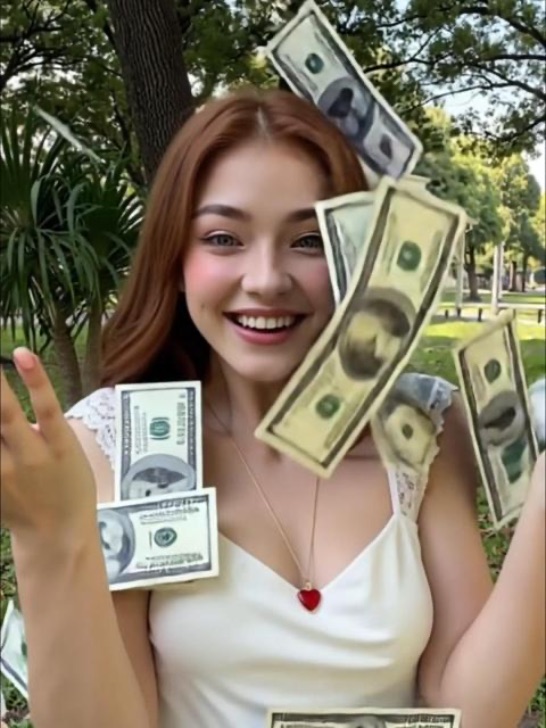
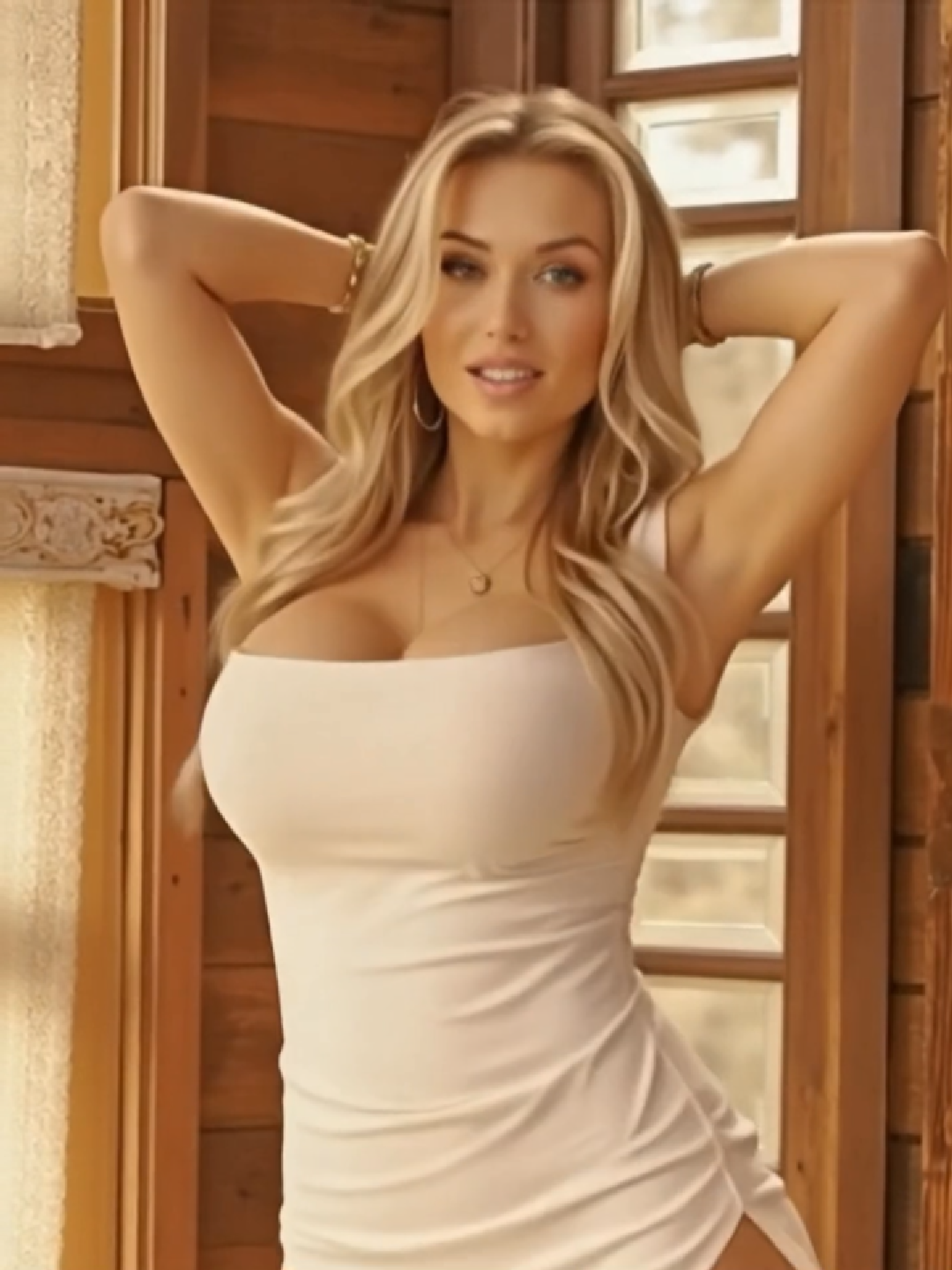
 Social Media
  AI Avatar
 Music and Dance
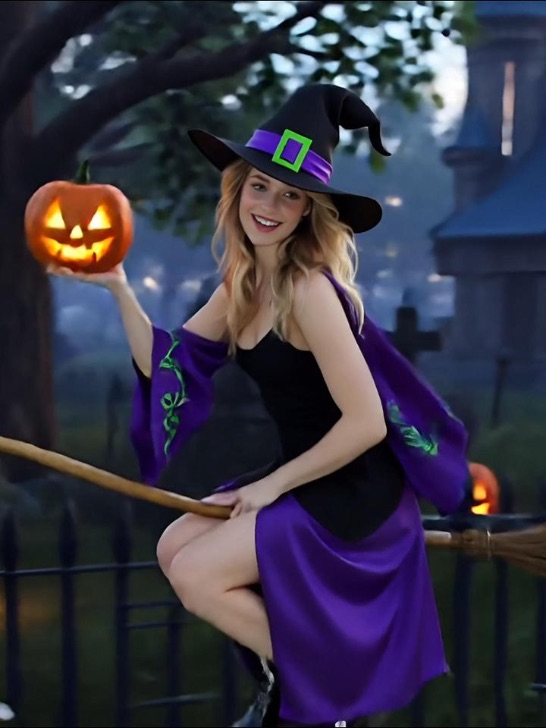
 Short Films
 AI Story
Generate Social Media AI Videos Ready for TikTok and Reels
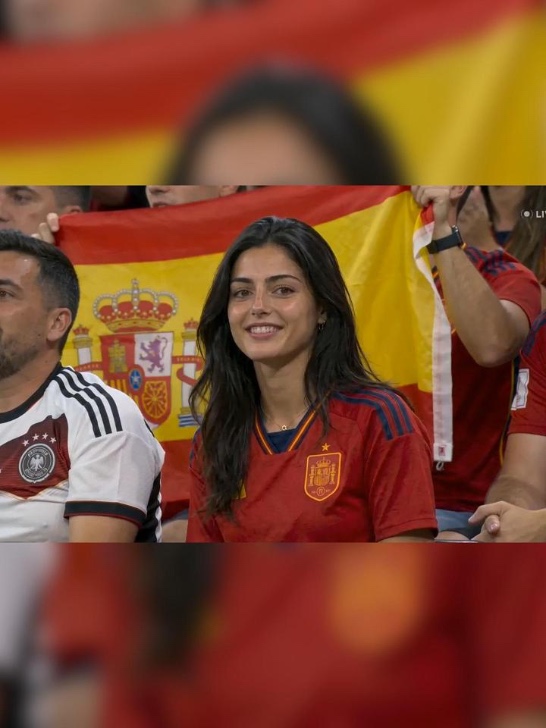
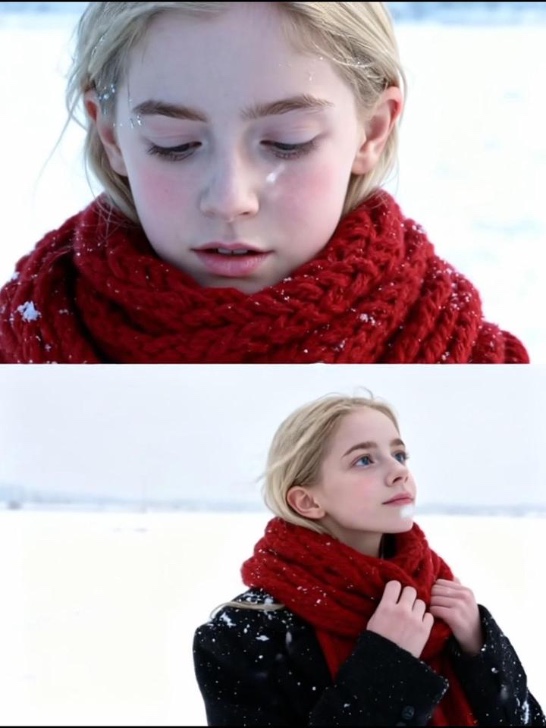
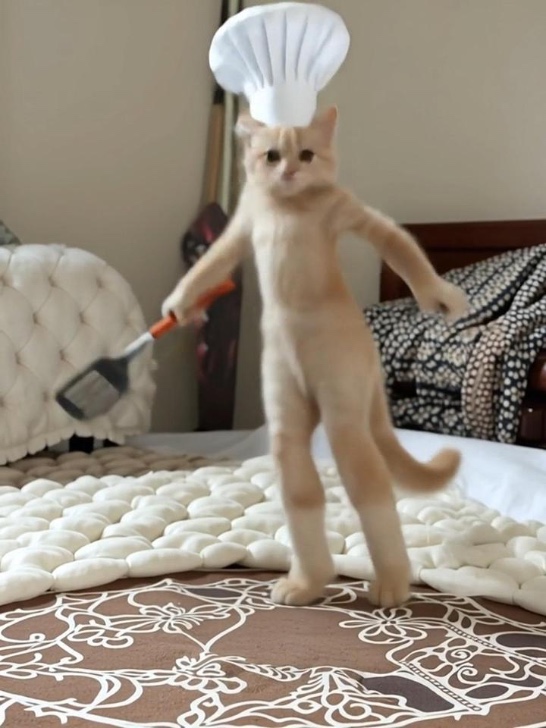
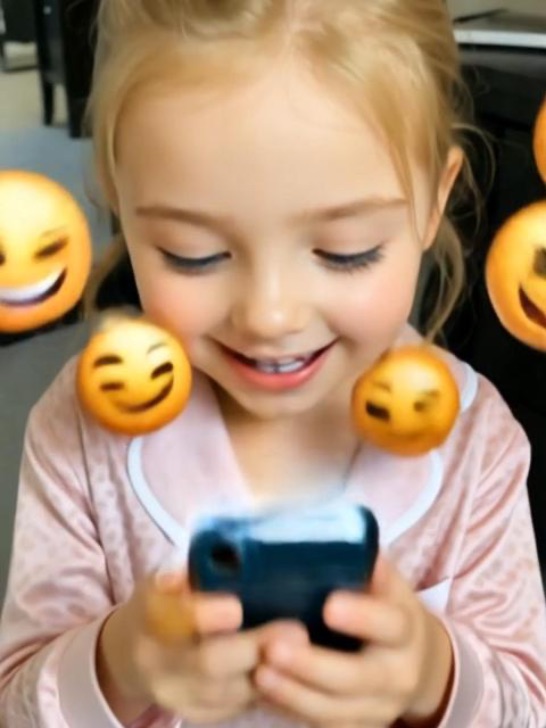
Social feeds move fast and hooks need to land in the first two seconds. Seedance 2.5 supports audio-guided generation, so your motion, rhythm, and scene pacing can follow the sound direction you provide rather than feel layered on after the fact. Upload a product, a person, or a scene reference, write a hook-first prompt, and generate a clip that opens strong and holds attention through to the end. Pair it with our AI UGC tools to build creator-style content at scale without a production team.
Generate AI Avatar Videos for Explainers and Talking-Head Content
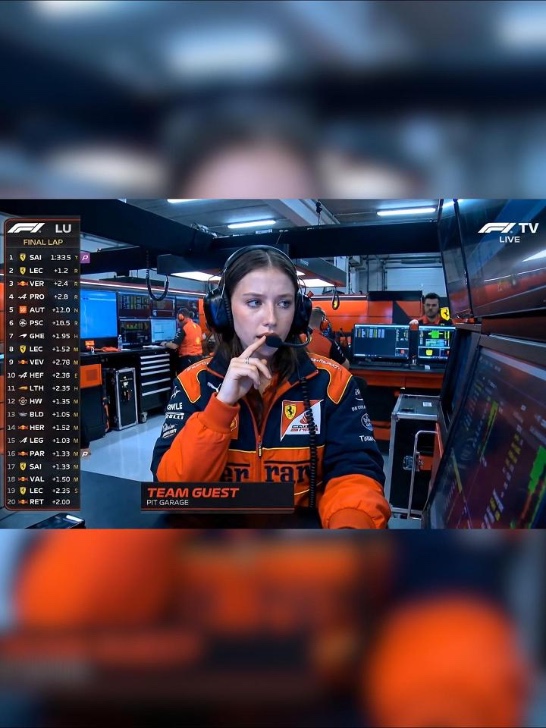
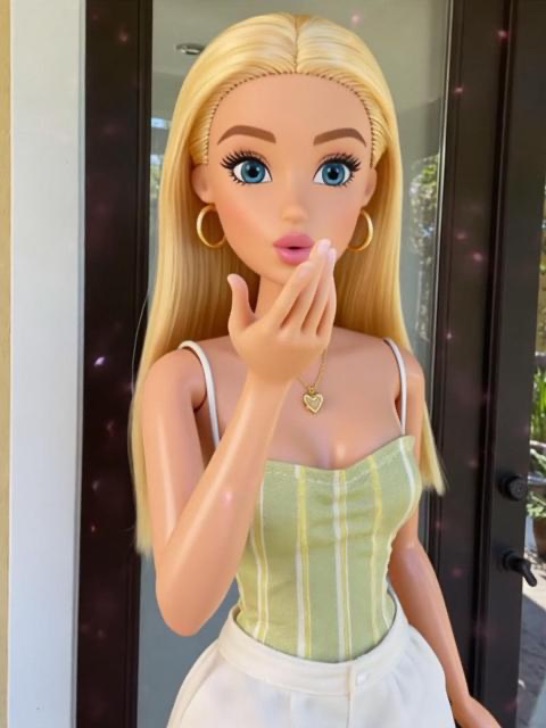
Talking-head videos and explainer content work best when the speaker looks consistent and the delivery feels natural across the full clip. Upload a character image, a script reference, and an audio file, and Seedance 2.5 generates a continuous avatar video with motion and expression guided by the inputs you provide. Build your character first with our AI talking avatar tool, then bring it into Seedance 2.5 for longer, more structured video output.
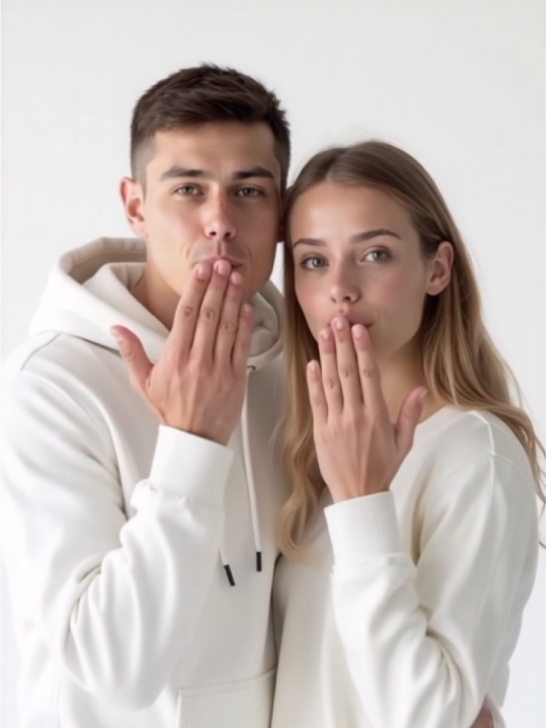
Generate AI Music Videos with Choreography and Style References
Music videos need motion that fits the track, not generic movement layered over a beat. Upload your song file as one of your 50 references and Seedance 2.5 uses the audio to shape the pacing and rhythm of the generated motion. Add a character reference, a stage environment image, and a lighting moodboard to lock the visual style. For portrait photos you want to bring into motion first, animate old photos to give still images movement before feeding them into your video generation workflow.
Generate Cinematic AI Short Films with Multi-Shot Structure
A cinematic short needs a beginning, a development, and an ending that land as one continuous piece. Seedance 2.5 supports multi-shot narrative structure within a single 30-second generation, with character consistency and scene continuity held across the full output. Upload a character sheet, a location reference, and a storyboard frame to give the model the directorial context it needs. The result reads like a produced scene, not a demo clip.
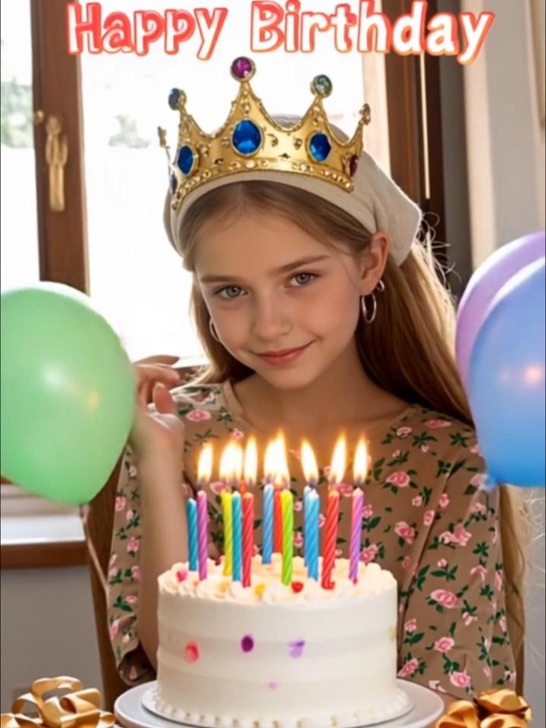
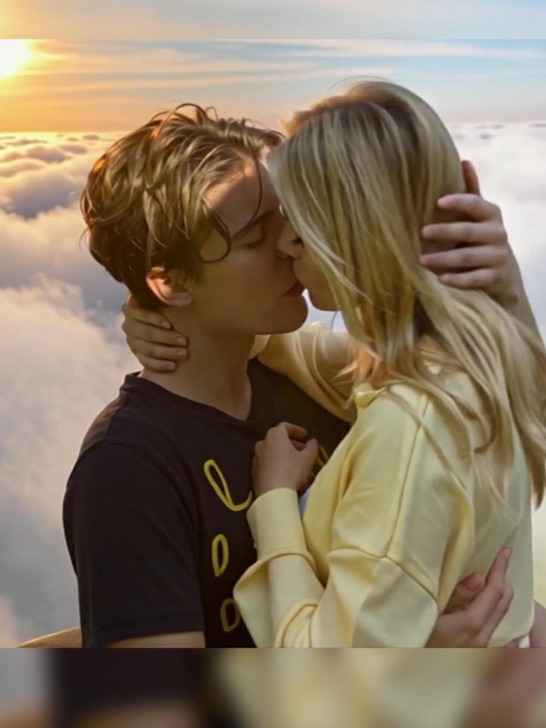
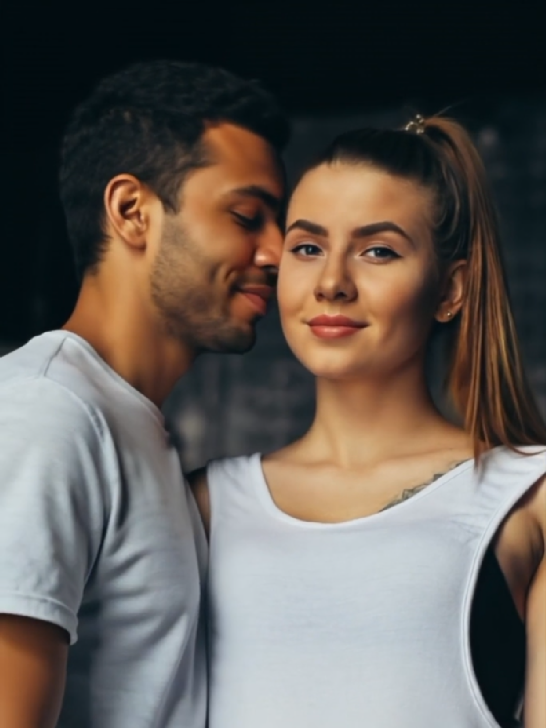
Turn Photos into a 30-Second AI Story Video
Family trips, travel memories, and personal milestones all deserve more than a static photo album. Older short-clip tools force you to break the story into fragments, then hope the cuts feel natural. With Seedance 2.5, you upload the photos you already have and describe the story you want, and the model builds a continuous 30-second narrative around them. Add a location reference, a mood image, or a music file to shape the tone further. Create a fresh source image with the free AI image generator when you need a new visual before turning it into an AI video.
How to Generate and Edit Videos with Seedance 2.5 on PhotoGrid?
Step 1: Upload Your References
Add up to 50 assets to Seedance 2.5, including character photos, scene images, audio files, and style references. Mix formats freely in the same generation.
Step 2: Set Your Parameters
Choose your aspect ratio, duration up to 30 seconds, and resolution. Write your prompt with the most important details first so Seedance 2.5 picks them up clearly.
Step 3: Generate and Download
Click generate and let Seedance 2.5 run in your browser. Check character consistency and scene transitions, use region-level editing to adjust any part that needs work, then download your watermark-free AI video.
Add up to 50 assets to Seedance 2.5, including character photos, scene images, audio files, and style references. Mix formats freely in the same generation.
Choose your aspect ratio, duration up to 30 seconds, and resolution. Write your prompt with the most important details first so Seedance 2.5 picks them up clearly.
Click generate and let Seedance 2.5 run in your browser. Check character consistency and scene transitions, use region-level editing to adjust any part that needs work, then download your watermark-free AI video.
Why Creators Choose Seedance 2.5 on PhotoGrid?
Older AI video workflows often make you stitch several short clips together just to finish one idea. Seedance 2.5 generates up to 30 seconds of continuous video in a single pass, so your opening, middle, and ending can come out as one complete piece.
Regenerating a full clip for one small mistake wastes credits and breaks your creative flow. With region-level editing, you can select the specific part that needs fixing and adjust it while keeping the rest of the video intact.
A text prompt alone leaves too much to chance. Seedance 2.5 accepts up to 50 reference assets, including character photos, outfit images, scene references, audio files, and style moodboards, so the model has a clearer creative brief before generation starts.
Seedance 2.5 can combine text, images, video clips, and audio references in one workflow. Your visual style, motion, pacing, and scene rhythm can follow the references you provide instead of relying on text alone.
Seedance 2.5 supports 4K 10bit video output for sharper detail and richer color. Use it when your AI video needs to look clean on social feeds, websites, presentations, or larger screens.
Seedance 2.5 AI Video Generator FAQ
Generate Your Next Video with Seedance 2.5
Every story you want to tell deserves more than a 10-second clip. Seedance 2.5 gives you 30 seconds, 50 references, and the editing control to get the result right without starting over.
Upload what you already have and see your first complete video in minutes, not hours.
