AI Halloween Costume Generator

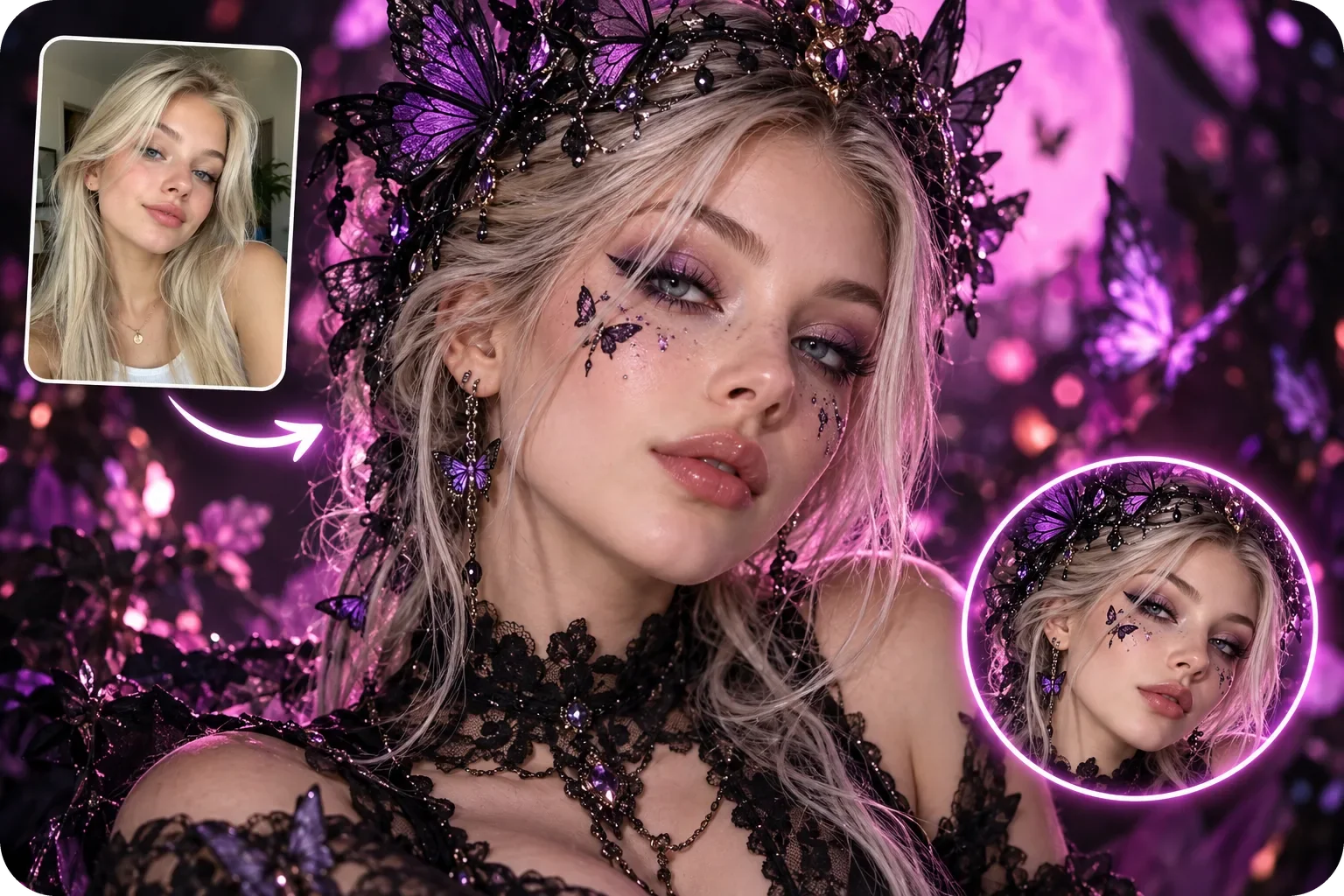
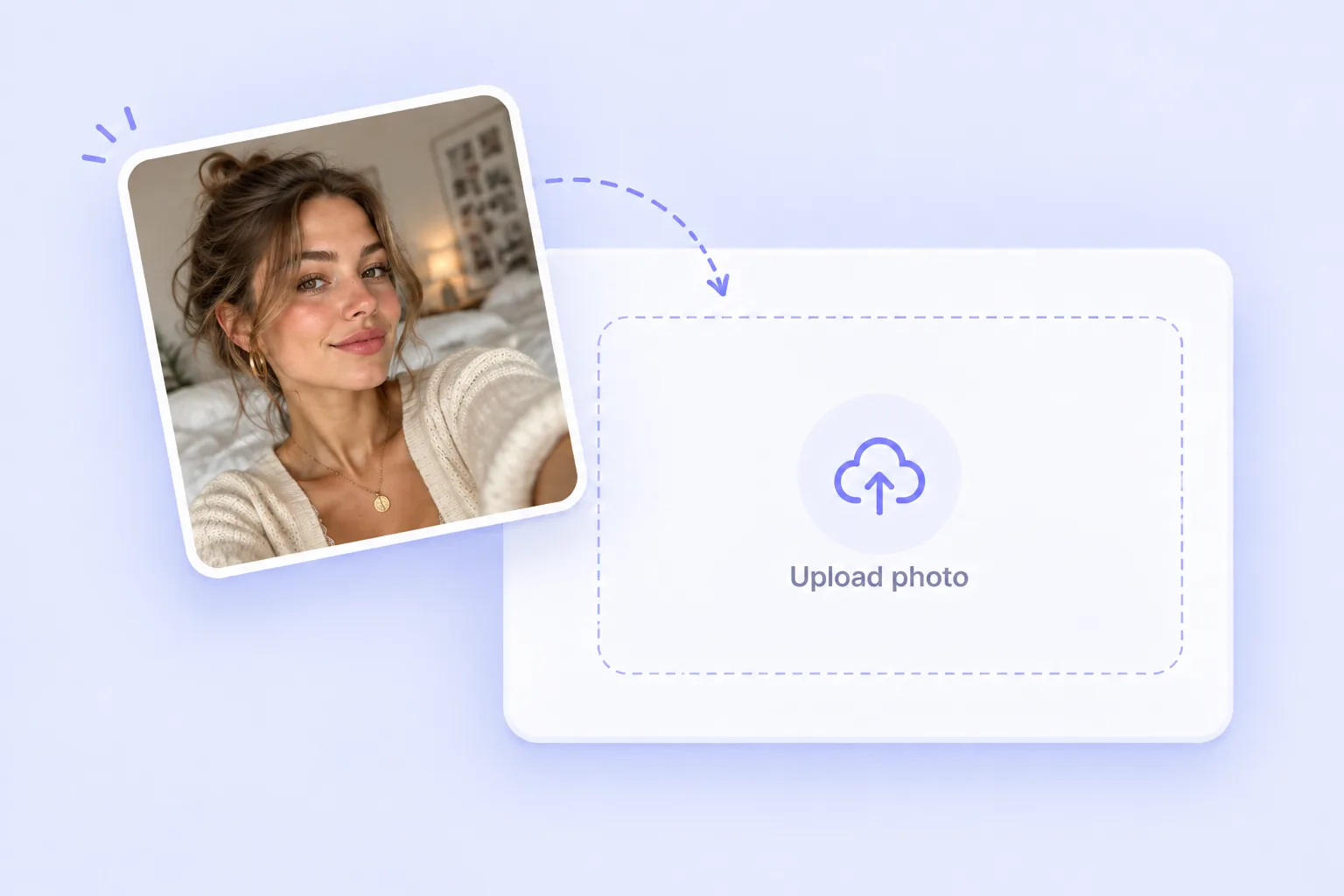
Join the AI Halloween trend with your own costume photo. Upload a selfie, choose a template or add a costume reference, and generate your Halloween look.

Halloween Reference
Upload a Halloween reference
or
Your Photo
Upload your photoTry these samples

Loading…

Your result is saved to your image history. View history

Find Your Halloween Style: Join the AI Halloween Trend

Try an AI Halloween Costume on Your Own Photo

Try an AI Halloween Costume on Your Own Photo

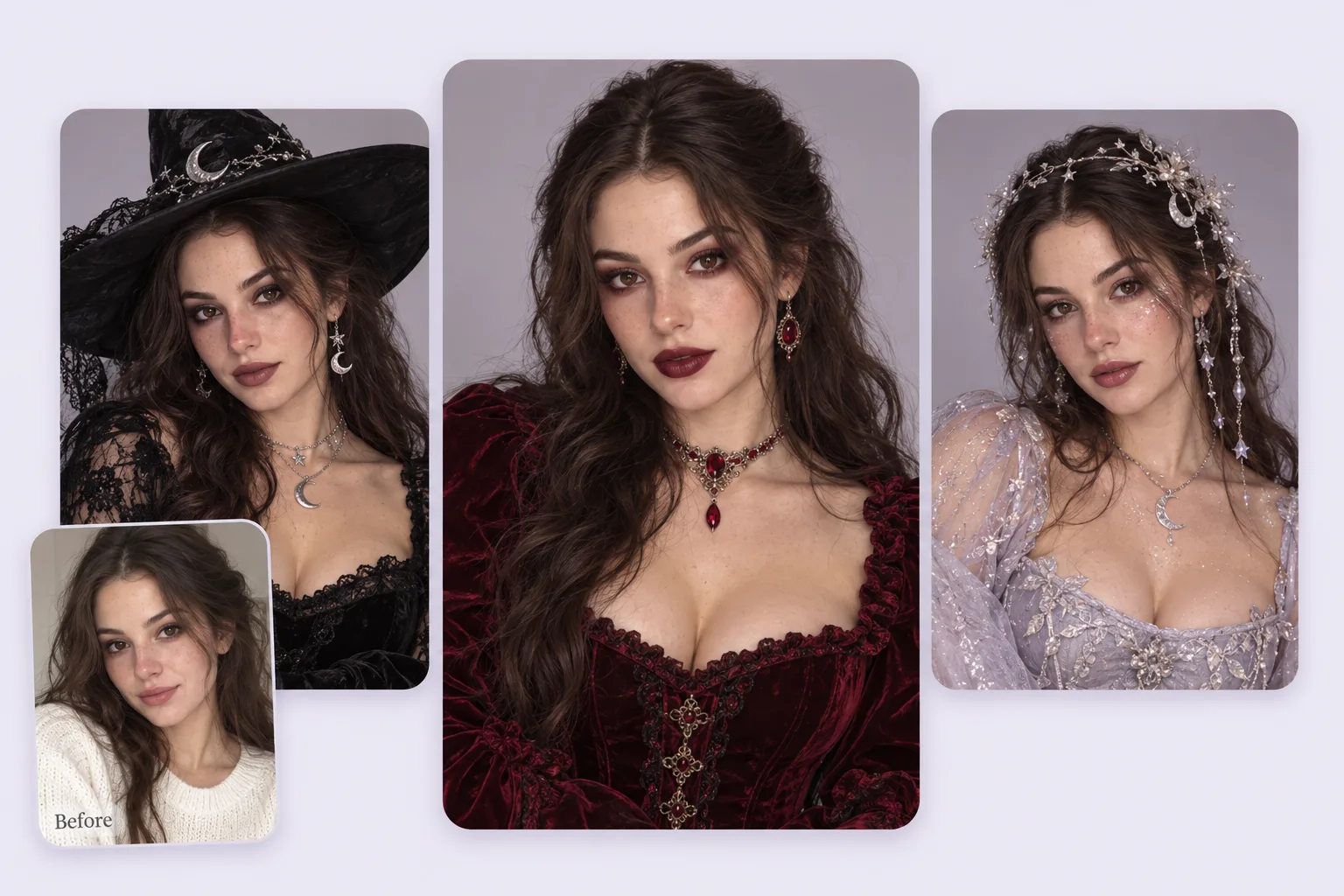
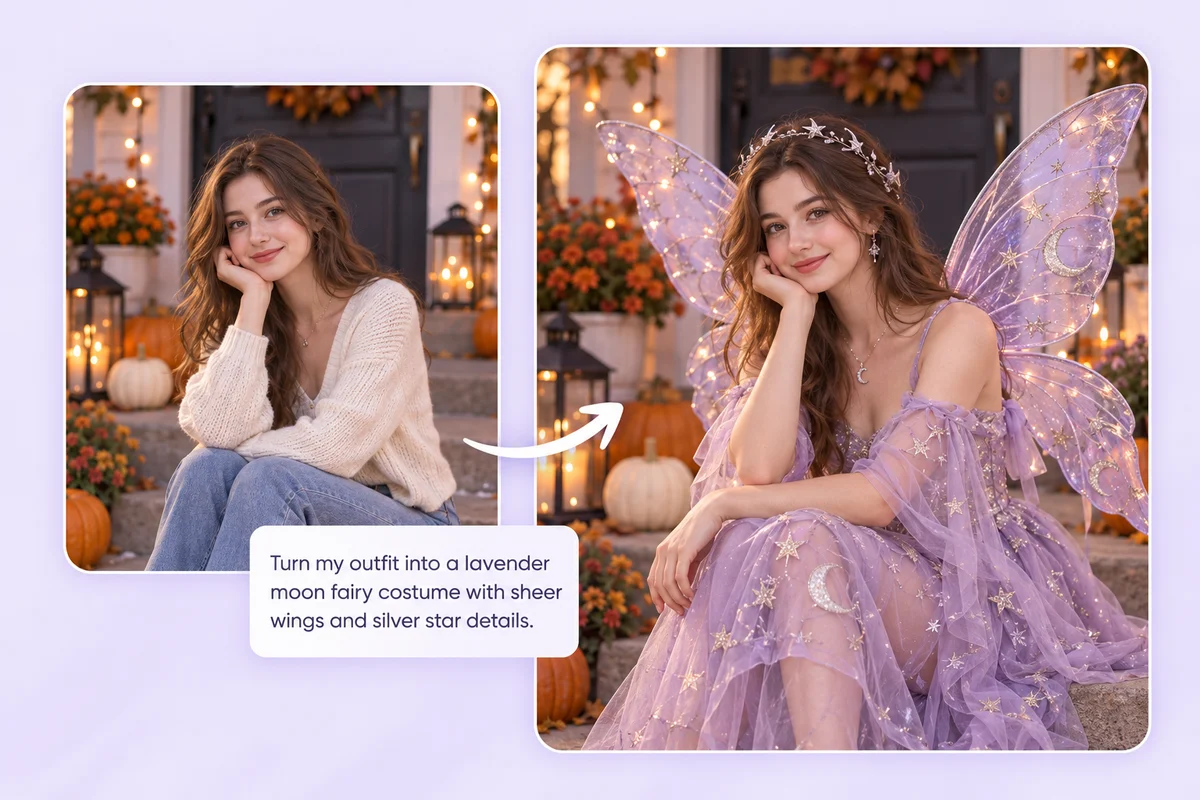
Wondering whether to go as a witch, vampire, or something unexpected? Use your selfie to explore costume ideas before shopping for clothes and props. Choose a Halloween template or upload a reference, then generate a photo that brings the outfit, makeup, and setting together.
A New Costume With a Familiar Face

A New Costume With a Familiar Face

The outfit can change while the photo still feels like you. PhotoGrid uses your uploaded photo as the subject and the costume image as a style reference. Start with a well-lit photo and a visible face; generated details can vary, so check your face, hands, and body proportions before sharing.

Explore PhotoGrid's editing tools before posting your photo to Instagram or TikTok: AI photo editor

Turn a Costume Reference Into Your Own Look

Turn a Costume Reference Into Your Own Look

Have a specific Halloween costume in mind? Upload a reference showing the outfit, colors, and mood you want to explore. Try a silver astronaut suit, a pumpkin-themed outfit, or a vintage masquerade look. Generate from your own photo to see how the idea translates into a costume portrait.

Plan Matching Halloween Costumes for Couples and Groups

Plan Matching Halloween Costumes for Couples and Groups

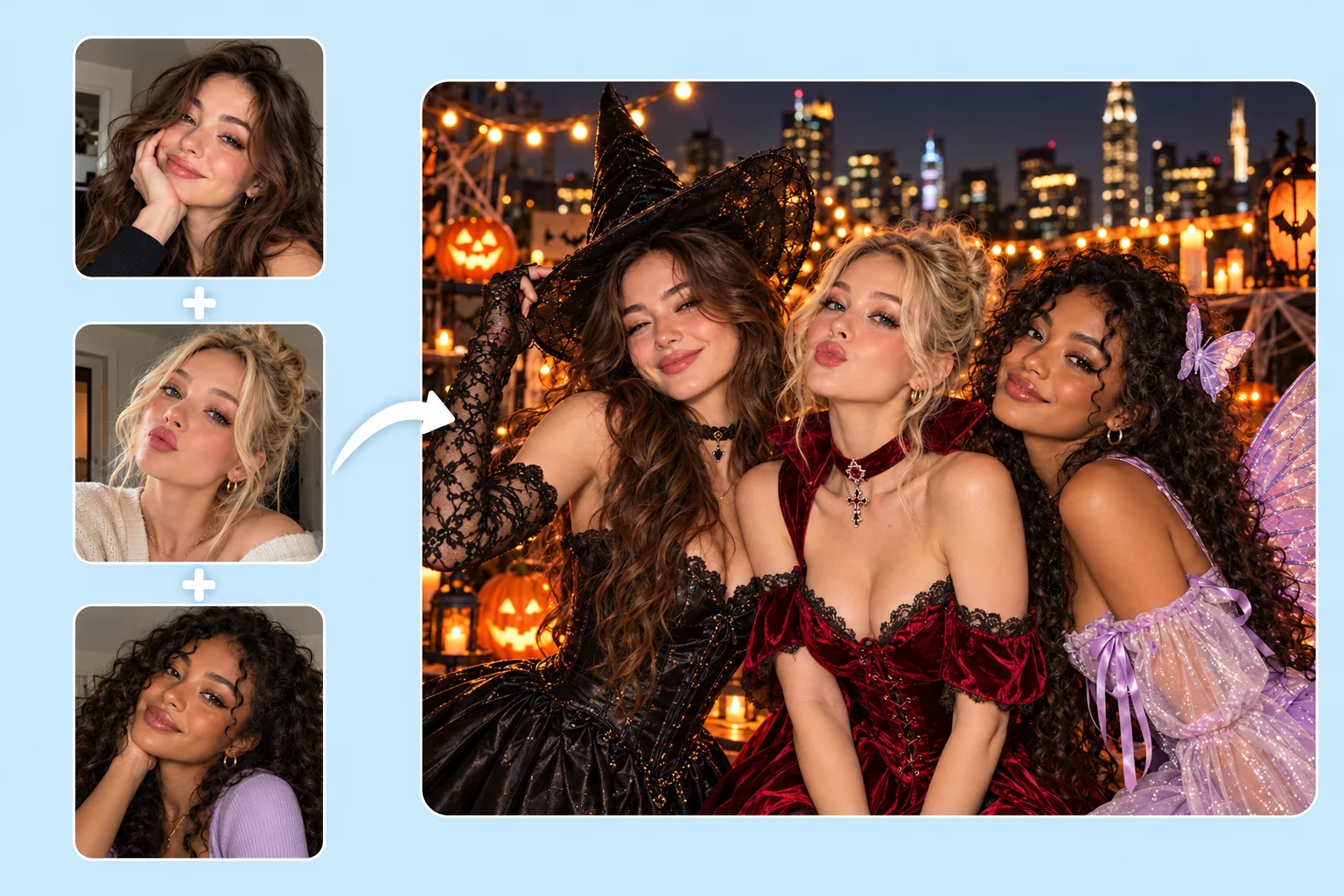
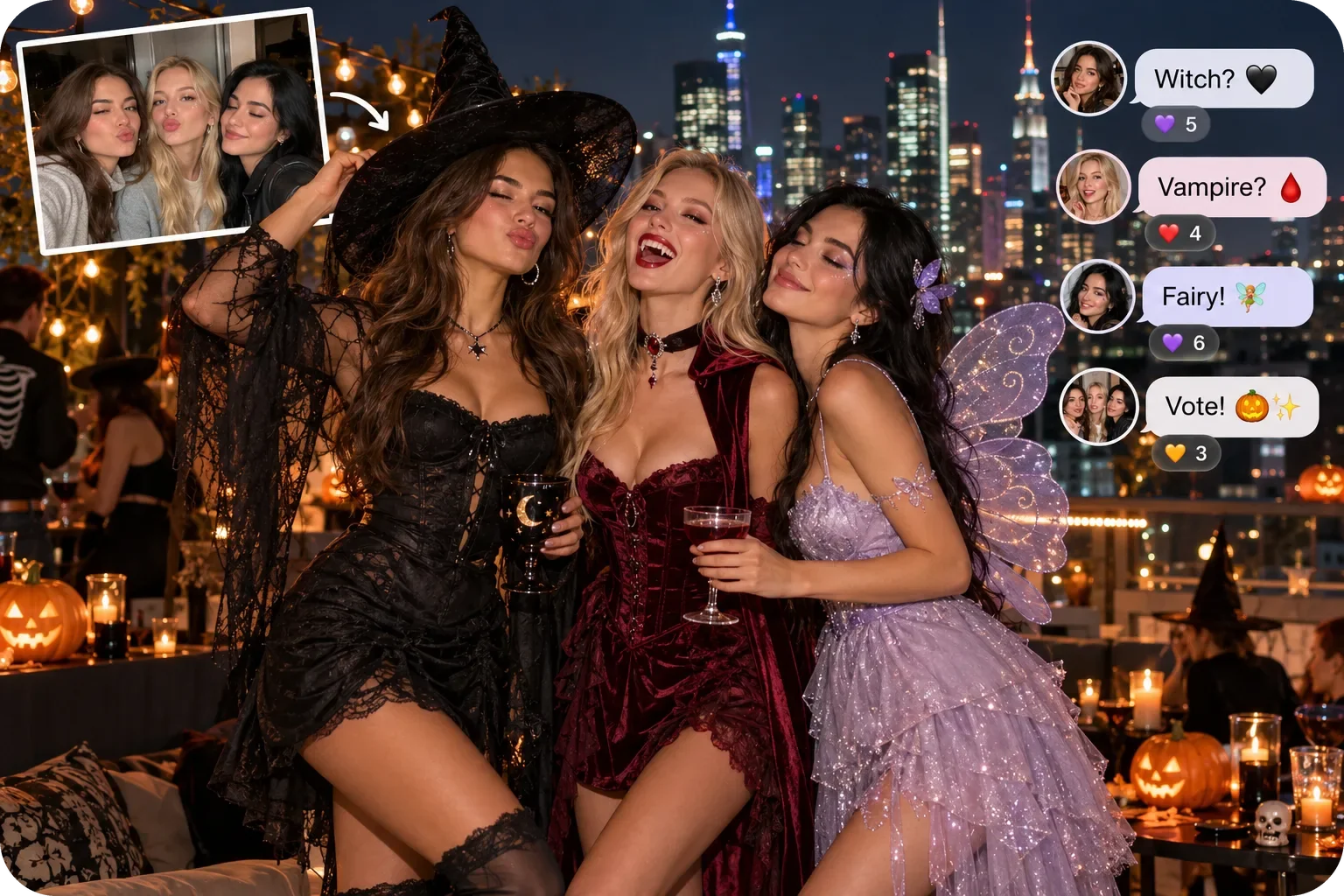
Explore a gothic duo, a pirate crew, or a shared witch theme using a clear couple or group photo and a matching costume reference. Share the result with friends to help choose your theme. Group results depend on the number of people, poses, and reference, so review every face and outfit.

Explore ideas for bringing separate photos together with our AI group photo generator

Give Your Pet a Halloween Costume in a Photo

Give Your Pet a Halloween Costume in a Photo

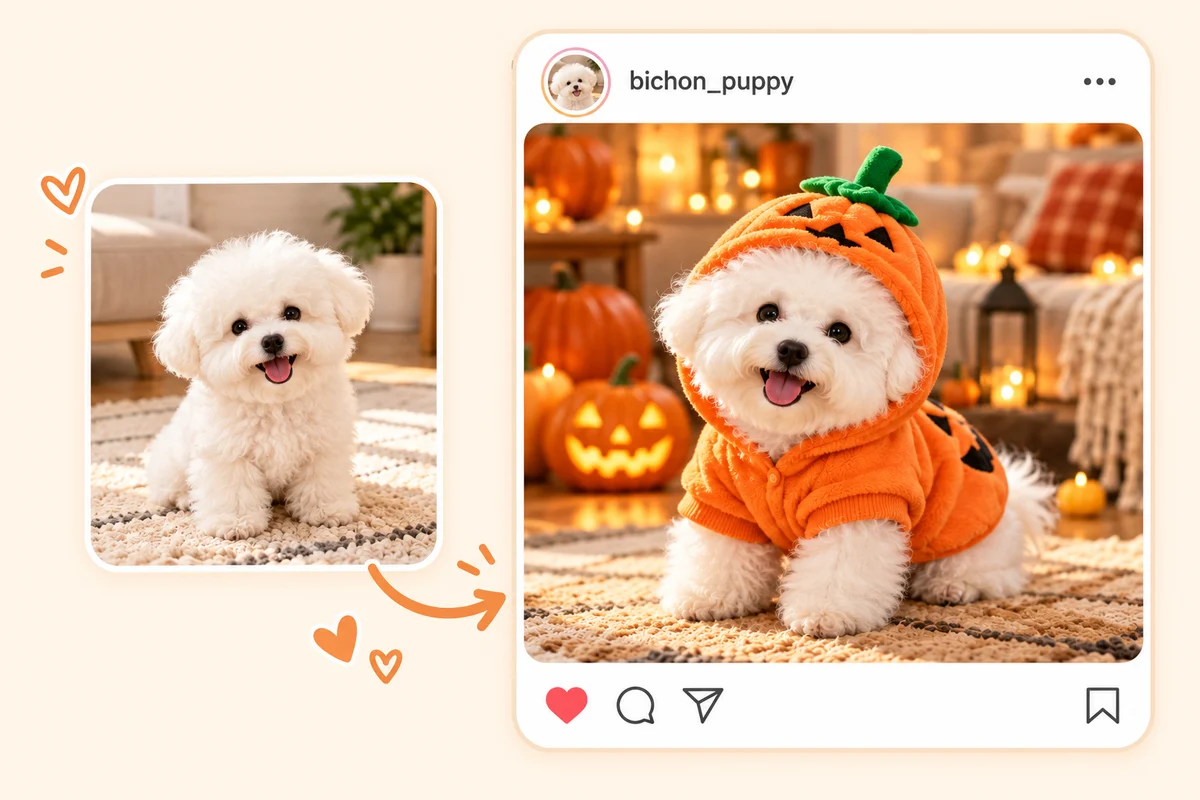
Picture your dog in a vampire cape or your cat in a little witch hat without dressing them up for a photo shoot. Upload a clear pet photo and choose a suitable Halloween template or reference image. Check the generated face, fur, and proportions before saving your pet’s costume portrait.

Your Halloween Costume, Ready for Parties, Posts, and Profiles

Use a costume portrait to plan what to wear, update your avatar, or join the AI Halloween trend on Instagram and TikTok. Start with the same photo and explore a look that suits the occasion.

Party Ideas
AI Halloween Trend
Profile Pictures
Group Inspiration
Preview a Party Costume Before You Shop

Preview a Party Costume Before You Shop

Try a costume idea on your selfie before choosing clothes, makeup, and accessories. Use the generated photo as inspiration for the look you want to put together for the party.

Join the AI Halloween Trend With Your Own Photo

Join the AI Halloween Trend With Your Own Photo

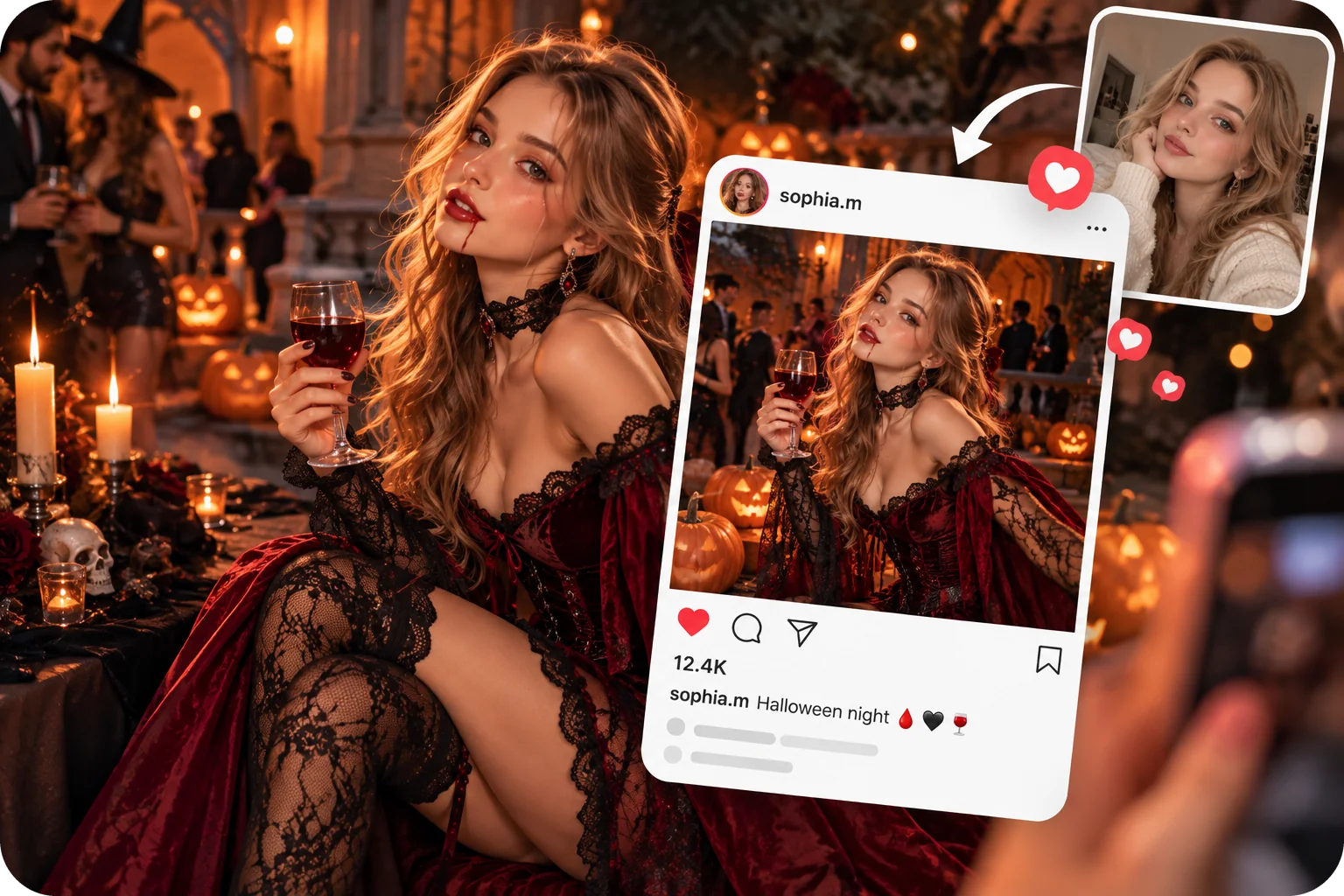
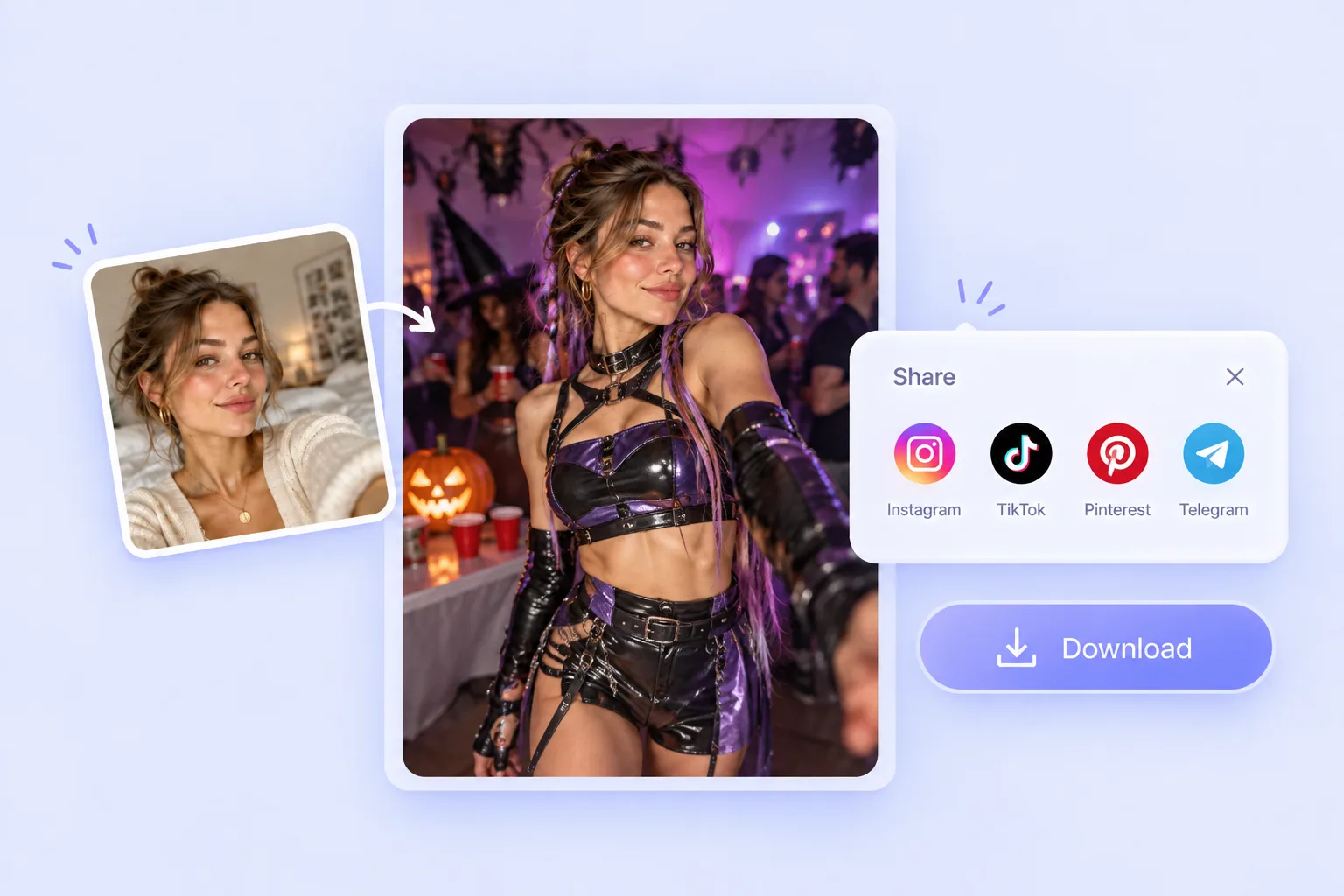
Turn a familiar selfie into a spooky costume portrait for your next Instagram or TikTok post. Save the result and share it alongside your original photo to show your Halloween transformation.

Make a Halloween Profile Picture

Make a Halloween Profile Picture

Give your profile a seasonal look with a witch hat, vampire cape, or ghostly setting. Choose a clear portrait so your face stays easy to recognize at avatar size.

Find a Shared Costume Theme With Friends

Find a Shared Costume Theme With Friends

Send costume previews to your group chat and compare ideas before settling on a theme. A generated portrait gives everyone a starting point for discussing outfits and accessories.

10 Halloween Costume Ideas to Try With AI

From a classic witch to a glittery Y2K look, explore outfits, makeup, and settings for your next costume photo. Choose a related template or upload a reference to try your own version.

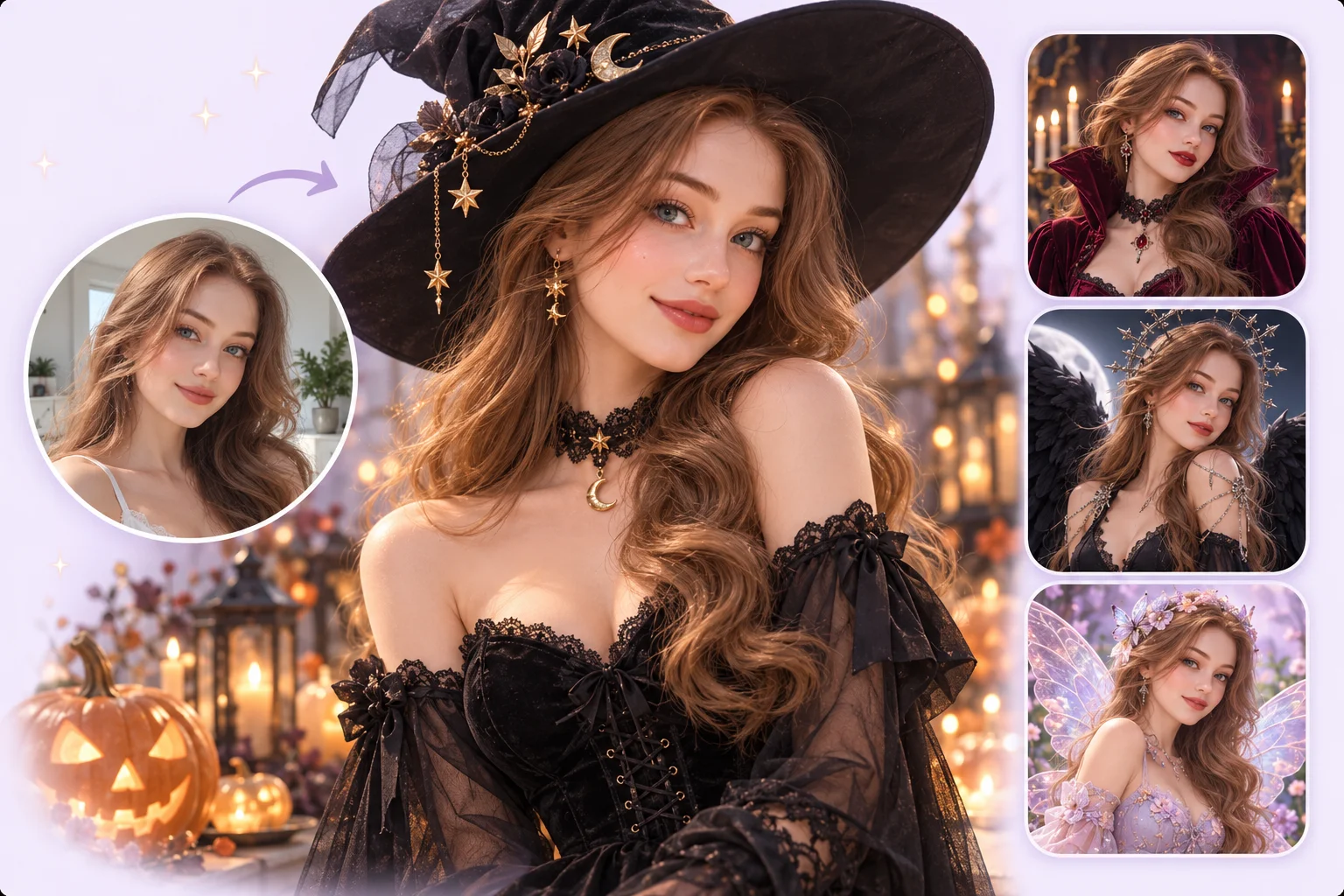
Glam Witch Costume

Glam Witch Costume

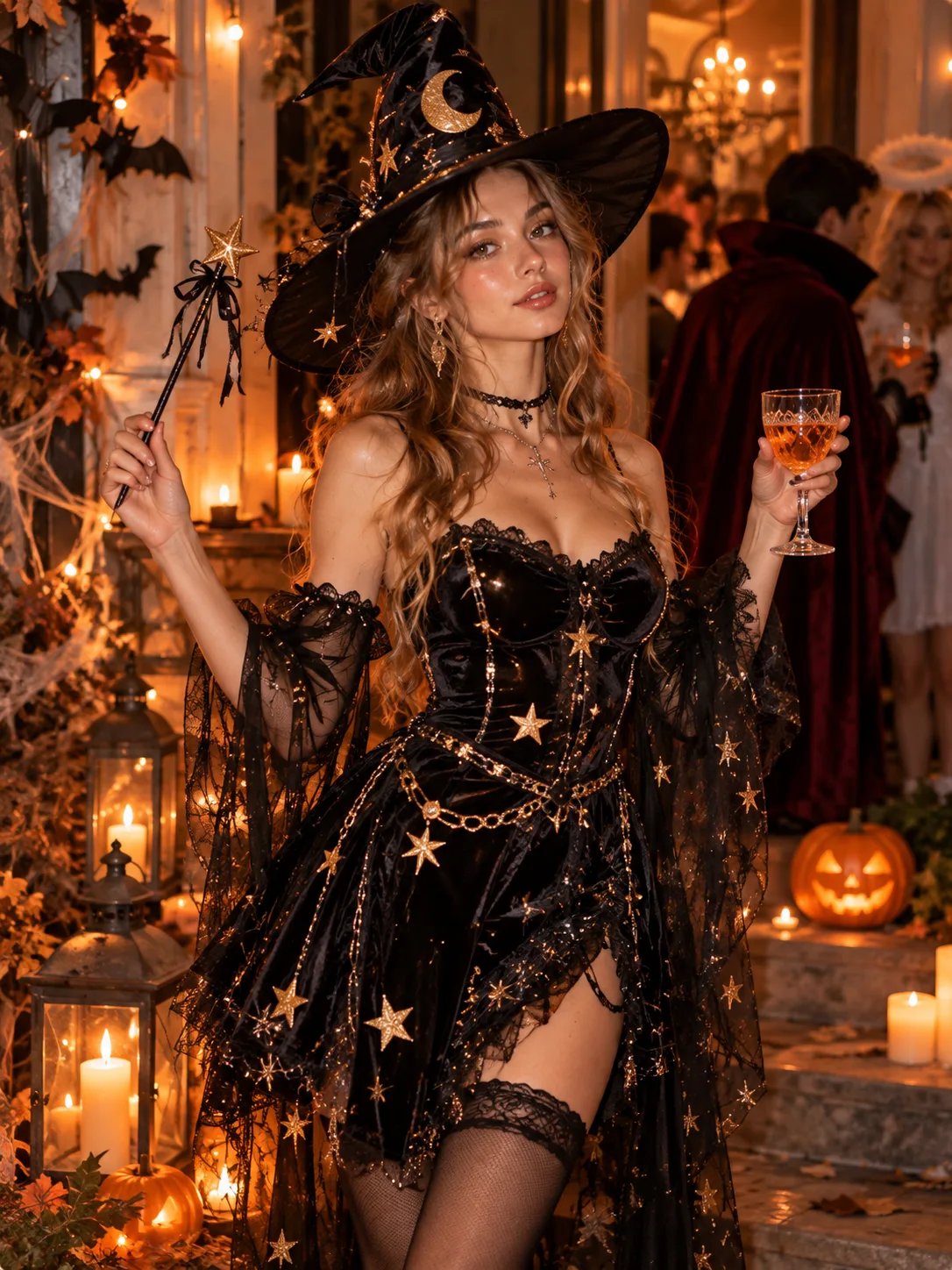
Pair a pointed hat with black velvet, gold details, and glowing pumpkins for a glamorous witch portrait.

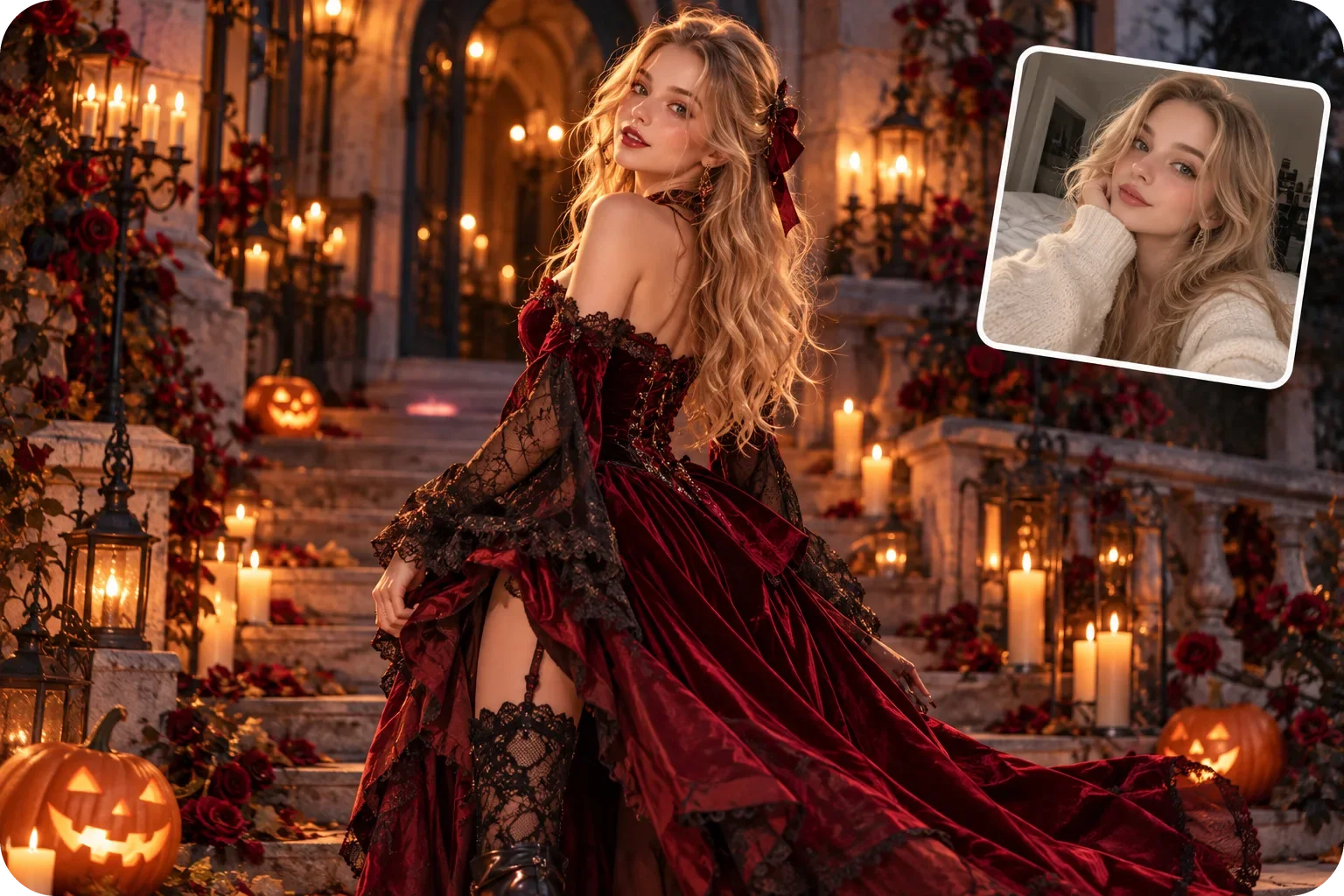
Gothic Vampire Costume

Gothic Vampire Costume

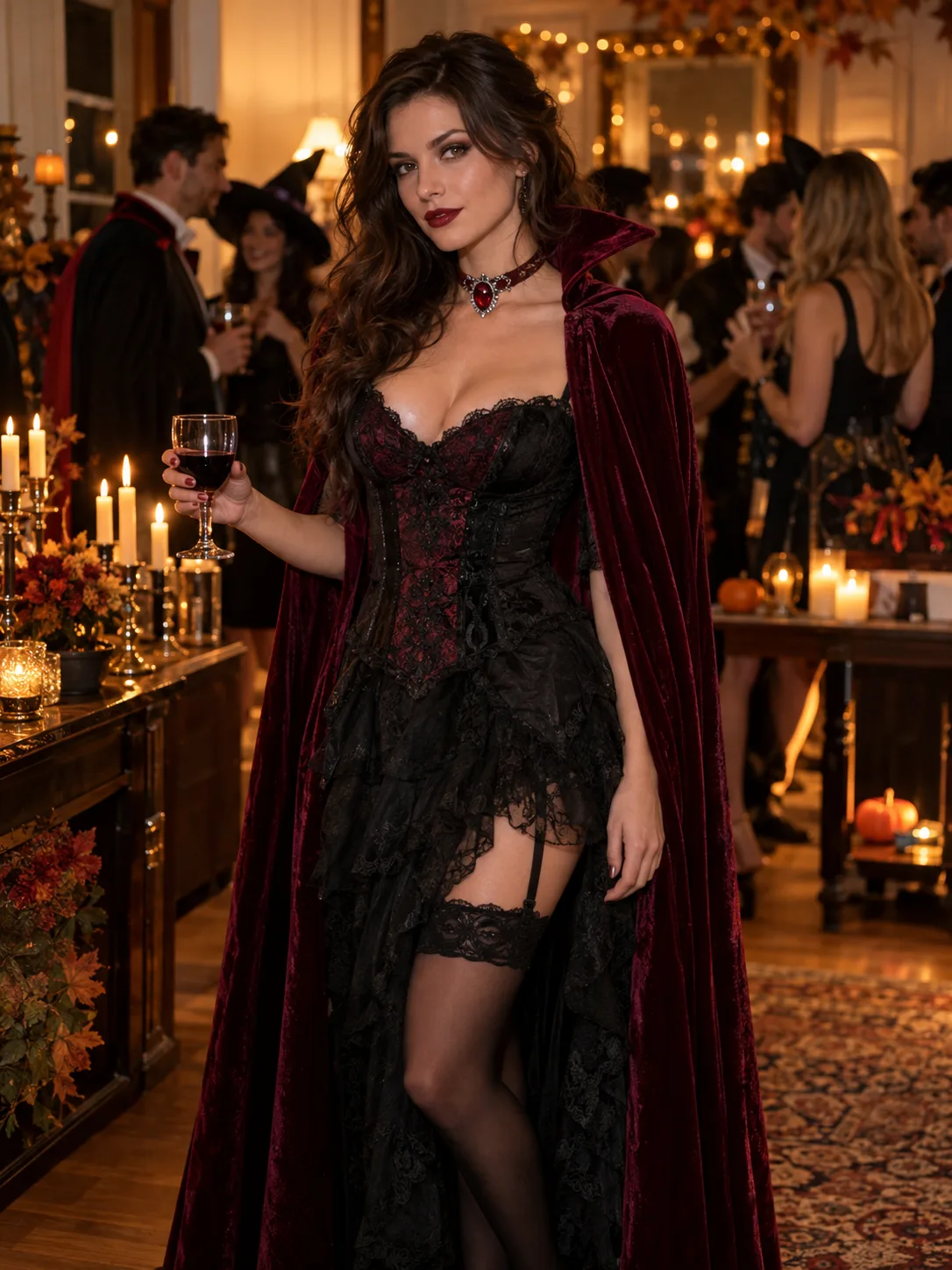
Try a burgundy cape, ornate jewelry, and a candlelit castle for a dramatic vampire look.

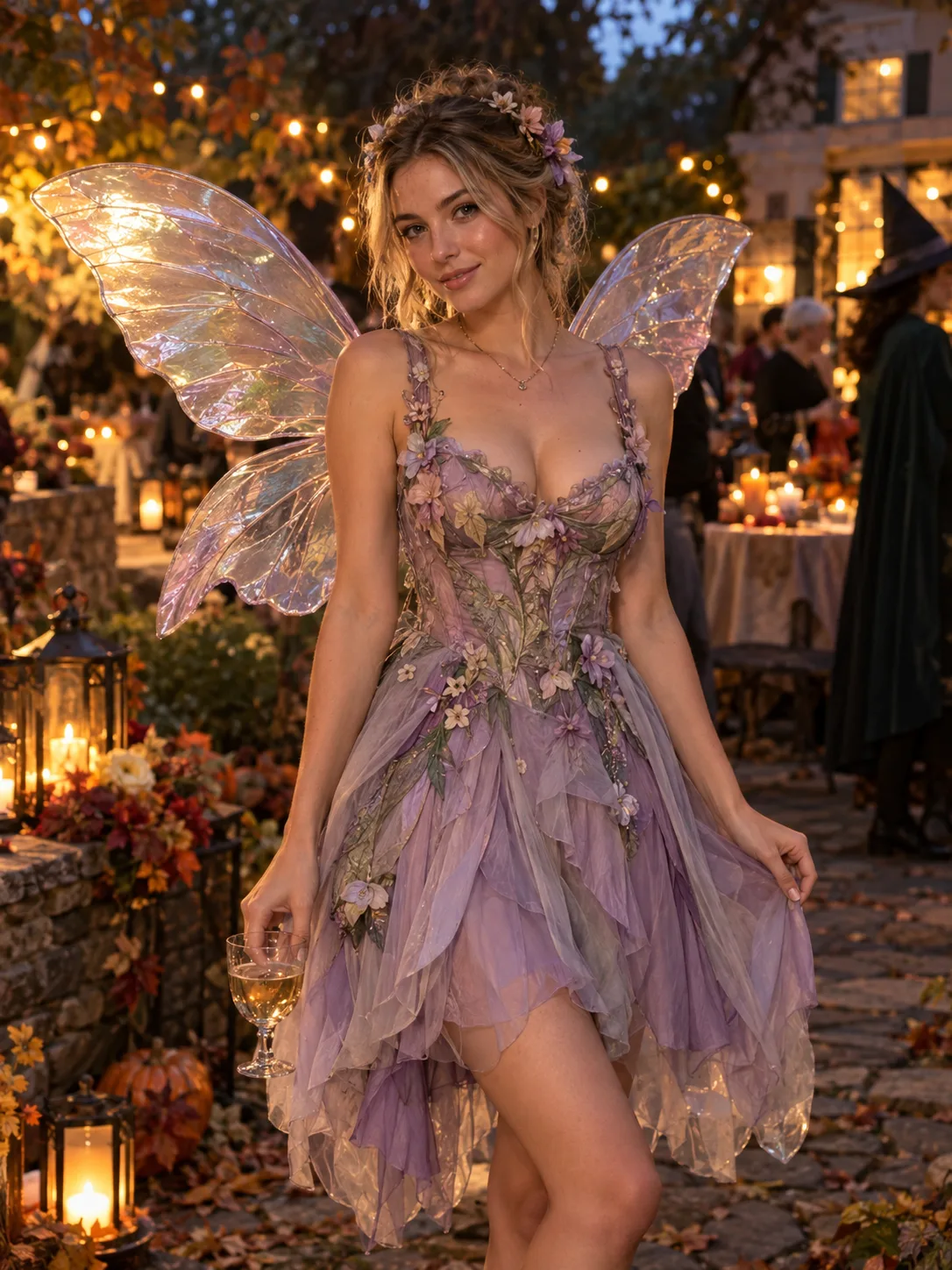
Enchanted Fairy Costume

Enchanted Fairy Costume

Explore iridescent wings, soft flowers, and lantern light for a bright, dreamy Halloween costume.

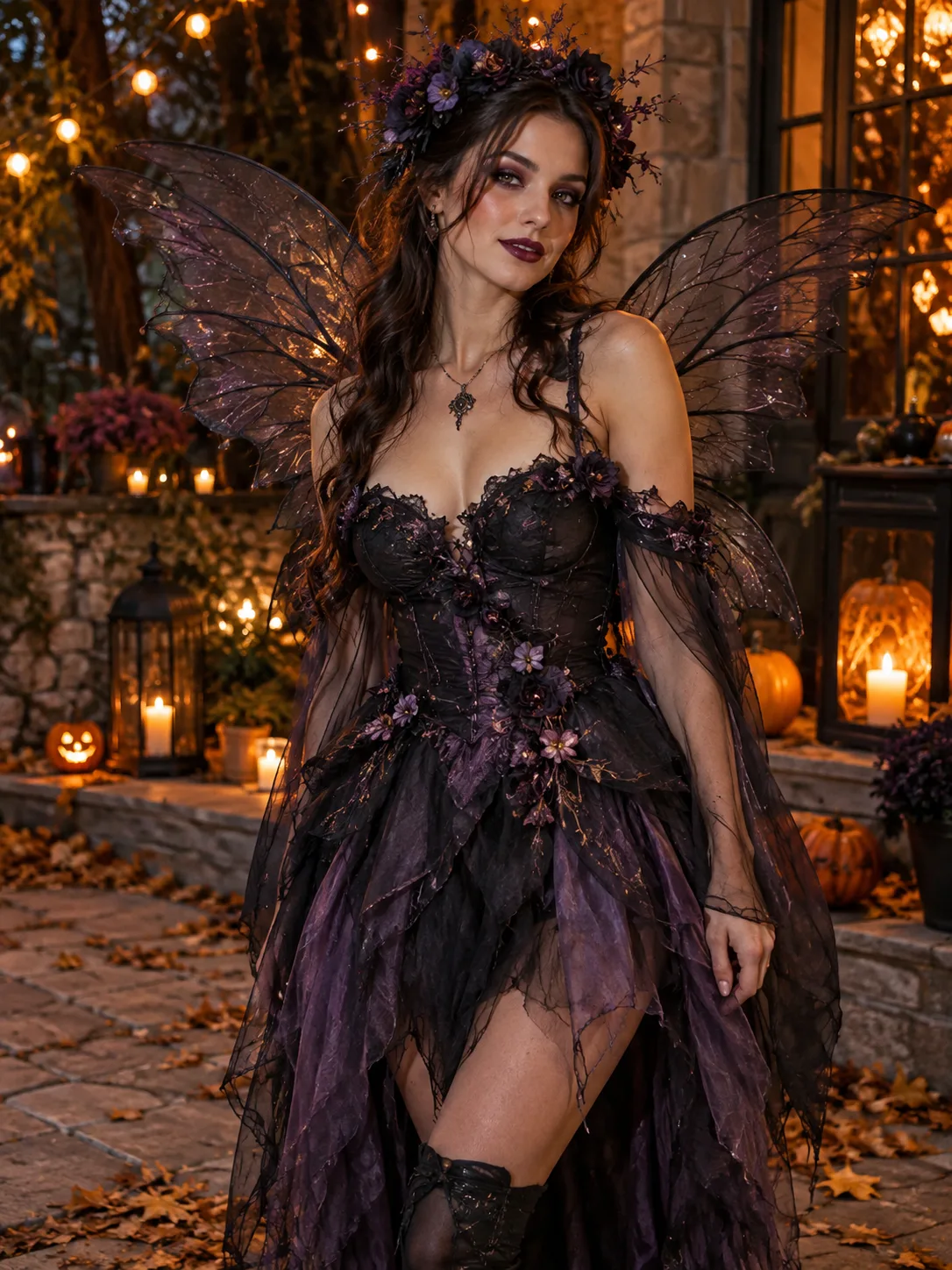
Dark Fairy Costume

Dark Fairy Costume

Take the fairy idea into a moonlit forest with smoky violet wings and a darker color palette.

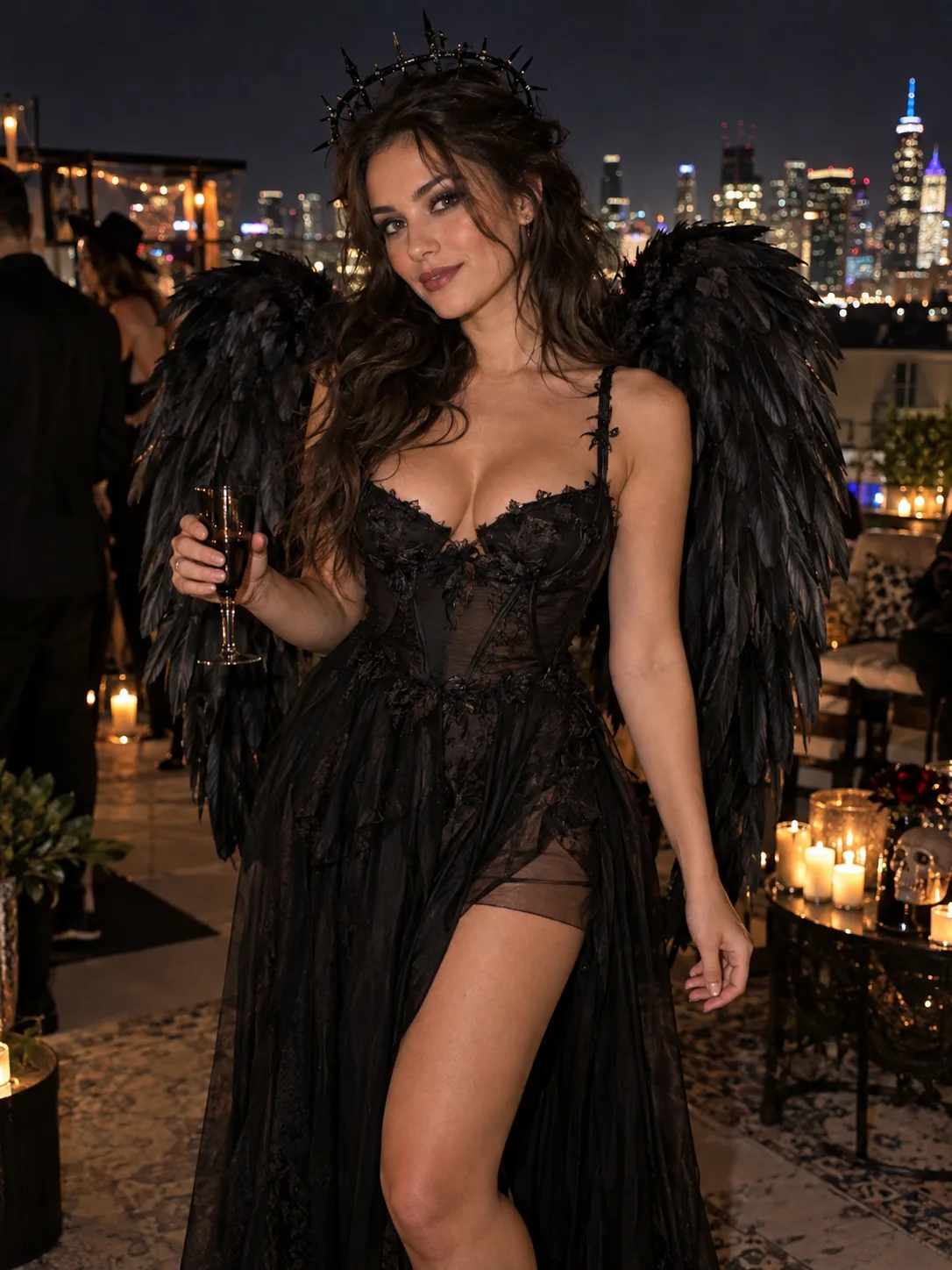
Dark Angel Costume

Dark Angel Costume

Combine black feathered wings and silver accessories with a moonlit background for a dark angel portrait.

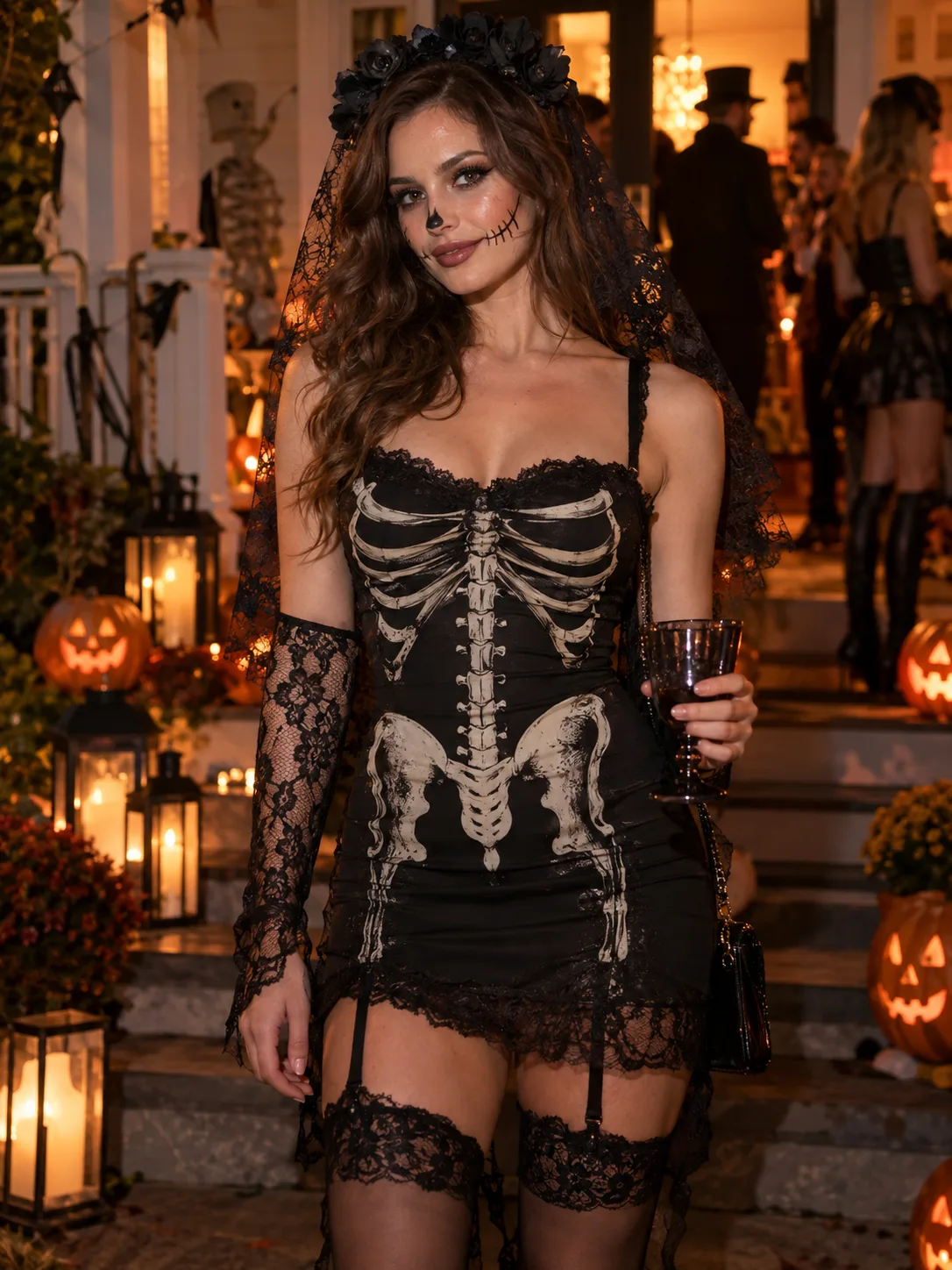
Skeleton Costume

Skeleton Costume

Build a classic spooky look around bone-print clothing, skeleton makeup, and a misty graveyard.

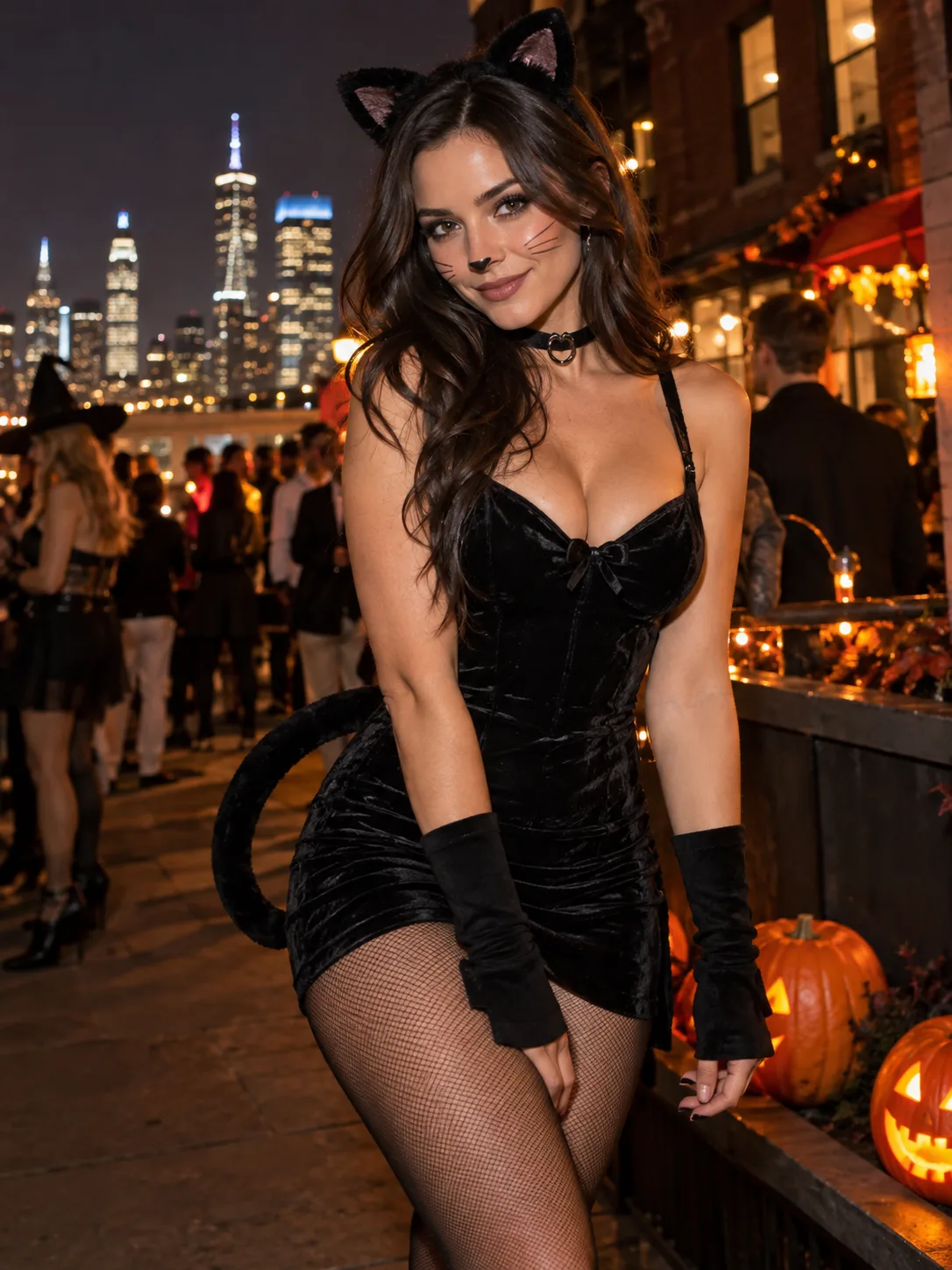
Black Cat Costume

Black Cat Costume

Start with pointed ears, a black outfit, and playful whisker makeup for a cat-inspired Halloween look.

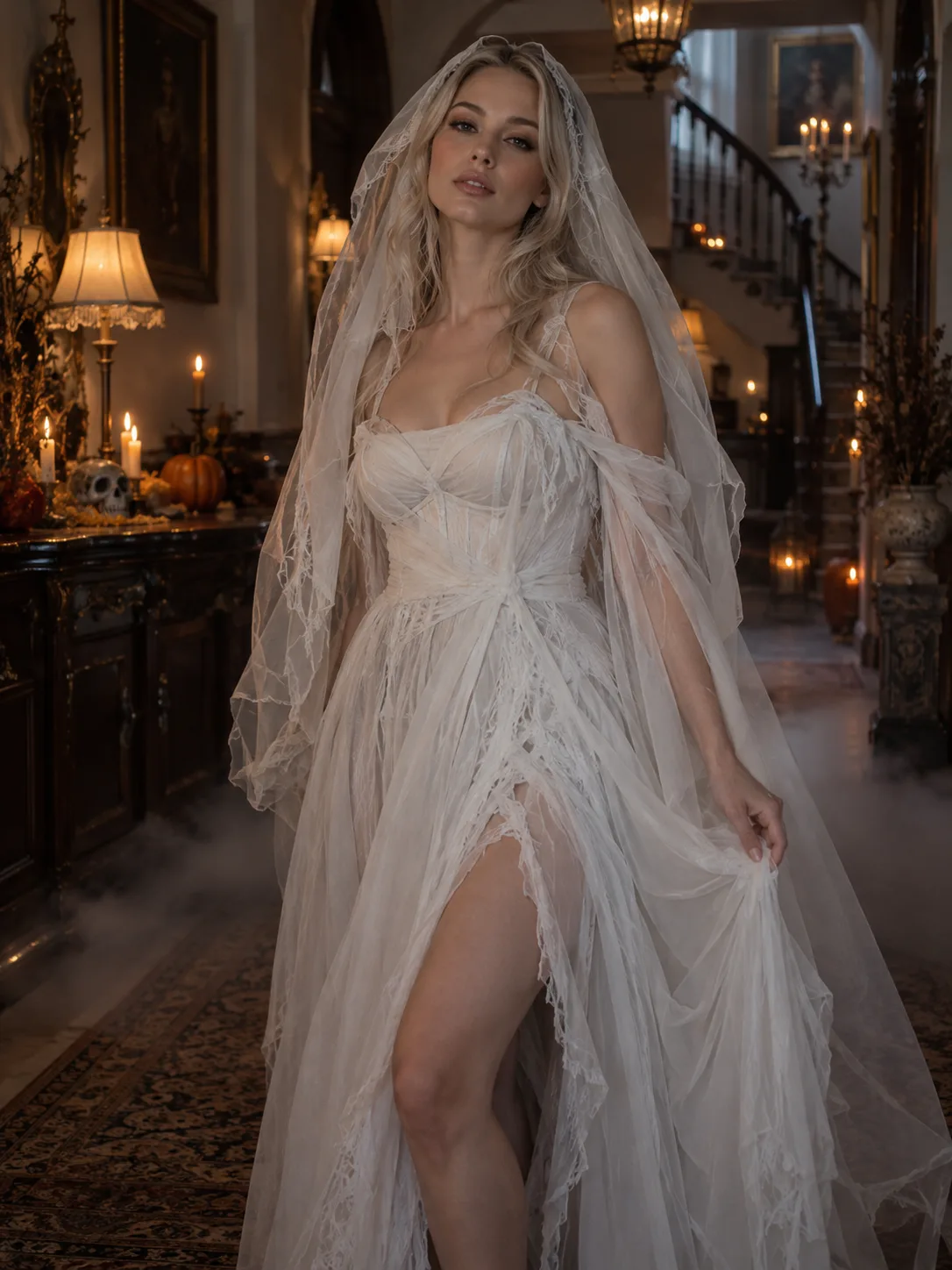
Ghost Costume

Ghost Costume

Try flowing white fabric, a sheer veil, and a foggy manor setting for a soft, ghostly portrait.

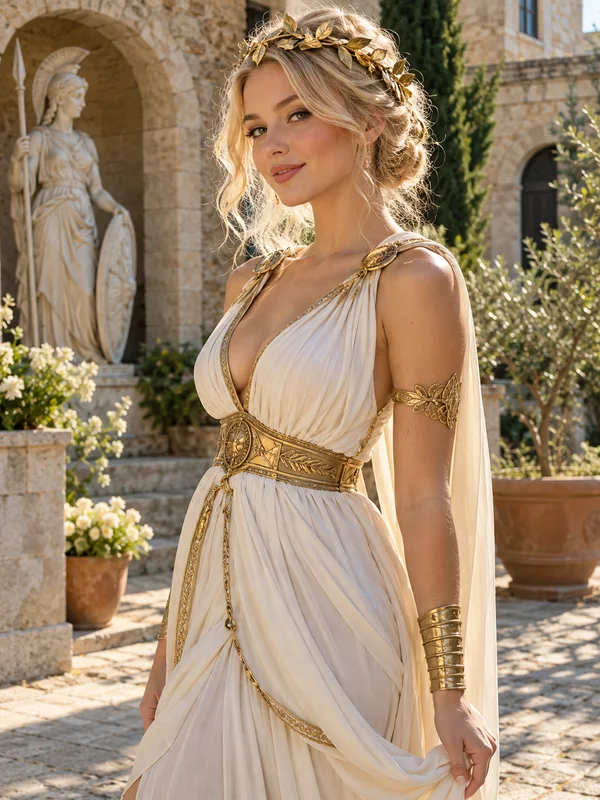
Greek Goddess Costume

Greek Goddess Costume

Use ivory draping, gold jewelry, and a laurel crown as inspiration for an elegant costume photo.

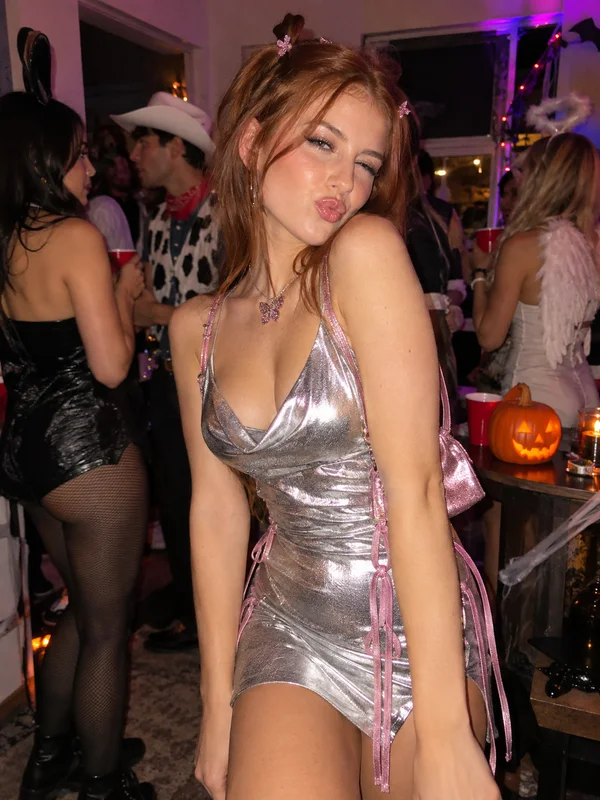
Y2K Halloween Costume

Y2K Halloween Costume

Explore pink sparkle, retro accessories, and party-flash lighting for a playful Y2K costume portrait.

More makeup, photo, and costume inspiration: Halloween filters guide

How to Create Your AI Halloween Costume

  1. Upload Your Photo1

    Upload Your Photo

    Choose a clear selfie, portrait, or pet photo with good lighting. Keep the face visible and avoid heavy filters or accessories that hide important details.

  2. Choose a Costume Template or Reference2

    Choose a Costume Template or Reference

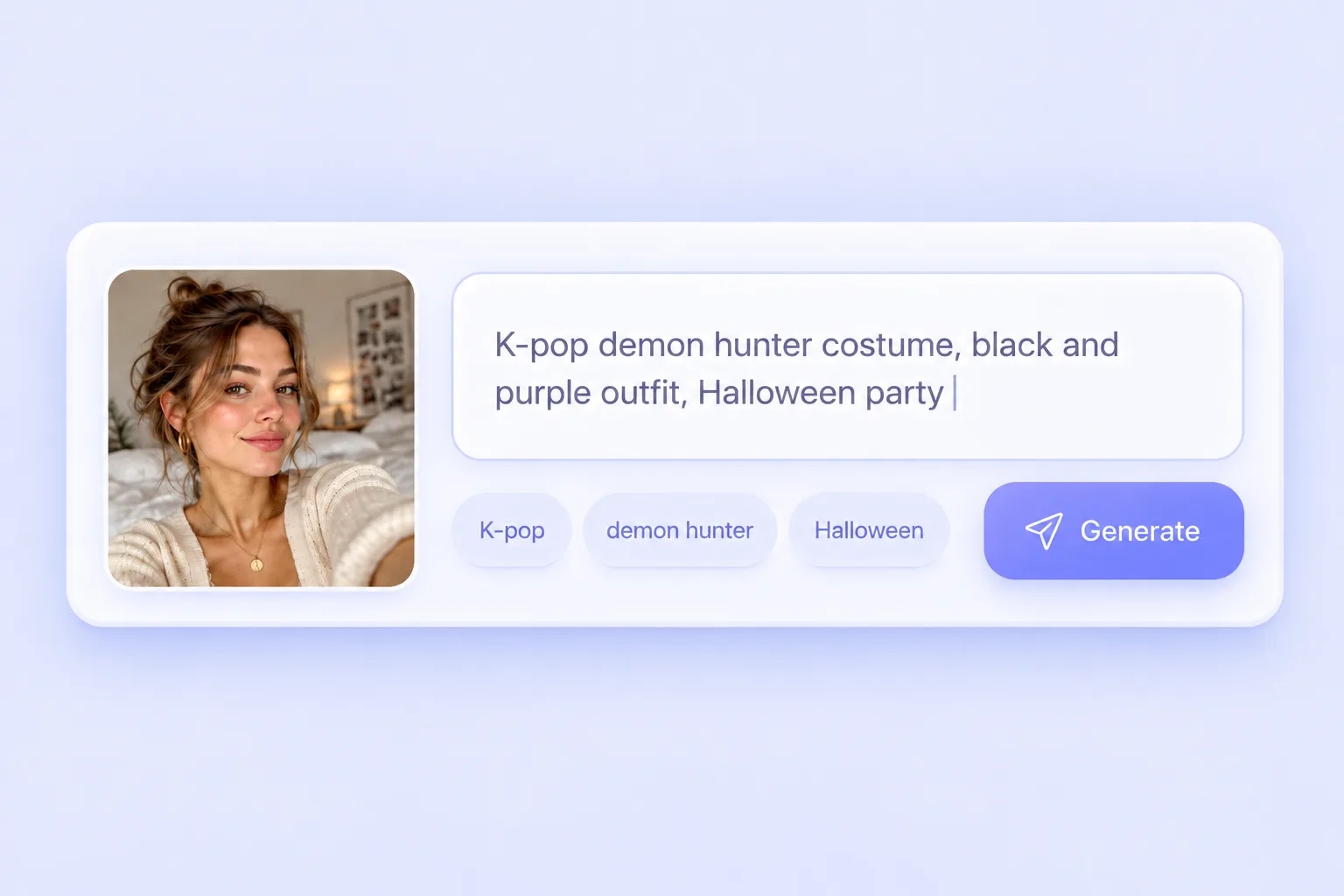
    Select a Halloween template from the gallery or upload your own costume reference. The reference provides the outfit and style; your photo provides the subject. Review the displayed credit cost before generating.

  3. Generate, Preview, and Download3

    Generate, Preview, and Download

    Click Generate to create your AI Halloween costume photo on this page. Check the face, hands, and outfit when it is ready, then download the result. To try another look, change the template or reference and generate again.

Why Create Your AI Halloween Costume With PhotoGrid?

Your Photo Is the Starting Point

Explore costumes on your own portrait instead of trying to imagine yourself in someone else’s outfit.

Templates and Your Own References

Choose a ready-made Halloween look or upload a costume image to explore a different outfit and mood.

Preview Before You Share

See the generated photo, review the details, and choose whether to download it for a post or profile picture.

Create in Your Browser

Upload, choose a reference, and generate on this page from your phone or computer, without installing an app.

Ideas for People and Pets

Explore solo, couple, group, or pet costume portraits with a clear source photo and a suitable reference.

Compare Different Costume Ideas

Change the template or reference to try a new look. Each generation uses the credit cost shown before you start.

AI Halloween Costume FAQs

Make Your Own AI Halloween Costume

Your next Halloween look starts with a photo. Choose a costume template or upload a reference, generate your look, and save a favorite for a party idea, seasonal avatar, or your take on the AI Halloween trend.