
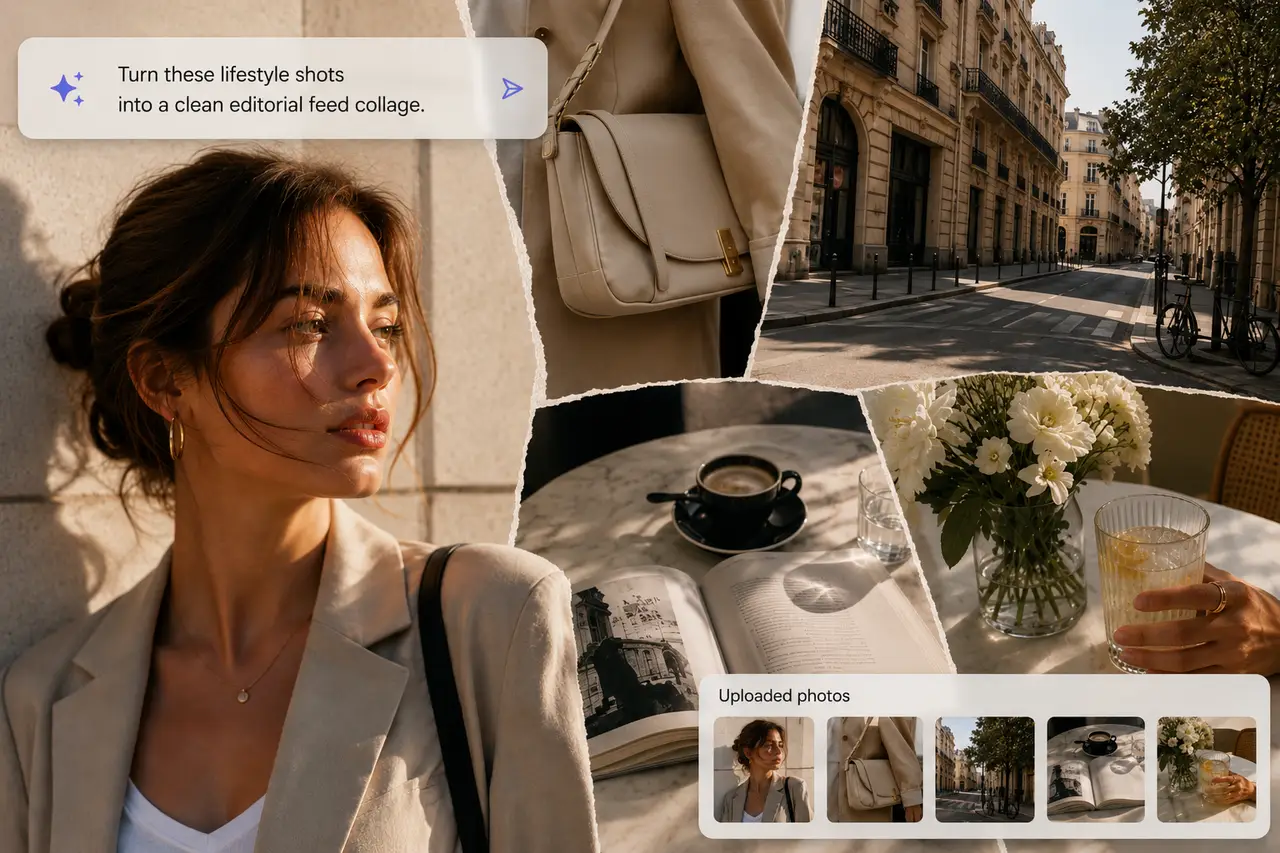

100% Free No Watermark AI Styling Smart Layout
AI Collage Generator Free Online
Upload your photos, choose your style, and PhotoGrid's AI collage generator handles the layout, colors, text, and styling automatically. Skip template browsing and manual resizing. Adjust any panel after generation, then download your AI photo collage with no watermarks.
What do you want to create?
Try:
Explore AI Collage Ideas for Every Moment
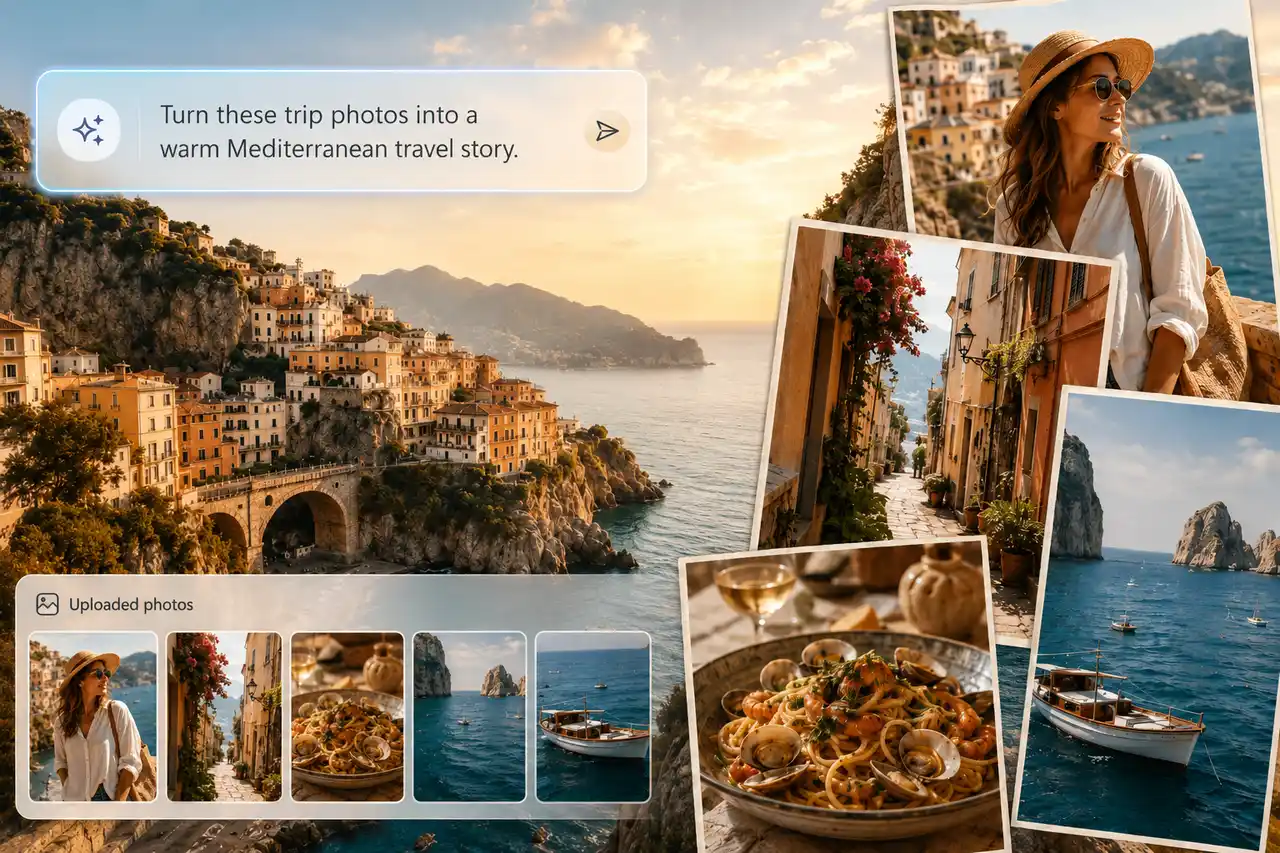
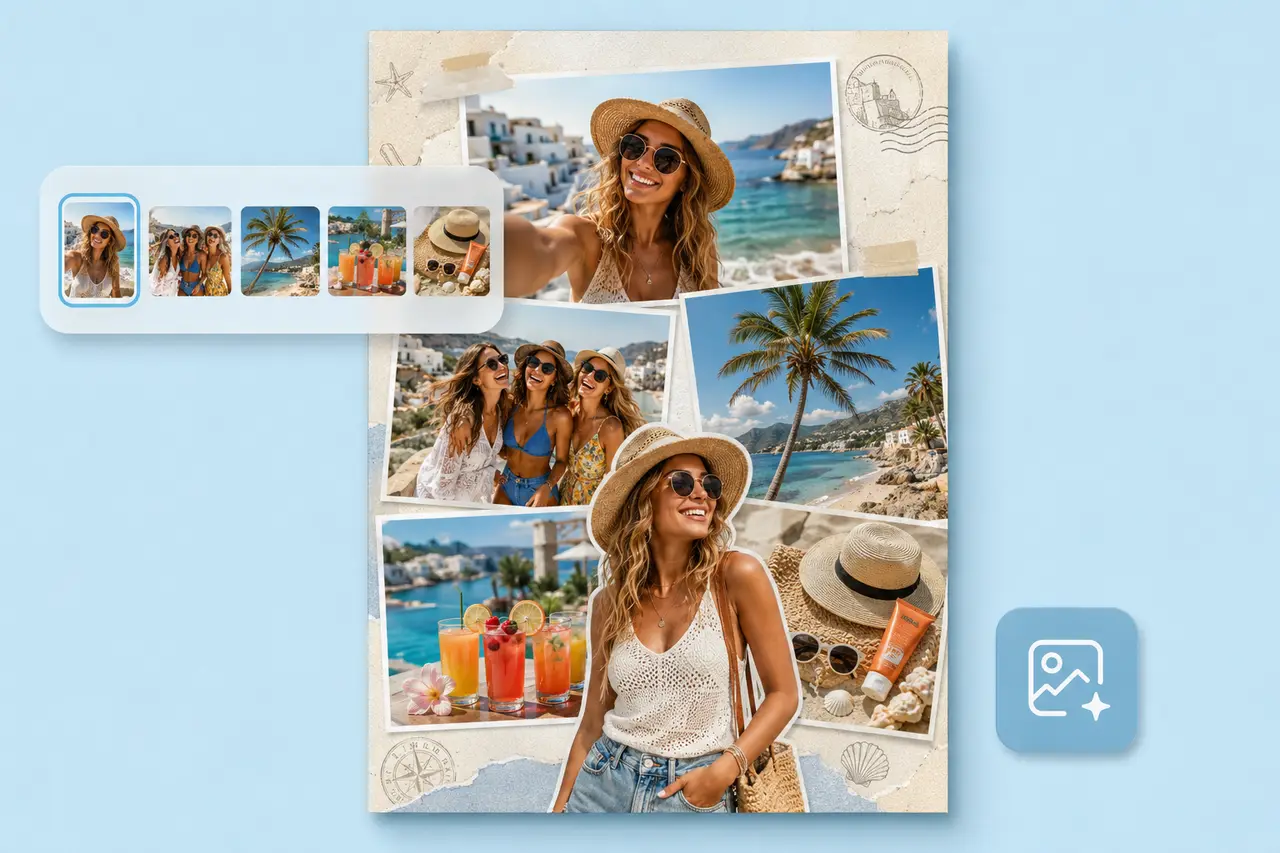
From travel recaps and birthday memories to photo dumps, mood boards, and product showcases, explore ready-to-use AI collage ideas and turn your own photos into a polished design in seconds.


Explore More AI Collage Makers
Need a more specific workflow? Jump into dedicated collage makers for photo dumps, digital scrapbooks, moodboards, travel recaps, Instagram posts, and birthday memories.
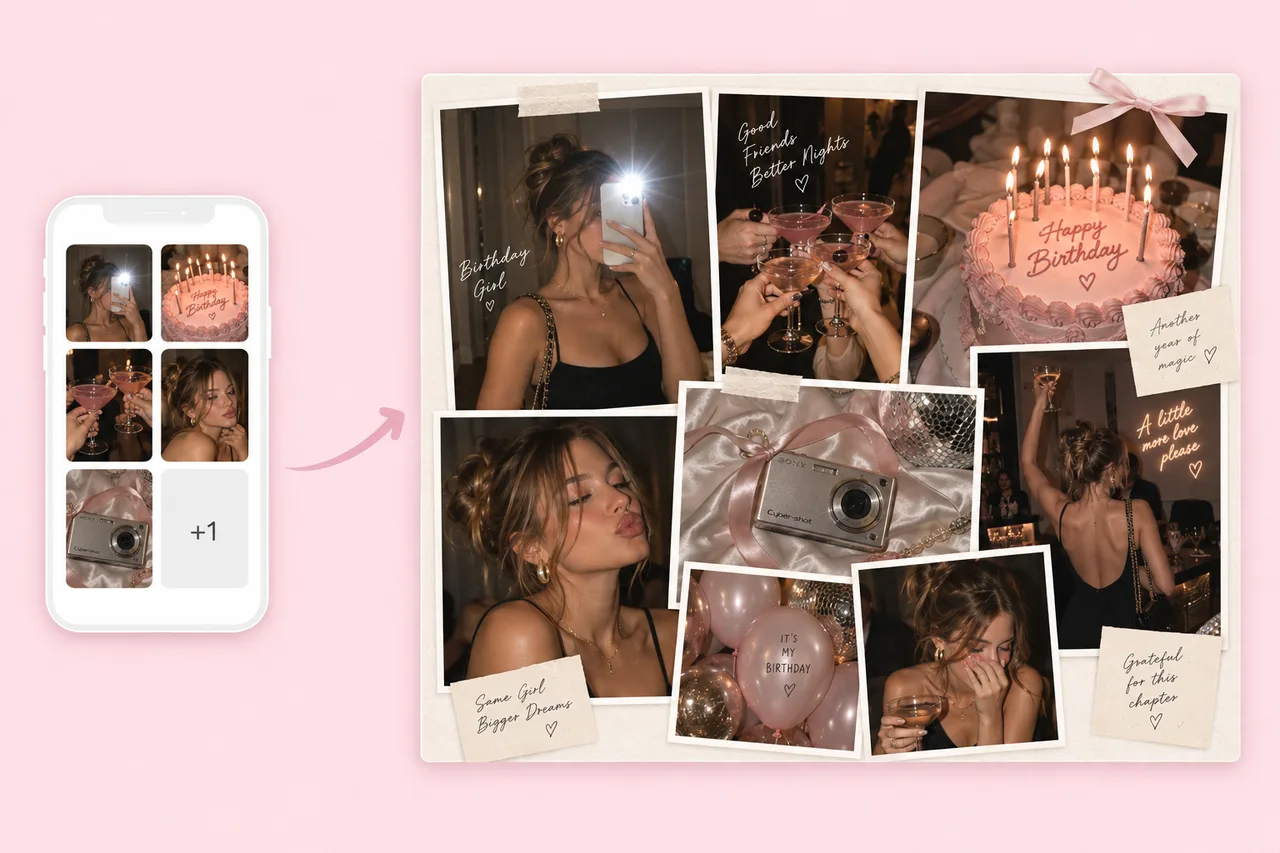
AI Photo Dump Maker
Turn casual camera-roll shots into a cohesive post, recap, or story collage without arranging every image by hand.
Explore Tool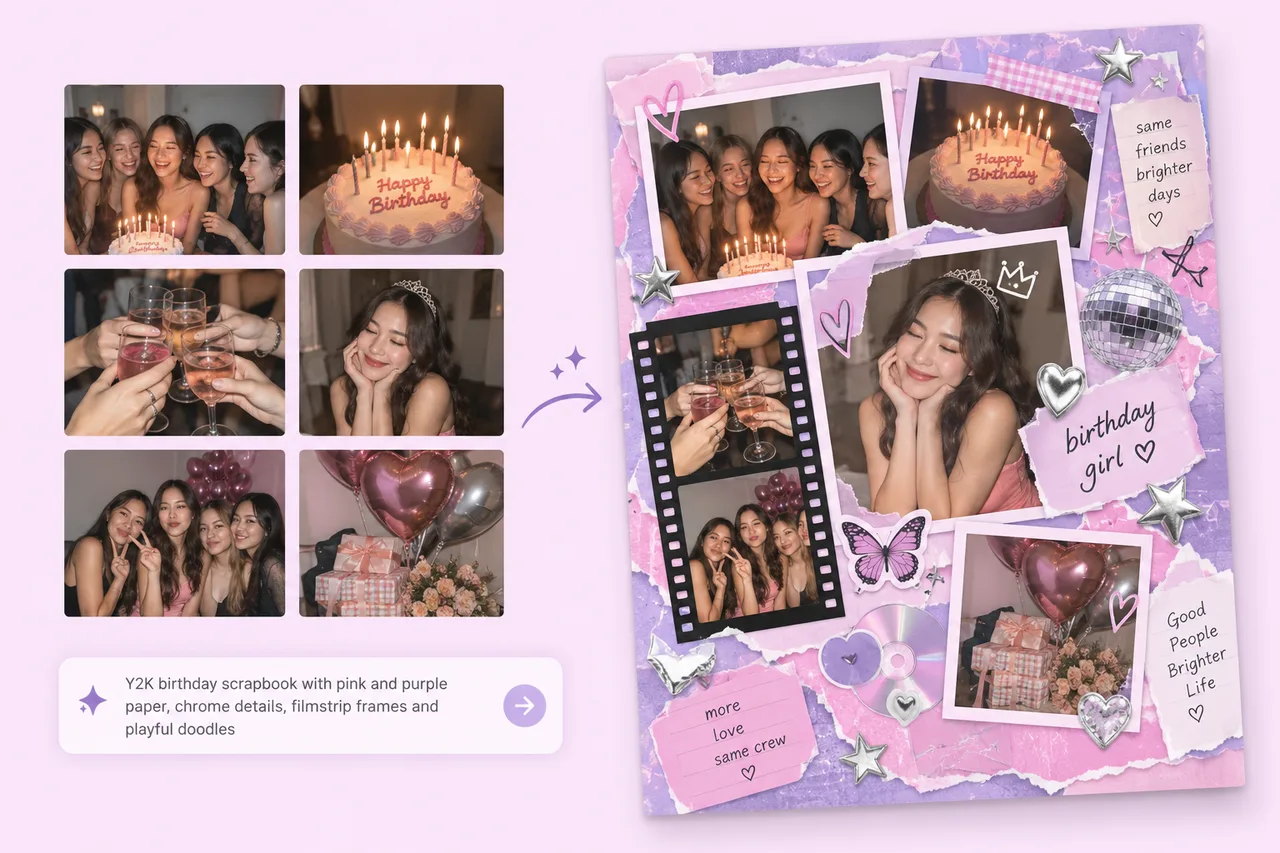
AI Digital Scrapbook Maker
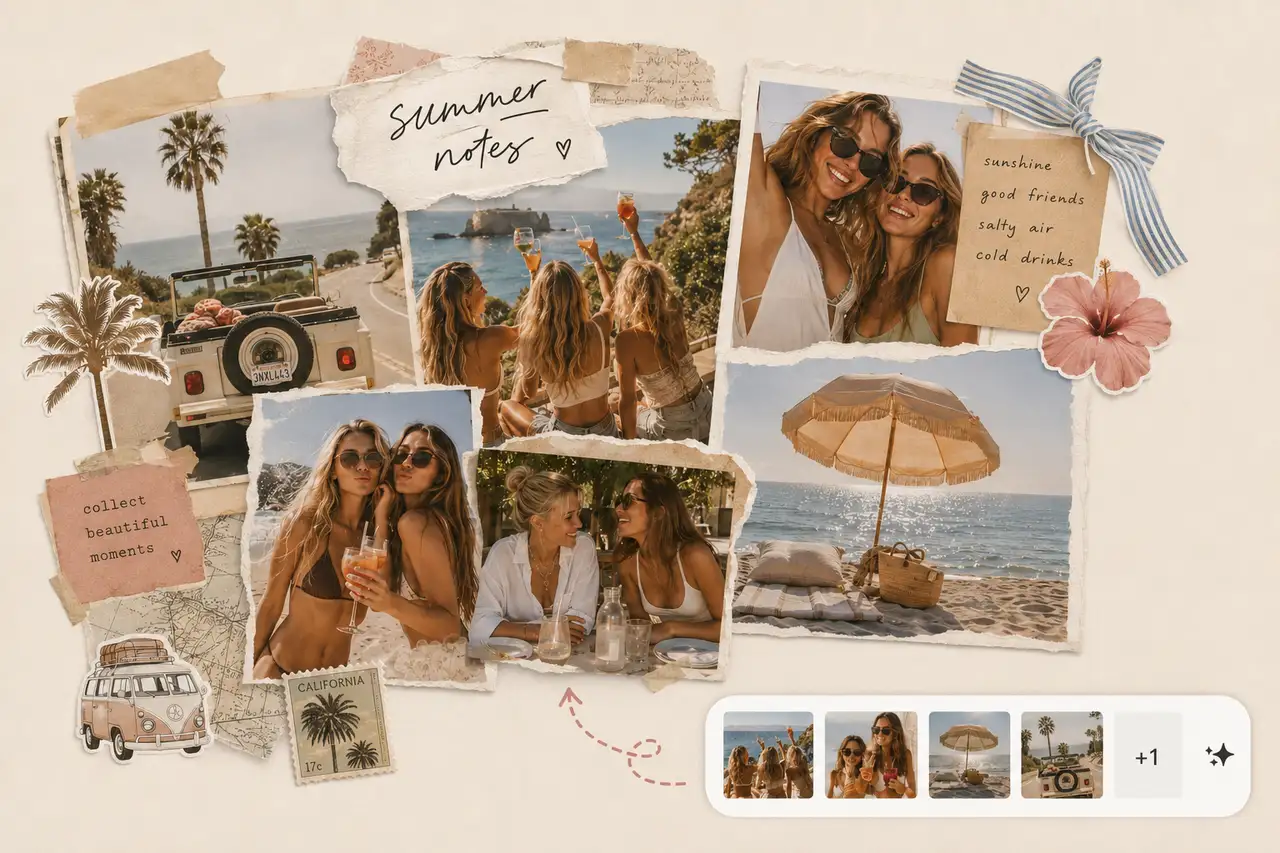
Create layered scrapbook pages with torn paper, photo notes, travel memories, and polished storytelling details.
Explore Tool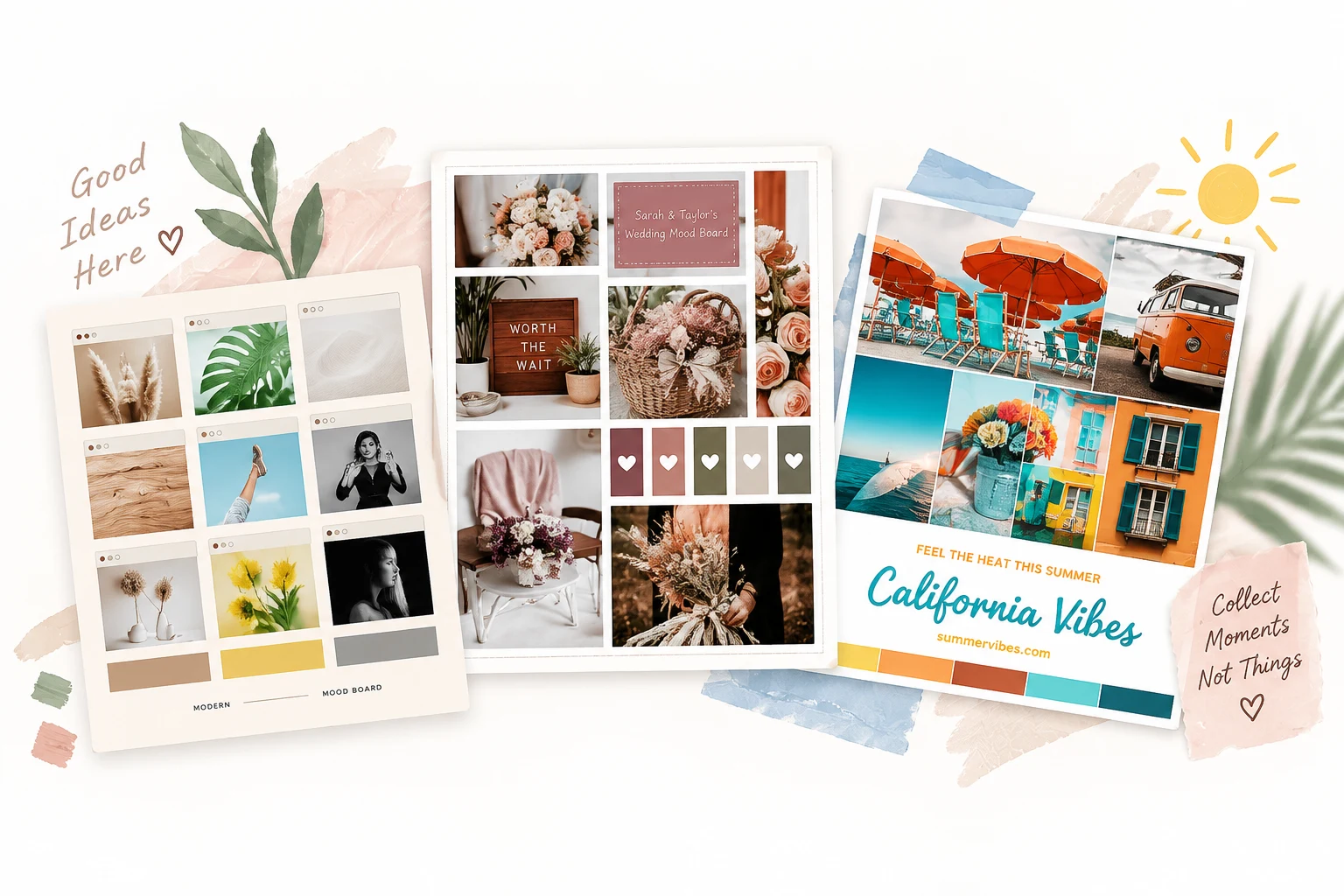
AI Moodboard Generator
Collect references, colors, textures, and style notes into one clean board for creative direction and planning.
Explore Tool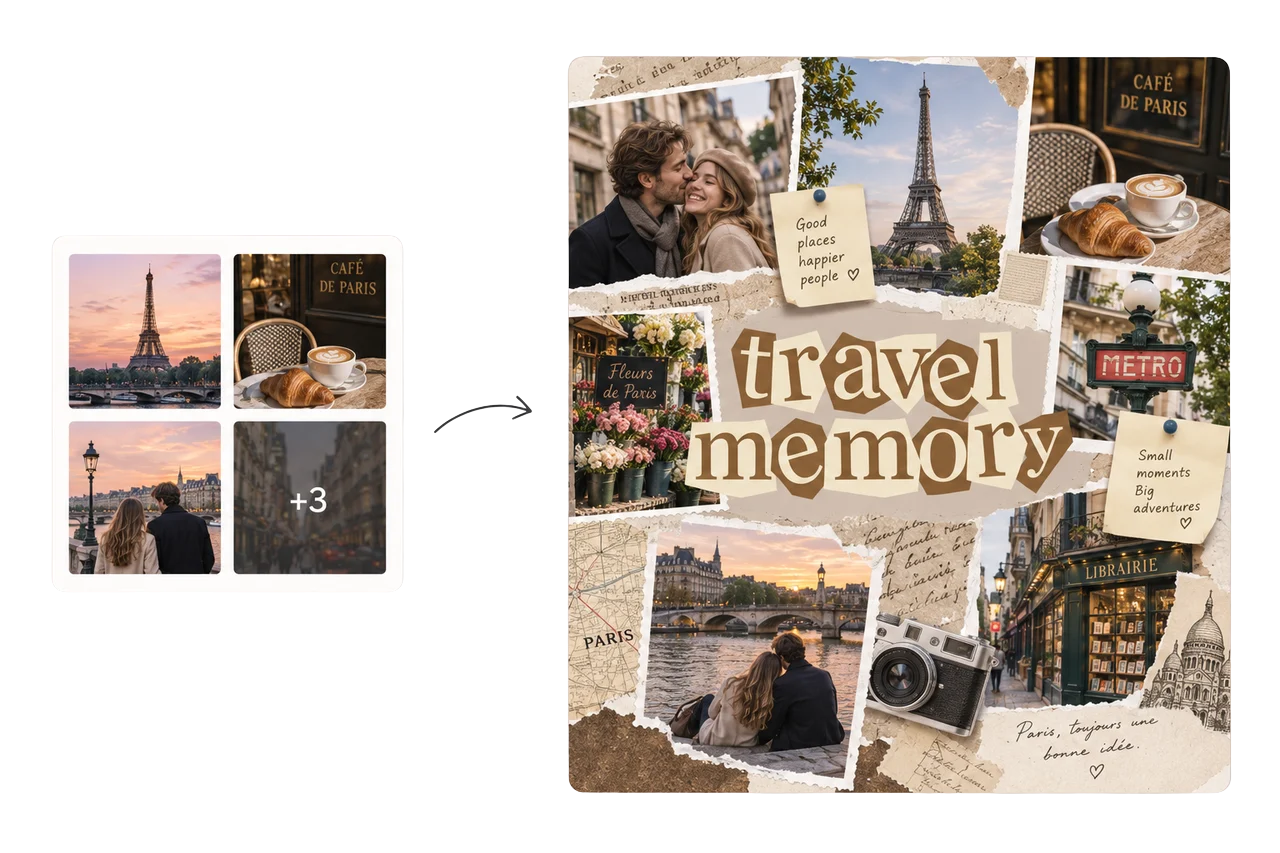
AI Travel Collage Maker
Turn trip photos into a polished travel recap with destination moments, people, food, and details arranged into one story.
Explore Tool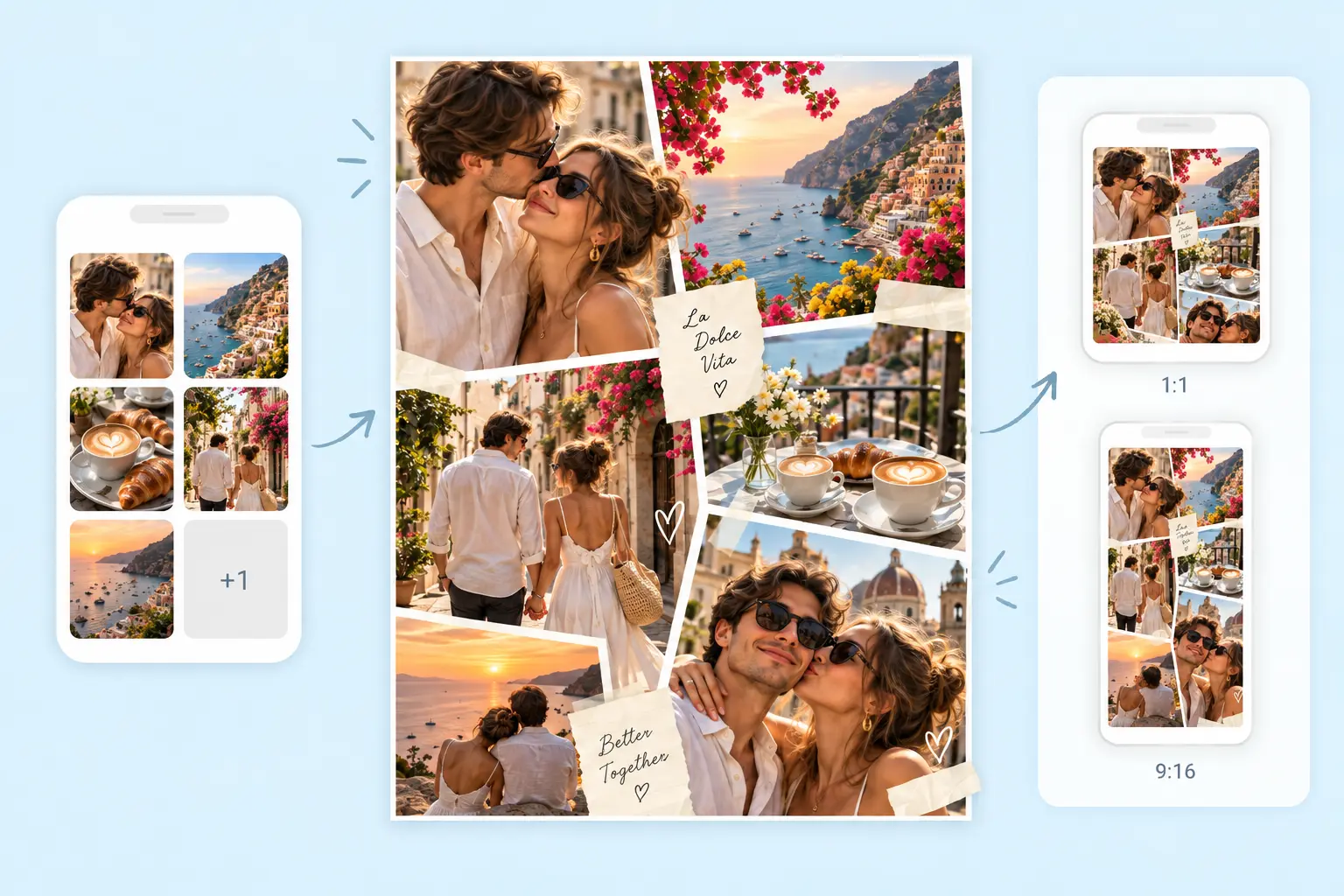
AI Instagram Collage Maker
Create feed, Story, 9-grid, or photo dump collages in Instagram-ready formats without rebuilding the layout by hand.
Explore Tool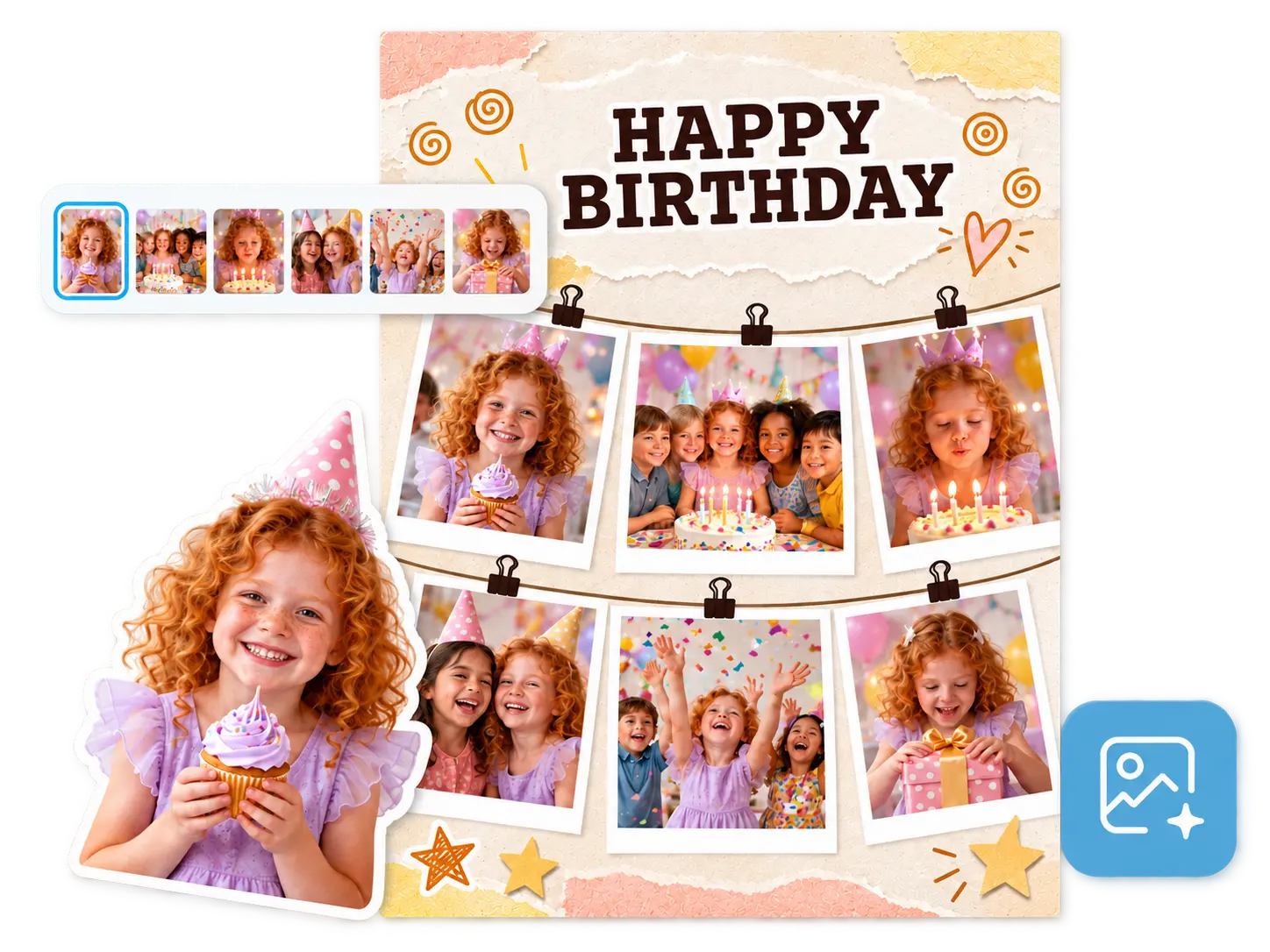
AI Birthday Collage Maker
Build birthday collages from party photos, cake shots, portraits, and candid moments with a layout ready to share.
Explore ToolHow to Use PhotoGrid's AI Collage Generator?
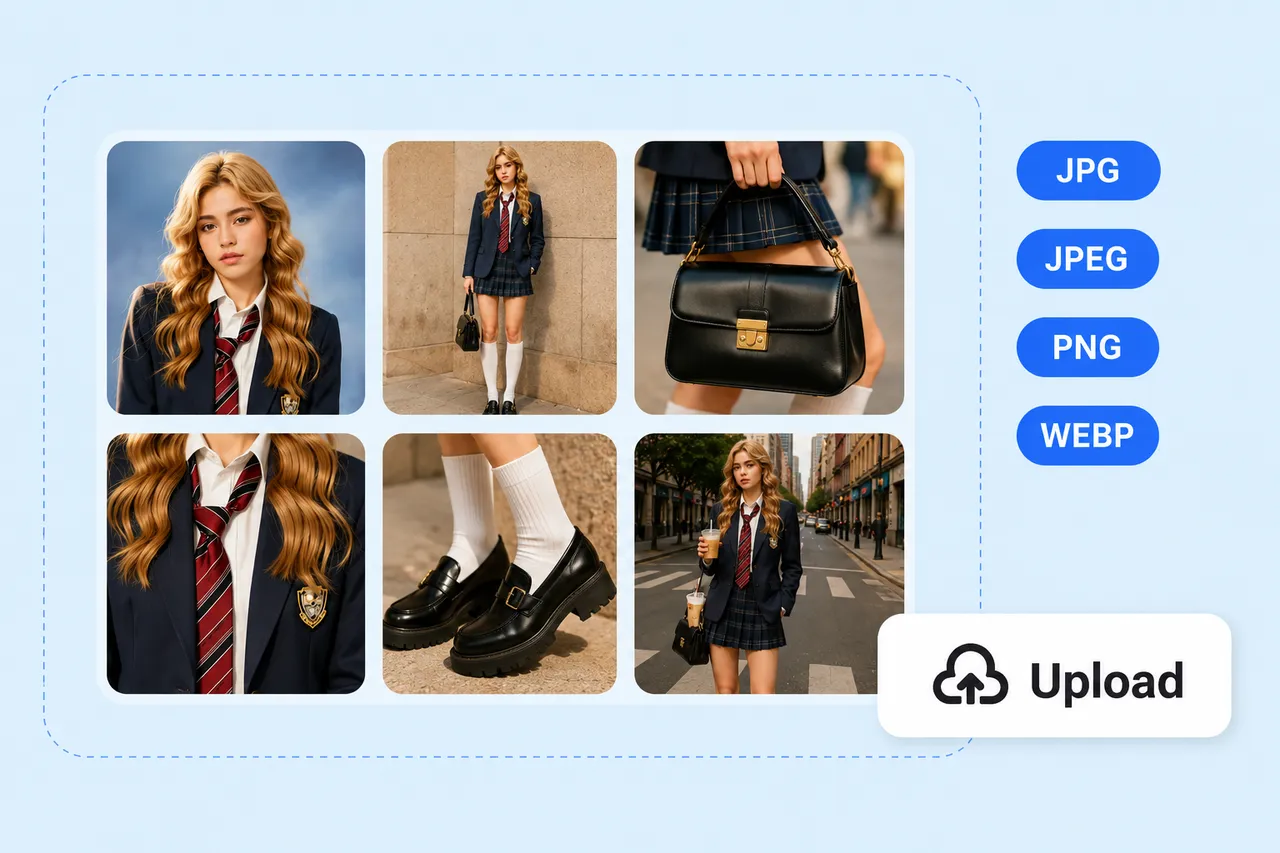
Upload Your Photos
Go to PhotoGrid Agent and upload your photos. You can add up to 10 images in one go.
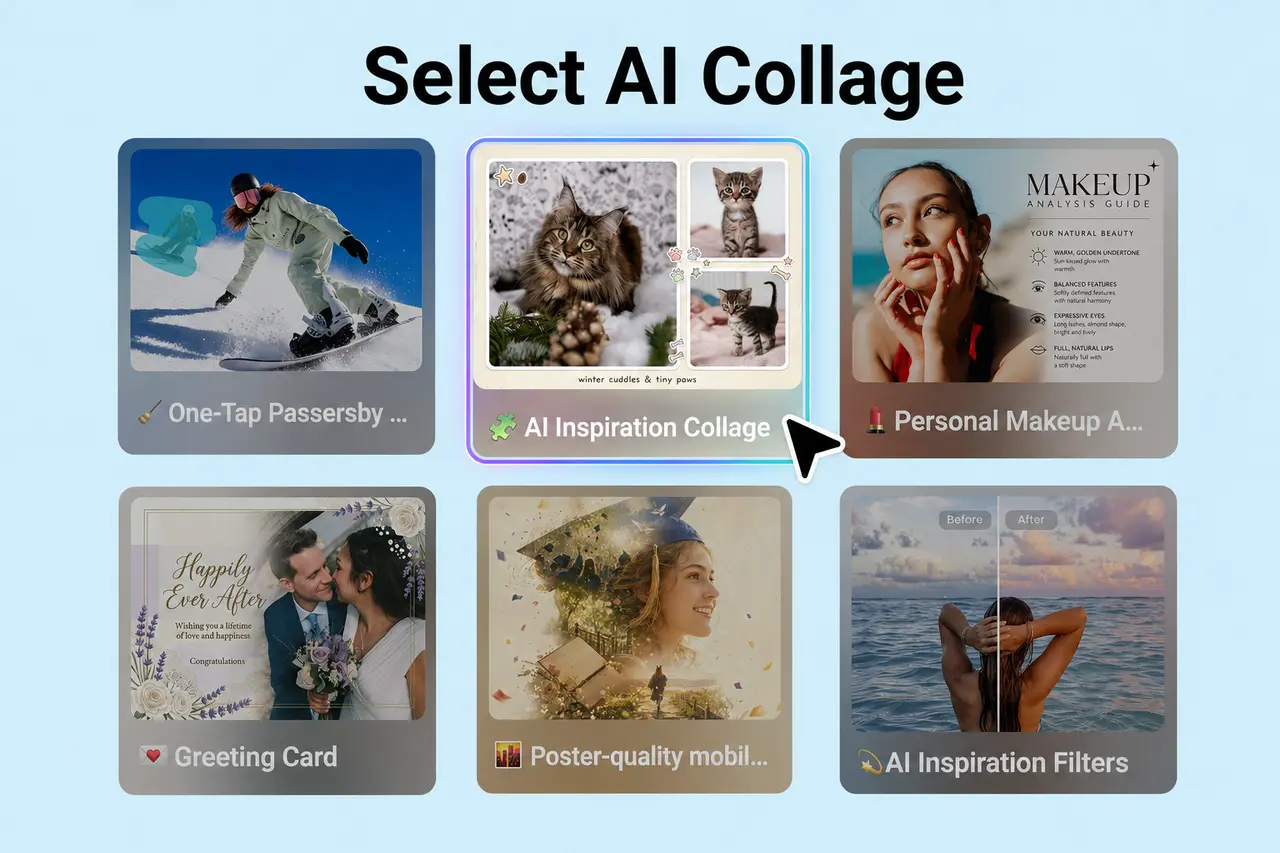
Select AI Collage
Choose the AI Collage option. No templates or setup required. Add a style description to guide the look, or let AI decide on its own.
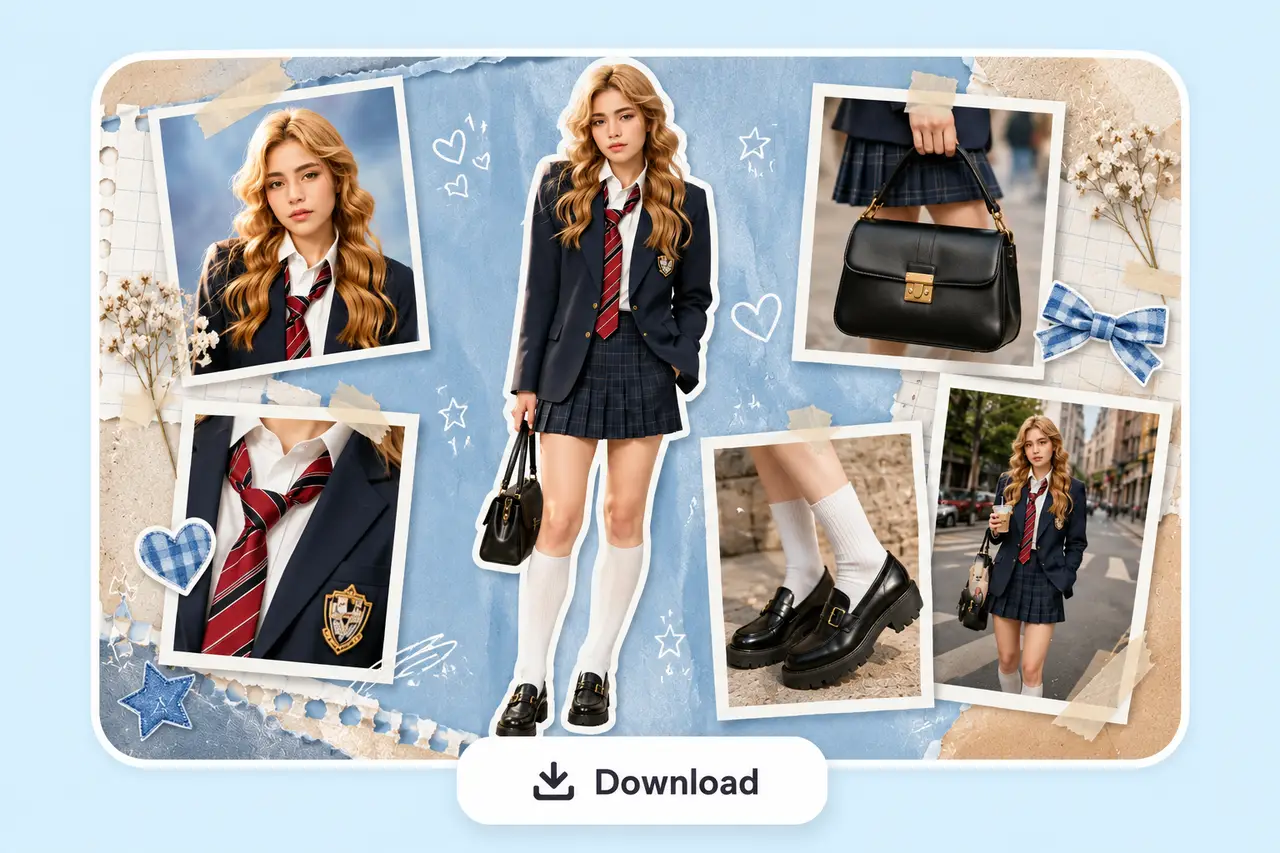
Generate, Refine, and Download
The collage layout is ready in under 30 seconds. Adjust any panel that needs tweaking, then download your AI-generated collage with no watermarks.
Let Your AI Collage Generator Pick, Crop, and Arrange Your Best Photos
PhotoGrid's AI collage maker analyzes your photos, picks the best shots, keeps faces and subjects in frame, and arranges everything into a complete layout automatically. You skip the sorting, cropping, and resizing. The first layout is ready in under 30 seconds.
Guide the AI Photo Collage Generator with a Prompt, Theme, or Mood
PhotoGrid's AI photo collage generator accepts a text prompt, theme, or mood description and uses it to guide the layout style and visual treatment of the final collage. Type a mood, a scene, or a style direction, from minimal and editorial to warm and nostalgic, and AI maps your input to a matching visual output. You can also start from a preset theme if you prefer a faster starting point.
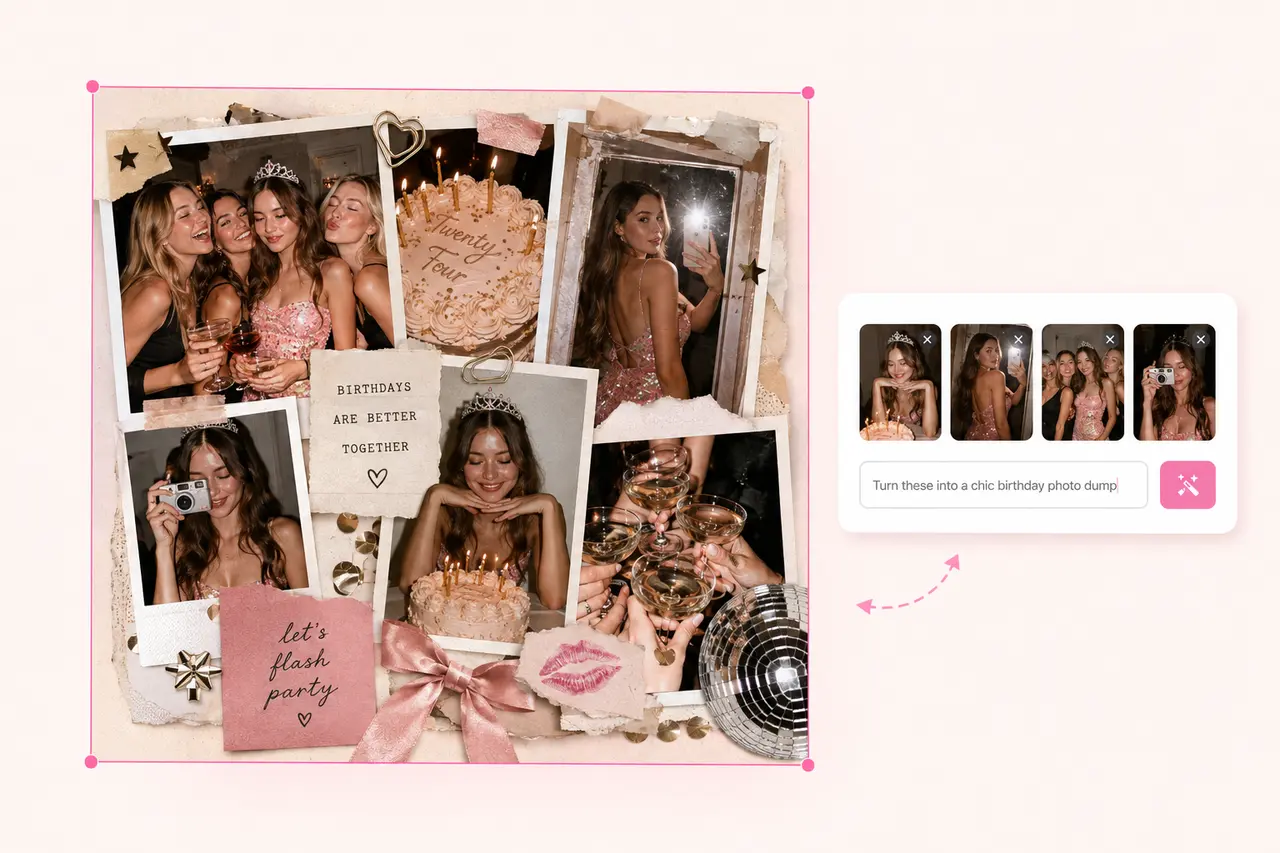
Edit Your AI Collage After the First Layout Generates
Once PhotoGrid delivers the first AI collage layout, you can drag and reposition any photo, swap one image for another, or adjust the spacing between panels. AI does the heavy lifting. You keep full creative control over the final result.
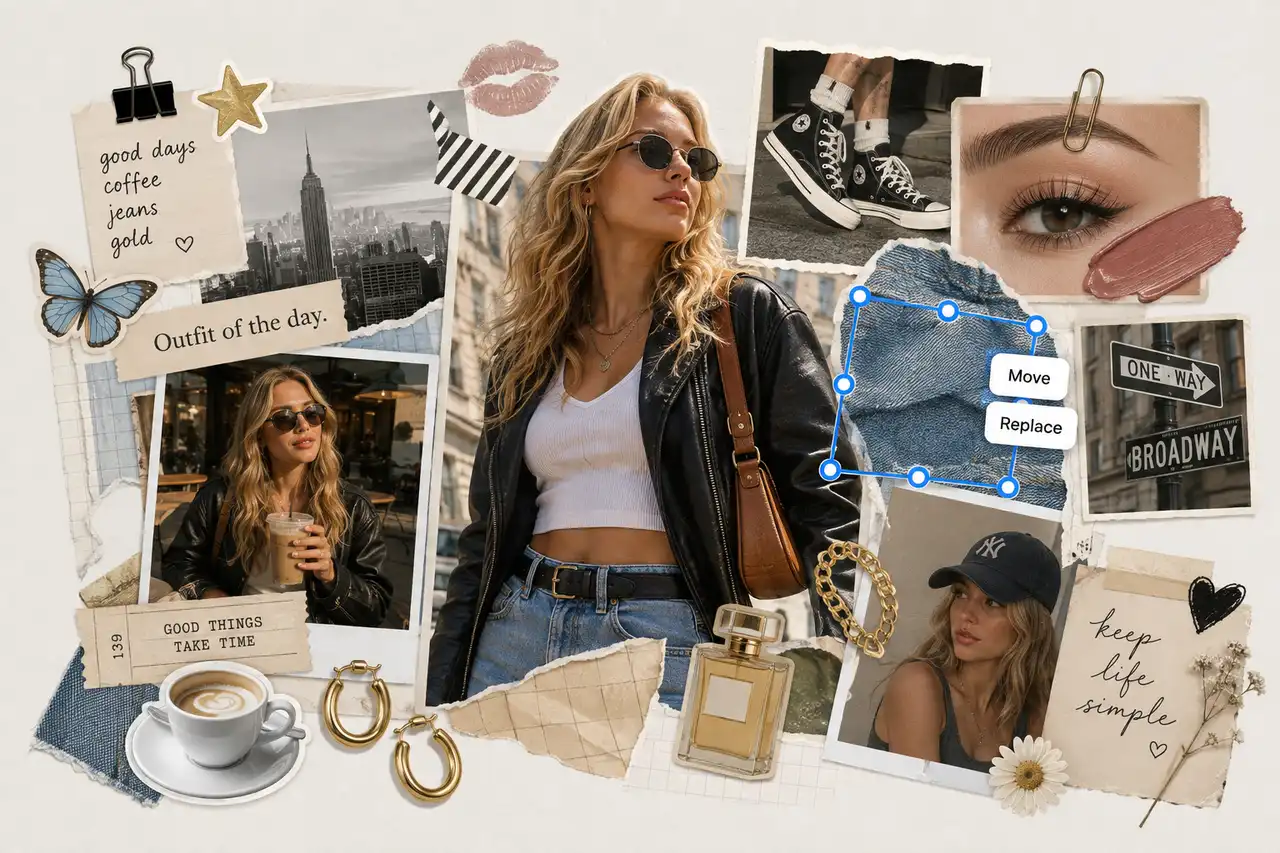
Download Your AI Photo Collage in High Resolution
Blurry downloads and watermarks ruin the moment. PhotoGrid exports your collage at up to 2048×2048px, and every download comes out in high quality, with enough resolution to frame at 8×8 inches, fill a photo book spread, or send straight to a print lab without losing any detail. No watermark touches the file, so the image you download is exactly the one you share. Preset sizes for Instagram square, Stories, and Pinterest are already built in, so you skip the resize step and post it the second it lands in your downloads.
One Photo Set, Different Collage Styles
See how the same set of photos changes with different prompts. Choose a collage style you like and click Remix to open it in PhotoGrid Agent with the prompt ready to use. Upload your own photos, then let Agent recreate the idea with your images.
Scrapbook
Torn edges, layered frames, handwritten feel.
Polaroid
Instant-film frames, warm light, casual mood.

Aesthetic
Soft tones, clean layout, Pinterest-ready.

Editorial
Structured grid, minimal spacing, bold contrast.

Vintage
Faded colors, retro textures, film-era atmosphere.
What Can You Create with an AI Collage Generator?
Your travel shots become a scrapbook. Your birthday photos turn into a grid worth posting. Your mood board stops living in a folder. Same photos, different prompt, completely different result.
Social Media
Create a Cohesive AI Collage for Instagram, TikTok, or Your Feed
A well-designed feed tells a story. PhotoGrid reads your uploaded images and arranges them into a layout that holds together visually across the full set, so the result feels intentional rather than assembled at random. Whether you are building a 9-grid sequence, a carousel post, or a story set, AI handles the spatial logic so you can focus on the photos themselves. For any shot where a busy background competes with the subject, the background remover cleans it up before the layout assembles.
Why PhotoGrid's AI Collage Generator?
Smart Layouts, Automatically
AI arranges, crops, resizes, and layers your photos into a balanced composition. Create an AI photo collage without adjusting every image by hand.
Better-Looking AI Collages with Less Effort
Turn multiple photos into a polished AI collage with the composition handled for you. The layout adapts to your photos instead of forcing them into a fixed grid.
Clean Downloads, No Watermark
Download your AI collage without a watermark on the final image. Your collage stays clean and ready to share, post, or save.
Describe the Look You Want
Add a simple text prompt when you want more control over your AI collage. Guide the mood, composition, or overall look without designing everything manually.
Generate a New Version Anytime
Create another collage when you want to explore a different direction. Adjust your prompt and let the AI collage generator create a new version.
Works in Any Browser, on Any Device
Use the online AI collage maker in your browser on desktop, tablet, or mobile. Open a tab and start building your collage from wherever you are.
AI Collage Generator FAQs
What is an AI collage generator?


What is the difference between an AI collage generator and a collage maker?
Will the AI collage generator distort or alter my original facial features?
Can I move and adjust photos after the AI generates the collage?
How does the AI keep focal points in frame without cutting off heads or subjects?
Can I create a collage from just a text prompt without uploading photos?
Is the AI photo collage high enough resolution for physical printing?
What happens to my photos after the AI generates the collage?

Create Your AI Photo Collage Now
You have the photos. PhotoGrid's AI collage generator takes it from there. Upload your images, describe the look you want, and AI builds a complete layout in seconds. Refine any panel that needs adjusting, then download your finished AI photo collage with no watermarks and share it wherever you need it.
Rate this tool:
4.9
(1,088,460 votes)