AI Ad Generator for Product Video Ads

A travel mug could start on a desk and move into a morning commute. A backpack could open with someone packing for the day. Bring a clear product photo, pick a presenter and scene, and explain the opening and final message. Make a first version, watch it, then decide what to try next.

Here's How to Start Your AI Video Ad

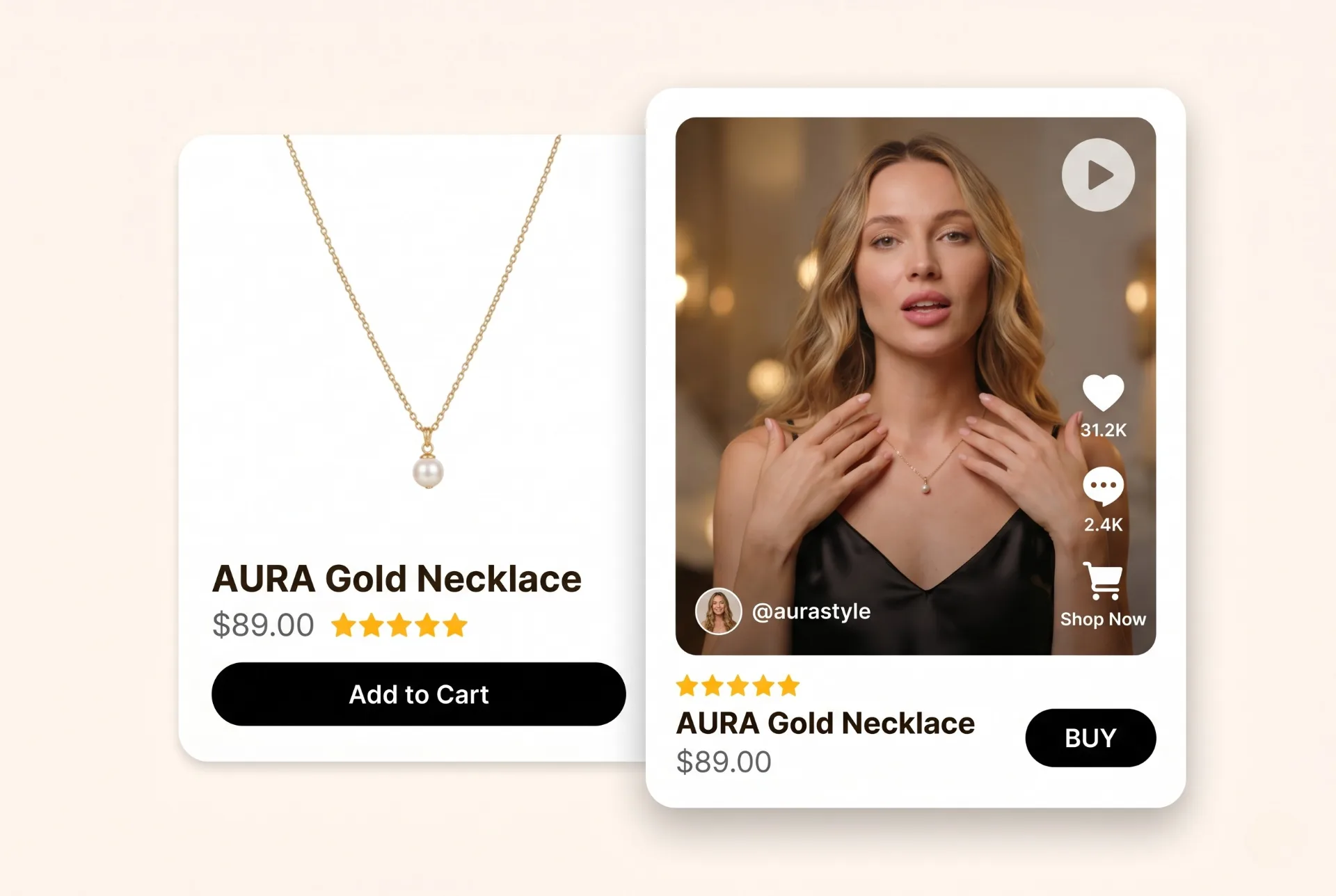
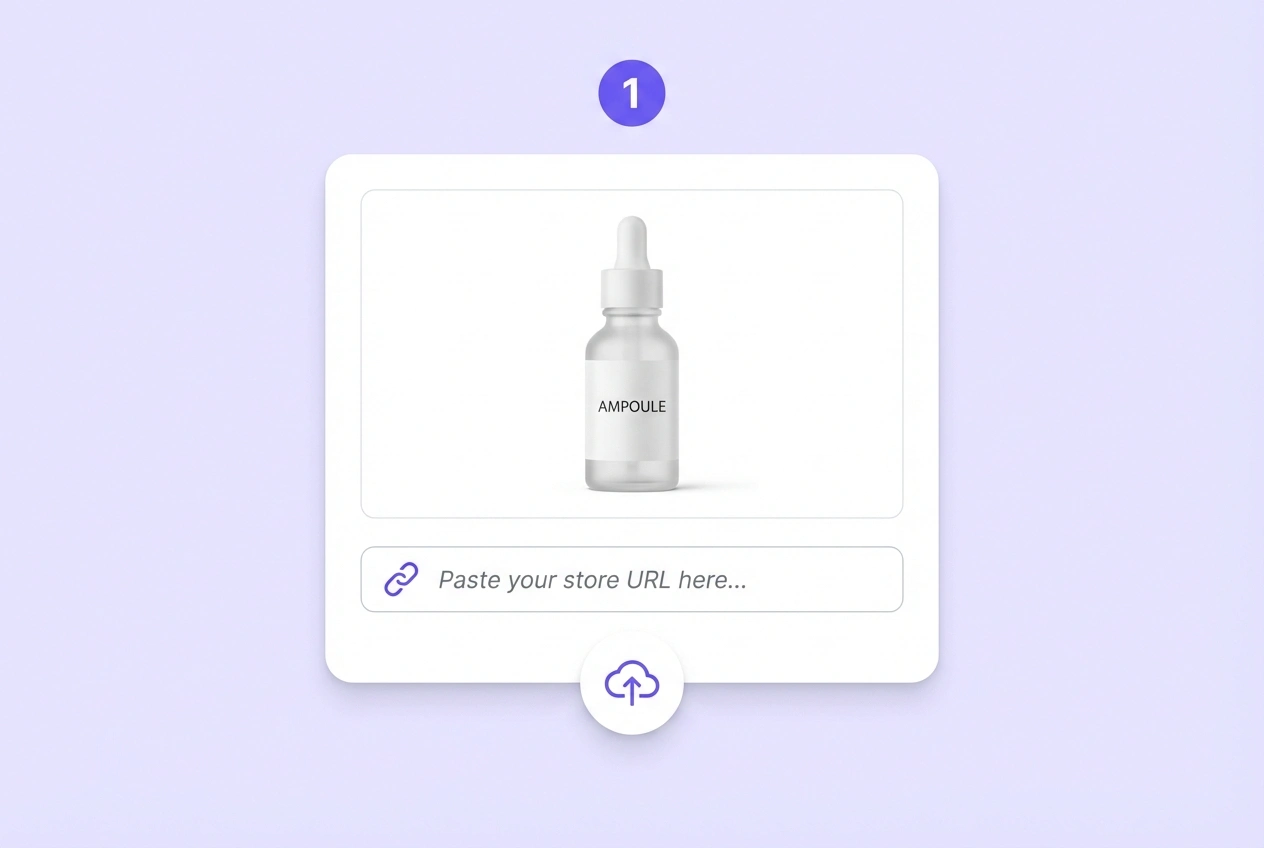
Product photo input beside a skincare video ad preview

1. Get the Product and Main Point Ready

Choose a clear photo and one thing to explain. For a backpack, that might be its side pocket or how it is packed. If your material is on a store page, prepare the product photos and accurate details first.
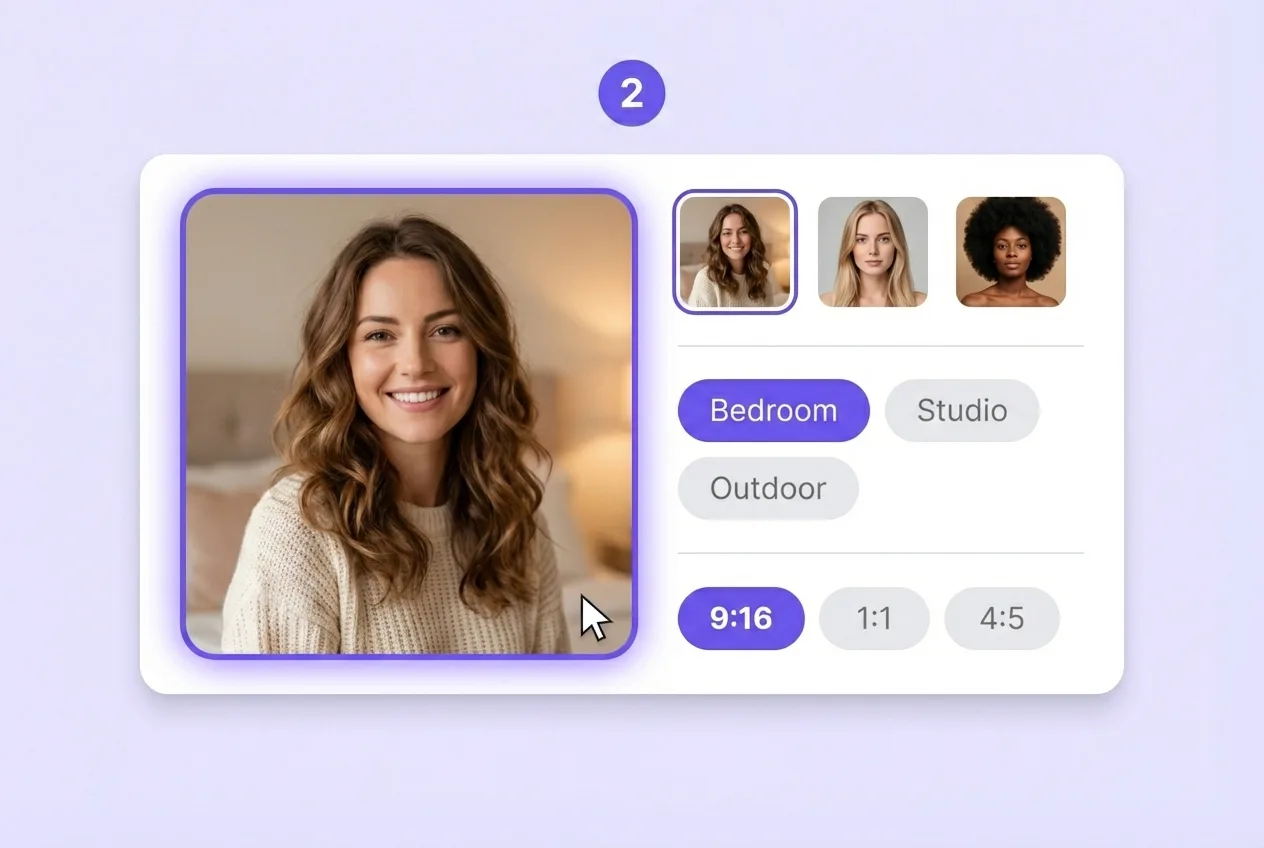
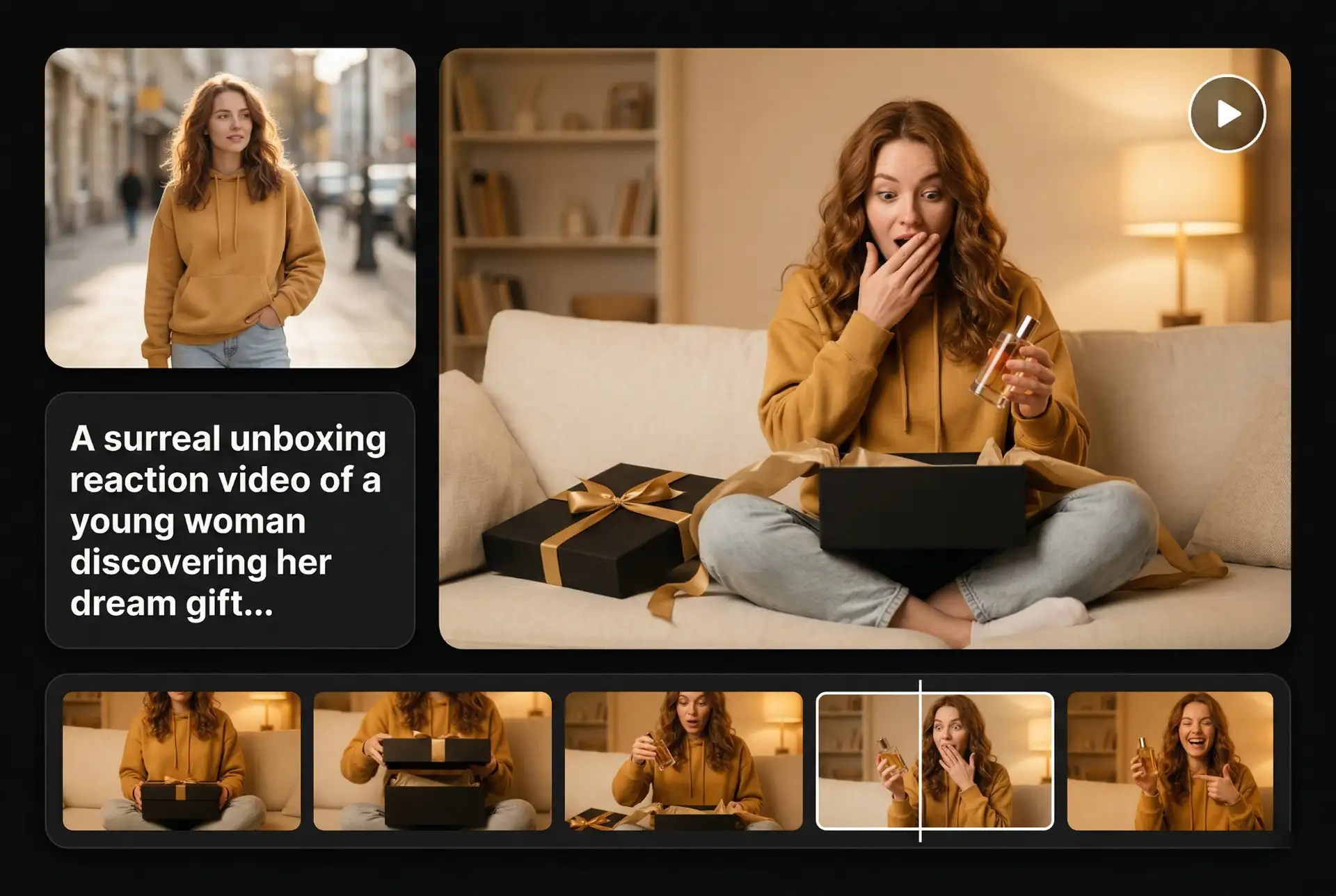
Presenter, scene, and aspect-ratio choices in a video ad workspace

2. Choose the Scene and Write the Opening

Pick the available presenter, setting, and aspect ratio. Be specific: ‘Morning by the front door, show the bag, place a bottle in the side pocket, then put the backpack on.’ Add a closing action such as viewing the product details.
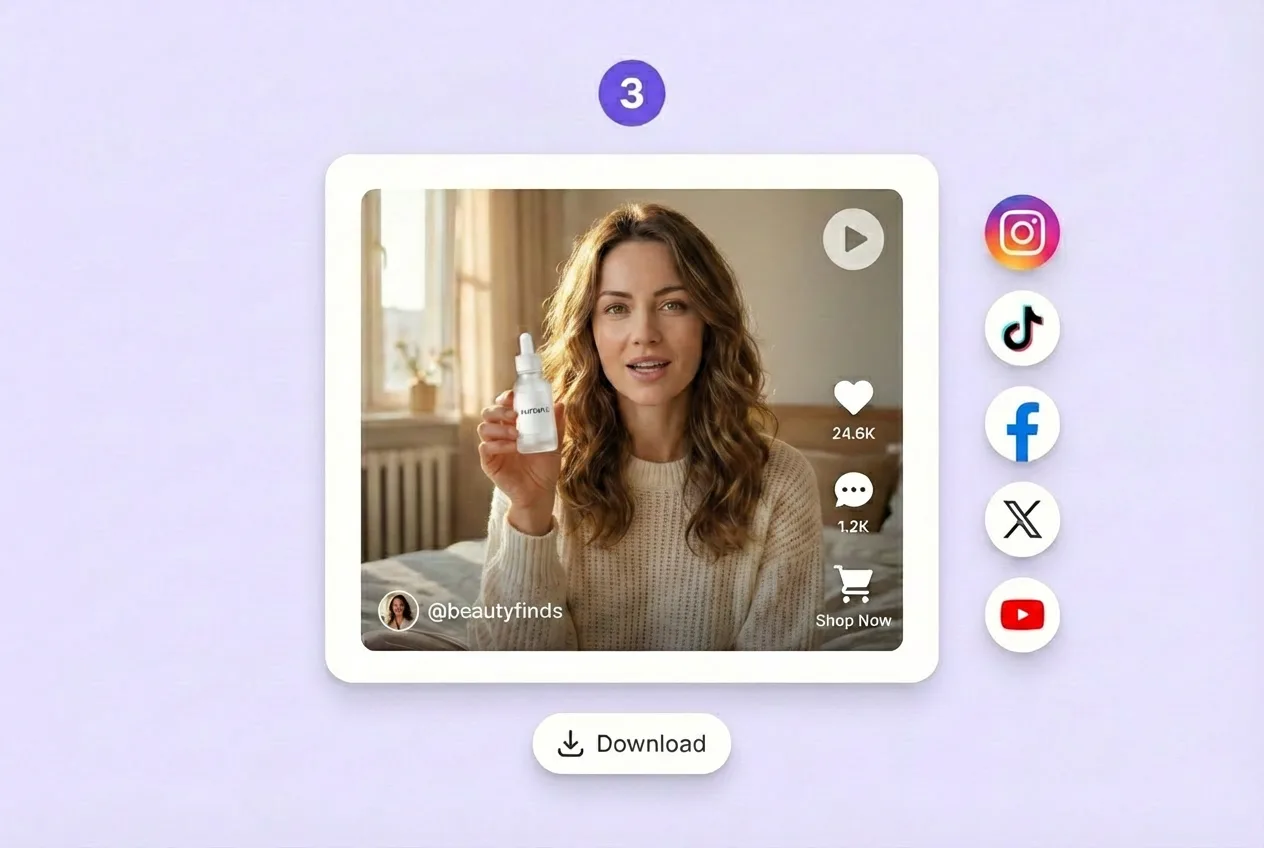
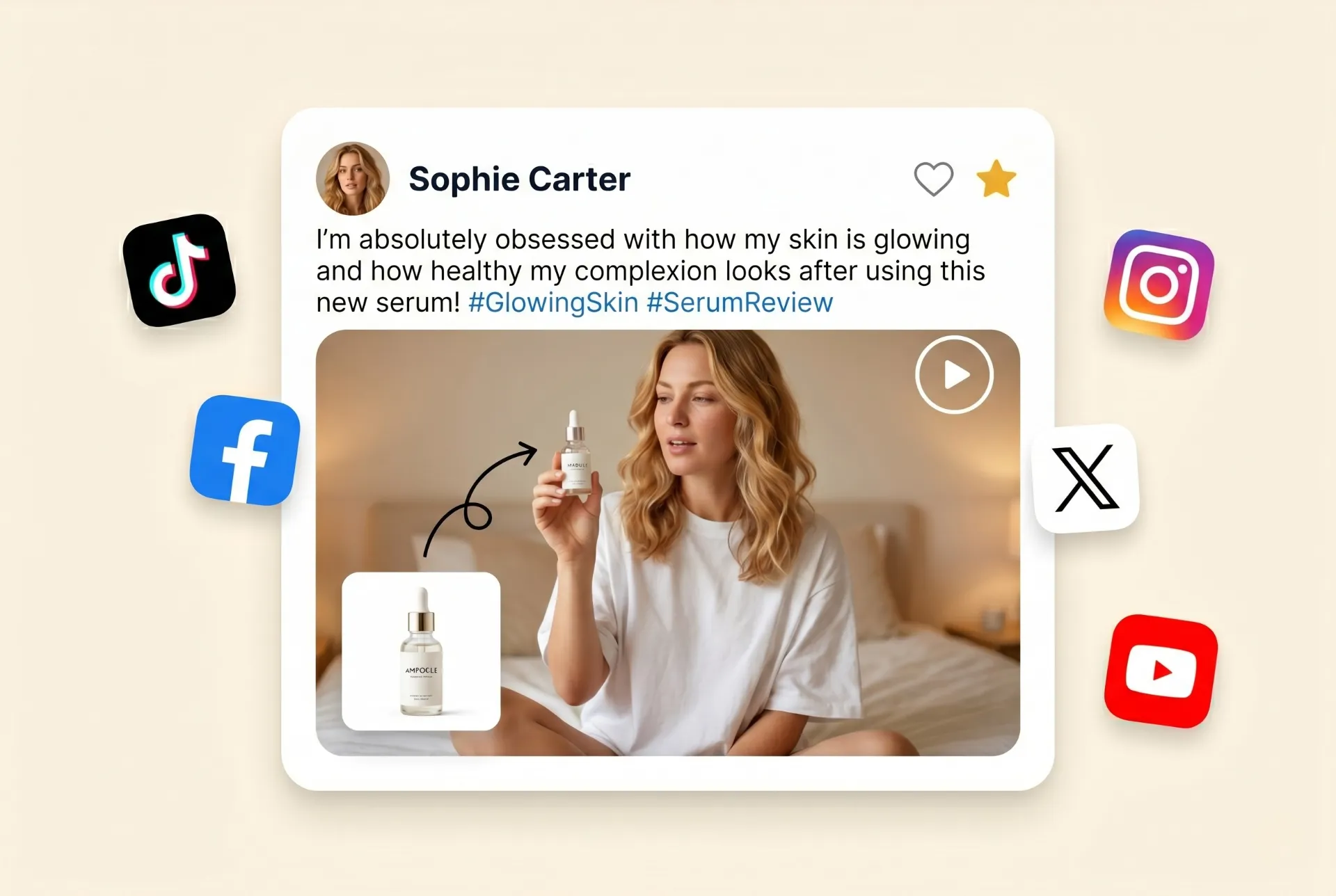
Finished skincare video ad preview with social publishing icons

3. Generate, Watch, and Download

Check the displayed cost before generating. Watch the full result and review the product, hands, speech, text, and ending. Download the version you want to use and check the framing on the device where people will see it.
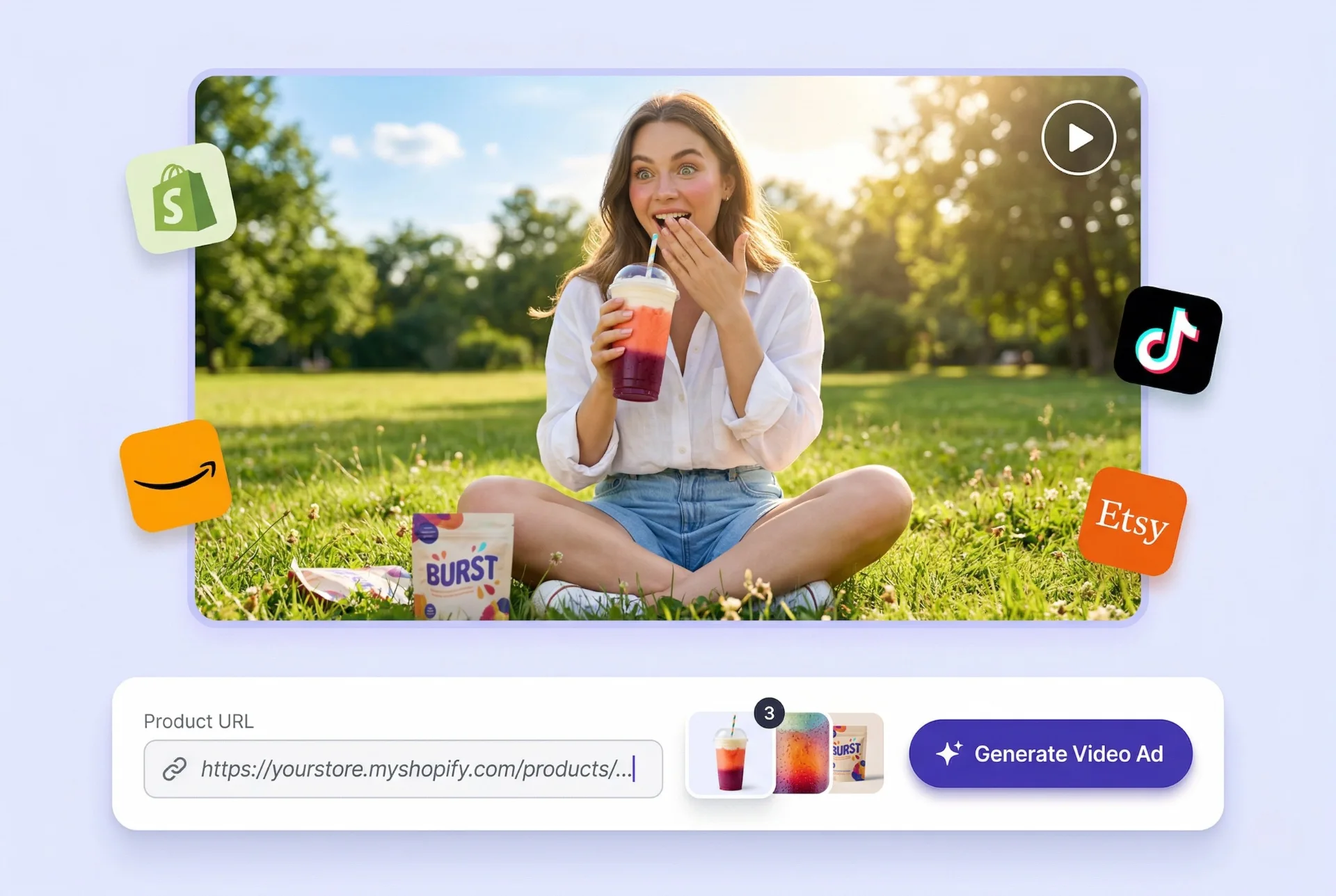
Store product references beside a presenter holding a drink outdoors

Start with the Product Photo You Already Use

A clean product shot is a useful starting point. For a backpack, keep the straps, zips, pockets, and logo visible; for headphones, show the case as well as the earbuds. Write down the product name and the detail you want the ad to explain. If the background is distracting, prepare a cleaner reference with the background remover.
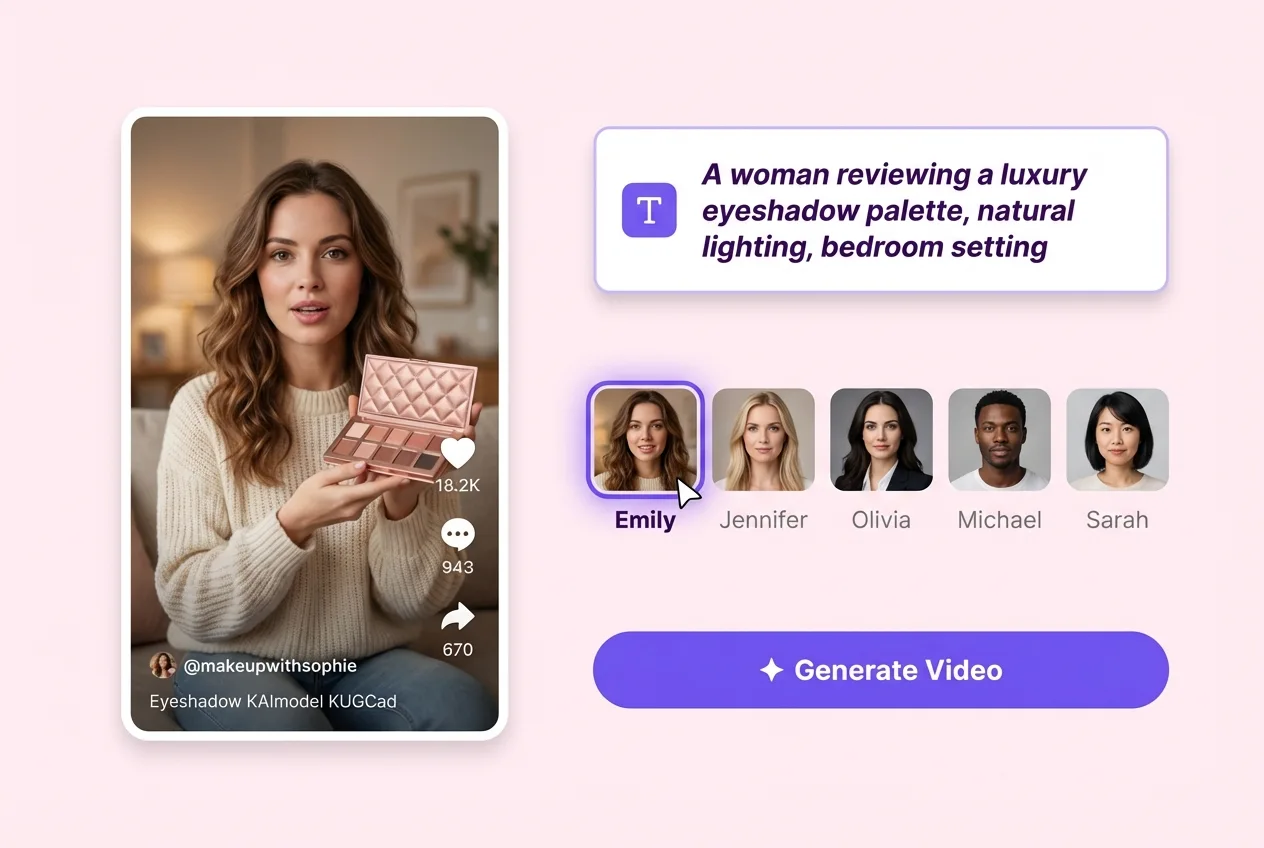
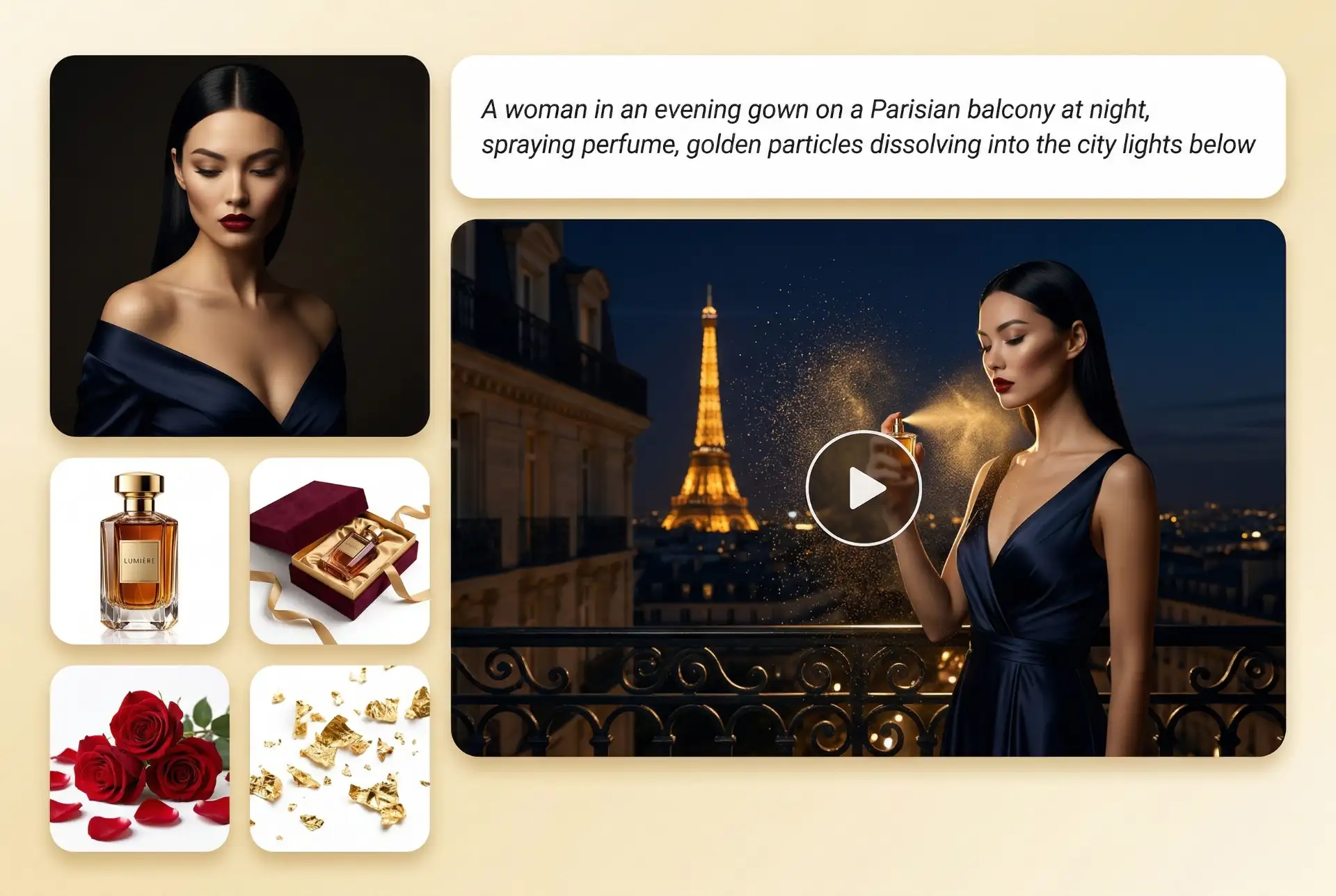
Presenter and scene choices beside an eyeshadow product video

Give the Presenter One Simple Thing to Say

Try a line such as ‘Here's where the bottle goes before we head out,’ then show the backpack's side pocket. Another version could begin with a close-up and add the explanation later. Pick a presenter that suits the message and keep the script focused. For more conversational, creator-style product scenes, explore the AI UGC video generator.
Skincare product video preview with social platform icons

Choose the Ad Placement Before the Aspect Ratio

Start with where the video will appear. Vertical 9:16 works well as a starting format for TikTok, Reels, and Shorts; square 1:1 or landscape 16:9 can suit other placements. Choose from the options actually shown for the setup, including 4:5 if offered. Keep the product and face away from crowded caption areas, then check the result on a phone.
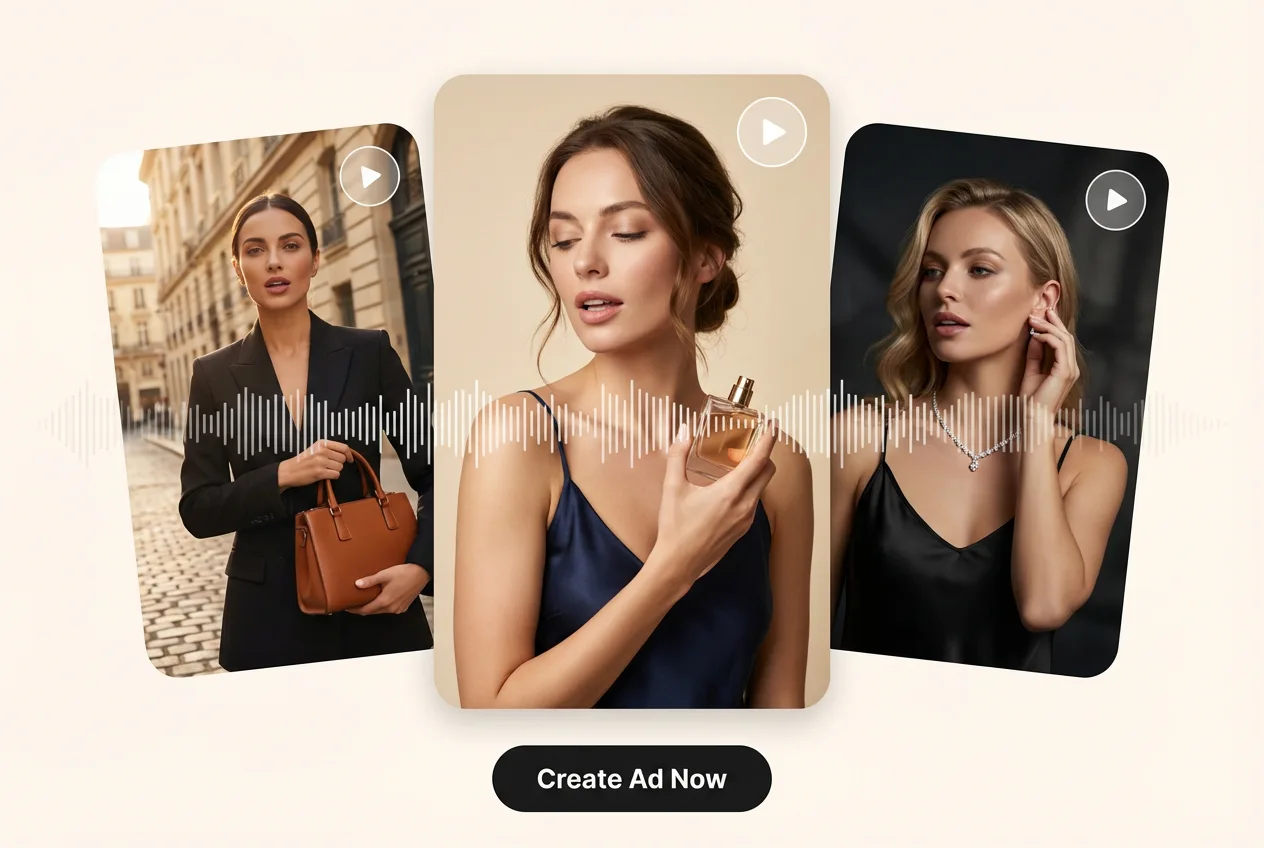
AI product ad examples featuring handbags, fragrance, and jewellery

Put the Same Product in a Different Everyday Scene

A travel mug on a kitchen counter feels different from the same mug beside a laptop. A backpack by the front door tells a different story from one on an office chair. Describe the place, lighting, and main action so the idea is easy to follow. For additional scenes beyond the product presentation, explore the AI video generator.

Product Ad Ideas You Can Start Describing Right Now

Keep the brief small enough to picture. One product, one familiar place, and one useful detail are enough to begin a first ad concept.
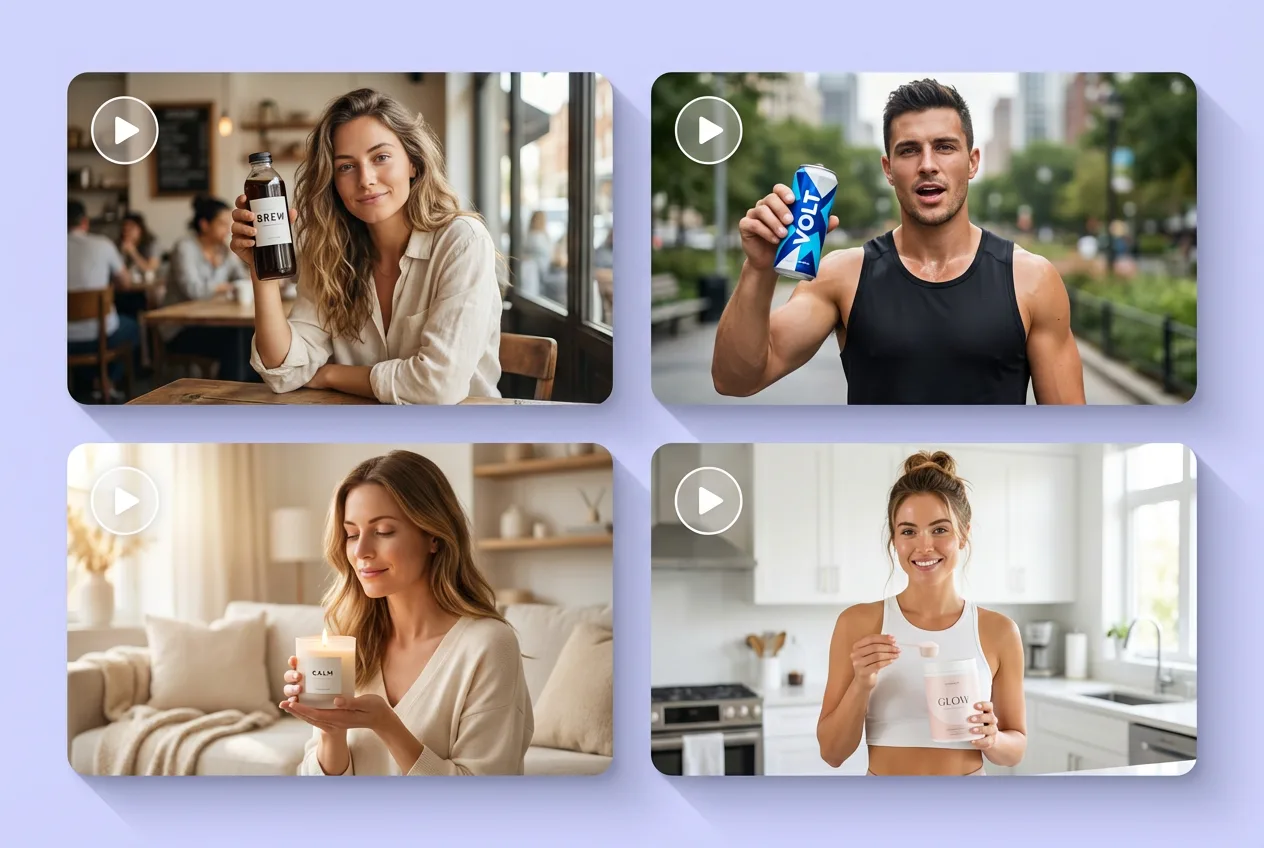
Product video concepts for drinks, candles, and other everyday items

Everyday Products and Ecommerce Demonstrations

For a travel mug, show it on a desk, let the presenter pick it up, then move into a leaving-home scene. For wireless earbuds, start with opening the case and putting them on. End with a straightforward next step, such as checking the size, colour choices, or product details on the store page.

A Clearer Starting Point for Your Next Product Ad

Use the Assets You Have

Start with a product photo and an explanation of one useful detail. You can develop the first concept from materials already prepared for your store.

Choose Who Delivers the Message

Try an available presenter or a supported custom reference. Choose the look and tone for the product story you want to tell.

Compare One Change at a Time

Keep the product and audience while changing the opening, scene, or script. Each version has a difference you can actually discuss.

Review the Finished File

Watch the preview, check the product information, and download a version you have reviewed. Add precise final prices or text during editing when necessary.
Choose the plan that fits how you create
Unlock AI-powered photo editing and video generation with flexible plans
Free
Starter tools for casual exploration
$0/mo
Standard photo editing tools
Basic collage & layout tools
Selection of free templates
100 MB cloud storage
Watermarked exports
VIP
Perfect for casual creators
180credits/month
Up to ~180 AI-generated images
Up to ~18 AI-generated videos
Access to Core AI Models
Unlimited Fast AI Editing
No Watermark Downloads
Batch Edit up to 10 Images
1,000 Cloud Projects
Commercial Usage Rights
Multi-device Access
Ultra
Unlimited creativity for professionals
2,000credits/month
Up to ~2000 AI-generated images
Up to ~200 AI-generated videos
Priority Access to New AI Models
Unlimited Fast AI Editing
Fastest Processing Priority
Highest Generation Capacity
Batch Edit up to 50 Images
30,000 Cloud Projects
Commercial Usage Rights
Priority Access to New Features
Premium Customer Support
Renews Automatically. Cancel Anytime. For more details, read the
Terms of UseandPrivacy Policy

AI Ad Generator FAQs

What is an AI ad generator?

arrow-downarrow-right

What should I prepare before making a product ad?

arrow-downarrow-right

What should I write in the creative prompt?

arrow-downarrow-right

Can I make ads with or without a presenter?

arrow-downarrow-right

Which aspect ratio should I choose?

arrow-downarrow-right

How can I make several ad versions for the same product?

arrow-downarrow-right

Is the AI ad generator free?

arrow-downarrow-right

What should I check before publishing an AI video ad?

arrow-downarrow-right