
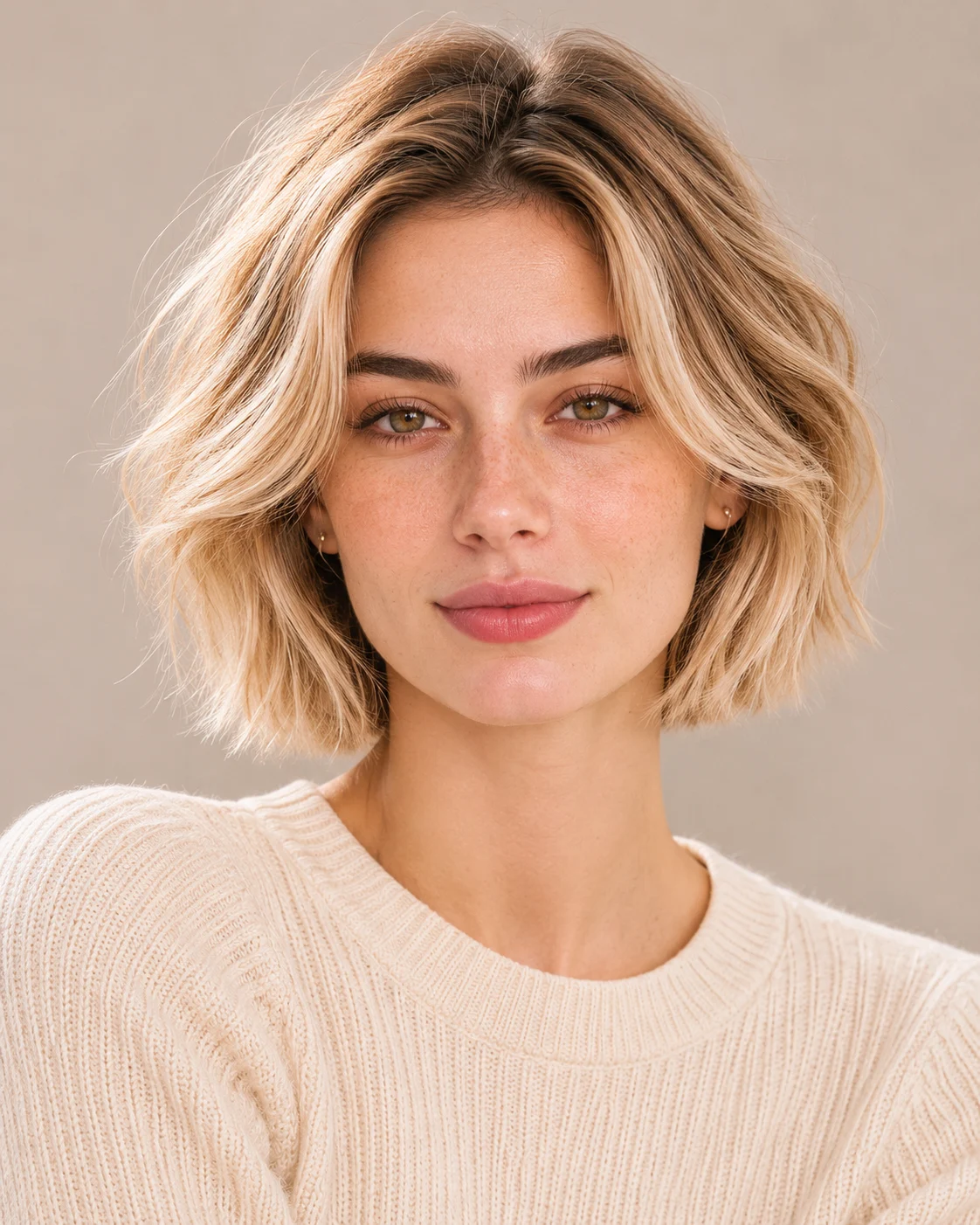
Realistic
A realistic portrait with a blonde bob, hazel eyes, light freckles and soft daylight.

PhotoGrid's AI face generator helps you create realistic or random human faces from simple text prompts. Use this face generator to design an original AI face, customize facial features, and explore different AI models. Create a new look from scratch, then refine your result with PhotoGrid's photo tools.
Create lifelike human faces with natural skin texture, expressive eyes, and detailed facial features. From soft smiles to serious expressions, PhotoGrid turns your descriptions into realistic portraits without a camera or a photoshoot. Add details like freckles, facial hair, skin tone, and lighting to make each face feel more natural. Use PhotoGrid as a human face generator for close-up portraits, or describe a full scene when you want more than a face. Unlike a general AI person generator, a face-focused prompt puts the attention on facial details. Create an AI generated face for your next project, then bring out finer details with PhotoGrid's image enhancer.
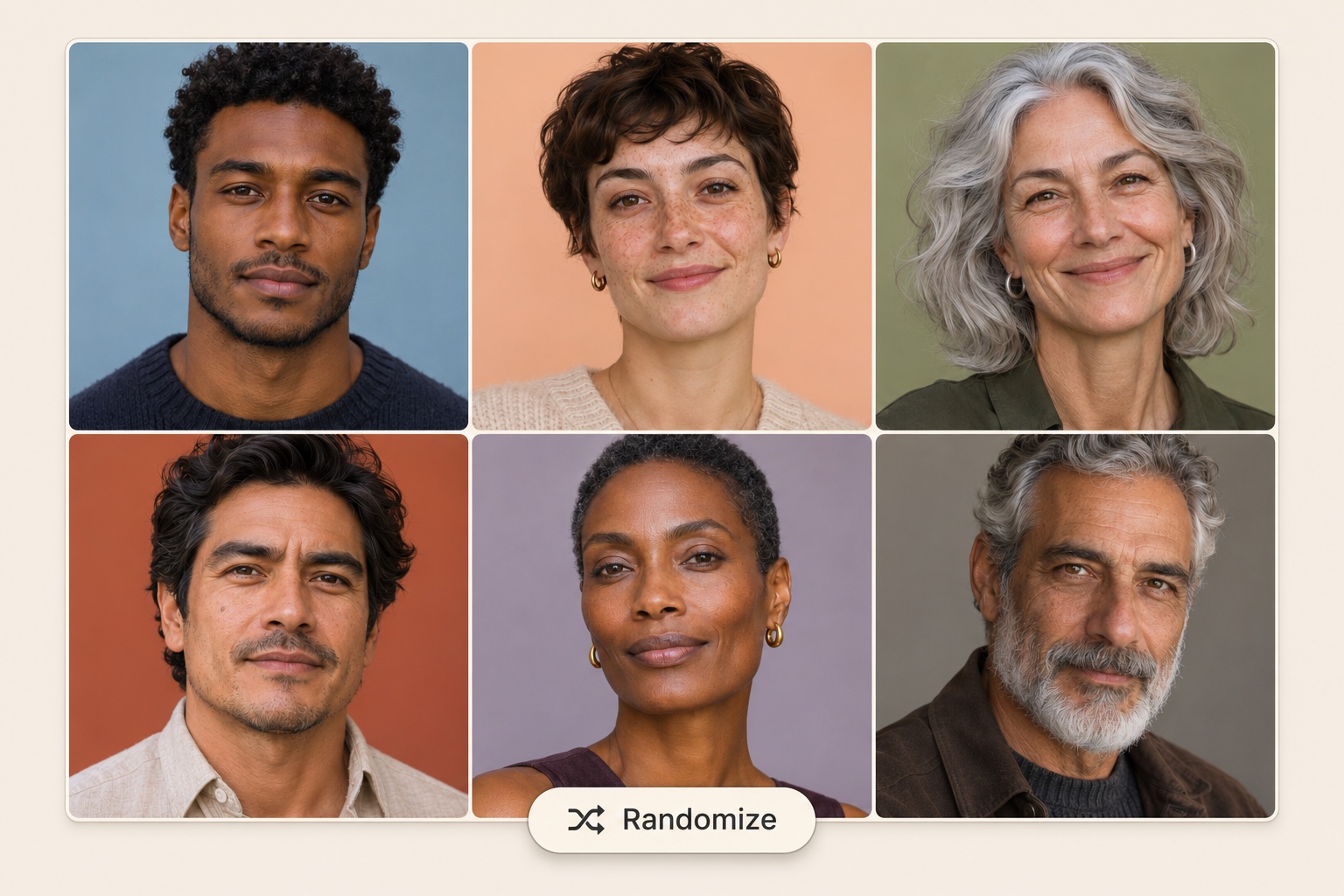
Create unique human faces with PhotoGrid's random face generator. Start with a simple prompt to explore fictional people of different ages, hairstyles, expressions, and facial features. Generate new variations to discover unexpected looks, or add details to customize your results. From realistic portraits to creative characters, each random face offers a fresh starting point for your next idea.
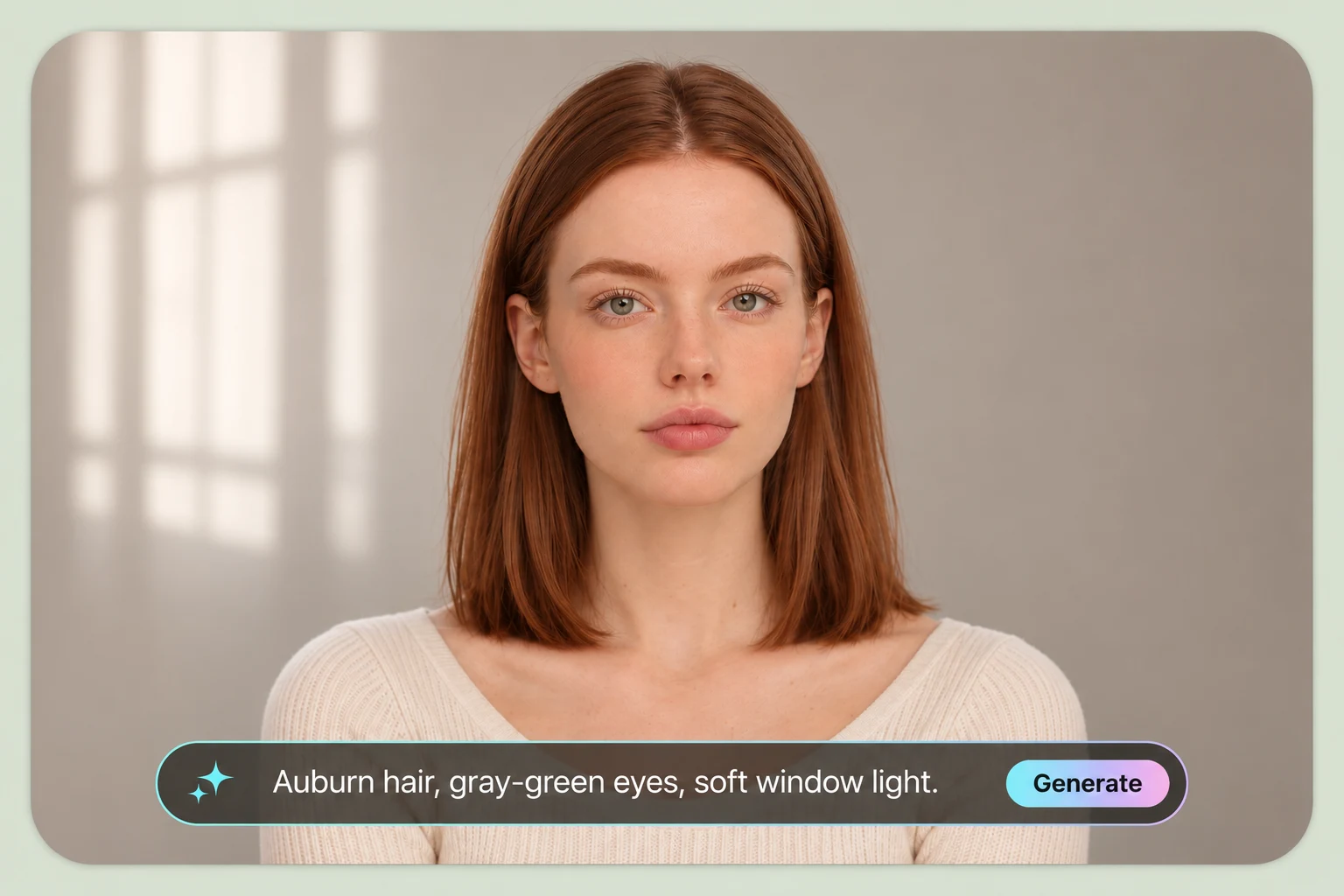
Create a face that matches your imagination. PhotoGrid works as an AI face creator, letting you describe the details that make each person look unique. Choose the age, hairstyle, hair color, eye color, skin tone, and expression. Add freckles, glasses, makeup, or facial hair to give your character more personality. You can also change the lighting and camera angle to create a different mood. Use this flexible face maker to explore new looks without drawing or changing every detail by hand. Update your prompt and generate another version until you find the look you want.
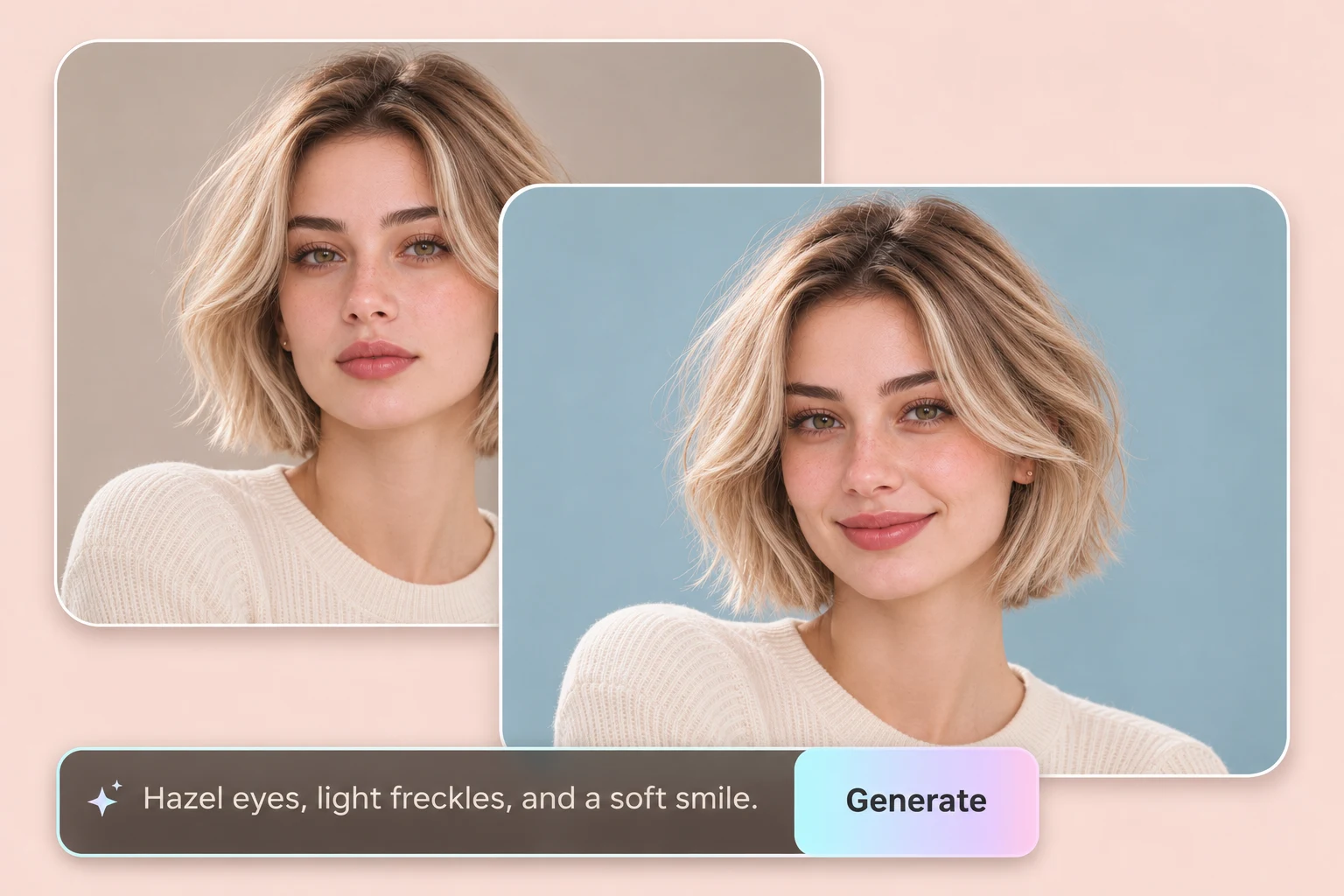
Give your fictional face a fresh look with a new visual style. Describe realistic photography, dramatic movie lighting, colorful illustrations, or fantasy art to guide the result.
A realistic portrait with a blonde bob, hazel eyes, light freckles and soft daylight.
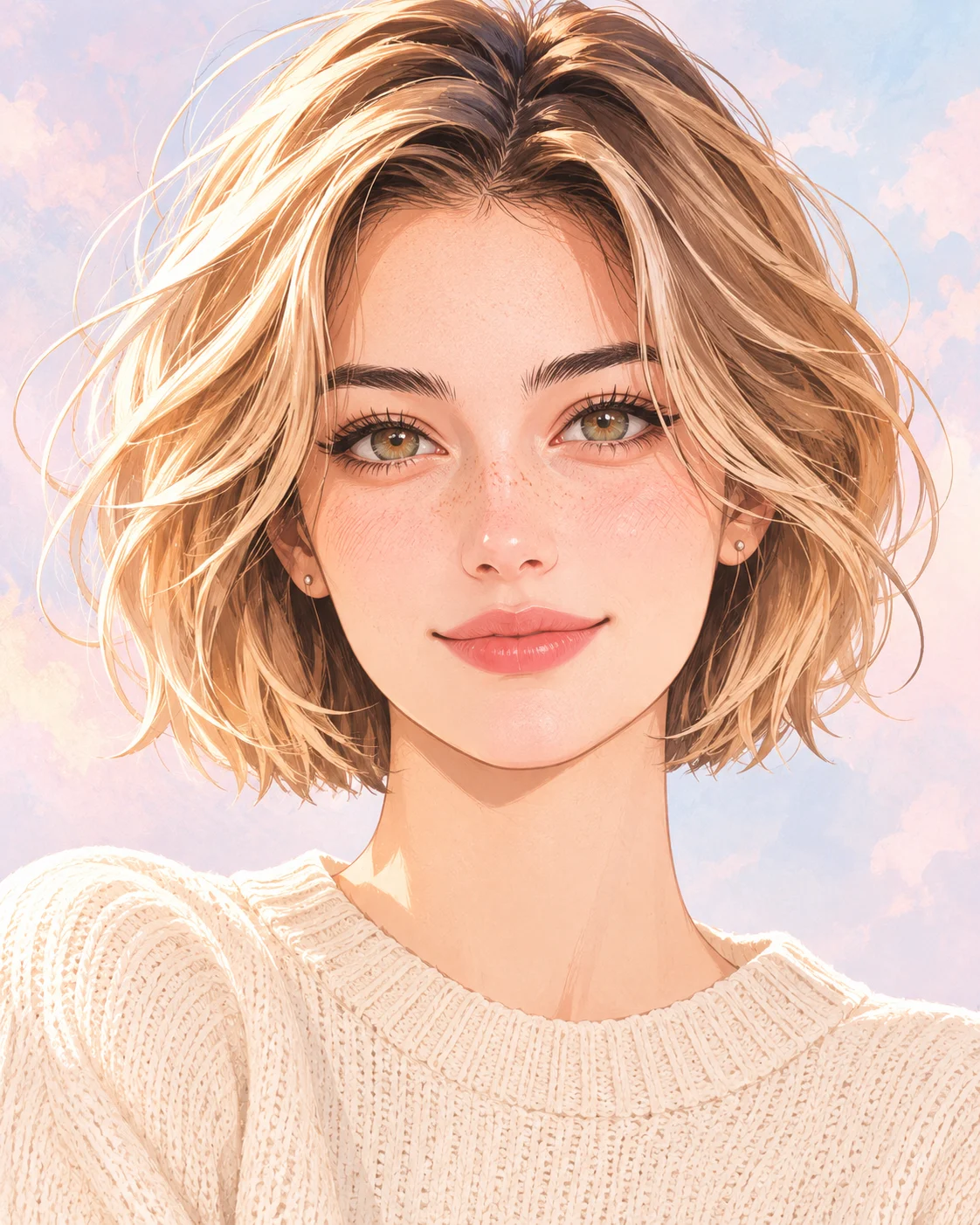
An anime portrait with a blonde bob, expressive hazel eyes and a pastel background.
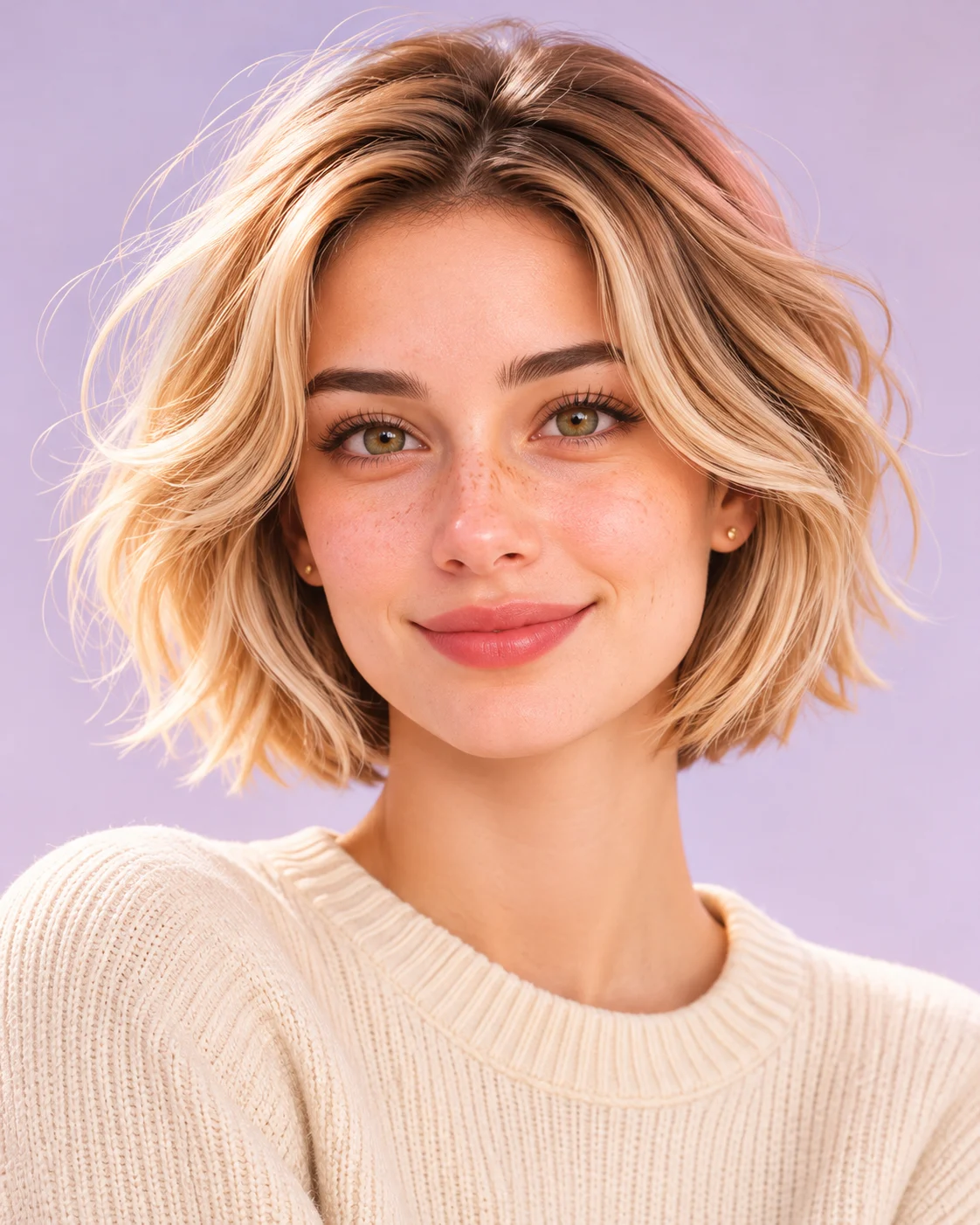
A blonde bob portrait with light freckles, soft lavender lighting and a gentle smile.
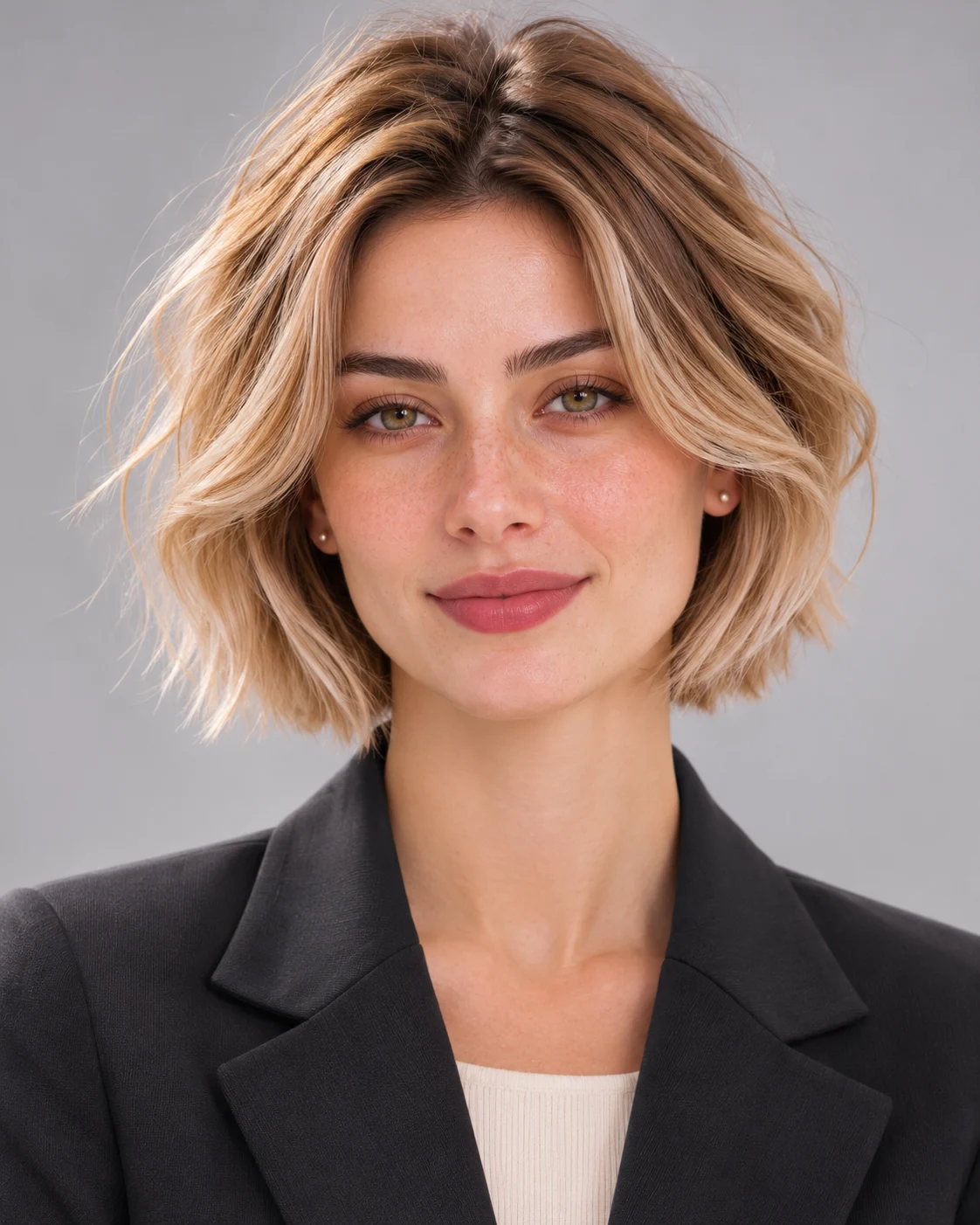
A professional headshot with a blonde bob, a dark blazer and a neutral gray background.
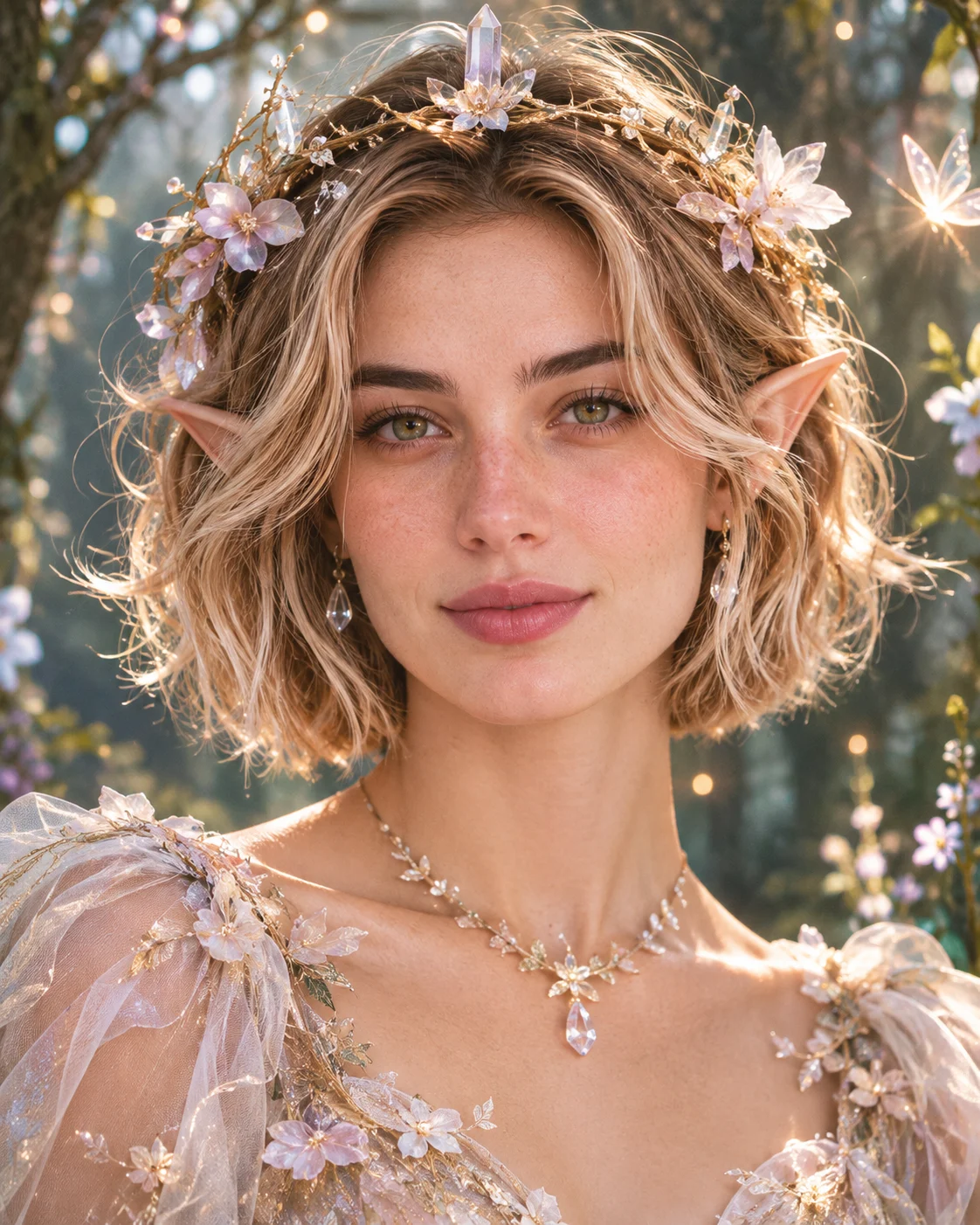
A woodland elf portrait with pointed ears, a crystal flower crown and warm forest light.
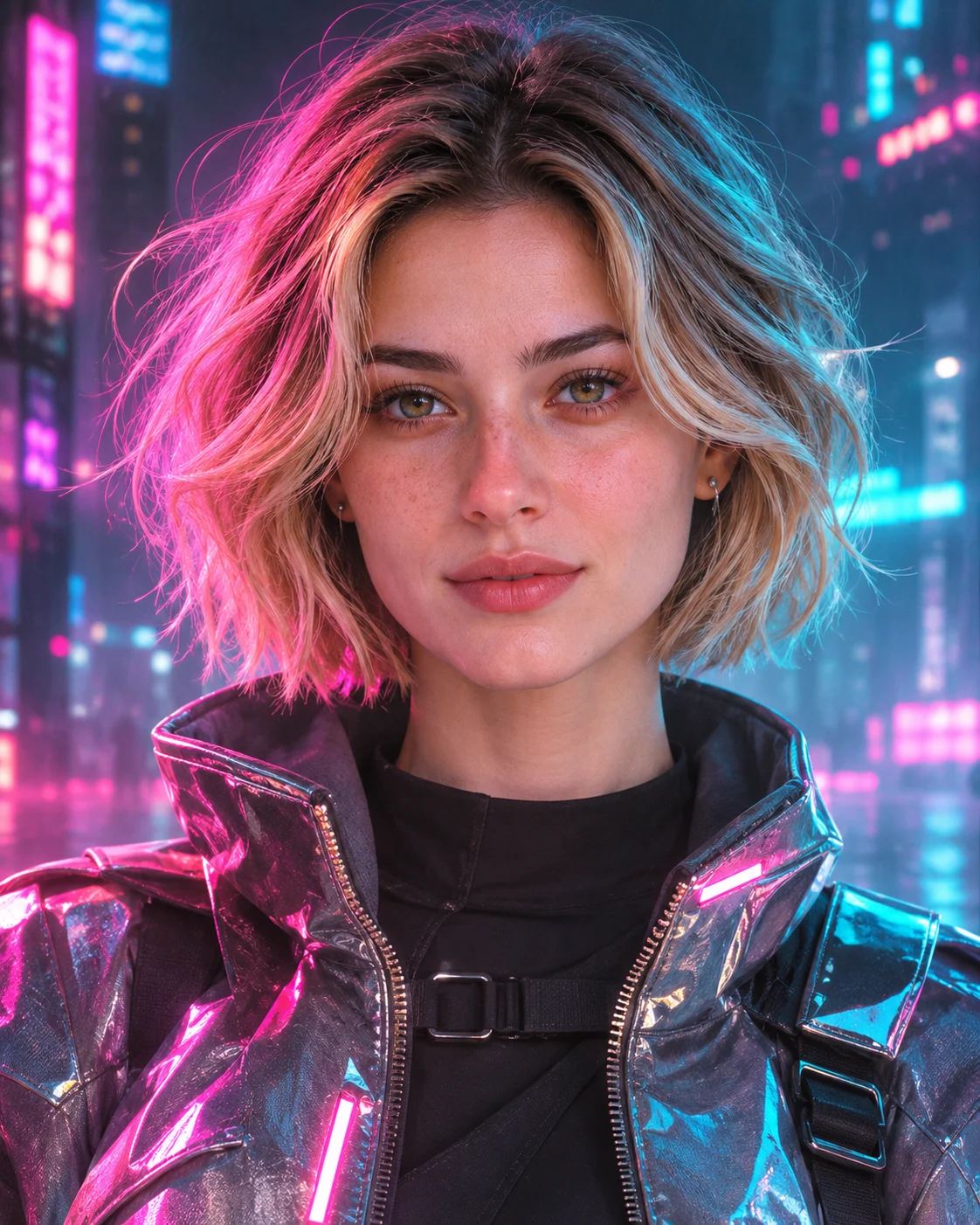
A blonde bob portrait with pink and blue neon light, a metallic jacket and a futuristic city background.
Expand your ideas into full scenes, posters, and illustrations with PhotoGrid's AI image generator.
Turn a simple face into an original character for your next creative idea. From stories to social profiles, fictional faces can help you visualize people who exist only in your imagination.
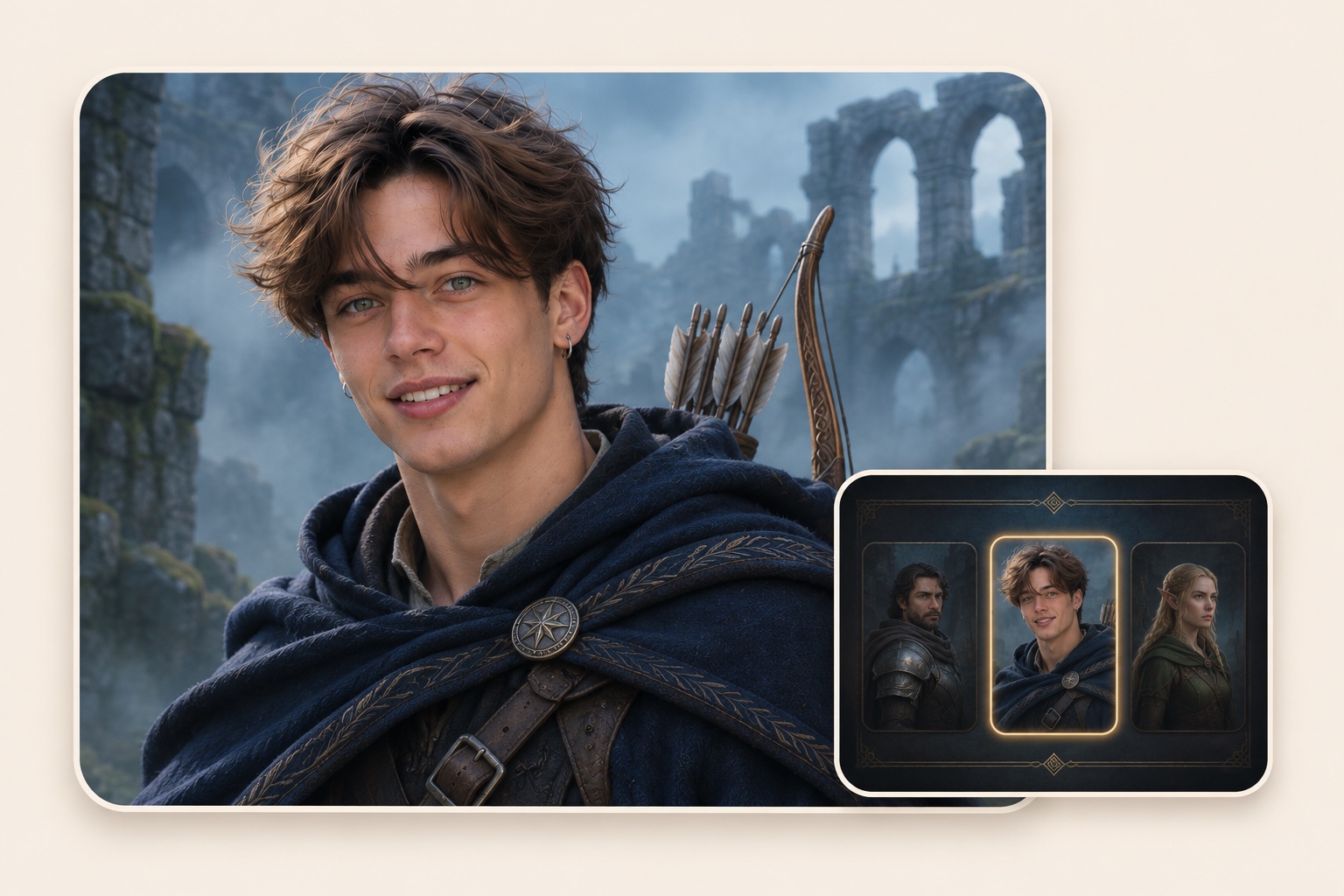
Design original faces for game characters and virtual worlds. Explore hairstyles, facial features, and expressions that match your character's role and personality.
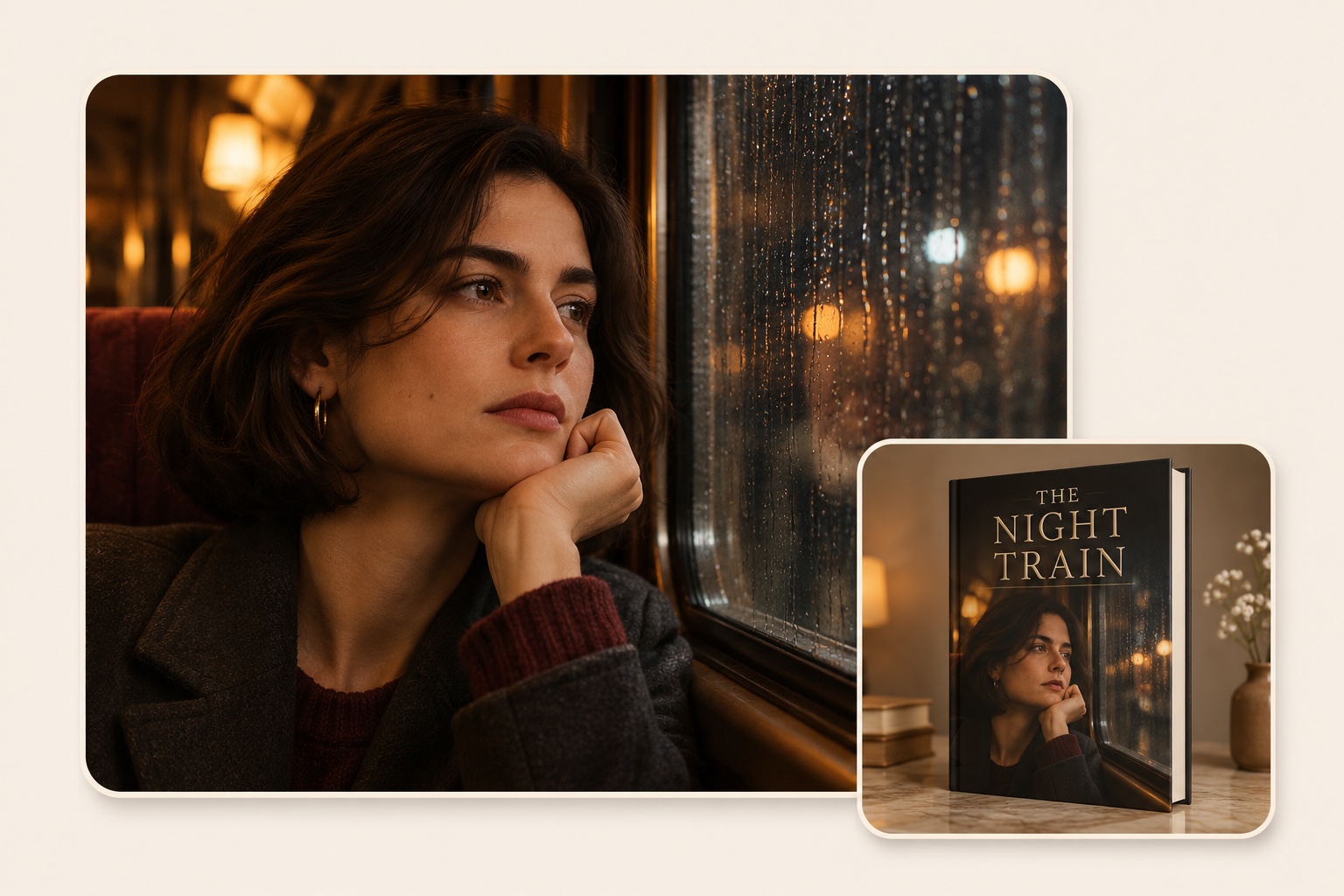
Give the characters in your novels, comics, and short stories a visual identity. Create portraits that reflect their age, mood, and background.
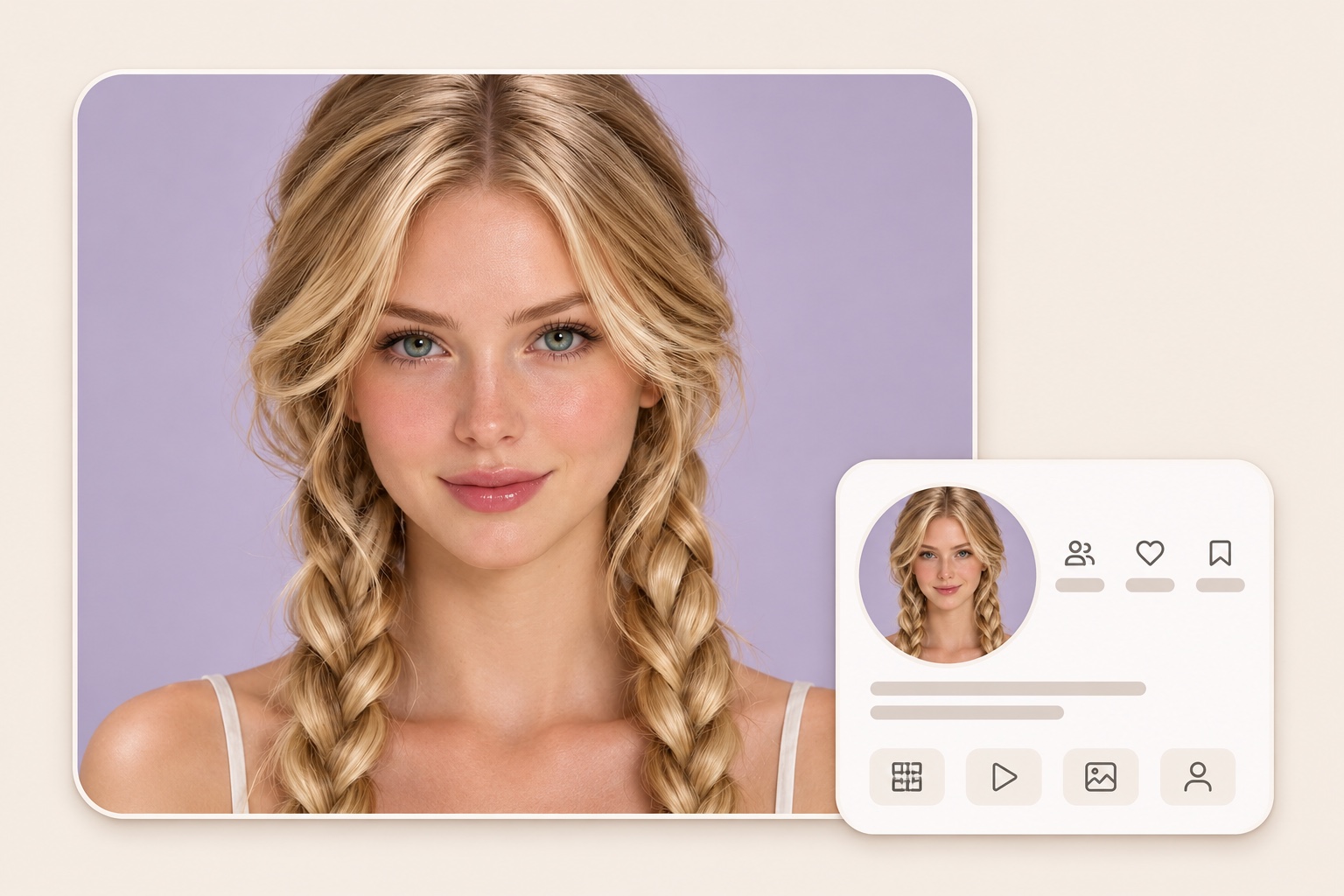
Create a fictional profile picture for a creative account, gaming identity, or digital character. Experiment with bold expressions, colorful styles, and clean backgrounds.
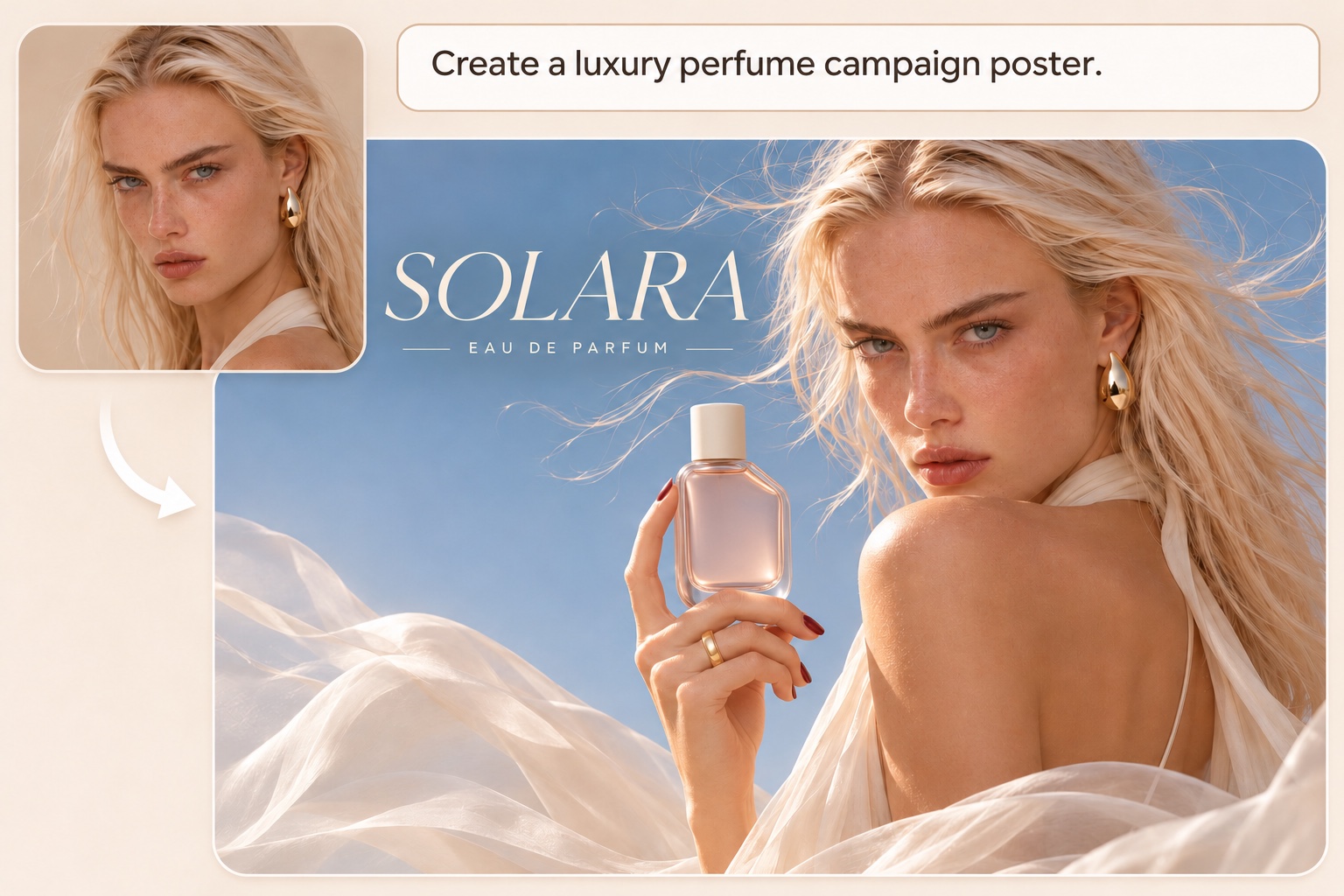
Develop fictional models and character ideas for mood boards, presentations, and early campaign concepts. Explore different looks before choosing a final direction.
A clear prompt helps AI understand the face you want. Start with one of these examples, then change the age, hairstyle, expression, or lighting to make it your own.
A photorealistic close-up portrait of a 28-year-old woman with hazel eyes, natural freckles, warm olive skin, and long wavy brown hair. Gentle smile, soft daylight, detailed skin texture, neutral background, professional portrait photography.
A photorealistic portrait of a fictional adult person with a unique combination of facial features, hairstyle, and expression. Natural skin texture, soft studio lighting, simple background, centered head-and-shoulders composition.
A cinematic close-up portrait of a fictional woman in her early thirties with a short black bob, green eyes, and subtle makeup. Warm golden lighting, dramatic shadows, shallow depth of field, realistic skin texture, film photography.
A detailed fantasy portrait of an original adult elven woman with silver hair, amber eyes, delicate facial features, and subtle glowing markings. Dreamy forest lighting, rich colors, elegant fantasy clothing, high-detail digital art.
Create a close-up portrait of a fictional person. Age: Young adult, age 20. Use a simple background, clear facial features and soft directional lighting.
Create a close-up portrait of a fictional person. Age: Adult, age 25. Use a simple background, clear facial features and soft directional lighting.
Create a close-up portrait of a fictional person. Age: Adult, age 30. Use a simple background, clear facial features and soft directional lighting.
Create a close-up portrait of a fictional person. Age: Adult, age 40. Use a simple background, clear facial features and soft directional lighting.
Create a close-up portrait of a fictional person. Age: Adult, age 50. Use a simple background, clear facial features and soft directional lighting.
Create a close-up portrait of a fictional person. Age: Adult, age 60. Use a simple background, clear facial features and soft directional lighting.
Create a close-up portrait of a fictional person. Age: Senior, age 70. Use a simple background, clear facial features and soft directional lighting.
Create a close-up portrait of a fictional person. Age: Senior, age 80. Use a simple background, clear facial features and soft directional lighting.
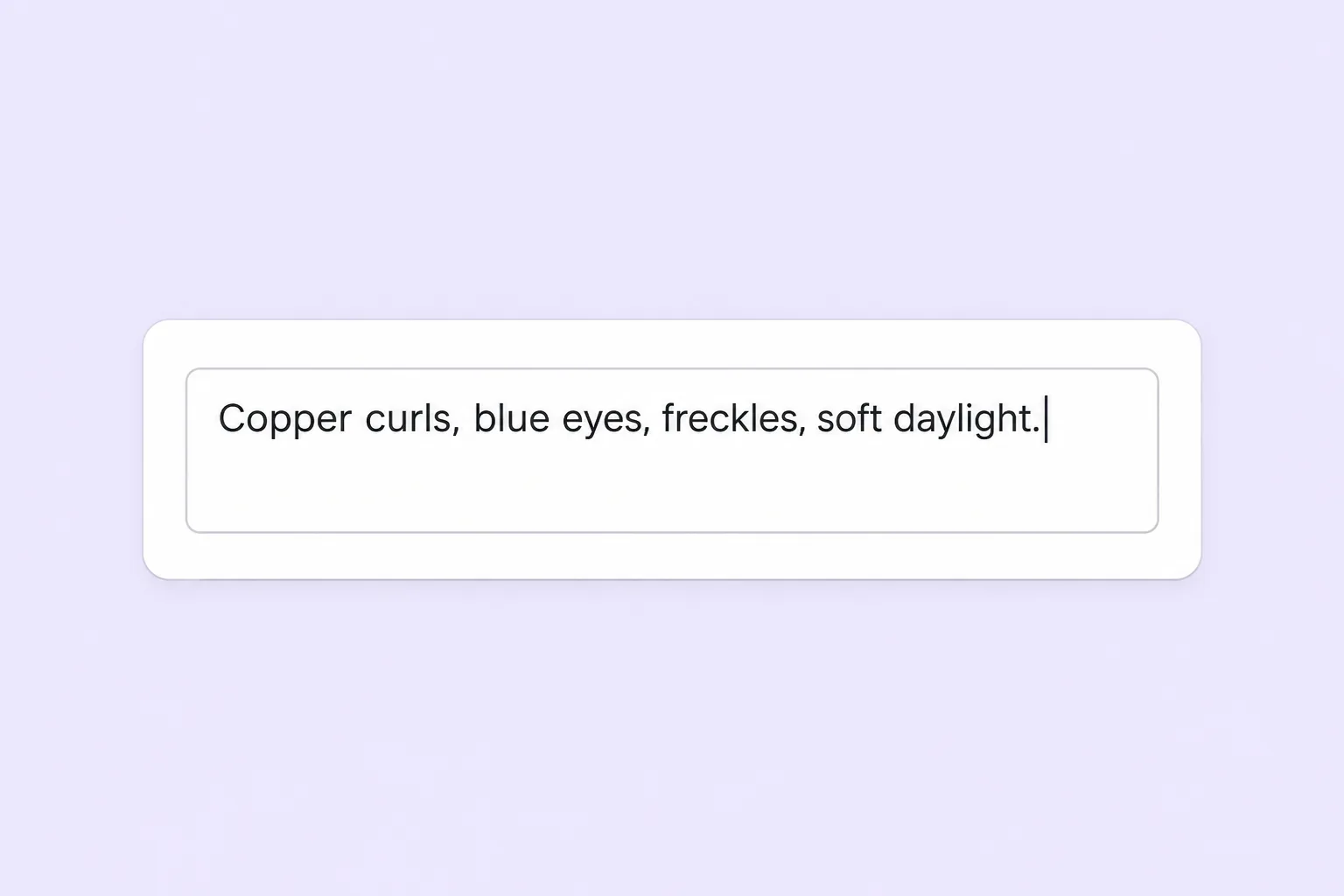
Enter a text prompt describing the face you want. Include details like age, hairstyle, facial features, expression, and lighting. Start with a simple description or use one of the example prompts above.
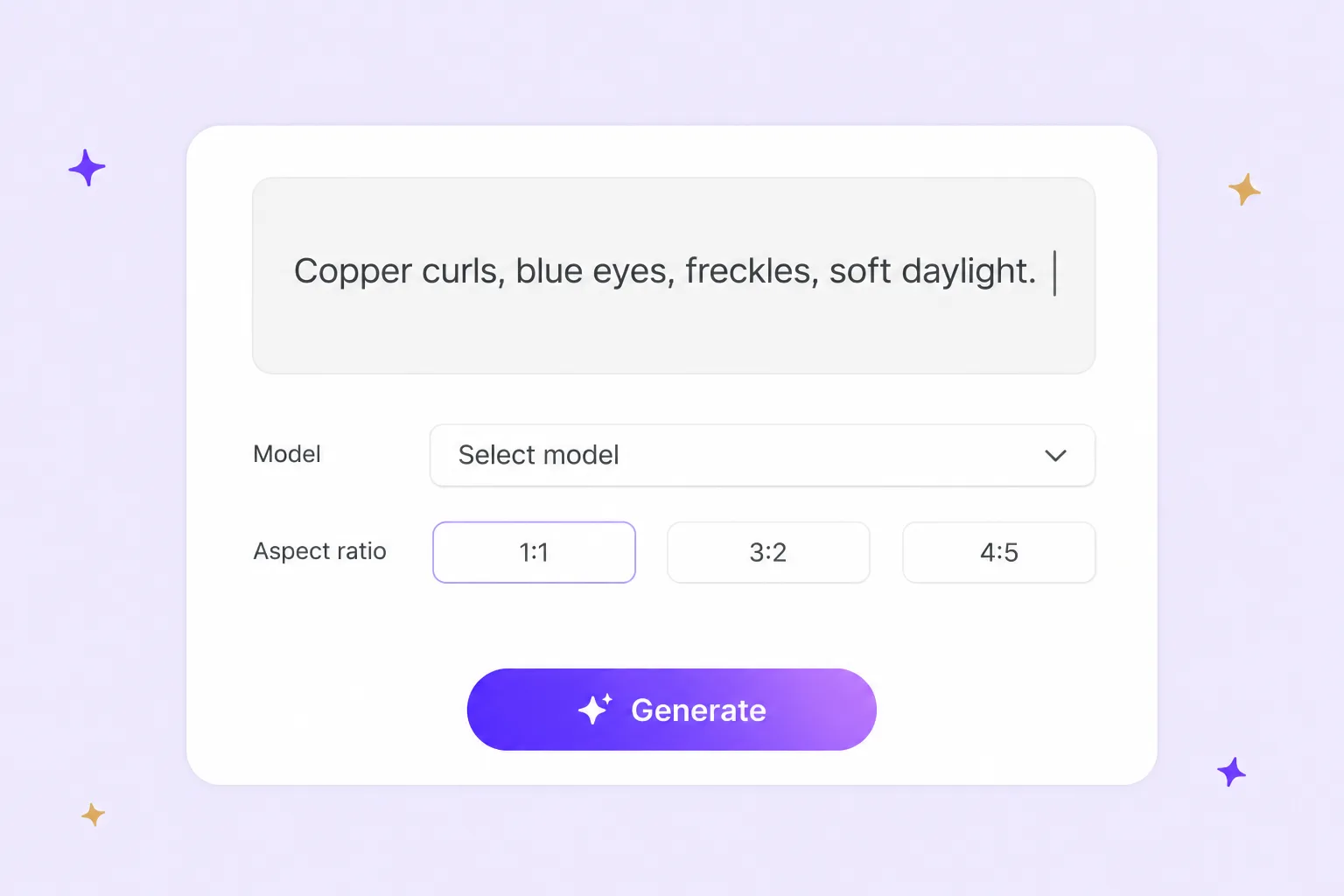
Select an available AI image model and your preferred aspect ratio. Click Generate to turn your description into a new human face.
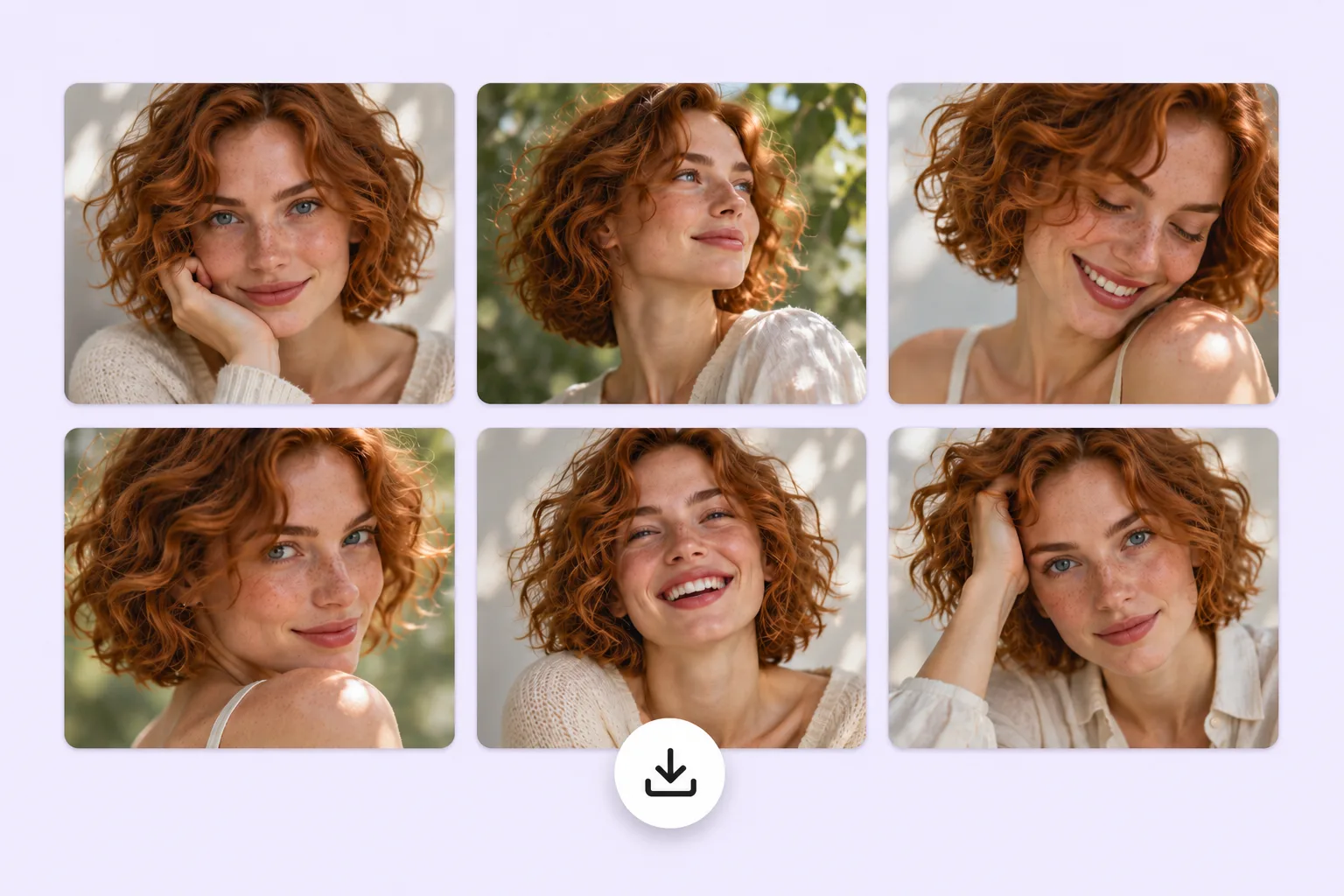
Check your generated face and refine the prompt if you want a different look. Download your favorite result using the available image quality and export settings.
Describe a realistic face, random person, or fictional character in simple words. Let your prompt guide the appearance without drawing every detail yourself.
Choose from the AI image models available in PhotoGrid to try different portrait styles and results. Adjust your prompt or model to explore new looks.
Keep working on your AI-generated portrait after creation. Improve image clarity, or replace a plain backdrop with PhotoGrid's background changer. Build a more complete image without searching for a separate photo tool.
Keep your description unchanged and switch models to compare their interpretation of skin, hair and light. Available models are loaded from PhotoGrid; options can differ between text and photo modes.
Model choices appear after the tool loads.
Bring a fictional person to life with a few simple words. Generate a realistic face, explore new variations, and refine the details to match your creative idea.