No Watermark
Enhance 4K
Batch Edit

Unblur Video Online

Unblur video right in your browser — no app to install, no re-shoot. Upload a clip that came out soft, compressed or out of focus, and PhotoGrid rebuilds the missing detail frame by frame instead of just sharpening the edges. You can unblur videos from your phone or camera, or unblur video online and download the result as MP4 without leaving the tab.

Drag and drop a blurry video here, or click to upload

Supported formats: MP4, MOV · Up to 15 seconds

Unblur Out-of-Focus Videos Naturally with AI

A missed focus point can leave a face soft while the background stays sharp. PhotoGrid uses AI to deblur video and give visible details more definition, from eyes and hair to fabric and printed text. Sharpening increases contrast around edges. AI can also estimate fine detail from what the camera captured. Slightly out-of-focus clips give it more to work with, so check whether the details look clearer and still look natural.

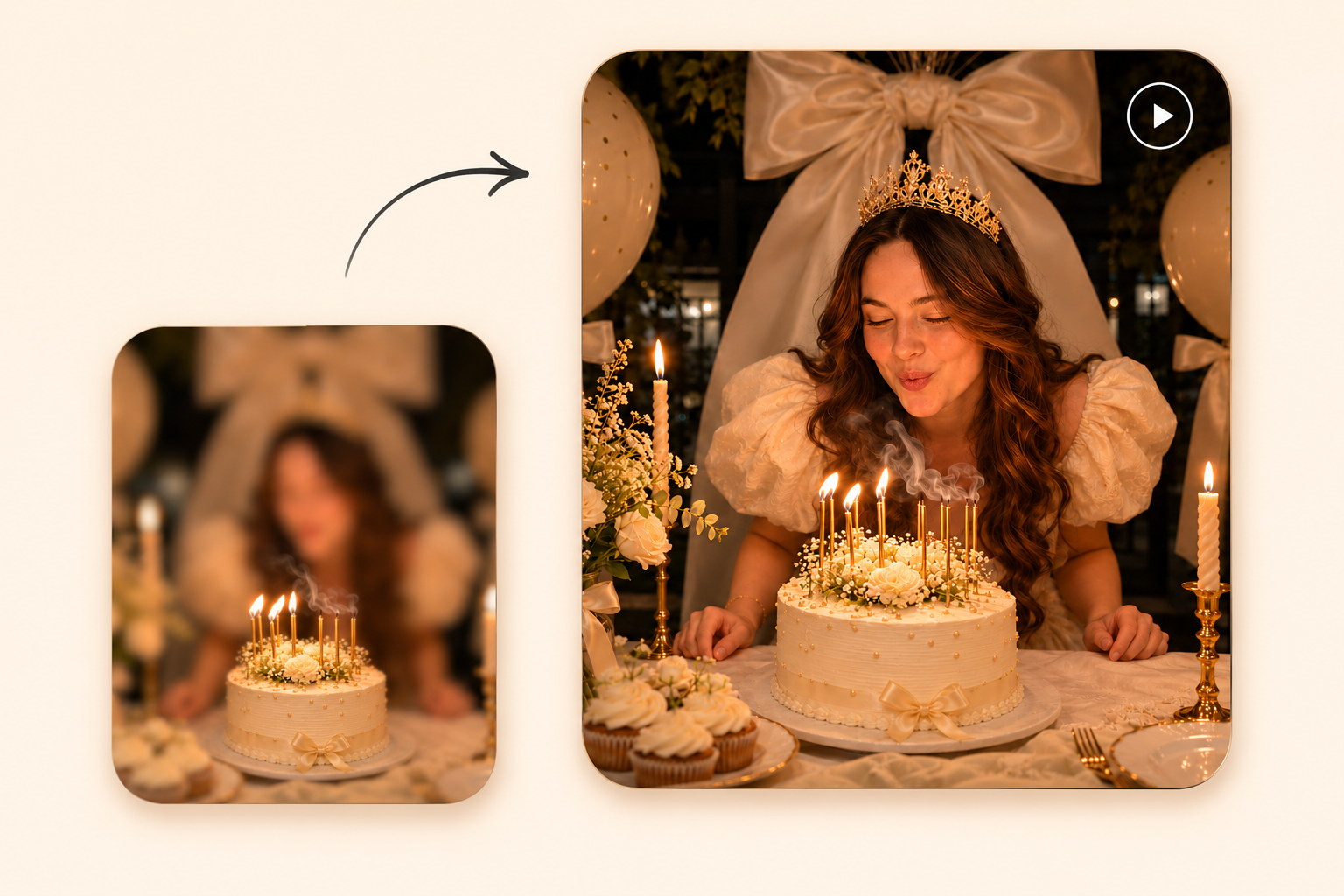
Before-and-after comparison showing a blurry birthday video and a sharper version of the same frame.

Reduce Motion Blur for Clearer Action Videos

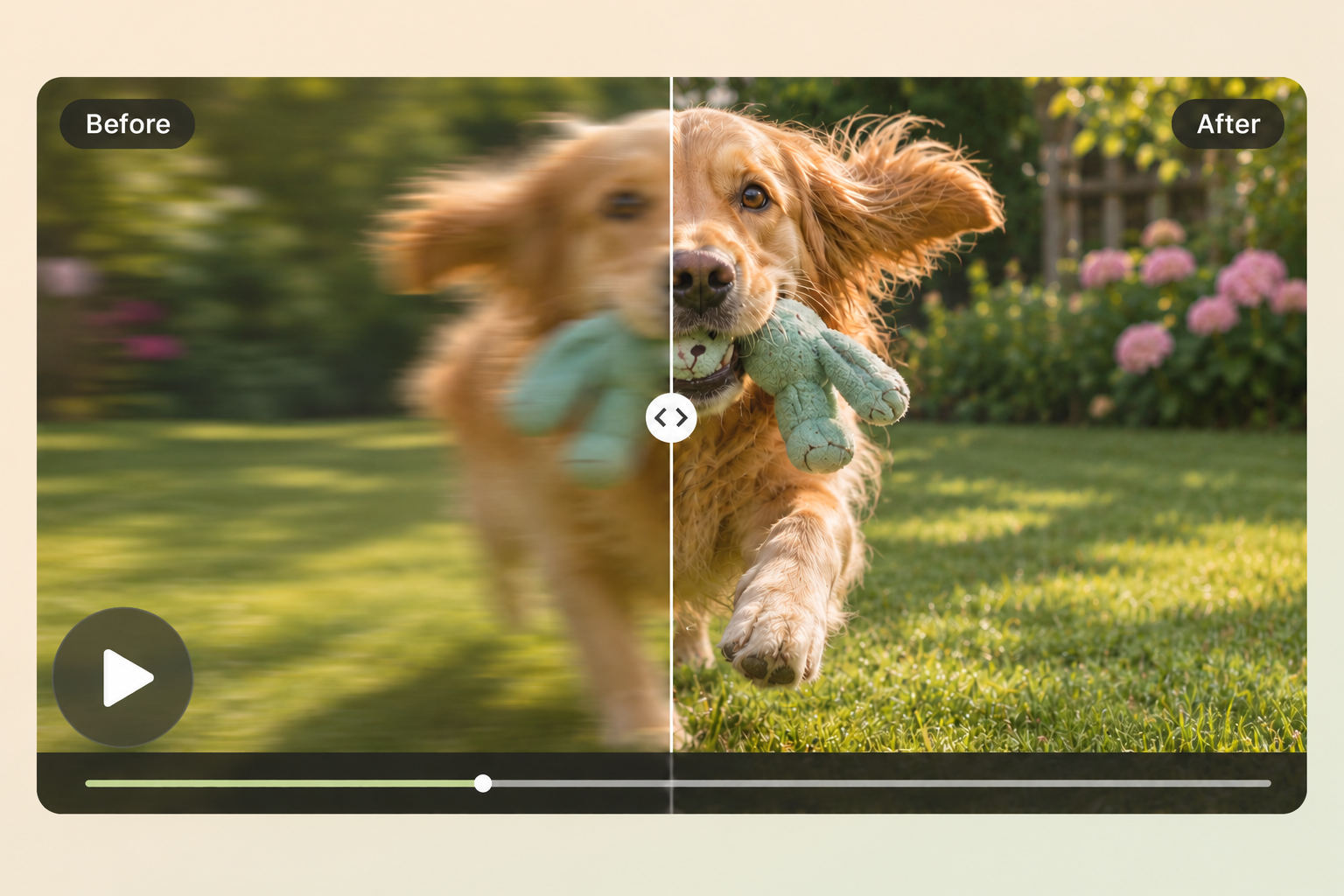
Fast movement can leave a trail around a person, pet, or object. Reduce motion blur to make moving outlines easier to follow. Compare the same moment in the original and processed clips, then play them back to see how the result holds up through a turn, jump, or quick change of direction.

Before-and-after comparison showing a blurry dog video and a sharper version of the same frame.

Sharpen Blurry Videos After Compression

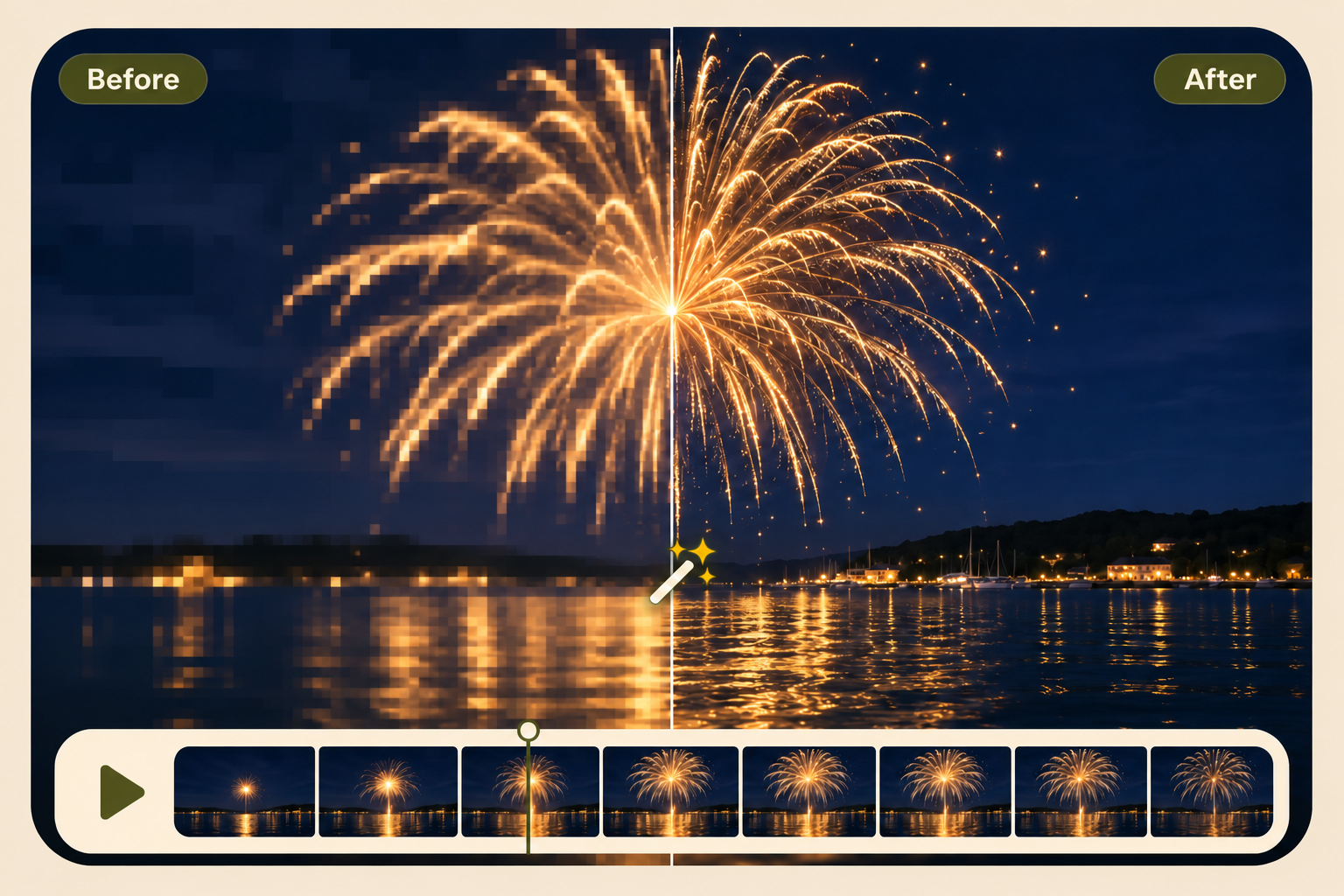
Videos can develop soft outlines, pixelated edges, and fuzzy captions after sharing. PhotoGrid helps sharpen blurry details and reduce visible blockiness in the copy you have. Compare small text and object edges at the same playback size to see what improved.

Before-and-after comparison of a compressed fireworks video with pixelated details on the left and sharper sparks on the right.

How to Unblur a Video in 3 Steps

Upload the Video You Want to Unblur

To unblur a video, start with the original recording when you have it. Choose the clip from your camera roll, gallery, or computer. Check the limits beside the upload button. If the recording is too long, trim the section you want to fix and upload that shorter clip.
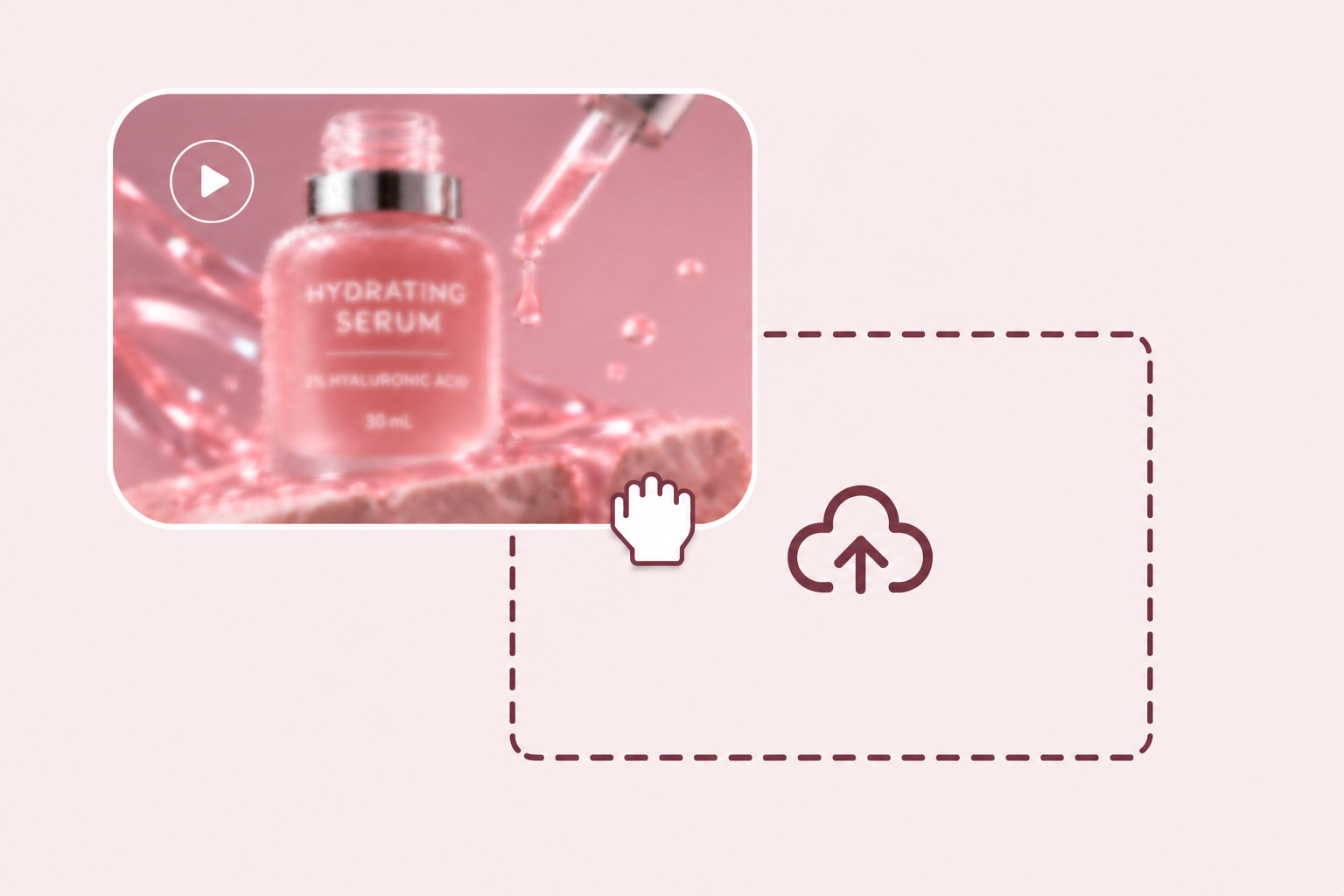
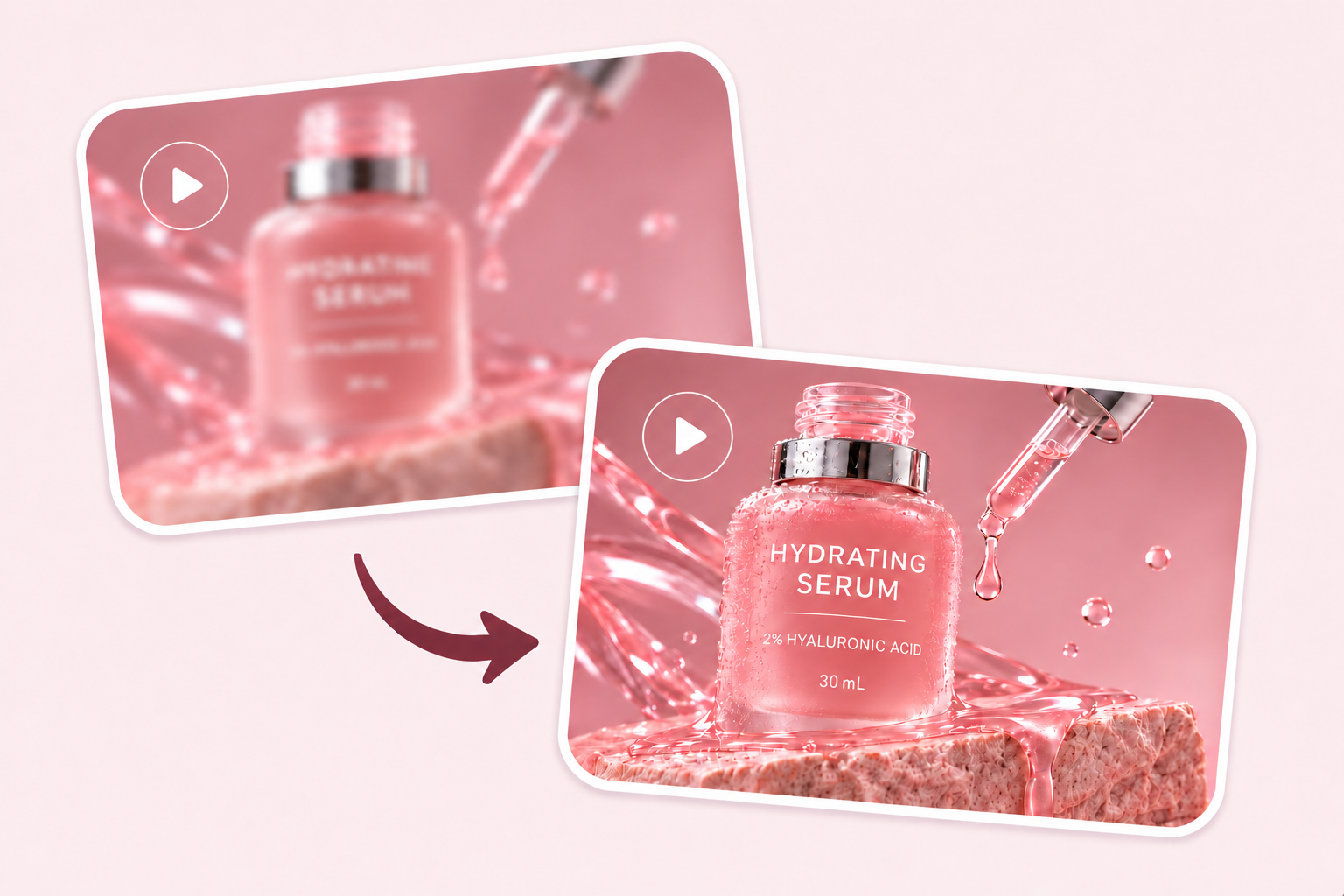
Upload a blurry video before enhancing it.

Easily Unblur Videos from Everyday Moments

Make a blurry video clearer before you share a family memory, publish a product demo, or save a clip someone sent you. Start with the moment you want to keep or the detail your viewers need to see.

🛍️ Product details
🌅 Travel memories
👧 Kids in motion
🎂 Family moments
💻 Screen recordings
📼 Old family videos
Sharp product video showing a hydrating serum bottle.

Make Product Details Clearer

Help shoppers see the stitching on a bag, the texture of a knit, or the label on a bottle. Start with a close-up that shows the detail they want to check.

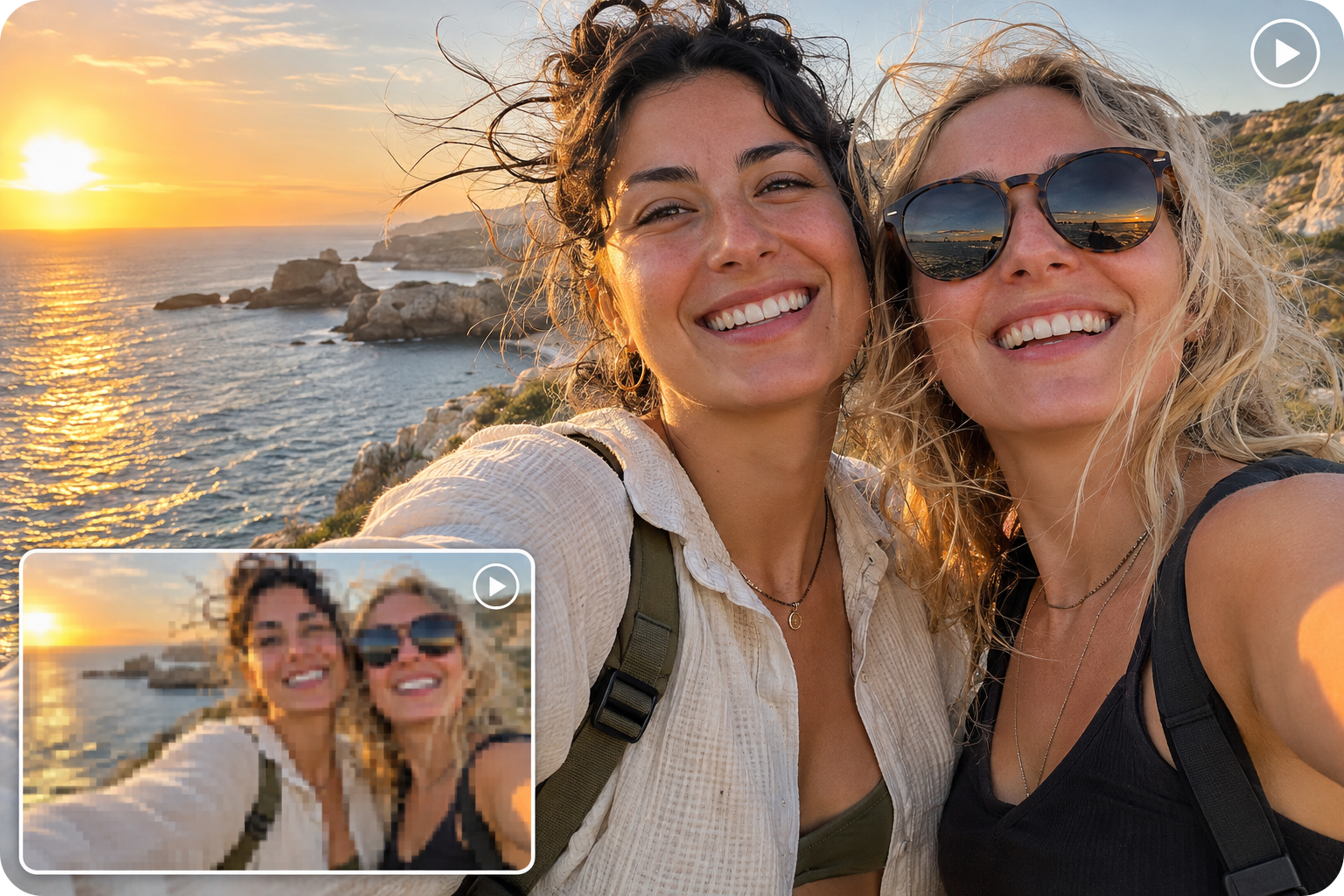
Sharp travel video showing two friends by the coast.

Unblur a Video Someone Sent You

A friend sent the only clip from your trip, and the shared copy looks soft. Give it a clearer look before saving it alongside your own photos and videos.

Sharp home video showing a child moving through a sunny room.

Fix Blurry Pet and Kids Videos

The funniest jump, dance, or dash across the room often happens faster than you can react. Make that one clip easier to watch and share.

Sharp birthday video showing a woman blowing out candles.

Unblur an iPhone Video

You filmed a birthday toast, then noticed the camera had focused on the candles. Make it easier to see the person’s expression when you share the clip with family.

Video export screen showing how to save a processed clip.

Make a Blurry Screen Recording Clearer

Small menu labels and captions can get fuzzy after export. Make a tutorial, walkthrough, or recorded presentation easier to follow by sharpening text that’s still visible in the source.

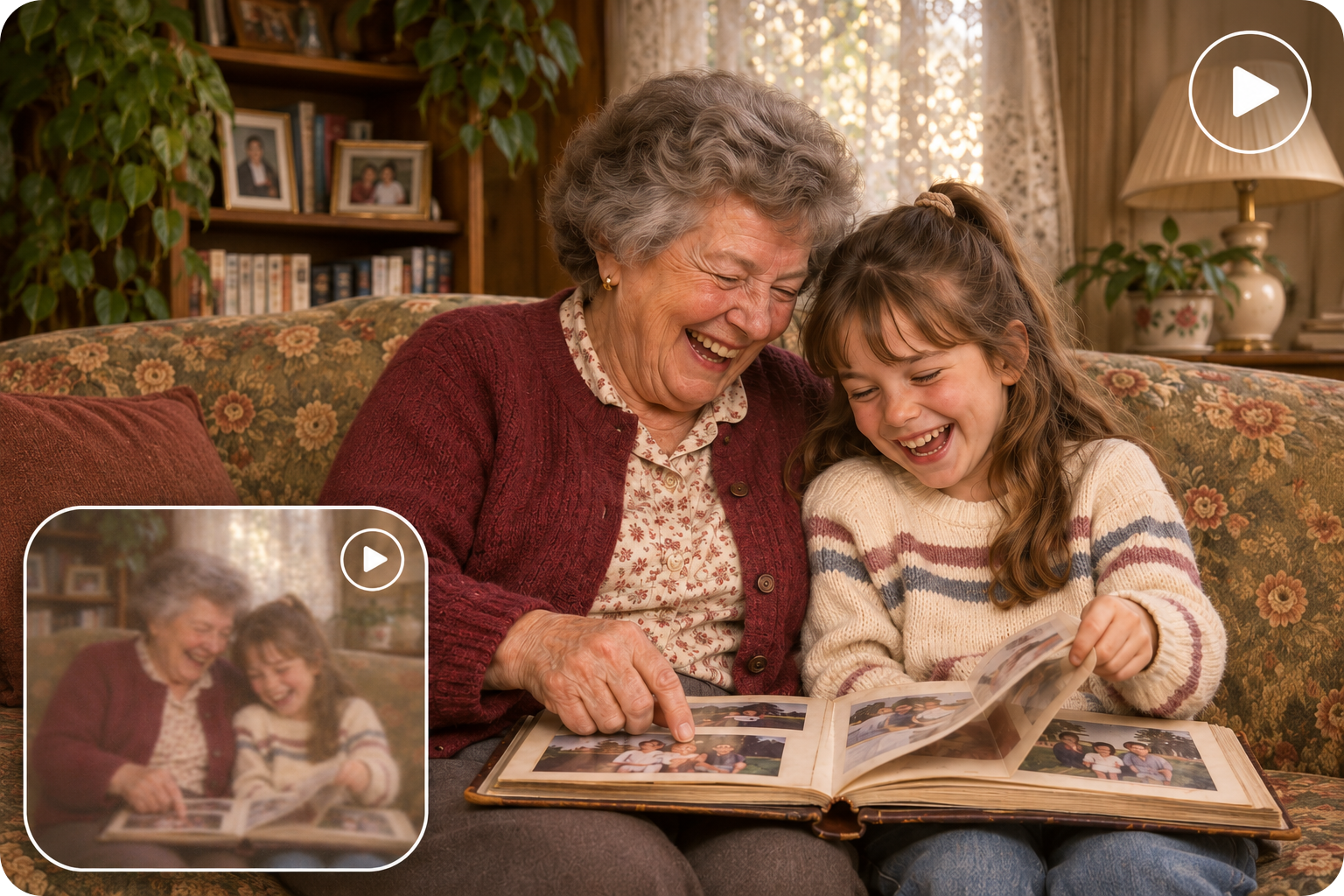
Restored family video showing a grandmother and child looking through a photo album.

Bring Back Old Family Videos

Early phone recordings hold voices and faces you can’t film again. Make an old clip easier to watch together at your next family gathering.

Why Your Video Is Blurry

Check the original recording and pause on a frame where the problem is easy to see. To fix a blurry video, start with the cause that best matches what you see.

What You See

The background looks sharp while the subject stays soft, even when it’s still.

What to Try

Check nearby frames for a clearer view. Try unblurring a section where the subject’s features are still visible.

Why Choose PhotoGrid to Unblur Video

Check Upload Limits Up Front

See which formats, file sizes, and video lengths the tool accepts before choosing a clip.

Compare Before Saving

View the original and processed video together to check the details that matter to you.

Export Up to 4K

Choose an output resolution up to 4K for playback on larger screens.

Keep the Original Audio

Keep the voices, music, and background sound from your original clip.

Save Without a Watermark

Download your processed video without a watermark so it’s ready to share or add to a project.

Unblur in Your Browser

Upload and process your video from a supported browser on your phone or computer.

Unblur Video FAQ

Is there a way to unblur a video for free?

arrow-downarrow-right

Can I unblur a blurred video?

arrow-downarrow-right

How can I remove blur from a video online?

arrow-downarrow-right

Will the exported video have a watermark?

arrow-downarrow-right

Do I need to download an app or an APK?

arrow-downarrow-right

Does it work with iPhone and Android footage?

arrow-downarrow-right

Can ChatGPT unblur a video?

arrow-downarrow-right

Unblur Video Online

Upload a blurry clip and see how much clearer it can look — unblur videos from your phone or camera, right in the browser.