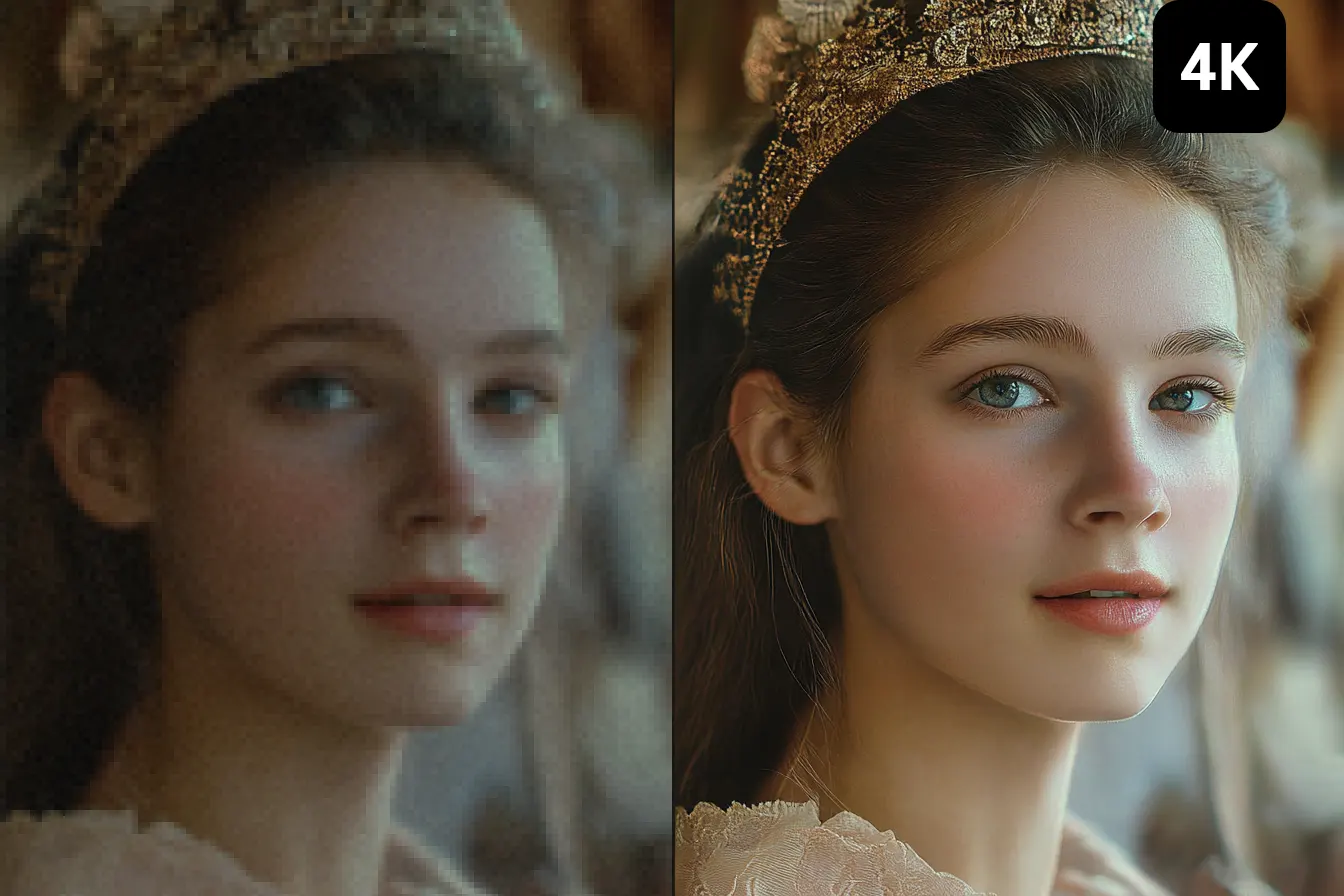
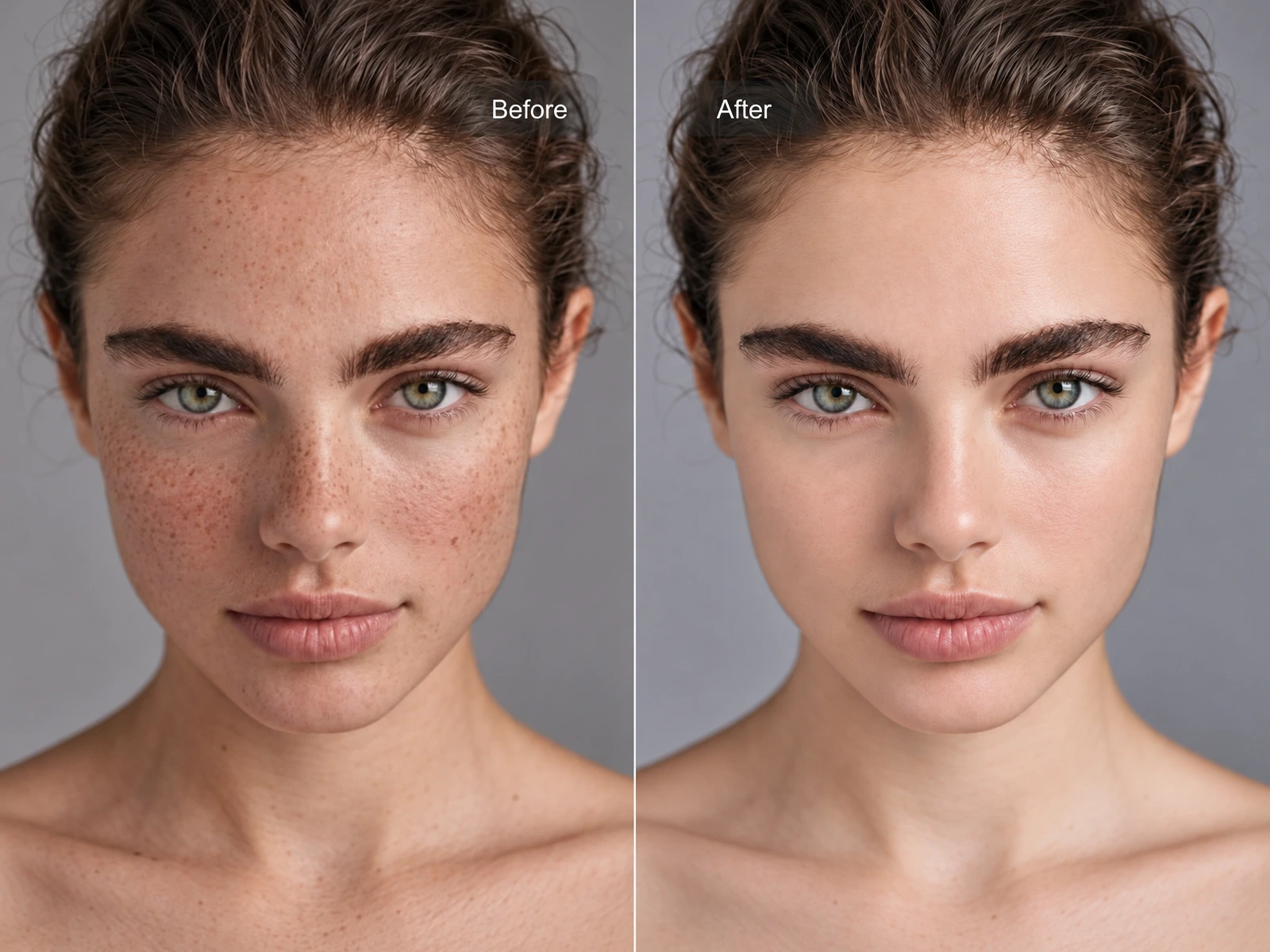
AI Video EnhancerMake the Details Easier to See

Try enhancing a short clip with soft edges or hard-to-see textures. Before downloading, compare it with the original to see whether the details look clearer and still look natural.

Click, Drop or Paste

MP4 or MOV Up to 15 seconds

How to Enhance a Video Online

1

Choose a Short Clip

2

Set Your Output

3

Compare and Download

Give Soft Edges More Definition

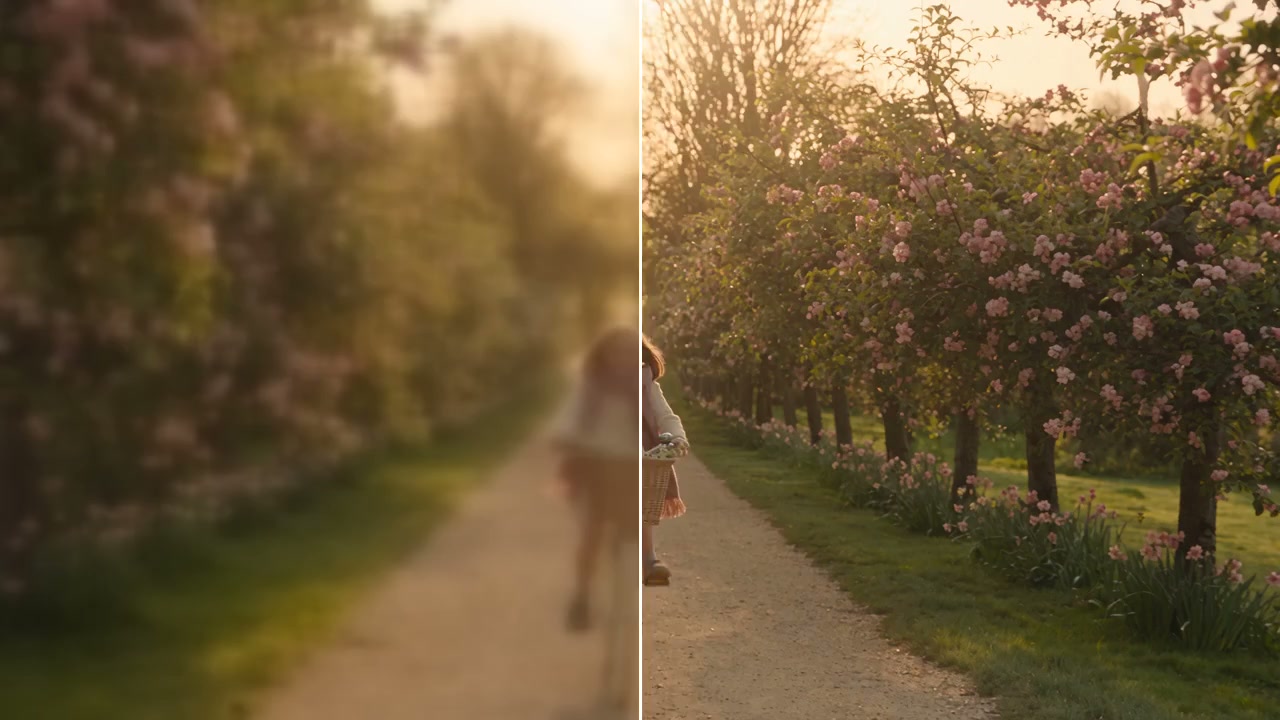
Try a clip where outlines look soft on a larger screen. Compare the same frame before and after enhancement to see whether the edges are easier to distinguish.

Look More Closely at Fine Textures

Pick a clip with fabric, hair, or surface details you want to see more clearly. Review both versions at the same point in the clip to see how the texture comes through.

Check How the Detail Holds Up in Motion

Play the whole clip after checking a still frame. An outline can look different as the camera moves, so compare the parts of the clip you actually want to use.

Which Clips Are Worth Enhancing?

Start with a short clip that still has some detail in the original. Pick a scene below and look at the parts that matter for that kind of footage.

Improve Soft Detail in Compressed Social Videos

Text and faces can look soft after TikTok or Instagram compresses a video. Use the original when you have it. If you only have the compressed clip, enhance it and check whether the edges look clearer and blocky compression artifacts are still visible.

If you need a new clip first, create one with the AI Video Generator and bring it here to enhance.

What You Can Check Before Exporting

Review the Clip in Your Browser

Choose a file, compare both versions, and download the one you enhanced from the same page.

Keep a Separate Enhanced Copy

Save the enhanced clip separately so you can use it alongside your original.

See the Credit Estimate Up Front

Check the estimated credits next to the enhancement controls before processing.

Video Enhancer FAQ

Make the Details Easier to See

Choose a short clip with details you want to bring out. Compare the result with your original before saving it.