AI Hairstyle Changer Free Online

PhotoGrid's AI hairstyle changer takes your selfie, restyles only your hair, and shows you a new haircut or hair color on your real face in a few seconds. Pick a trending cut or describe the exact look you want, then save the one you'd actually book.

AI Hairstyle Changer Free Online
Your Photo
Upload Your Photo
Hair Reference
Hairstyle reference (optional)

Choose a hairstyle

Choose a hair color

0 / 1500

Loading the image model…

Your result is saved in your image history. View history

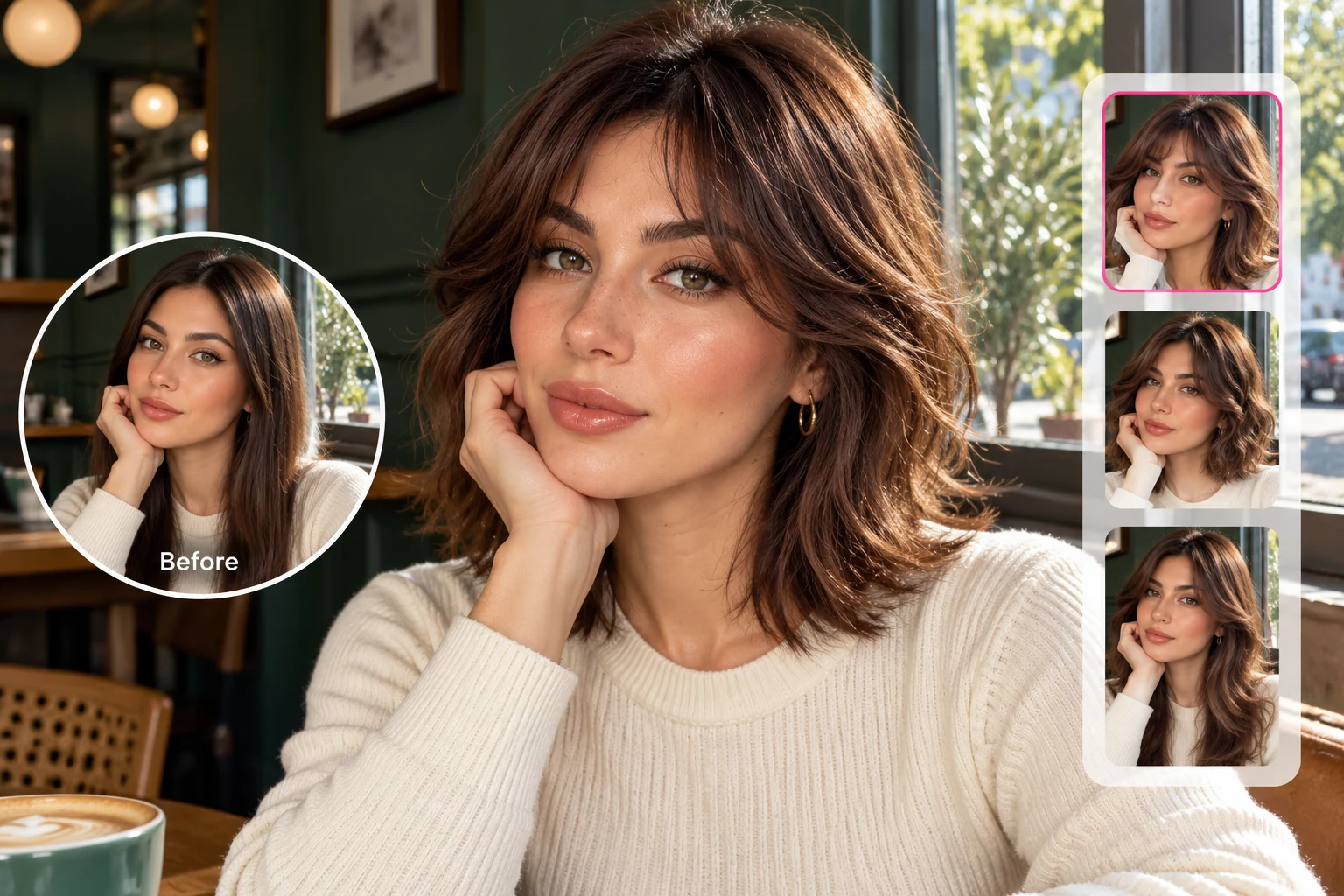
Woman trying a chocolate-brown wolf cut with her original selfie and alternative hairstyles.

Try On Hairstyles on Your Own Face Before the Salon Chair

You've saved a screenshot of a wolf cut, and you still can't picture it on you. Upload a clear selfie and PhotoGrid's AI hairstyle changer swaps in the new cut while your face, skin, and expression stay the way they are. The AI follows the light and angle of your photo, so the new hair sits on your head instead of floating on top of it. You see the real version of you with shorter, longer, or curlier hair. A bad cut takes months to grow out. A bad preview takes one click to delete.

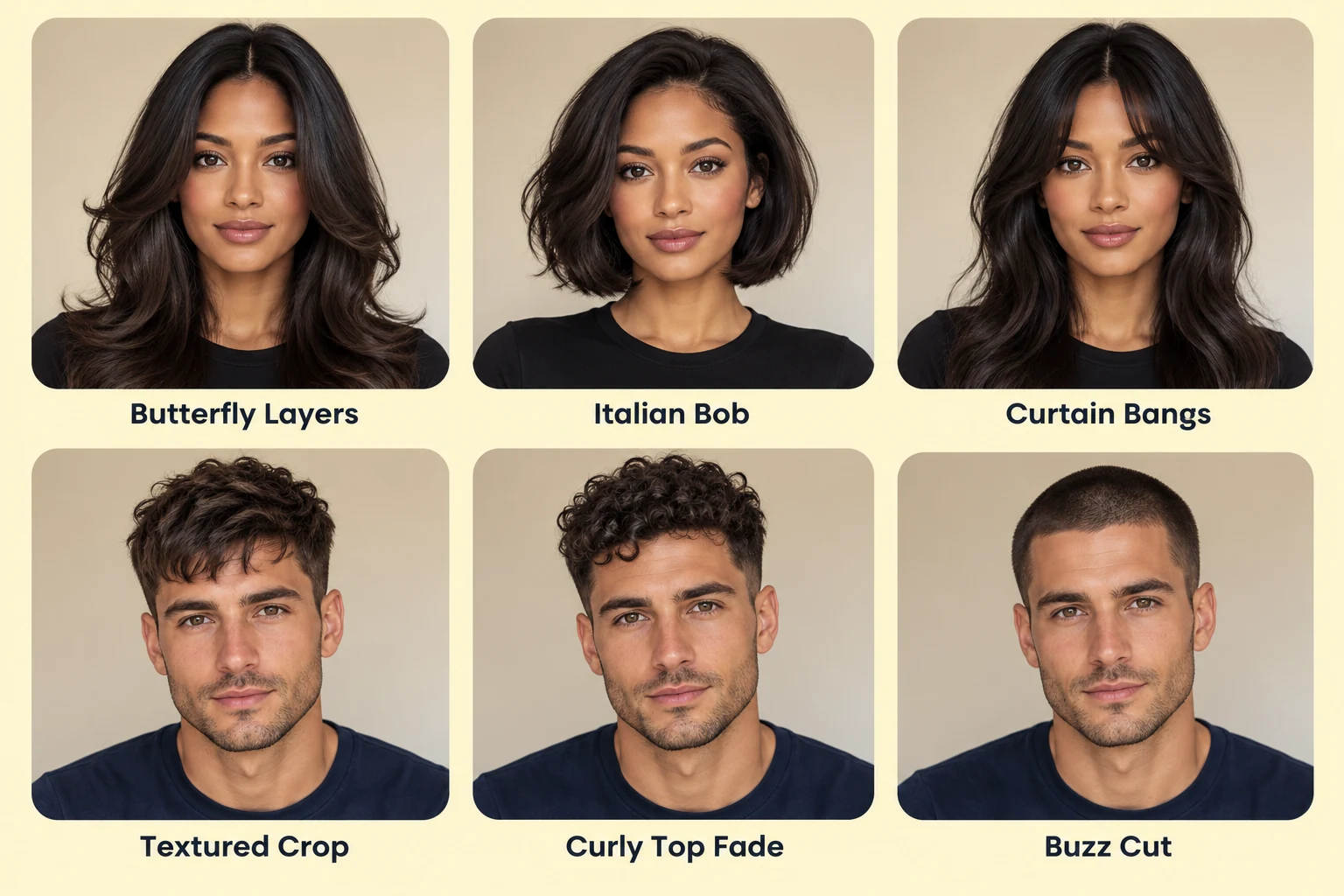
Six trending hairstyles for women and men: butterfly layers, Italian bob, curtain bangs, textured crop, curly top fade and buzz cut.

Scroll Trending Cuts for Women and Men Like a Haircut Simulator

From butterfly layers, an Italian bob, and curtain bangs to a textured crop, burst fade, and overgrown buzz cut, the cuts filling salon and barber feeds this year are ready to preview. Women can see a soft shag before committing to the scissors, and men can check how a wolf cut or curly top fade changes the shape of their face. Each cut works like a hairstyle filter that's built from your own photo, so the length and volume fit your head. Line up three cuts in a row and the one that suits you usually stands out fast.

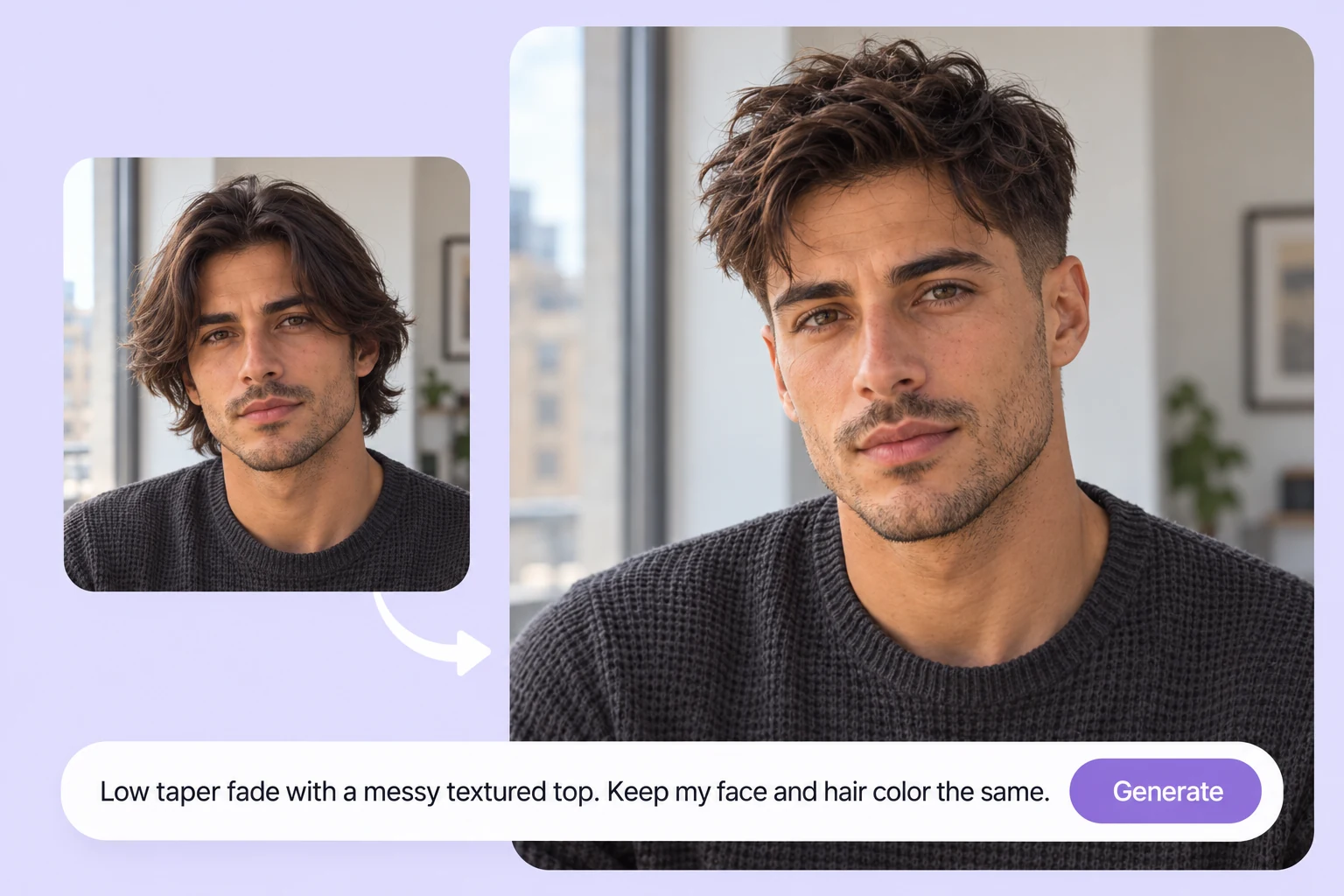
Before and after a low taper fade, with a text prompt describing the haircut.

Describe Any Cut to the AI Haircut Generator

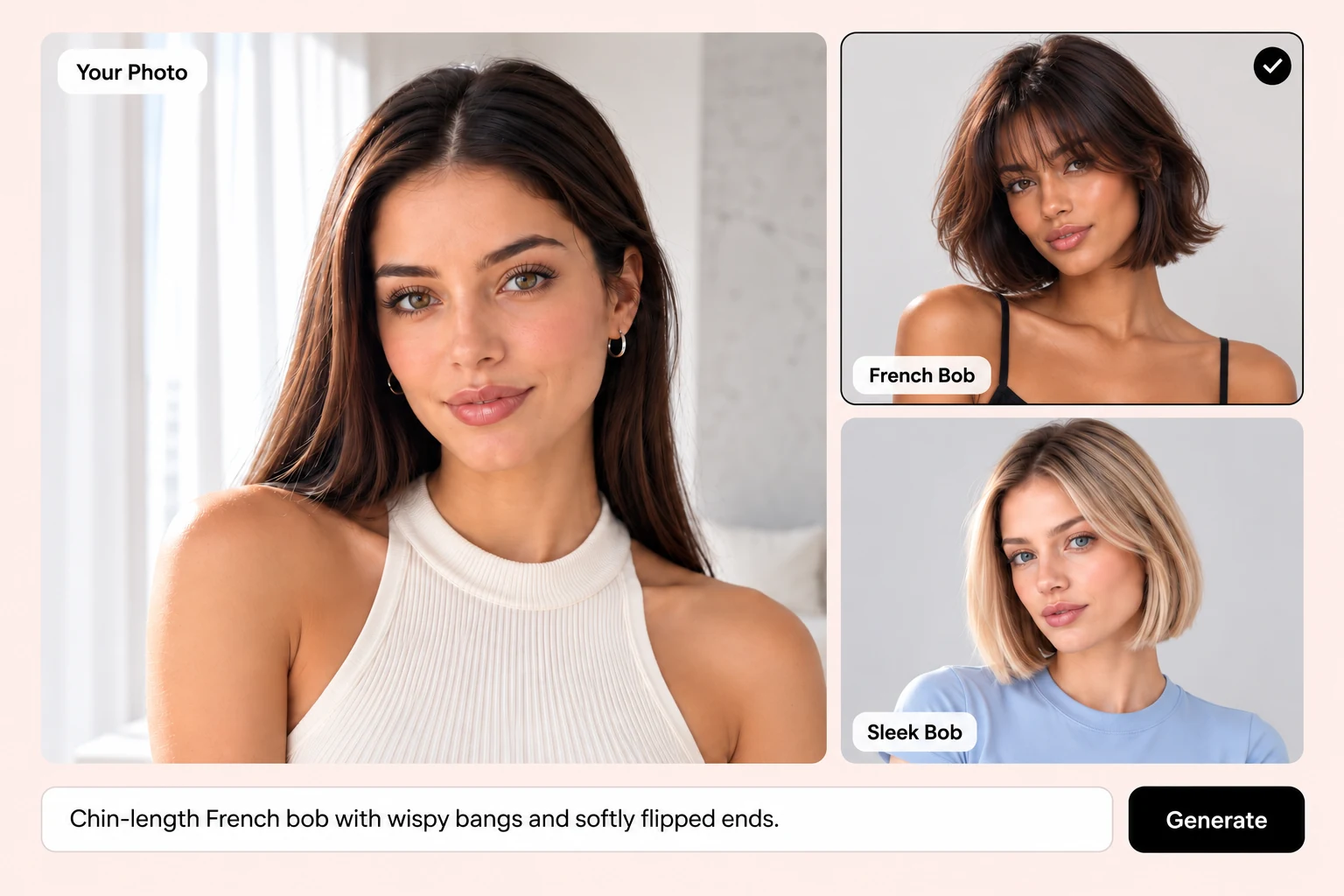
Some looks don't have a neat name. Type something like "chin-length bob with wispy bangs and a little wave" or "low taper fade with a messy textured top," and the AI hairstyle generator builds that style on your photo. You describe it the way you'd explain it to a friend, with no salon vocabulary needed. Not quite right? Add one detail, like "shorter at the back" or "more volume on top," and run it again until the preview matches the picture in your head.
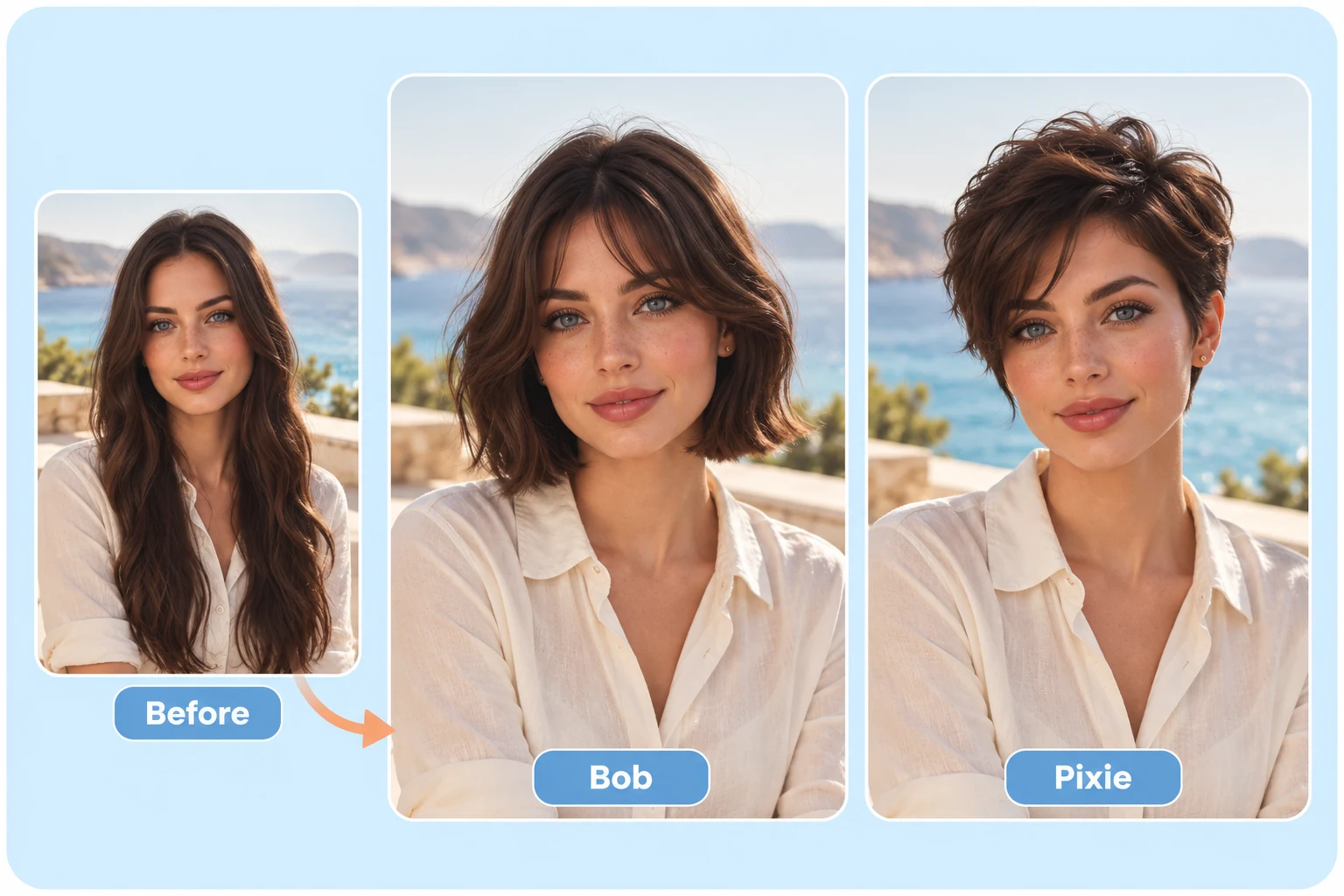
Long hair compared with a bob and pixie cut on the same woman.

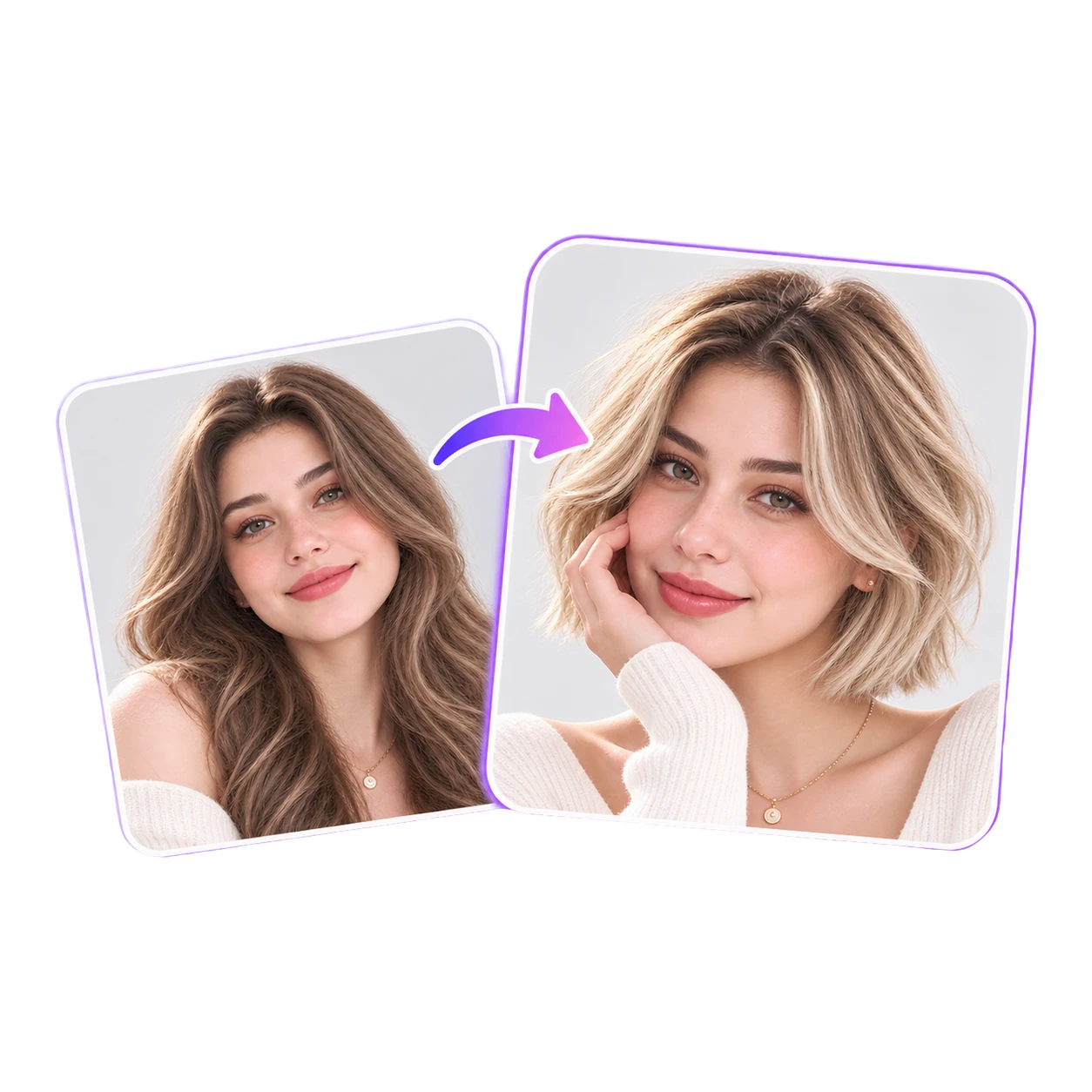
See What You'd Look Like with Short Hair Before the Cut

Cutting off years of length is the change people put off longest, and the one they regret most when it goes wrong. Upload a selfie and see a pixie, a French bob, a sharp lob, or a buzz cut on your own face, with your hair color and texture carried over. It works like a short hair filter, except the cut is shaped to your head instead of pasted on top. Compare chin length against jaw length, or a pixie against a bob, and notice which one opens up your face. If you still love the short version after ten previews, book the appointment.

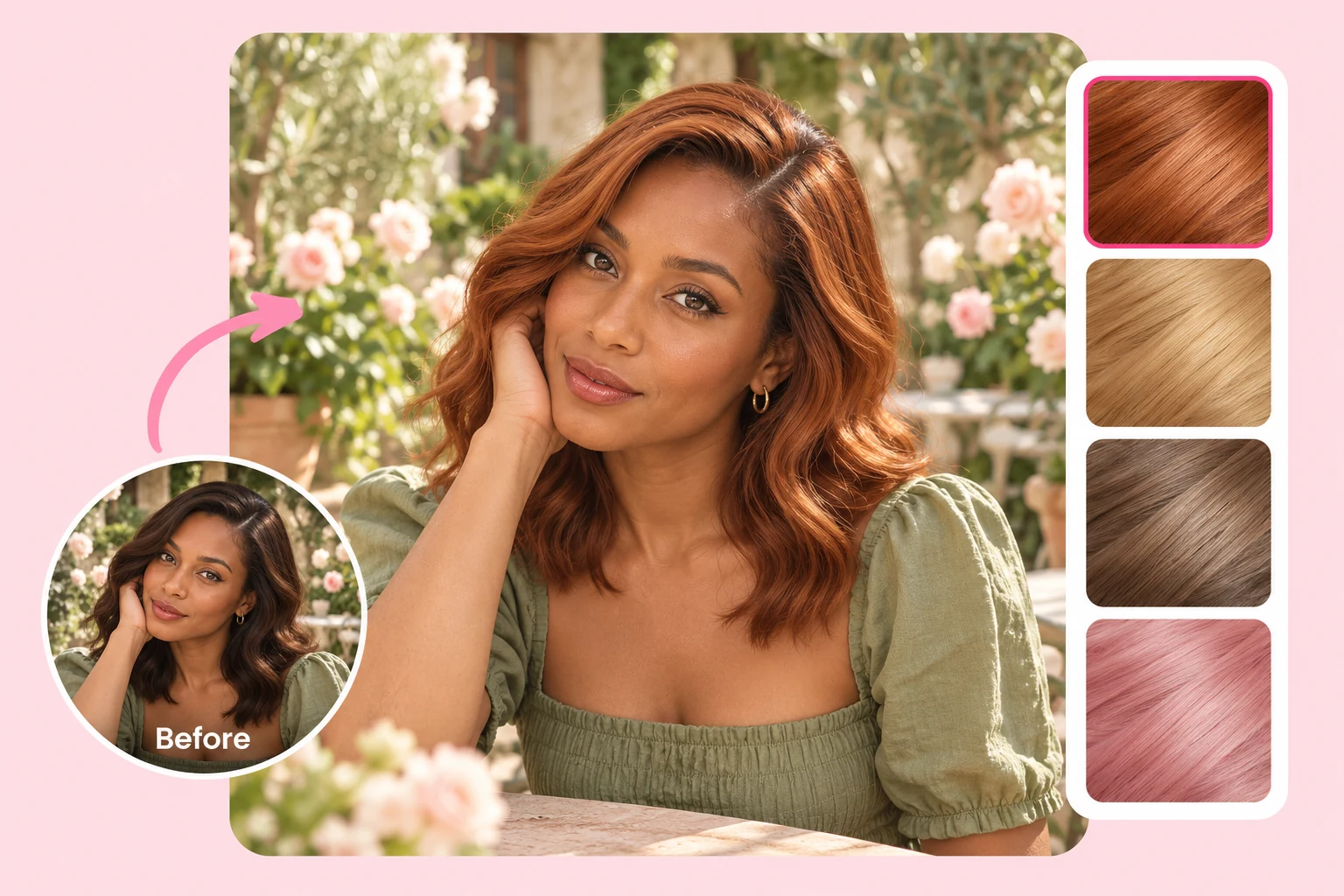
Original brown hair compared with copper-red hair and alternative color swatches.

Go Blonde, Copper, or Pastel with the AI Hair Color Changer

Hair color is the change people hesitate on most, since a wrong shade can take weeks of toning to fix. Pick a shade and see honey blonde, copper red, balayage, ash brown, or pastel pink on your current cut, or pair a new color with a new cut in the same preview. You find out whether cool or warm tones flatter your skin before you sit in the chair. Then walk in knowing the exact shade you want.

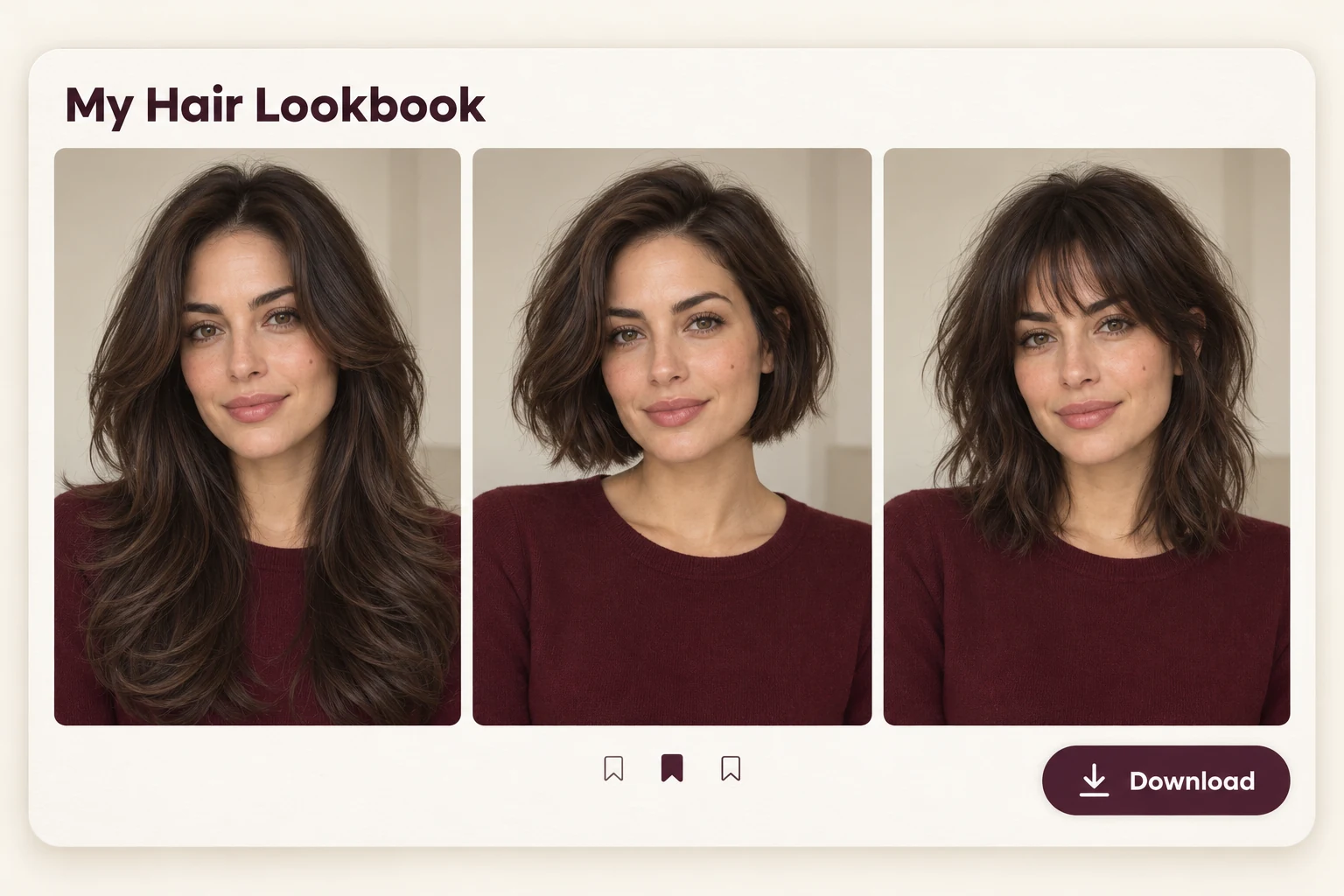
Hair lookbook comparing long layers, a bob and a shag on the same woman.

Save Your Favorite AI Hairstyle Previews and Show Your Stylist

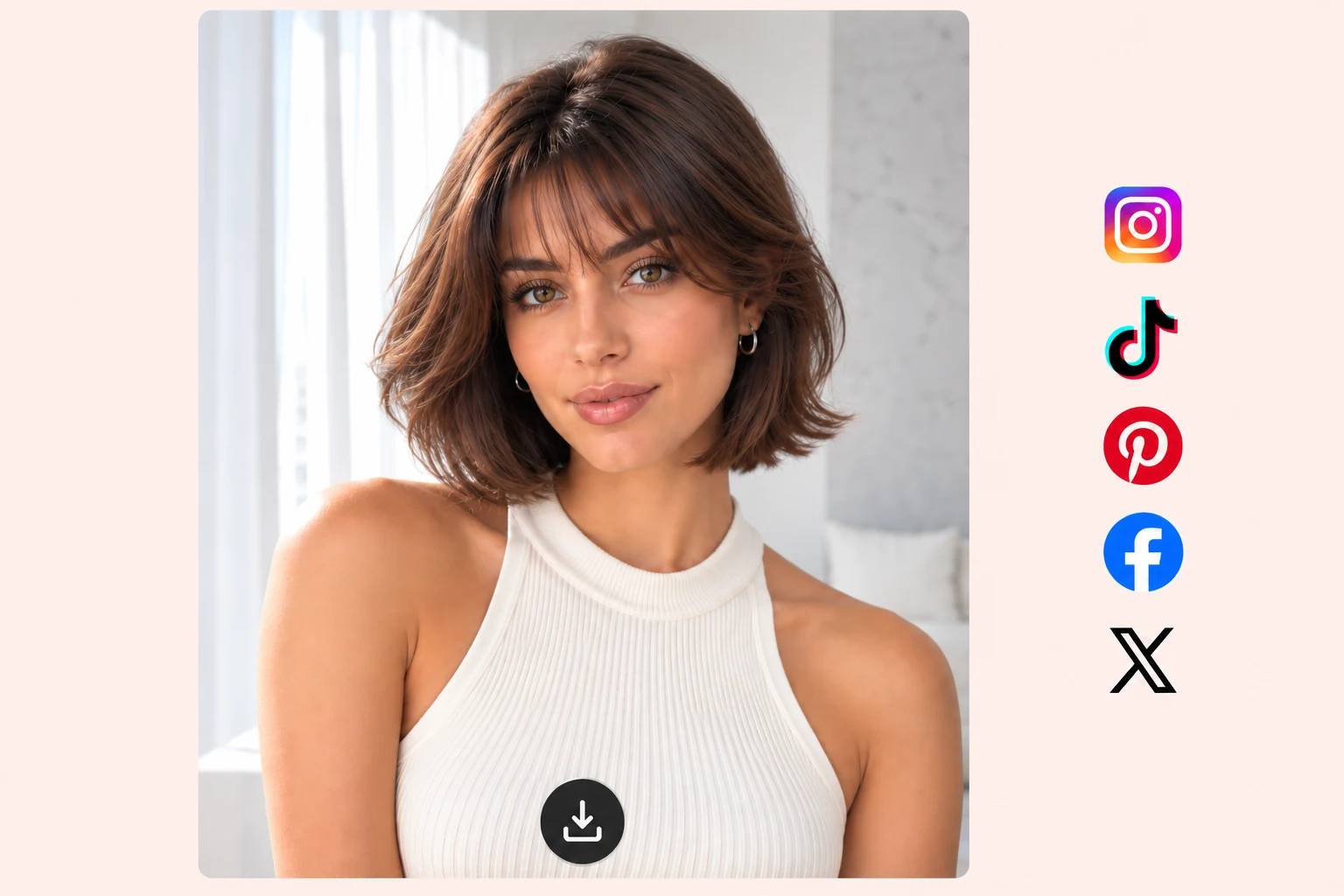
Download each preview without a watermark and keep your favorites together on your phone. A photo of you with the cut tells your stylist more than any celebrity reference, because it already matches your face shape and hair length. Ask friends to vote in the group chat, or line up your before-and-after shots in the AI collage generator for a quick "which one should I get?" post.

Every Reason to Rethink Your Hair with a Virtual Hairstyle Try-On

From a fresh fade to a new look before a wedding, every hair decision comes with a different worry. These are the moments people reach for a preview first.

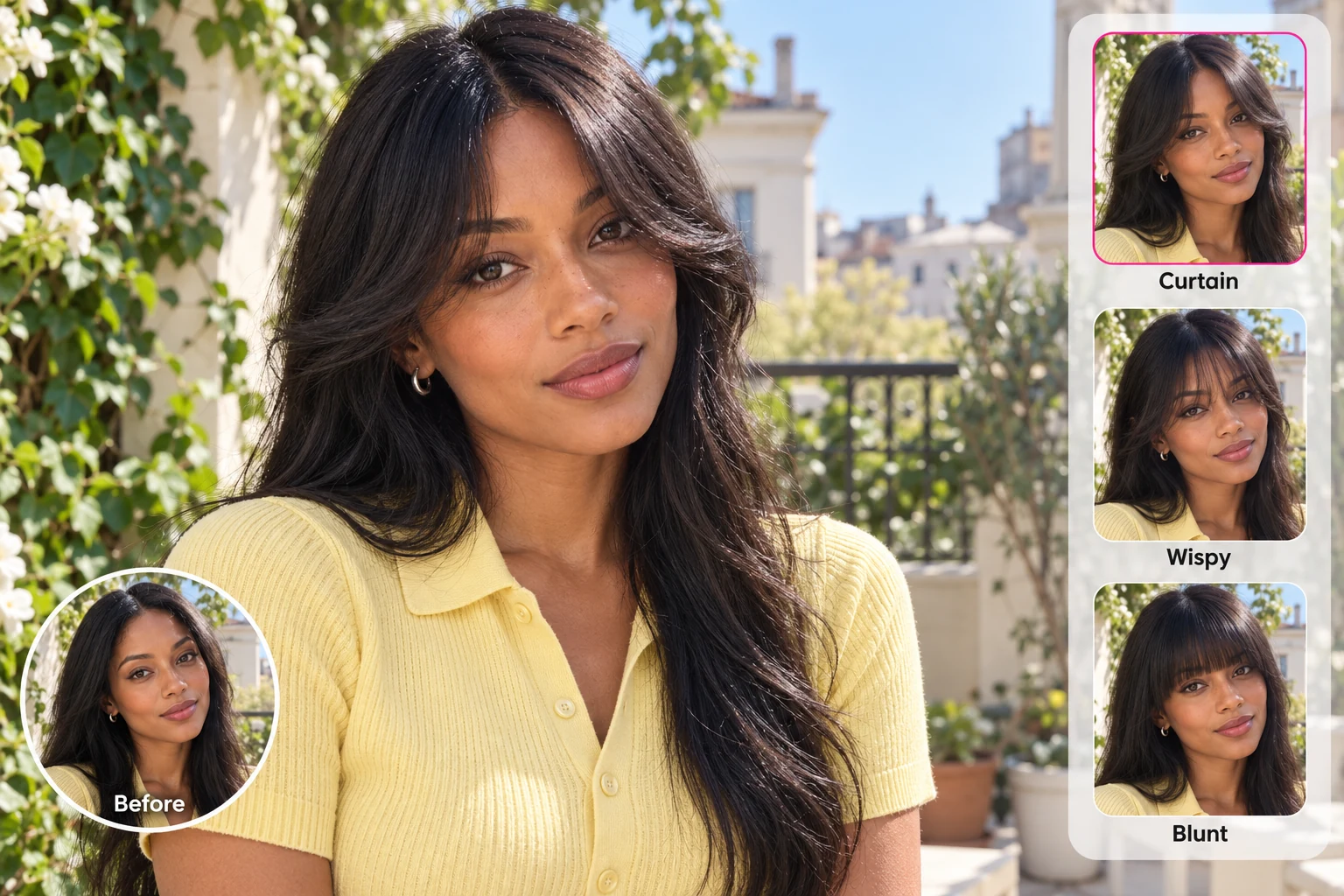
Woman comparing curtain, wispy and blunt bangs with her original hairstyle.

Test a bangs filter on your face before you cut a fringe

Bangs are the quick salon decision that takes the longest to undo. Compare curtain, wispy, and blunt bangs on your own forehead and keep the one that frames your face.

Try: "long curtain bangs with face-framing layers"

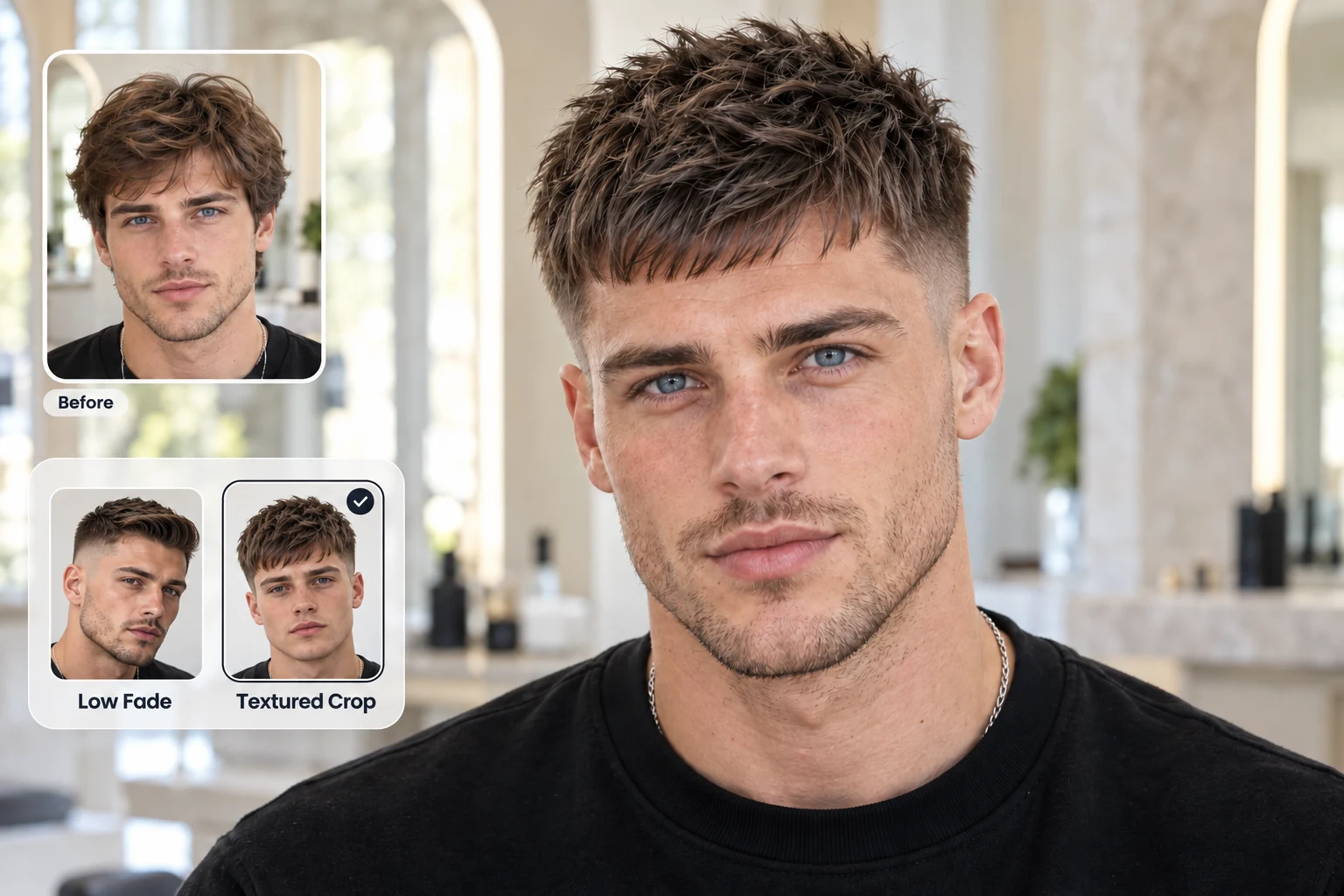
Preview a textured crop on a man’s photo, with the original hairstyle and low fade options before a barber visit.

Pick your fade with an AI haircut preview before the barber

Low, mid, and burst fades look different on every head shape, and your barber can only cut what you describe. Show them the preview instead.

Try: "mid burst fade with a textured crop on top"

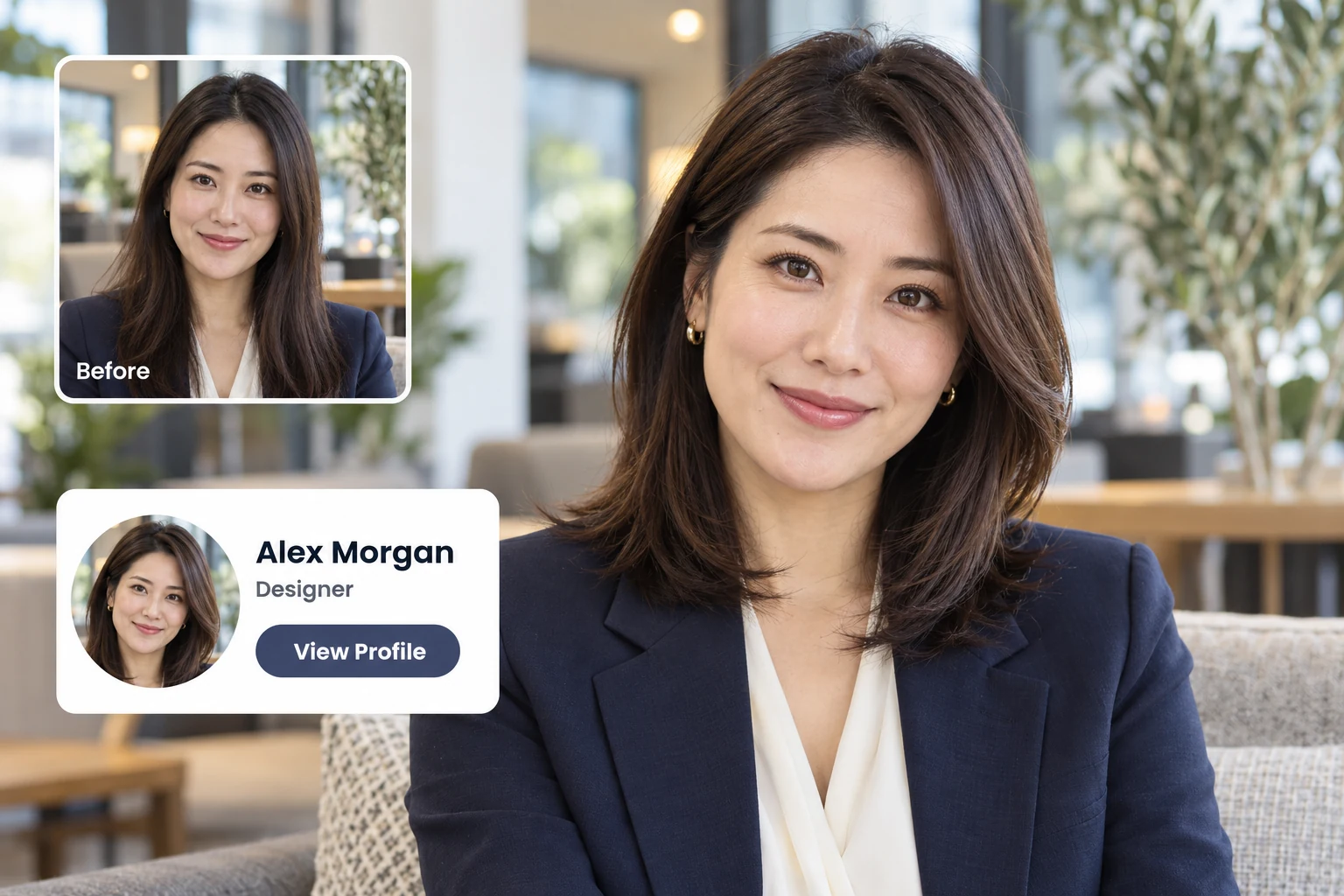
Before and after shoulder-length layers for a polished profile portrait.

Try a new hairstyle before a job interview or dating profile

A fresh start is a good excuse for a cleaner, more current cut. Find the style first, then turn that look into a polished portrait with the AI headshot generator.

Try: "sleek side part with shoulder-length layers"

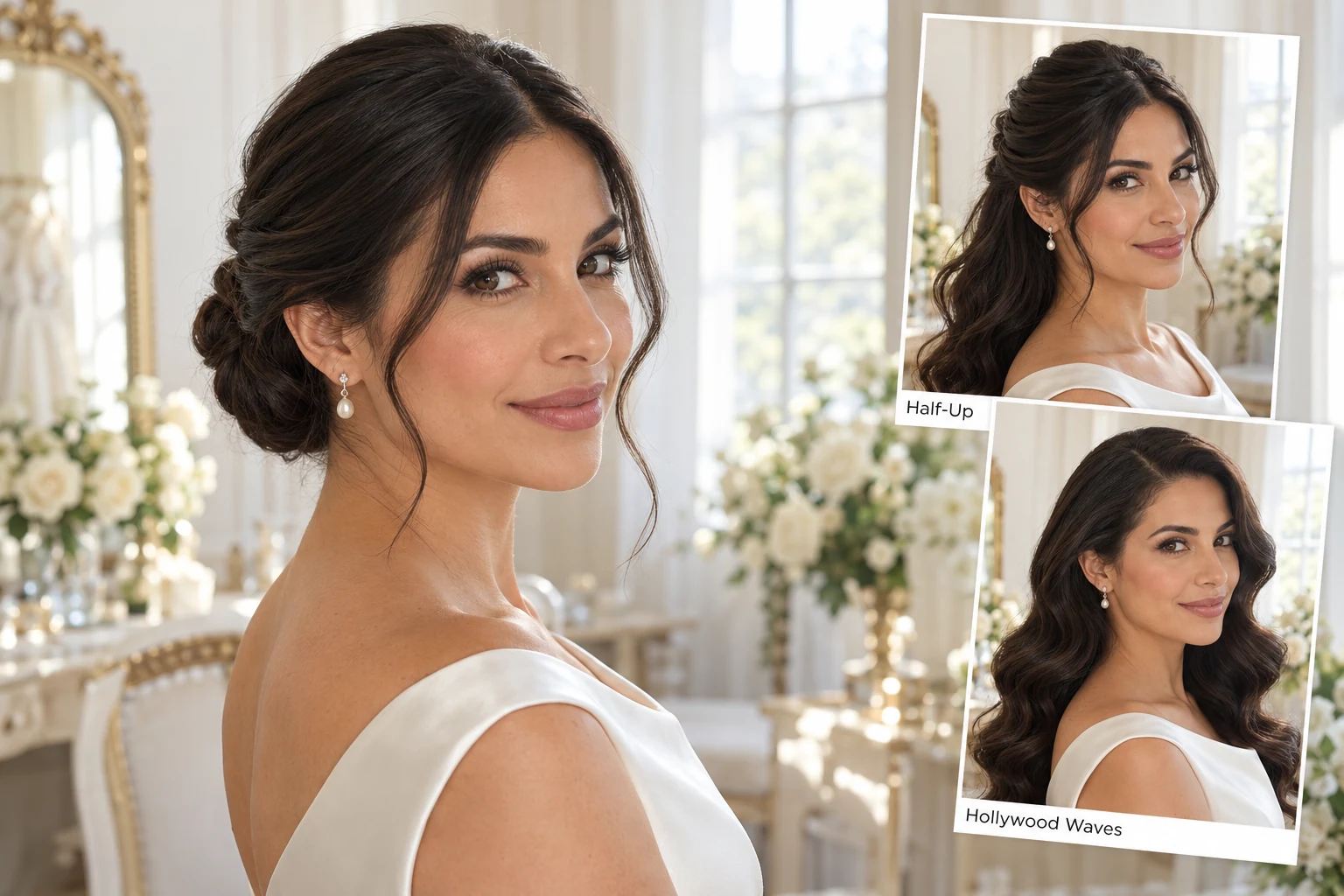
Bride comparing a low bun, half-up hairstyle and Hollywood waves.

Preview wedding and event hairstyles before the salon trial

An updo, a half-up style, or loose Hollywood waves can change how a dress and neckline look in photos. Narrow it down at home so the salon trial goes straight to your top pick.

Try: "low sleek bun with face-framing tendrils"

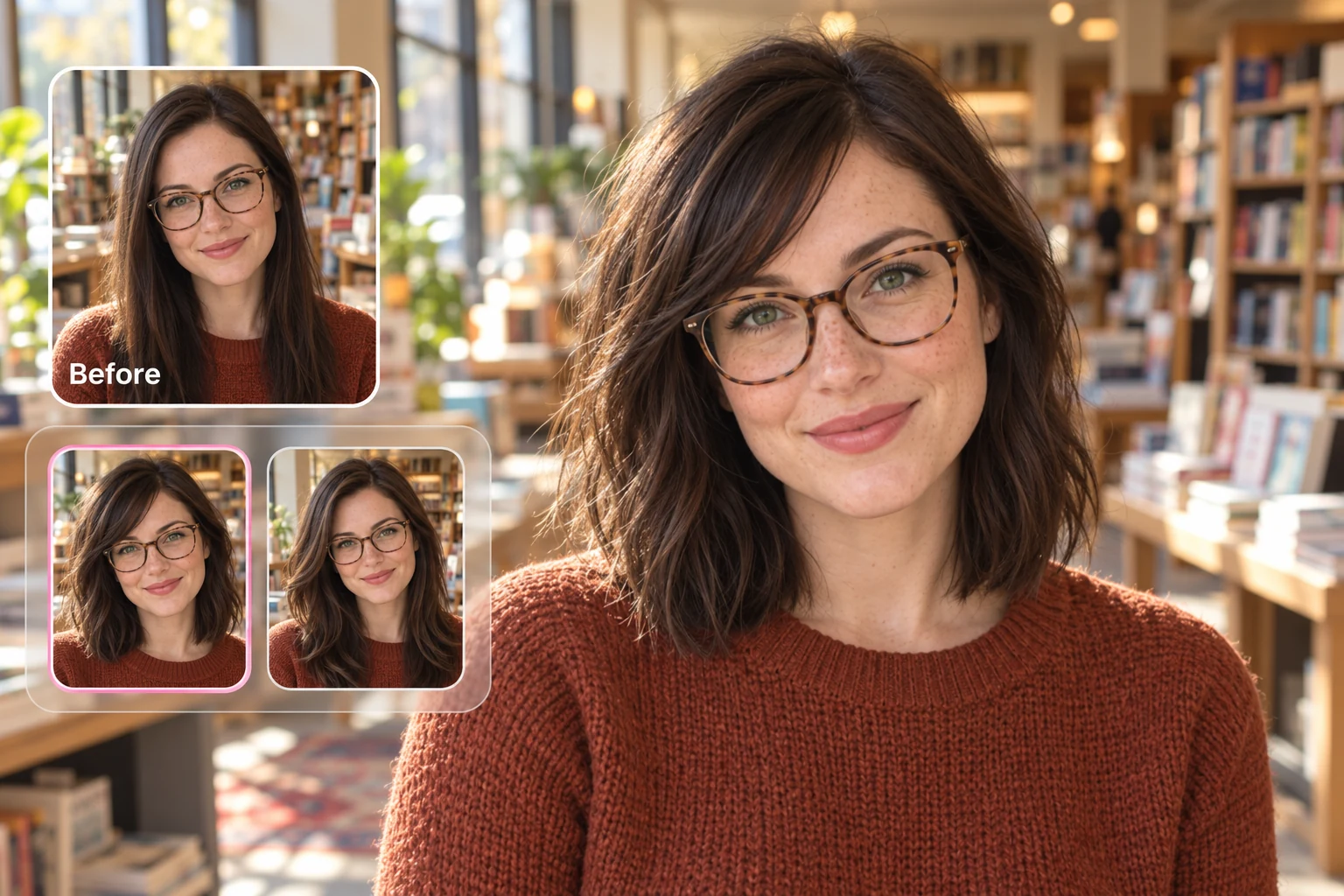
Woman wearing glasses comparing her original long hair with lob hairstyles.

Find the best hairstyle for your glasses before you cut

Frames change where people's eyes land, so a cut that looks great in a photo can clash once your glasses go on. Upload a selfie wearing your everyday pair and compare cuts with the frames in place.

Try: "shoulder-length lob with long side-swept bangs"

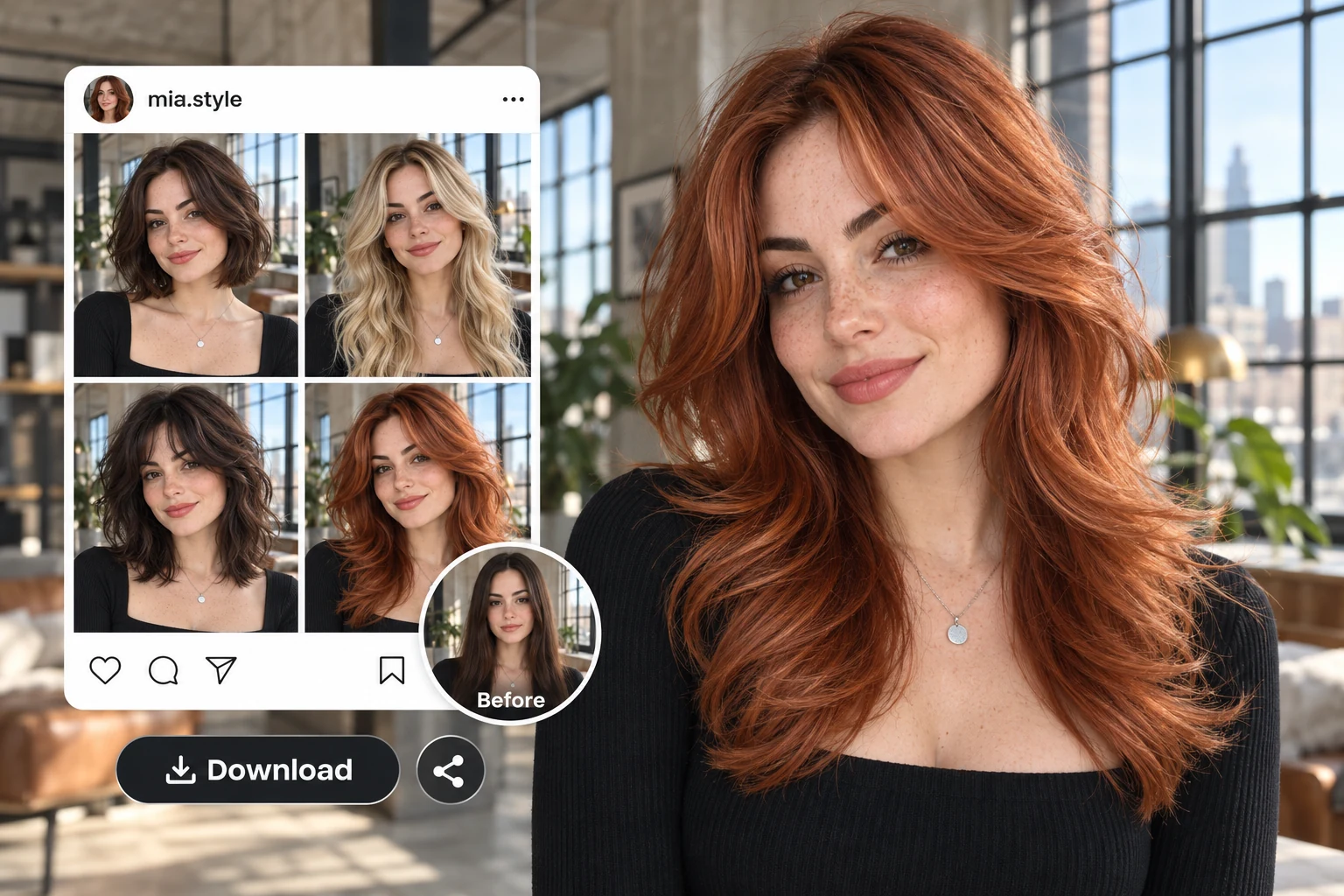
Copper-red butterfly layers with a before photo and a social post showing multiple hairstyles.

Create a hair reveal post with the AI hairstyle changer

Before-and-after hair reveals are some of the most shared posts in beauty feeds. Run five looks on one selfie and post the full lineup.

Try: "copper red butterfly layers"

Whatever is pushing you toward a change, PhotoGrid's AI hairstyle changer lets you see it on your face first.

How to Use PhotoGrid's AI Hairstyle Changer?

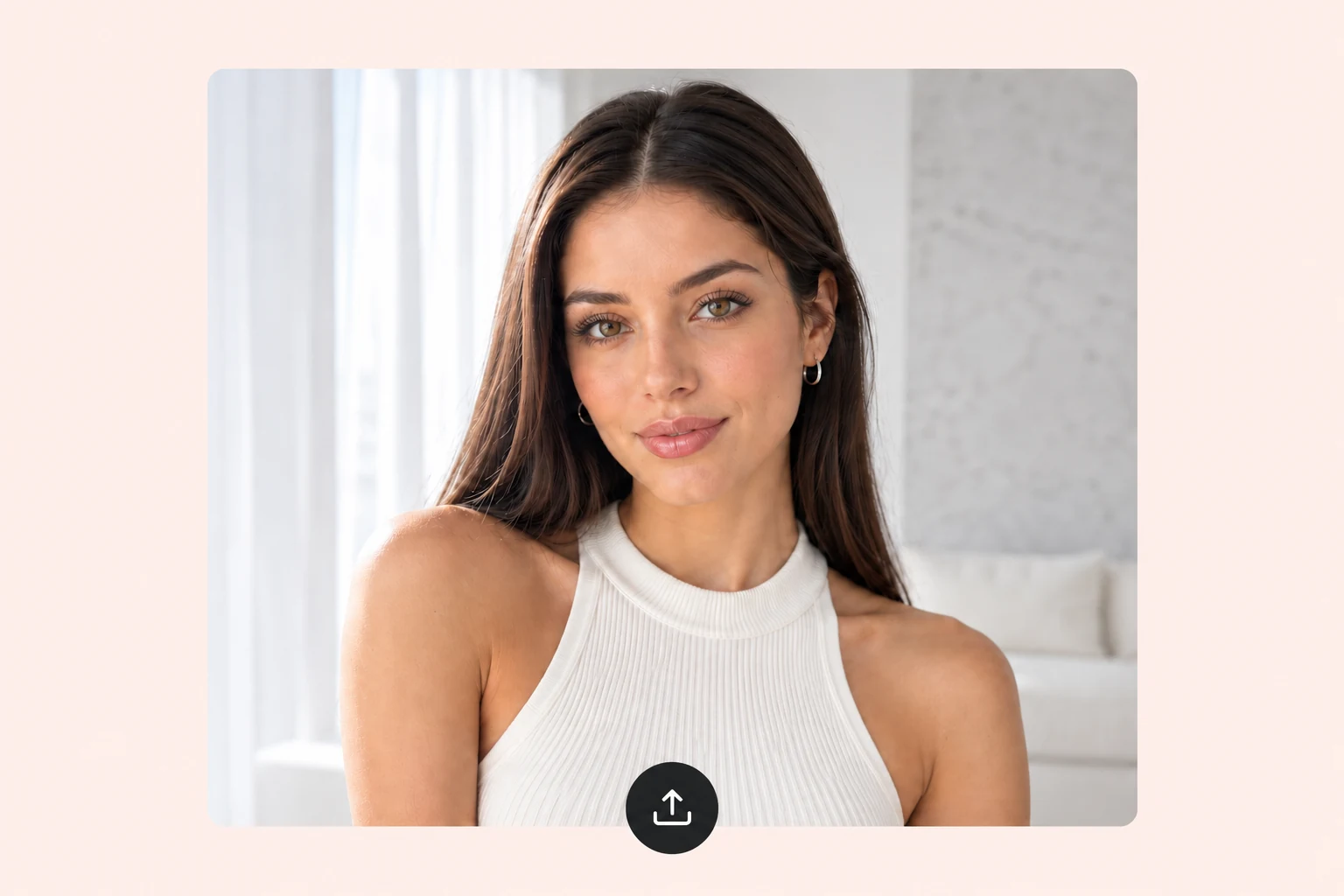
  1. Upload a clear selfie to start your hairstyle preview.1

    Upload your selfie

    Use a clear, front-facing photo with your face and hairline in good light. Pull your hair back if it covers your forehead, so the AI has room to build the new style.

  2. Choose a French bob or describe a hairstyle with a text prompt.2

    Pick a cut or describe one

    Choose a trending haircut or hair color, or type the exact look you want. Add length, texture, and bangs to get closer to what you'd ask a stylist for.

  3. Download your French bob preview and share your new look.3

    Compare and download

    Generate a few versions and keep the ones you like. Download your favorites and send them to friends or your stylist.

Why Choose PhotoGrid for Your AI Hairstyle Changer?

Face-Preserving Hair Swap
Try a new hairstyle while keeping your face, features, and expression recognizable.
Natural-Looking Results
See realistic hair previews that blend with your face, lighting, and original photo.
Trending Hairstyle Library
Explore popular cuts for women and men, from curtain bangs to wolf cuts.
Haircut and Color in One
Try a new cut and hair color together before committing to either.
Custom Hairstyle Prompts
Describe your dream hairstyle in your own words and let AI create the look.
Watermark-Free Downloads
Save your favorite looks without watermarks and show them to your stylist.

FAQ

Your Next Haircut, Minus the Regret

A haircut you hate takes months to grow out, but a preview you don't like takes a second to skip. See the cut, the color, and the vibe on your own face with PhotoGrid, then book the one you're sure about.