AI Video UpscalerUpscale Your Video Online

Upload an existing video, choose your target resolution, and preview the enhanced version before downloading.

Click, Drop or Paste

MP4 or MOV Up to 15 seconds

How to Upscale Video Online

1

Upload Your Clip

2

Set Your Output

3

Compare and Download

Upscale Low-Resolution Video to HD or 4K

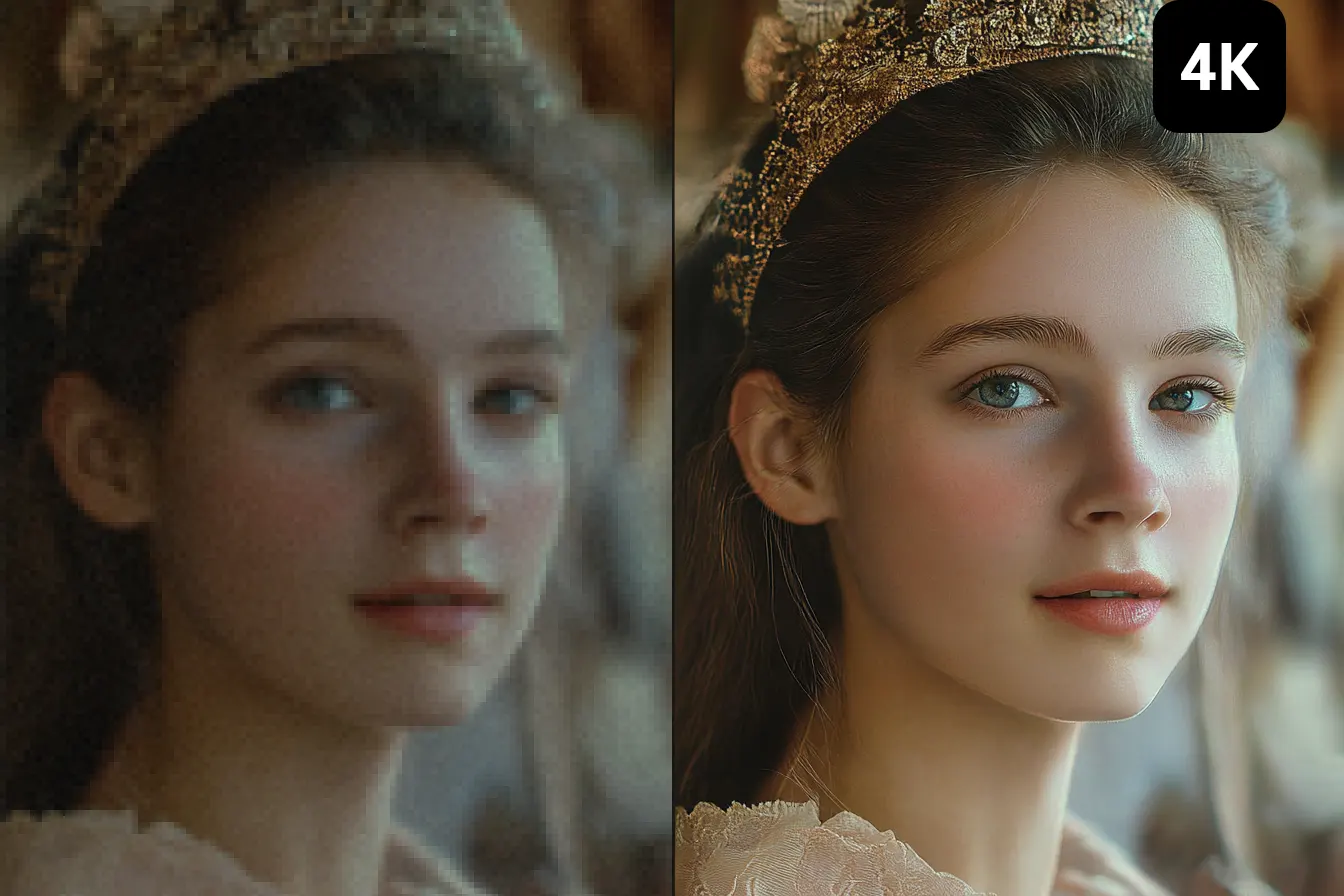
Give a small video frame more room in your next edit. PhotoGrid’s AI video upscaler processes your existing clip at an available HD or 4K output setting, creating a larger version for your timeline or display. The original footage remains your starting point; this is not a request to generate a new scene.

Try AI Enhancement for Soft Video Detail

Footage can look soft when viewed on a larger screen. An AI video quality enhancer can be worth trying when edges and textures are difficult to distinguish. Check the processed clip in motion as well as on a paused frame; heavily blurred footage may still lack useful detail.

Prepare Existing Footage for a New Edit

Make a larger version of a clip you already have for a new timeline or presentation. Keep the original file alongside the enhanced output, so you can choose the version that fits your project without reshooting the scene.

An AI Video Enhancer for Footage You Want to Reuse

Existing footage can serve a new purpose. Use an AI video enhancer when a clip you want to keep has a lower resolution than your next edit or presentation requires.

Reuse Clips for Social Posts

Bring an older outfit clip, event highlight or everyday moment into a new social video. When one segment has a lower resolution than your newer footage, request a larger output before adding it to the edit. This gives you an enhanced version to work with when assembling a Reel, Short or another social post from material you already own.


If you need new footage first, explore the AI Video Generator, then bring your chosen clip here for upscaling.

Why Use PhotoGrid to Enhance Videos?

Work in Your Browser

Keep video enhancement in one online workflow, from choosing a clip to reviewing and downloading its result. There is no separate desktop upscaling application to install.

Keep the Original, Choose the Result

Enhancement creates a separate video rather than overwriting your source file. Keep the original recording for your project and use the processed version when it suits the edit.

See the Cost Before Processing

The estimated credits reflect your clip’s duration and selected output settings. You can weigh the cost before starting an enhancement task.

Video Upscaler FAQ

Upscale Your Video Online

Upload a clip and choose the output settings for your next project.