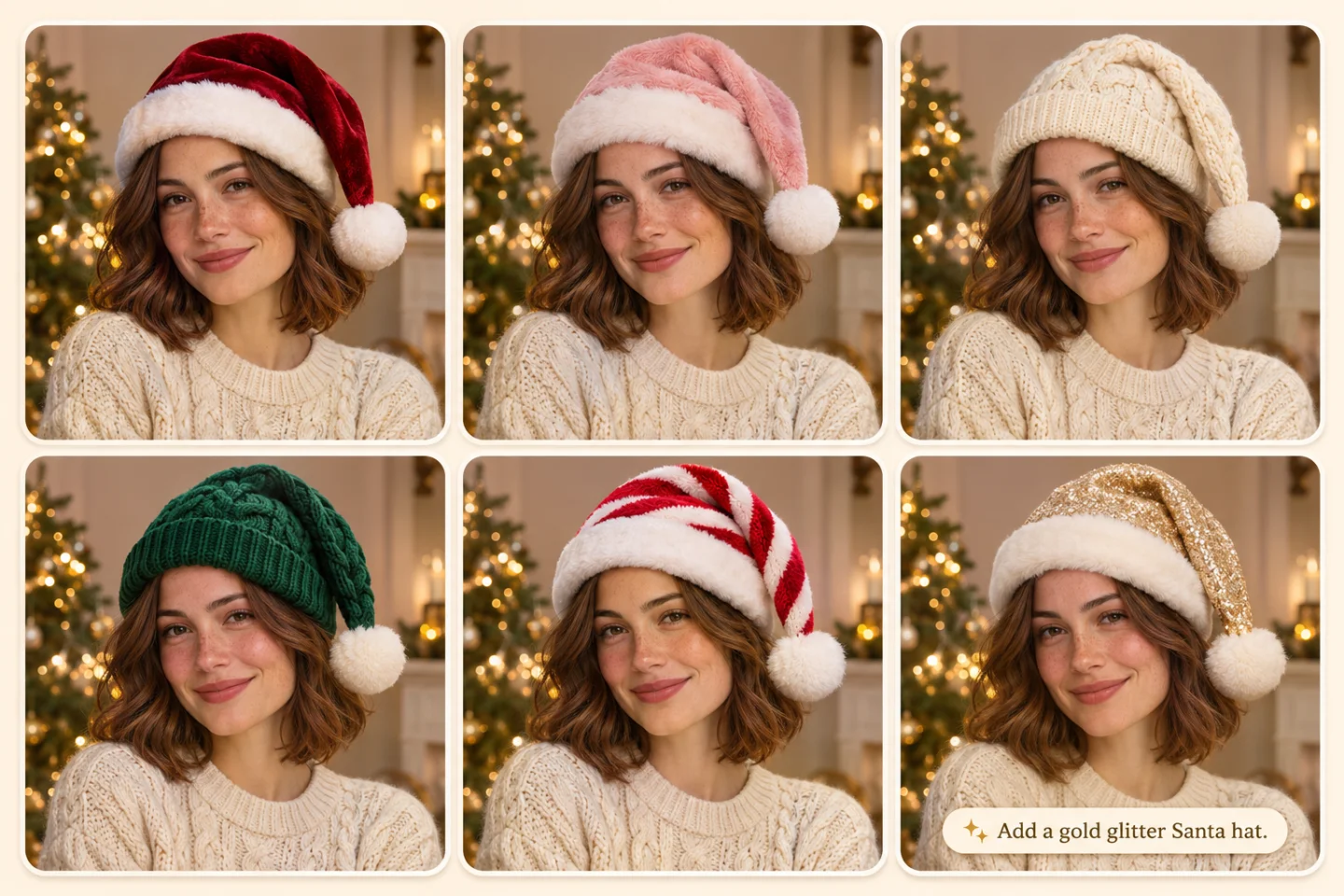
1. Choose a Santa Hat Style
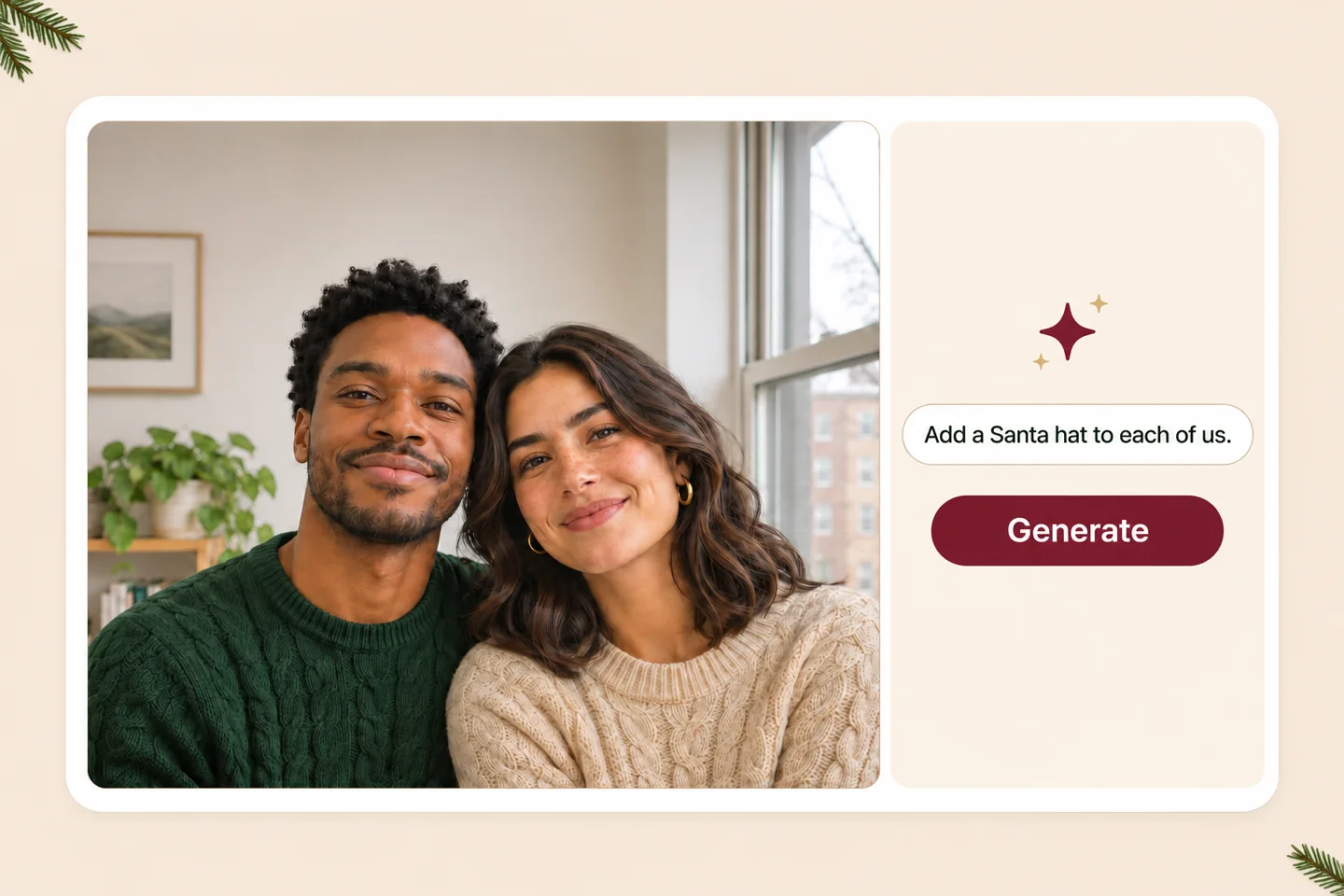
Choose one of the six presets and edit its instruction if needed.

Give your selfie, family photo, or pet portrait a festive look with AI.
Choose one of the six presets and edit its instruction if needed.
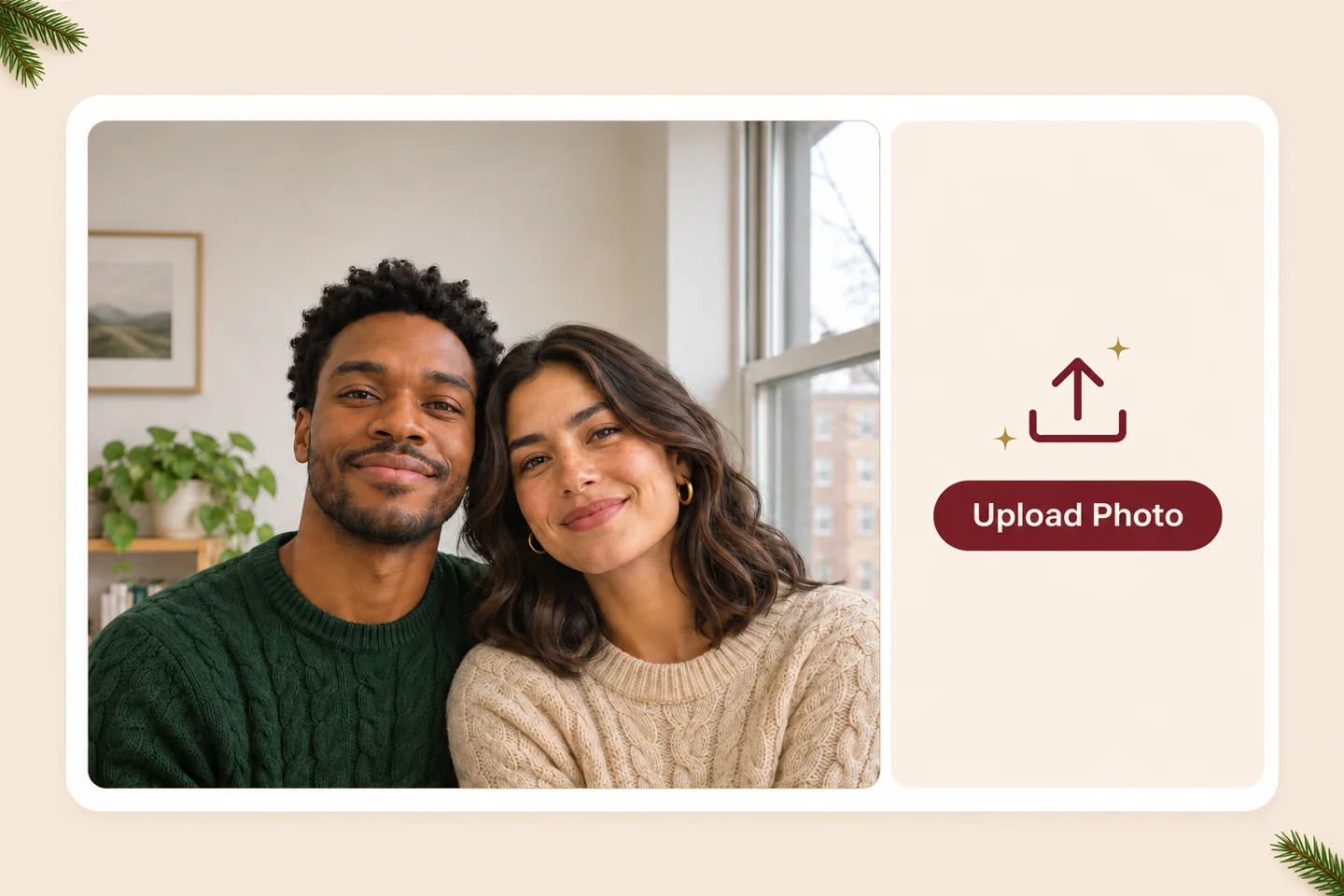
Click Upload Your Photo and select a JPG, PNG or WEBP image up to 10 MB. You will continue to AI Image with your photo and instruction ready. Review the settings there and generate your result.
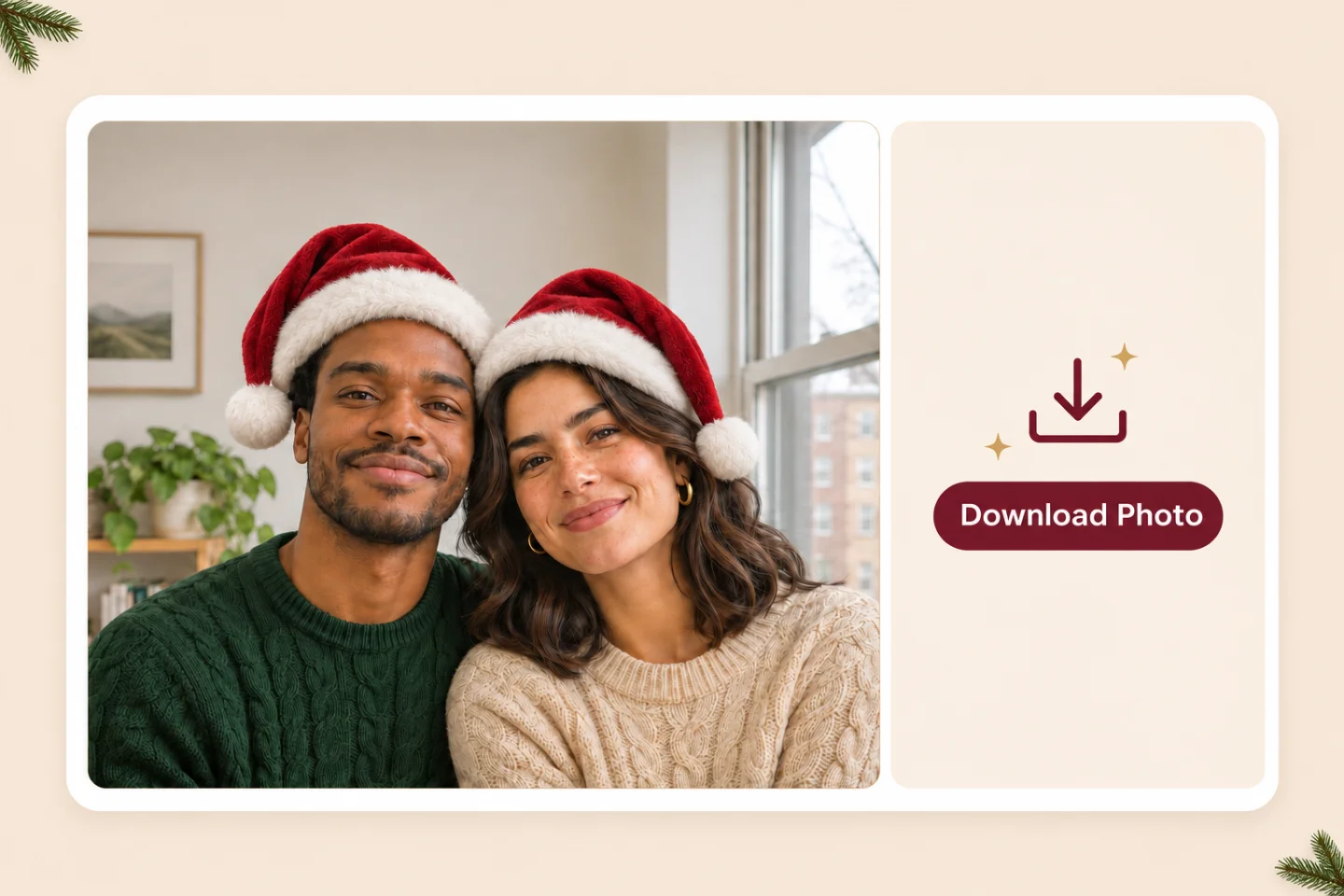
Choose 1K, 2K or 4K and one of 10 aspect ratios, then click Download to save your Santa hat photo as a PNG or JPG with no watermark. Want a festive backdrop too? Change the background to a Christmas scene.
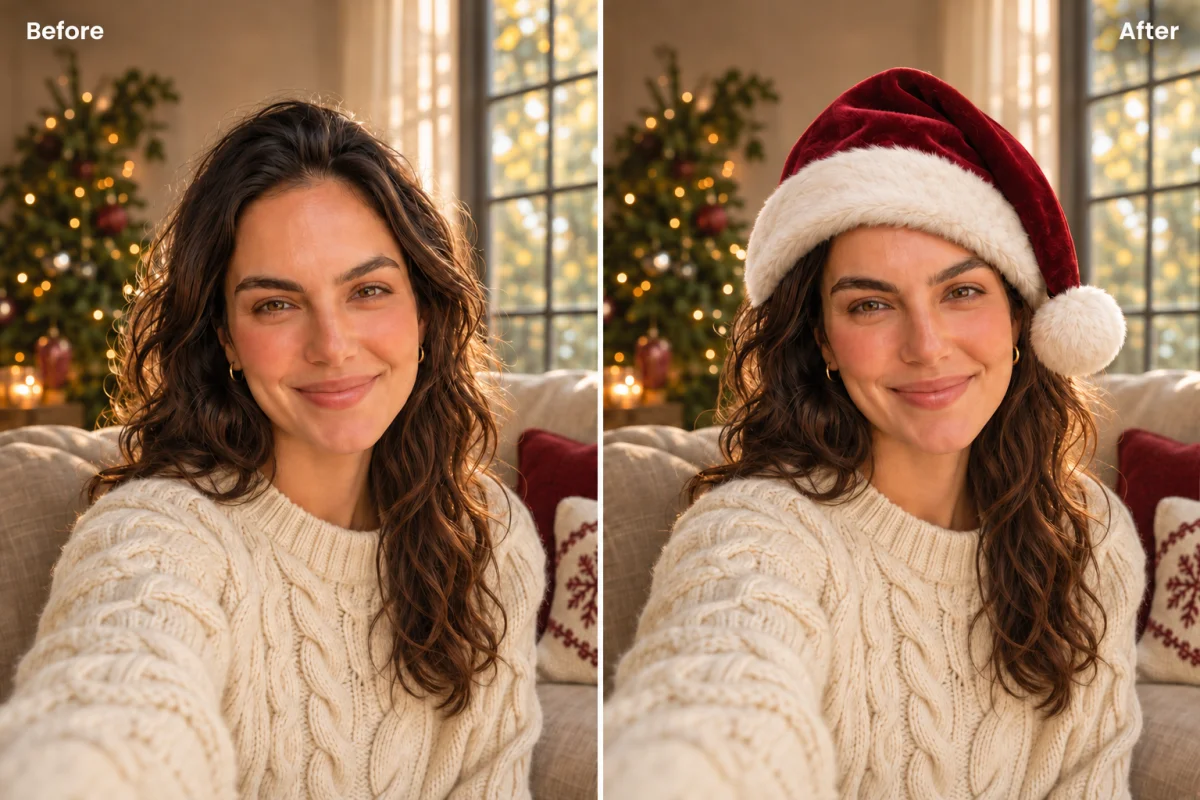
Forget cutting out hat PNGs or fiddling with layers in Photoshop. Upload your picture, pick a hat, and PhotoGrid's AI Santa hat editor finds every head and places the hat at just the right size and tilt. Whether it's a quick selfie or a busy family snapshot, adding a Santa hat to a picture takes one click and a few seconds.
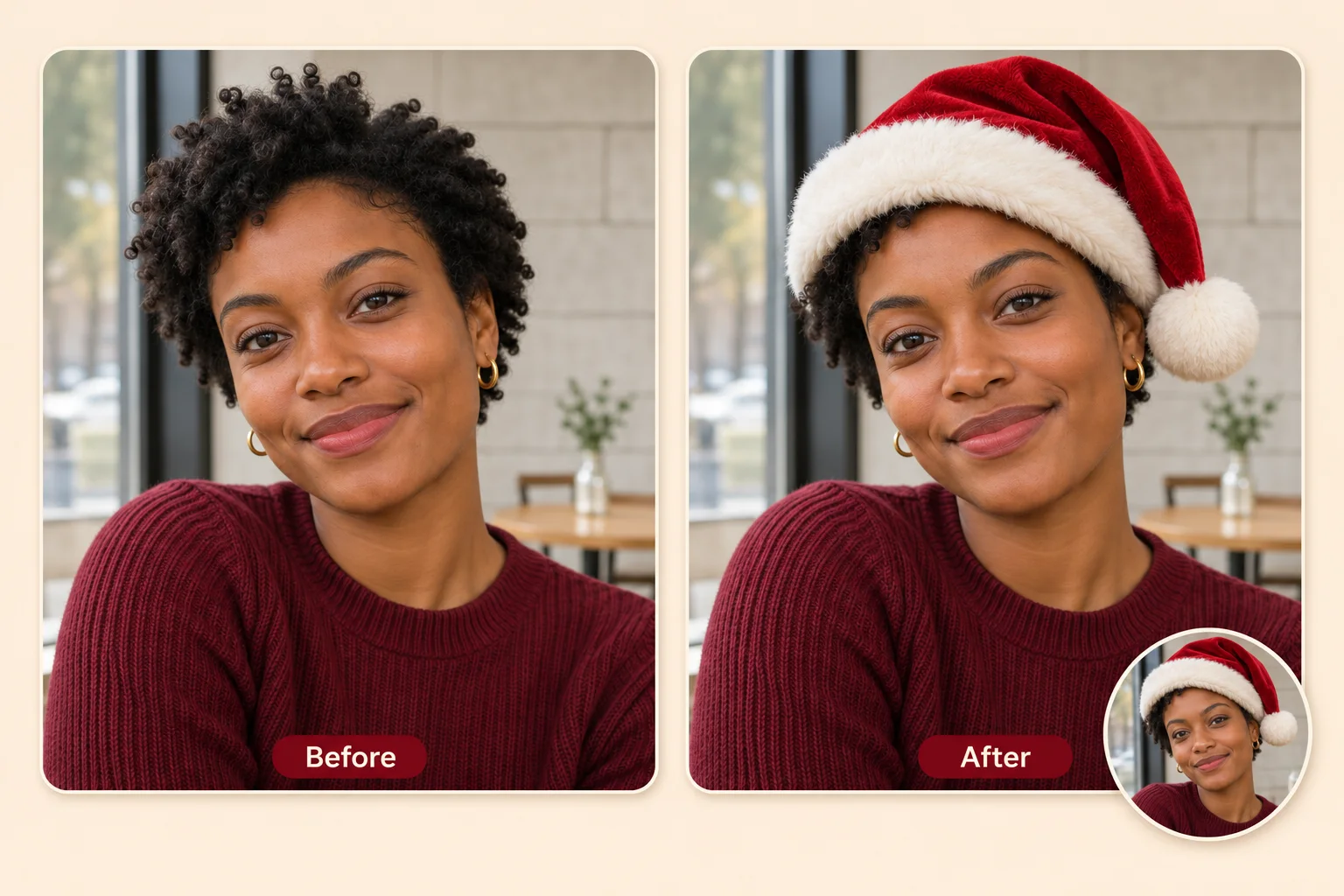
You want your own photo with a Santa hat, not a stranger who just looks a bit like you. PhotoGrid's AI is set up to keep your face, smile, outfit and background, and it blends the hat into the lighting and angle of your picture so it looks like it was there all along. If something doesn't look quite right, just generate again. Want the whole photo to feel like Christmas instead? Try PhotoGrid’s AI Christmas Photo Generator for festive outfits and snowy scenes.
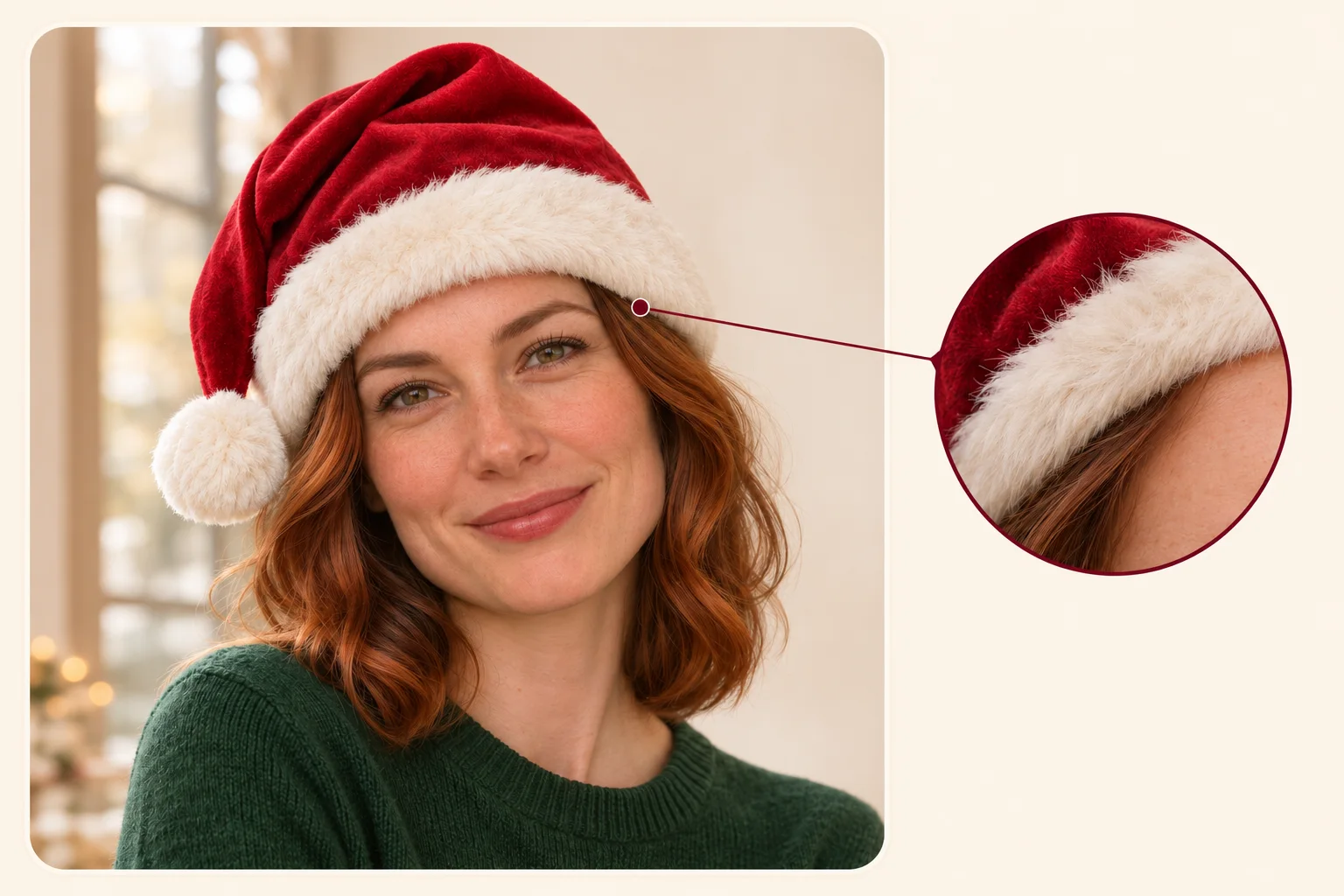
Start with a ready-made style that suits your photo: Classic Red, Cozy Knit, Pink Plush, Gold Glitter, Candy Cane or Emerald Green. Want something different? Edit the instruction to describe a burgundy velvet Santa hat with pearl details, or a green knitted Christmas hat. For a bigger holiday idea, describe it in the AI Image Generator.
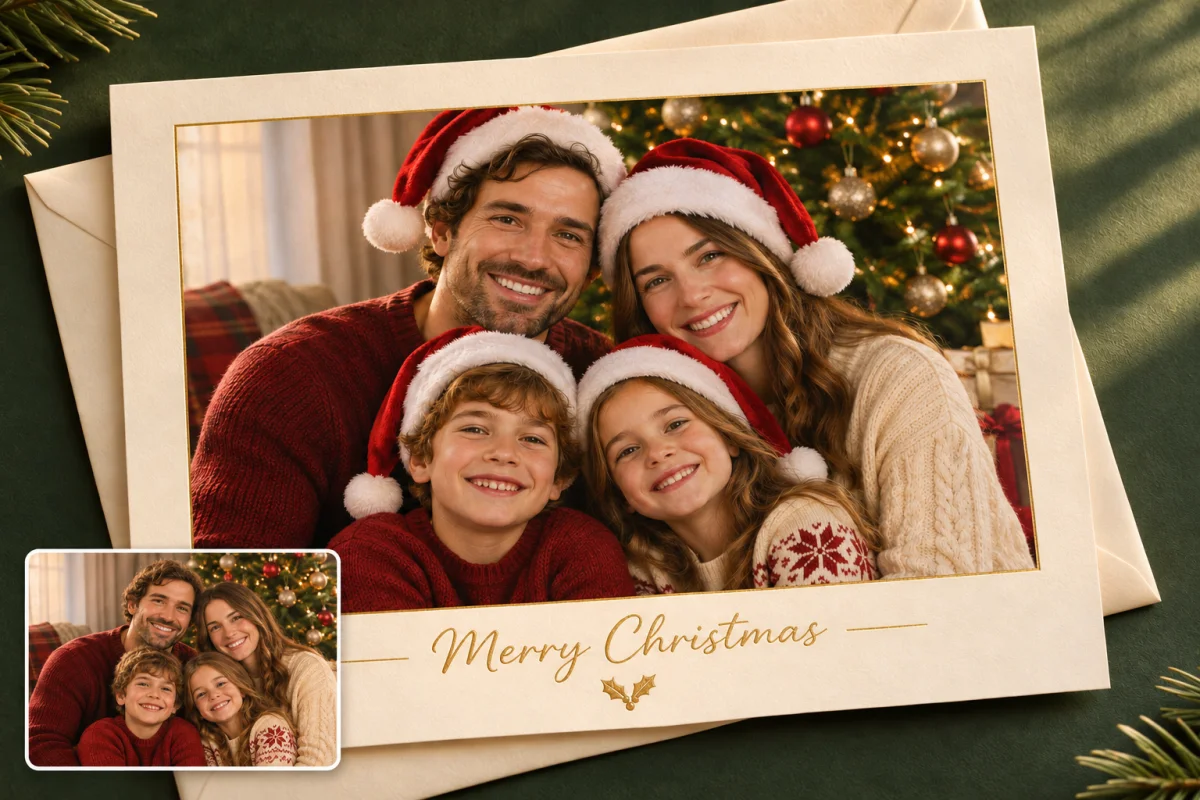
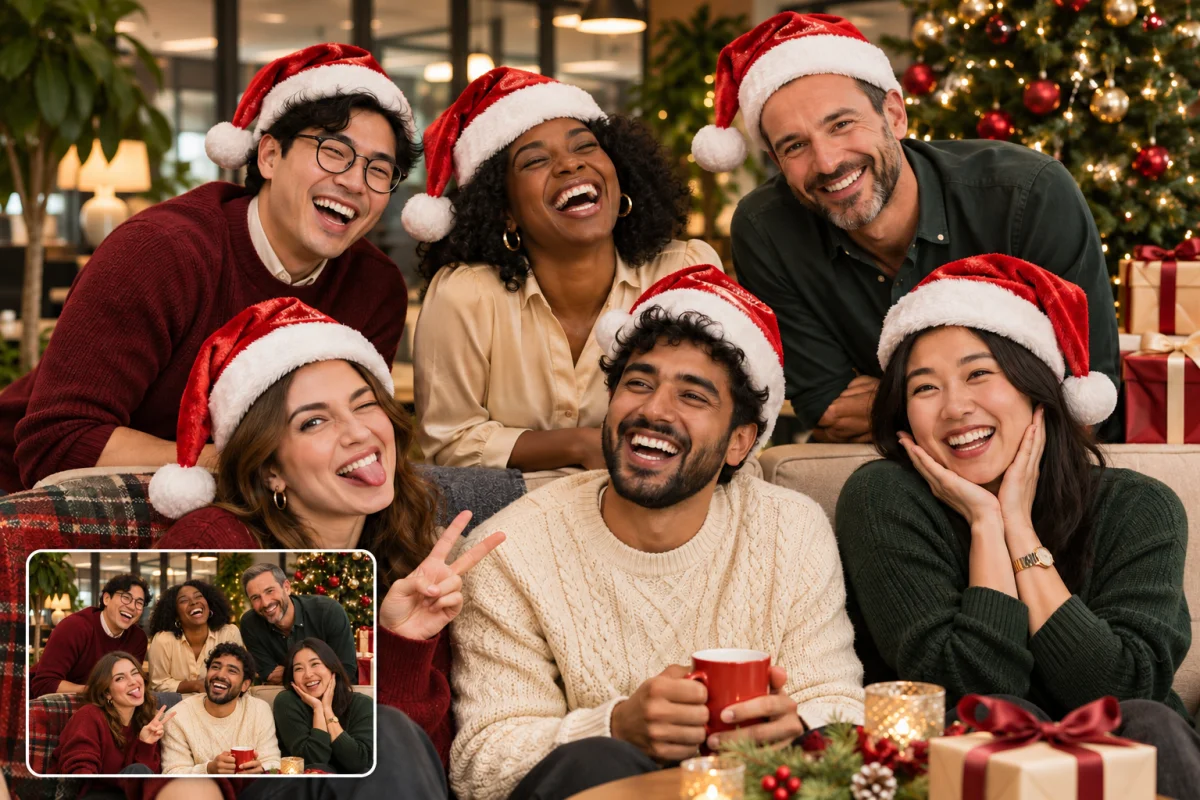
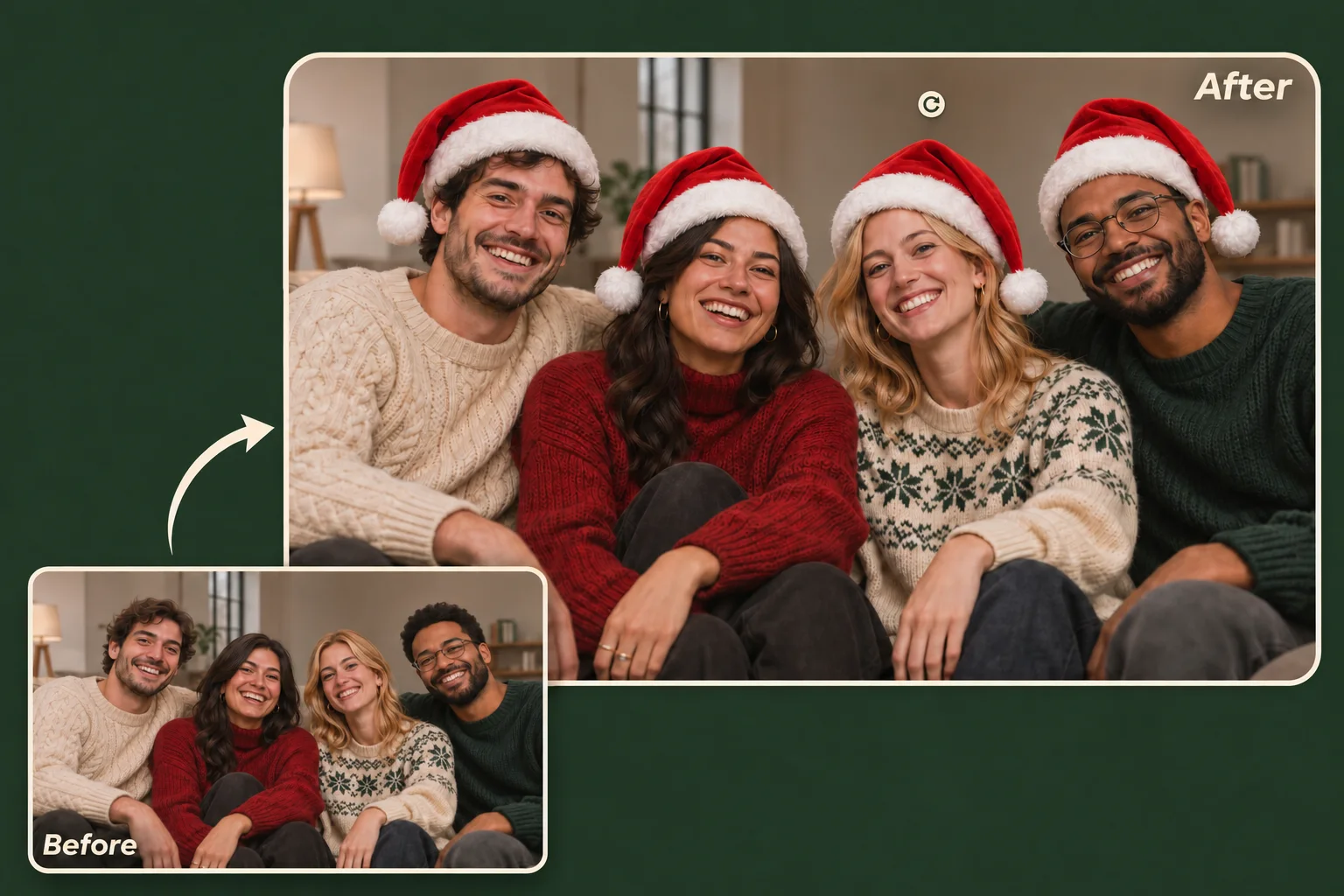
Christmas photos are rarely solo. Upload the whole family, your friends or your team, and AI adds a Santa hat to every person in one go, each sized to fit their head and angle. There's no need to edit faces one by one, and if anyone is missed, simply generate again. Creating a group shot from scratch? Try the AI Group Photo Generator.
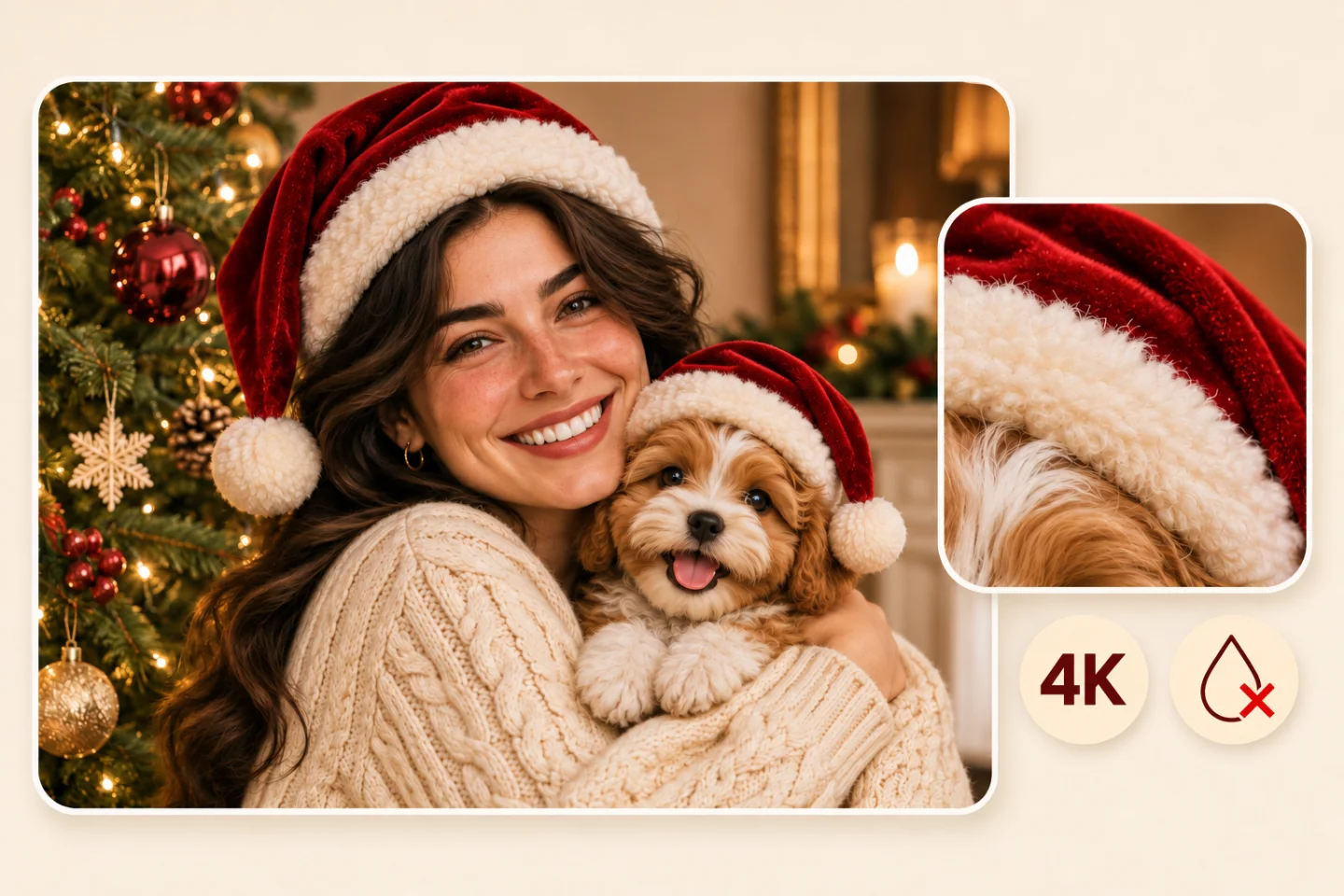
Your Christmas photo deserves to look sharp everywhere. Save it in 1K, 2K or 4K as a PNG or JPG, and pick from 10 aspect ratios, including 1:1 for profile pictures, 4:5 for Instagram posts and 9:16 for Stories. Every download is clean, with no PhotoGrid watermark, whether you use free or paid credits.
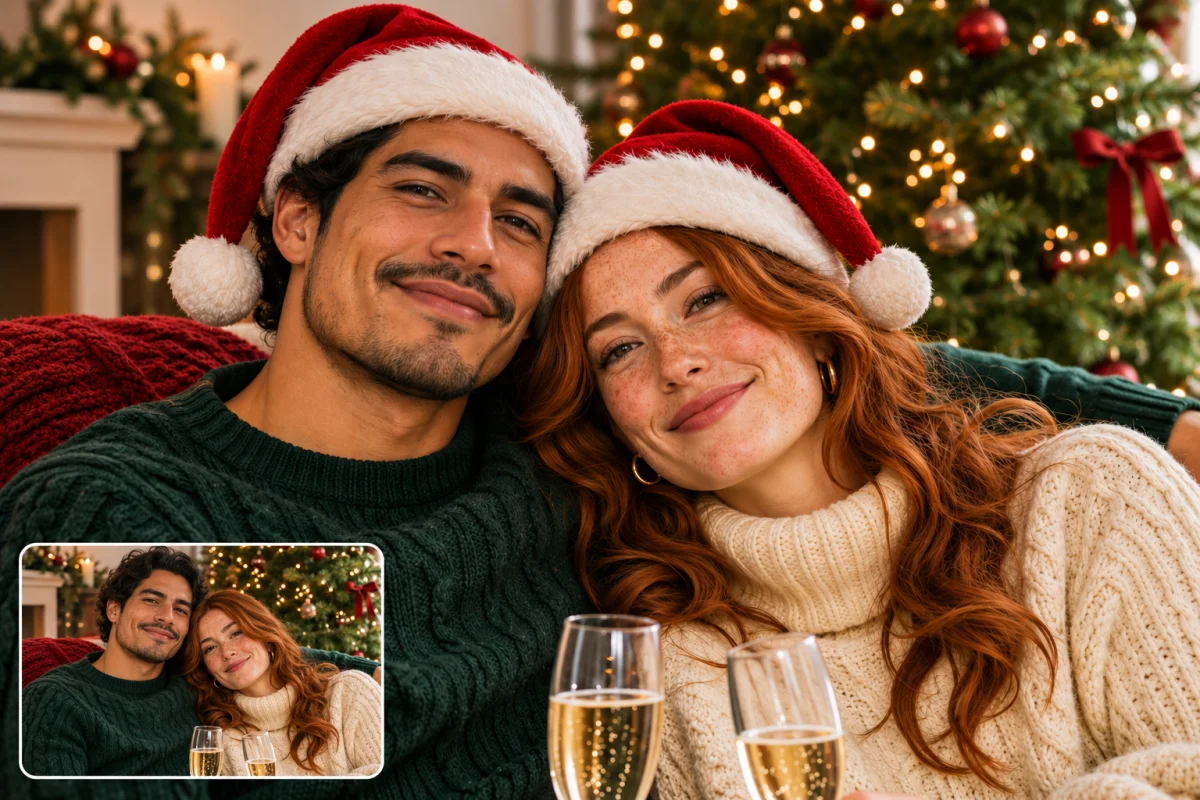
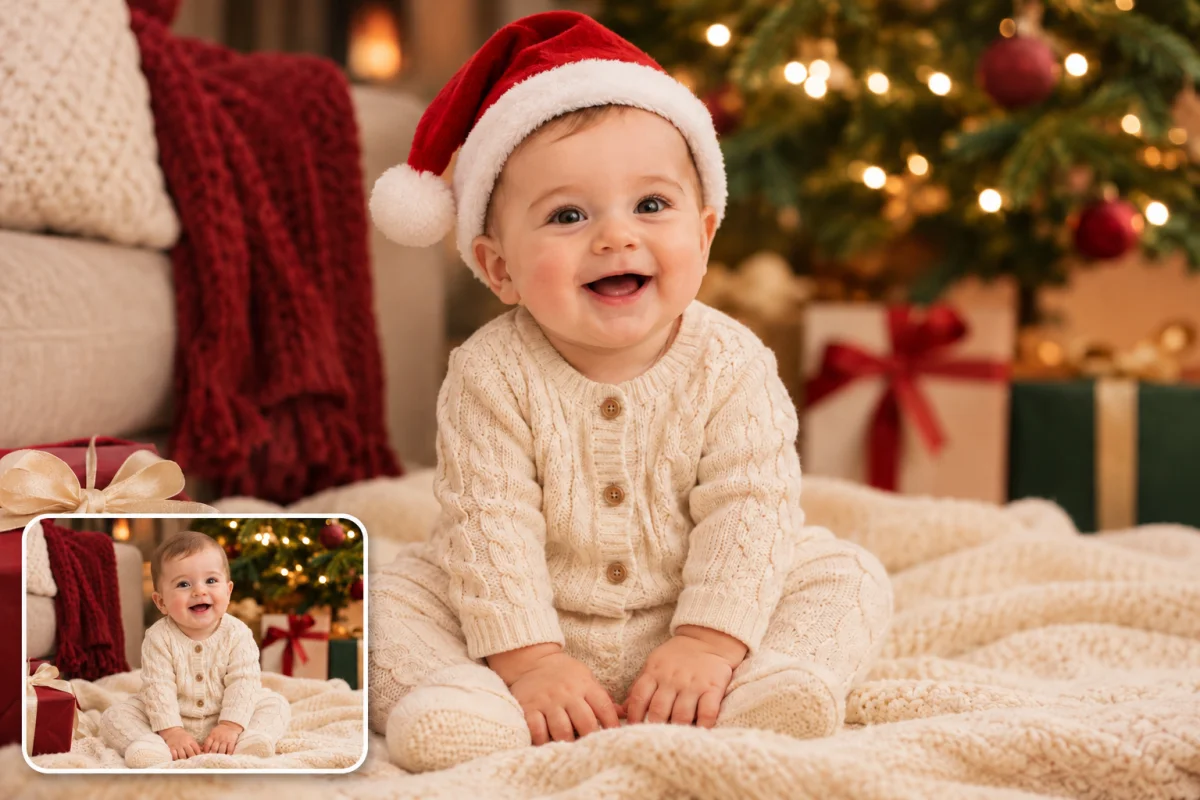
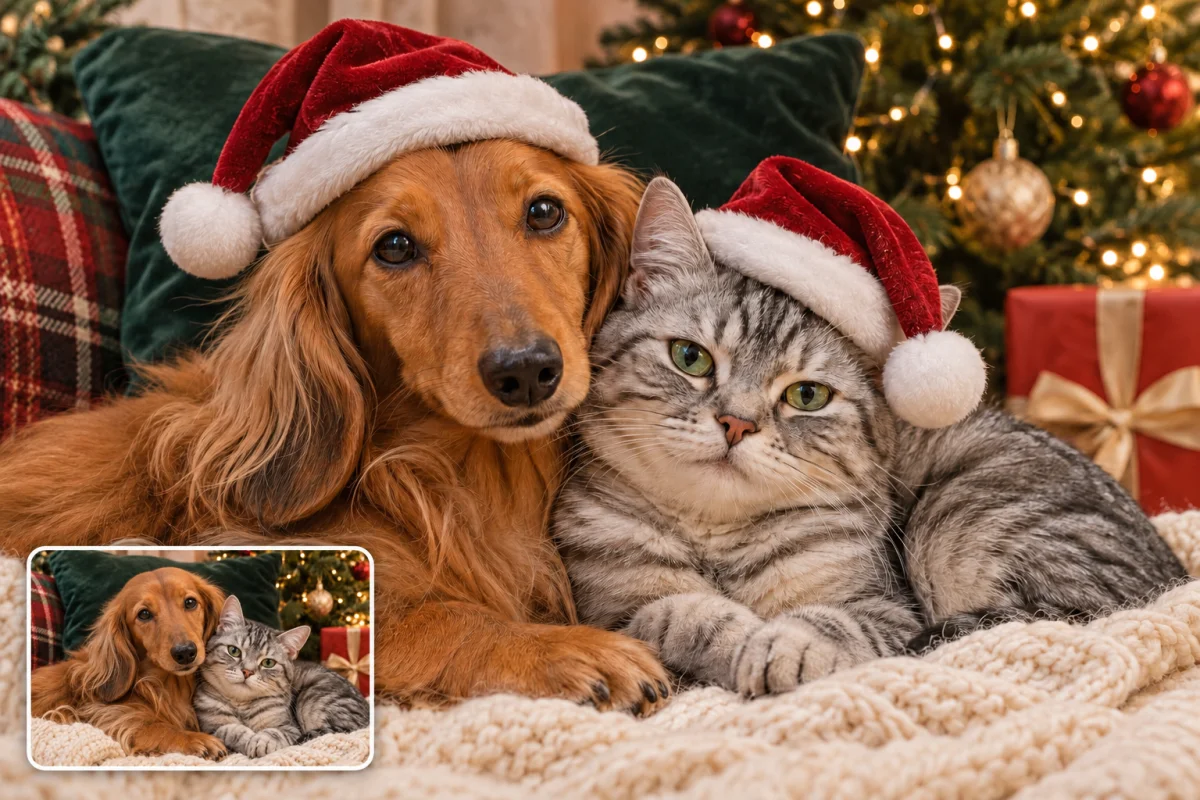
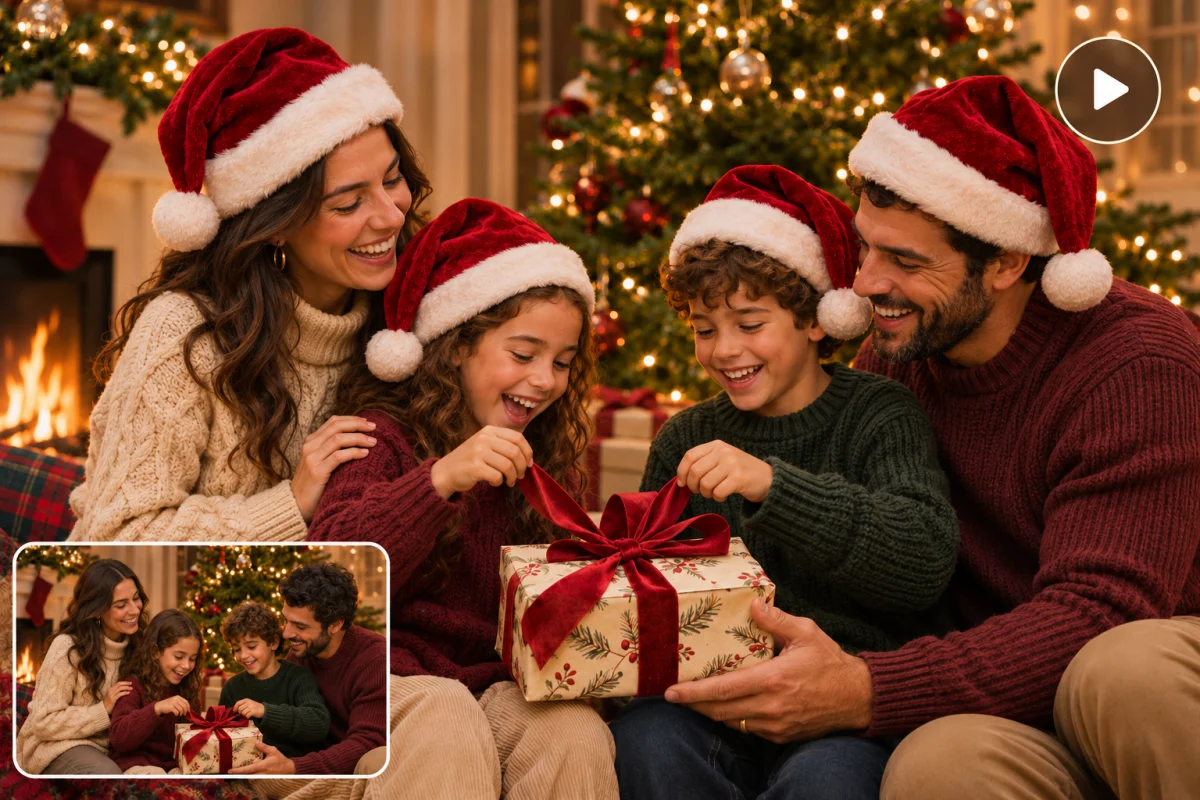
A Santa hat photo fits almost anywhere you share during the holidays. Refresh your profile picture, make a family card, celebrate as a couple, capture baby's first Christmas, dress up your dog or cat, share a funny meme or turn your photo into a festive video. Pick your moment below and get your Christmas photo ready in seconds.
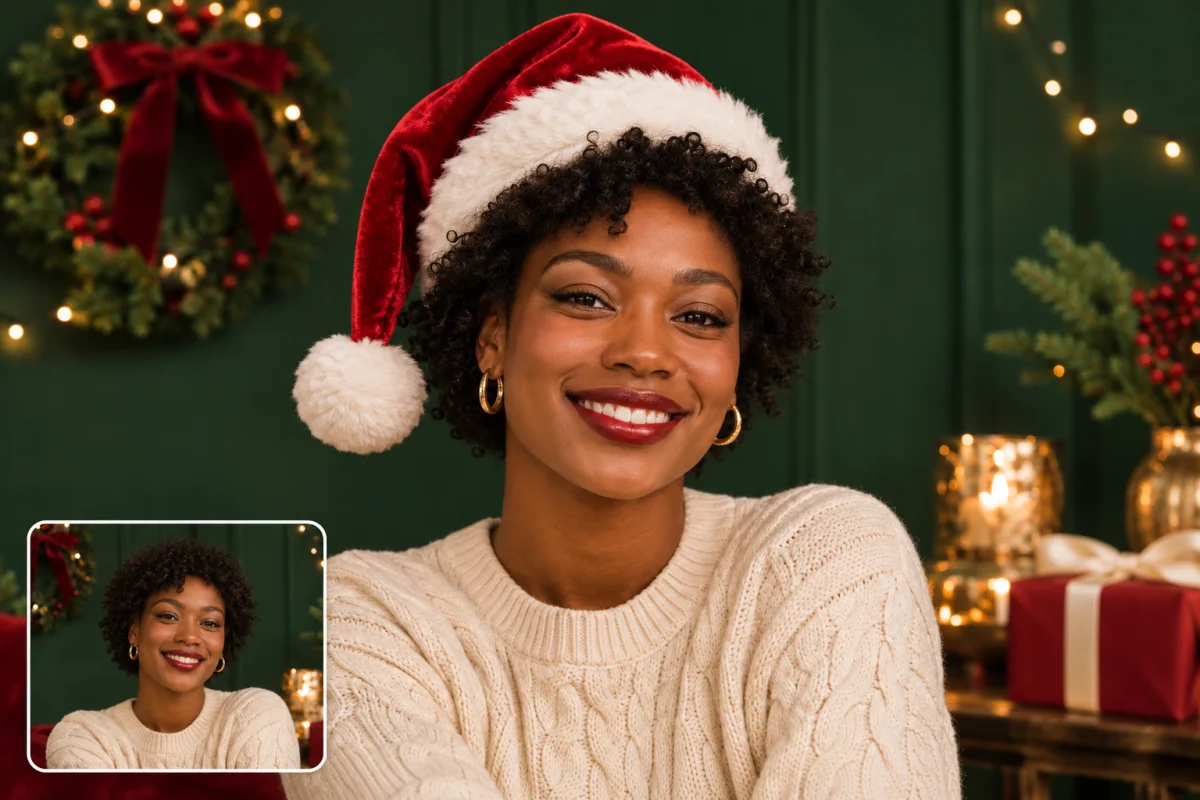
Your profile picture is the first thing friends see. Put a Santa hat on your selfie, add a Christmas hat to your Discord pfp and save it as a 1:1 square, or give your Instagram, TikTok or WhatsApp avatar a festive update in seconds.
Quick answers about the editor, credits, group pictures and your results.


Choose your favorite style, make the instruction your own and continue to upload your photo.