
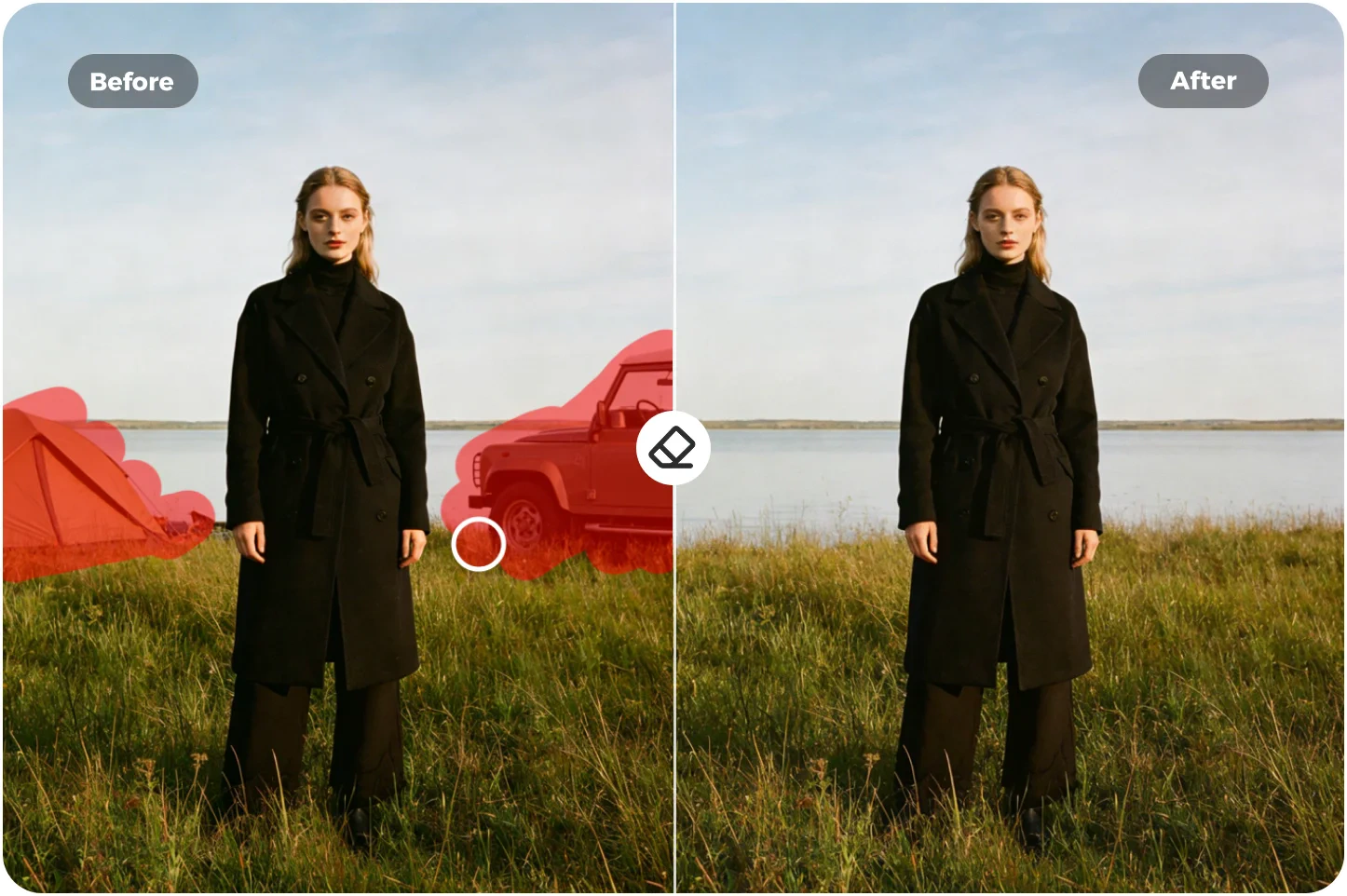
 100% FREE No Watermark Batch Edit
Remove unwanted objects, people, and text from any photo online with PhotoGrid's free magic eraser. Upload an image. Brush over the part you want to remove. The AI fills in the background so the photo looks clean and natural again. No app, no watermark, and you can batch-clean up to 20 photos in HD.
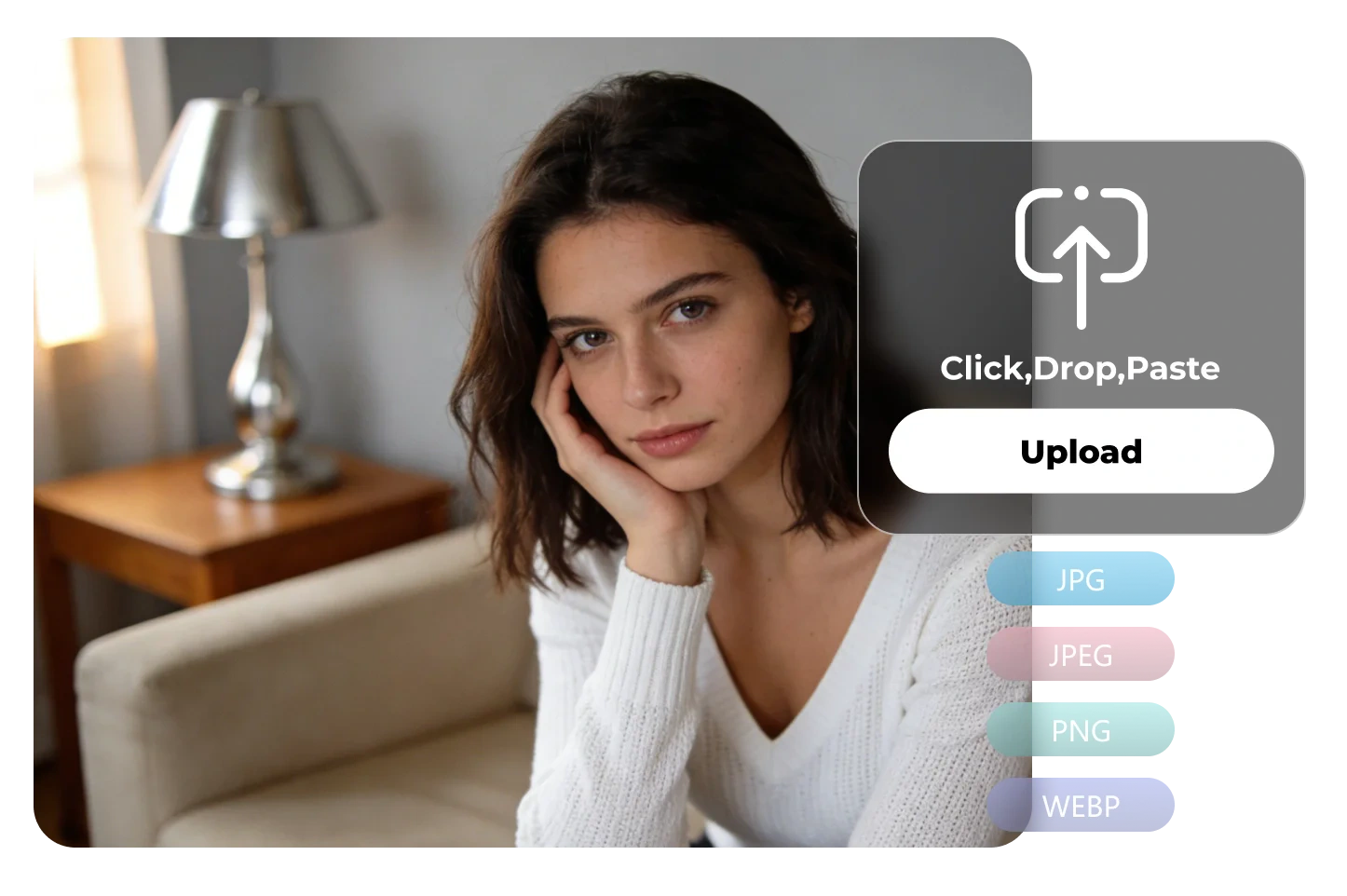
Upload your picture from your phone or browser to start cleaning up unwanted objects. You can add one image or import up to twenty at once. JPG, JPEG, PNG, and WEBP files are supported, and you can begin with no login.
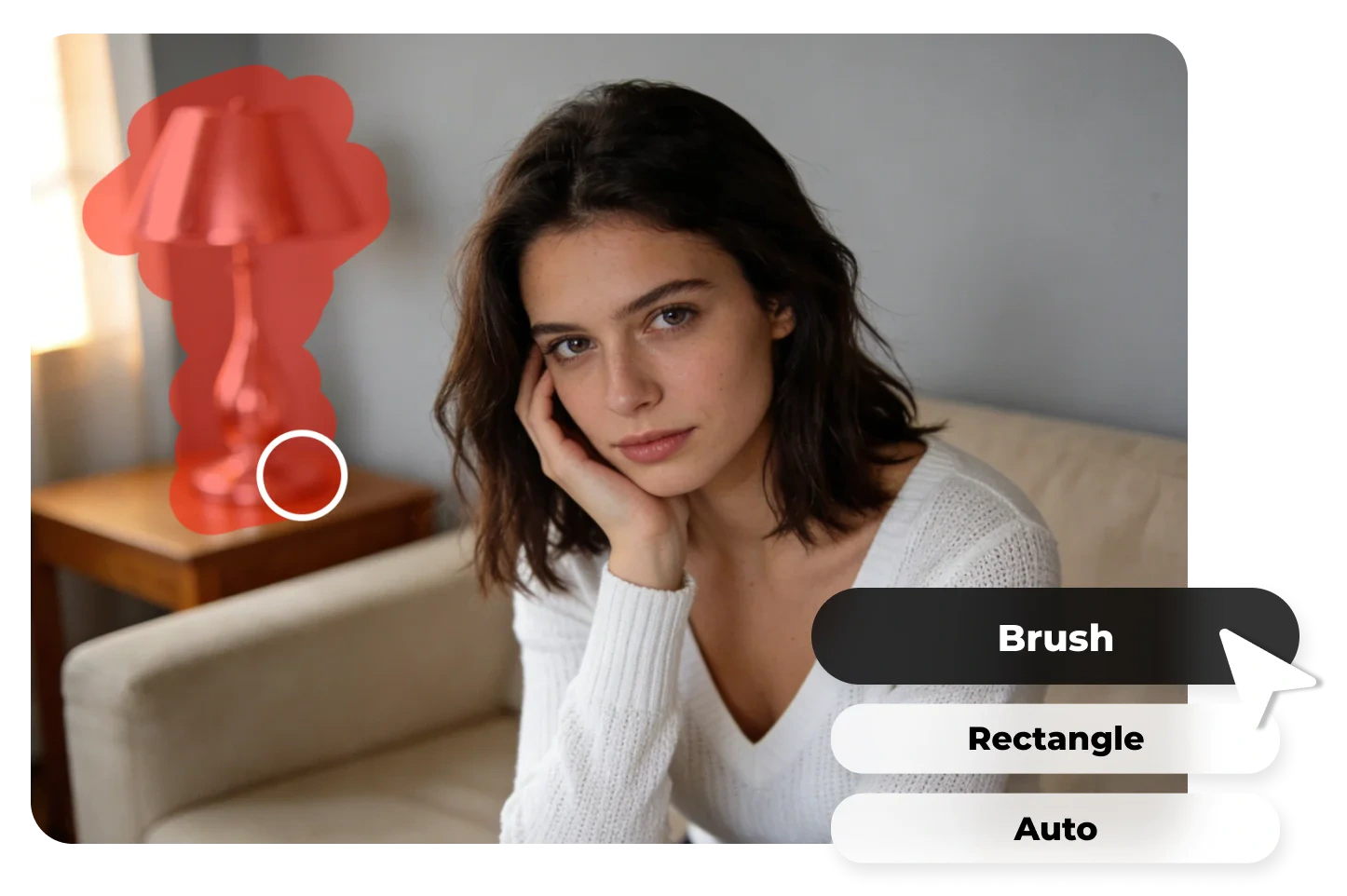
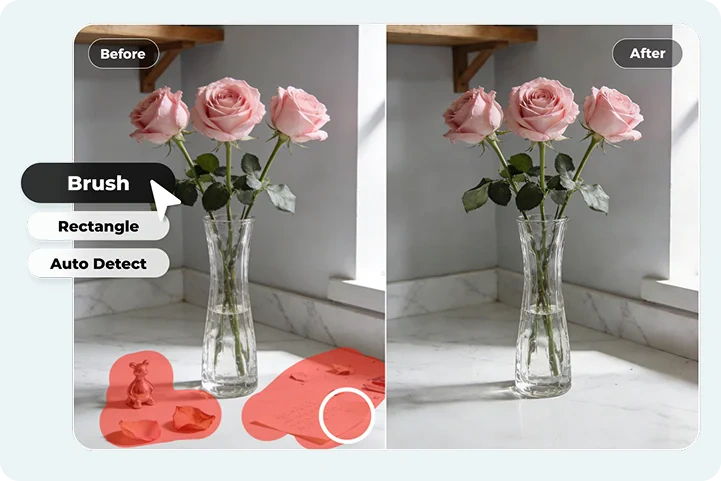
Select Brush, Rectangle, or Auto. Our online magic eraser helps you erase people, objects, or any distracting clutter from your photos. Adjust your brush size for tiny spots, or draw a box around anything you want the image eraser to pick up and clear.

Once the eraser tool finishes removing stuff from photos, click "Download" to save a high-quality photo without distractions. You can also send it to PhotoGrid's image enhancer, which gives the photo clearer details and a cleaner finish. Then you can post your photo on Instagram, Facebook, TikTok, or LinkedIn.
PhotoGrid’s AI Magic Eraser removes unwanted objects from photos online with natural-looking AI fill, keeping textures sharp and results clean.
Perfect photos get ruined fast. A tourist in a bright jacket steps into the corner. A trash bin sits next to your coffee cup. Sometimes a strange shadow appears only when you zoom in later. AI eraser fixes those headaches with one smooth swipe. It rebuilds the background so naturally that nothing looks edited or suspicious. Textures line up, lighting feels right, and the whole image stays sharp in 4K clarity. You download it free with zero watermark mess, just a clean photo that finally looks the way you meant to shoot it.
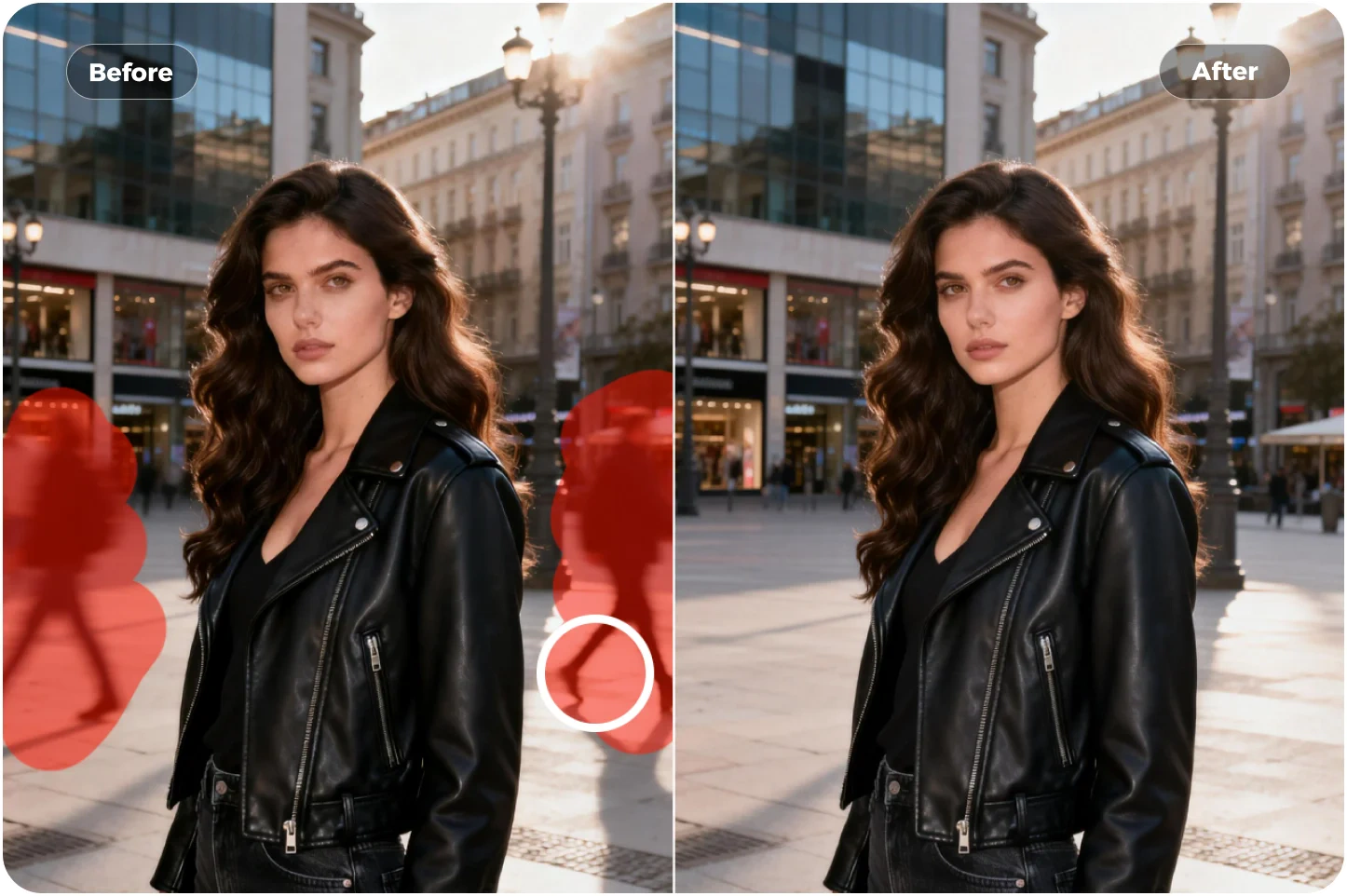
Different problems need different AI image erasers. Use Brush when you need careful control near tricky edges or small spots. Use Rectangle when you want to remove a larger object without breaking the background. If you are not sure where the object begins or ends, Auto Detect can find it for you with powerful AI so you do not have to guess. PhotoGrid's free photo eraser is simple, fast, and easy to use, and avoids the blurry marks or patchy fills that many other erasers leave behind. After the distraction is gone, you can keep the background, make it transparent, or replace it with PhotoGri's background remover while everything still looks natural.
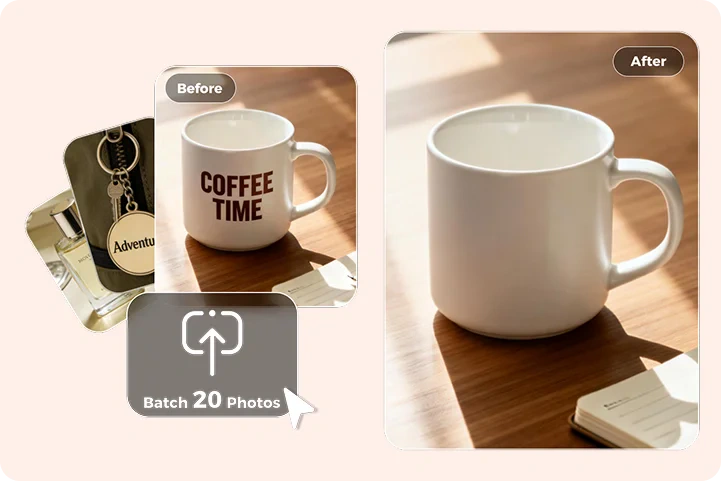
Some days it's not just one photo — every picture from the same trip, shoot, or event ends up with the same distraction. PhotoGrid's batch erase processes up to twenty images at the same time, keeping texture and lighting consistent across the entire set. You can clean repeated objects automatically, remove person from photo, and remove watermark from photo when the same small label appears across multiple shots. Each file stays crisp in 4K, the downloads remain free, and the whole process stays quick and simple without switching tools.
Remove unwanted objects, text, and visual damage from photos in seconds. Our AI picture eraser helps clean up product images, restore old photos, fix AI-generated artifacts, and remove everyday distractions from social media photos — all while keeping the image natural, sharp, and ready for real use.
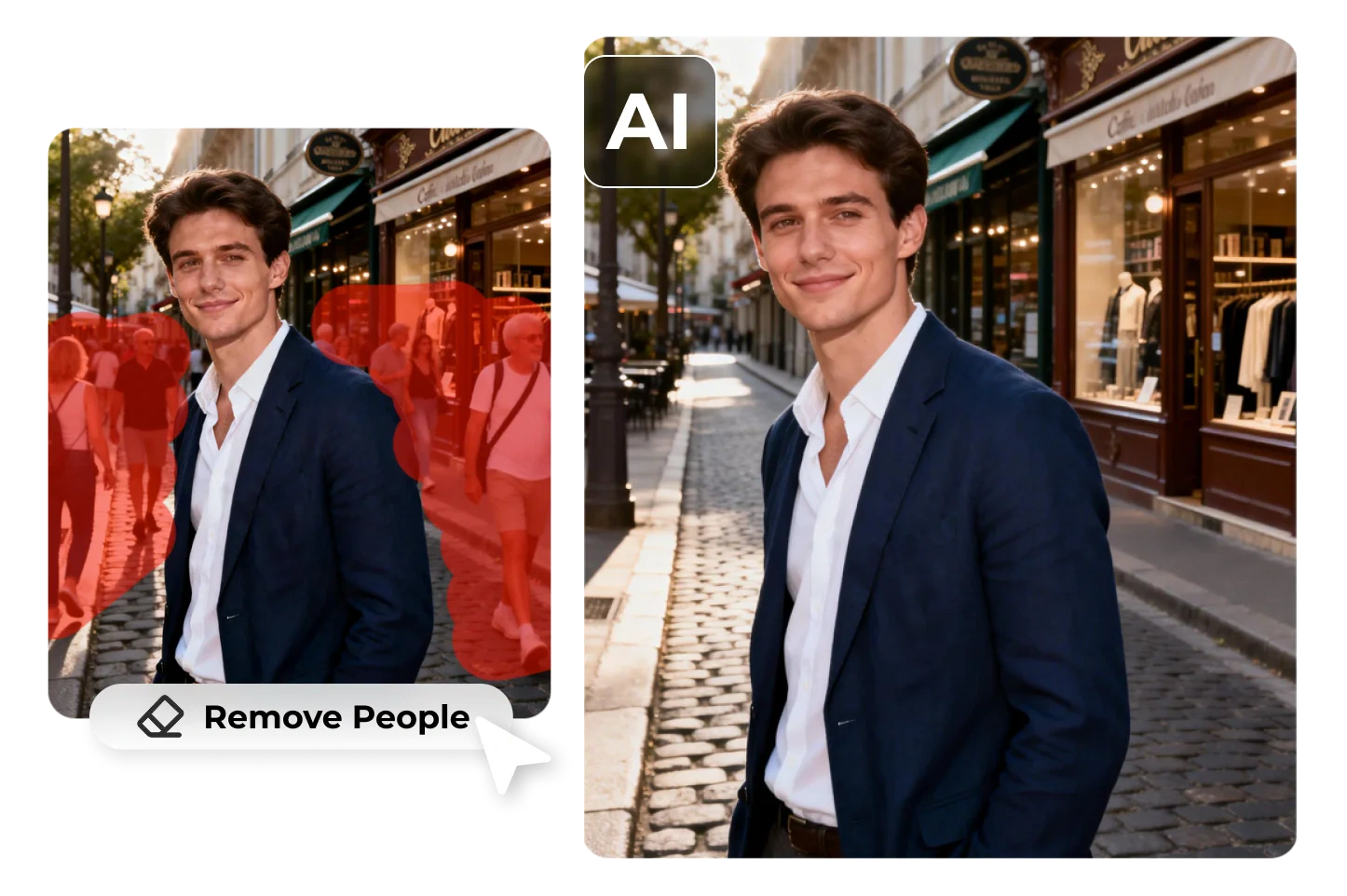
Tourist spots are crowded, but your photos don't need to show the hundred people standing behind you. The AI clears tourists, crowd clutter, and wandering strangers, so the scenery rebuilds naturally. Your travel shots look calm and open, as if you had the whole place to yourself.

There is always someone half-stepping into the frame during birthdays, graduations, or family gatherings — a stranger's arm, a kid running by, or a random face in the background. Magic eraser fixes the moments when distractions crash the party. PhotoGrid identifies photobombers, distracting faces, and background chaos, then erases the unwanted parts of the image so the focus stays on the people you care about.
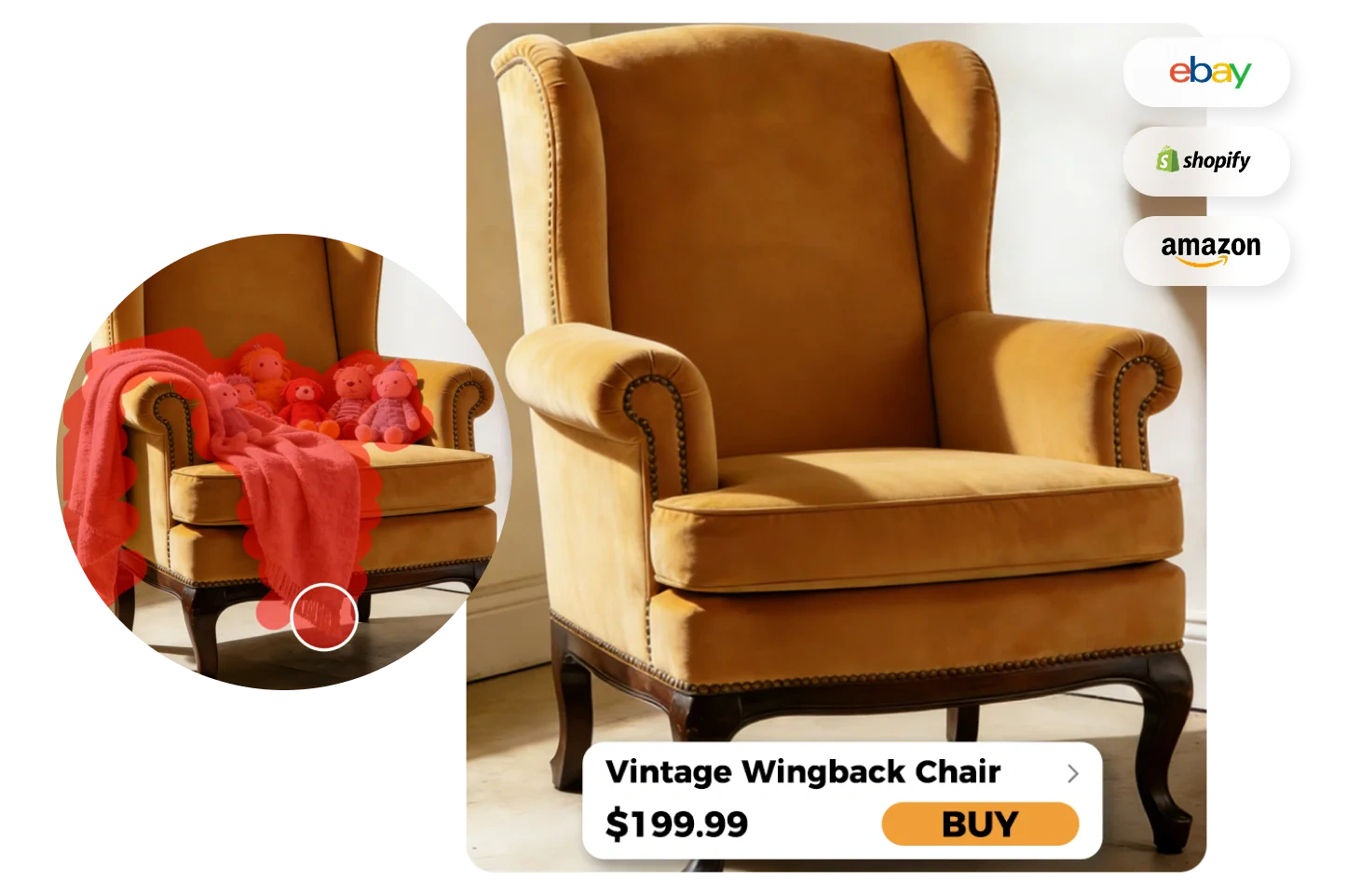
When product photos get ruined by cables, tags, wrinkles, or random props, our AI remover steps in and cleans up picture in one smooth pass. Remove text from image, from captions, price labels to and date stamps. Your product ends up looking clean, credible, and distraction-free — exactly what buyers expect on storefronts, ads, and social shops.
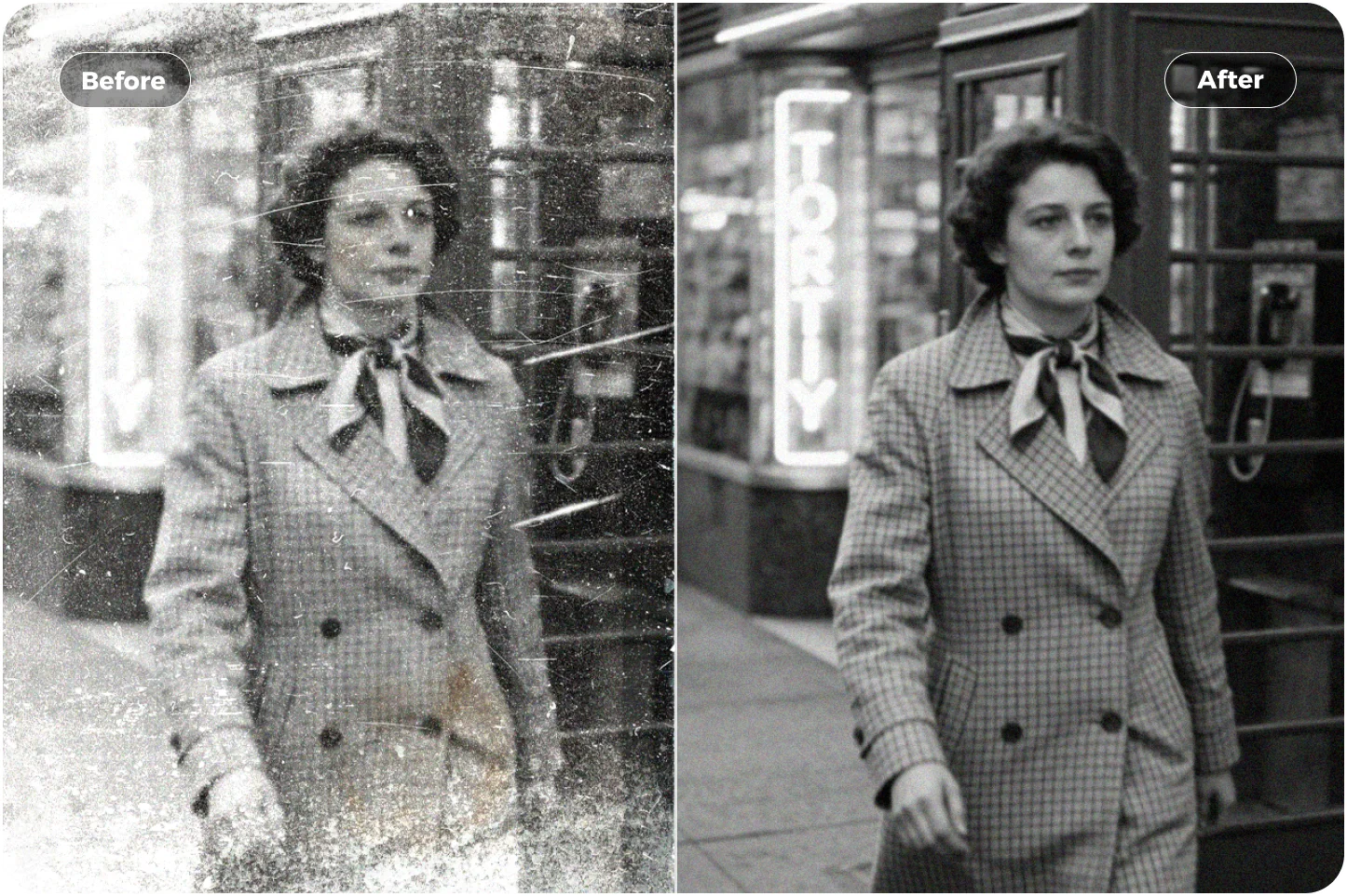
Old family photos often carry scratches, stains, creases, tape marks, or faded patches that blur important details. The memory becomes clearer while keeping the original atmosphere intact. Once the photo is clean, PhotoGrid photo restoration can brighten faded colors and recover softened details. Or animate old photos to add gentle motion and bring a still memory back to life.
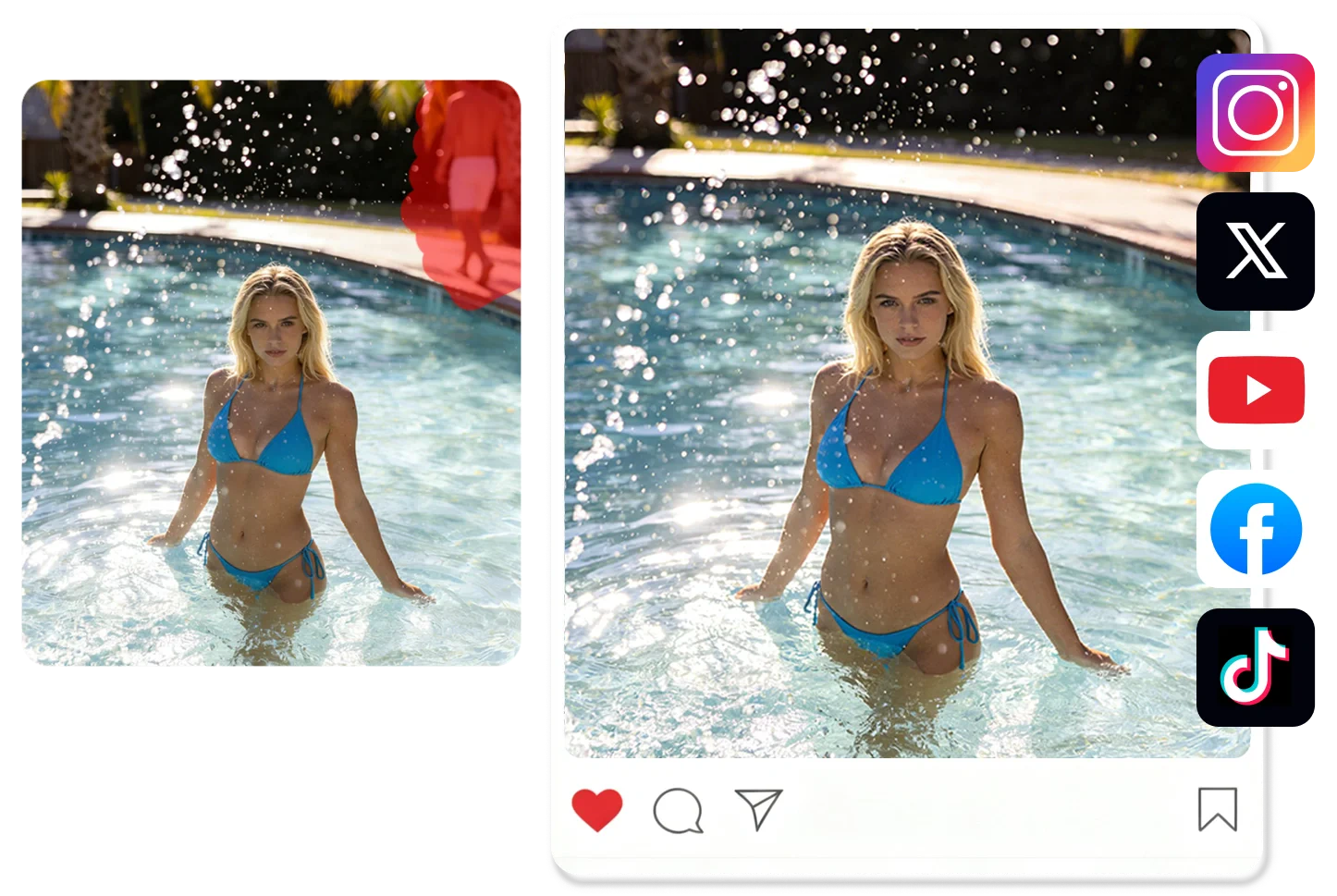
Everyday clutter — trash bins, crossing cables, reflections in glass, or strangers walking by — pulls attention away from your subject. Remove distractions in one smooth pass and keep your visual style consistent. Your feed stays calm, minimal, and aligned with the look you want.
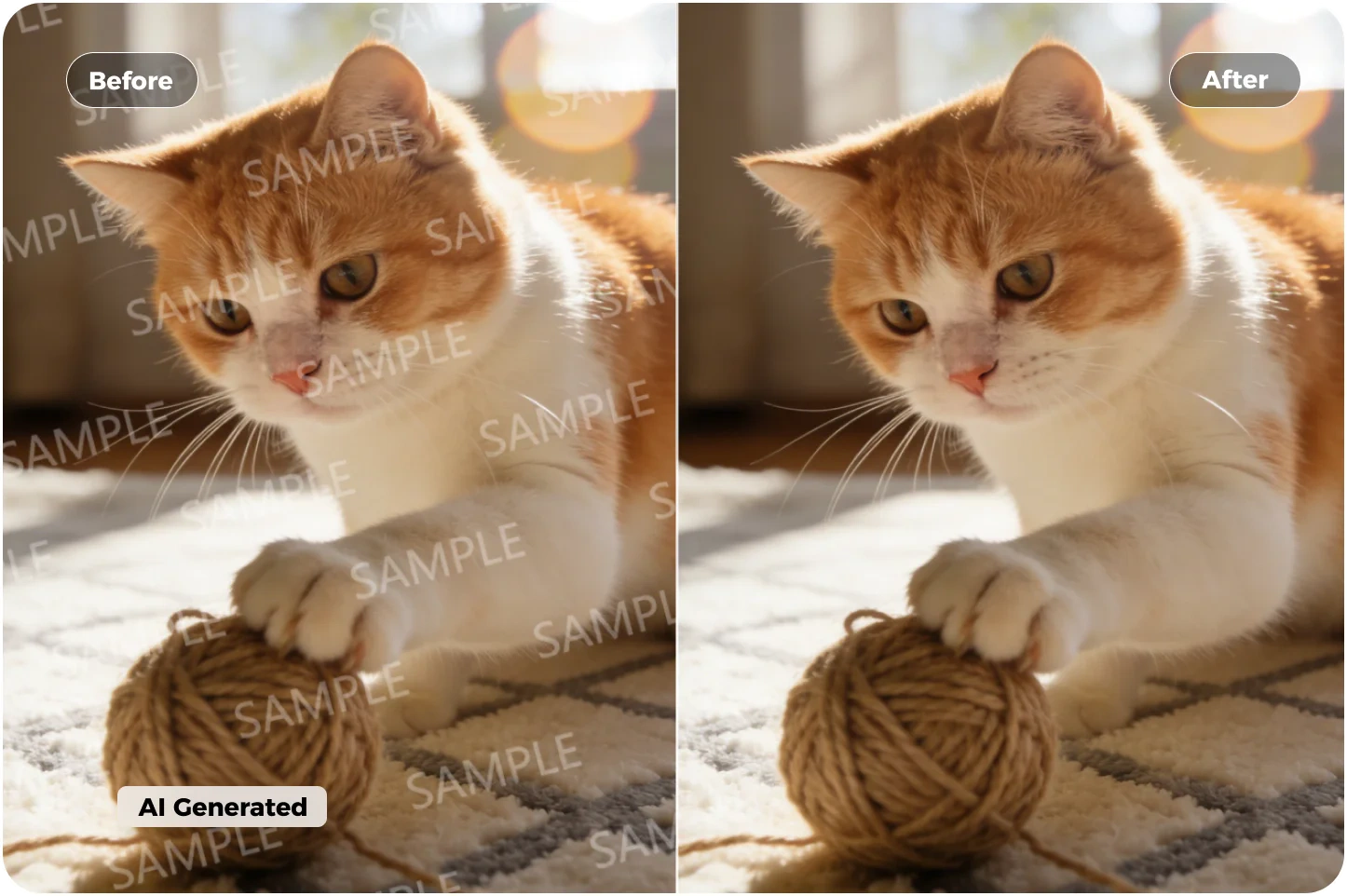
AI-generated photos often show up with watermarks, weird shadows, extra fingers, or random shapes that break the vibe. Erase the messy bits in one swipe and let the system rebuild the scene so it looks clean, intentional, and ready for personal use and creation.
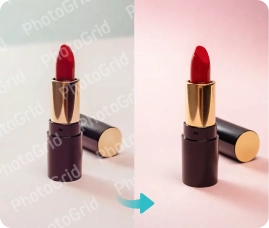
Remove complex watermarks and unwanted overlays while AI intelligently restores textures for clean, ready-to-use images.
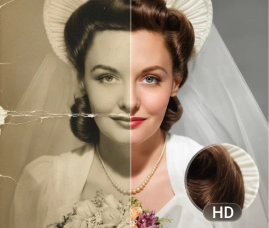
Repair scratches, creases, and aging damage while enhancing resolution for prints, exhibitions, and archival use.

Turn still images into dynamic videos using AI-powered motion and style templates for more engaging content.
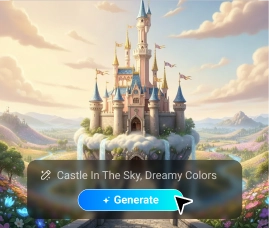
Generate high-quality images from simple prompts using advanced AI models—no design skills required.

Remove backgrounds, enhance quality, repair images, and generate visuals—all in one simple workflow.



Clean your photos in one click and remove anything that shouldn't be there—tourists, clutter, text, photobombers, and weird AI artifacts. Fix up to 20 photos at once and download clean HD results with no watermark and no login. Give your images the clean, distraction-free look you meant to capture before people, clutter, or unwanted text got in the way. Fix your first photo now in just one swipe.


©2026 PhotoGrid.app All rights reserved