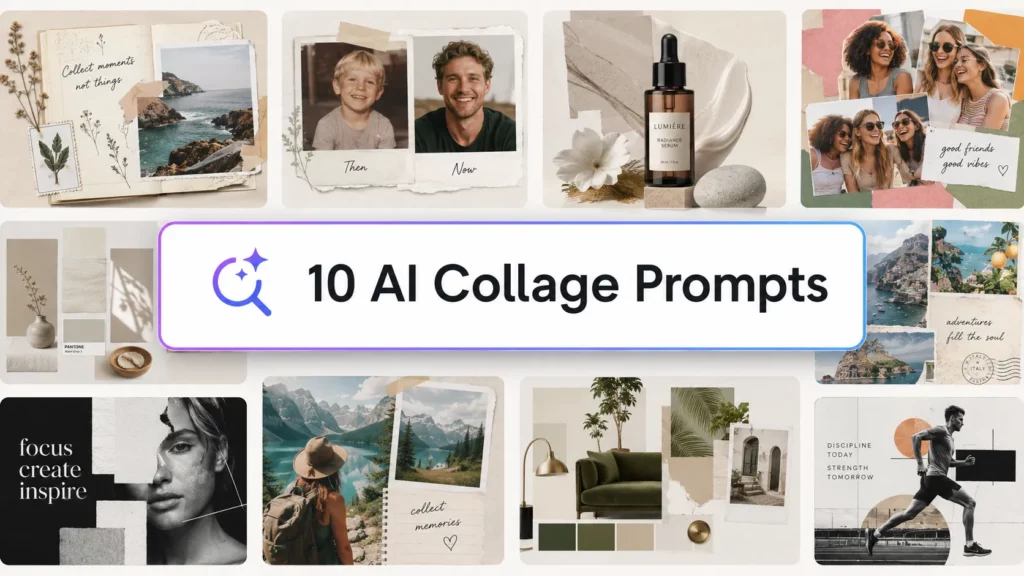
If you want an AI collage maker, start with the kind of collage you need. PhotoGrid is the strongest fit when you want AI to read a set of uploaded photos and turn them into a content-matched static layout. Canva is better when you want a large design system and manual control. Google Photos is the quickest low-effort option. Fotor, Picsart, PicCollage, and Adobe Express fill different gaps around templates, editing, and sharing.
This ranking is based on the capabilities each company publicly describes: how much layout work the tool handles, how much control you keep, and whether the product is built for a quick memory collage or a more designed visual. It is a feature comparison, not a controlled speed or quality benchmark. Product plans and features can change, so check the linked product page before you commit to a workflow.
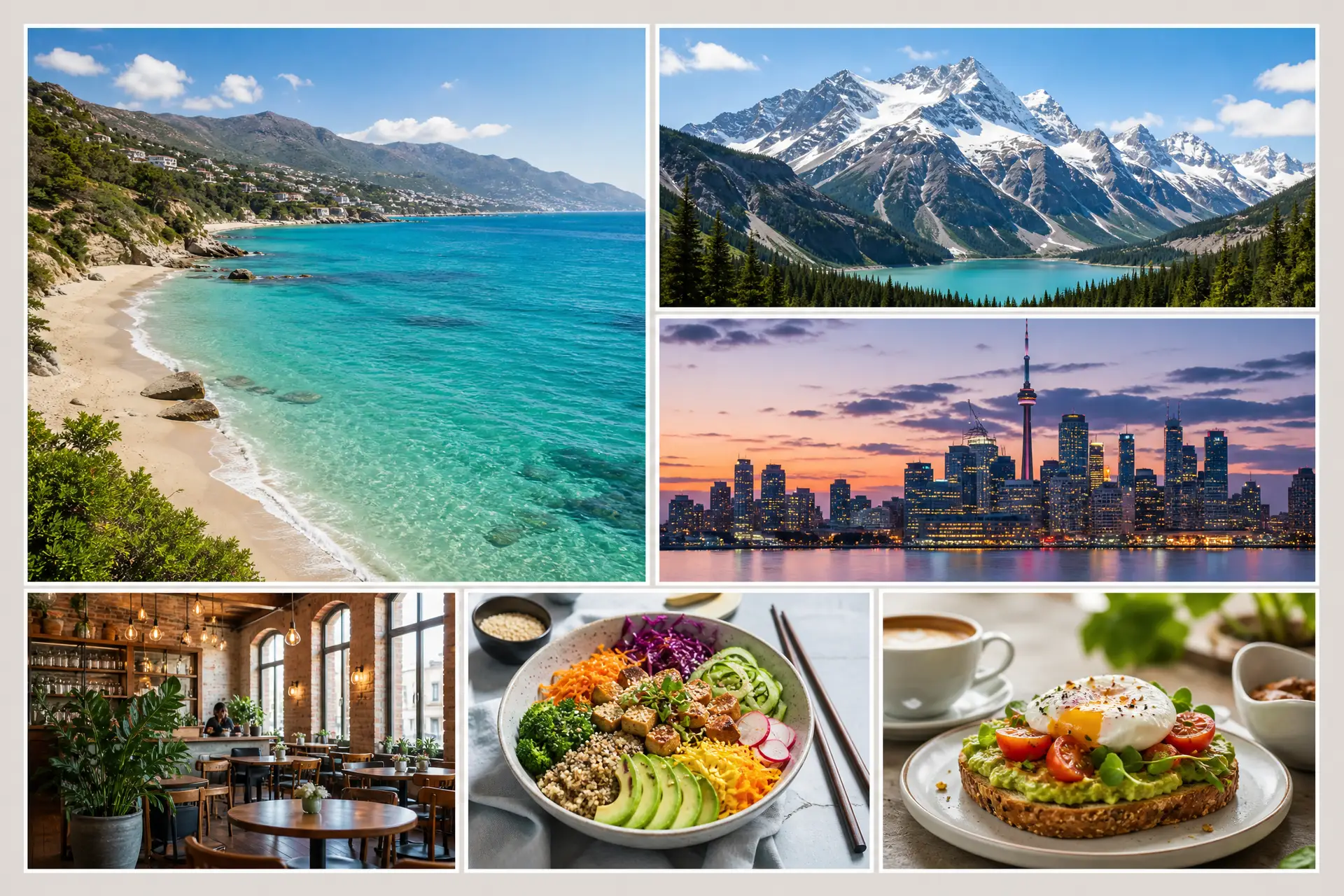
Quick ranking
| Rank | AI collage maker | Best for | Why it ranks here |
|---|---|---|---|
| 1 | PhotoGrid AI Collage Generator | AI-first layouts from your own photos | It describes automatic photo selection, cropping, arrangement, prompts, and post-generation editing. |
| 2 | Canva | Design control and publishing | Strong template and design ecosystem with drag-and-drop editing plus AI tools. |
| 3 | Fotor | Flexible grids and creative shapes | Offers grid and freeform collage tools, smart crop, shape layouts, and an AI agent path. |
| 4 | Picsart | Collage plus broad AI editing | Combines a collage maker with a wide set of AI creation and editing workflows. |
| 5 | Adobe Express | Branded, editable designs | Good fit when a collage is part of a larger social or marketing design. |
| 6 | PicCollage | Mobile memory projects | Built around templates, scrapbooks, greetings, and AI-assisted touch-ups. |
| 7 | Google Photos | Fast, simple sharing | Makes a collage from up to nine selected photos with very little setup. |
1. PhotoGrid AI Collage Generator — best for an AI-first photo layout
PhotoGrid takes the most direct route from a camera roll to a designed collage. Its official AI collage page says the generator can analyze uploaded photos, pick and crop images, keep faces and subjects in frame, and arrange a complete layout automatically. It also accepts a theme or mood prompt, lets you move or replace panels after generation, and supports a browser workflow across desktop, tablet, and mobile. PhotoGrid’s official AI collage page describes those product claims.
That makes PhotoGrid the best choice in this list when the hard part is composition. You have photos, but you do not want to spend the first ten minutes deciding which image belongs in which box.
The related PG canonical skill adds a useful content rule: a static collage should be designed around the actual source images, their roles, and their story. It supports photo dumps, travel diaries, birthdays, friendships, school/yearbook layouts, outfit lookbooks, invitations, filmstrips, mosaics, and shaped or text-based collages. The skill also requires an exact photo count and a one-to-one source-to-slot plan. That is a design contract, not a claim that every public product surface exposes every internal workflow.
Choose PhotoGrid if: you want the first layout to come from your photos and a simple creative direction, then want to refine individual panels.
Watch for: the public page is product documentation, not a controlled benchmark against the other tools here. Live output quality can vary with the photo set, prompt, and current product version.
2. Canva — best for design control around the collage
Canva is a strong choice when the collage is one part of a larger design. Its official collage tool emphasizes templates, grids, frames, text, stickers, graphics, filters, and resizing. Canva also lists AI tools in Magic Studio, including image editing and generation features, alongside its broader design workflow. Canva’s collage page supports this positioning.
The trade-off is clear: Canva gives you a lot of control, but you may do more of the composition yourself. That is useful for a mood board, a branded post, a presentation slide, or a print design where the exact hierarchy matters more than automatic arrangement.
Choose Canva if: you need typography, brand elements, collaboration, or several output formats around the same collage.
Watch for: a large template library is not the same thing as an AI system that understands the story in your photo set. If automatic photo grouping is your priority, compare the first generated layout rather than the template count.
3. Fotor — best for flexible grids, shapes, and photo combining
Fotor’s public collage tools cover structured grids and more creative layouts. Its official page describes smart cropping, drag-and-drop reordering, adjustable spacing and margins, custom shapes such as hearts and letters, and high-resolution image export. Fotor also promotes an AI agent that can respond to prompts for photo-grid styles. Fotor’s collage maker and AI photo grid maker are the relevant product references.
Fotor fits people who know the basic shape they want—say, a 3×3 grid, a heart collage, or a product comparison—but still want help filling and polishing it. It sits between an automatic generator and a conventional editor.
Choose Fotor if: your layout starts with a grid, shape, or photo-combining job and you want room to adjust spacing and styling.
Watch for: its public collage pages describe several product paths. Confirm whether the exact AI workflow you want is available in your device, region, and plan.
4. Picsart — best for collage plus a broad AI editing toolkit
Picsart positions its creative platform around image, video, audio, templates, and AI workflows. Its official create page lists a Collage Maker alongside AI creation and editing tools, while its help center documents AI features such as background creation and enhancement. Picsart’s create page is the best starting point for the current tool mix.
Pick Picsart when the collage is only one step in a more involved edit: remove a distracting background, add a generated element, retouch a photo, then finish the composition in the same creative workspace.
Choose Picsart if: you want collage, retouching, effects, and generative edits close together.
Watch for: a broad AI platform can make the decision less obvious. Start with the collage outcome you need, then add only the edit tools that solve a visible problem.
Adobe Express is a practical option when a collage needs to become a post, flyer, presentation, or other designed asset. Its official collage maker supports uploads, grid layouts, swapping and cropping images, text, graphics, filters, animation, and continued editing. Adobe Express’s collage maker documents that workflow.
The product is less about handing composition over to an AI collage specialist and more about getting from a collage layout into a general-purpose design editor. That is valuable for teams and creators who need a finished asset with copy and brand elements around the photos.
Choose Adobe Express if: the collage is part of a wider social, presentation, or marketing design.
Watch for: the collage tool and the product’s generative AI features are related but not identical. Verify which step is AI-assisted before promising automatic arrangement.
6. PicCollage — best for mobile memory projects and greetings
PicCollage focuses on personal memories: birthday greetings, holiday cards, digital scrapbooks, and photo or video recaps. Its official product page describes templates, stickers, backgrounds, fonts, adjustable grids, and AI-powered touch-ups such as background removal and expansion. PicCollage is a good fit when the finished piece is meant to feel personal and shareable rather than like a formal design system.

It also offers a separate web-based Photocards AI editor for computer users, according to its help documentation. That matters if you like the product’s mobile-first style but need to work from a desktop.
Choose PicCollage if: you are making a greeting, scrapbook, family recap, or casual memory board.
Watch for: its strongest public positioning is template-led and memory-led. If you need prompt-driven, content-aware composition, compare it with an AI-first tool.
7. Google Photos — best for a quick, low-effort collage
Google Photos is the simplest option here. Google’s help page says you can select up to nine photos and create a collage on the web or in the app. The workflow is useful when the goal is to combine a few images quickly, not to art-direct a complex layout. Google Photos’ collage instructions cover the current selection limit and creation flow.
Choose Google Photos if: you already keep your pictures there and want a quick shareable result.
Watch for: the official instructions focus on creating and editing a collage, not on prompt-based layout direction or a broad design system. Keep your expectations at “fast and simple.”
How to choose an AI collage maker
Use this shortcut:
- Want the AI to decide the first composition? Start with PhotoGrid.
- Need typography, brand assets, and many formats? Start with Canva or Adobe Express.
- Need shapes, grids, and manual spacing control? Try Fotor.
- Want collage plus heavier AI photo editing? Try Picsart.
- Making a greeting or scrapbook on your phone? Try PicCollage.
- Need a quick collage from an existing library? Use Google Photos.
The right question is not “Which app has the most AI?” It is “Where do I want the layout decision to happen?” Before upload, in an AI-generated first draft, inside a template, or through manual design controls.
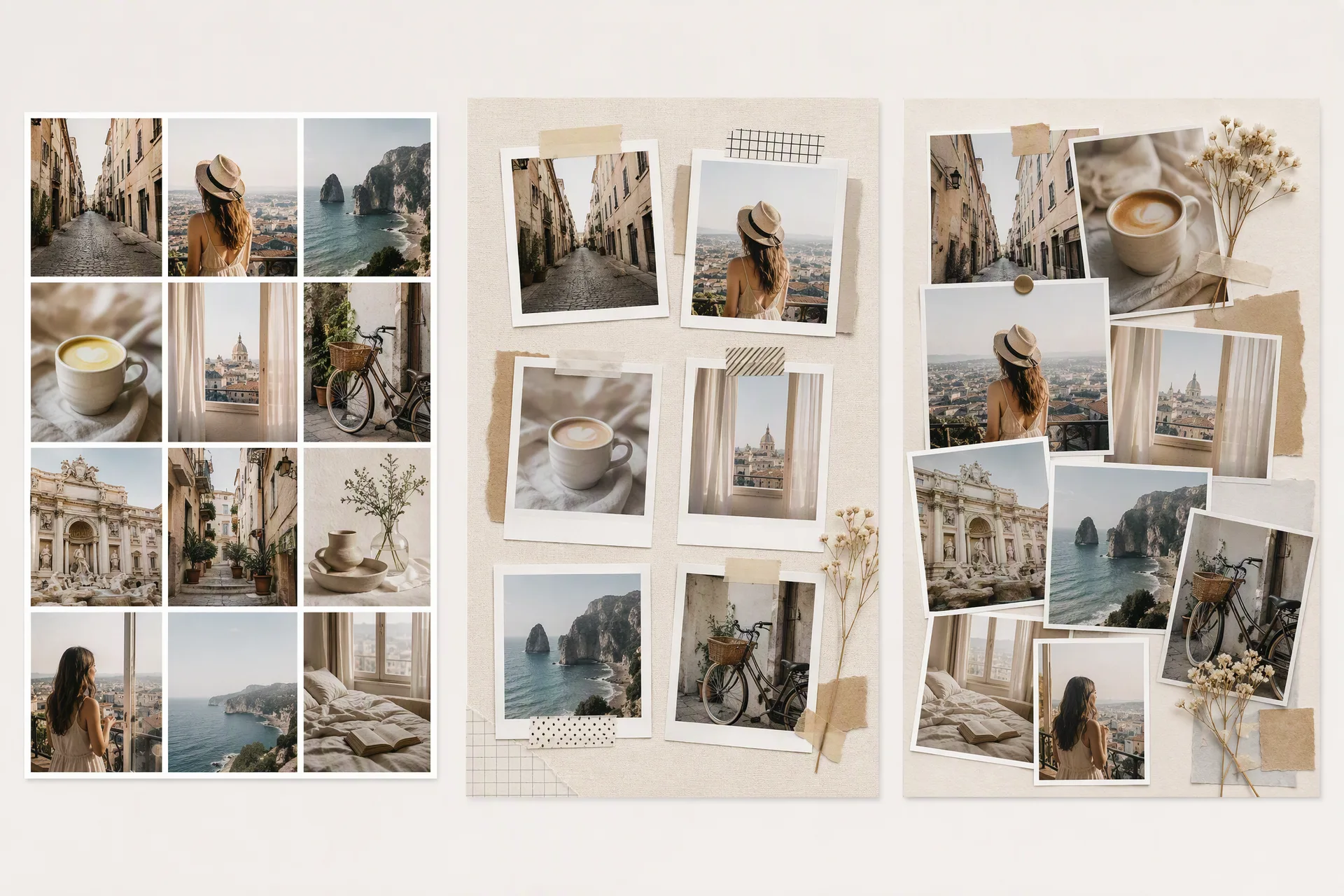
What makes an AI collage maker actually useful?
The label “AI” is too broad to rank a tool on its own. Look for four concrete behaviors:
- Photo-aware placement: Does the tool account for subject position, orientation, or focal points when it crops and places photos?
- A useful first layout: Does the first result give you a composition worth refining, or only a generic grid?
- Control after generation: Can you move, replace, crop, or restyle individual panels?
- A clear output job: Is the tool designed for a memory board, a social asset, a print piece, or a freeform creative collage?
PhotoGrid’s canonical collage-design rules make the second and third points explicit: define the source manifest, map each source to one slot, and protect people, clothing, objects, and readable text from being altered. Those rules are useful even when you choose another product, because they give you a better way to inspect the result.
FAQ
Can AI make a collage from my own photos?
Yes. PhotoGrid, Canva, Fotor, Adobe Express, PicCollage, and Google Photos all document workflows that start with user photos. The difference is what happens next: some tools auto-arrange a first composition, while others start from a grid or template that you adjust.
Is an AI collage maker better than a template collage maker?
It depends on the decision you want to delegate. AI-first tools can reduce the work of choosing a first arrangement. Template-led tools can give you more predictable spacing, type, and brand control. For an important design, use the first AI result as a starting point and inspect every crop.
Will an AI collage change the people in my photos?
A layout tool should arrange and crop your uploaded photos rather than inventing new people. Still, check the actual product workflow and the generated result. PhotoGrid’s public AI collage page says its generator arranges photos without regenerating or distorting the image content, while the PG canonical skill requires preserving identity and source-image correspondence as a design constraint. That is a sourced product statement and a content rule—not a guarantee for every AI collage product.
Choose based on how much design work you want to keep. PhotoGrid is a good starting point for a photo-led layout; Canva and Adobe Express are stronger when captions, brand elements, and multiple formats matter; Picsart is useful when the images need additional AI editing before you publish.
Final verdict
For most people searching for an AI collage maker, PhotoGrid is the best first try when the input is a set of real photos and the desired output is a finished, editable collage layout. Canva is the better pick for broader design control. Fotor is the flexible middle ground for grids and shapes. The rest are strong when their specific workflow—AI editing, branded design, memory projects, or simple sharing—matches your job.
If you want to see what a photo-aware collage workflow looks like, open PhotoGrid’s AI Collage Generator and start with the photos you already have. Use a simple direction such as “warm travel diary with one hero photo and smaller detail panels,” then review every crop before you download.