
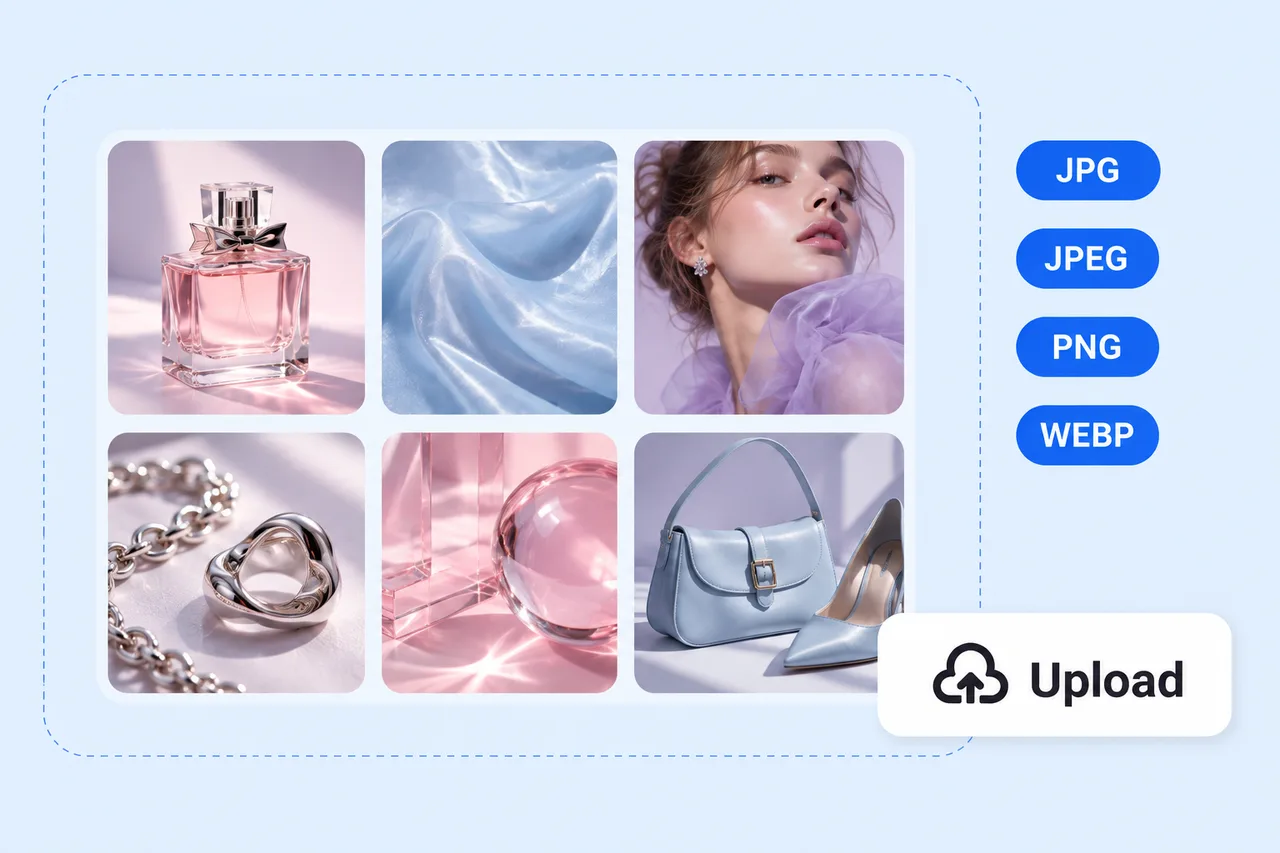
 1
1Describe Your Idea or Add Images
Start with a few words or upload photos and references you already have. Describe the style, colors, textures, or mood you want to explore.

Skip template hunting and manual arranging. PhotoGrid's AI moodboard generator turns a prompt or your own images into a polished moodboard, with AI automatically building the layout for you. Select any image afterward and edit it directly on the board.
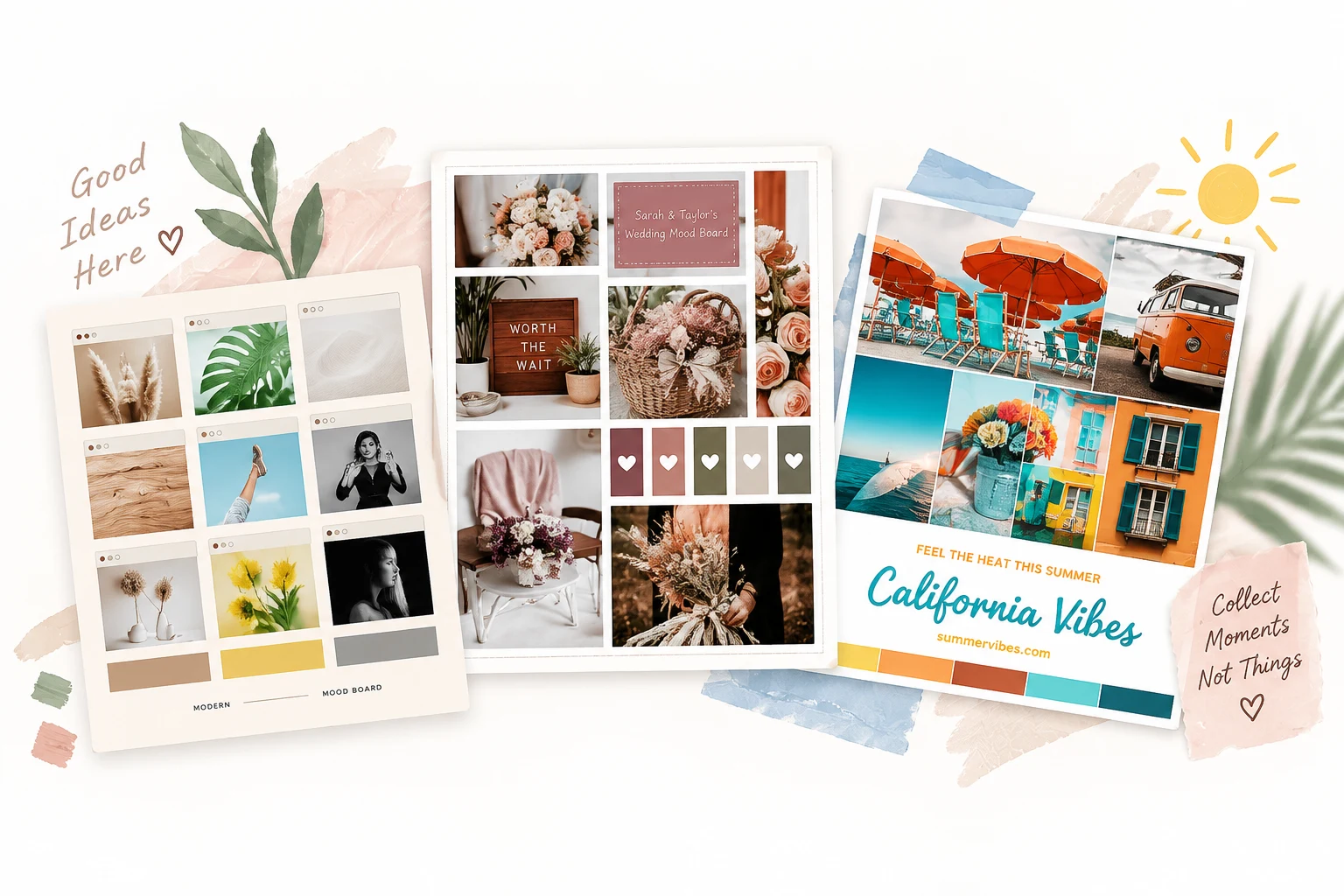
Try:
Browse ready-to-use AI moodboard templates for interiors, fashion, branding, campaigns, film concepts, weddings, and events. Start from a template, then let AI adapt the visual direction to your own project.
Move from a rough idea to a finished visual direction without manually building every panel.
1Start with a few words or upload photos and references you already have. Describe the style, colors, textures, or mood you want to explore.
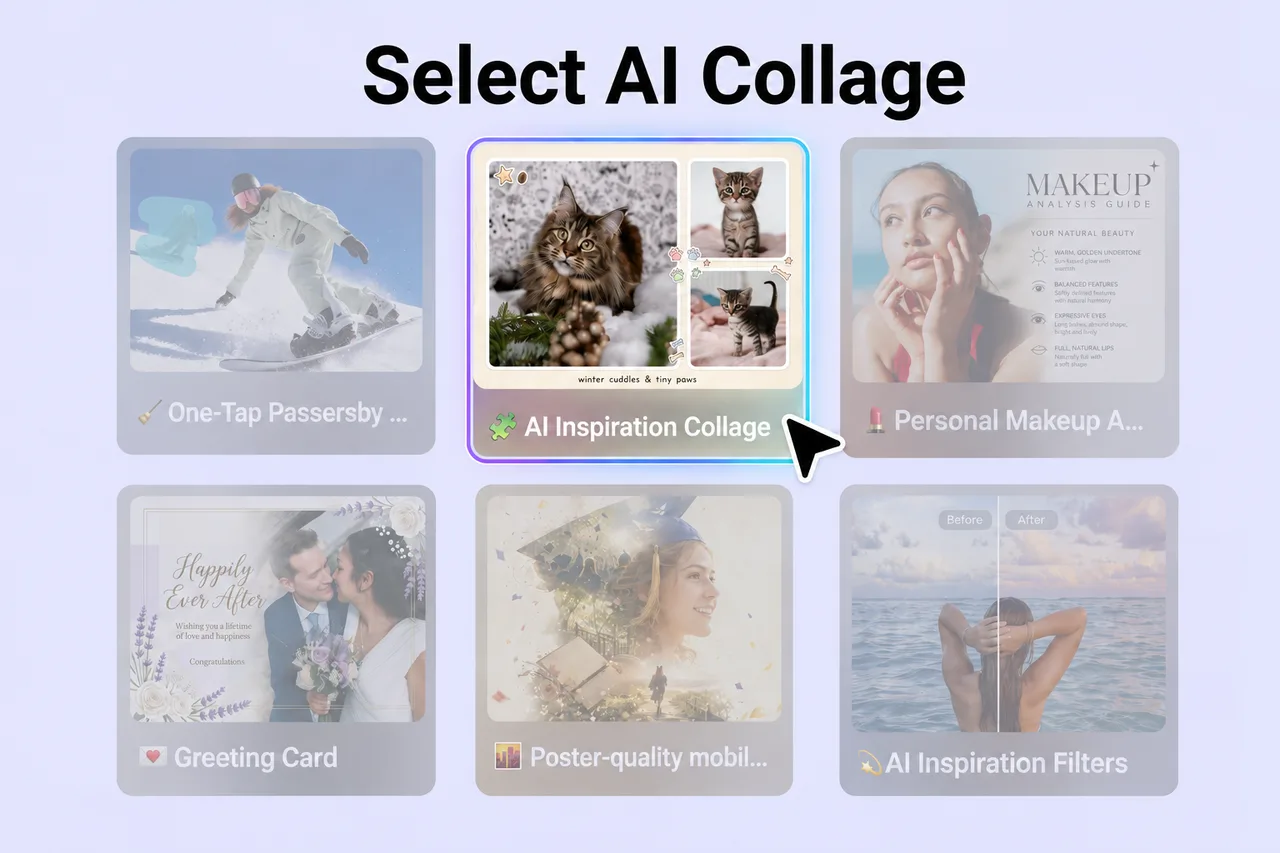 2
2AI brings your visuals together and arranges them into a complete board, so you can explore layouts without resizing every image yourself.
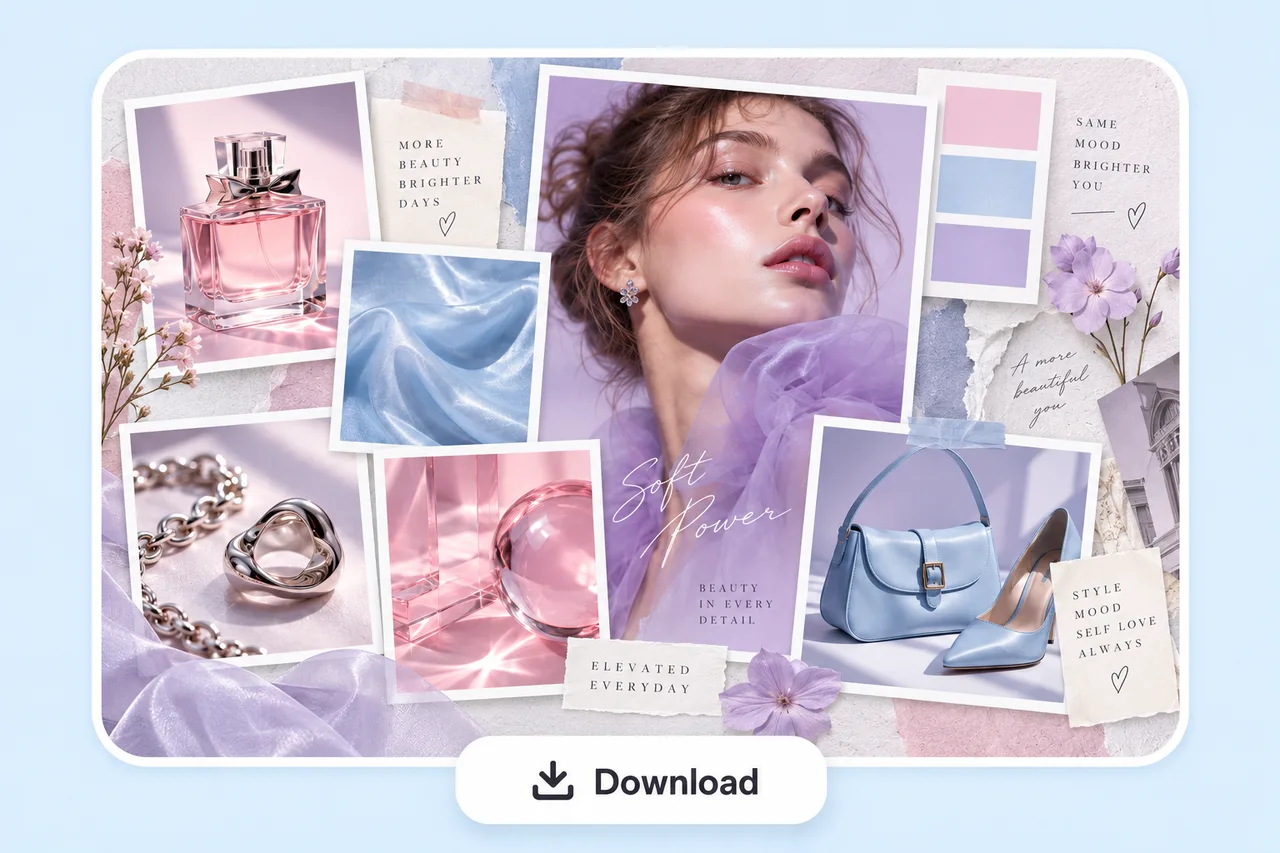 3
3Select any image on the board, ask AI for changes, refine details, then download your finished moodboard as a PNG.
Start from an idea or upload visuals you already have. AI arranges the board, then keeps the result editable so your direction can keep evolving.
Start with your idea instead of searching through templates first. Add a prompt or your own images and let AI decide how the board comes together around your content and visual direction.
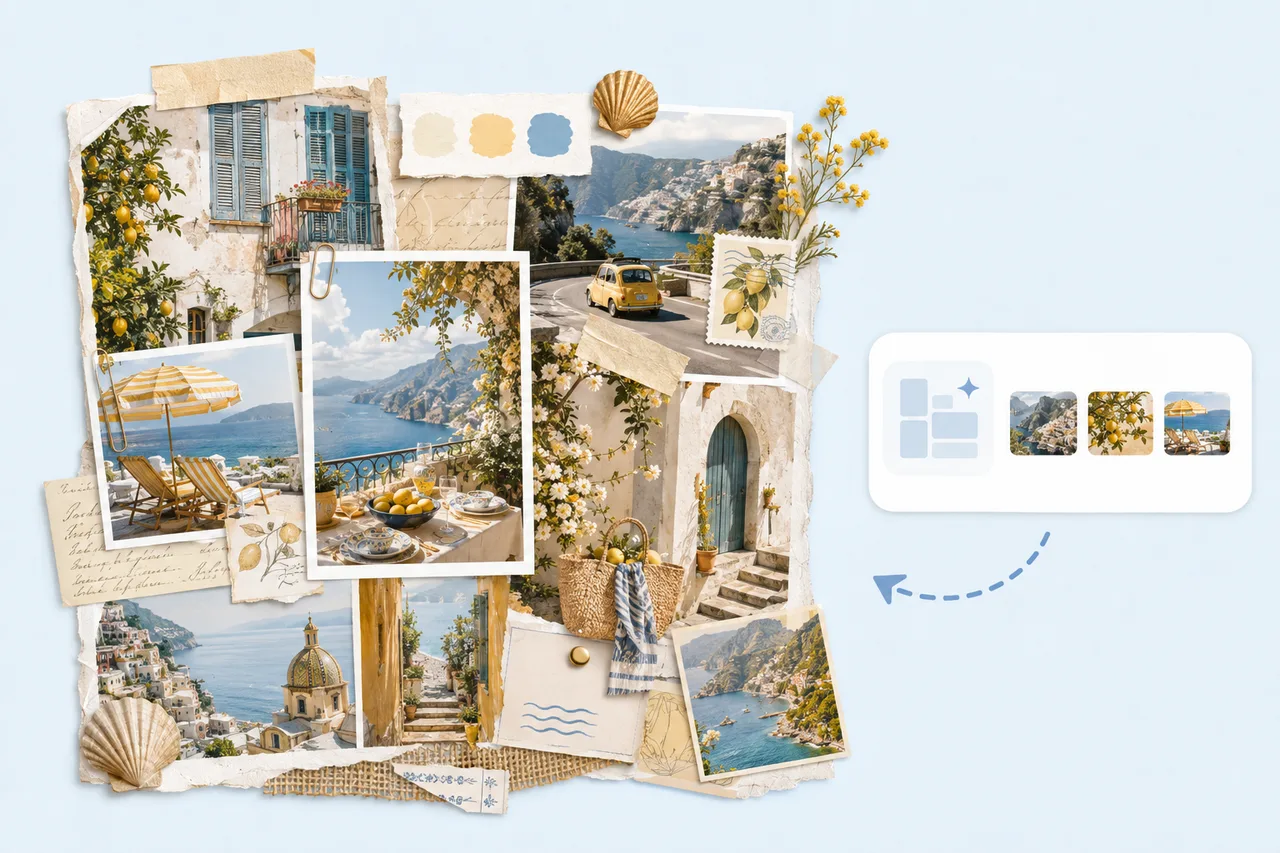
Upload photos, screenshots, product shots, or references you already have. PhotoGrid brings them together into a complete board without making you crop, resize, and position every image by hand.
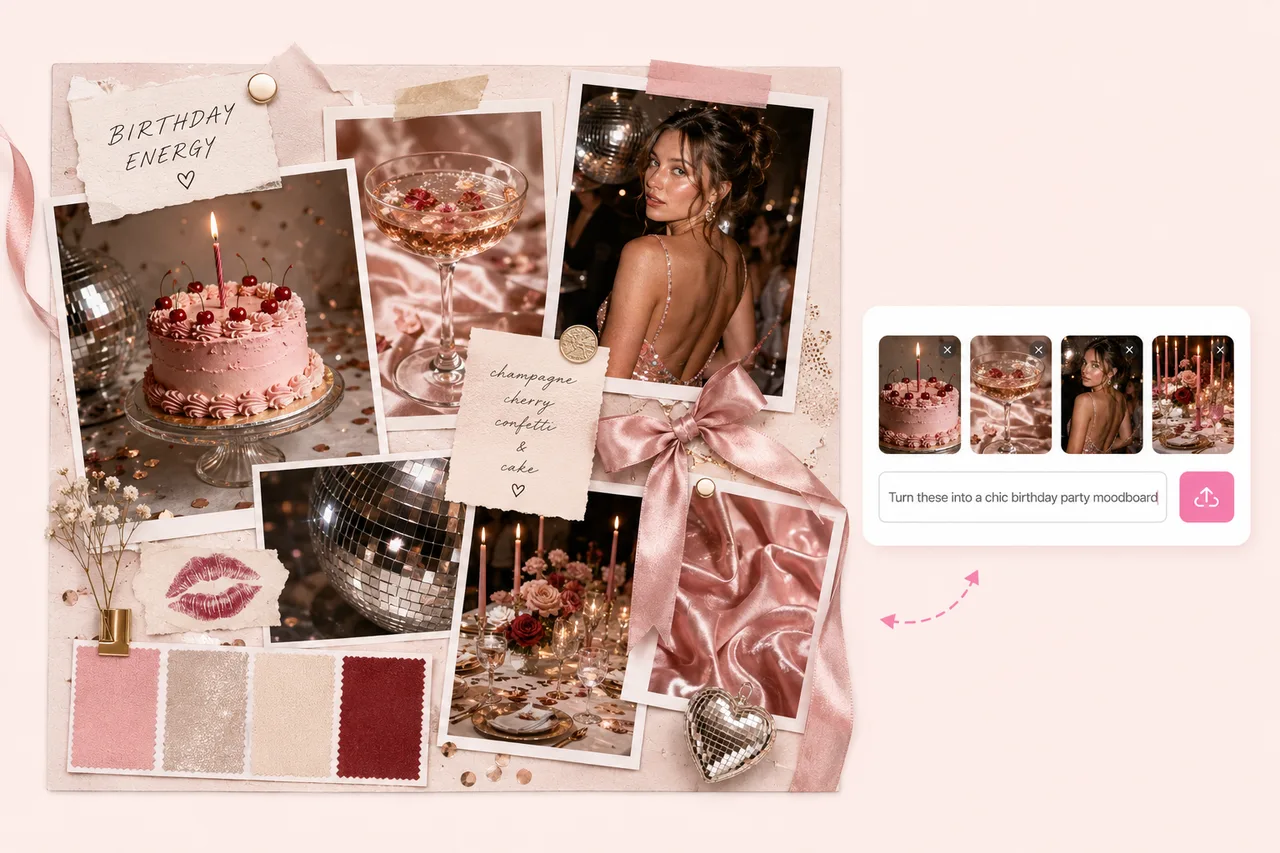
When you do not have reference images, describe the aesthetic, setting, colors, materials, or feeling you want. AI builds a complete board around that direction.
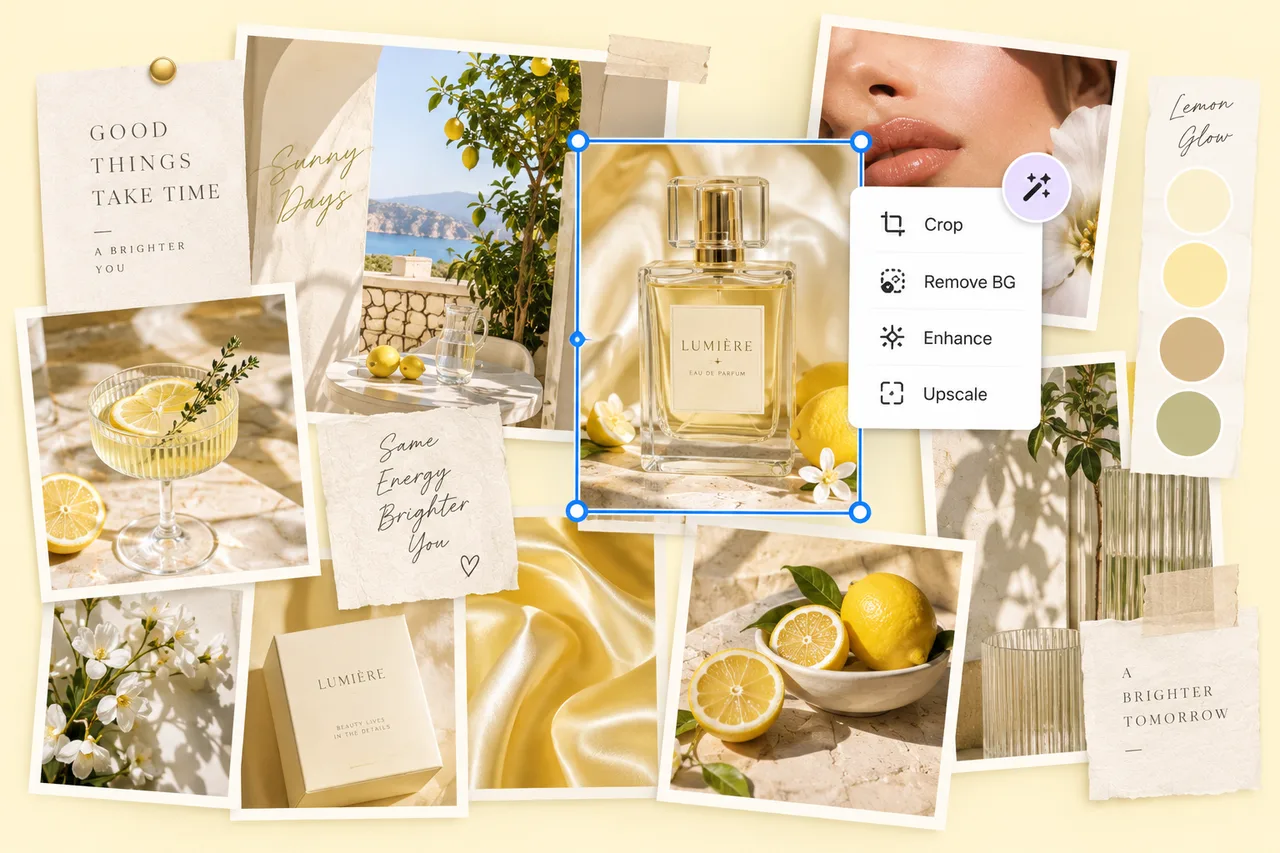
Select any image on the board and tell AI what you want changed. Remove a background, enhance details, upscale an image, or describe another edit without exporting to another app.
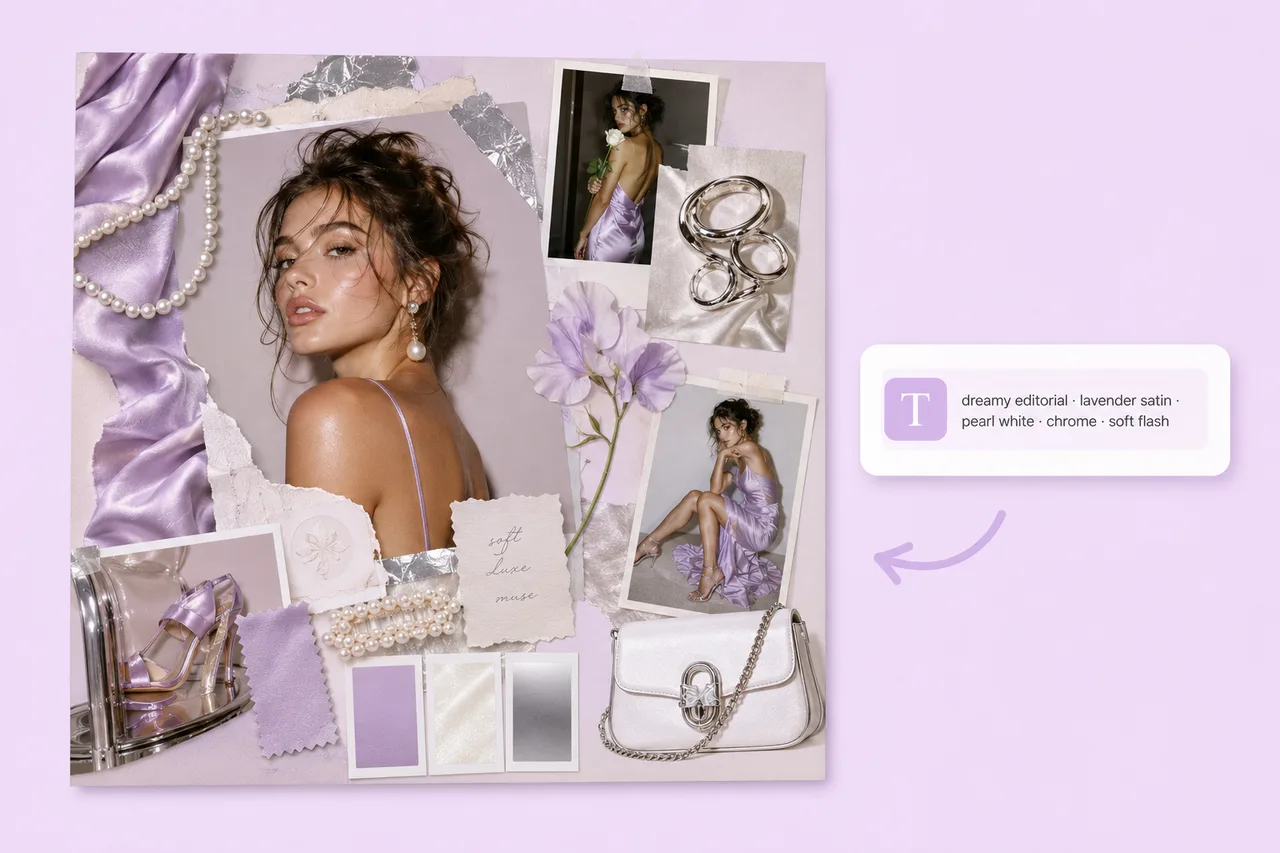
Use a simple formula: subject plus style, color or material, lighting, and mood. Choose a direction below and let Agent adapt it to your own project.
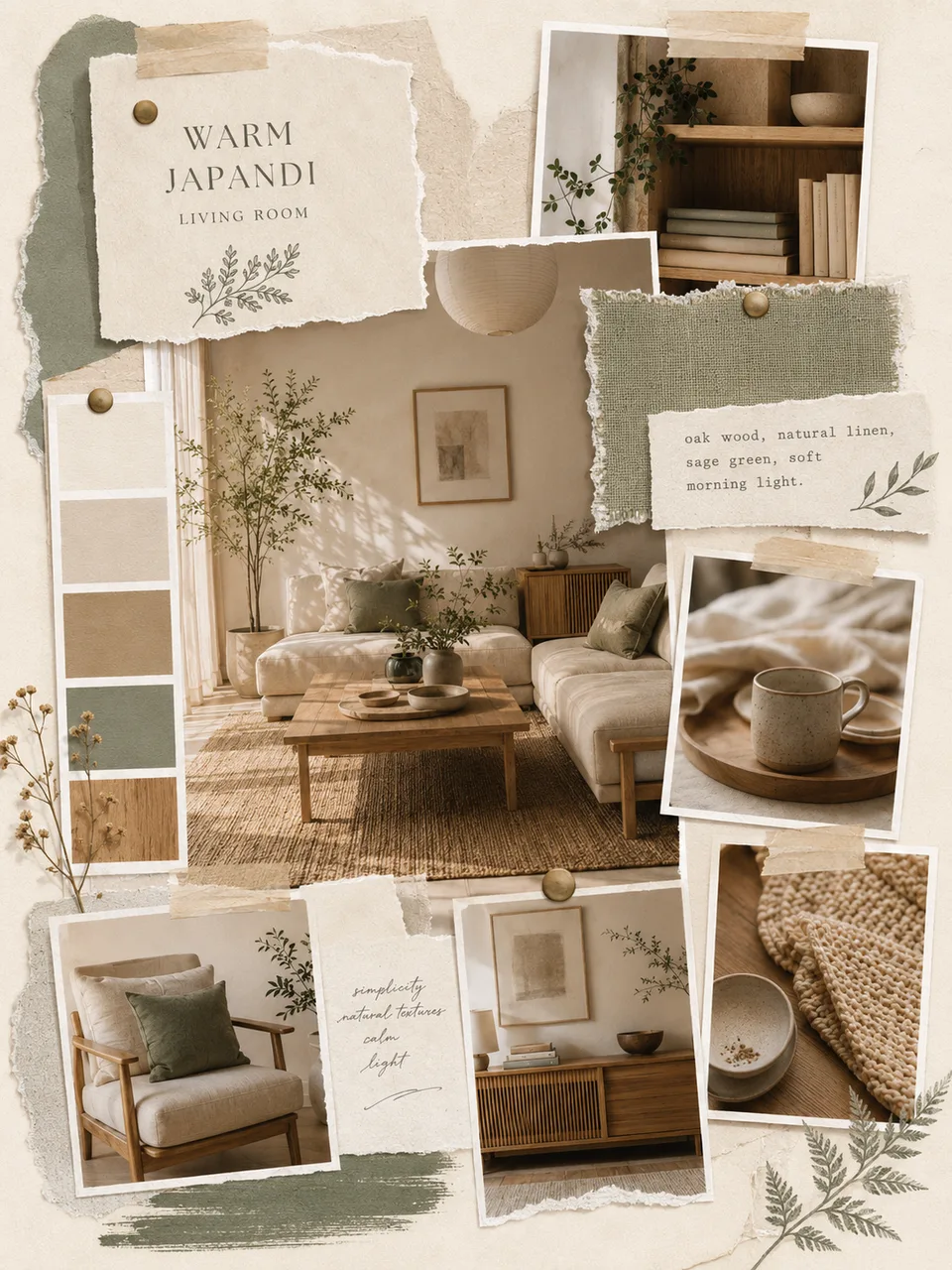
Oak wood, natural linen, sage green, and soft morning light.
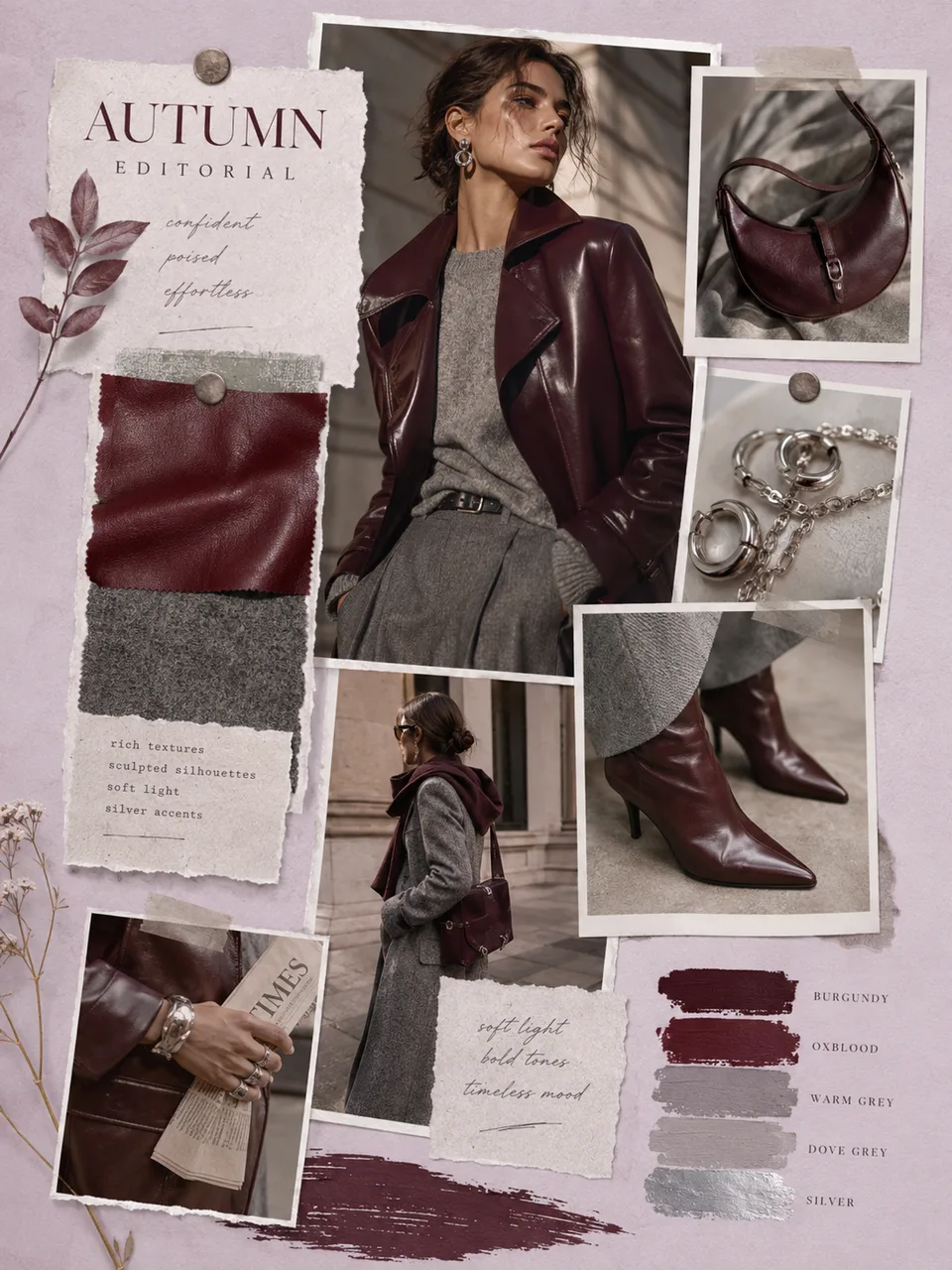
Burgundy leather, grey wool, silver accessories, and cinematic light.
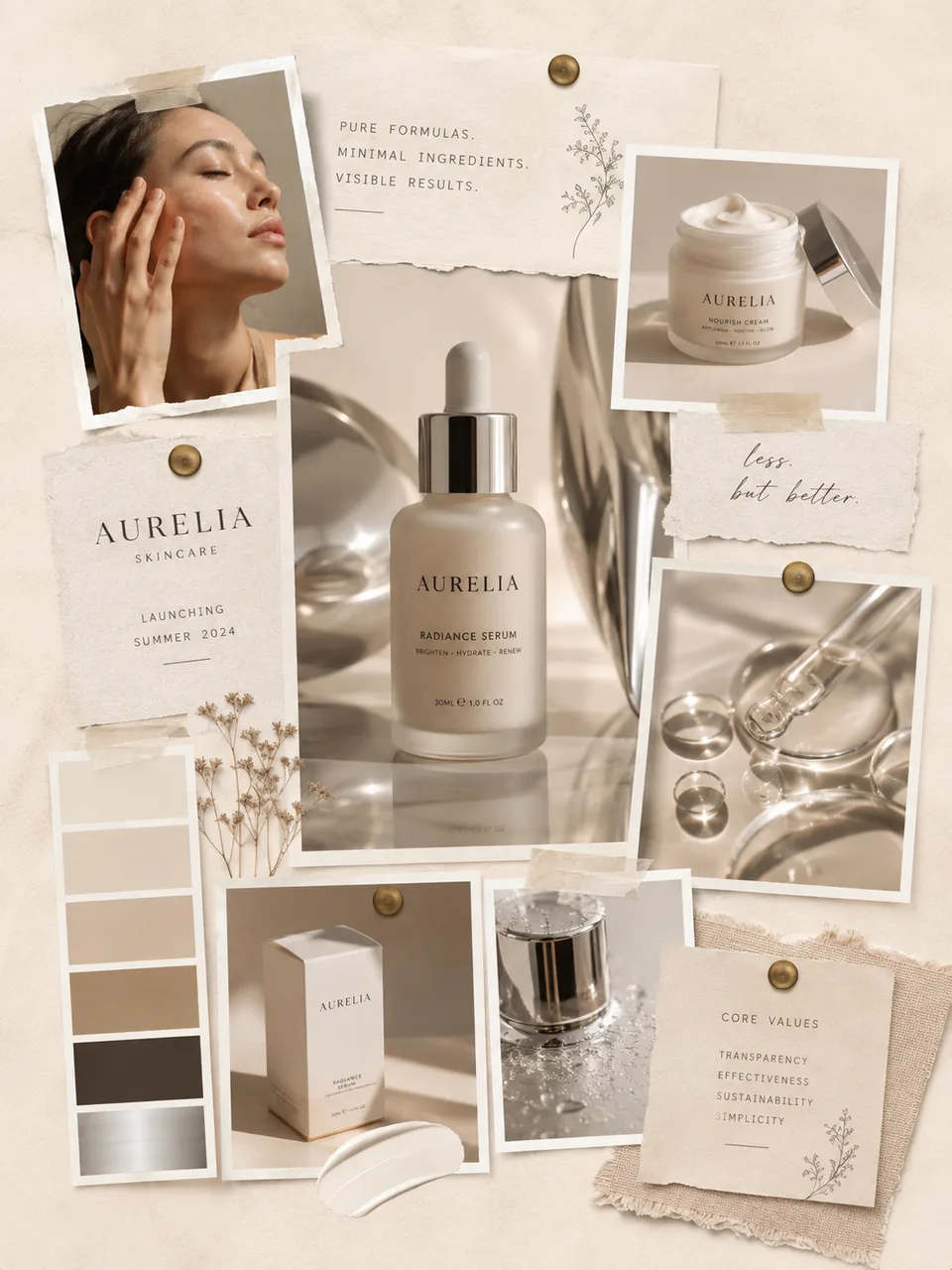
Warm cream, chrome, glass textures, and clean studio lighting.
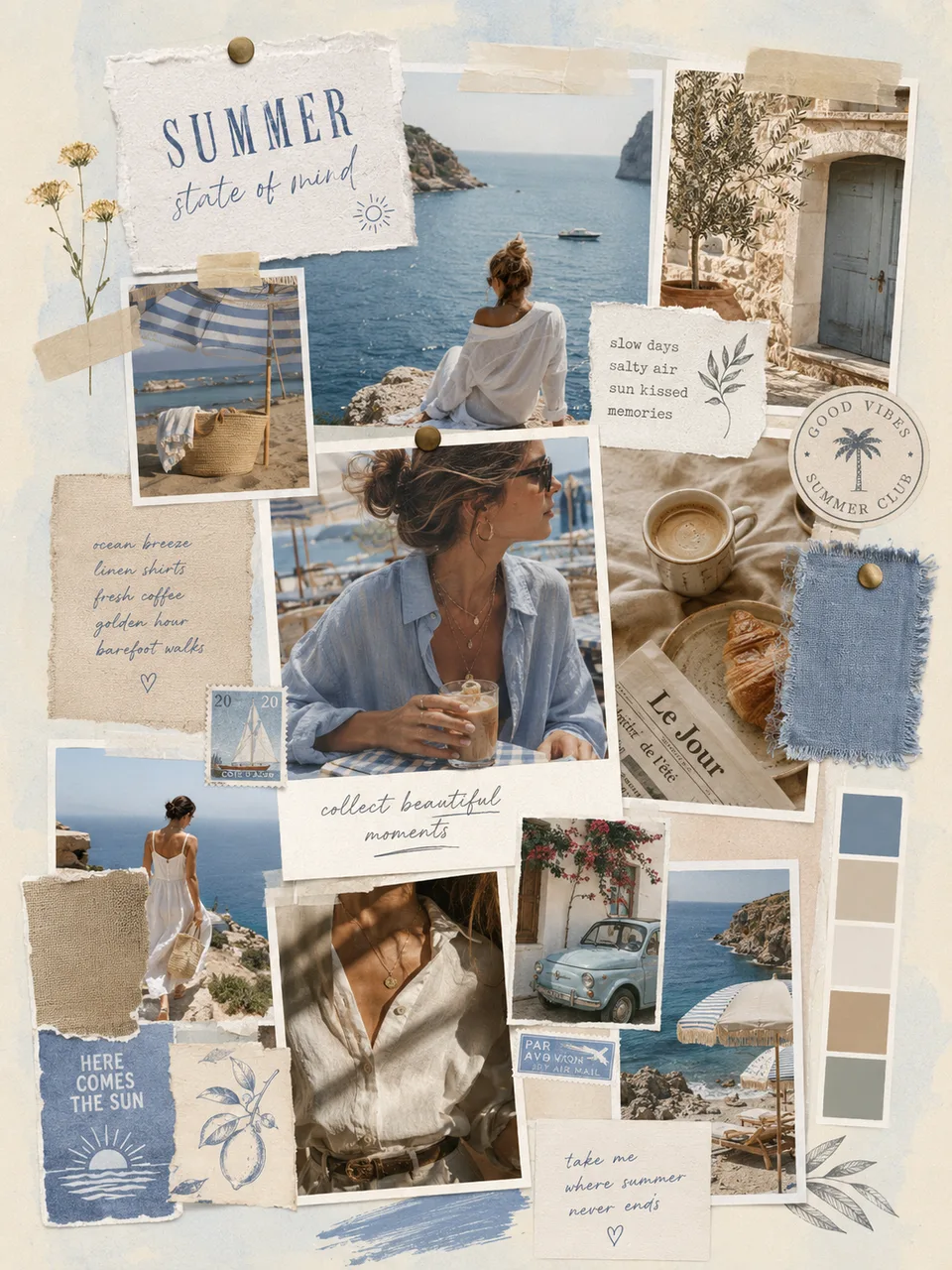
Sun-faded blue, warm stone, linen textures, and candid film photography.
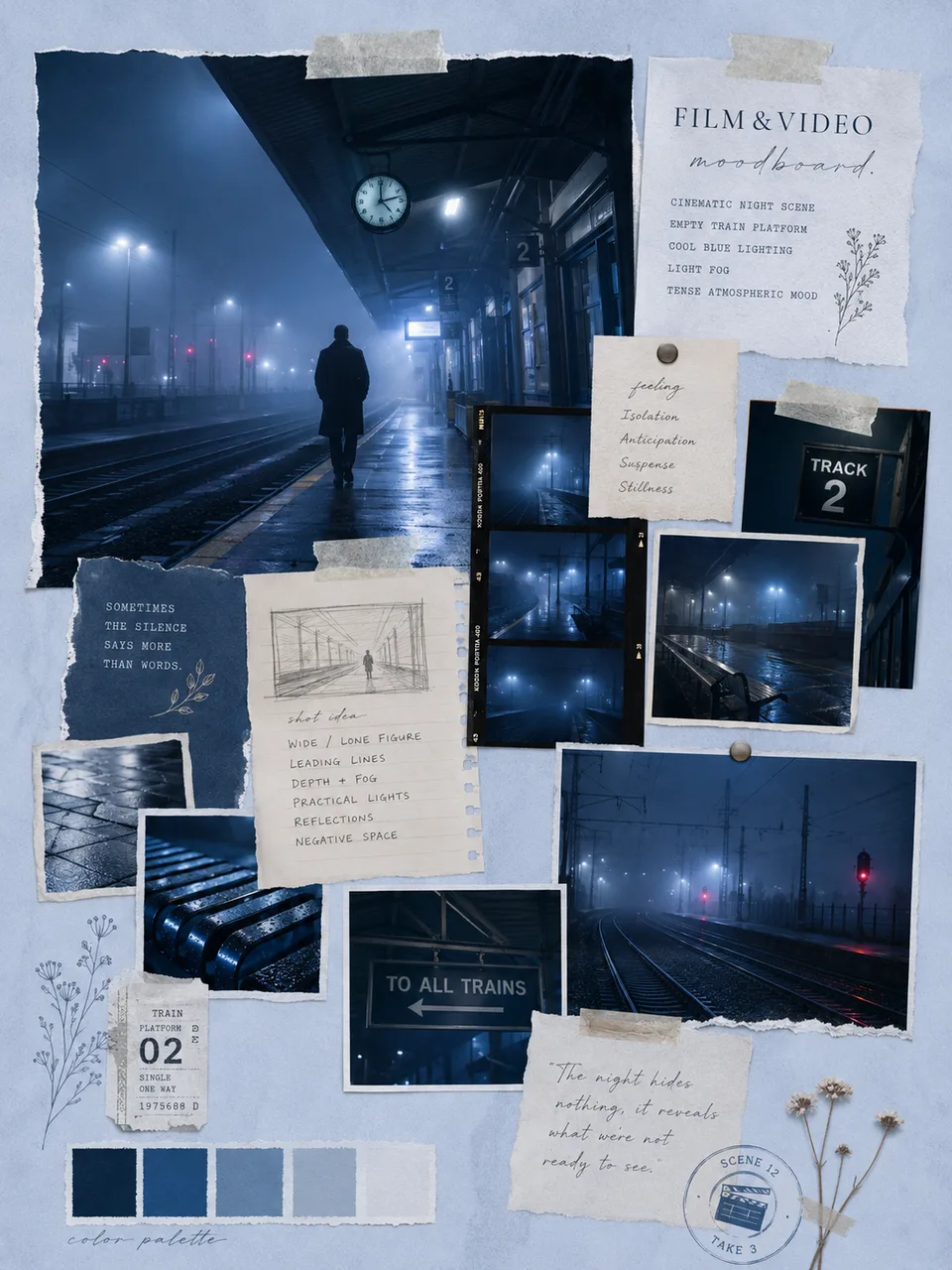
Cool blue lighting, light fog, and tense atmospheric mood.
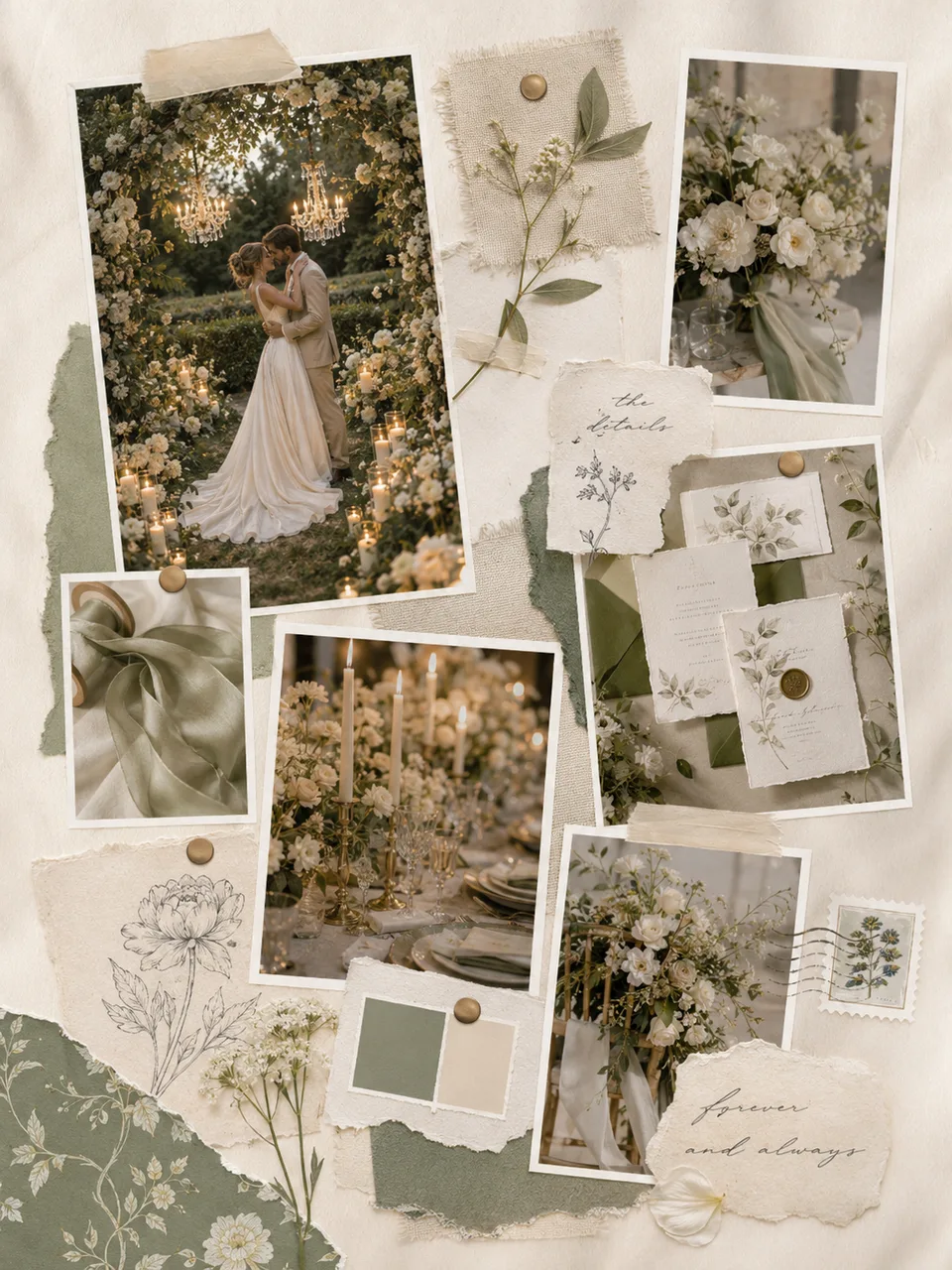
Ivory silk, sage green, candlelight, and loose white flowers.
Use AI moodboards for interiors, fashion, branding, campaigns, film treatments, weddings, and event planning.
Collect furniture, textures, materials, color palettes, and lighting references into one board.
Select any image and tell AI what you want changed without leaving the moodboard.
Start with a prompt or your own images instead of searching through preset templates first.
Create visuals, arrange the board, and make basic edits without moving everything into separate tools.
Try another direction, adjust individual images, and keep shaping the same board as your idea changes.
Create moodboards from your browser on desktop or mobile.
Finish a polished visual direction and export it for review, presentation, or planning.


Start with the idea in your head or the images you already have. Let PhotoGrid's AI moodboard maker build the layout, then refine the board until it feels right.

