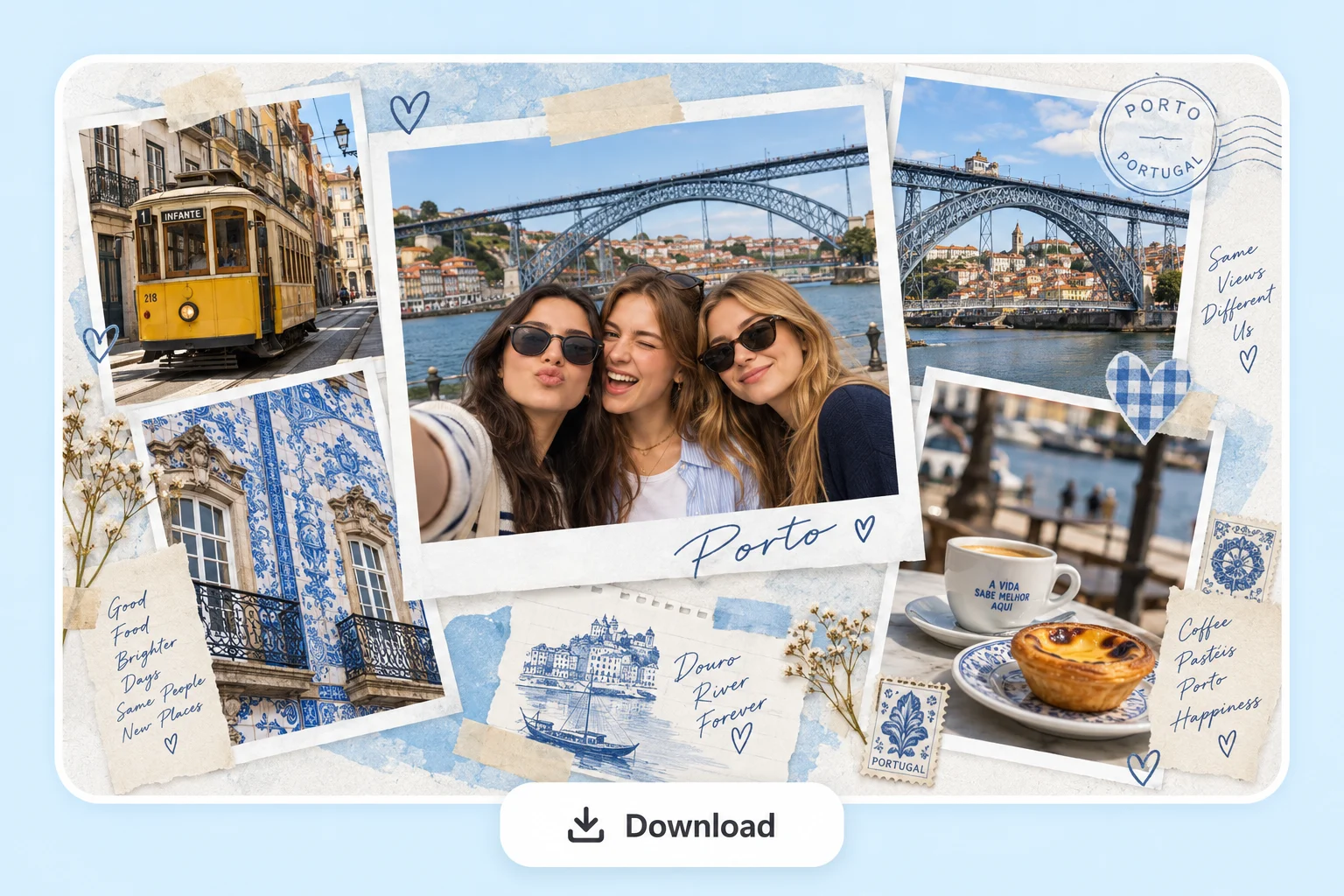
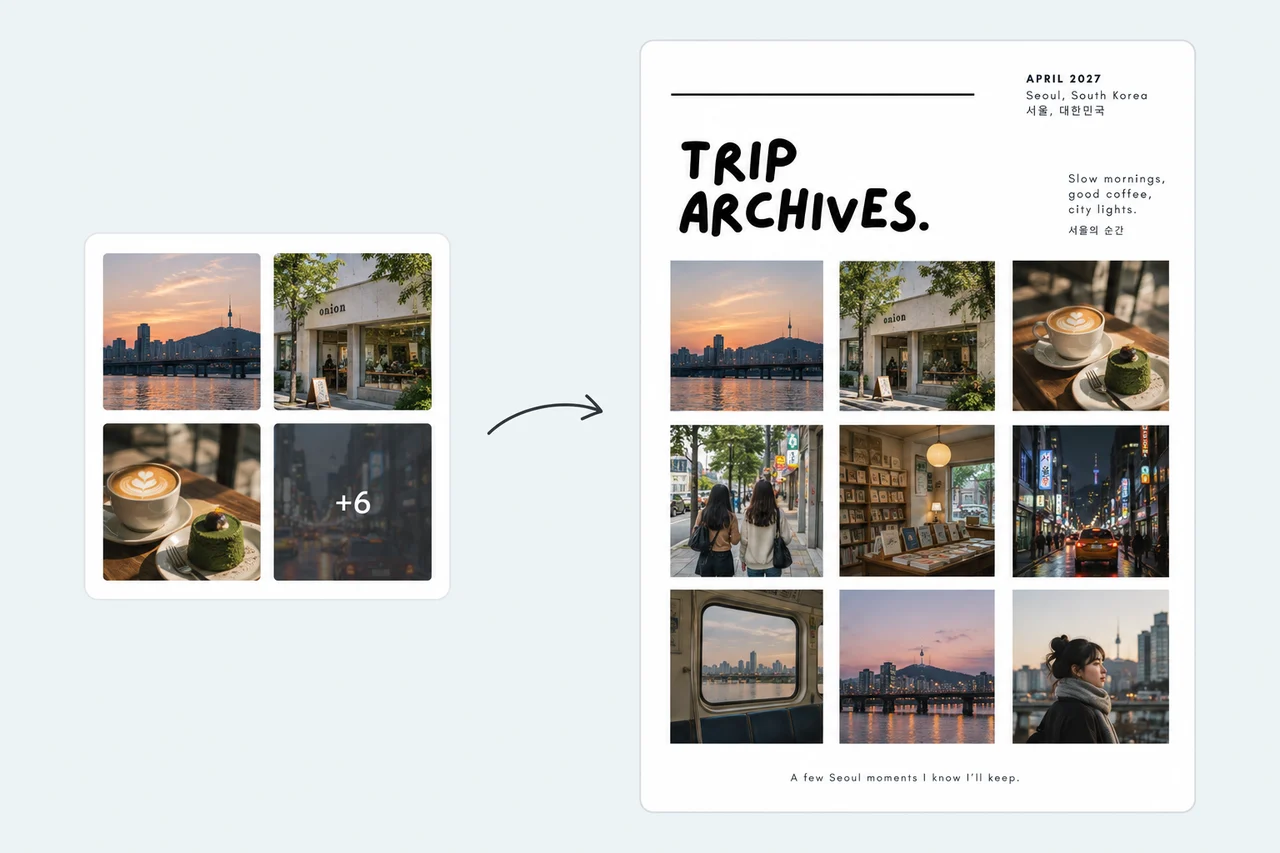
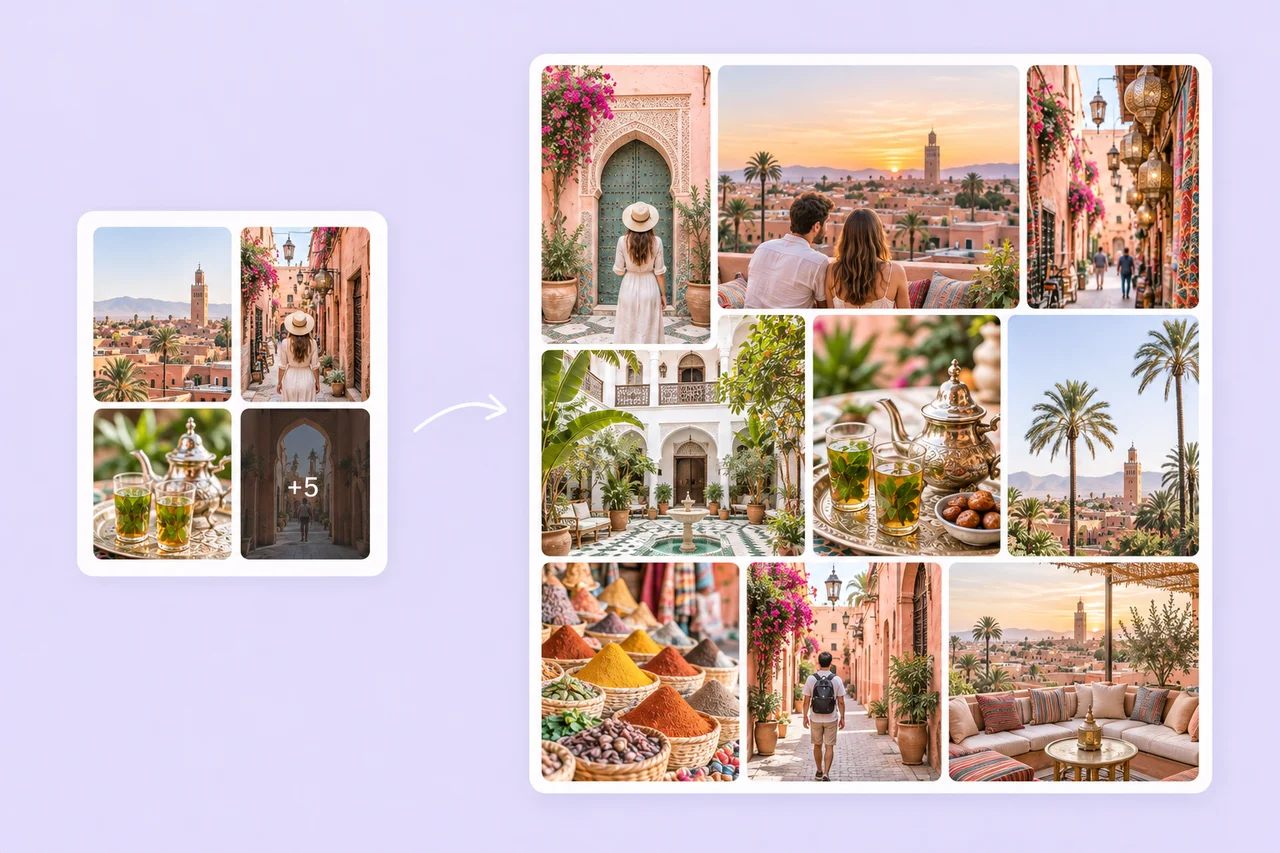
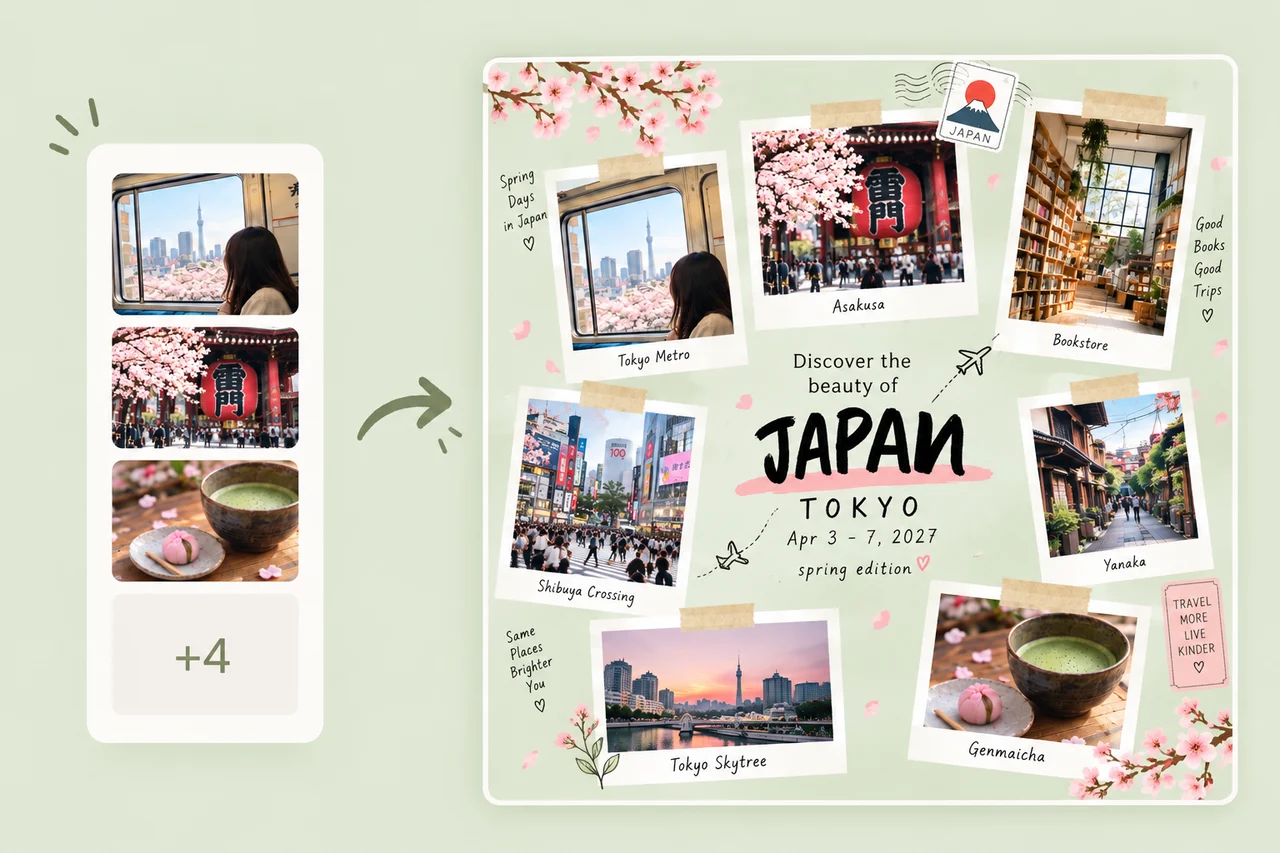

AI Travel Collage Maker

Skip template hunting and manual arranging. Upload your trip photos or describe the vibe, and PhotoGrid builds a polished travel collage for you.

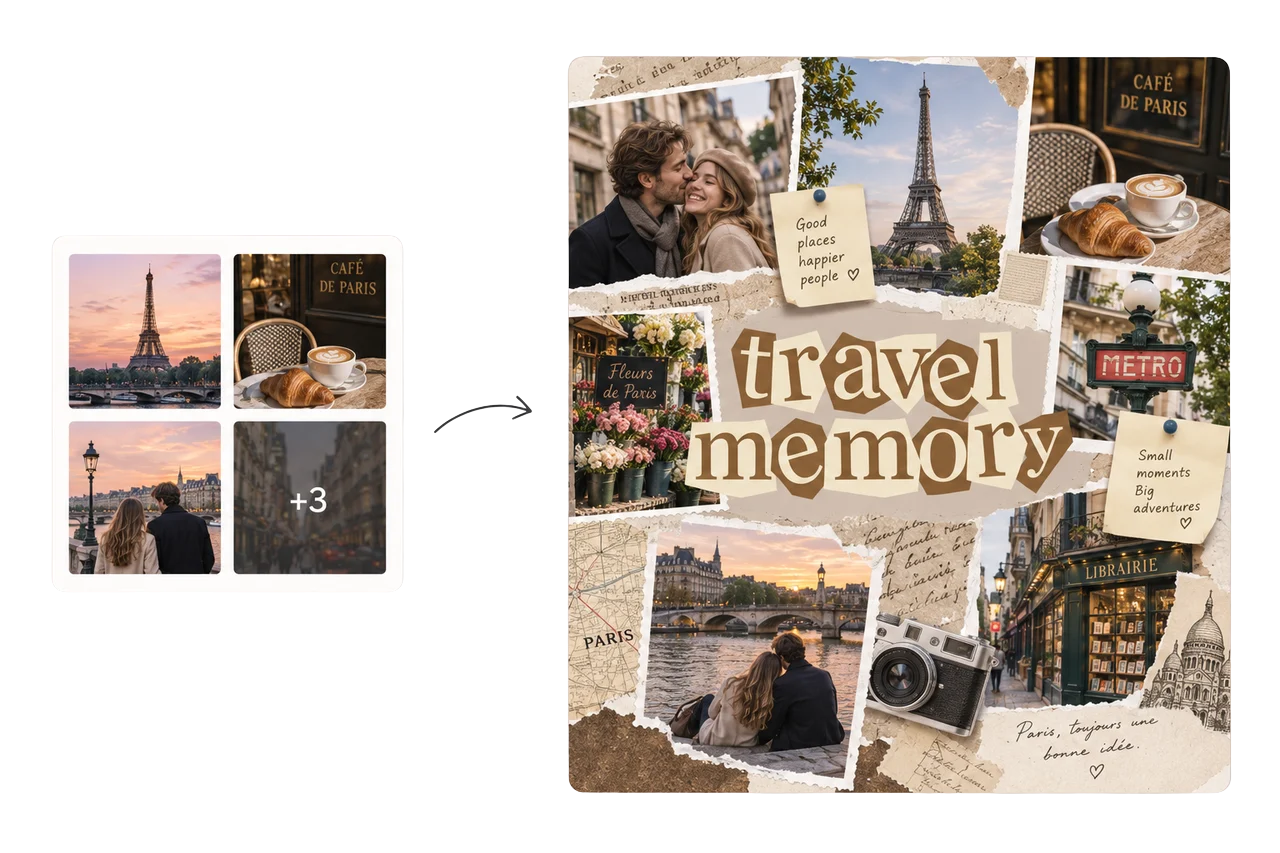
Travel photos transformed into a travel memory collage

What travel collage do you want?

Describe the style you want

From Your Images

Turn Your Trip Photos Into an AI Travel Collage

PhotoGrid's AI travel collage maker starts from the photos you actually took, not a text prompt. Upload your trip photos, pick the ones you want, and AI arranges them into a finished travel collage while keeping every original face, landmark, and detail intact.

Select the shots from your camera roll: the destination views, the food, the people, and the moments in between. AI reads what you uploaded, decides which image leads, and builds one finished layout without requiring manual template selection or drag-and-drop arranging.

Turn Your Trip Photos Into an AI Travel Collage
Automatic Layout

Let AI Arrange Your Travel Photos Automatically

Upload your trip photos. AI reads the set and builds the layout around them, not the other way around.

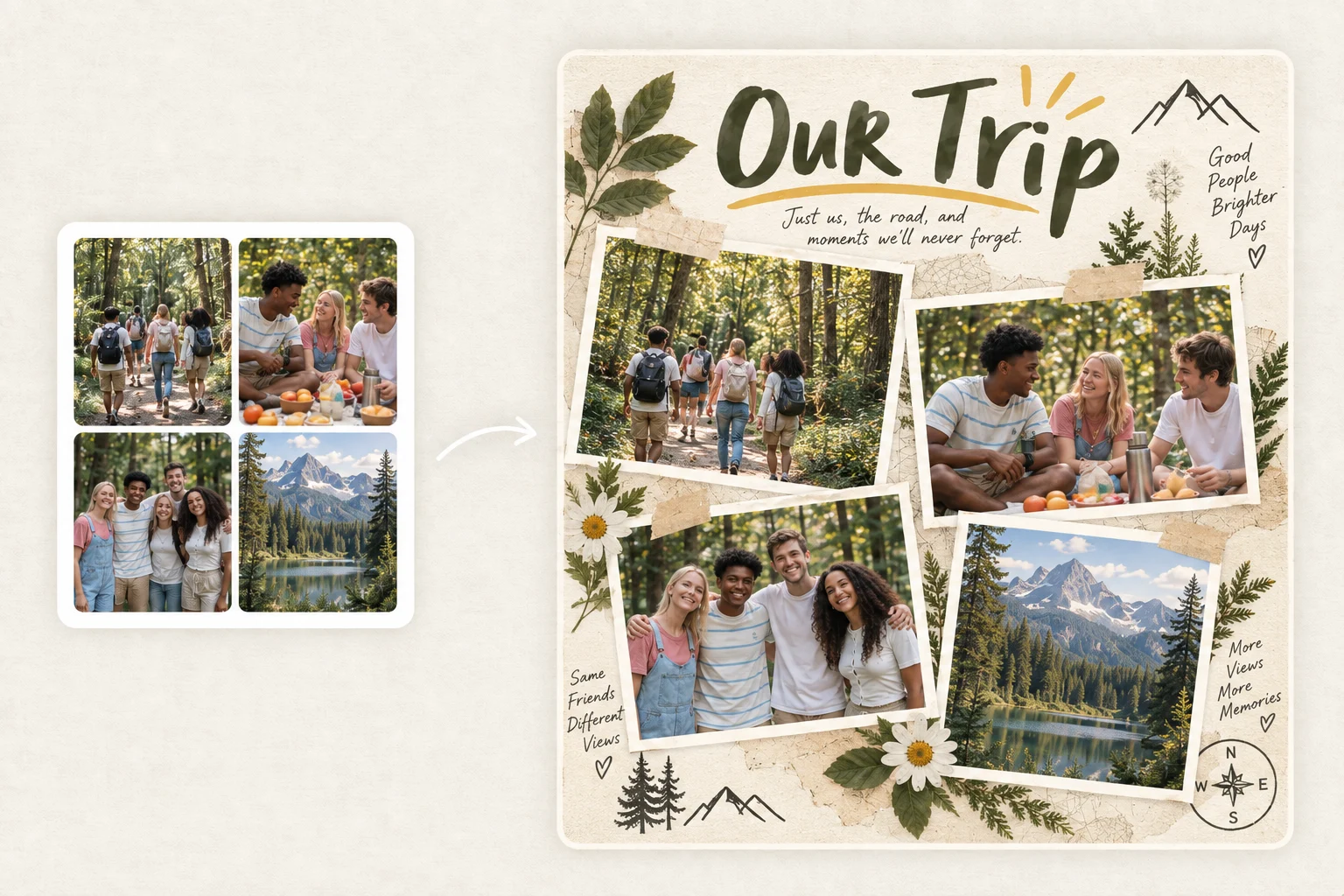
AI decides which image should carry the most visual weight, how the wide destination shots sit next to the portrait candids, and how much space each moment gets. The result matches the photos you actually have, not a fixed grid that forces every image into the same size. The Instagram collage maker sizes and formats the finished collage specifically for the feed.

Let AI Arrange Your Travel Photos Automatically
Style Options

Pick Any Travel Collage Style and Get It in One Click

Not every trip calls for the same aesthetic. Describe the style and AI builds around it.

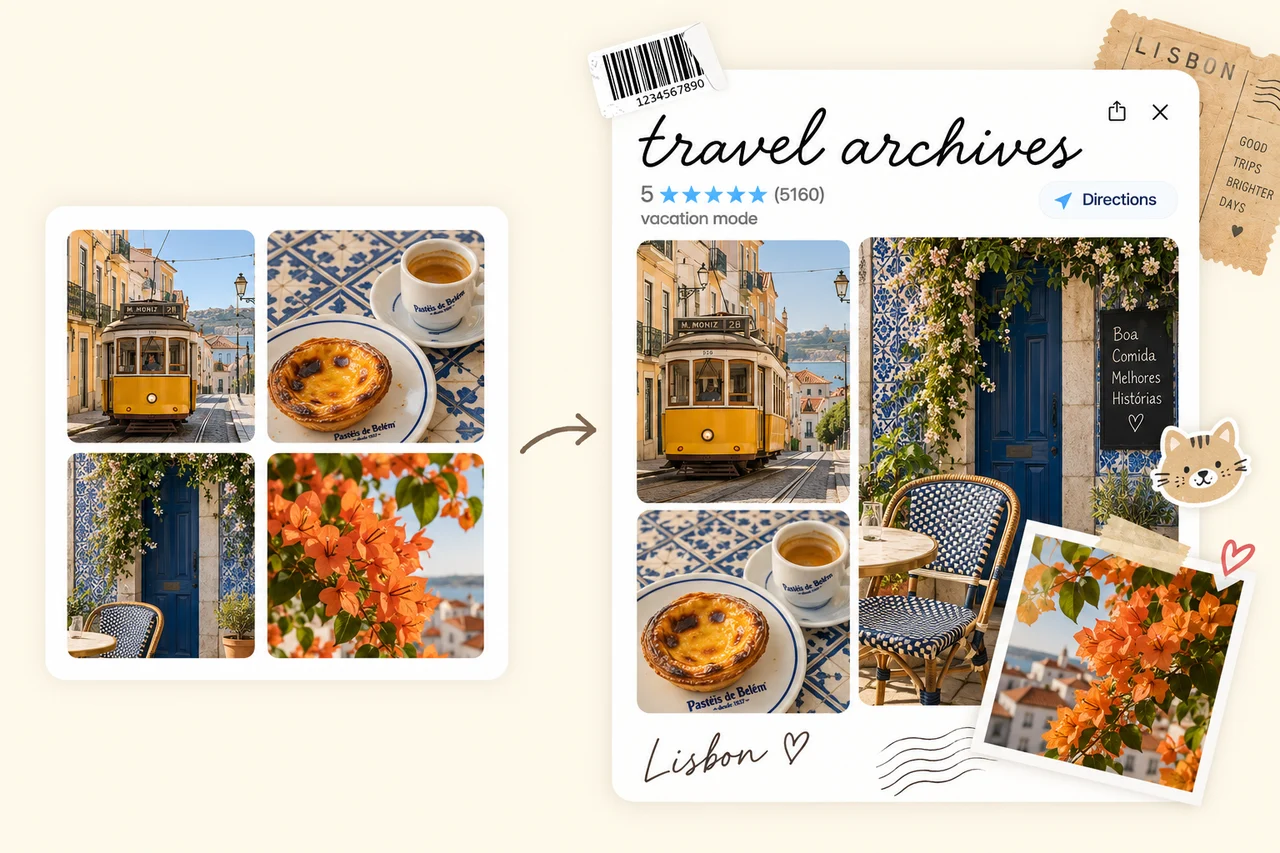
Upload your photos and add a prompt to set the direction: "summer beach scrapbook with warm tones," "Y2K road trip dump with film grain," "minimal city recap with clean white space," or "vintage travel journal with layered textures." AI interprets the style and arranges the photos accordingly. The same set of trip photos can become a polished editorial layout, a casual photo dump, or a scrapbook-style memory board depending on the direction you give.

Pick Any Travel Collage Style and Get It in One Click
Mixed Orientations

Mix Portrait and Landscape Photos in One Travel Collage

You shot landscapes at 16:9, portraits at 4:5, and food close-ups at 1:1. AI fits them all into one layout without cropping the sky out of a landscape or cutting anyone's feet off.

PhotoGrid handles mixed portrait and landscape orientations in the same layout. The wide destination shot leads while vertical candids and close-ups sit alongside it without losing the parts that made each photo worth keeping. AI arranges the uploaded photos as they are. Original files are not modified or restyled, so faces, landmarks, and details stay exactly as you captured them.

Mix Portrait and Landscape Photos in One Travel Collage
Trip Details

Add Destination Names, Dates, and Trip Details to Your Travel Collage

A travel collage with a city name, a date, or a short caption turns a visual recap into something you can actually read back later. Include destination labels, travel dates, or trip names in your prompt and AI overlays them directly on the finished collage. No separate text editor, no switching tools. The image upscaler sharpens photo quality before a large-format print.

Add Destination Names, Dates, and Trip Details to Your Travel Collage

Automatically Make a Travel Collage for Every Kind of Trip

Every trip has a different energy. PhotoGrid's AI travel collage maker builds around what you actually shot.

Make a Beach Vacation Collage From Sunsets, Water, and Hotel Moments

Make a Beach Vacation Collage From Sunsets, Water, and Hotel Moments

Upload the shoreline, the pool, the food you ordered, and the faces that were there. AI arranges them into a beach vacation collage with the landscape shots leading and the close-ups and candids filling in around them.
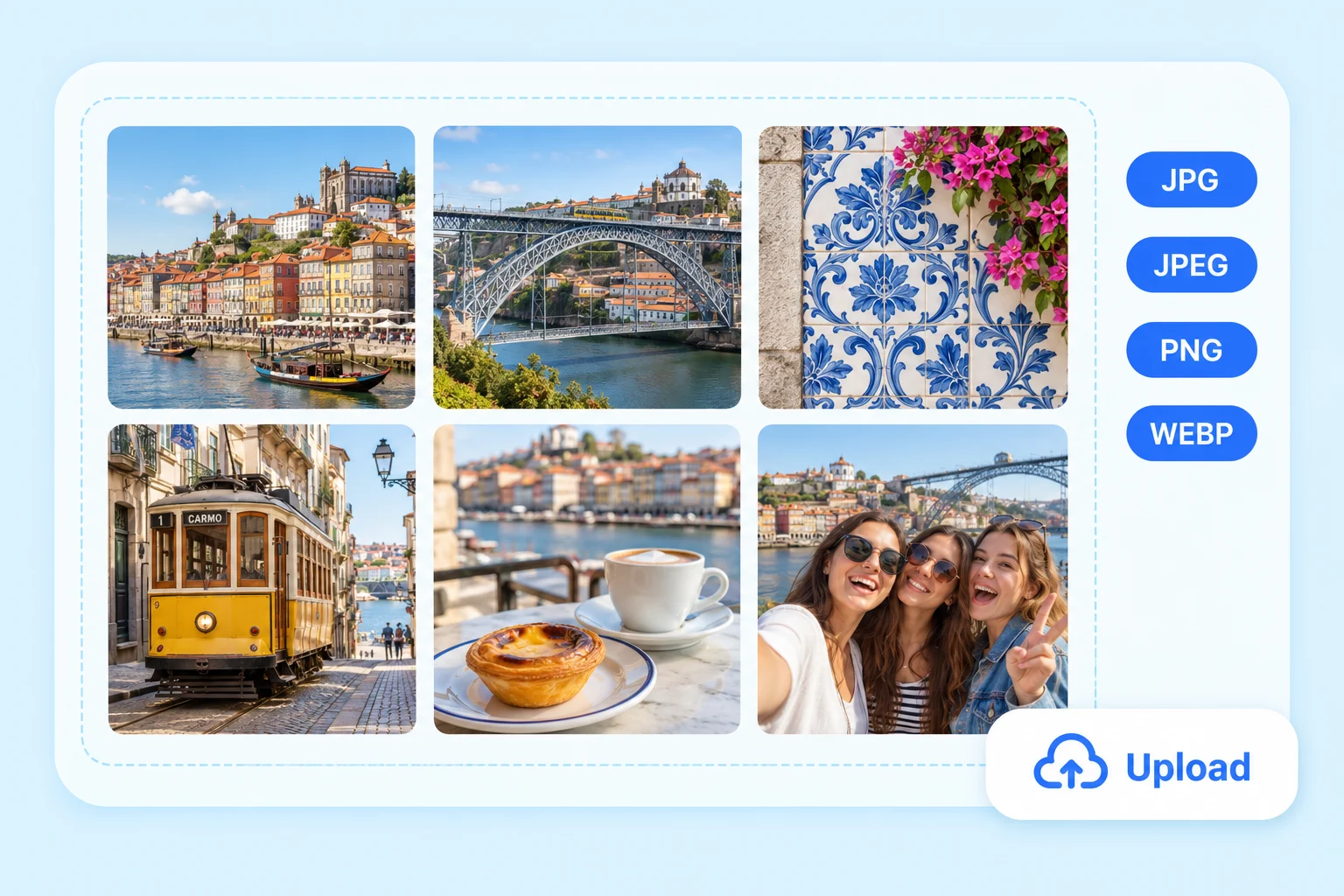
How to Use PhotoGrid's AI Travel Collage Maker

Upload Your Trip Photos1

Upload Your Trip Photos

Select destination views, people, food, details, and candids from your camera roll.

Describe the Style or Let AI Decide2

Describe the Style or Let AI Decide

Add a prompt to set the direction, or skip it and let AI read the photos and build the layout automatically.

Download and Share3

Download and Share

Download in 4:5 for Instagram, 9:16 for Stories, or high resolution for print, with no watermark on the finished file.

Travel Collage Maker FAQs

Does PhotoGrid generate AI images or arrange my own travel photos?

PhotoGrid arranges the photos you actually took. Upload your trip photos, select the ones you want, and AI builds the layout while keeping every original face, landmark, and detail exactly as you captured them. The AI image generator can create additional scenes to supplement your collection if needed.

What photos should I include in a travel collage?

One strong destination view, one photo of people, one food or local market close-up, one architectural or transport detail, and one candid moment. Mixing different types keeps the collage from becoming a row of identical landscape shots or a series of selfies.

Can I mix portrait and landscape travel photos in the same collage?

Yes. PhotoGrid handles mixed orientations in the same layout so a wide destination shot can lead while vertical candids and close-ups sit alongside it without losing important parts of each photo to cropping.

How do I make a travel photo dump look cohesive?

Pick a mix of image types: one strong scene, people, food, a local detail, and a candid, rather than uploading every photo. A consistent color mood across the selection helps the dump feel intentional.

Will AI change or modify the faces and landmarks in my travel photos?

No. PhotoGrid arranges the uploaded photos as they are. Original files are not modified or restyled, so faces, landmarks, and details stay exactly as you captured them. To clean up a distracting tourist or background element before adding a photo to the collage, the magic eraser removes them first.

Explora más creadores de collages con IA

Turn Your Trip Photos Into a Travel Collage Worth Sharing

Upload the shots, describe the style, and let AI build the layout. Download for Instagram, print, or your camera roll.