AI Birthday Collage Maker

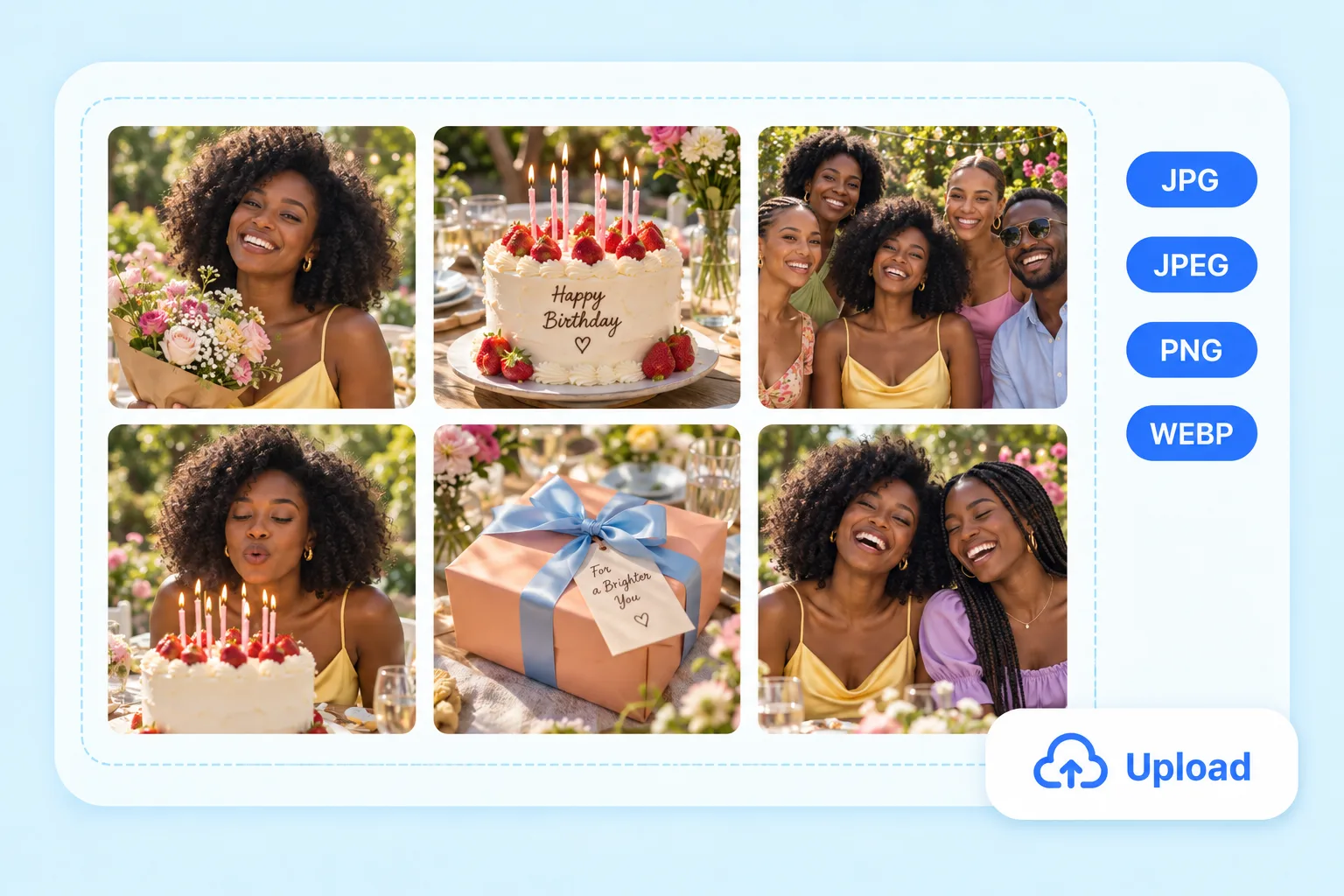
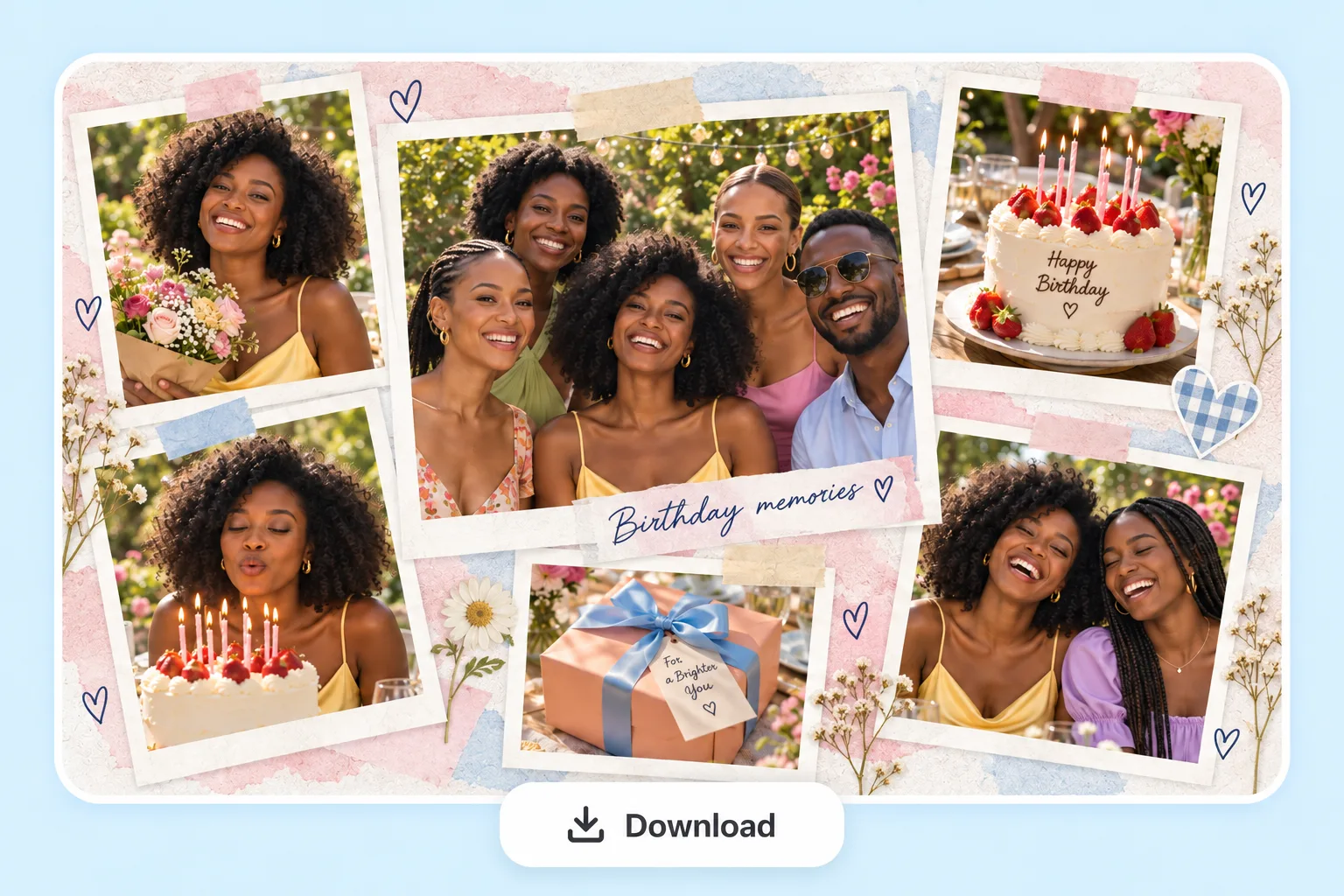
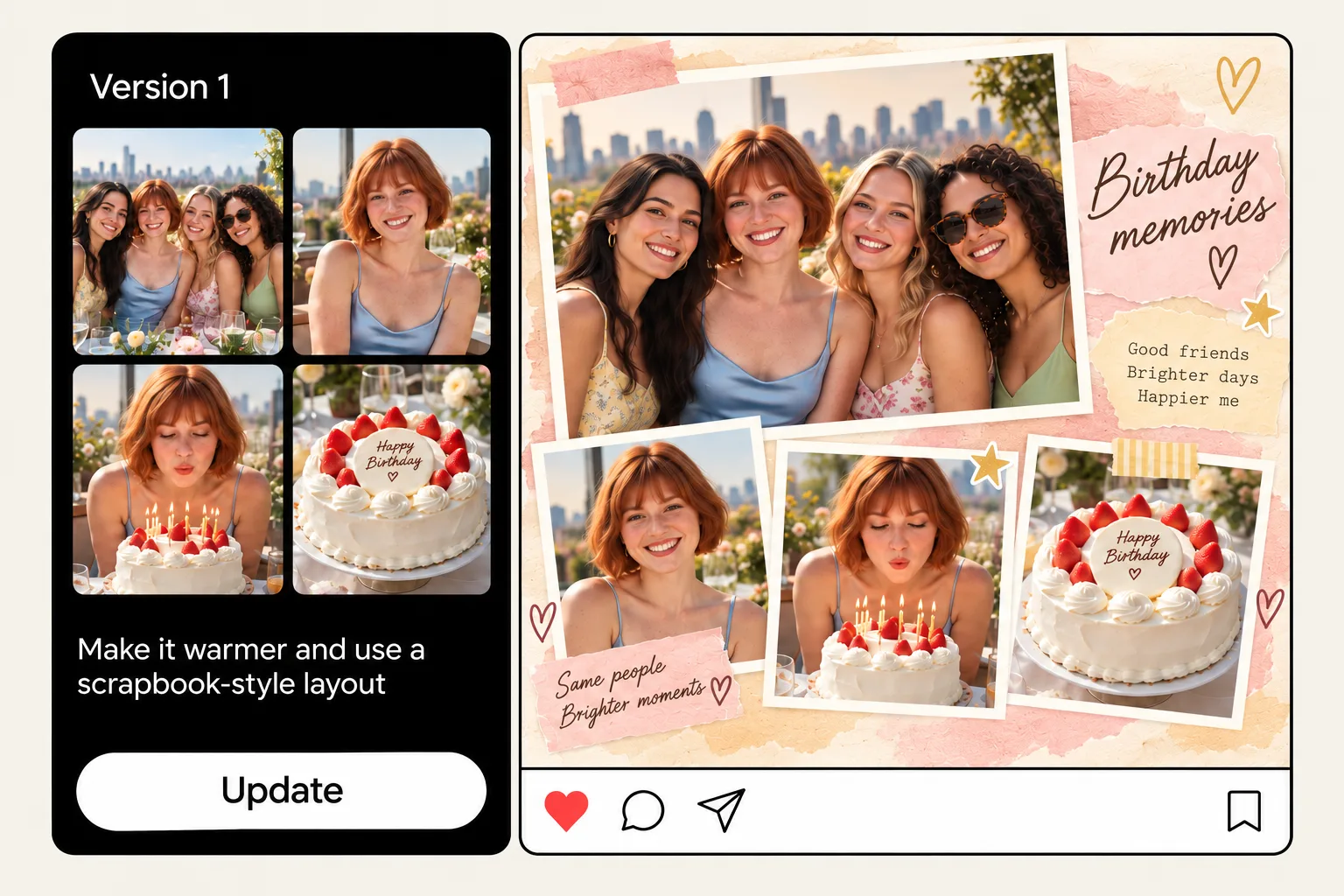
PhotoGrid turns the birthday photos you want to keep together into one finished collage. If you want a different look, you can refine the result before downloading. Upload your photos, describe the look you want, and AI arranges everything into one finished collage, with no template to choose and no photos to place by hand.

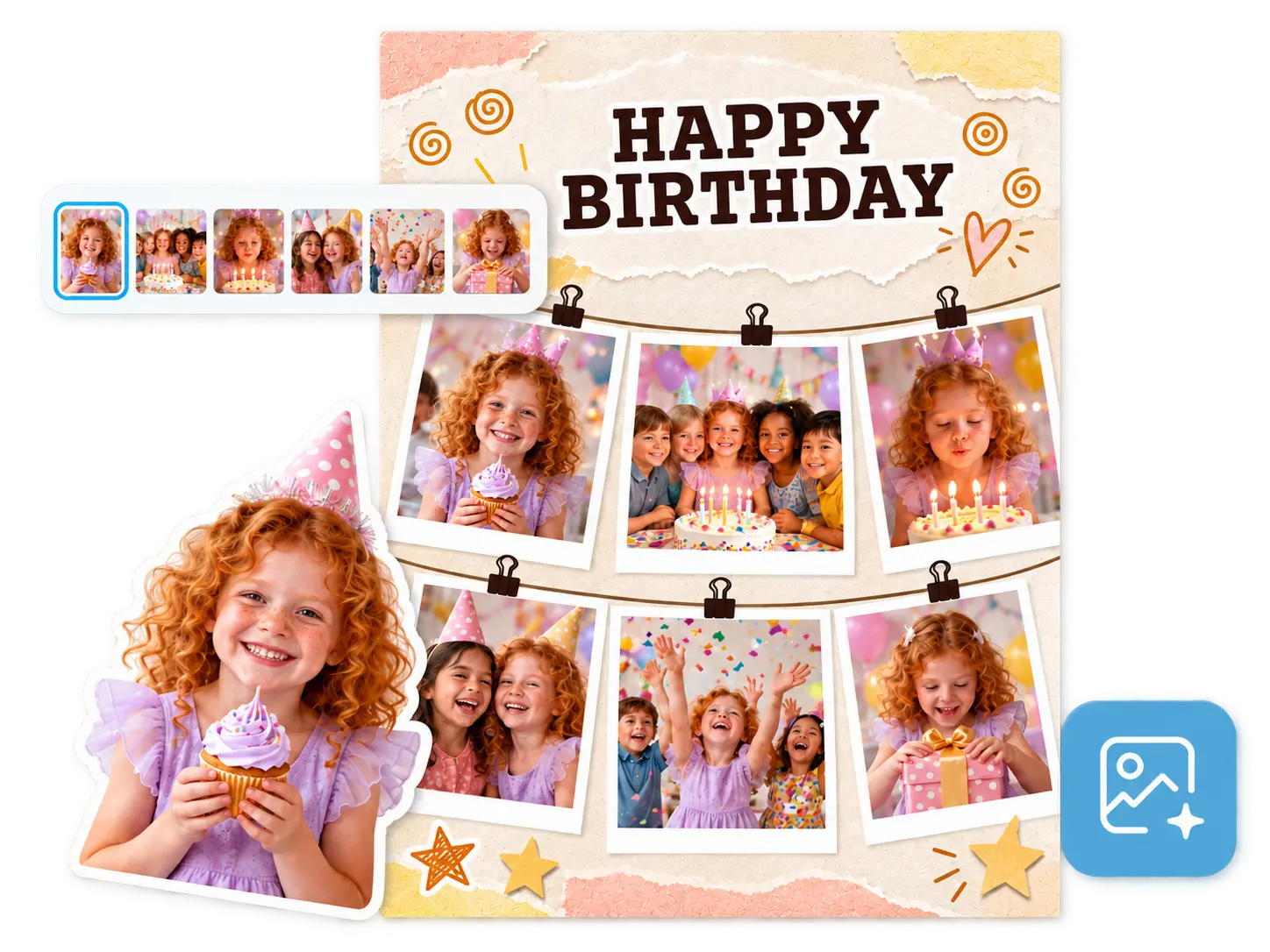
Birthday photos arranged into an AI birthday collage

What kind of birthday collage?

Describe the style you want

Skip the Template and Let AI Arrange Your Birthday Photos

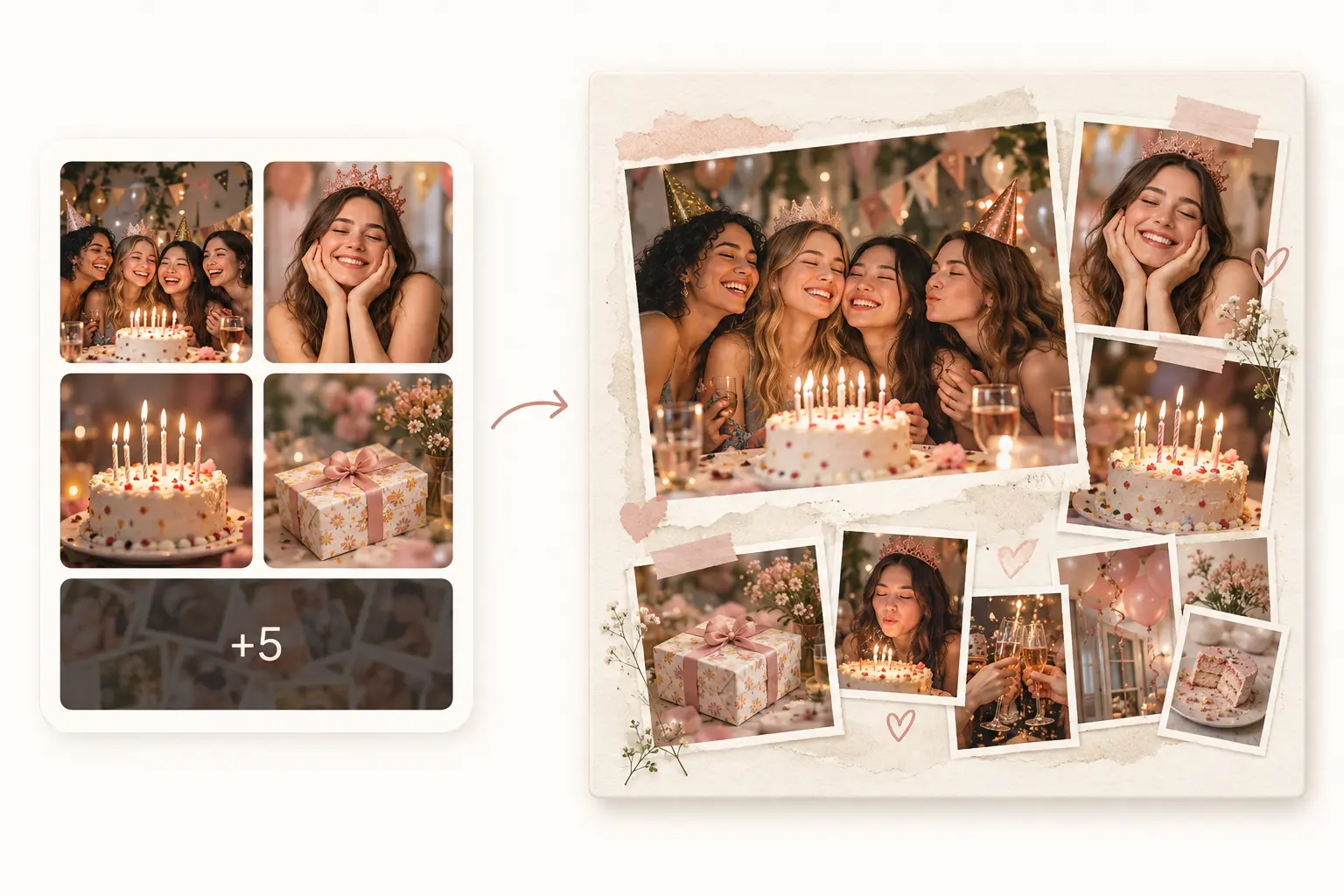
Have six, eight, or even ten birthday photos you want to keep together? Upload them and let AI build the collage for you. Instead of picking a fixed birthday collage template and squeezing every photo into a preset frame, PhotoGrid's AI birthday collage maker arranges them into one finished composition. Group shots can take the lead. Smaller moments can fill in around them. You get a birthday collage that already feels put together, with the option to refine it if you want. The AI collage generator handles other collage types when you want to explore beyond birthday.
Skip the Template and Let AI Arrange Your Birthday Photos

Describe the Look You Want for Your Birthday Collage

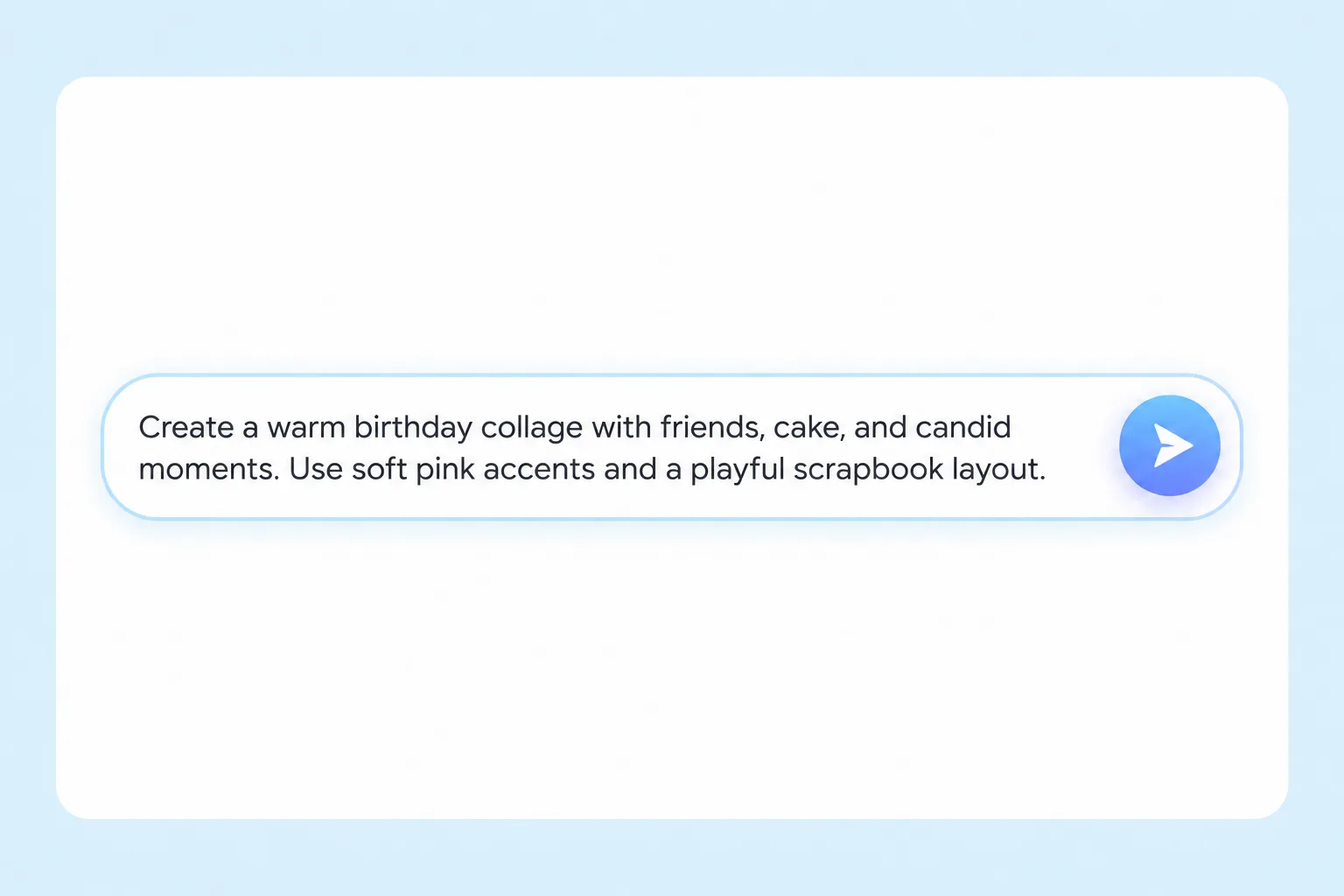
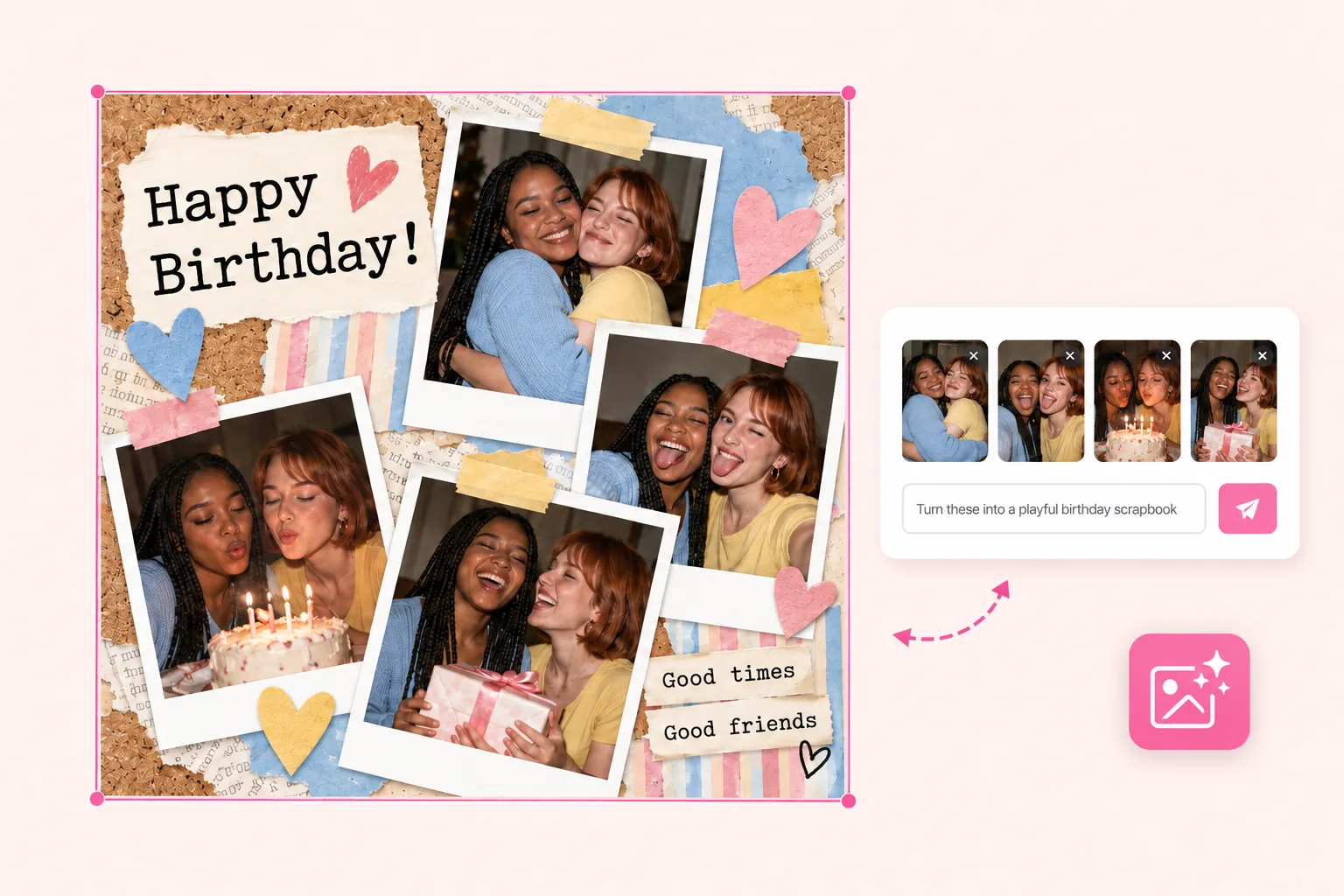
Tell AI the mood, colors, or theme you want for your birthday collage. Try “soft pastels for a baby’s first birthday,” “bright and playful for a friends’ party,” or “clean and minimal for a 30th birthday.” AI uses your prompt to choose the layout, colors, and decorative details. The same photos can become a soft keepsake, a colorful party collage, or a clean birthday portrait layout. For paper textures, decorative frames, and birthday messages, try our AI digital scrapbook maker.
Describe the Look You Want for Your Birthday Collage

Keep Faces and Key Birthday Moments in Frame

From the group photo from the party to the close-up of your baby's face to the candid moment everyone was laughing: when AI builds the layout, these are the photos that need to stay intact. PhotoGrid arranges the composition around your original photos. It doesn't regenerate or alter the people in them, so the faces and moments you uploaded stay recognizable in the finished collage. What you captured is what ends up in the collage.
Keep Faces and Key Birthday Moments in Frame

Change Your Birthday Collage After AI Creates It

After AI creates your birthday collage, tell it what you’d like to change. Make the birthday portrait larger, move the group photo to the center, or try a warmer background. You can also ask for fewer decorations or a different layout. Refine the collage through chat until it feels right for the celebration.
Change Your Birthday Collage After AI Creates It

Make the Collage Fit the Birthday You're Celebrating

From a baby's first birthday to a milestone celebration decades later, every birthday calls for a different kind of collage. Describe the occasion and AI builds the layout to match.

🎀 First Birthday

🎀 First Birthday

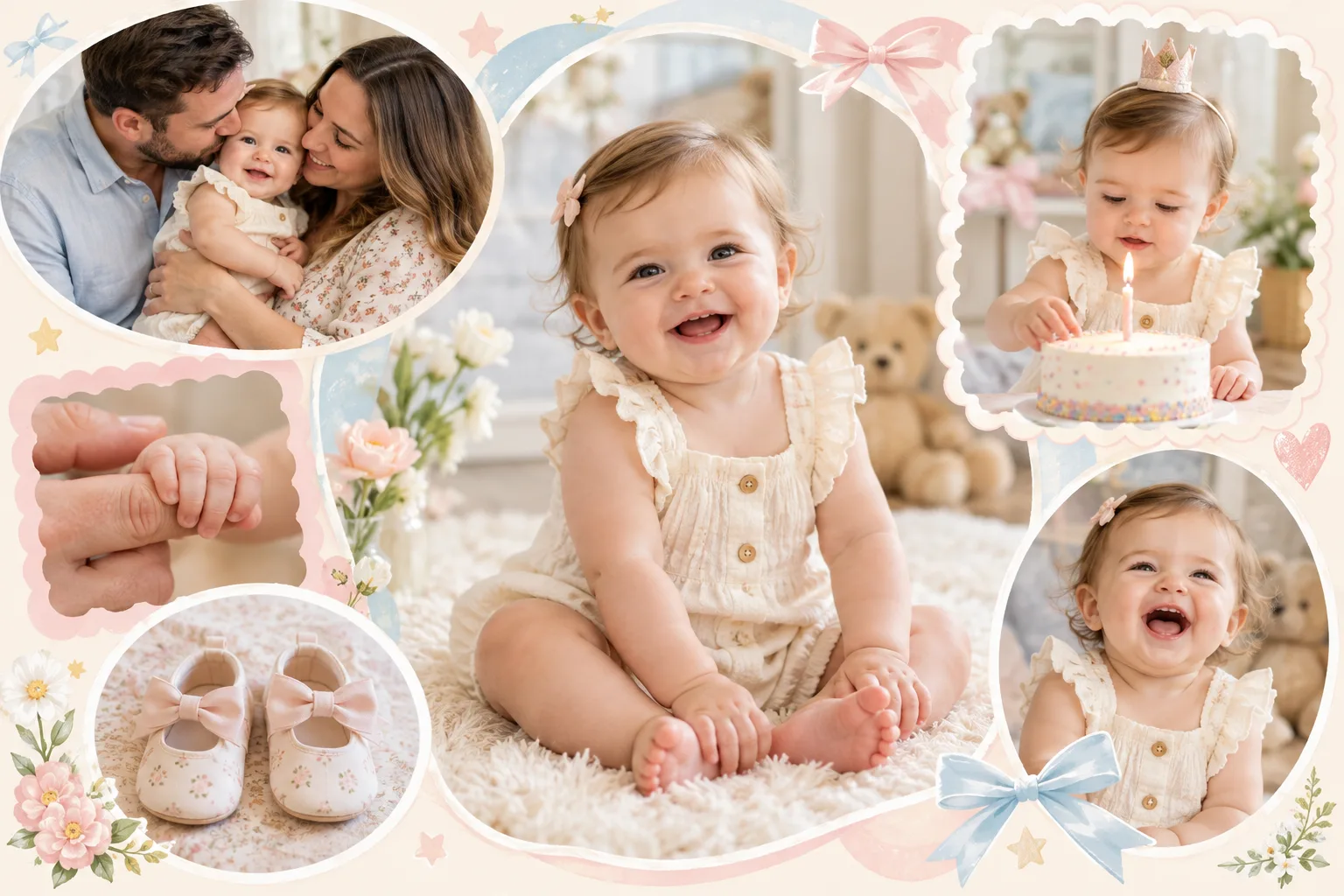
Make a First Birthday Collage With Soft Tones and Gentle Moments

Bring together a favorite baby portrait, the cake, photos with parents, and little details from the day. A soft layout with gentle framing and pastel tones works well for these early memories. Try: "dreamy first birthday collage, soft florals and warm light."
🎂 Milestone Birthday

🎂 Milestone Birthday

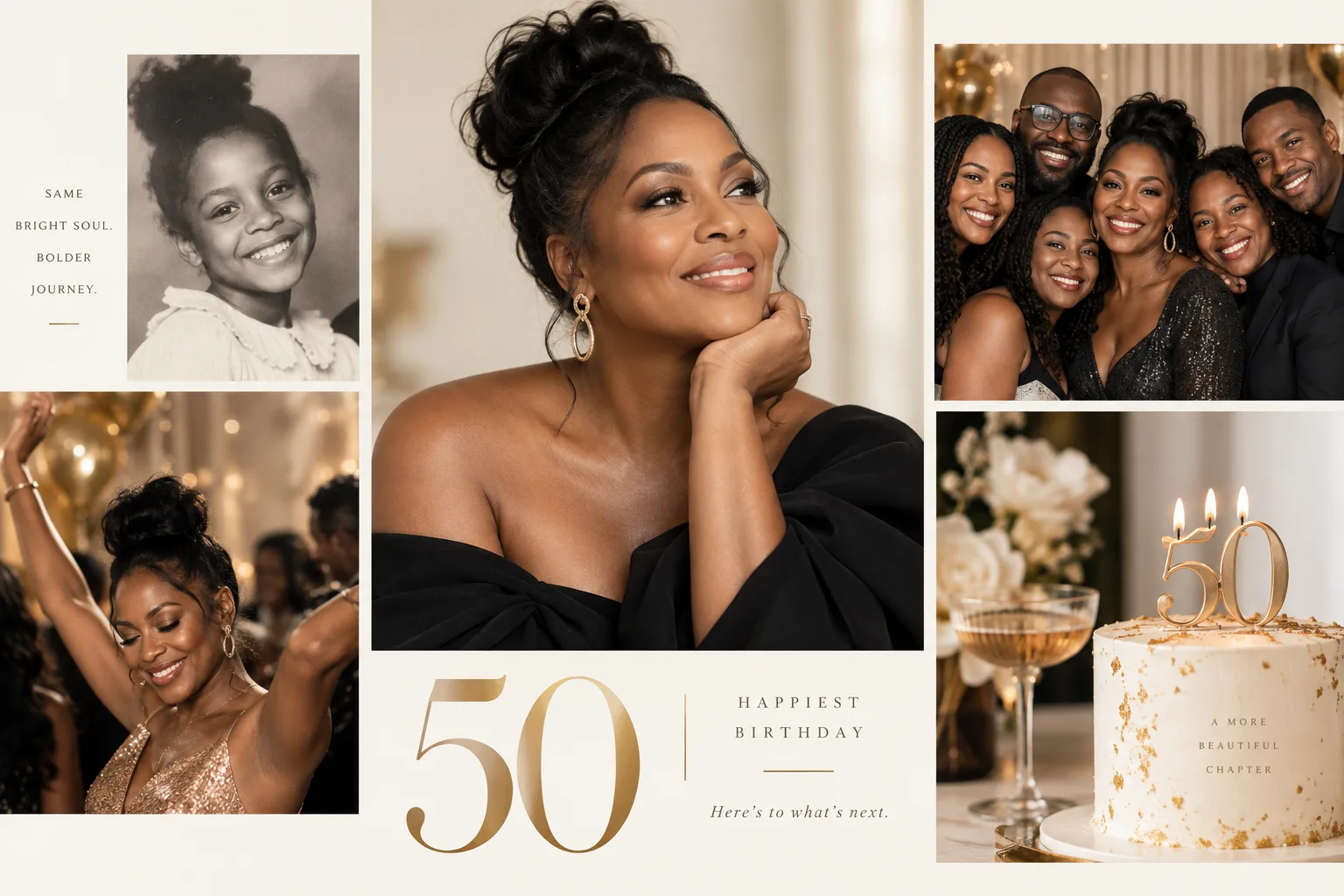
Build a Milestone Birthday Collage That Marks the Year

Start with one strong portrait, then add a group photo, a celebration shot, and an older memory that shows how far they have come. A cleaner, more structured layout can give milestone birthdays a stronger focal point. Try: "elegant 50th birthday collage, minimal layout, gold accents."

🎉 Best Friend Birthday

🎉 Best Friend Birthday

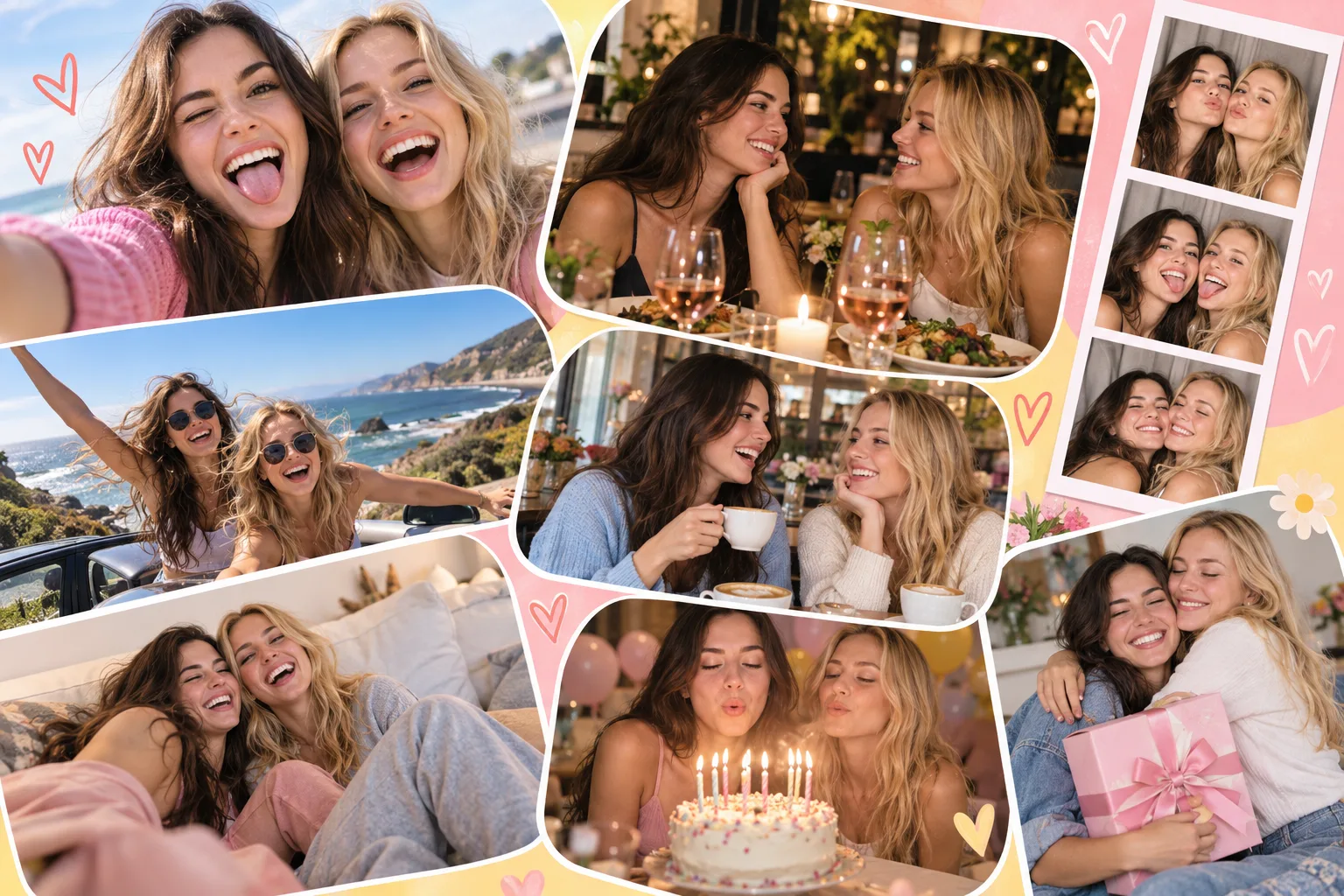
Turn a Best Friend's Birthday Into One Photo Collage

Mix selfies with trip photos, dinner shots, group moments, and the candid photos that would make no sense to anyone else. A brighter, more casual layout keeps the collage feeling personal. Try: "fun birthday collage for best friends, bright colors, candid moments."

📅 Year in Review

📅 Year in Review

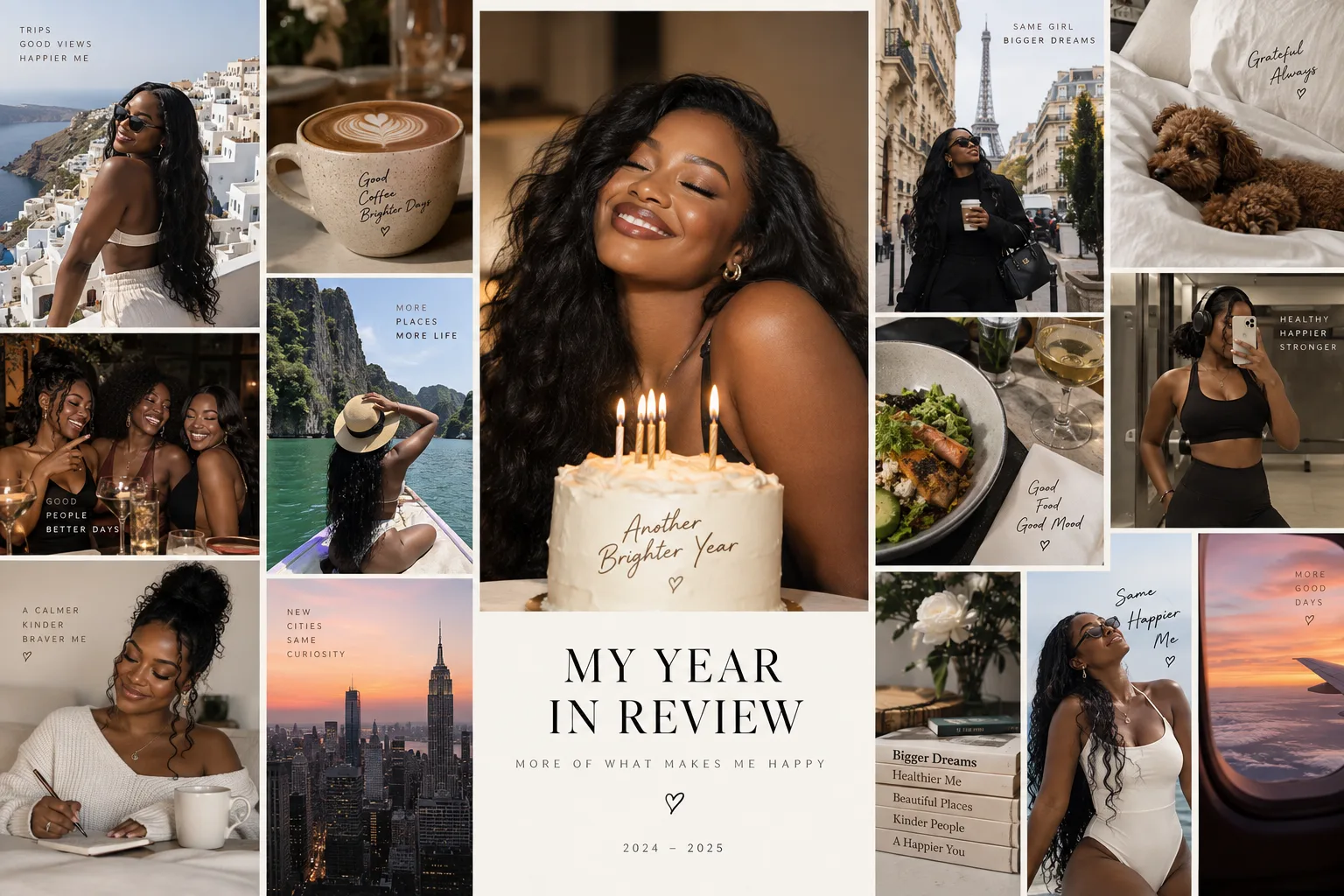
Create a Year-in-Review Birthday Collage From the Highlights

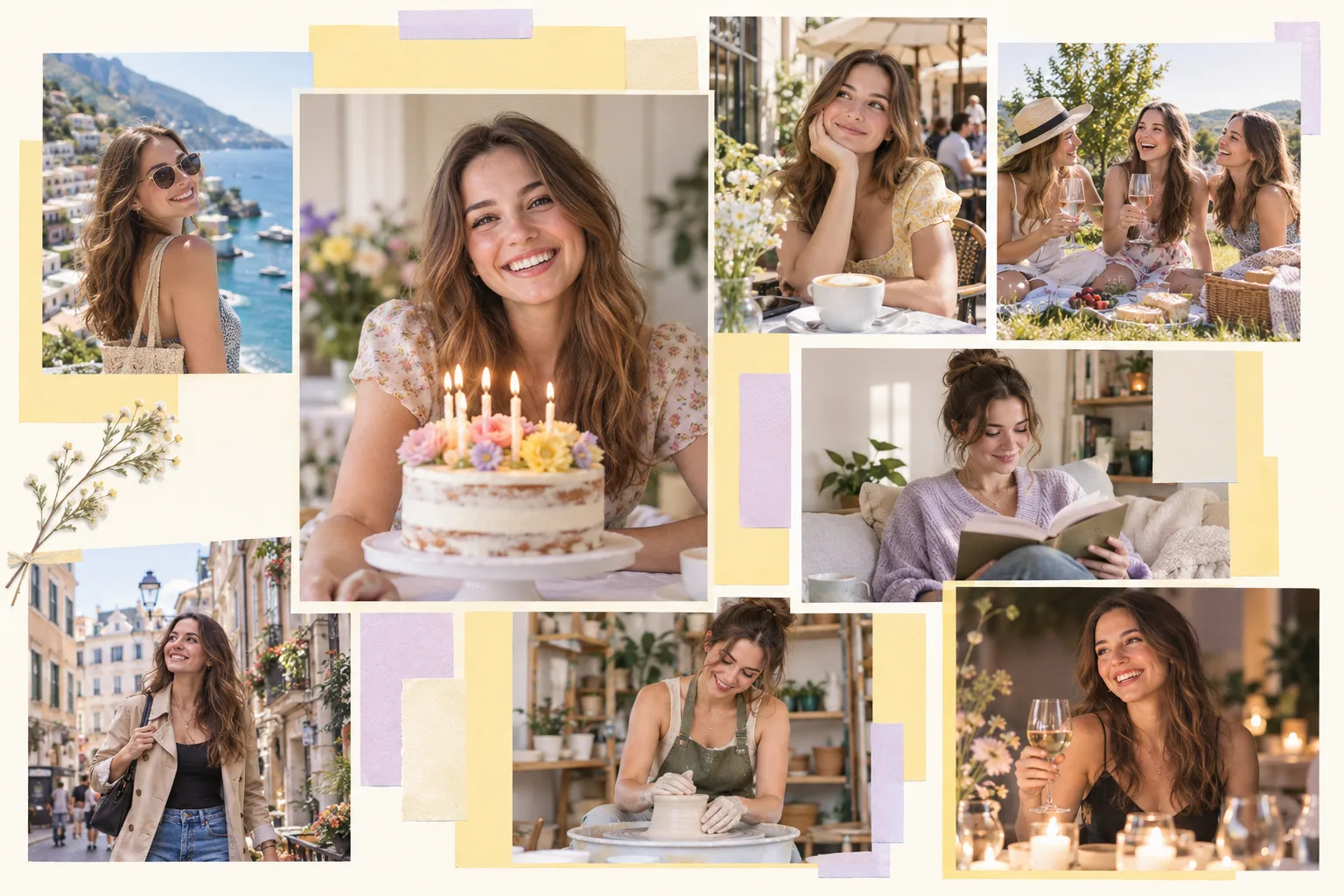
Pull together trips, friends, everyday moments, favorite places, and one recent birthday portrait. It turns a full year of memories into one collage instead of leaving the highlights scattered across your camera roll. Try: "birthday year-in-review collage, structured layout, mix of highlights." A photo dump collage works well for the same set of birthday photos.

How to Make an AI Birthday Collage in 3 Steps?

Upload your birthday photos1

Upload your birthday photos

Add up to 10 photos from your phone or desktop. A mix of group shots, portraits, cake photos, and smaller candid moments gives AI more variety to work with and makes the final layout more interesting.

Describe the style2

Describe the style

Type a prompt for the mood, theme, or style you want — or let AI decide on its own. Something like "soft and nostalgic, first birthday" or "clean and minimal, milestone 30th" gives AI a clear direction to work from.

Edit and download3

Edit and download

The first version is ready in seconds. Swap the style, adjust the tone, try a different layout, or download it as is. No watermark on the file.

Birthday Collage Questions

Do I need a birthday collage template?

No. Upload your photos and AI builds the composition around them, so you do not need to choose a fixed template first.

Is the AI birthday collage maker free?

Yes. You can start making an AI birthday collage for free with PhotoGrid. Your finished collage can be downloaded without a watermark.

Will there be a watermark on my birthday collage?

No. Download your finished birthday collage with no watermark on the file.

What photos should I include in a birthday collage?

Start with one strong group or portrait photo, then add cake shots, candid moments, close-ups, and smaller details from the day. A mix of photo types gives AI more variety to work with than ten nearly identical selfies.

How many photos can I add to a birthday collage?

PhotoGrid supports up to 10 photos in one upload, enough for a mix of group shots, portraits, cake photos, and smaller candid moments.

Will AI keep everyone's face in the collage?

Yes. PhotoGrid arranges your original photos without regenerating the people in them and works to keep faces and key subjects in frame.

Can I mix portrait and landscape photos in one birthday collage?

Yes. You can mix group photos, vertical portraits, square close-ups, and other orientations in the same collage. AI builds the layout around the photos you upload.

Can I make a birthday collage on my phone?

Yes. PhotoGrid works in a mobile browser, so you can start a birthday collage from your phone without installing an app.

What's the difference between a birthday collage and a birthday video?

A birthday collage is a still image, finished quickly and easy to post, print, or send. A birthday video works better for Stories or Reels when you want movement. The AI video generator handles video when that’s the direction you want to go.

Explora más creadores de collages con IA

Turn Your Birthday Photos Into One Collage Worth Keeping

Birthday photos often stay buried in a camera roll. Bring the ones that matter together in one finished collage, then download it without a watermark.