No Watermark Up to 10 Photos 4 Instagram Formats Edit After Generating

AI Instagram Collage Maker

PhotoGrid's AI Instagram collage maker takes your photos and builds a finished collage in the format you need. Pick 1:1, 4:5, 3:4, or 9:16 before AI starts, and the layout is composed around that choice from the beginning.

What kind of Instagram collage?

Describe the style you want

Instagram photos arranged into an AI collage

Pick the Format First and AI Handles the Rest

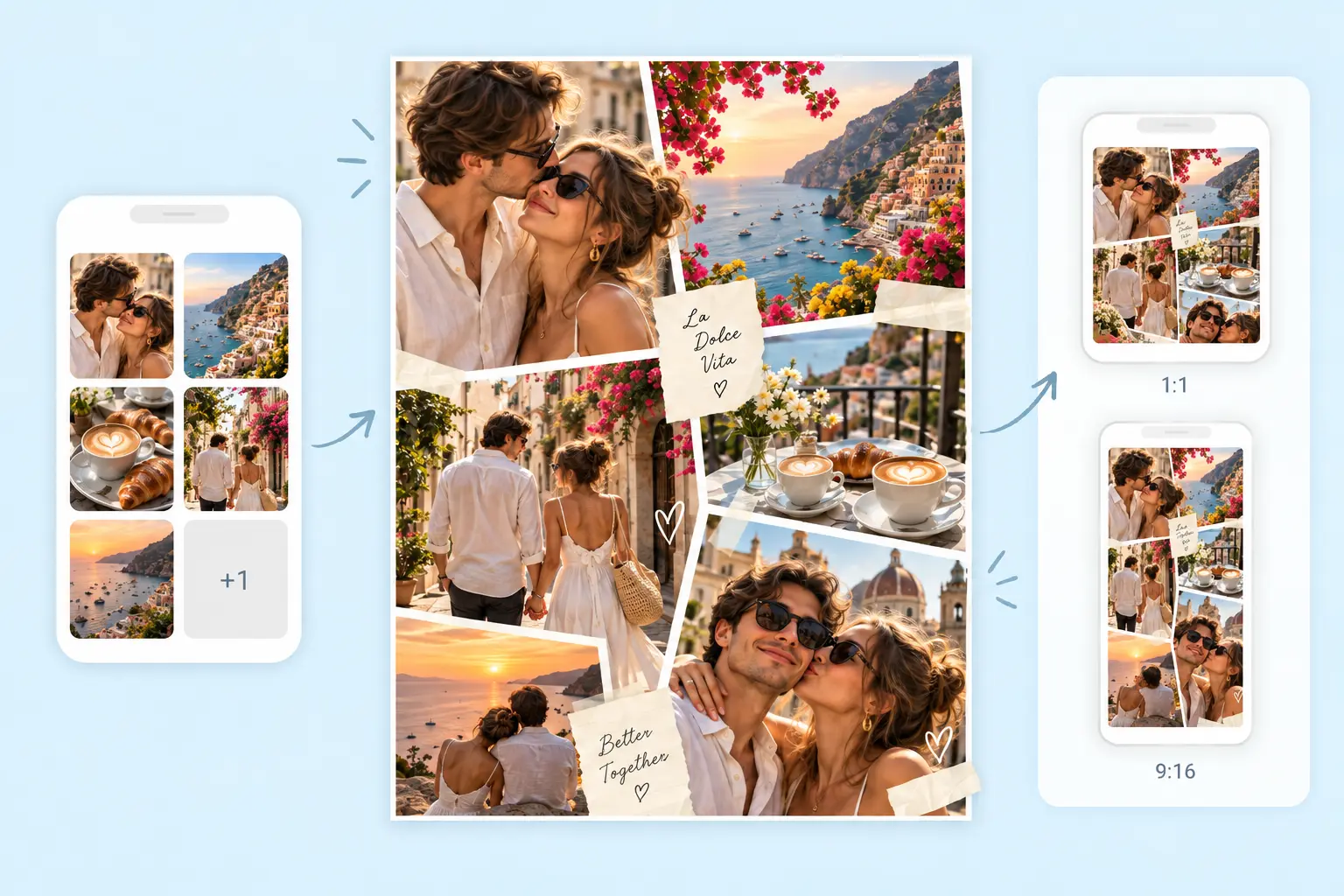
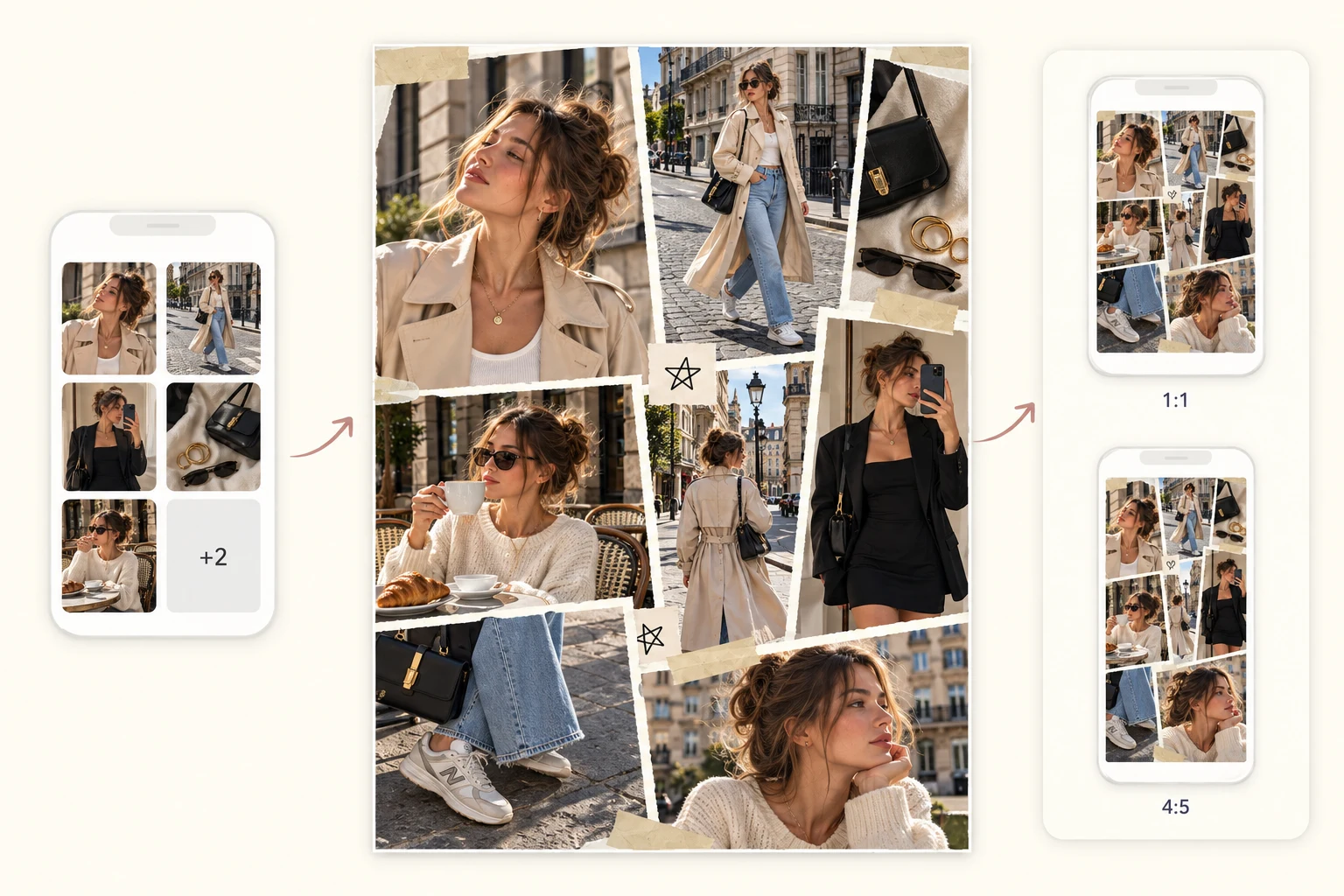
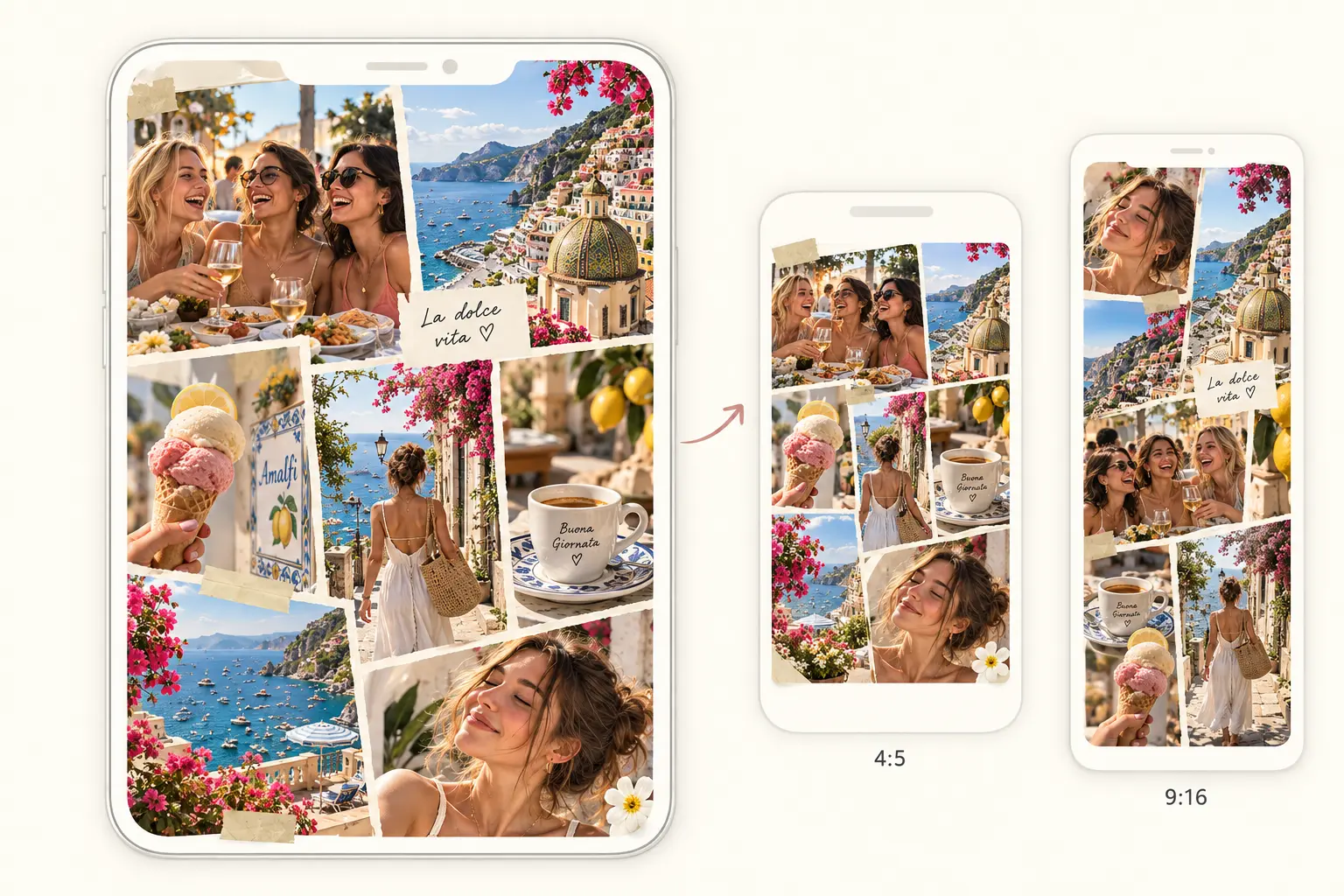
Select 1:1 for a square feed post, 4:5 or 3:4 for a portrait post, or 9:16 for a Story before AI generates. The composition is built around that format from the start, not adjusted to fit at the end. Upload your photos, pick the format, and AI arranges everything into one finished Instagram collage. Group shots and wider photos take the lead. Close-ups and smaller moments fill in around them. You get a collage that fits the frame you are posting to. Adjust anything in chat before you download. The AI collage generator handles other collage types when you want to explore beyond Instagram.
Pick the Format First and AI Handles the Rest

Fit Any Combination of Photos Into One Layout

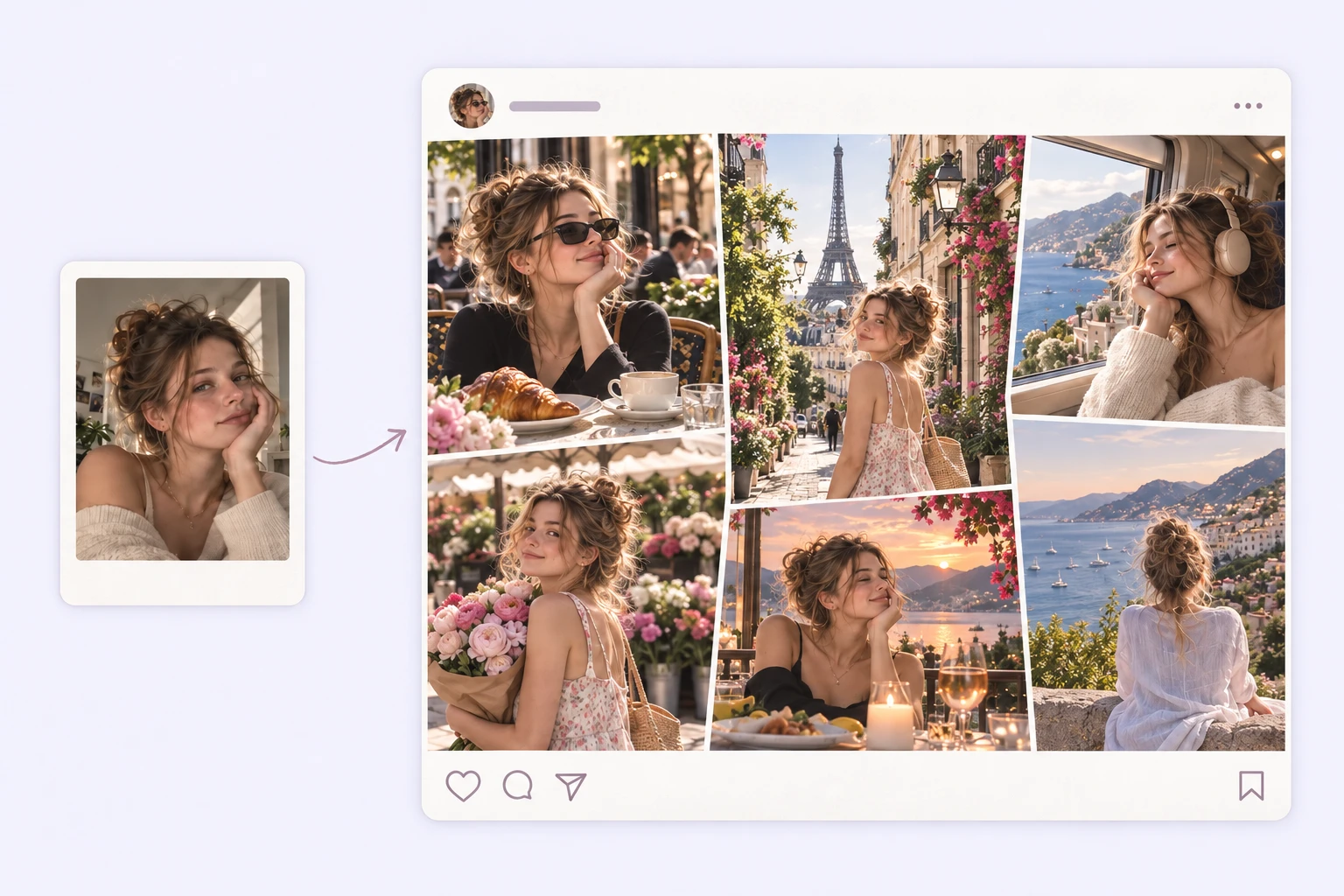
You shot the venue in landscape, your friends in portrait, and the food close-up in square. Getting all of them into one Instagram layout without losing something important in each photo takes more than a fixed grid. Upload the mix and AI fits everything into one layout. AI works to keep faces and focal points in frame, so portraits stay recognizable and landscapes keep their horizon. The composition adjusts to the photos you have, not the other way around.
Fit Any Combination of Photos Into One Layout

Not Happy With the First Version? Refine It.

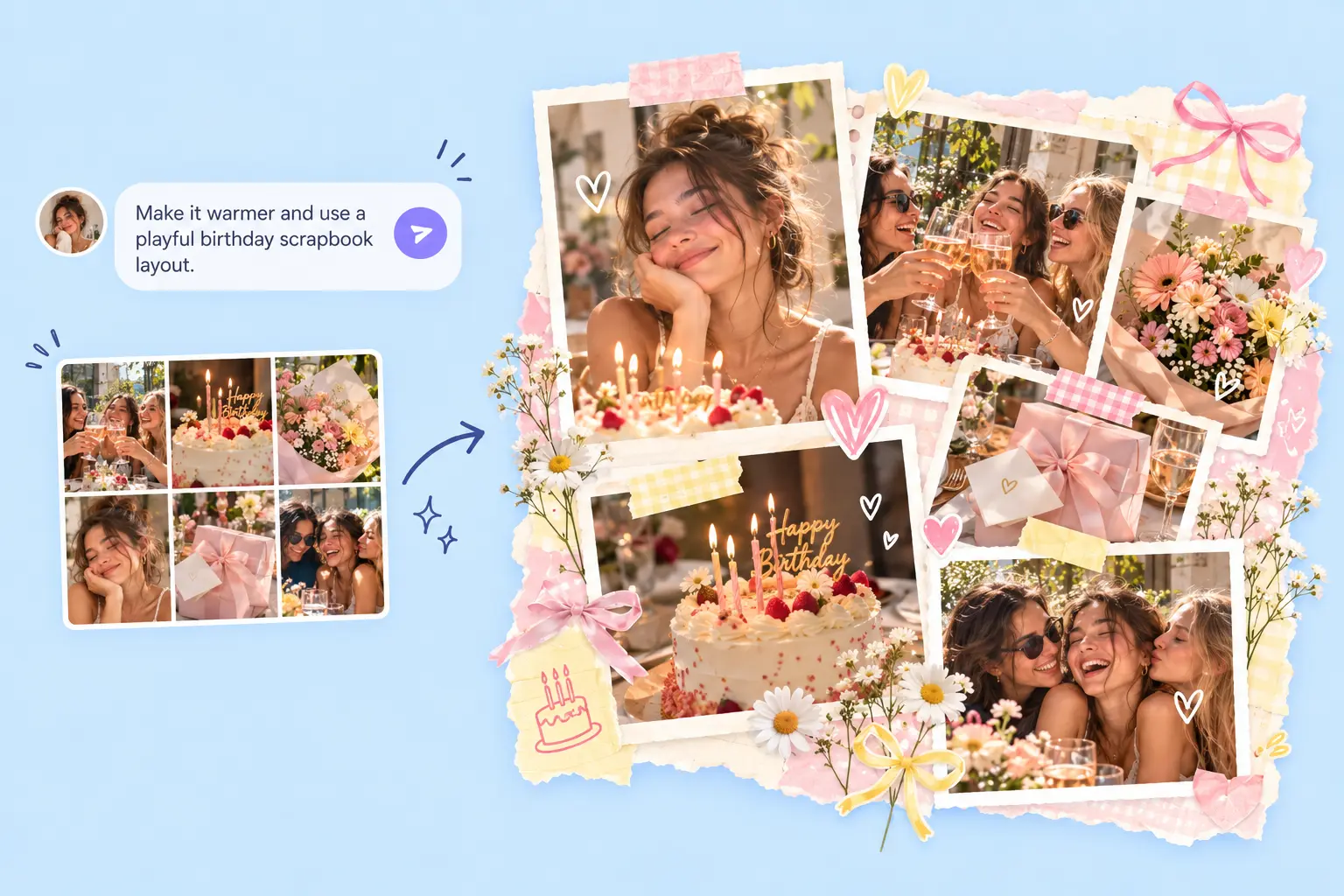
Want a different direction? Describe what you want to change in chat. Swap to a different aesthetic, try a different layout, adjust the tone, or enhance the resolution. AI updates the collage from there. The feed version feels too busy? Ask for more breathing room. The Story layout is cutting off the edges? Switch the format and regenerate. The color feels off for your feed? Describe the mood and AI adjusts. You stay in control of the final result without starting over from scratch.
Not Happy With the First Version? Refine It.

Make the Collage Fit Your Instagram Post

From a quick photo dump to a full profile grid, every Instagram post has a different shape. Pick the one that fits what you are making.

Instagram feed collage formats shown with travel photos

📱 Make an Instagram Feed Collage That Fills the Frame

Use one strong portrait or group shot as the anchor, then add two or three supporting details around it — food, outfits, scenery, or close-ups. AI decides which photo needs more space and builds the rest around it.

How to Make an AI Instagram Collage in 3 Steps

Upload your photos1

Upload your photos

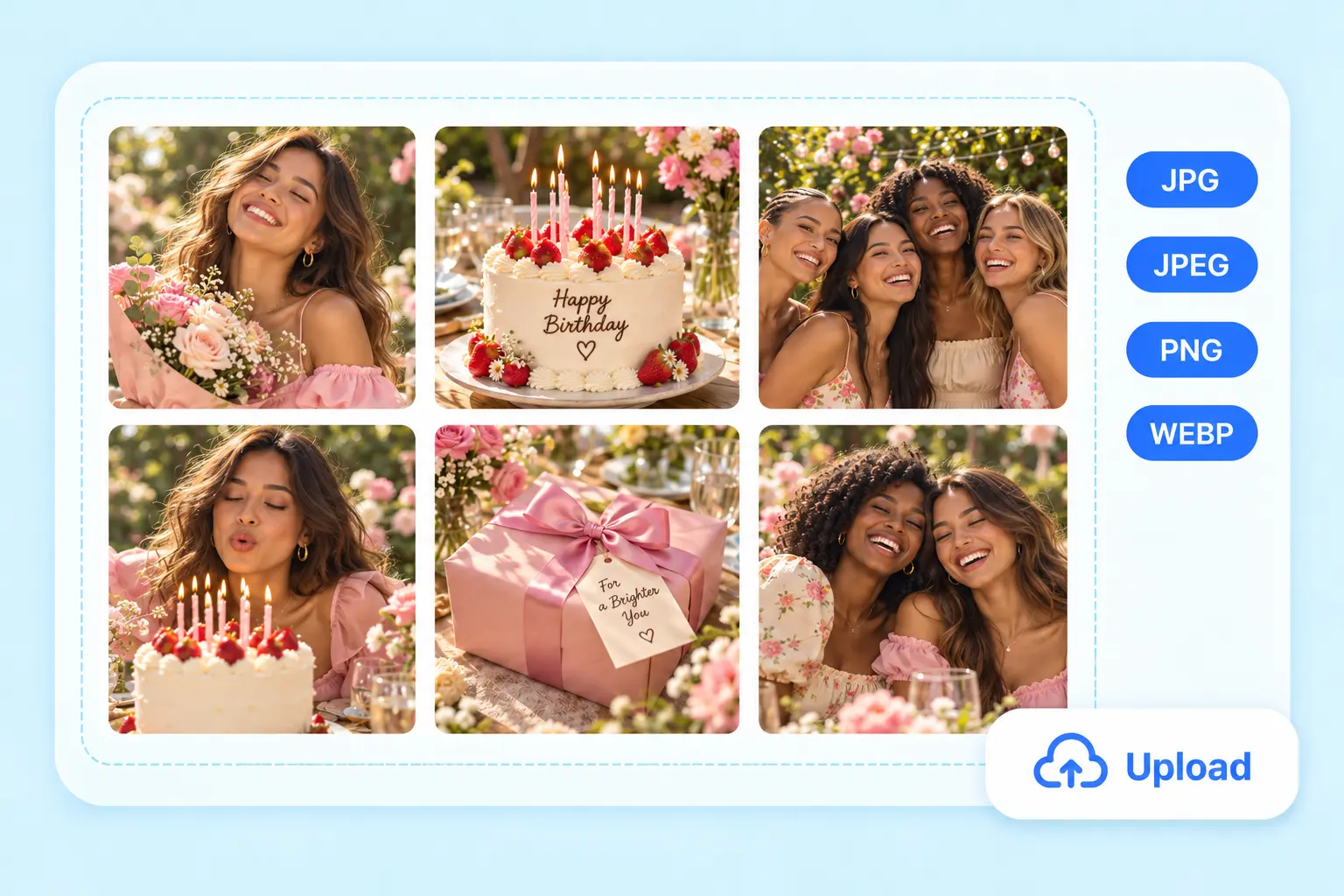
Add up to 10 photos from your phone or desktop. A mix of portrait shots, landscape photos, and close-ups gives AI more variety to work with and makes the final layout more interesting.

Pick a Format and Set the Style2

Pick a Format and Set the Style

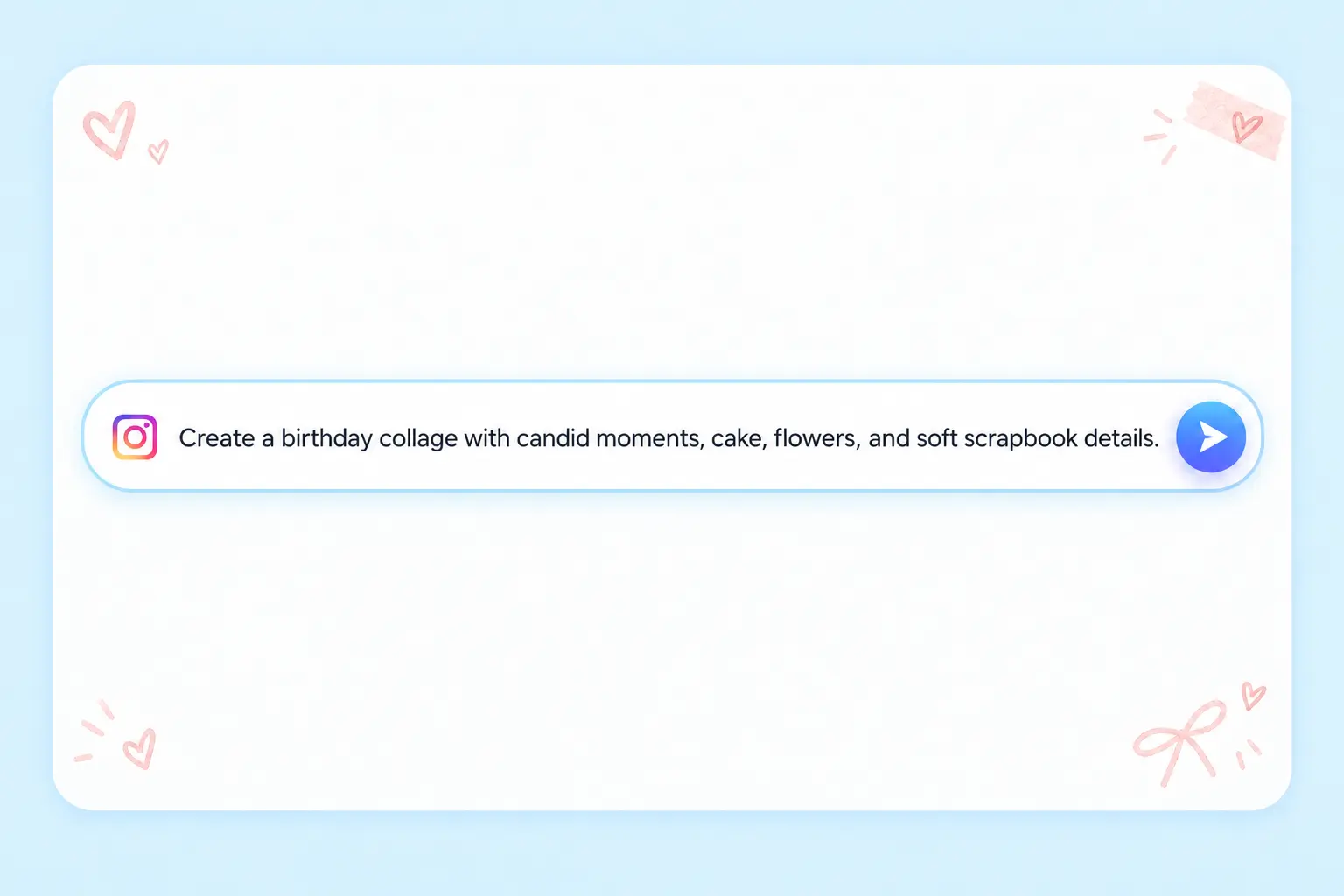
Select 1:1, 4:5, 3:4, or 9:16 for the format you are posting to. AI builds the composition around that choice. Add a prompt to set the mood and aesthetic, or skip it and let AI decide on its own.

Edit and download3

Edit and download

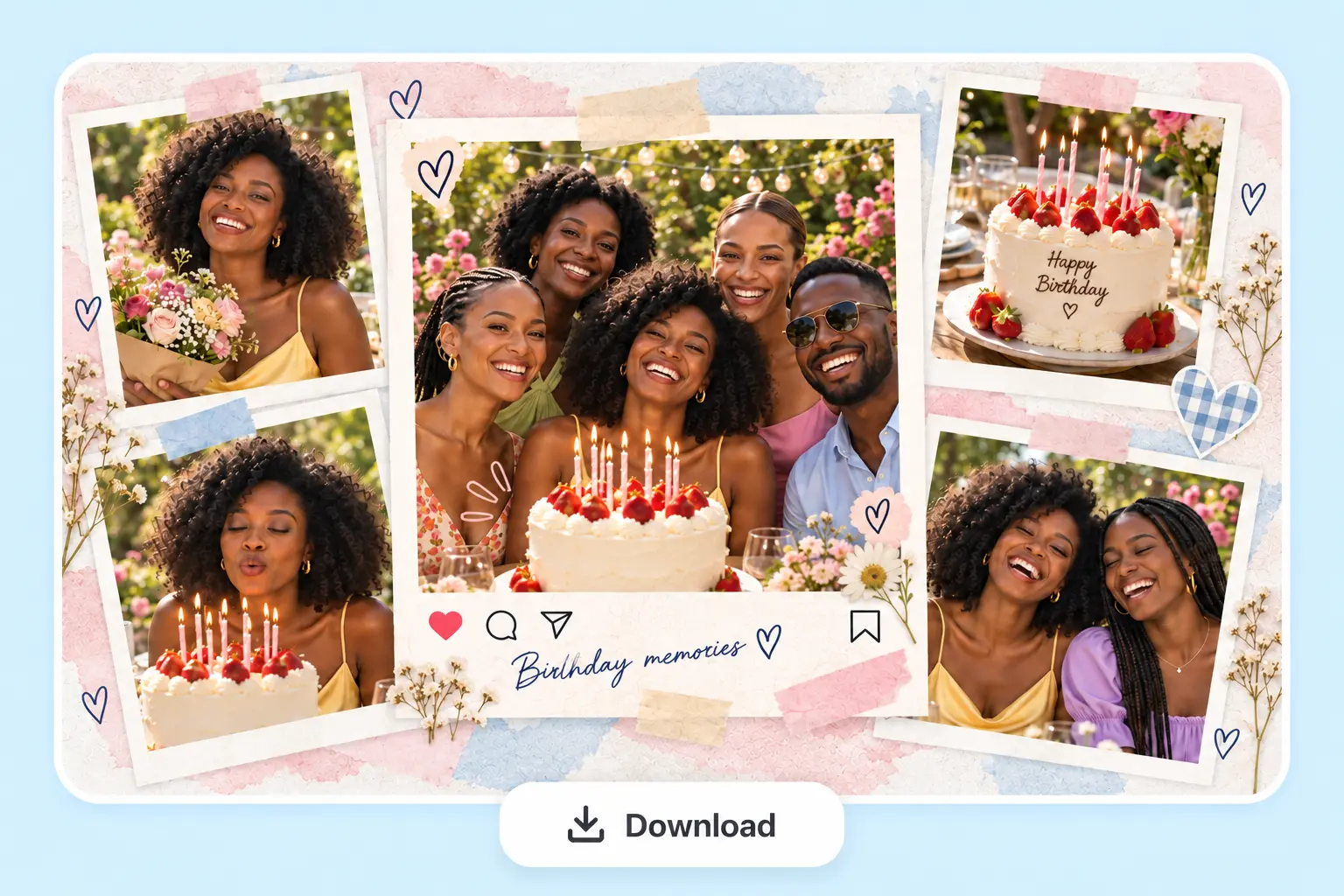
The first version is ready in seconds. Swap the style, adjust the background tone, try a different layout, or download it as is. No watermark on the file.

Instagram Collage Questions

What Instagram formats does the collage maker support?

PhotoGrid supports four Instagram formats: 1:1 for a square feed post, 4:5 and 3:4 for portrait feed posts, and 9:16 for Stories. Choose the format before AI generates and the composition is built around it from the start.

Can I make an Instagram carousel with this?

PhotoGrid creates one finished collage image per export. For posting multiple photos as separate swipeable slides, use Instagram's native carousel feature and upload your photos individually. This tool creates one finished collage image, not separate carousel files.

Can I make a 9-grid profile layout?

Yes. PhotoGrid generates an AI collage in the right proportions for a 9-grid layout, with a grid guide showing where to crop each section. Crop the sections in order and post them to Instagram — your profile builds into one seamless image.

Is the AI Instagram collage maker free?

Yes. You can start making an AI Instagram collage for free with PhotoGrid. Your finished collage can be downloaded without a watermark.

Will there be a watermark on my Instagram collage?

No. Download your finished Instagram collage with no watermark on the file.

How many photos can I add?

PhotoGrid supports up to 10 photos in one upload, enough for a mix of scene shots, portraits, and close-ups in one layout.

Will AI crop faces out of the Instagram format?

AI works to keep faces and key subjects in frame when composing the layout. It arranges the composition around your original photos and doesn't regenerate or alter the people in them.

Can I use it on my phone?

Yes. PhotoGrid works in a mobile browser, so you can start an Instagram collage from your phone without installing an app.

What is the difference between an Instagram collage and a carousel?

A collage combines multiple photos into one single image: one post, one download. A carousel is multiple separate images in one swipeable Instagram post. This tool creates collages. For carousels, post your photos individually using Instagram's native carousel feature. The AI video generator is worth exploring if you want motion for Reels instead.

Explora más creadores de collages con IA

Turn Your Photos Into an Instagram Collage Worth Posting

Photos from a trip, a weekend, or just a good day often end up sitting in a camera roll. A finished Instagram collage gives them somewhere to go. Make one for free and download it with no watermark.