What's the best free AI image generator?
When looking for AI image generators, many require expensive monthly subscriptions like ChatGPT Plus ($20/month) or platform-specific commitments. PhotoGrid takes a different approach with flexible credit-based pricing—no subscription required, no monthly fees. You only pay for what you use.With access to multiple AI models including Imagen 4, Midjourney, and GPT-4o, PhotoGrid offers both text-to-image and image-to-image capabilities. Purchase credit packs that never expire, starting from small amounts for occasional use or larger packs with bonus credits for regular creators. Generate images in seconds across 10 aspect ratios and up to 4K resolution.Whether you need one image or a hundred, you control your spending without being locked into recurring charges. Trusted by 50+ million users across 100+ countries, PhotoGrid is designed for real creative workflows.
How much does it cost to generate images?
PhotoGrid uses a flexible credit-based pricing system with no subscription required. Different AI models require different credit amounts per generation—simpler models cost less, while premium models like Imagen 4 and Midjourney require more credits.You can purchase credit packs that never expire, giving you complete control over your spending. Buy small packs for occasional projects or larger packs with bonus credits for regular use. There are no monthly fees or commitments—pay only for what you use, when you need it.
Can AI image generators create realistic photos?
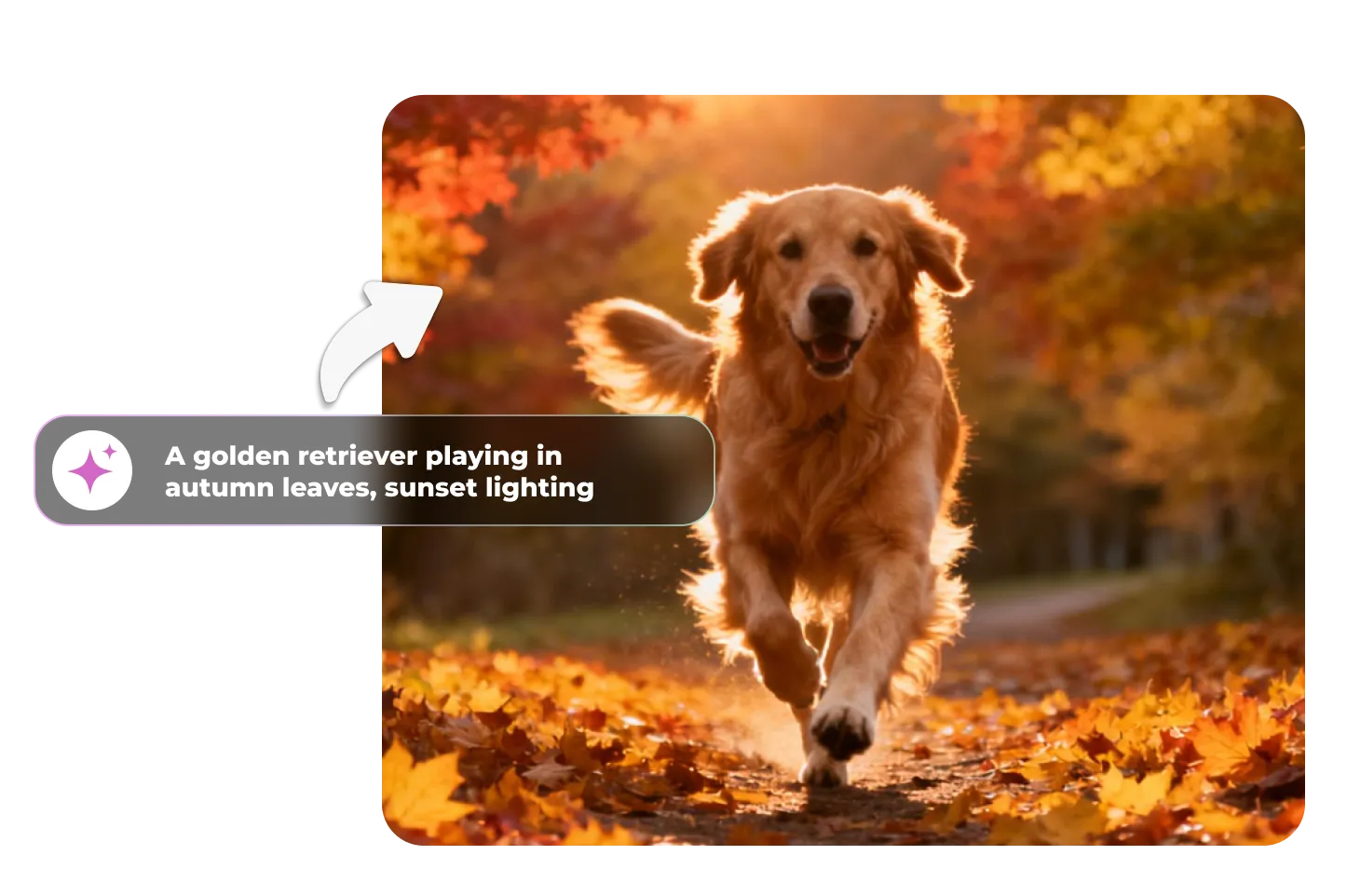
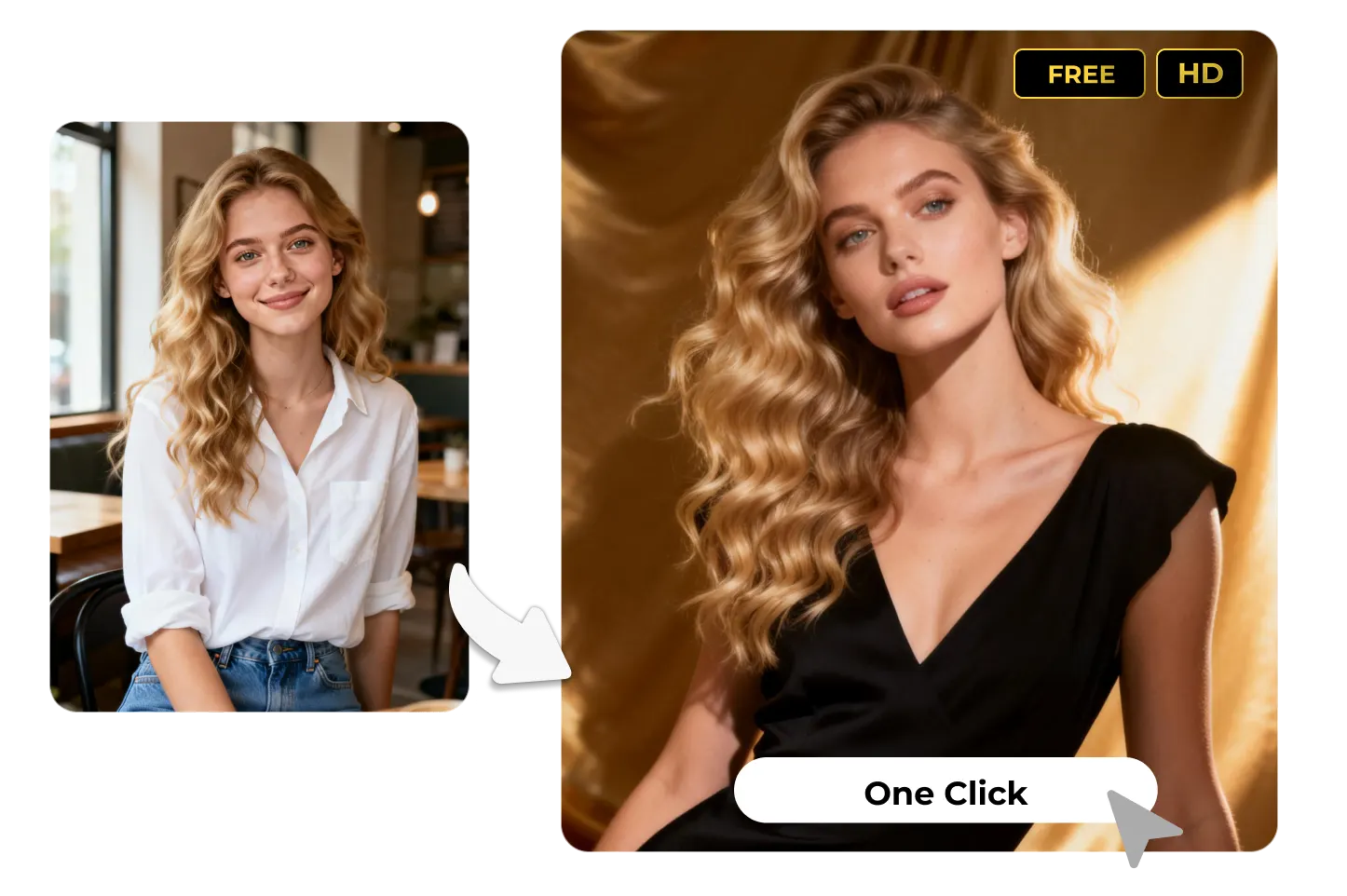
Yes, AI image generators like PhotoGrid can create highly realistic, photorealistic images. Models such as Imagen 4 and Midjourney excel at generating lifelike portraits, professional product photography, and detailed scenes that look like real photographs. Whether you need realistic human faces, authentic product shots for e-commerce, or natural landscapes, PhotoGrid's advanced AI models handle fine details like lighting, textures, and shadows with impressive accuracy. You can also choose from various quality levels (1K, 2K, 4K) to ensure your images meet professional standards.
What AI models does PhotoGrid support?
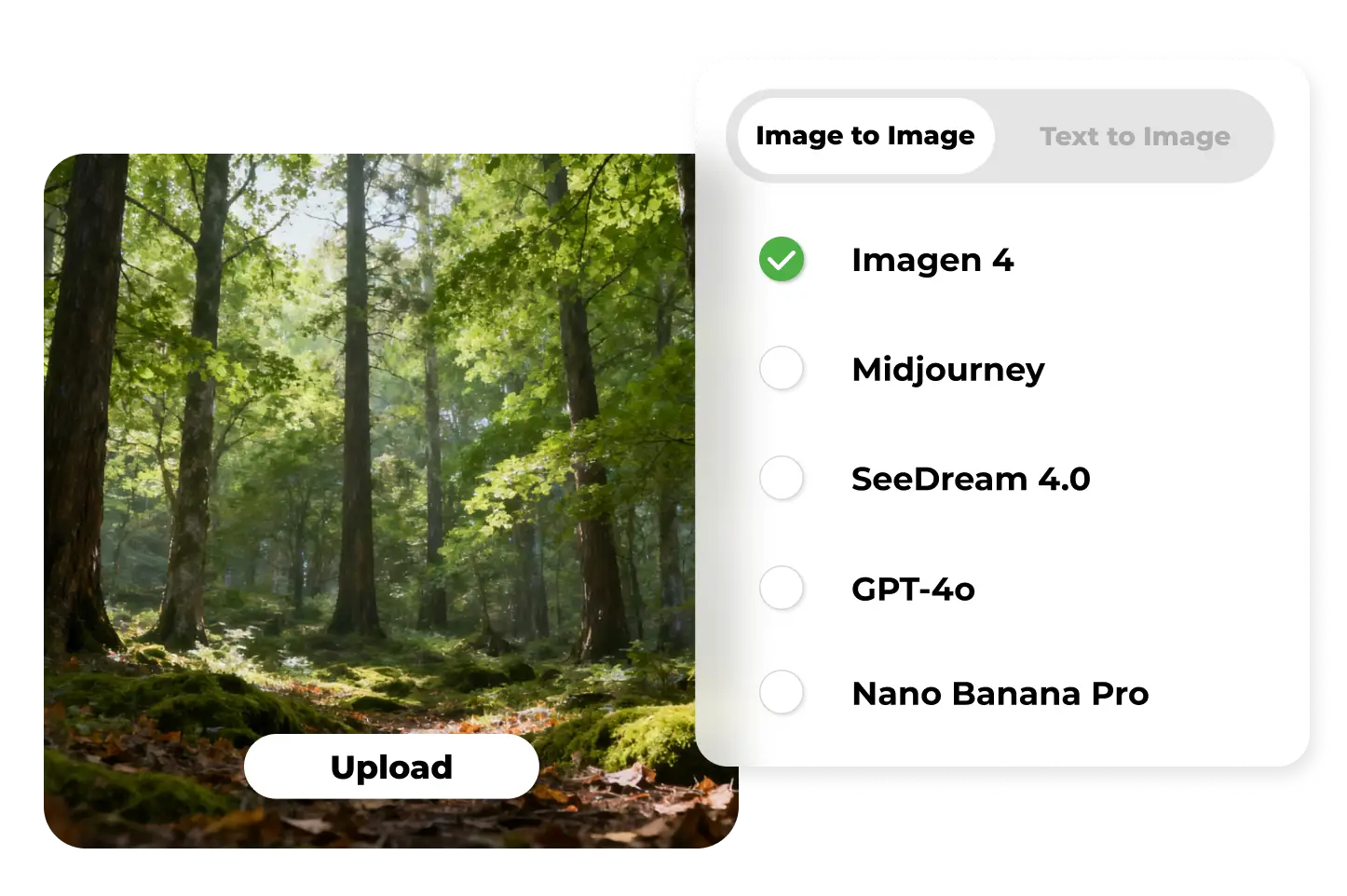
PhotoGrid gives you access to several popular AI models for text-to-image and image-to-image generation, such as Imagen 4, Midjourney, GPT-4o, and SeeDream. Some models focus on photorealism, while others are better for anime or artistic styles, letting you choose the best option for each project.
What resolutions and aspect ratios are available?
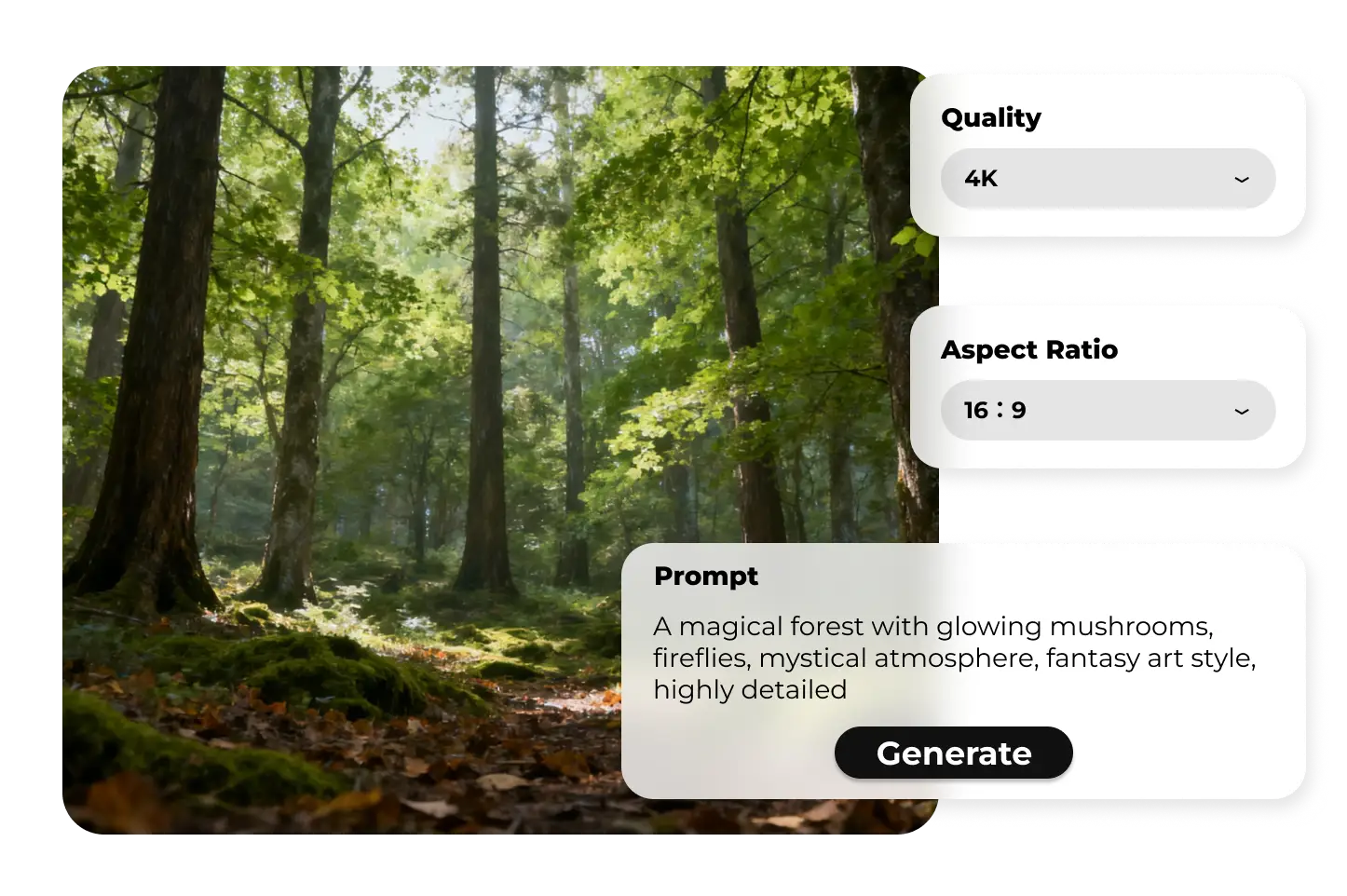
PhotoGrid supports 10 popular aspect ratios to fit any platform or use case:Aspect Ratios: 1:1, 3:2, 2:3, 3:4, 4:3, 4:5, 5:4, 9:16, 16:9, 21:9These cover square posts, vertical stories, horizontal banners, and ultra-wide formats—perfect for social media (Instagram, TikTok, YouTube), e-commerce listings, posters, and desktop wallpapers.Quality Options:1K: Fast previews and daily use, balancing speed with clarity2K: High-quality output for social media and portfolio work4K: Print-ready resolution for posters, detailed artwork, and professional projectsChoose the combination that best fits your needs—whether it's a 1:1 Instagram post in 2K or a 16:9 presentation slide in 4K.
What image formats can I upload and download?
Upload Support:File size: Up to 10MBRecommended formats: PNG (best), JPG/JPEG, WEBPAlso supported: GIF (read as static first frame), BMP, HEIC/HEIF (on compatible devices)Best practices: Use RGB color space images in sRGB with 8-bit depth for stable results. Avoid CMYK (print-specific) or extremely large resolution files.Download Options: Export your AI-generated images as PNG or JPG, ready to use across any platform.
Do I need design skills to use an AI image generator?
No design experience required. PhotoGrid's AI image generator is built for everyone—whether you're a complete beginner or a professional designer. Simply describe what you want in plain English, like "a cat wearing sunglasses in space," and the AI creates it instantly. You can also upload a reference image and let AI transform it into different styles. There's no learning curve, no complicated tools—just type your idea and watch it come to life in seconds.
How long does it take to generate an AI image?
PhotoGrid generates AI images in seconds. Unlike some tools that take several minutes per image, PhotoGrid's optimized infrastructure delivers near-instant results. This speed lets you iterate quickly—test different prompts, try various models, and refine your vision without waiting. Whether you're creating one image or dozens, PhotoGrid keeps your workflow fast and efficient.
Can I edit AI-generated images after creation?
Yes! PhotoGrid offers built-in editing tools to refine your AI-generated images:Image enhancer: Sharpen details, adjust lighting, and boost overall qualityImage upscaler: Increase resolution up to 4K for print-ready resultsBackground remover: Create transparent backgrounds for product photosObject remover: Delete unwanted elements or distractionsBackground changer: Swap environments and place subjects in new scenesGenerate your image first, then use these tools to perfect it—all within the same platform.
What's the difference between text-to-image and image-to-image?
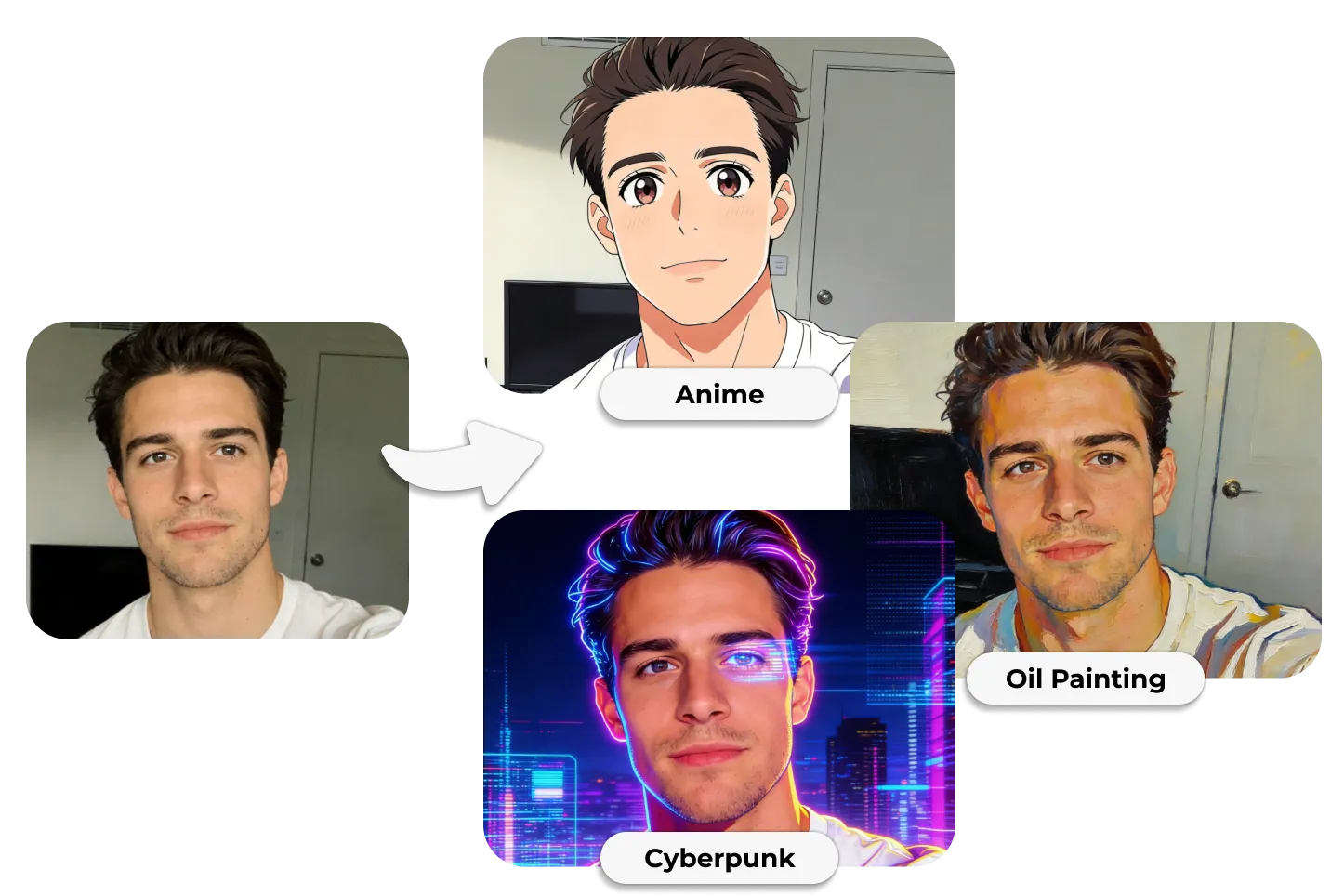
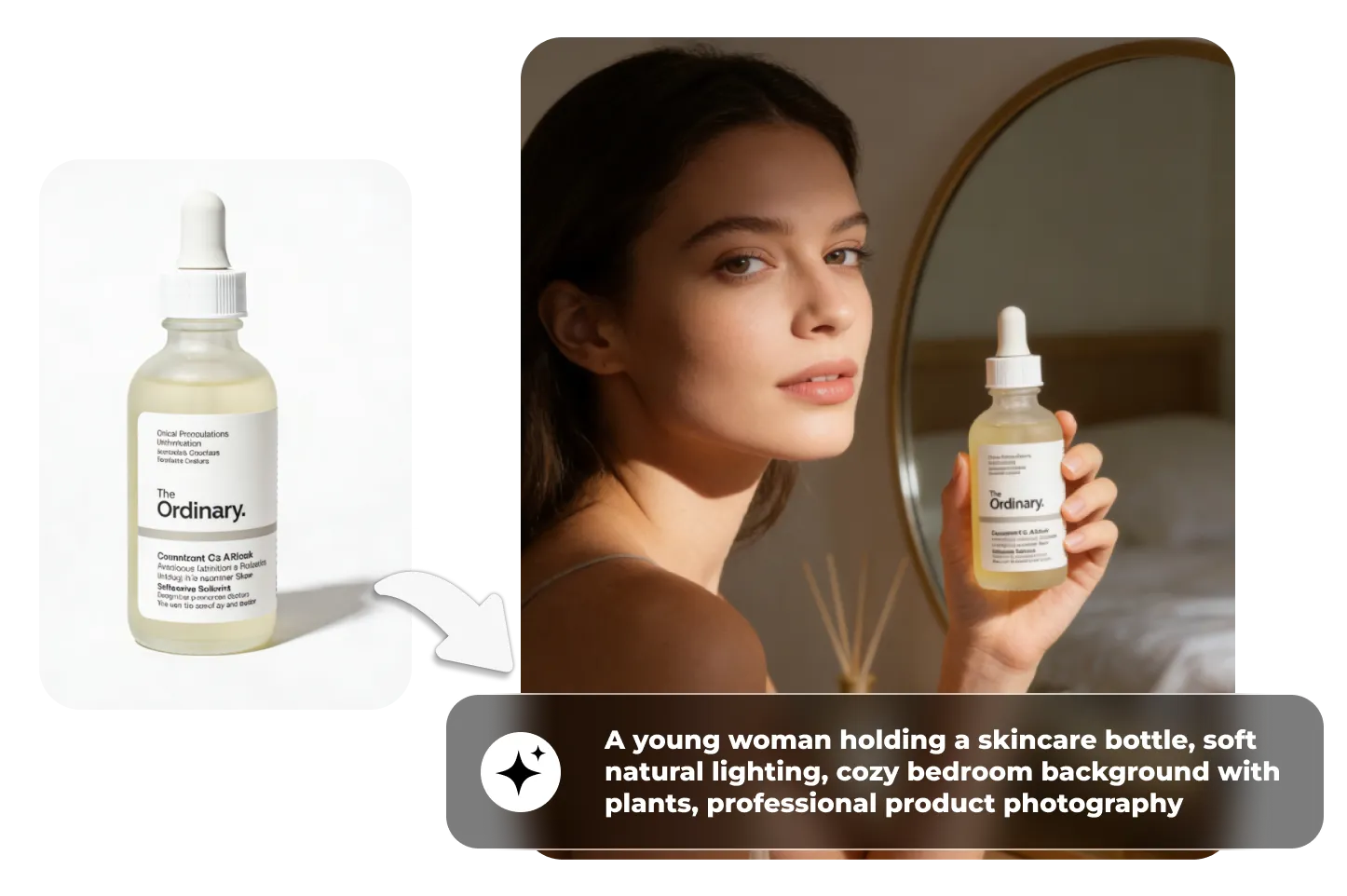
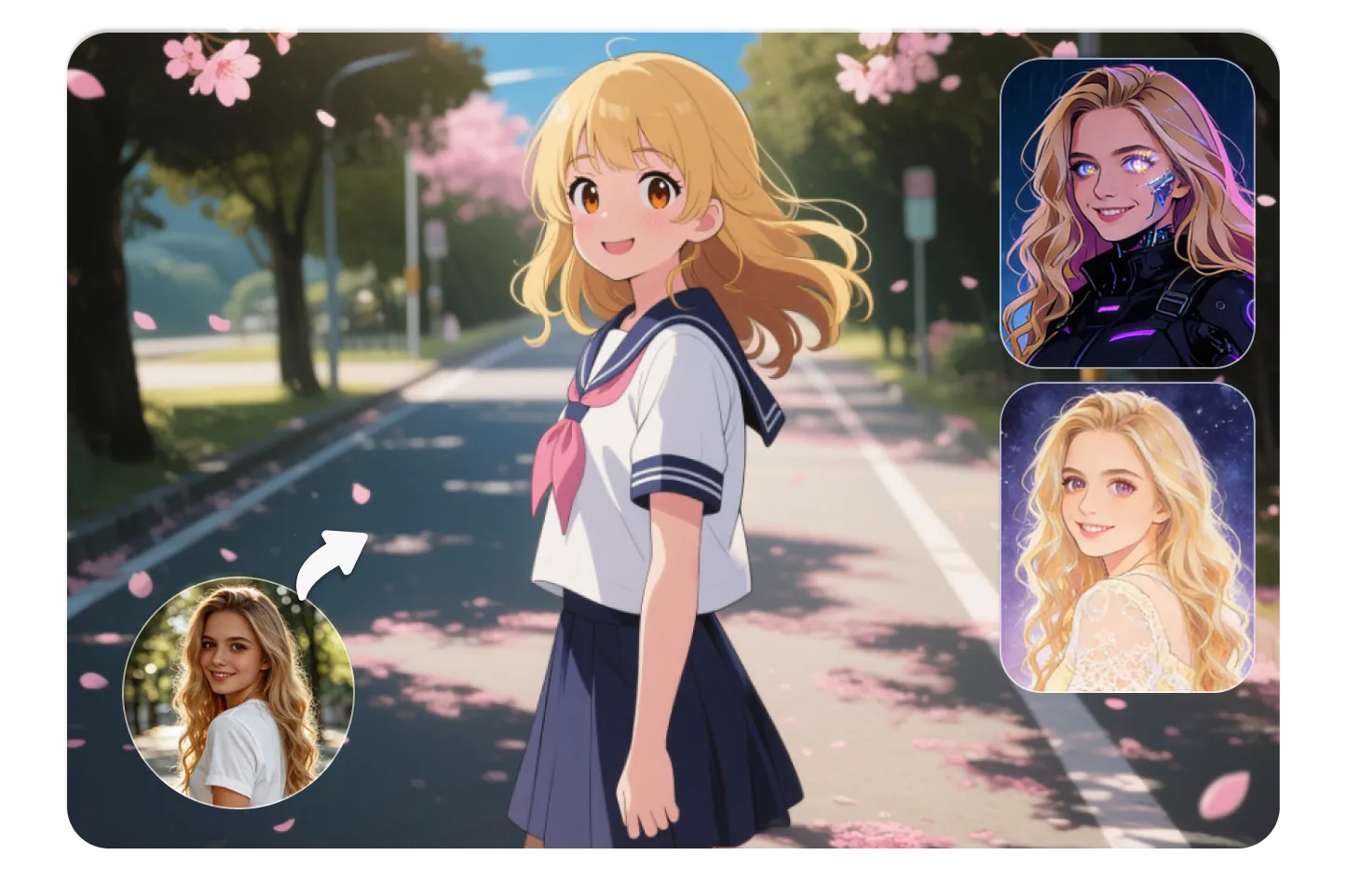
Text-to-Image creates brand new images from written descriptions. Just type a prompt like "sunset over mountains with purple sky" and the AI generates it from scratch. Perfect for creating original artwork, concepts, or visuals you can't photograph.Image-to-Image transforms your uploaded photo into different styles while preserving the subject and composition. Upload a selfie and turn it into anime, or upload a product photo and change its background. The AI keeps key details intact while applying your chosen aesthetic.PhotoGrid offers both modes in one platform, giving you complete creative flexibility.
What can I create with an AI image generator?
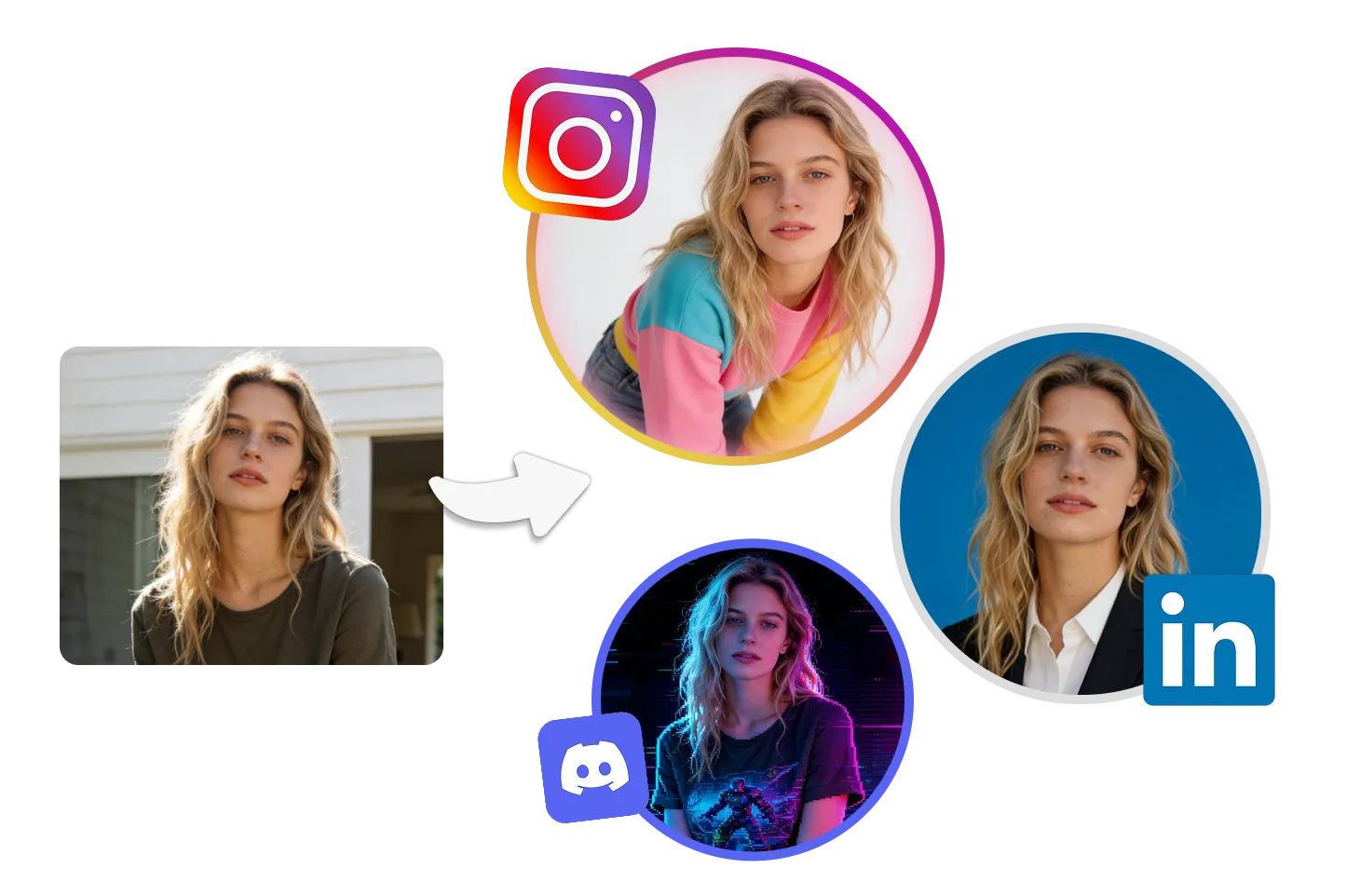
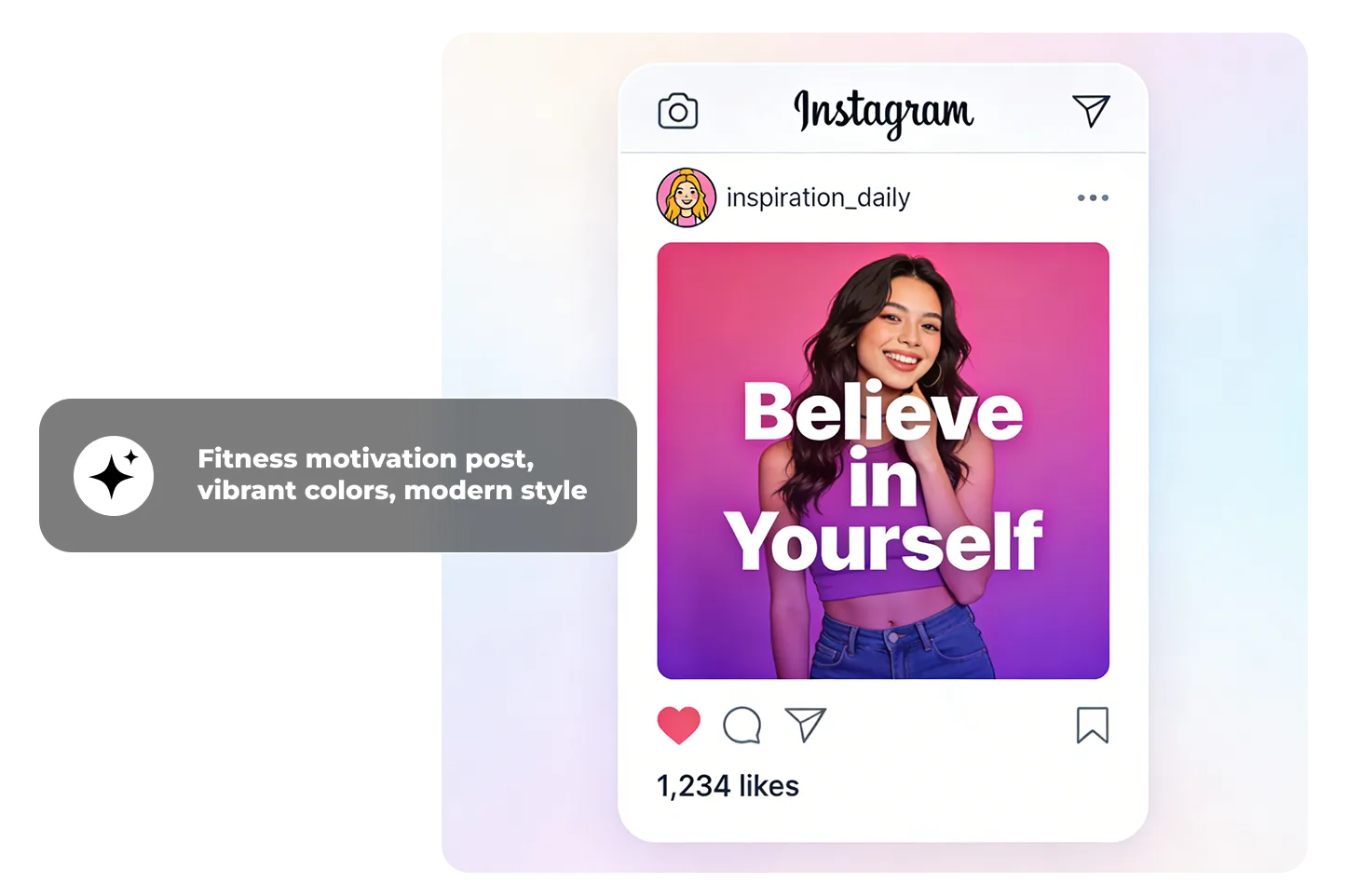
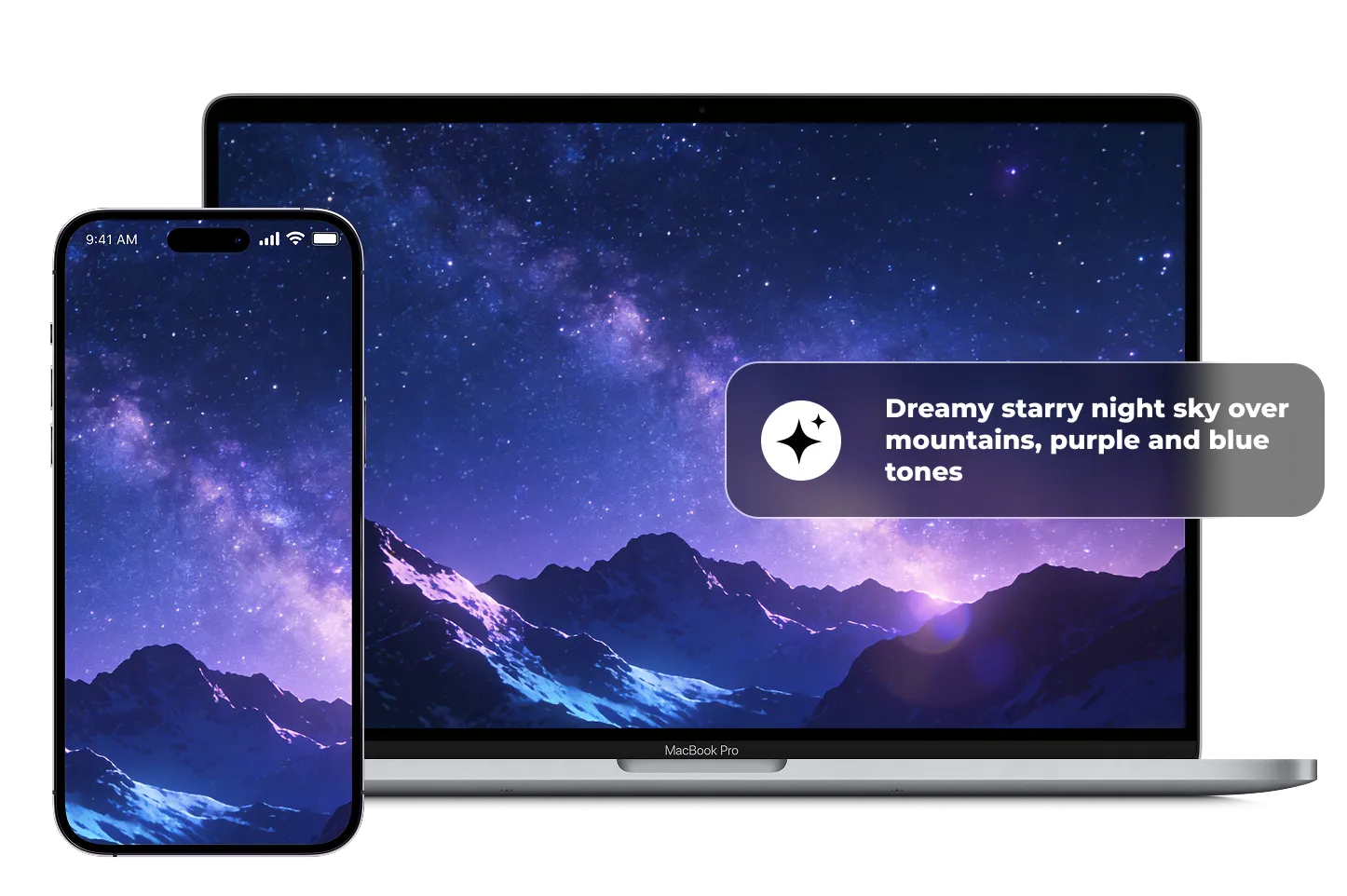
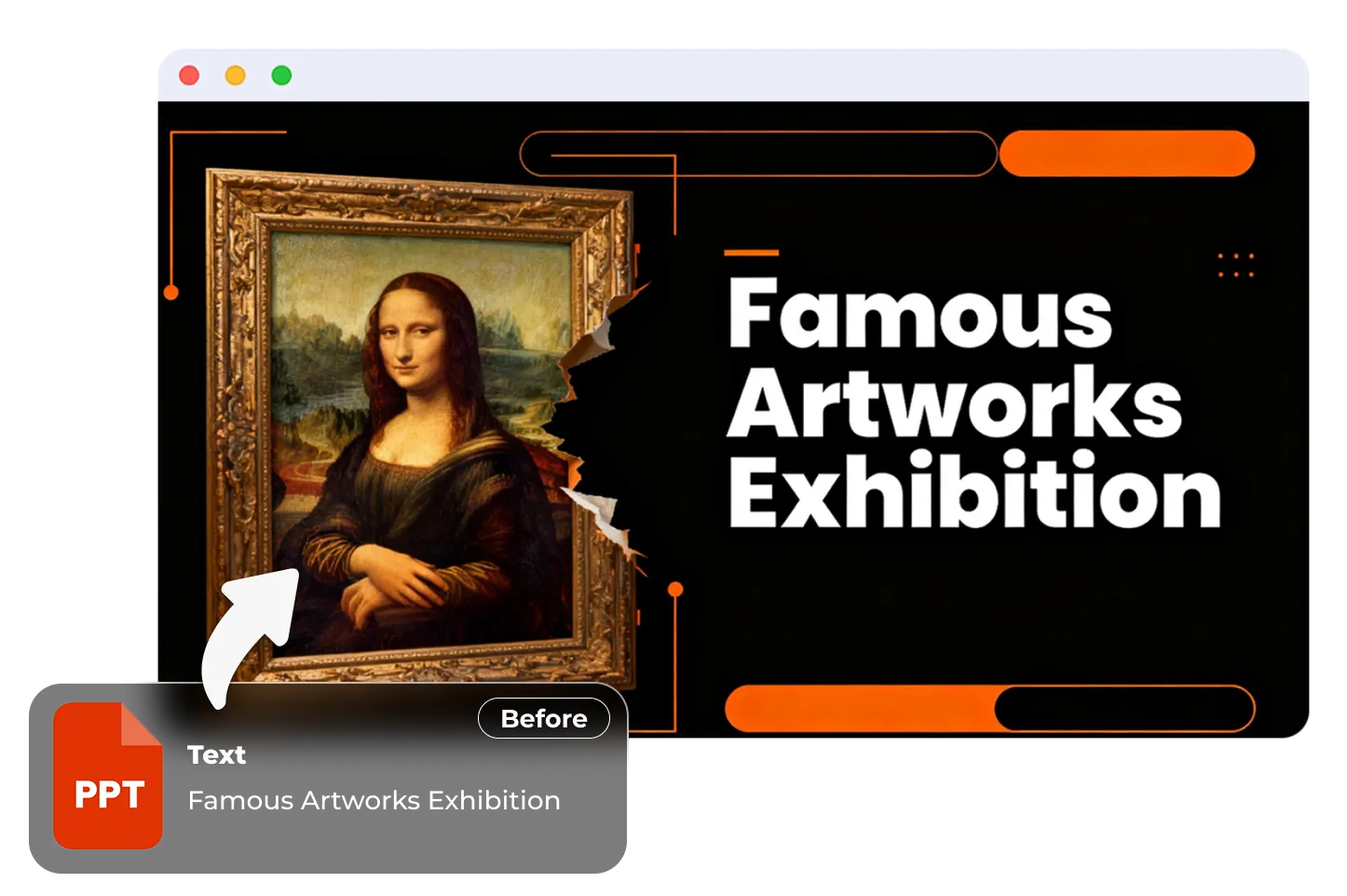
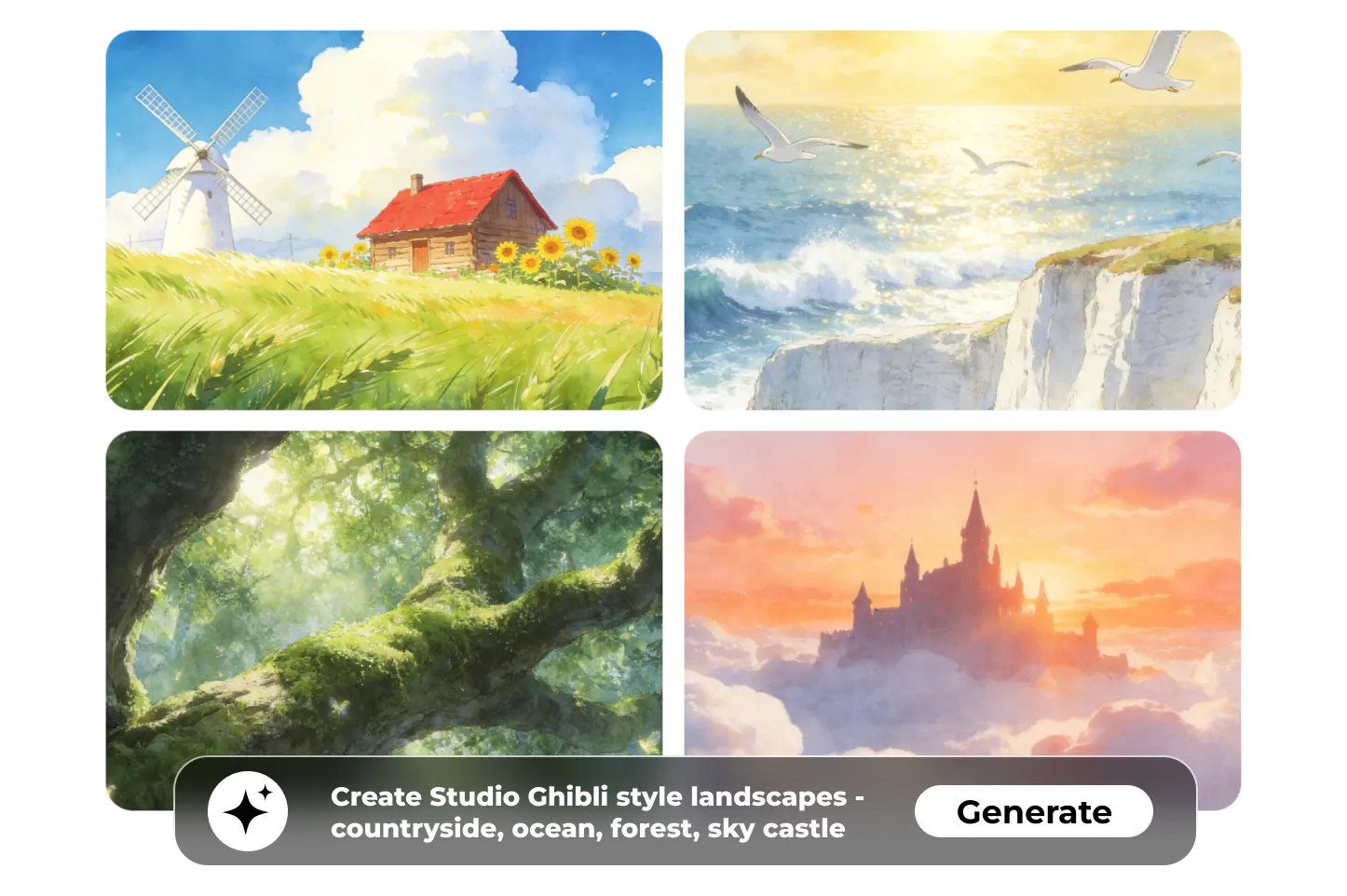
You can create professional visuals for virtually any purpose:Avatars & Profile Pictures: Perfect for Instagram, Discord, LinkedIn, or gaming profilesProduct Photos: Clean e-commerce images for Etsy, Amazon, Shopify listingsSocial Media Graphics: Eye-catching posts, TikTok covers, YouTube thumbnails, Pinterest pinsAnime Characters: Original characters, cosplay designs, manga-style avatarsWallpapers: Custom backgrounds for iPhone, desktop, or printable postersPresentation Slides: Professional visuals for pitches, demos, and business presentationsWhether you're a student working on projects, a designer creating brand assets, an e-commerce seller photographing products, a content creator building your audience, or an advertiser developing campaigns—PhotoGrid helps you create what you need in seconds.
Can I use AI art commercially?
Yes, you can use AI-generated images from PhotoGrid for both personal and commercial purposes. This includes selling products with AI art, using images in business materials, posting on social media for profit, or incorporating them into client work.Important note: Ensure your prompts don't include copyrighted content (like trademarked characters or brand names). As long as your prompts are original, you own the rights to use and monetize the images you create. Perfect for merchandise designs, marketing materials, product listings, and content monetization.
What makes PhotoGrid different from other AI image generators?
PhotoGrid isn't built from scratch—it's backed by years of real-world photo editing experience. Here's what sets it apart:Proven Track Record: With 50+ million downloads across 100+ countries, PhotoGrid has been helping creators for years. The platform understands actual workflows, not just theoretical use cases.Wide Model Selection: Access Imagen 4, Midjourney, GPT-4o, SeeDream, and more in one platform, often with early access to new releases.Flexible Pricing: No forced subscriptions. Pay only for what you use with the credit system, or buy in bulk for better value.Complete Workflow: Generate images, then enhance them with built-in tools like background remover, object remover, and image upscaler—all in one place.
What is an AI image generator?
An AI image generator is a tool that uses artificial intelligence to create images from text descriptions or transform existing photos into new styles. You simply describe what you want—like "a futuristic cityscape at sunset"—and advanced machine learning models (neural networks) interpret your words to generate a complete visual in seconds.There are two main types:Text-to-Image: Creates entirely new images from written promptsImage-to-Image: Transforms uploaded photos into different artistic stylesPlatforms like PhotoGrid make this technology accessible to everyone, requiring no technical knowledge or artistic skills. Just describe your vision, and the AI brings it to life instantly.
How do I write a good prompt for AI image generation?
Writing effective prompts is easier than you think. Here are the key principles:Be specific with your subject: Instead of "a dog," try "a golden retriever puppy playing in autumn leaves"Include style keywords: Add descriptors like "photorealistic," "anime style," "watercolor painting," or "3D render"Describe details: Mention lighting ("sunset lighting," "neon glow"), mood ("peaceful," "dramatic"), and composition ("close-up portrait," "wide landscape shot")Good prompt examples:"A cozy coffee shop interior with warm lighting and plants by the window, photorealistic""Anime girl with purple hair wearing futuristic armor, cyberpunk style""Modern product photo of wireless headphones on marble surface, professional studio lighting"With PhotoGrid, you can also start with preset styles or upload reference images. The AI is forgiving—experiment with different descriptions and refine based on results. The more you create, the better you'll understand what works.
Can ChatGPT generate images?
Yes. ChatGPT can generate images, but access and usage depend on your plan, and it’s mainly designed as a general chat product with image generation as one part of the experience.If you want a more image-first workflow, PhotoGrid is built for AI image creation with flexible credits, multiple variations, and more model choices such as Imagen 4, Midjourney, SeeDream, GPT-4o, Nano Banana, and Nano Banana Pro.