
Keep Familiar Features
PhotoGrid uses the uploaded photo as a starting point to help retain your child's recognizable features. Likeness can vary with the photo and chosen look.

PhotoGrid's AI Halloween photo generator for kids turns an everyday photo into a Halloween portrait using a ready-made template or your own costume reference image. Upload your child's photo, choose a look, and generate a picture for a family album or greeting card; likeness can vary with the photo and style.
Loading…
Your result is saved to your image history. View history
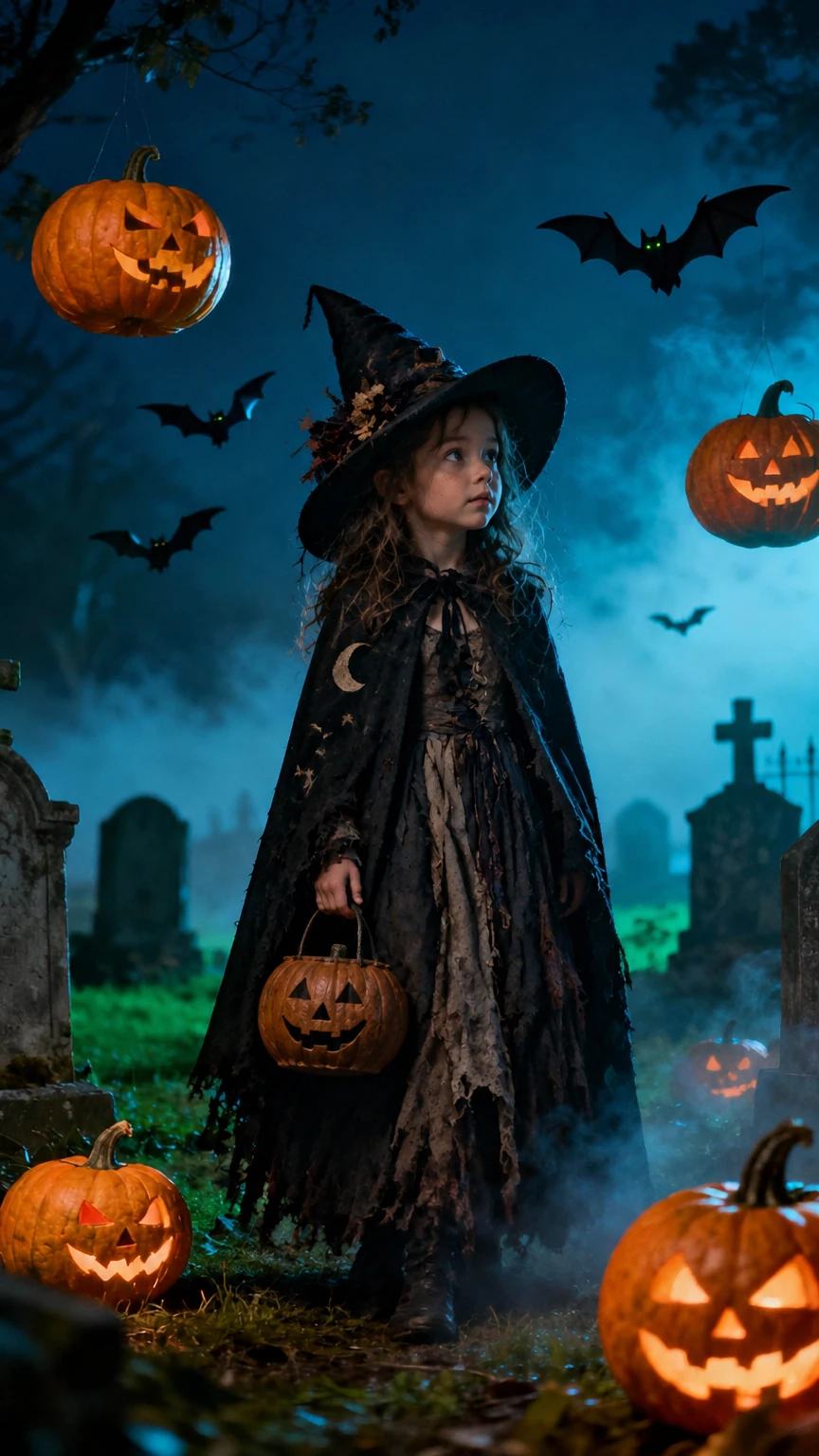
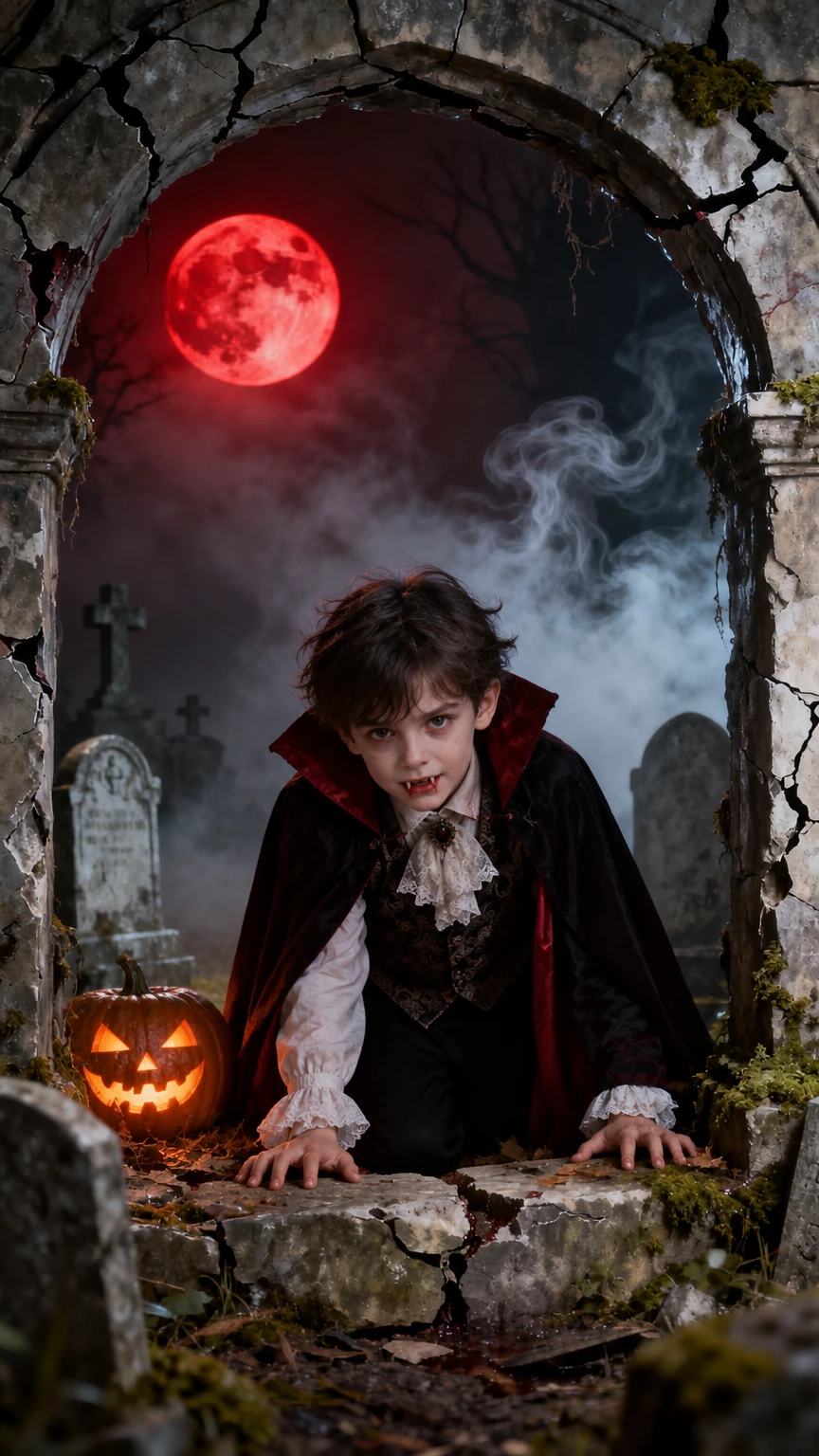
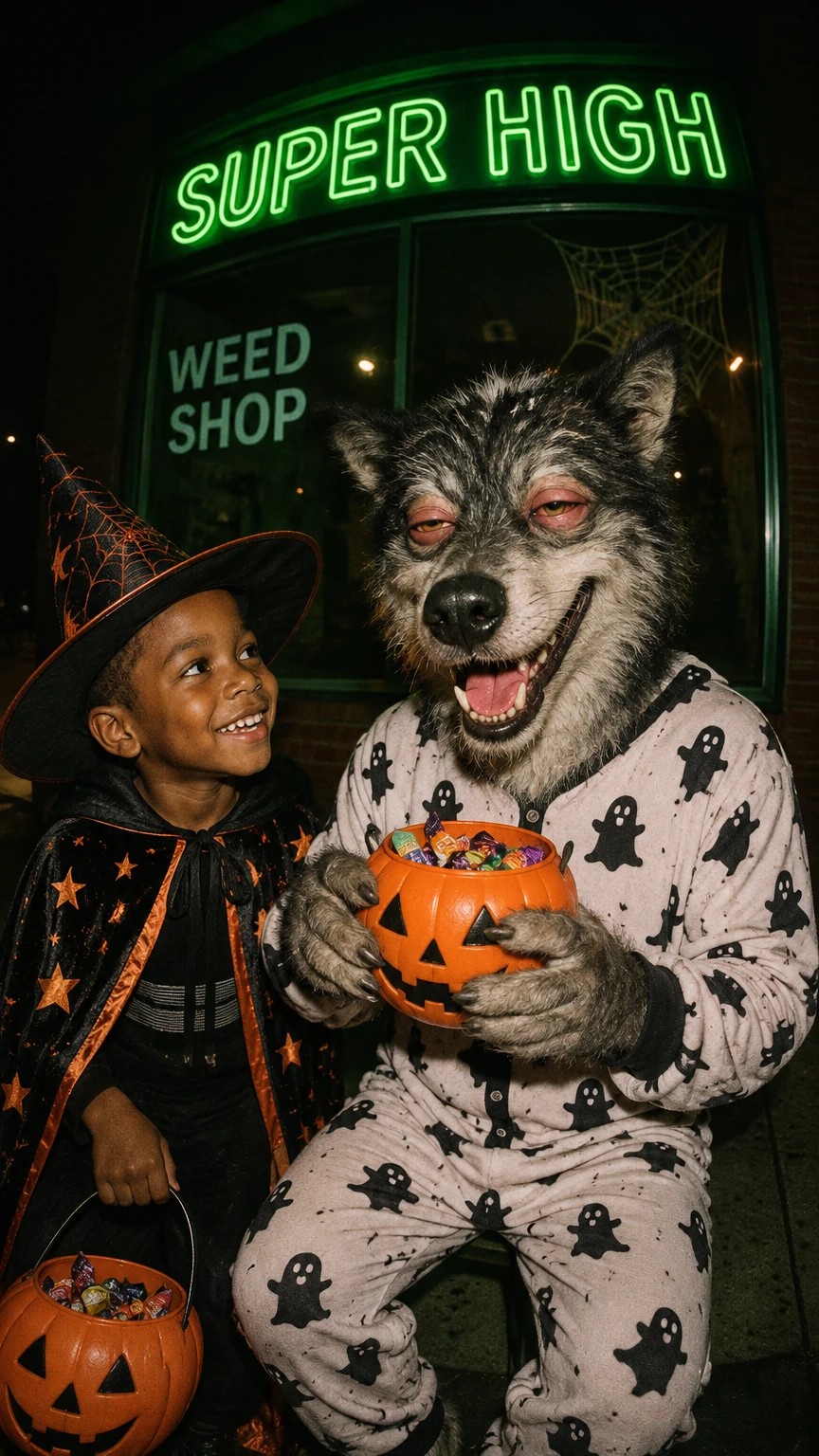
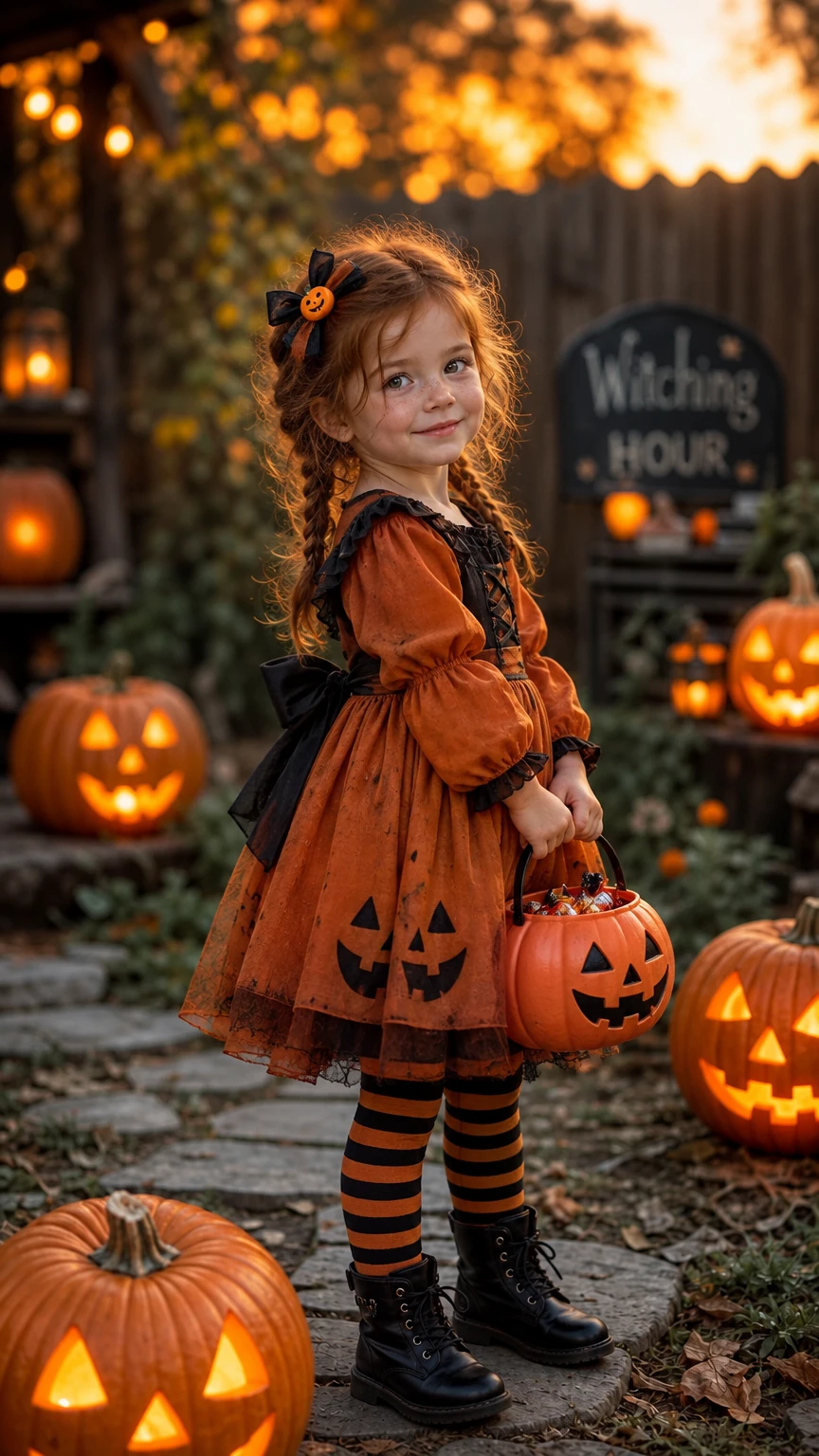
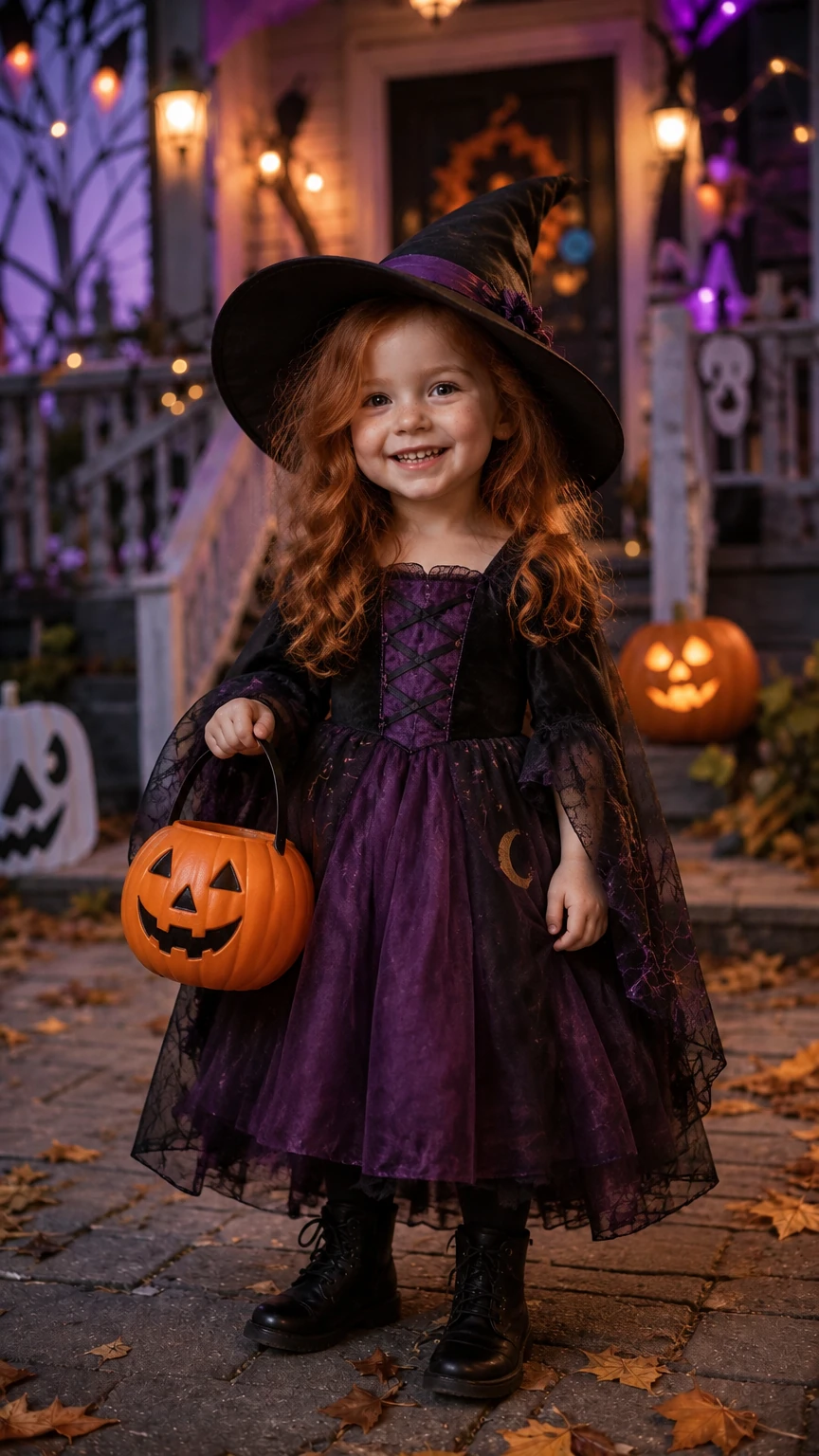
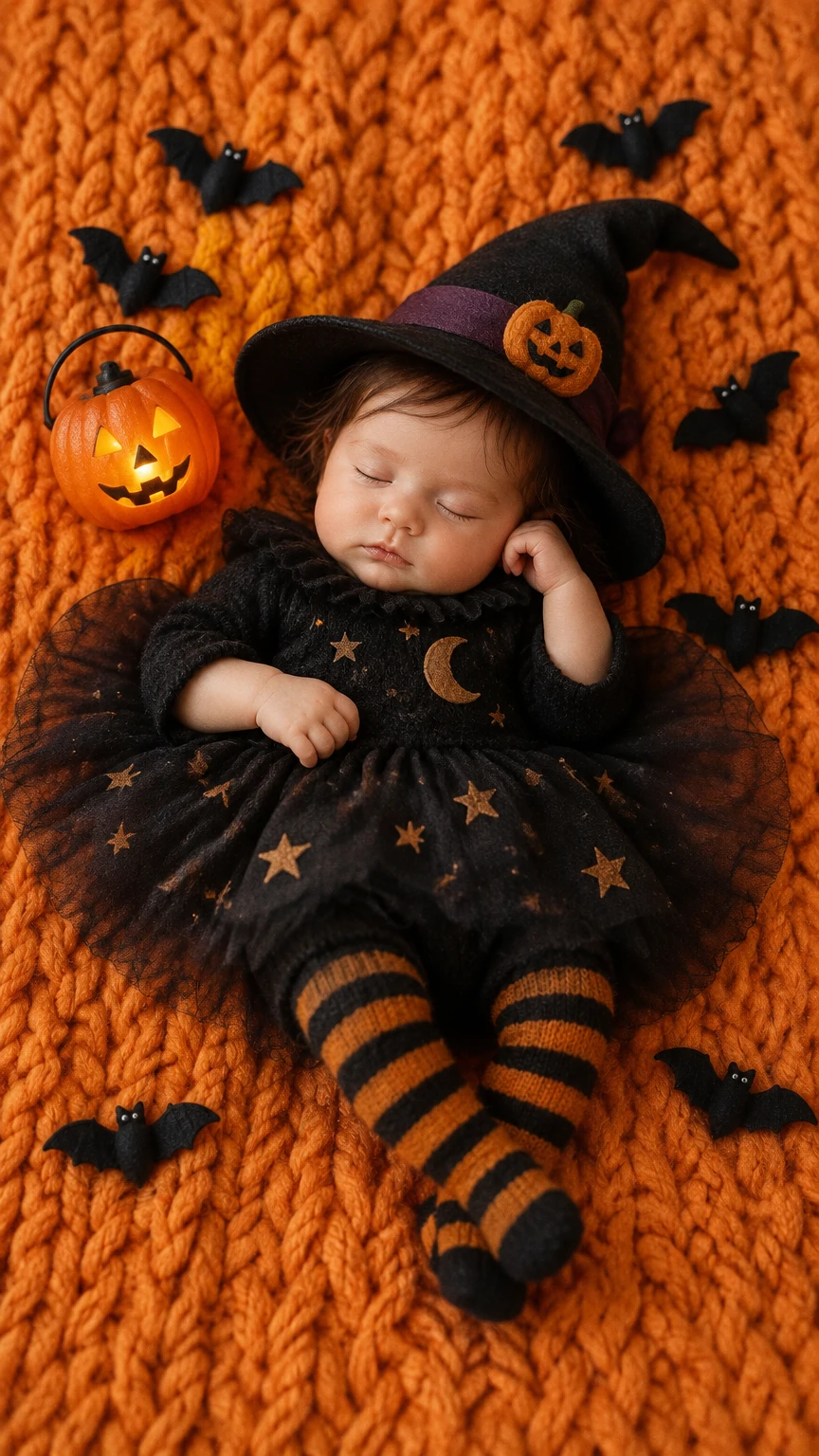
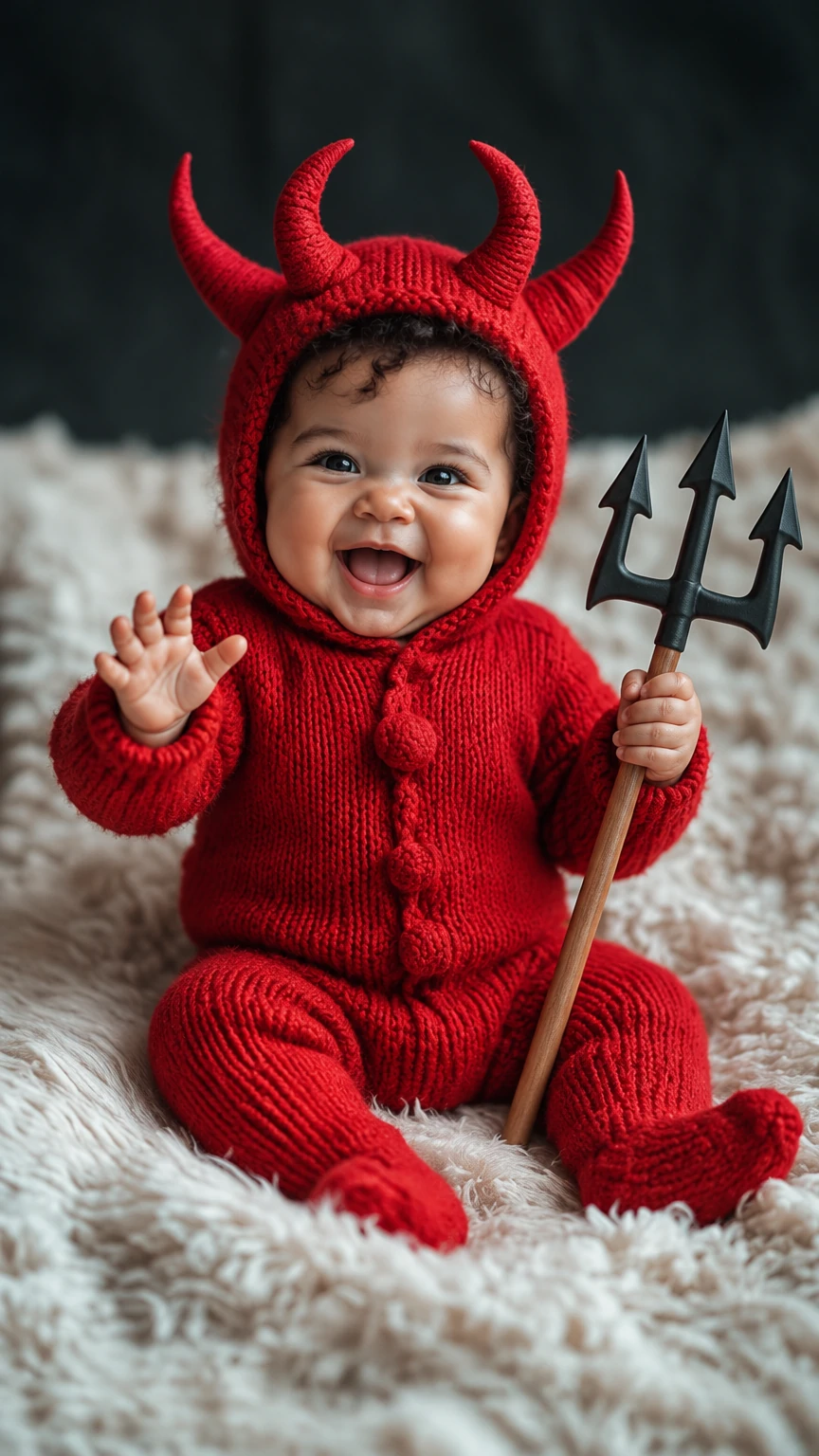
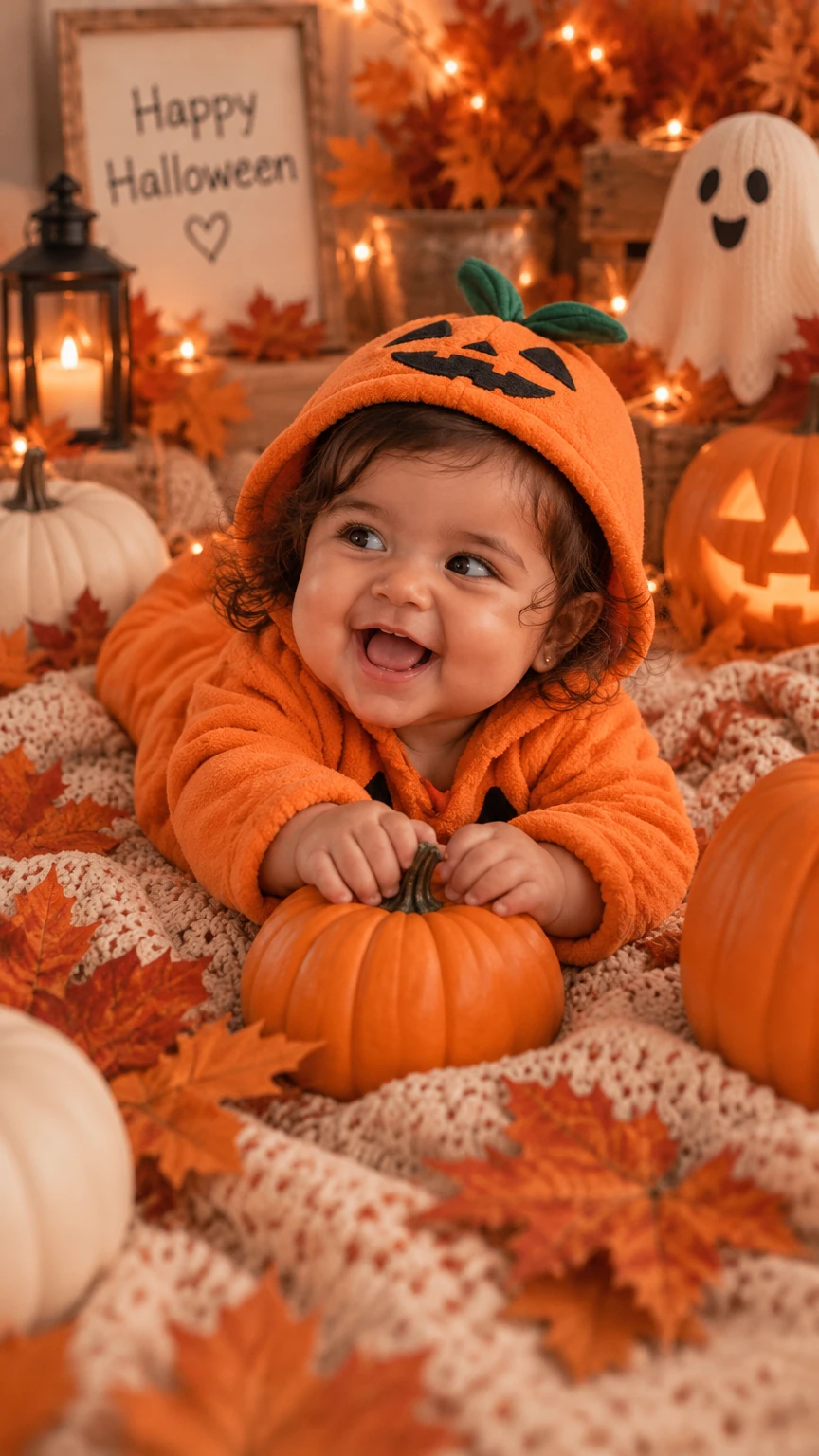
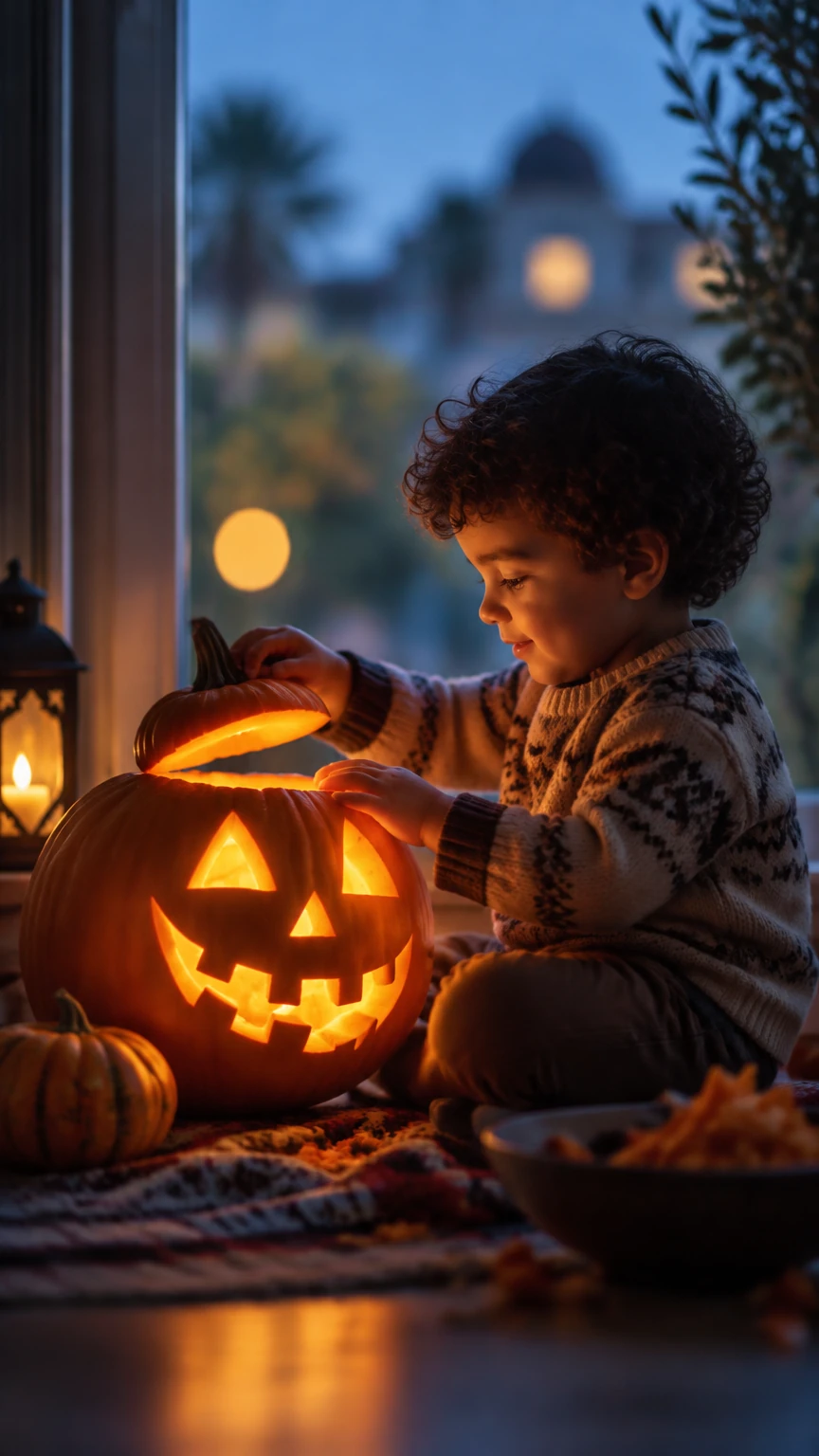
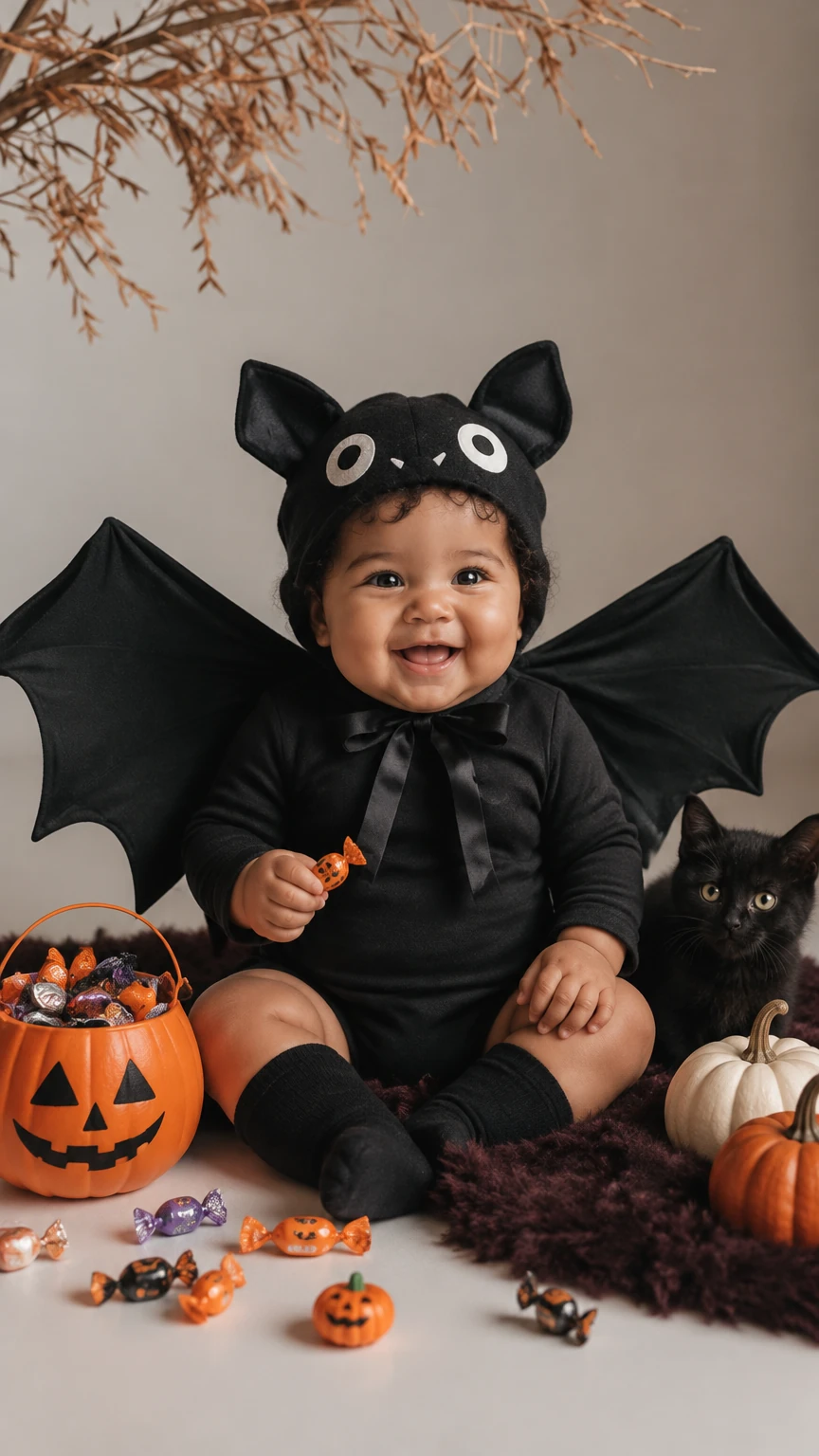
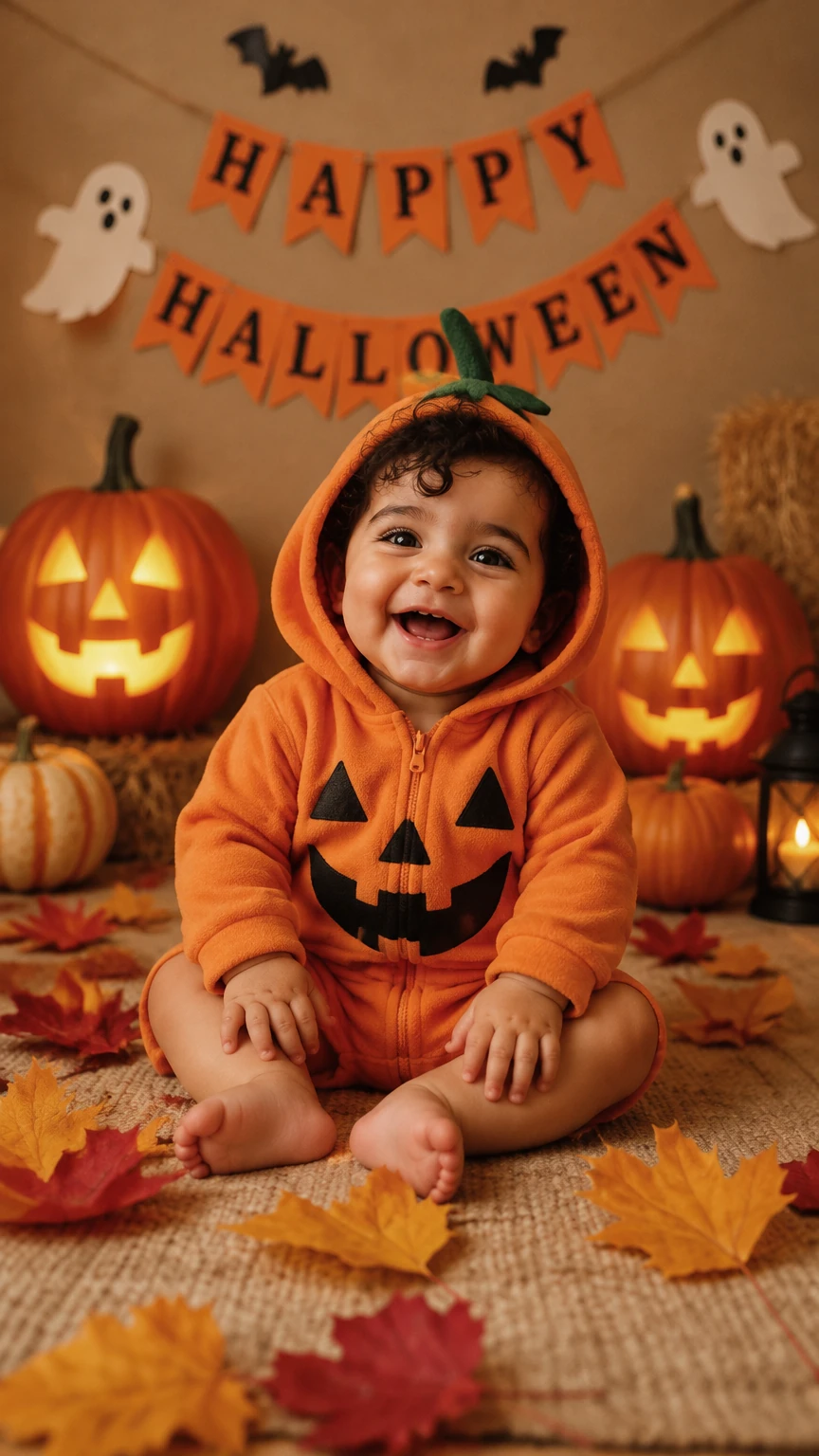
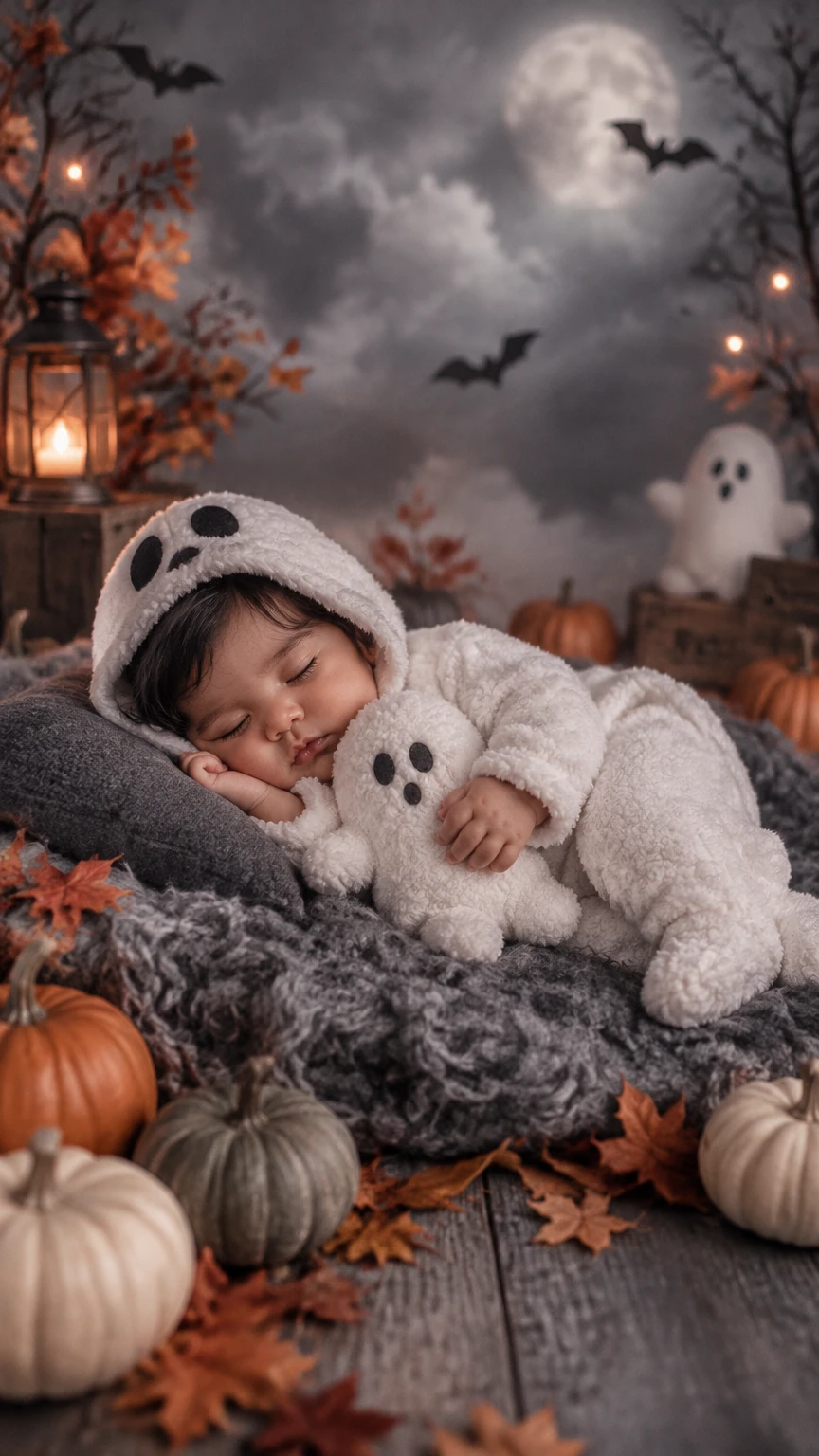
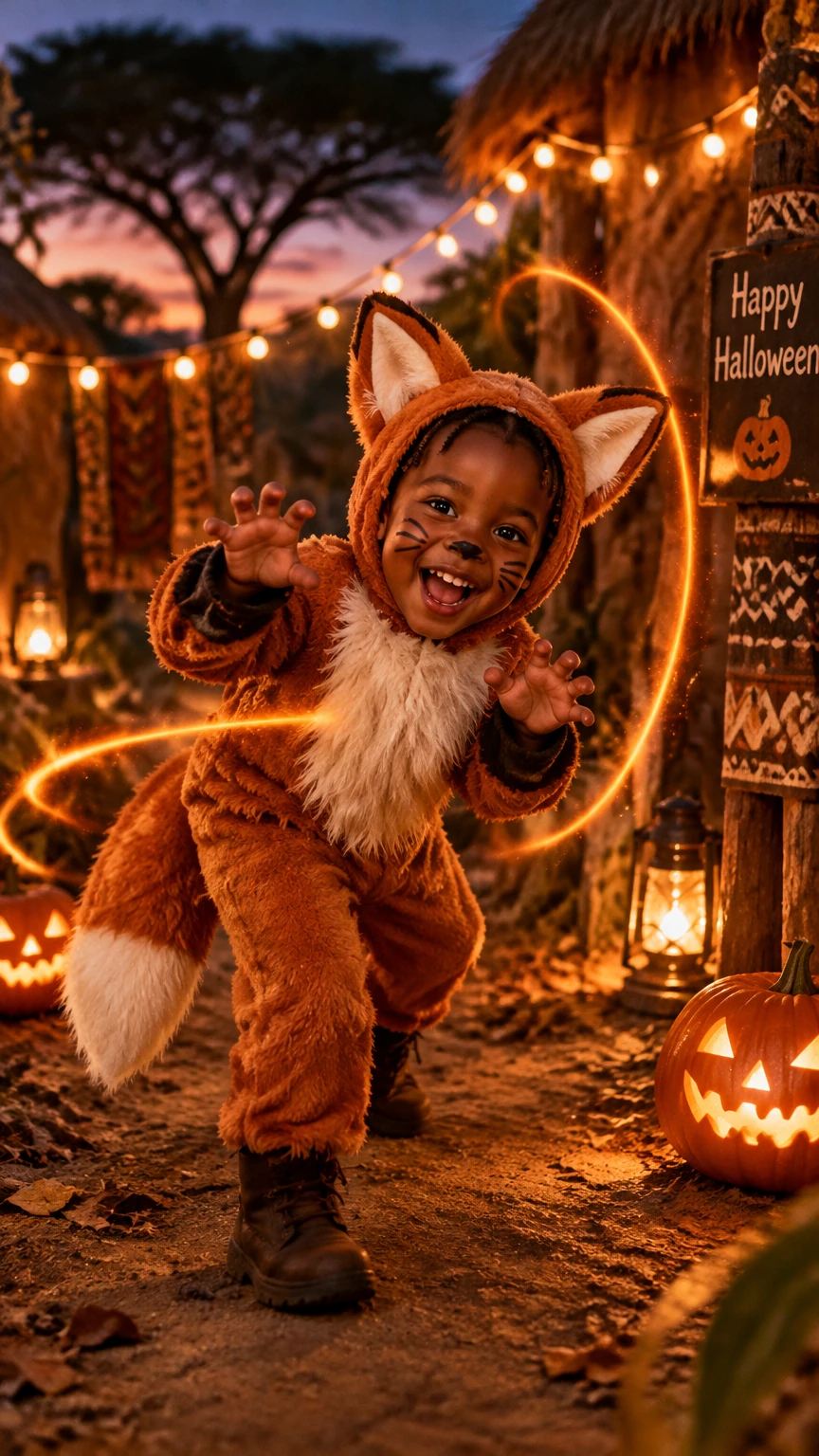
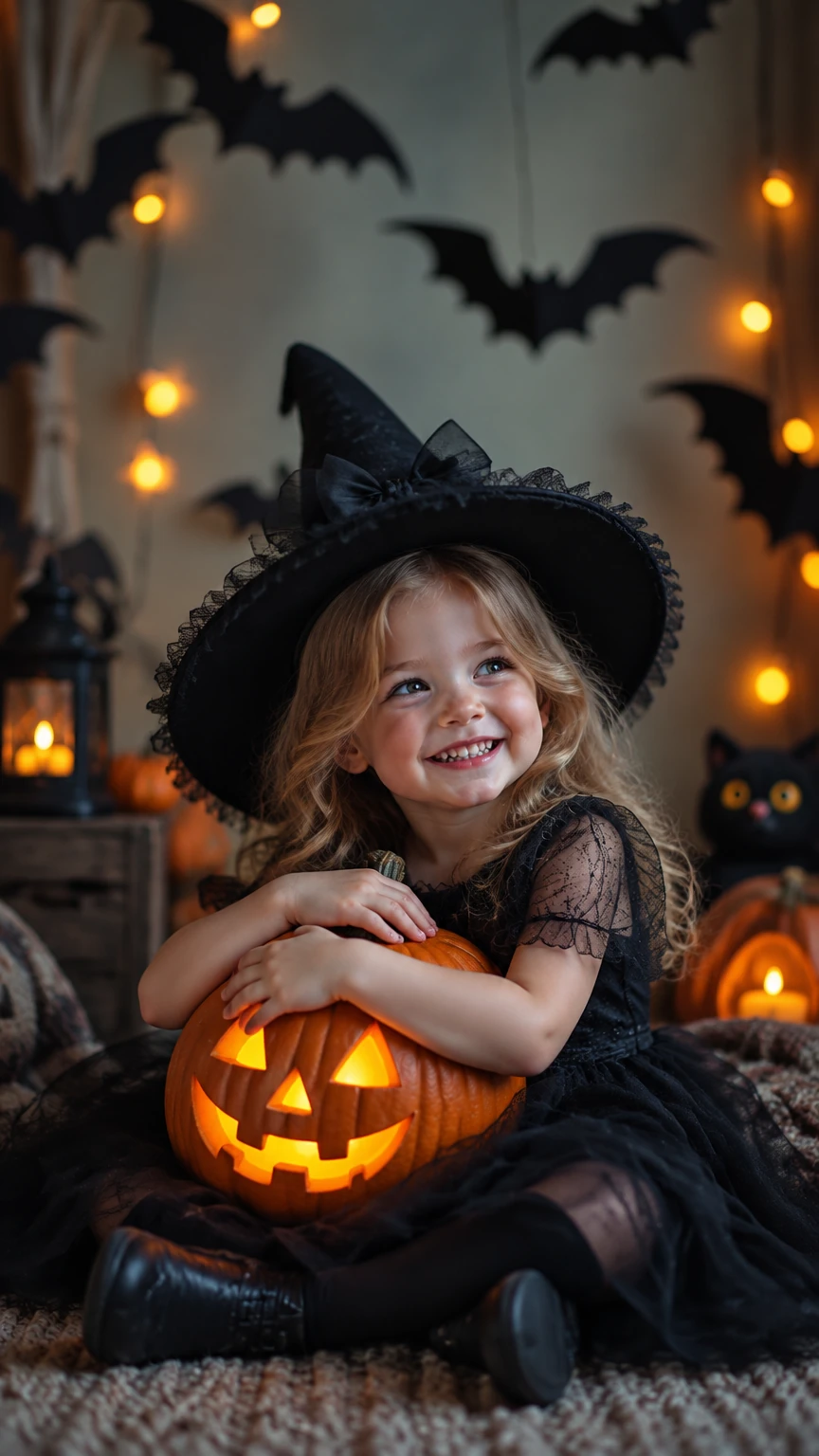
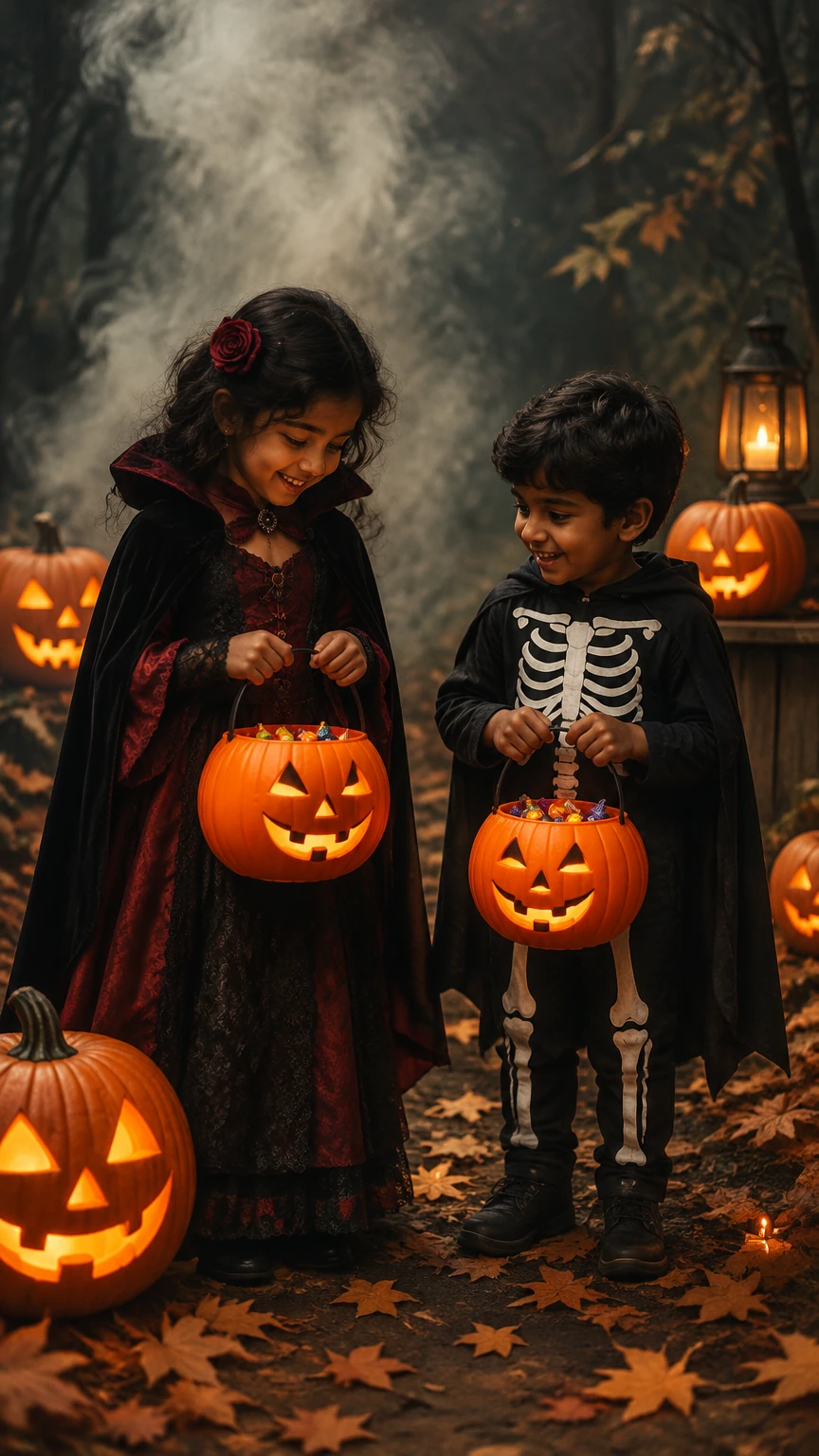
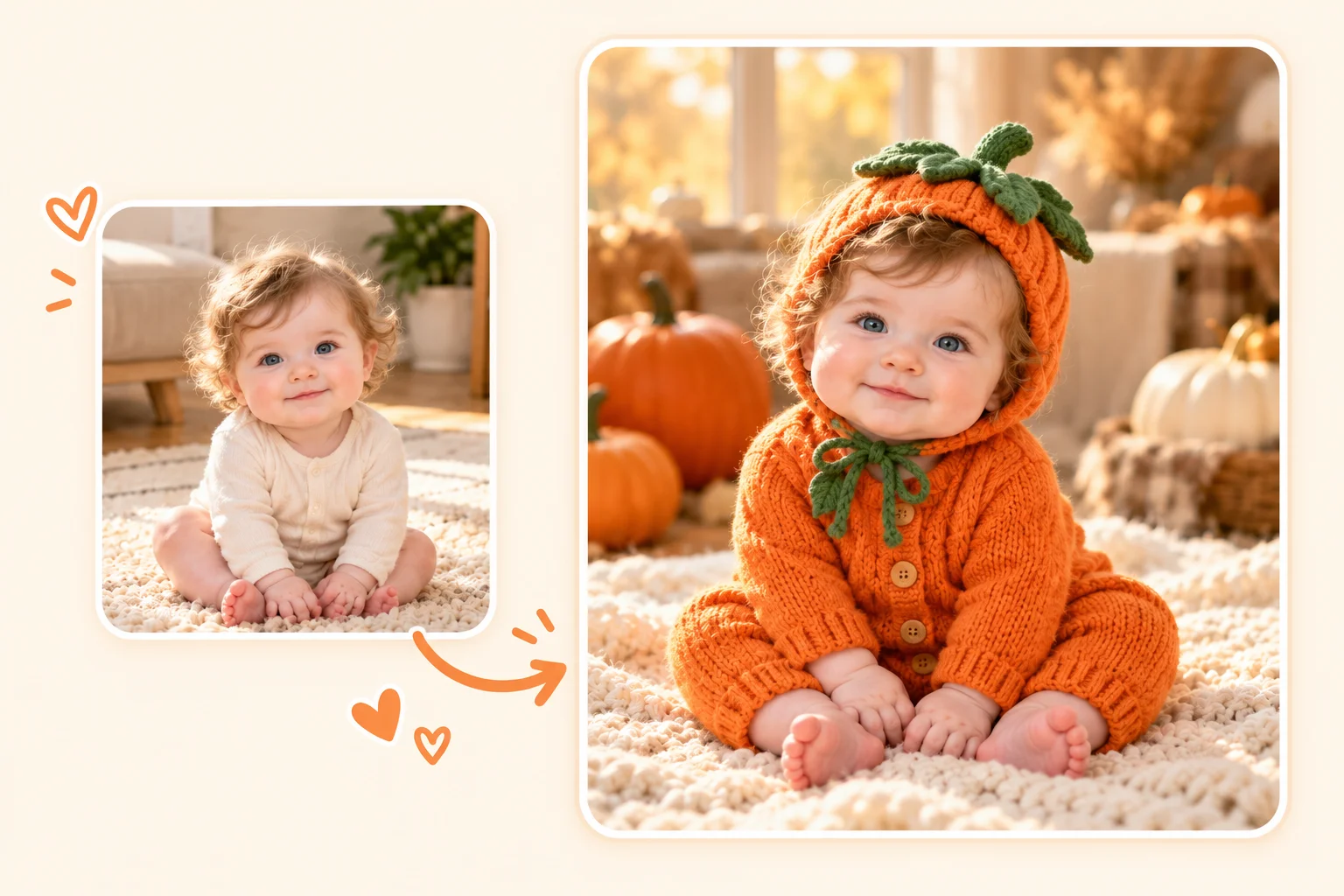
A first Halloween deserves a picture, and a baby in a stiff costume rarely cooperates. Upload your best everyday shot and choose a pumpkin, ghost, or other kid-friendly template with warm light and a gentle autumn background. Save the finished portrait in a keepsake album, add your baby's name and year later, or share it with family.
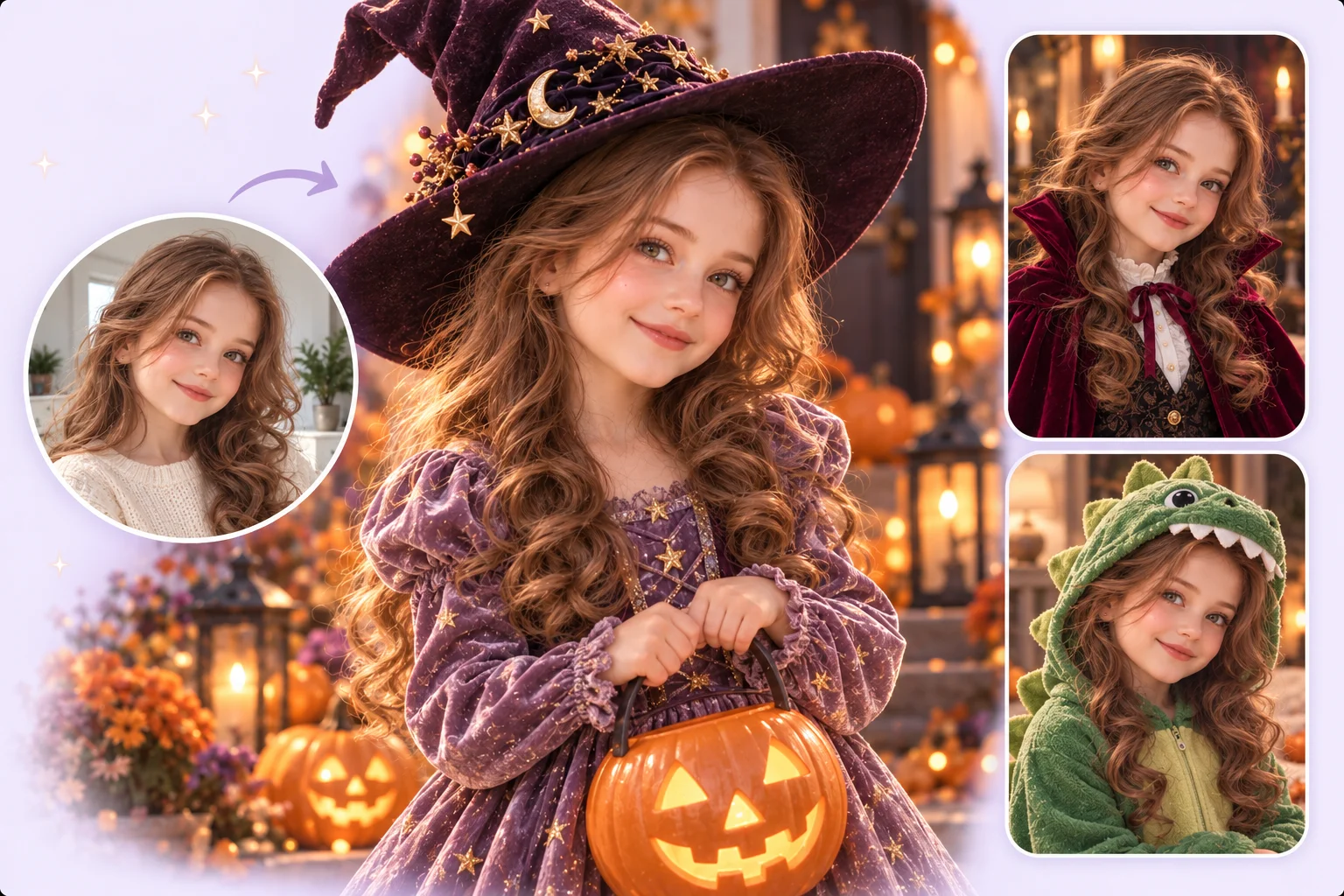
You do not need a studio, a costume, or a child who sits still. Upload a photo to PhotoGrid and the AI dresses your child as a little witch, a friendly vampire, or a green dinosaur, so a kids Halloween photoshoot starts from what they actually want to be. Keep it cute and not scary with storybook looks and bright pumpkin scenes, though results can vary with pose and light.
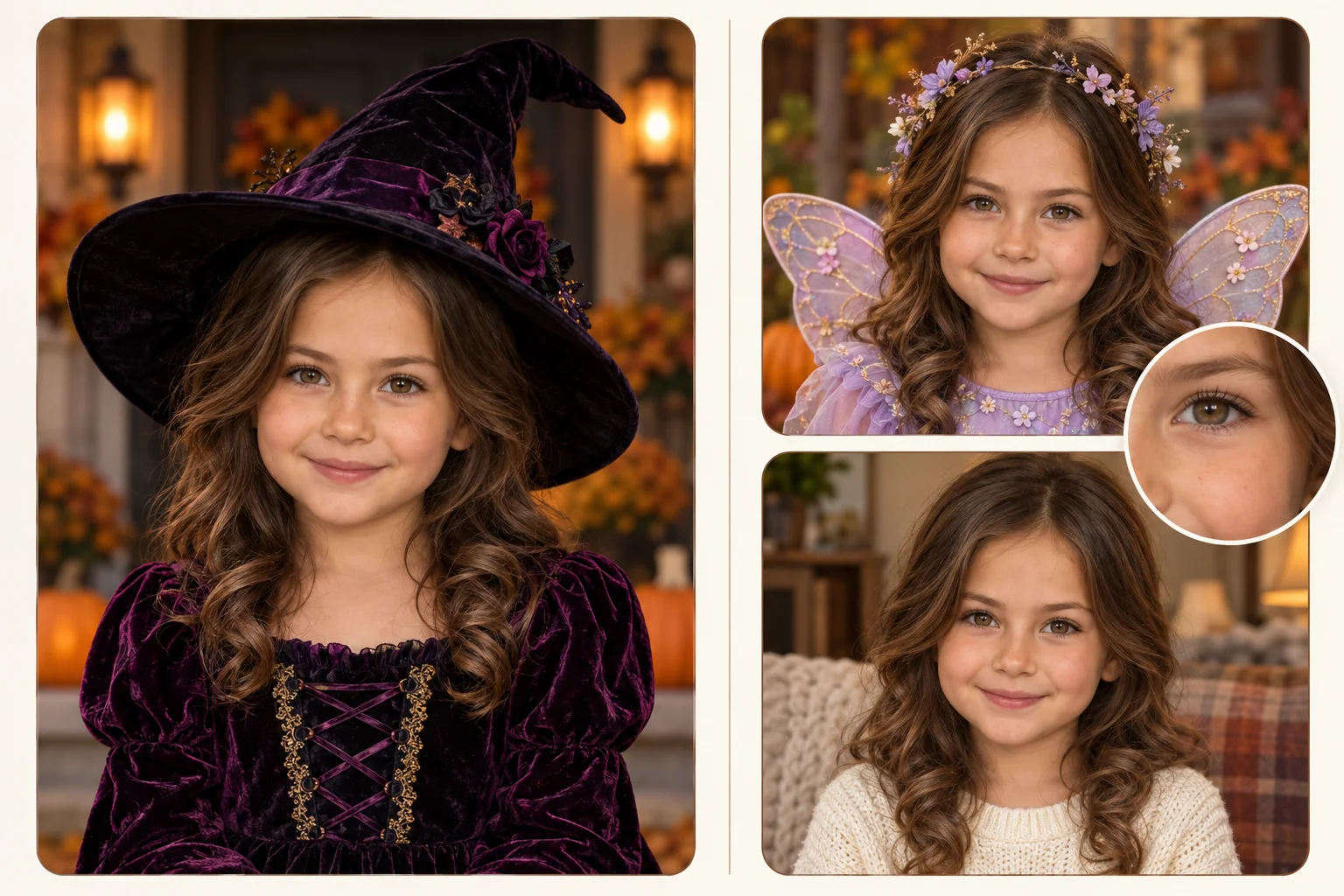
A Halloween photo only works if it still looks like your child. PhotoGrid builds each look around your photo, so the smile and the little details stay in the picture under the hat, the hood, or the wings. Results can vary with the photo. Fine-tune the finished picture with our AI photo editor before you share it with family.
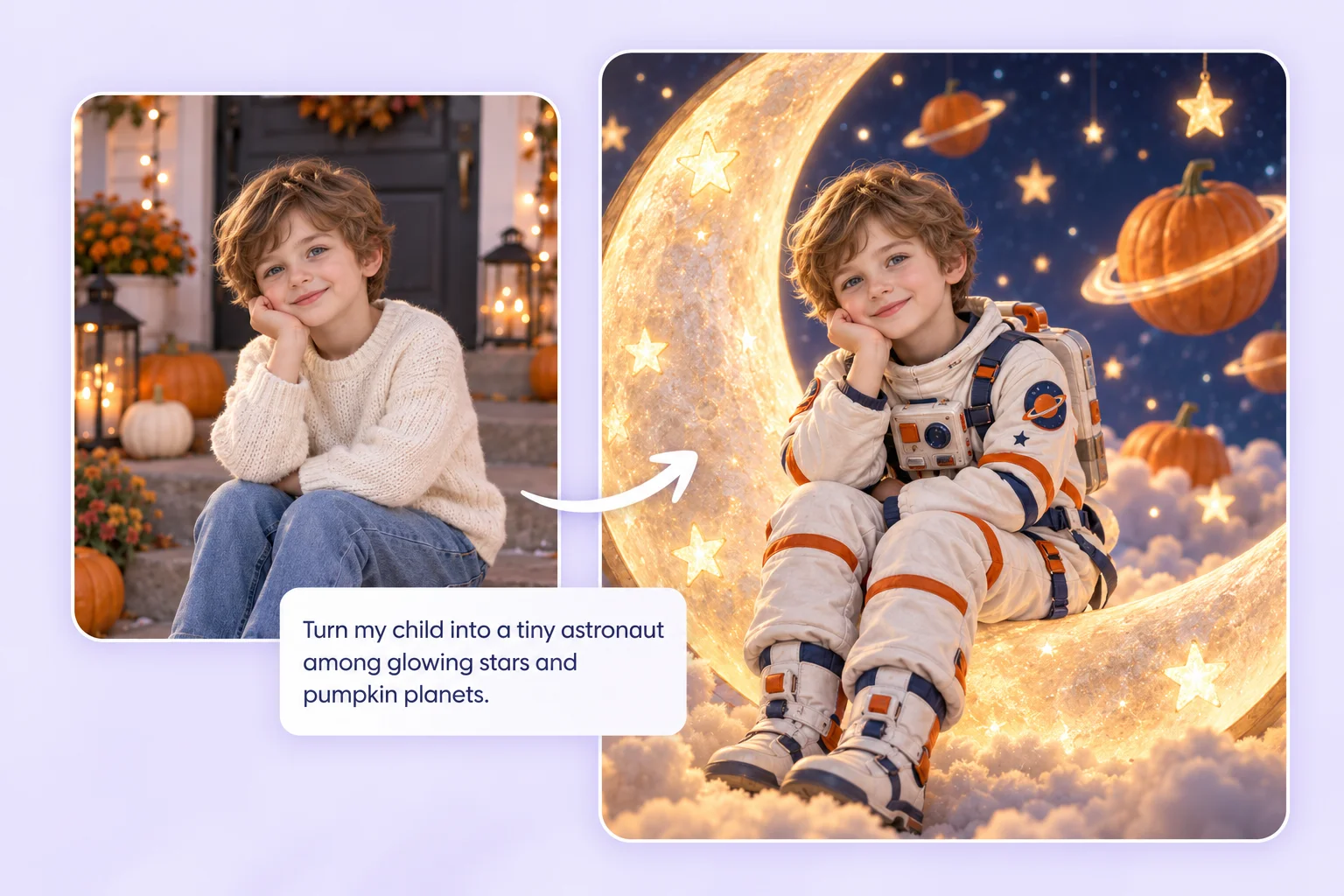
Have a different scene in mind, such as a tiny astronaut among stars or a pirate on a toy ship? Upload a costume reference image alongside your child's photo to guide the look instead of choosing a template. For a look of your own, explore the AI halloween costume generator.
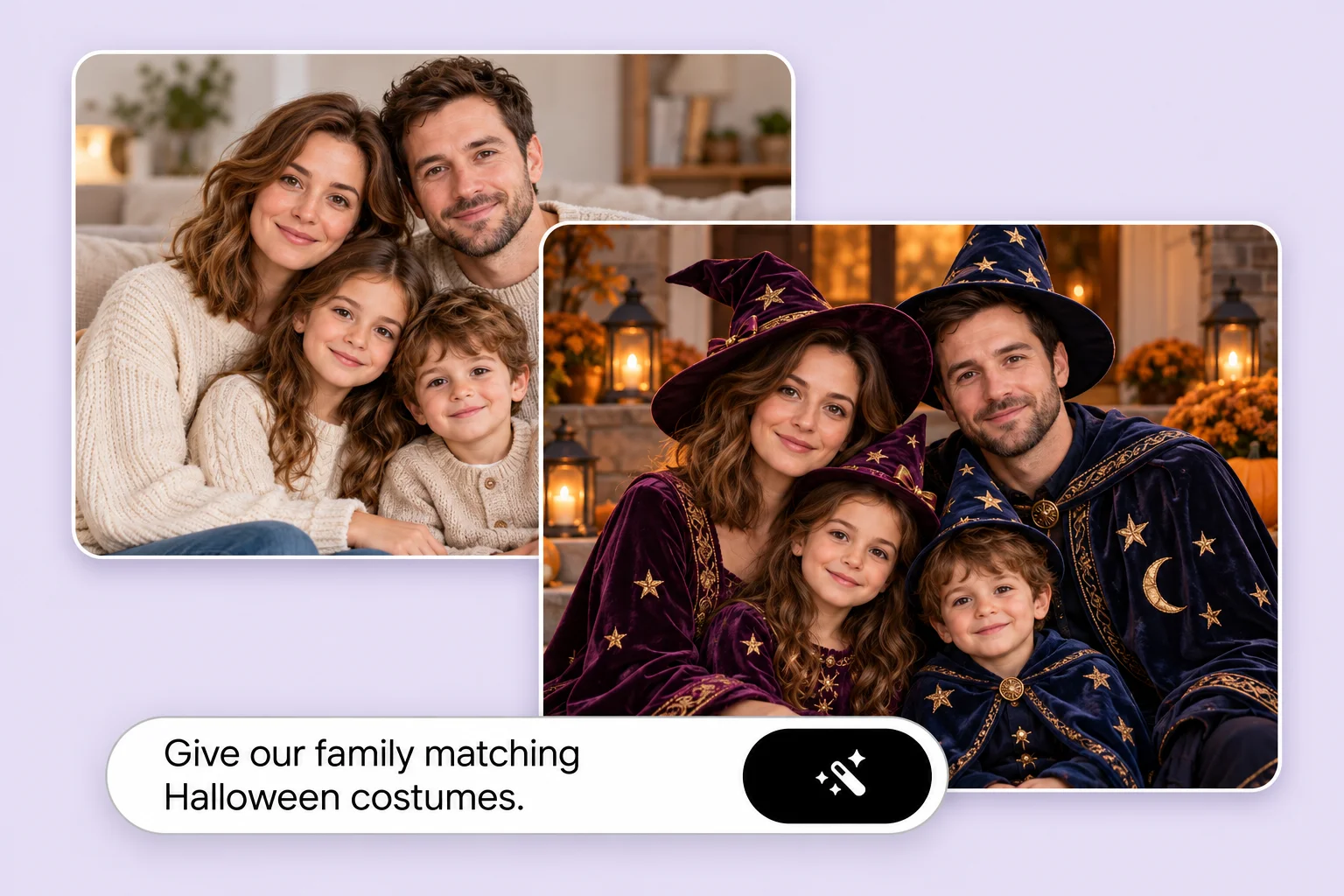
Siblings often want to match, a pair of ghosts or a whole crew of pirates. Upload a photo with everyone in it and the group steps into one theme. Bring separate photos together first with our AI group photo generator when nobody has one shot with everyone in it.
Turn one finished portrait into a Halloween card, a party invitation, a phone wallpaper, or a keepsake for your baby’s album. Add text, cropping, or layout afterward where needed.
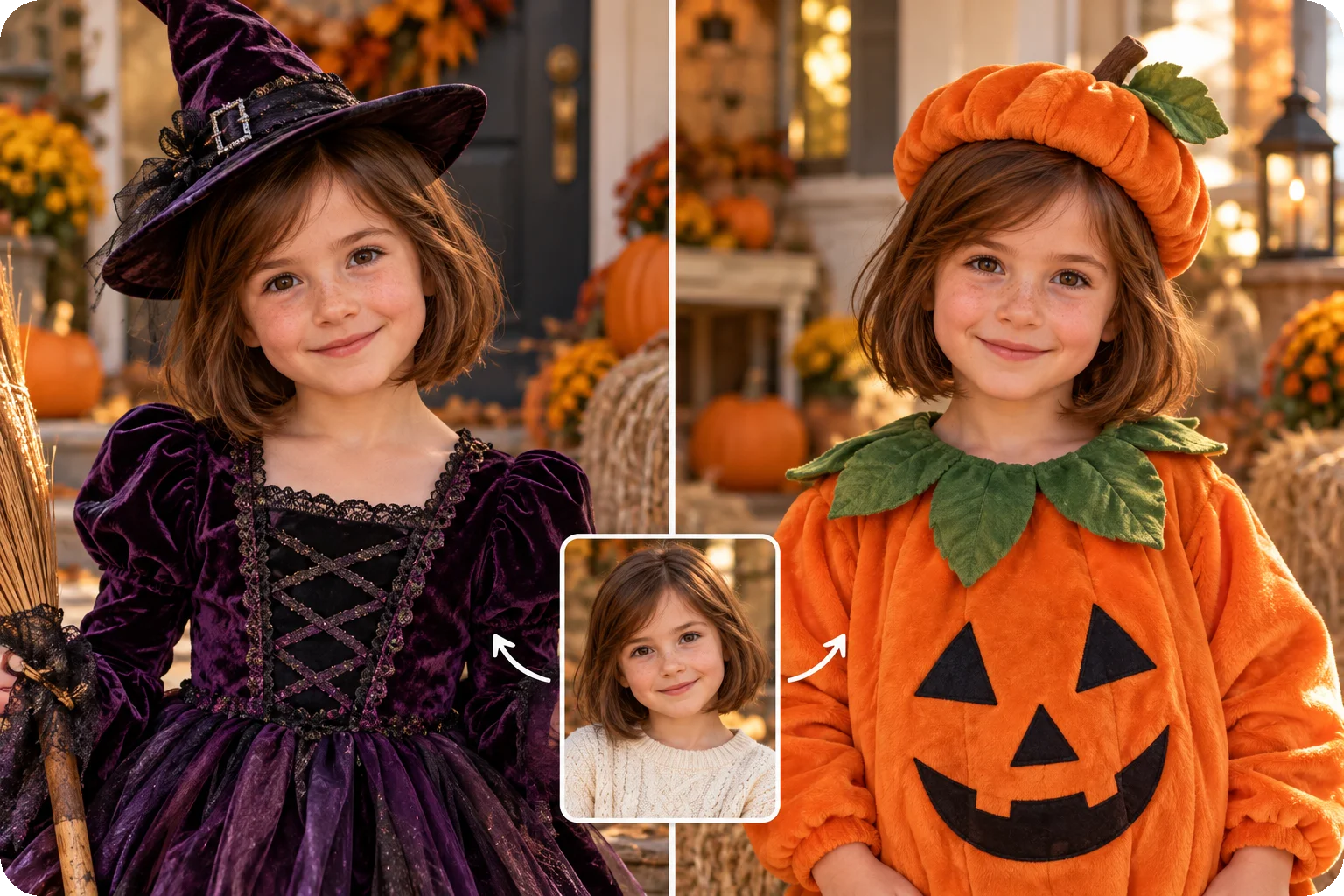
Compare a few looks and let your child choose a favorite. Treat AI portraits as costume inspiration, rather than an exact preview of an item you can buy.
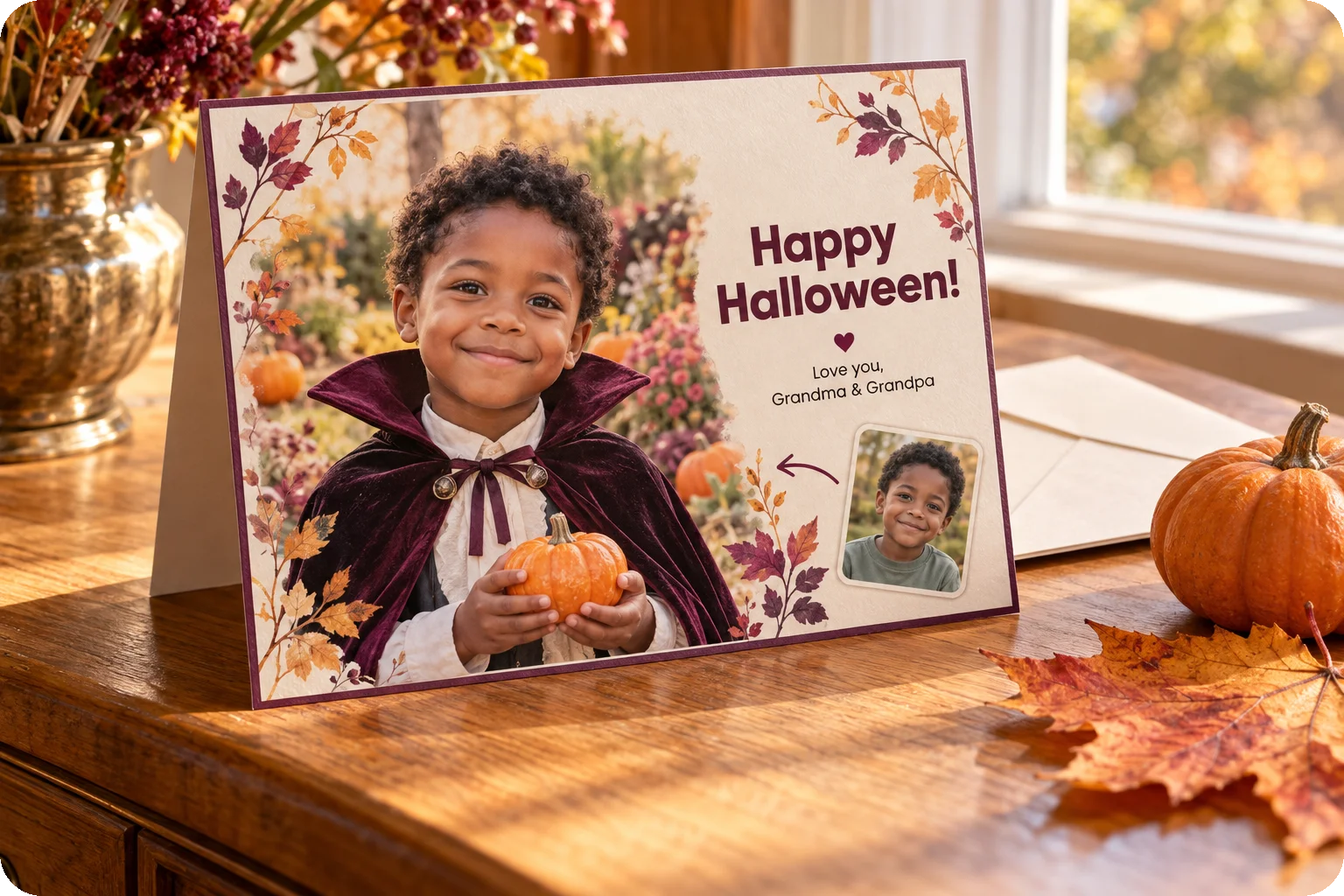
Generate a portrait, then add a greeting with a text-editing tool to make a card for grandparents. The card layout and lettering are a separate editing step.
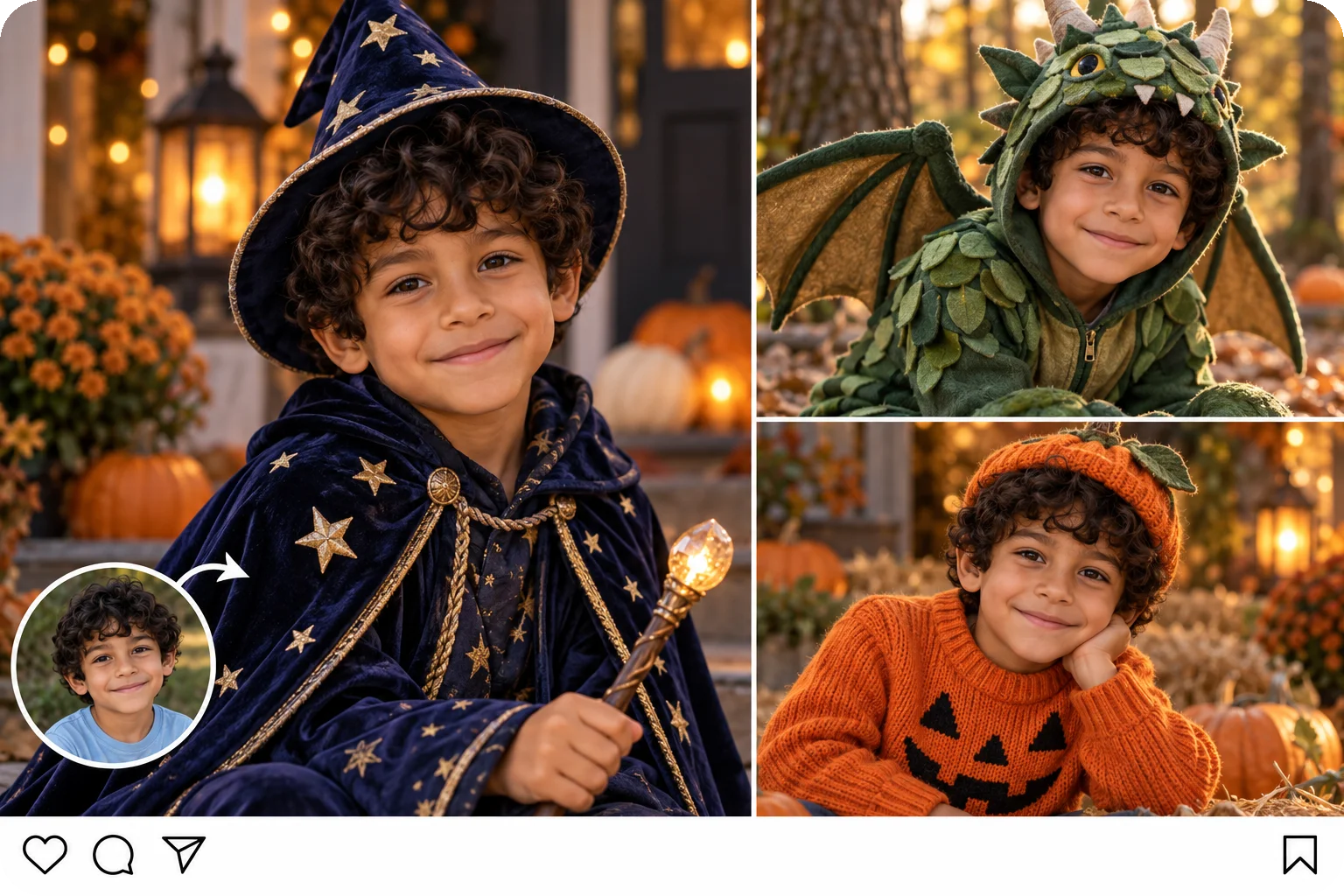
Save several generated looks, then combine them with a collage tool for a family chat or social post. The generator creates the portraits; you arrange the collage afterward.
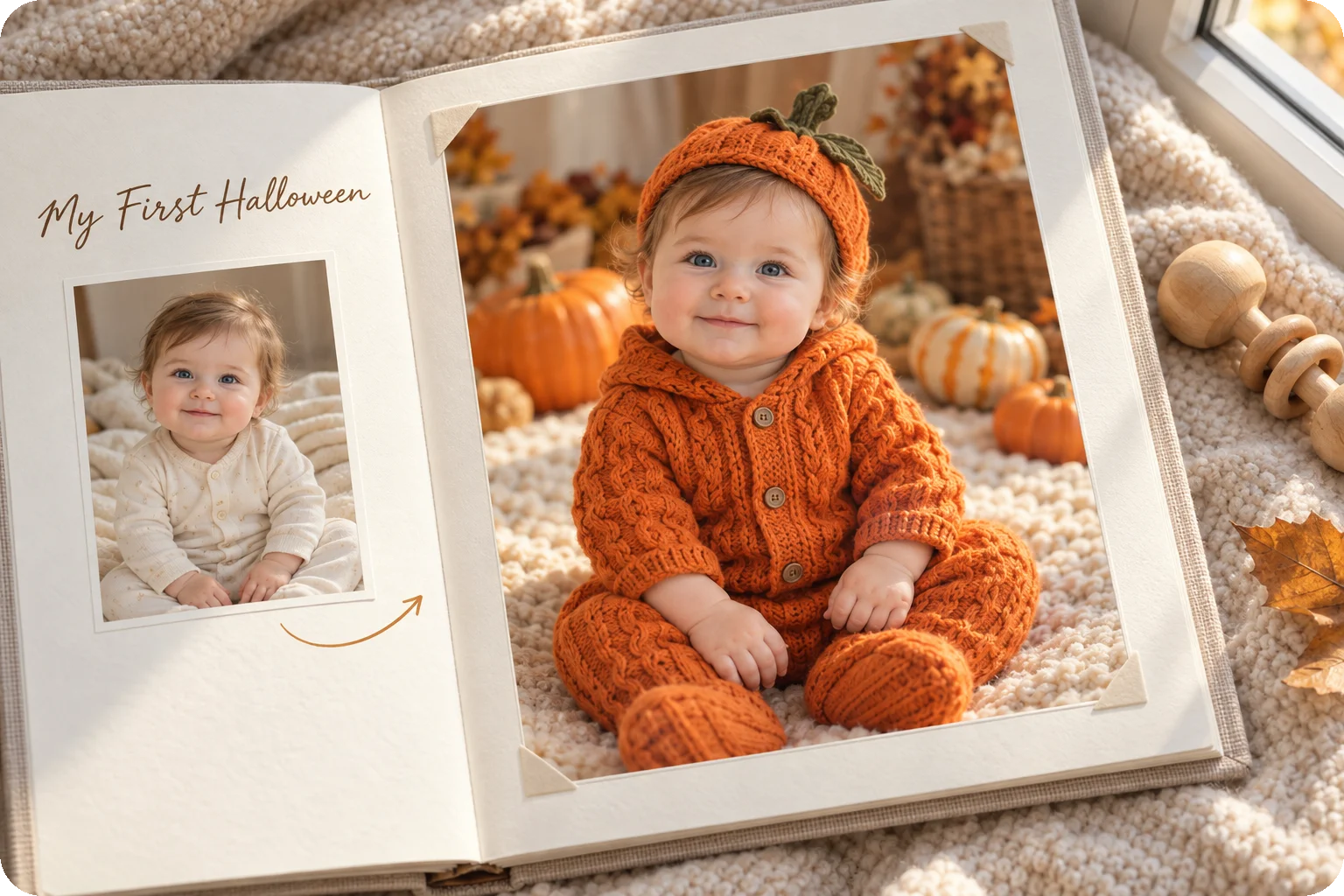
Save the portrait in your baby's first Halloween album. Add their name, the year, and 'My First Halloween' afterward with a text-editing tool before sharing it with family.
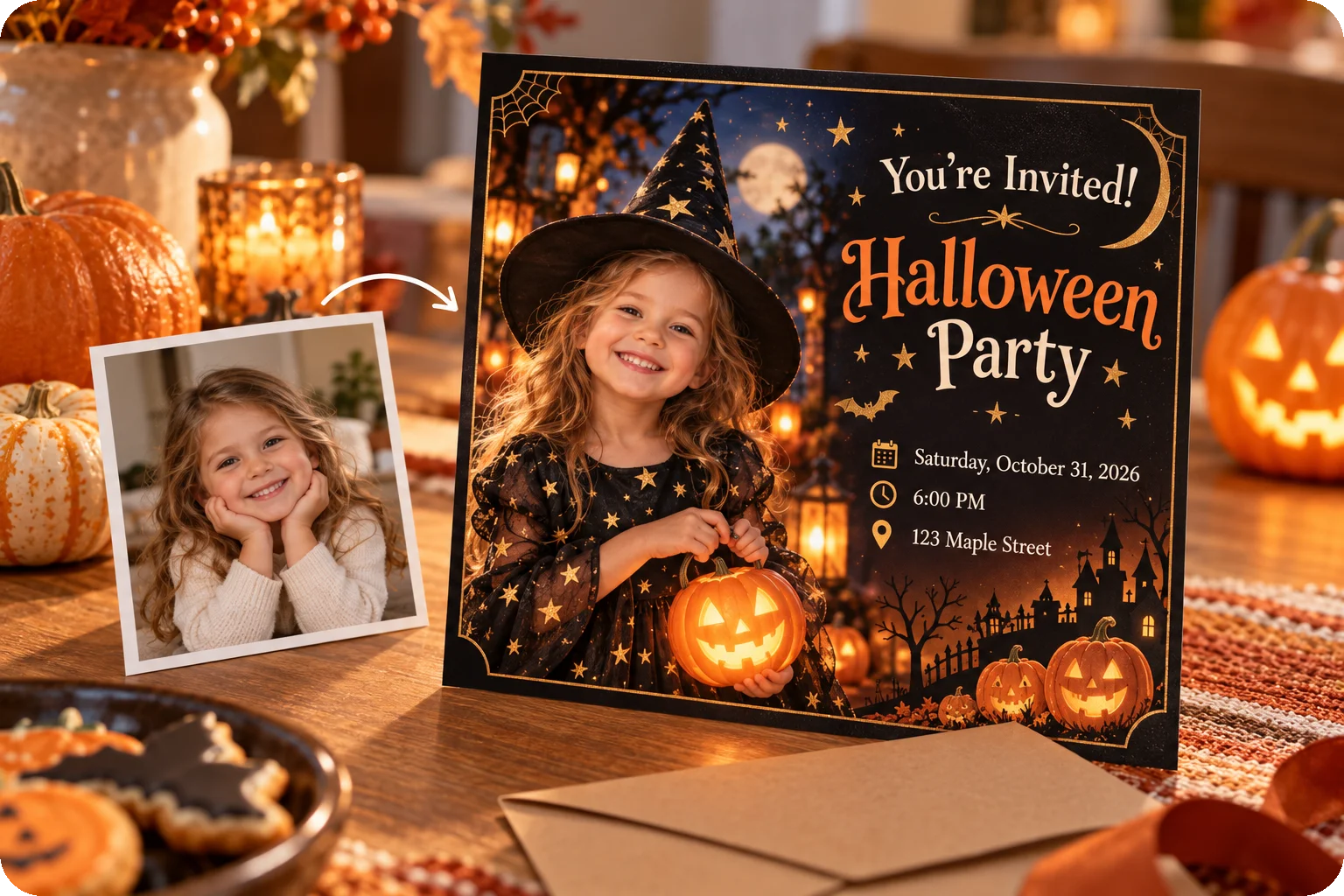
Use your child's Halloween portrait as the main picture on a party invitation. Add the date, time, and venue afterward in a card or text editor, then send it to your guests.
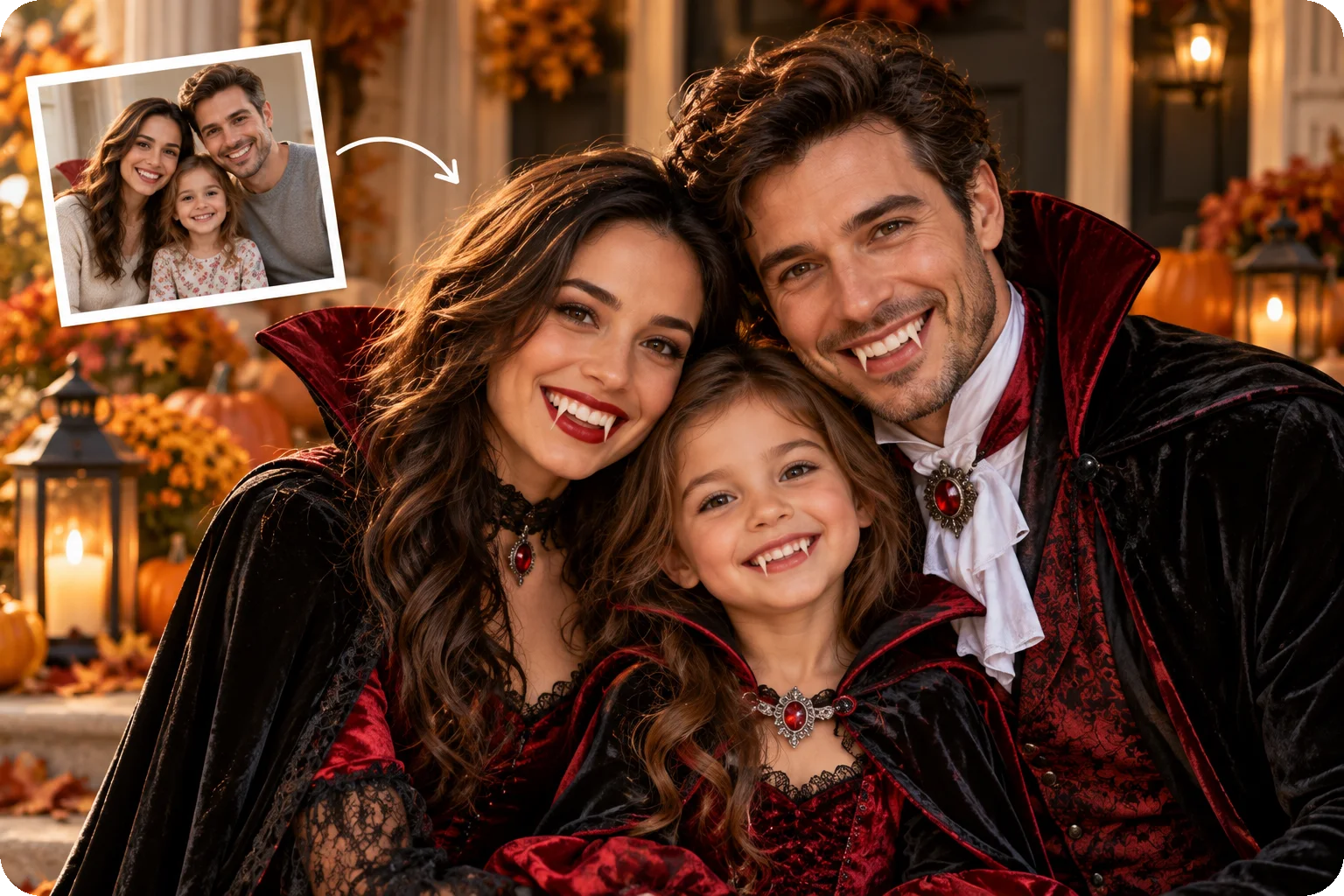
Give your family group chat a seasonal profile picture with a matching Halloween portrait. Crop the finished image to a square and keep every face clear of the edges.
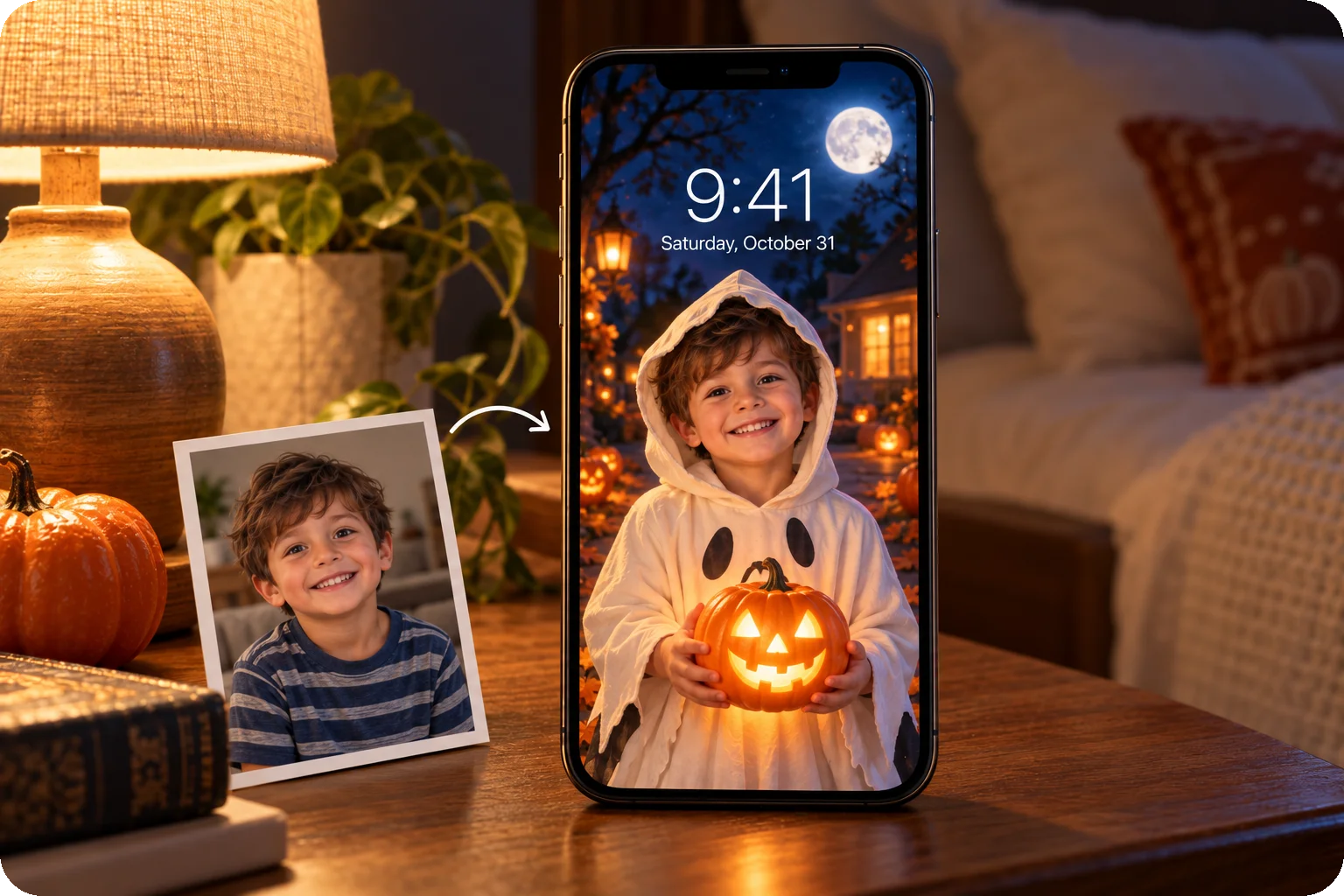
Keep a favorite pumpkin or witch portrait on your lock screen. Crop or arrange the finished photo for your phone, leaving room for the clock and keeping your child's face visible.
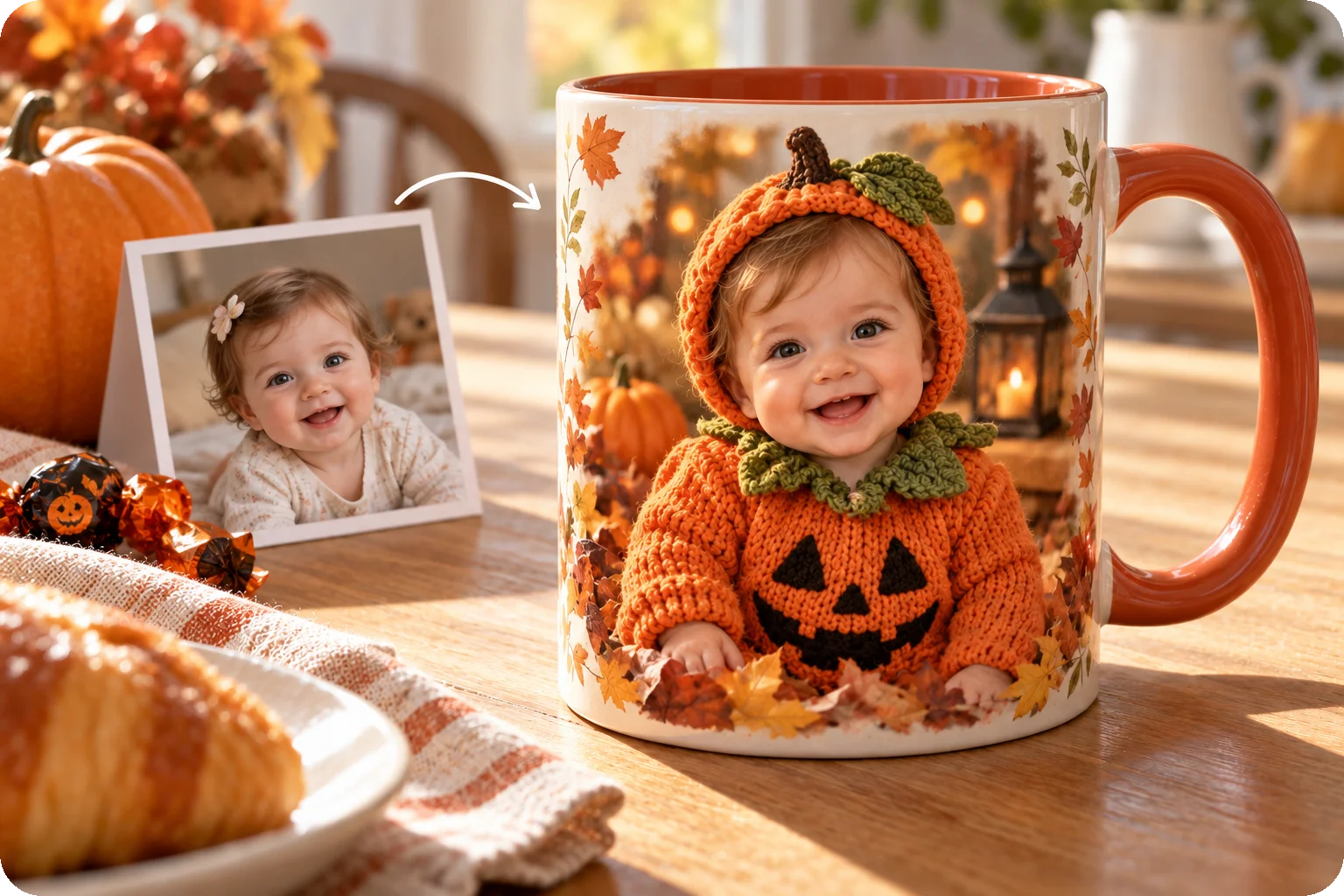
Save a favorite baby Halloween portrait and use a separate photo-gift service to put it on a mug for grandparents. Check the saved image's resolution against the service's requirements before ordering.
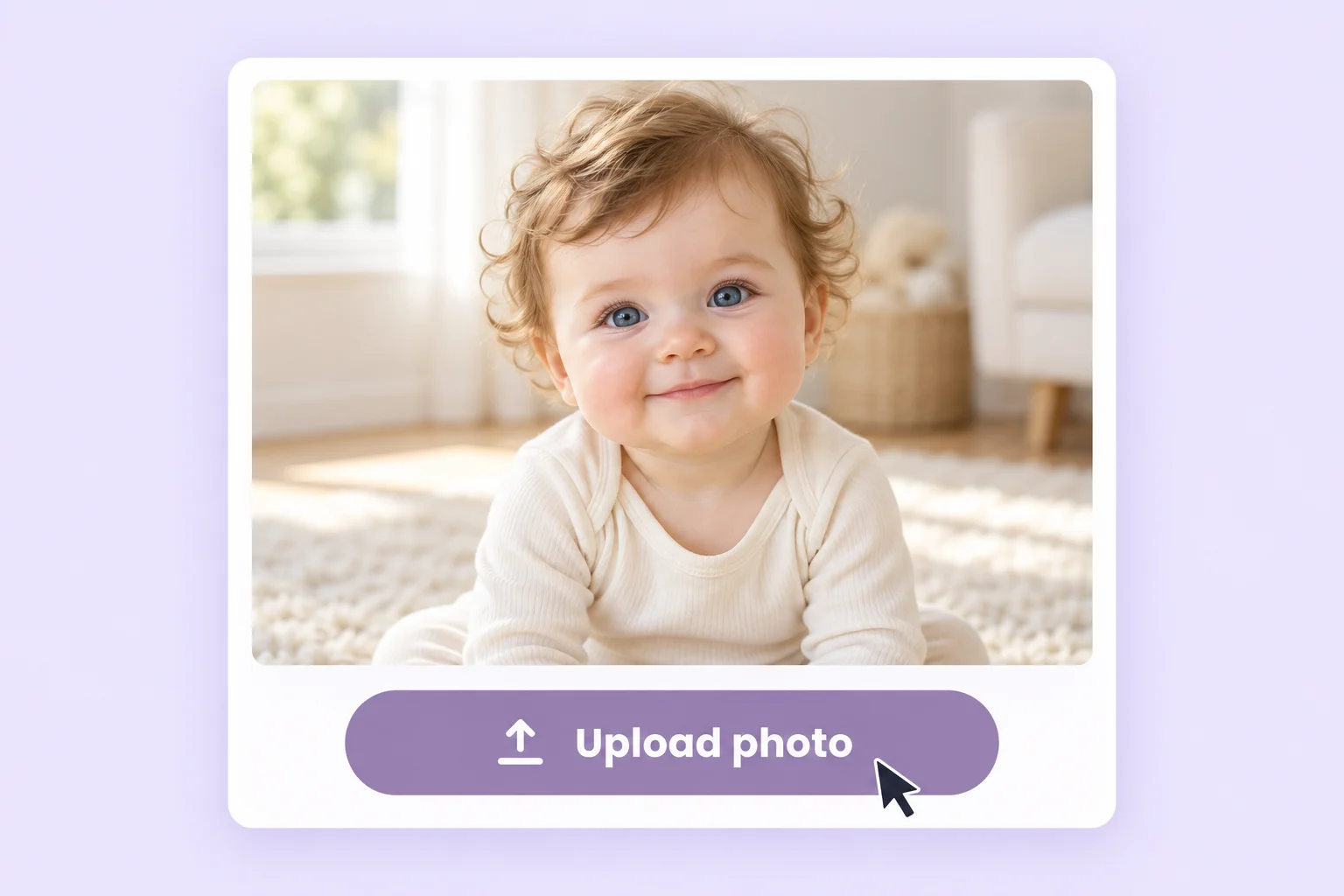 1
1Choose a clear photo where your child's face is easy to see.
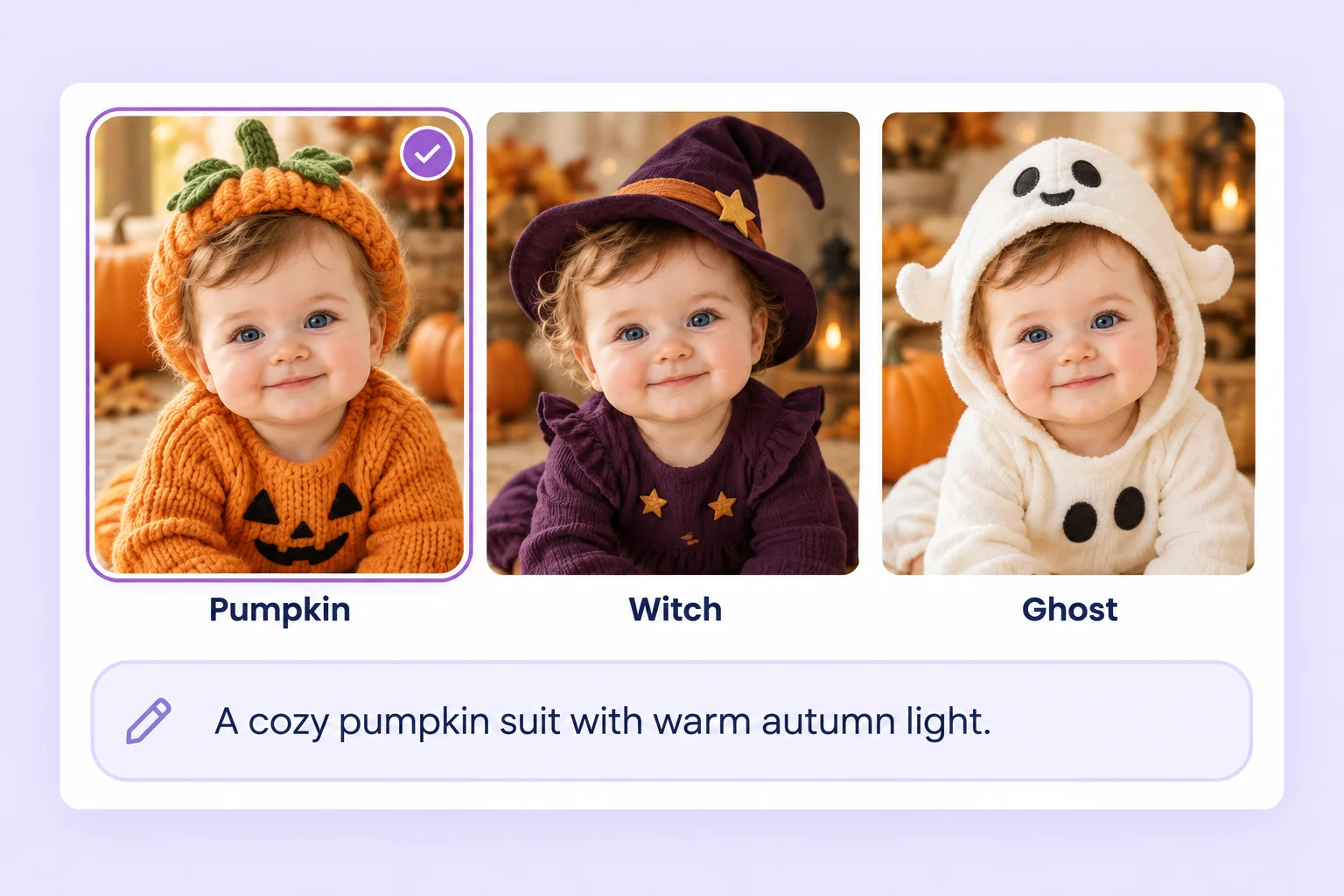 2
2Select a ready-made Halloween template or upload a costume reference image to guide the look.
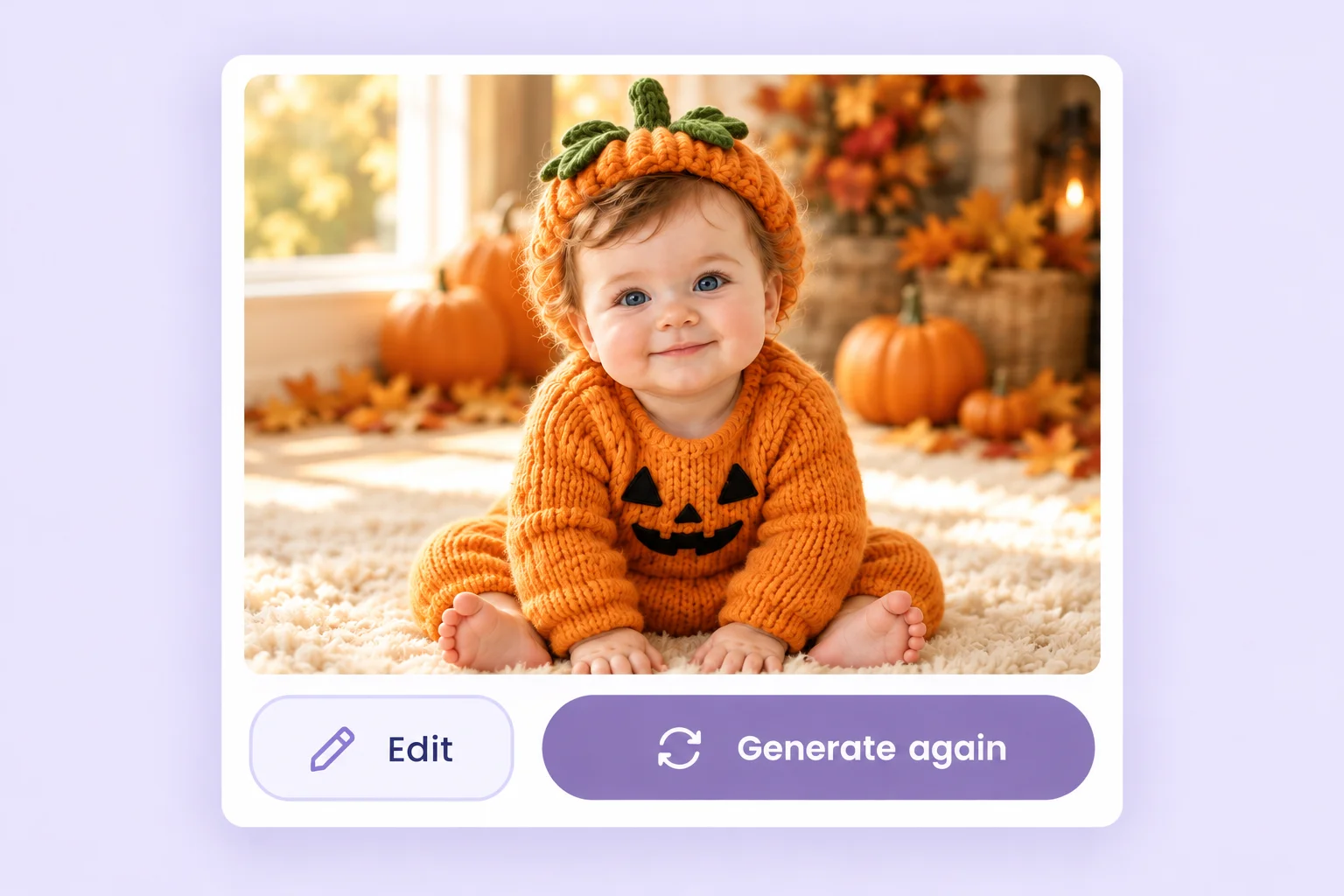 3
3Generate and review the result. To try another look, choose a different template or reference image and generate again.
PhotoGrid uses the uploaded photo as a starting point to help retain your child's recognizable features. Likeness can vary with the photo and chosen look.
See the look on a photo first, so nobody has to wear a costume that itches or does not fit.
Save your child's Halloween photo with no watermark, ready for a card or a family chat.
Open PhotoGrid in your browser or in the app, whichever is closer when the party invite arrives.
One tool covers a solo portrait, a sibling pair, and a family photo, so nobody gets left out.
Upload a costume reference image for a look beyond the ready-made templates. Pair it with a clear photo of your child.
A baby's first Halloween or a little witch can start with a single photo. Upload one and see the look before the night begins.