Back to the 80s

80s Filter: Turn Your Selfie Into a 1980s Photo

PhotoGrid's AI 80s filter takes one selfie as the reference and rebuilds the hair, outfit, lighting, and film texture around your face, so the result looks like a print from 1985. Pick a full 80s makeover, or choose Film Look for a vintage camera finish.

Choose a look

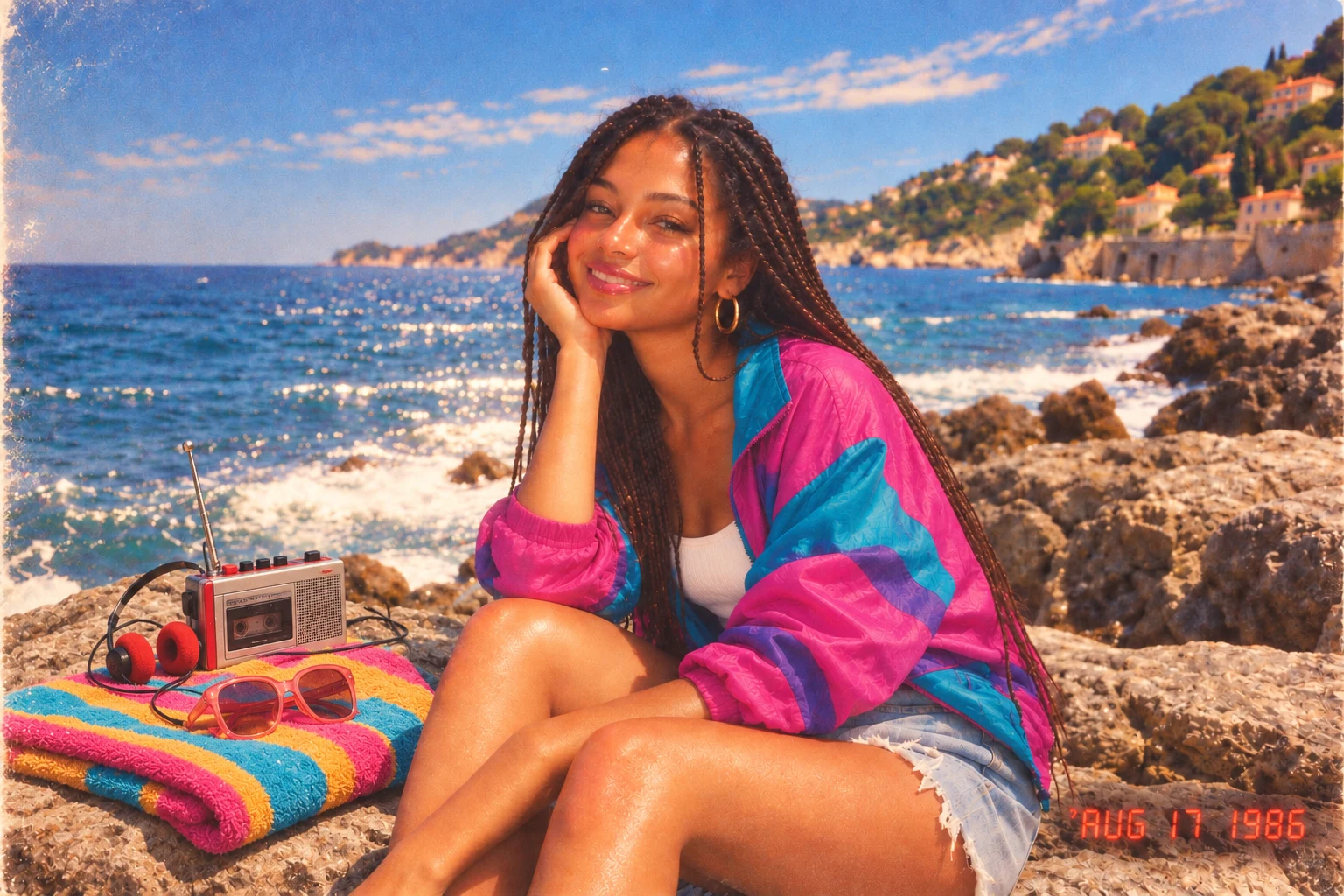
Compare a seaside portrait and its warm-toned 80s camera effect

Film Look

Choose Your Scene, From Mall Studio to Party Flash

Each 80s look is a complete scene with its own backdrop, styling, and lighting. You choose the moment you want to step into, and the filter handles the rest.

Mall Studio

Get the Classic 80s Mall Studio Portrait

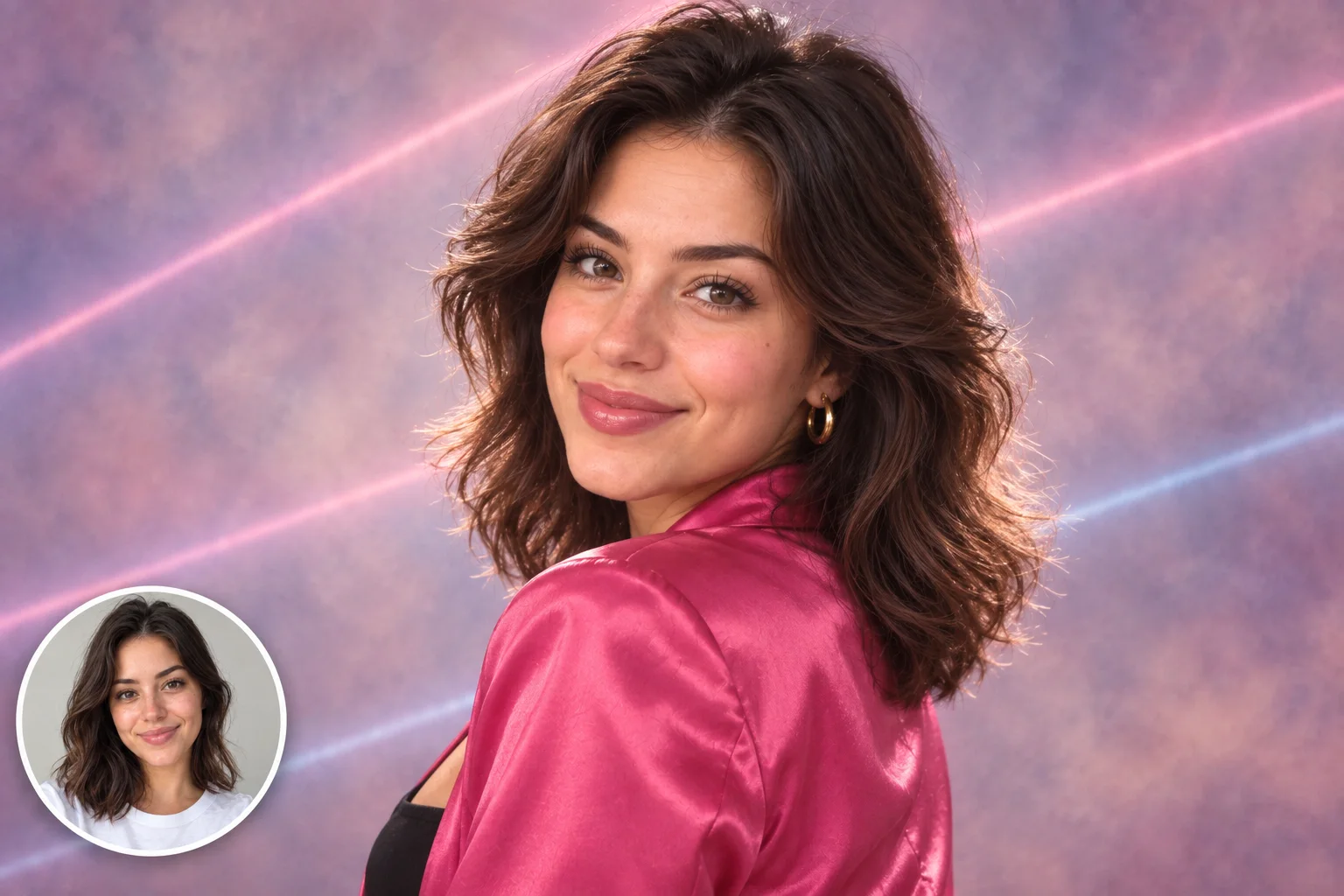
Soft studio light, a laser-beam or mottled canvas backdrop, and an over-the-shoulder pose recreate the portrait studios that sat inside 1980s shopping malls. It is one of the most recognizable looks from the 80s AI photo trend.

Recreate an 80s studio portrait of a woman in a pink blouse against a laser-beam backdrop
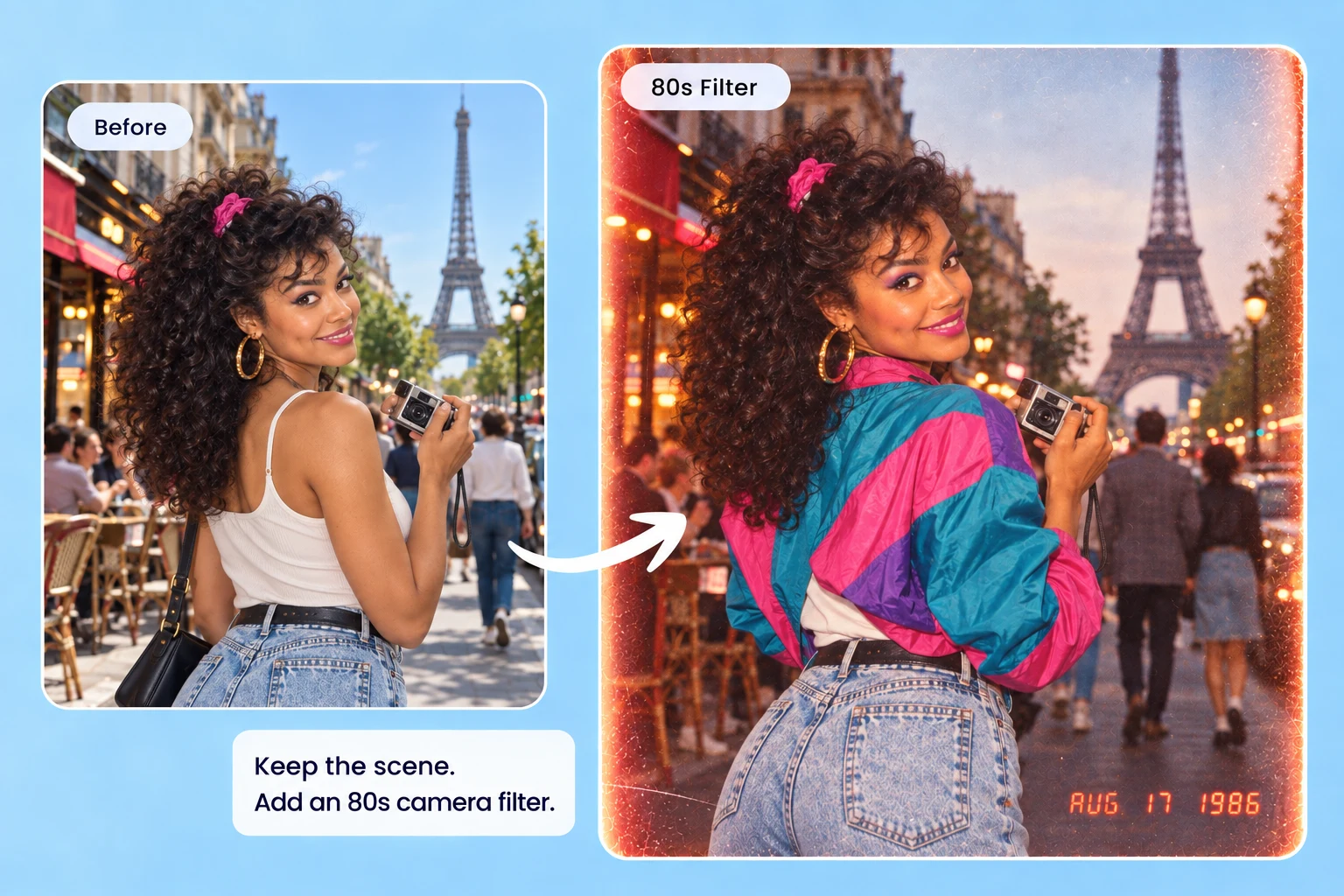
Compare a Paris travel photo before and after applying an 80s filter

Add an 80s Camera Filter to Your Photo

Film Look is designed to keep your original scene and styling while adding what an 80s point-and-shoot camera would have left on the print: direct flash, fine grain, faded warm color, and an orange date stamp in the corner. Use it on travel shots, everyday snaps, and other photos you want to give an old-album feel.

This is the 80s photo filter for anyone who wants the vintage mood without the big hair. It focuses on the camera look rather than replacing your outfit or setting.

How to Use PhotoGrid's AI 80s Filter?

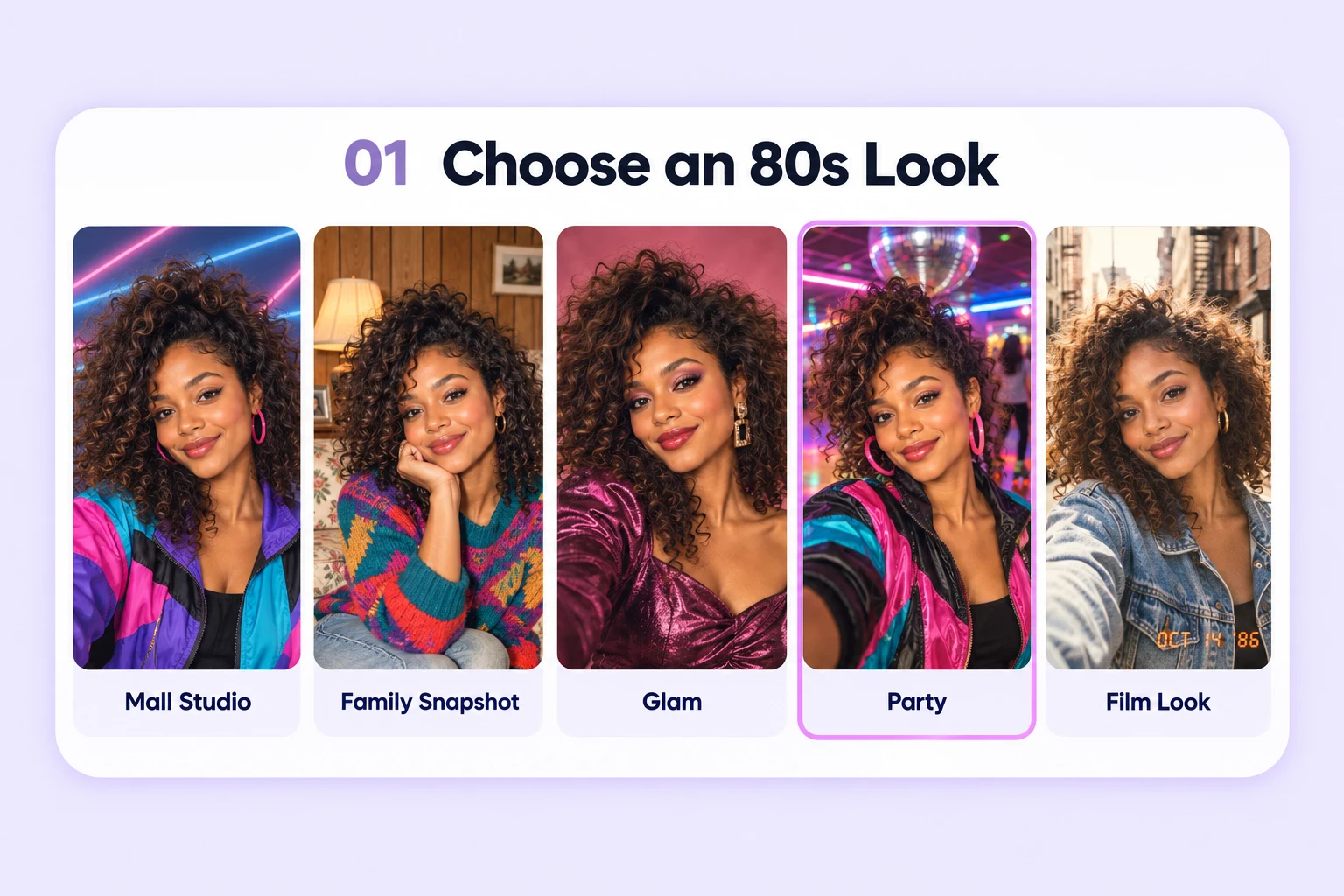
Step 01: choose from five 80s photo styles in PhotoGrid

Pick an 80s look

Choose Mall Studio, Family Snapshot, Glam, or Party for a full makeover, or pick Film Look for an 80s camera finish on your original photo. Each look opens the AI Image page with its own 80s prompt already filled in, so you can upload your photo and start generating right away.
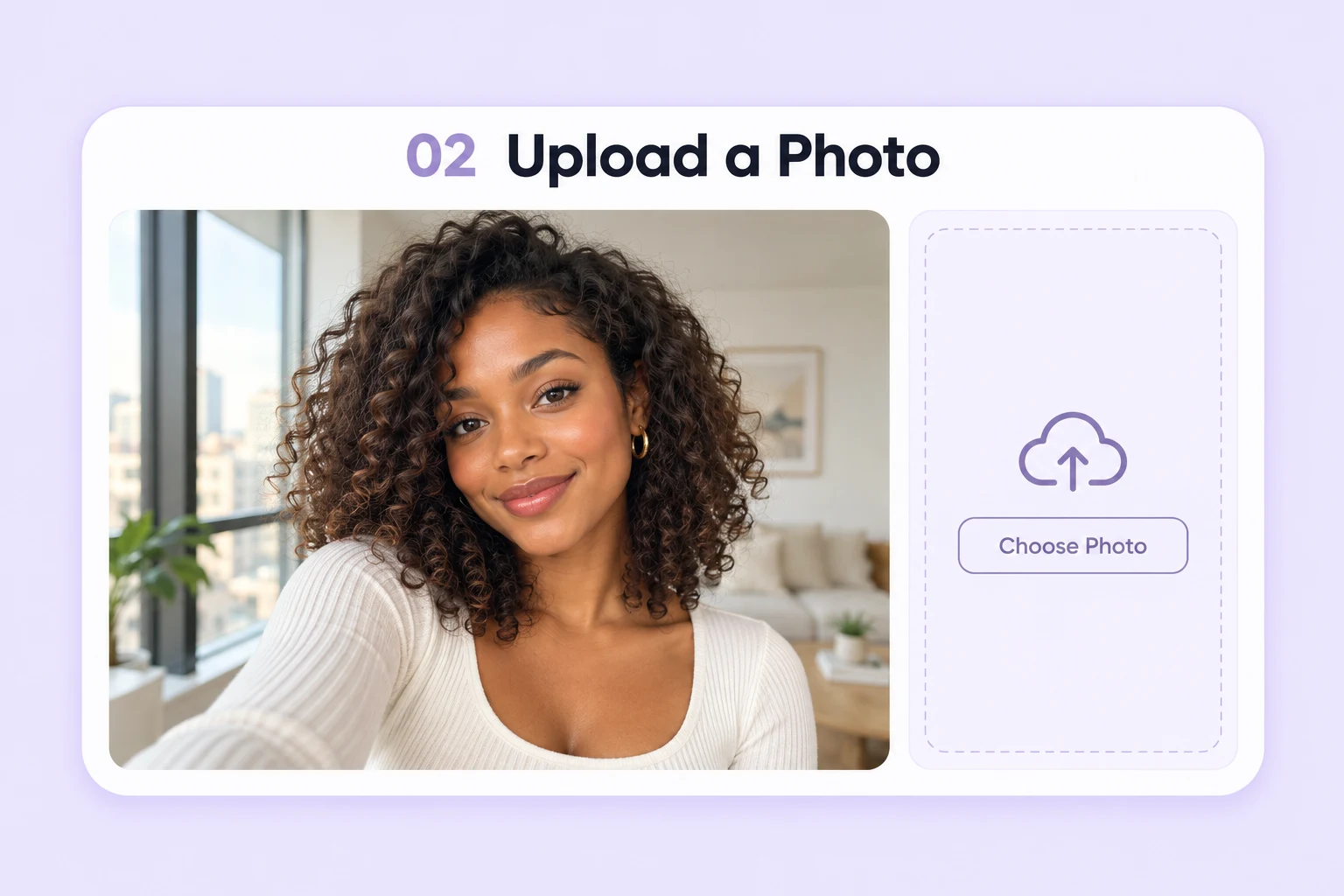
Step 02: upload a woman’s selfie in the PhotoGrid image workspace

Upload your photo

For the four makeover looks, add a front-facing selfie with even light and nothing covering your face, so the AI has a strong reference for your features. Film Look can start from a selfie or a travel shot, since it adds a camera finish instead of a new look.
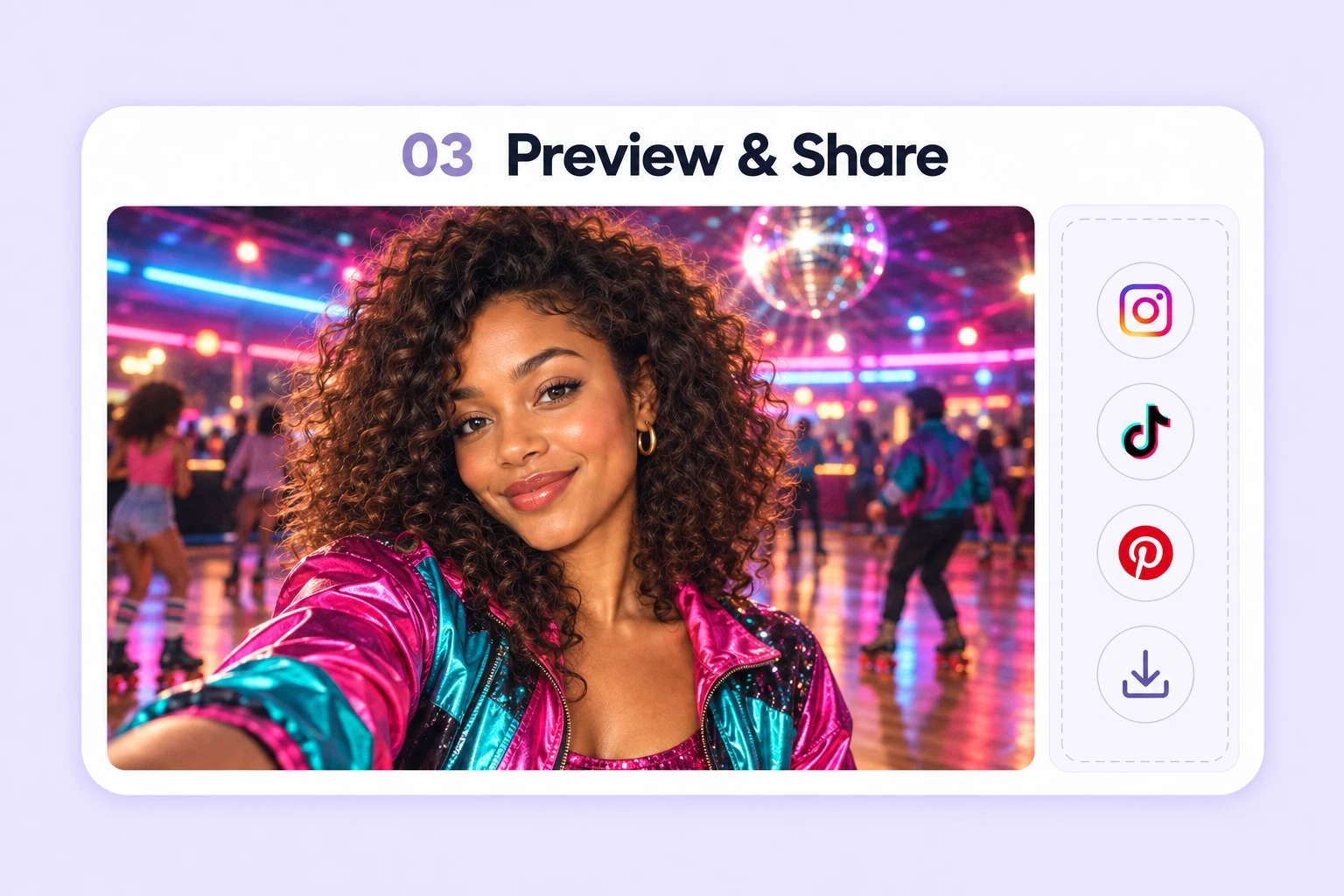
Step 03: preview an 80s party photo with sharing and download options

Generate and download

Zoom in on the eyes and smile before you save. Generate again for a different take, or download your 80s photo and share it.


Bring the 80s Filter to Birthdays, Trips, and Profile Pictures

From a profile picture refresh to a vacation recap, an 80s photo fits more moments than a single trend post.

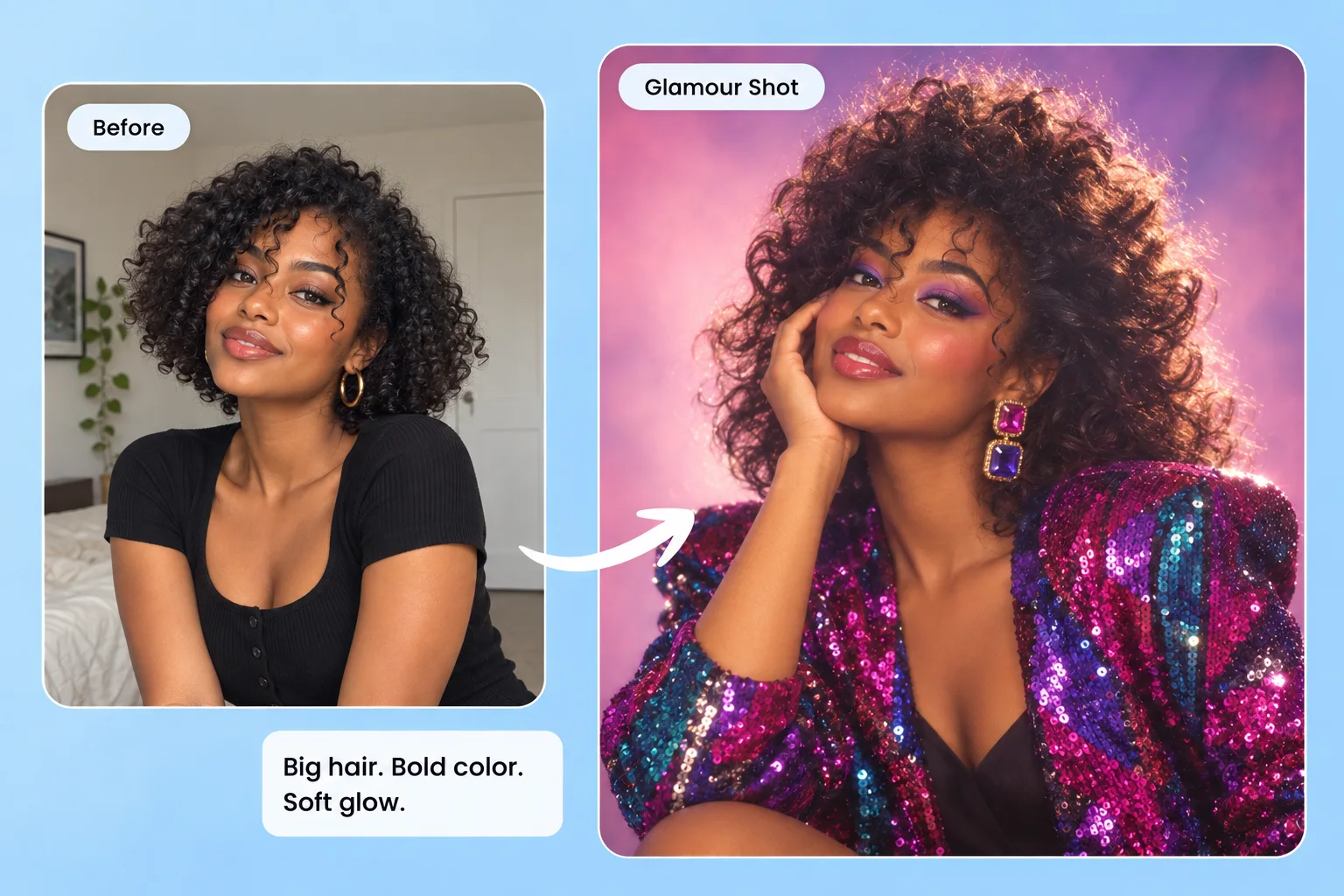
Compare a selfie and an 80s profile portrait with bold makeup and voluminous hair

Profile Picture

Refresh Your Profile Picture With an 80s Portrait

A posed studio portrait or a bold glamour shot gives your profile a completely different era in a feed full of phone selfies. Try: Pick Mall Studio for a classic portrait, or Glam for something bolder.

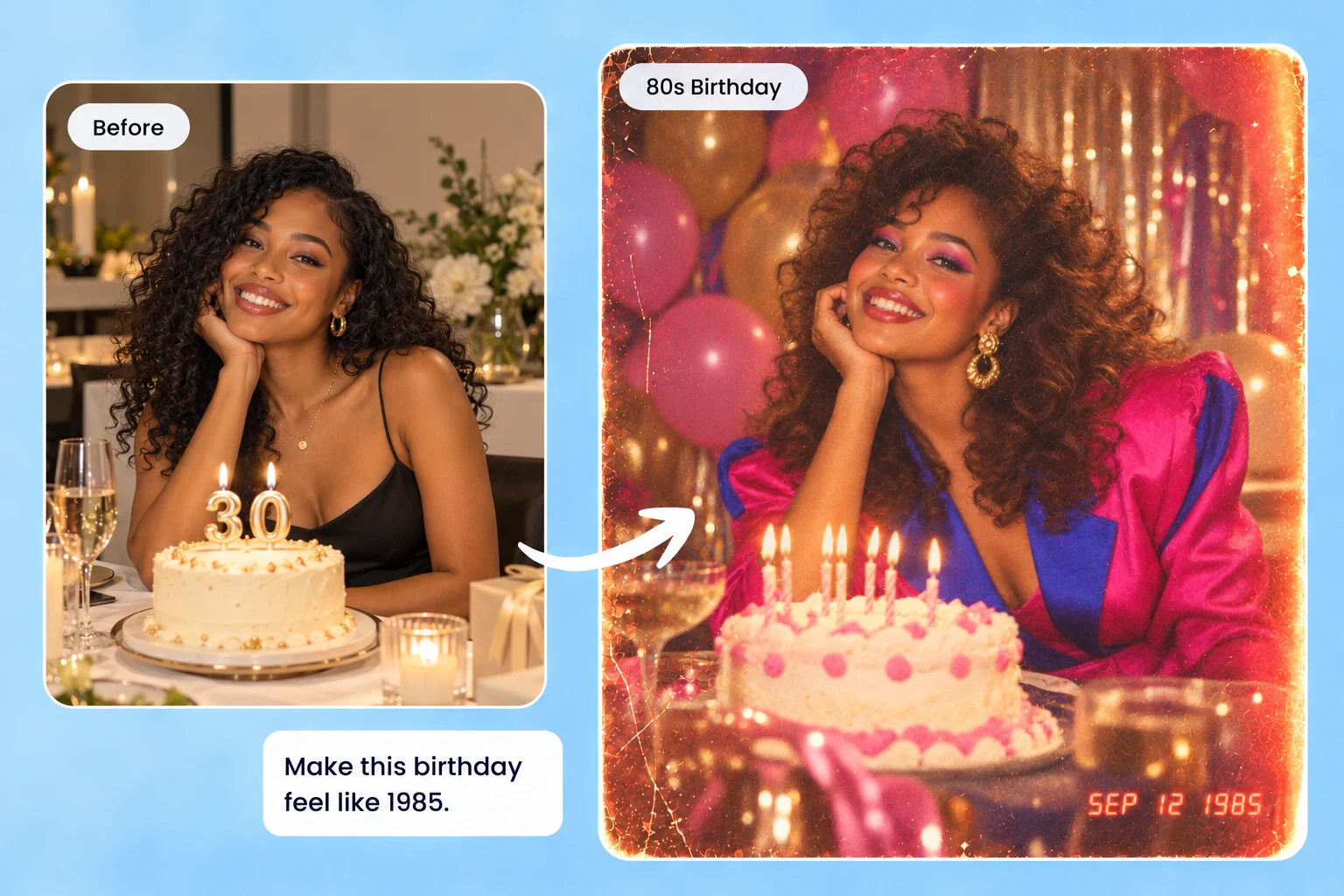
Compare a birthday photo with a cake before and after an 80s makeover

Birthday Throwback

Make an 80s Throwback for a Milestone Birthday

Turning 40 or planning a parent's surprise party? A flash-lit snapshot with a date stamp turns a card or slideshow into an instant inside joke. Try: Pick Family Snapshot and upload a photo of the birthday guest of honor.

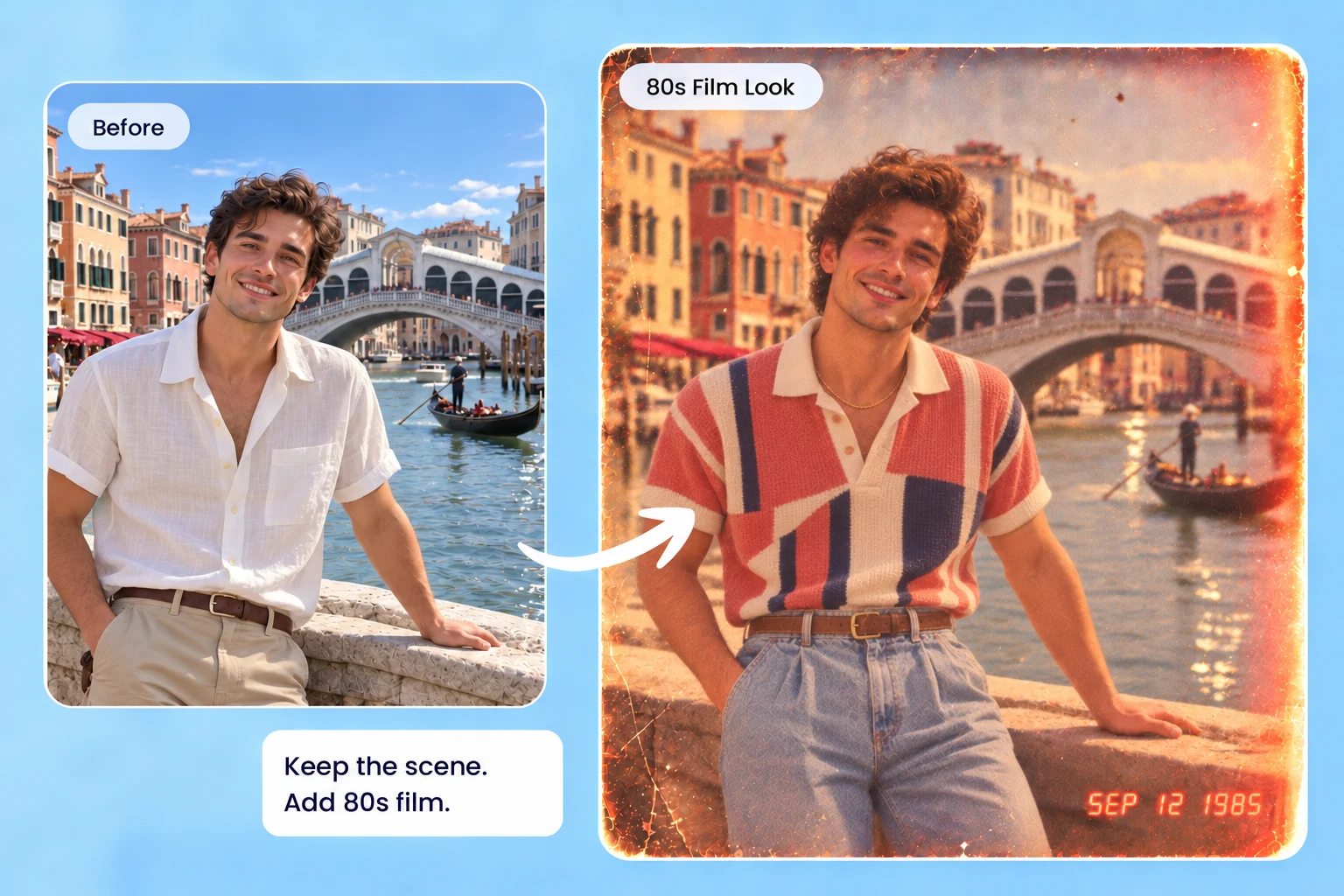
Compare a man’s travel portrait before and after an 80s camera filter

Travel Recap

Turn Your Trip Photos Into an 80s Vacation Album

Beach days, road trips, and city walks look like a summer from 1986 when every shot shares the same 80s camera finish. Try: Pick Film Look and apply it to your favorite beach or road trip shot.

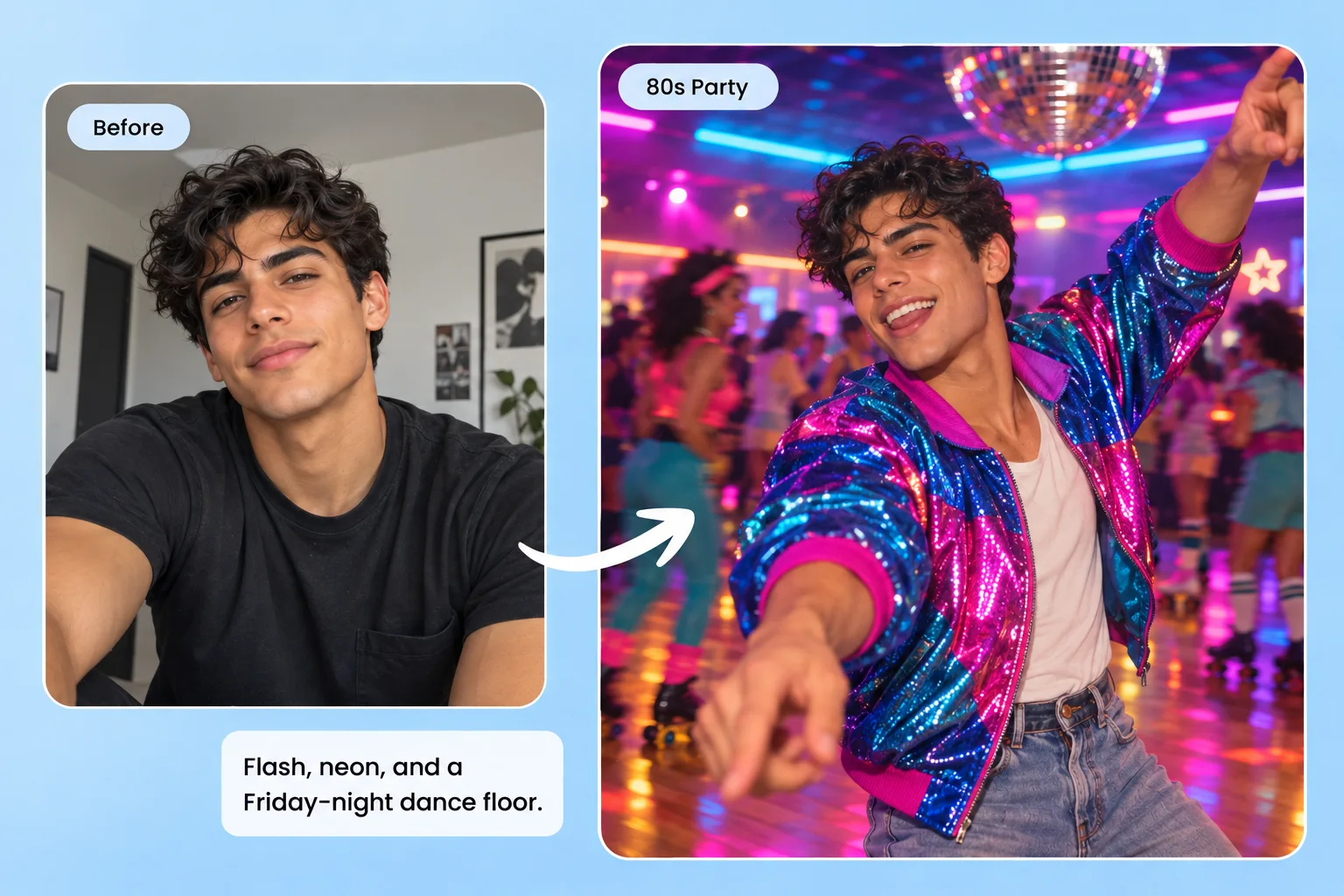
Compare a man’s selfie and his 80s party look under neon lights

Trend Post

Join the 80s Trend With a Before and After

Let friends guess the year from the hair, the flash, and the grain before you reveal the original. Try: Pick Party, then post the result next to your original selfie.

FAQs About the 80s Filter

How do you do the 80s filter from the trend?

Pick an 80s look in PhotoGrid, upload your selfie, and generate your throwback photo. Mall Studio recreates the posed portrait style seen across the trend, while Family Snapshot and Party give more candid results.

Will my 80s photo still look like me?

A clear selfie gives the AI a stronger reference for your facial features. When a result drifts, generate another version in PhotoGrid or switch to Film Look, which is designed to change less of the original photo.

What is the 80s filter?

An 80s filter is an AI photo effect that turns a modern photo into a 1980s-style image. PhotoGrid offers four full-makeover looks, Mall Studio, Family Snapshot, Glam, and Party, plus Film Look for an 80s-inspired camera finish. The effect became a viral AI photo trend in September 2026.

Can I create my own 80s scene with the 80s filter?

Yes, a custom scene works through the same image generator that powers the five looks. Each look opens the AI image generator in PhotoGrid with its 80s prompt filled in, and the generator also takes a prompt you write yourself. Describe the scene you want, such as a 1981 arcade or a prom photo, then adjust one detail at a time until the look feels right.

What is the difference between the 80s filter and the AI yearbook filter?

The 80s filter recreates studio portraits, candid snapshots, and party photos from the 1980s, while a yearbook photo copies the posed school portrait on a plain backdrop. The AI yearbook look focuses on 90s high school style. Choose PhotoGrid's 80s filter for big hair, direct flash, and film grain, and the yearbook look for a clean class photo.

Can I get a different decade besides the 80s?

PhotoGrid covers other eras with separate filters. The y2k filter turns photos into an early-2000s aesthetic instead of an 80s one. Pairing an 80s version and a Y2K version of the same selfie makes a fun side-by-side post.

Can I fix my real photos from the 1980s?

Yes, real photos from the 1980s can be repaired, but that job needs restoration rather than a filter. Old prints often come back faded, scratched, or tinted orange after decades in an album, and the photo restoration tool repairs that damage and can add color back to black-and-white shots. Use PhotoGrid's 80s filter to create a new throwback, and restoration to rescue the originals.

Your 1986 Self Is One Selfie Away

Pick a look, upload your selfie, and see yourself in the 80s. The big hair and the date stamp are already waiting.