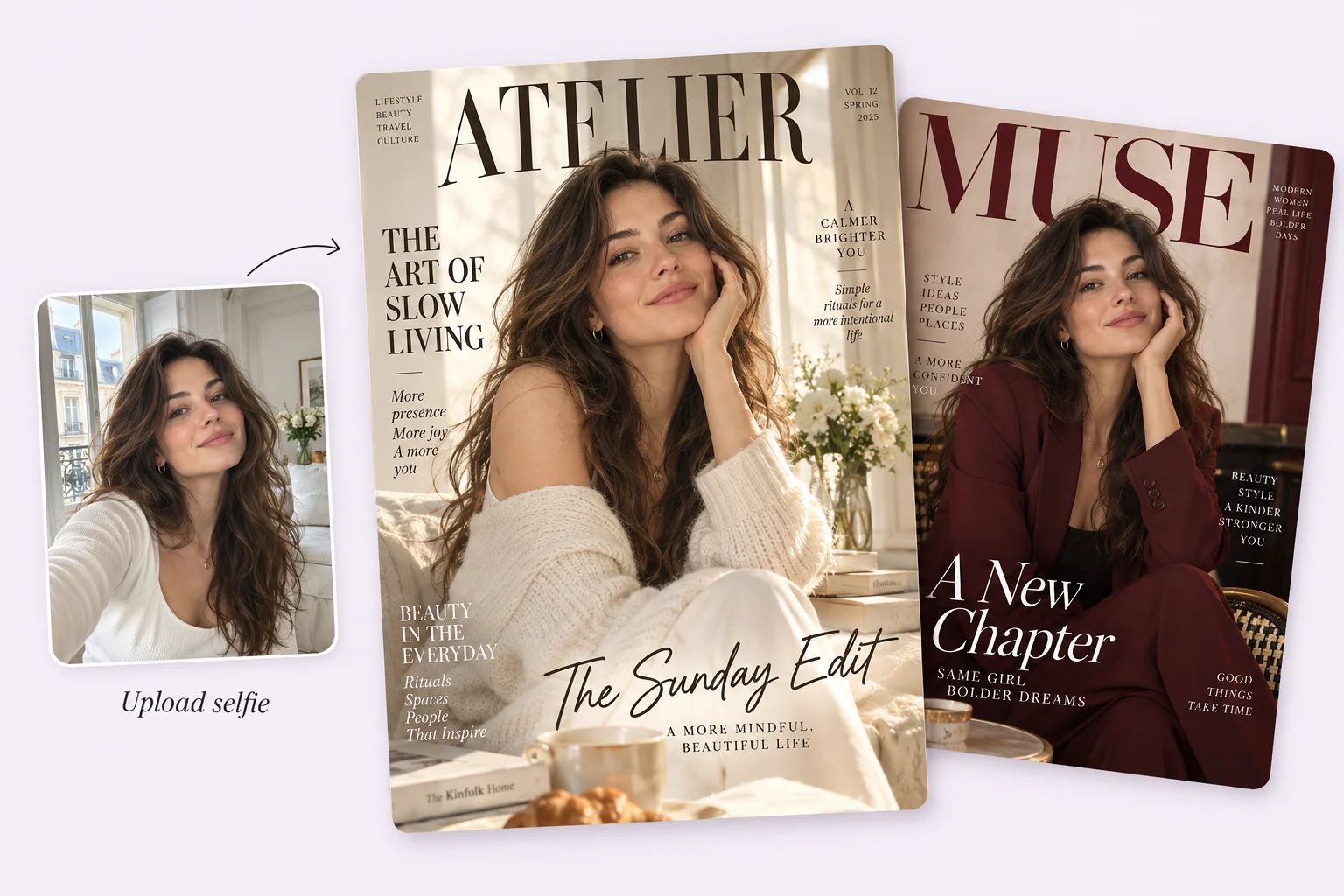
AI Magazine Cover Generator

PhotoGrid's AI magazine cover generator turns your photo into a polished, finished magazine cover. Upload an image, choose a style, and create an editorial cover built around your photo.

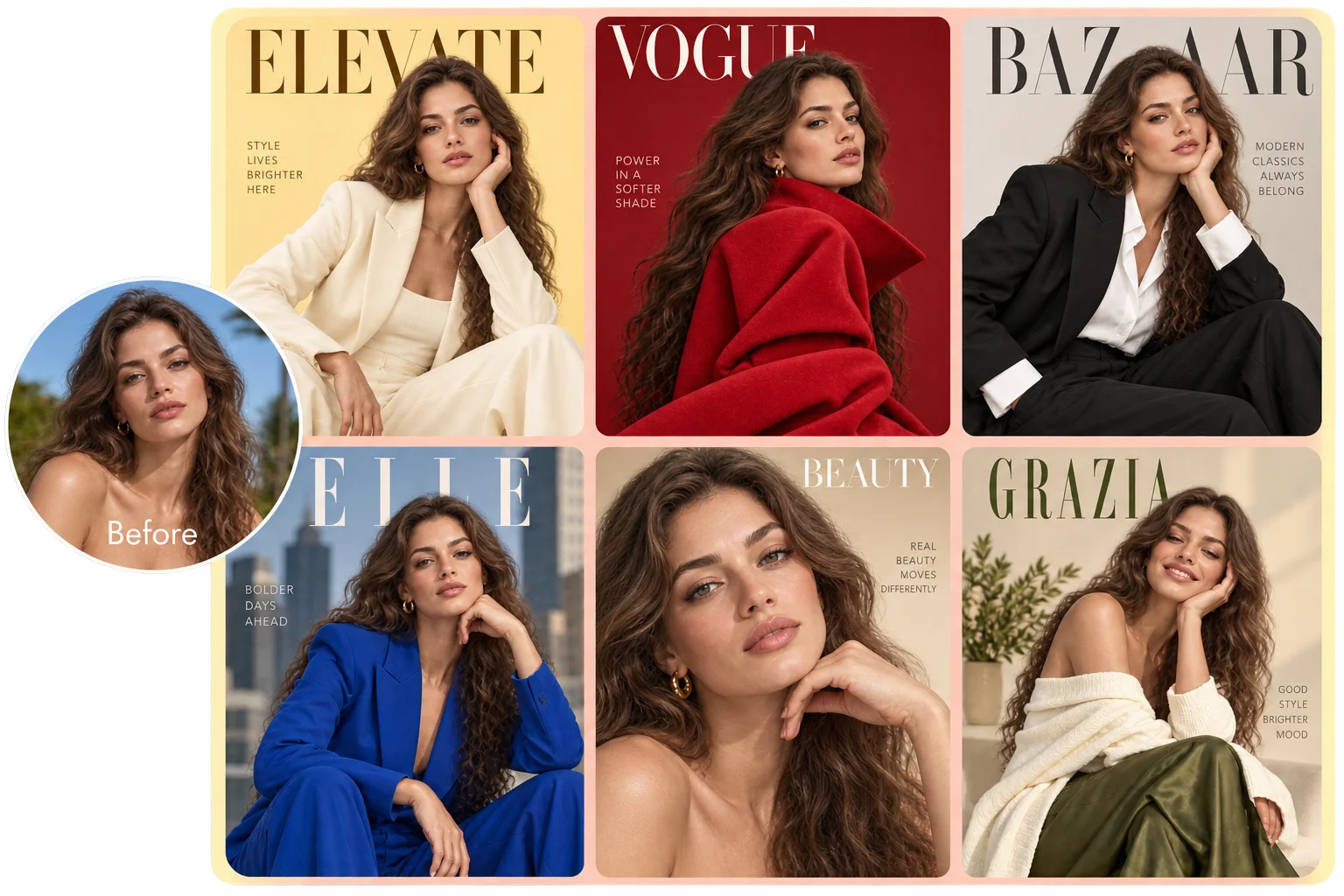
One portrait transformed into six different AI fashion magazine cover styles
342/1500

Continue in AI Image to review the model and credit cost before generating.

Everyday portrait transformed into a polished high-fashion magazine cover

Turn Your Selfie Into an AI-Generated Magazine Cover

Got a selfie, a travel shot, or a favorite portrait that deserves more than a social post? Upload it and let AI take it from there. PhotoGrid can rework the lighting, background, and layout so your photo and the cover read as one editorial image.  You get a cover that already feels put together, with you front and center. Start with a clear photo where the main subject is easy to see.
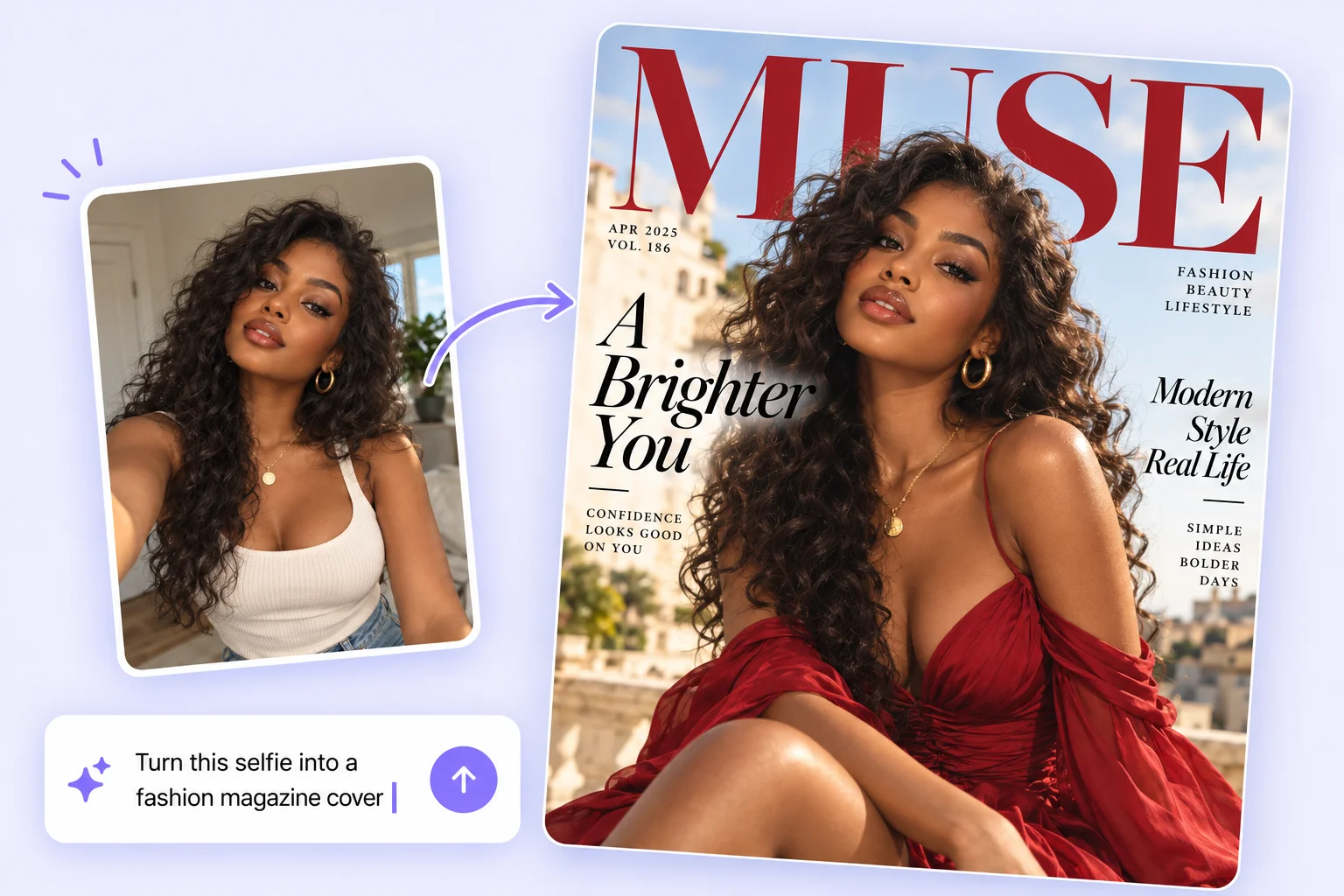
Portrait transformed into a minimalist magazine cover with a clear masthead and cover lines

Add Your Own Title and Headline With the AI Magazine Cover Maker

Every cover starts with a name. In PhotoGrid's AI magazine cover maker, you can refine the magazine title, the main headline, and a few cover lines in AI Image, whether it is a fictional fashion magazine or an inside joke only your friends will get. Keep titles and headlines short. For wording that must be exact, you can add text to photo in the photo editor after generation. Always check spelling before sharing. One clear title can turn a portrait into your own issue. Generated text is part of the final flattened image, not a separate editable layer.

Pick a Style, From High Fashion to Retro 90s

The same photo can become a runway issue, a moody feature, or a faded 90s print. Choose a look and the generator styles the lighting, color, and typography to match.

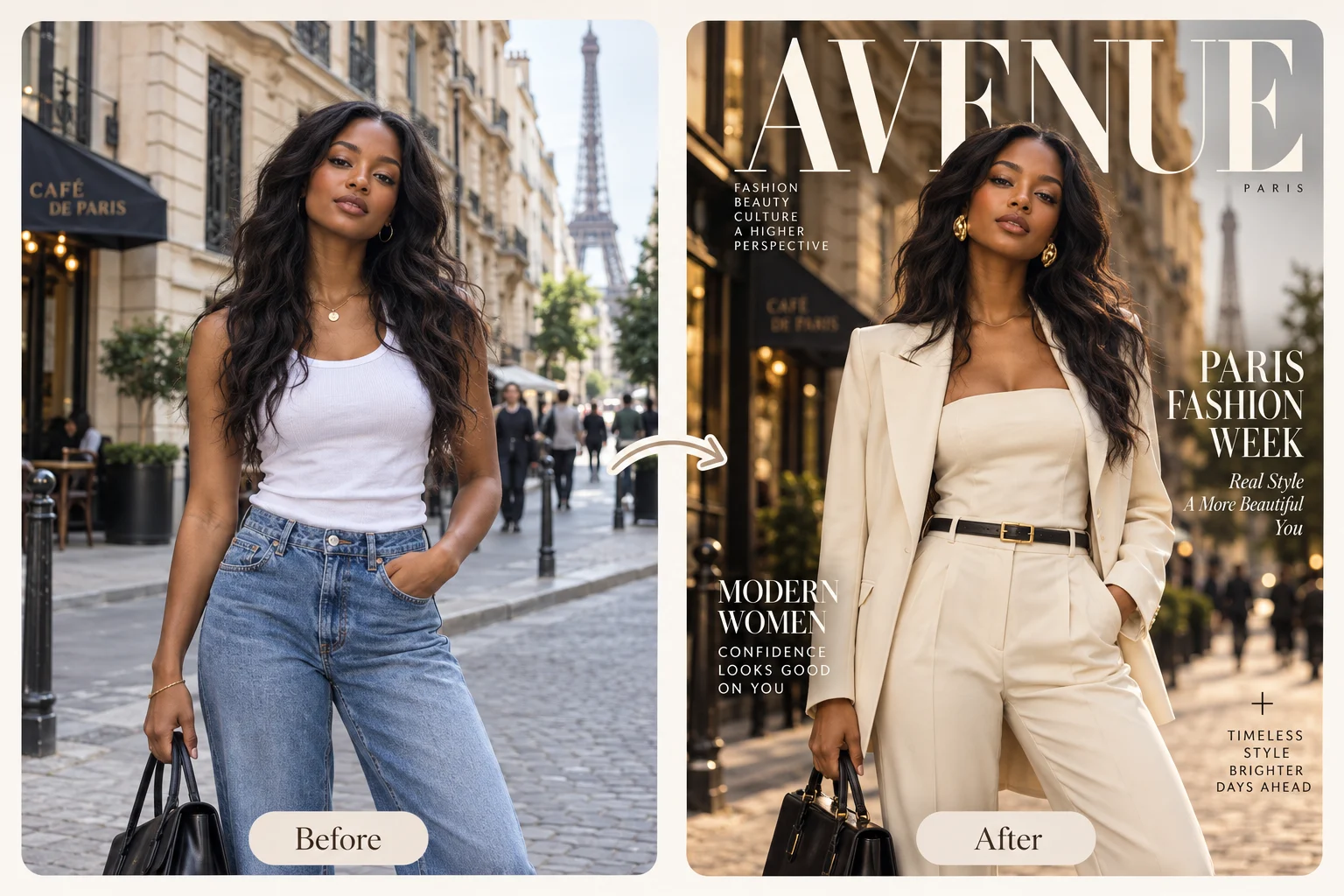
Before and after Paris street portrait transformed into a high-fashion magazine cover
High Fashion

Dress It Up in High Fashion

Studio lighting, tailored styling, a bold masthead, and just a few cover lines turn a casual portrait into a refined editorial image.

01
1 / 6

How to Use PhotoGrid's AI Magazine Cover Generator?

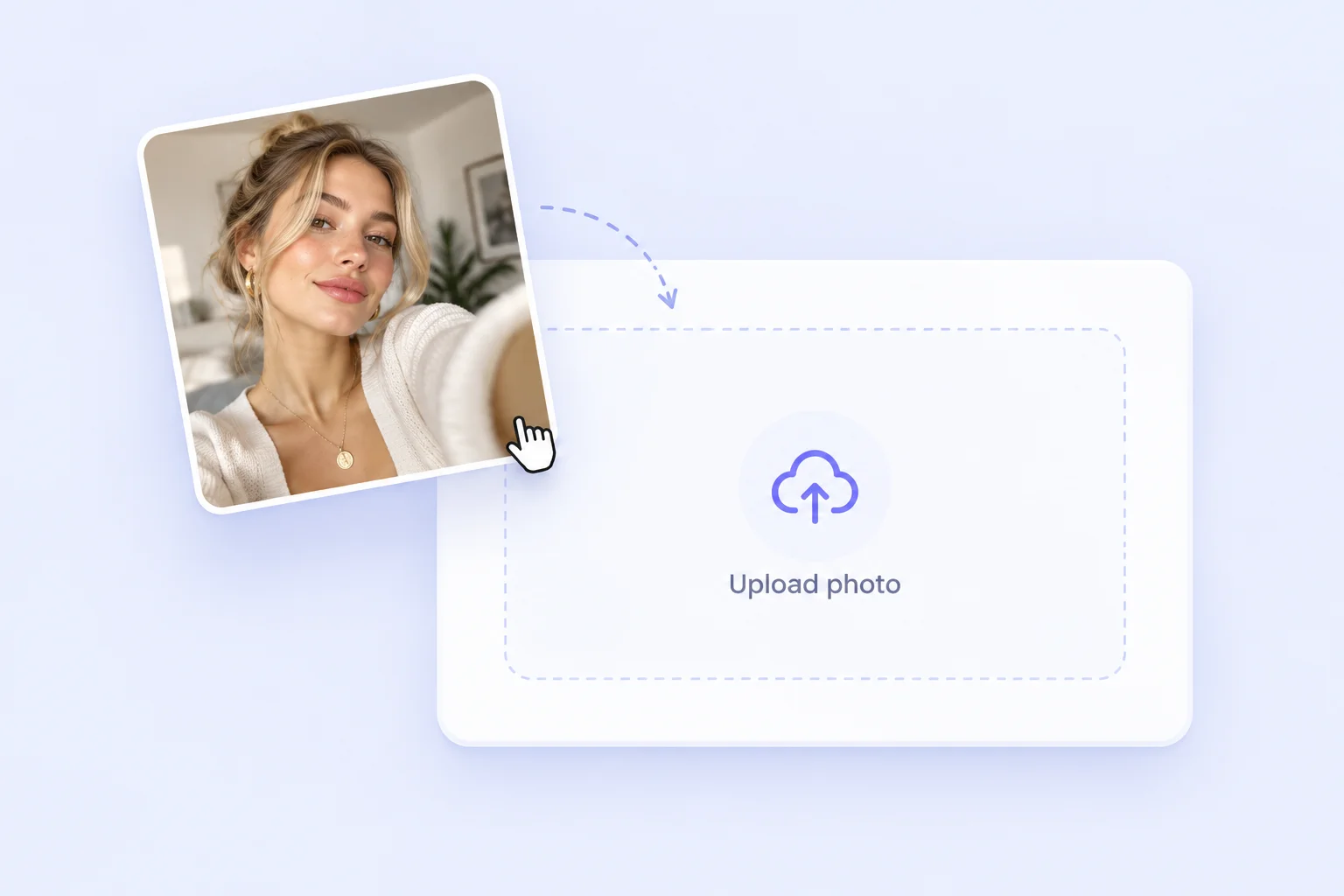
Photo uploaded as the starting point for an AI magazine cover

Open the magazine cover generator online and upload a clear photo where your face is easy to see. A selfie, a couple shot, or a pet portrait all make a good start.

Make an AI Magazine Cover for Every Story

From a birthday keepsake to a founder profile, every cover starts with a different moment. Here are six ways to turn a single photo into a magazine cover.

Warm birthday magazine cover concept with festive editorial styling

Turn a Birthday Photo Into a Special Issue

Put the guest of honor on the cover of a birthday special.

Romantic anniversary magazine cover concept for a couple

Create an Anniversary Edition for Two

Give a couple's photo a soft, romantic editorial finish with a cover line that sounds like your story.

Pet fashion magazine cover featuring a golden retriever against a bright orange background

Give Your Pet a Fashion Cover

Make the star of the sofa the star of the newsstand, whether your pet is a dog, a cat, or a very photogenic rabbit.

Moody business magazine cover concept for a founder profile

Build a Founder Feature From a Headshot

Start with a clear portrait or use the AI image generator to explore a portrait, then turn a photo you have permission to use into a cover for your profile or presentation.

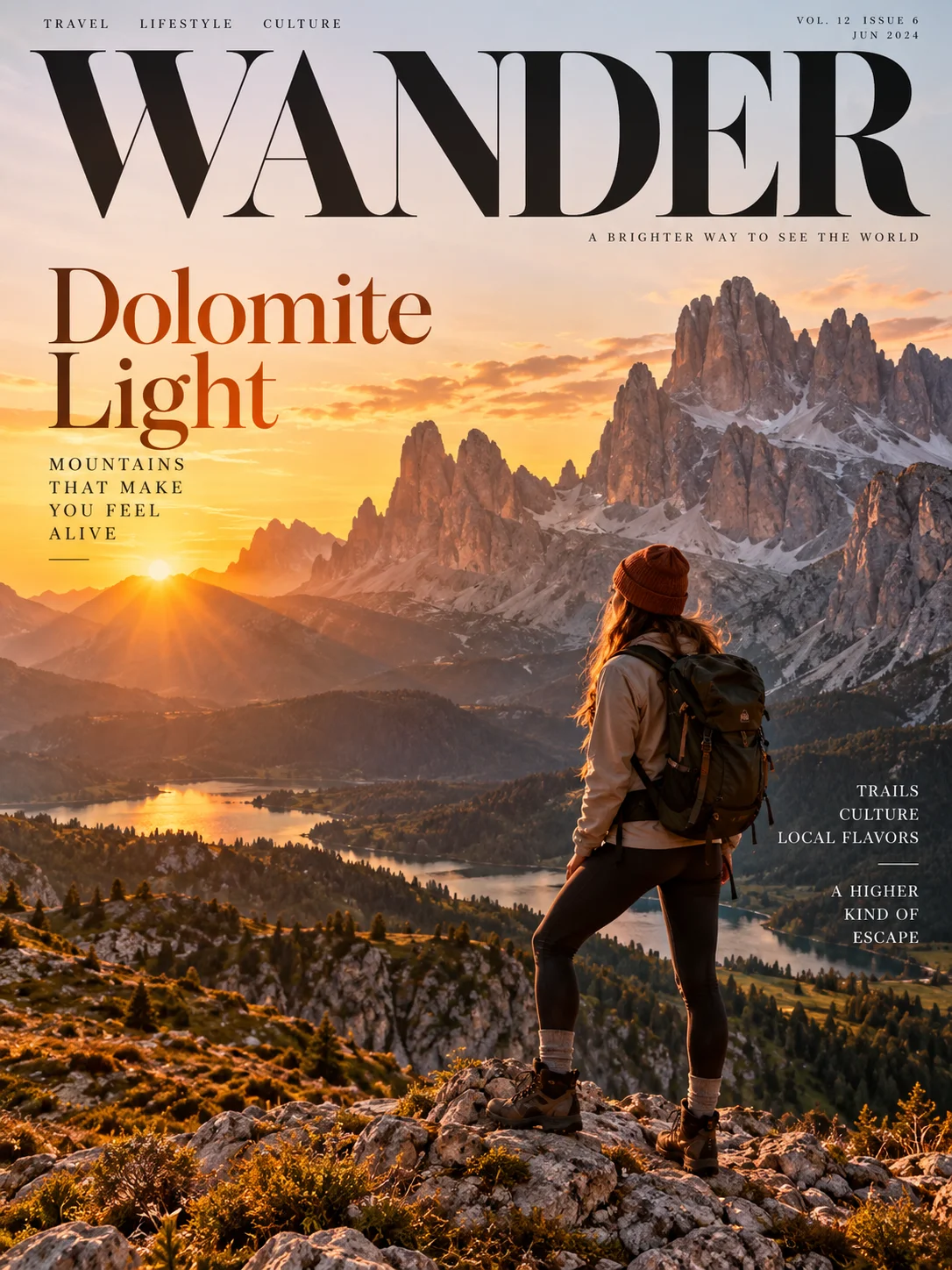
Travel magazine cover featuring a hiker in the Dolomites at sunset

Turn a Trip Photo Into a Travel Cover

That one great shot from the trip deserves a bigger moment than a camera roll.

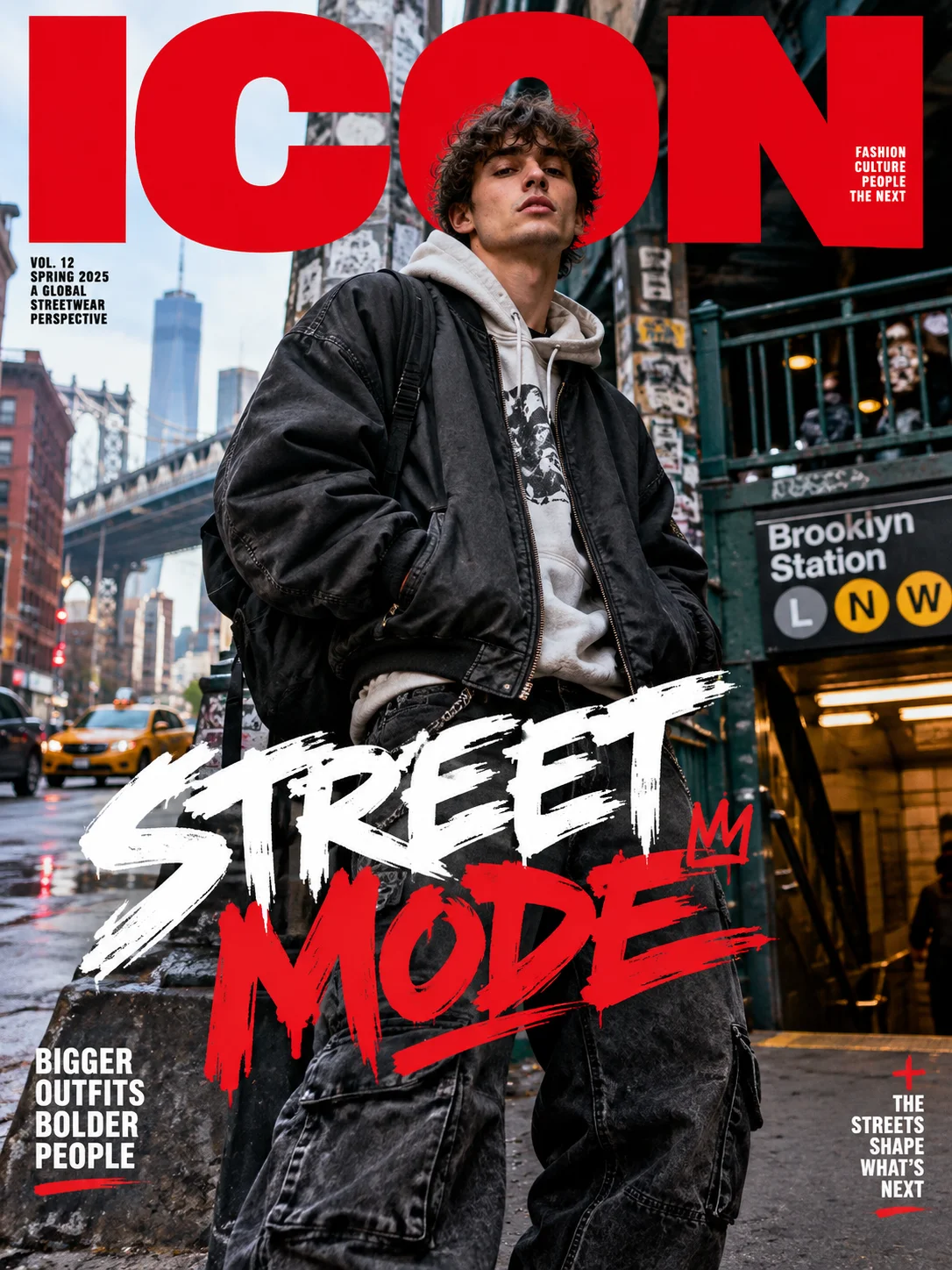
Streetwear magazine cover featuring a man in an urban setting with bold red and white typography

Style a Street Photo as a Streetwear Cover

Your next Instagram post can look like the cover of a street-style issue.

AI Magazine Cover Generator FAQs

What is an AI magazine cover generator?

An AI magazine cover generator turns a photo into a magazine-style cover by building the styling, lighting, masthead, and cover lines around your image. PhotoGrid's version works from your upload and selected direction, so the finished cover follows the story you want to tell.

Is the AI magazine cover generator free to use?

Preparing a photo and a prompt on this page does not start a generation. AI Image shows the available model, credit cost and account requirements before you generate.

Can I use my own photo?

You can make a magazine cover from your own photo by uploading it to PhotoGrid and choosing the style you want. A selfie, a portrait, a couple shot, or a pet photo all work as a starting point.

You can also start from a text prompt in the AI image generator.

Can I add my own magazine title and headline?

You can include your magazine title and headline in the prompt, then revise the prompt in AI Image to generate another version. Check the spelling on the finished cover before you share it.

What should I write in an AI magazine cover prompt?

A good AI magazine cover prompt names the subject, the style, the lighting, the background, and the title you want. Start with a preset, then describe any changes clearly in AI Image.

Why does the face sometimes look different?

Large changes in pose, lighting, expression, or camera angle can make an AI image look less like the original person. To keep the result closer to your photo, ask PhotoGrid's AI to keep the person recognizable and keep big changes in pose or lighting to a minimum.

What kind of photo works best?

The best photo for an AI magazine cover is a clear image where the main subject is easy to see. Skip tiny faces, heavy motion blur, and busy backgrounds where the subject blends in, and PhotoGrid will have a stronger starting point.
Your Photo Deserves the Front Page

Pick a photo you love, give it a title, and let PhotoGrid's magazine cover generator build the cover around it. Make it for a gift, a profile post, or just for the fun of seeing yourself on the front page.