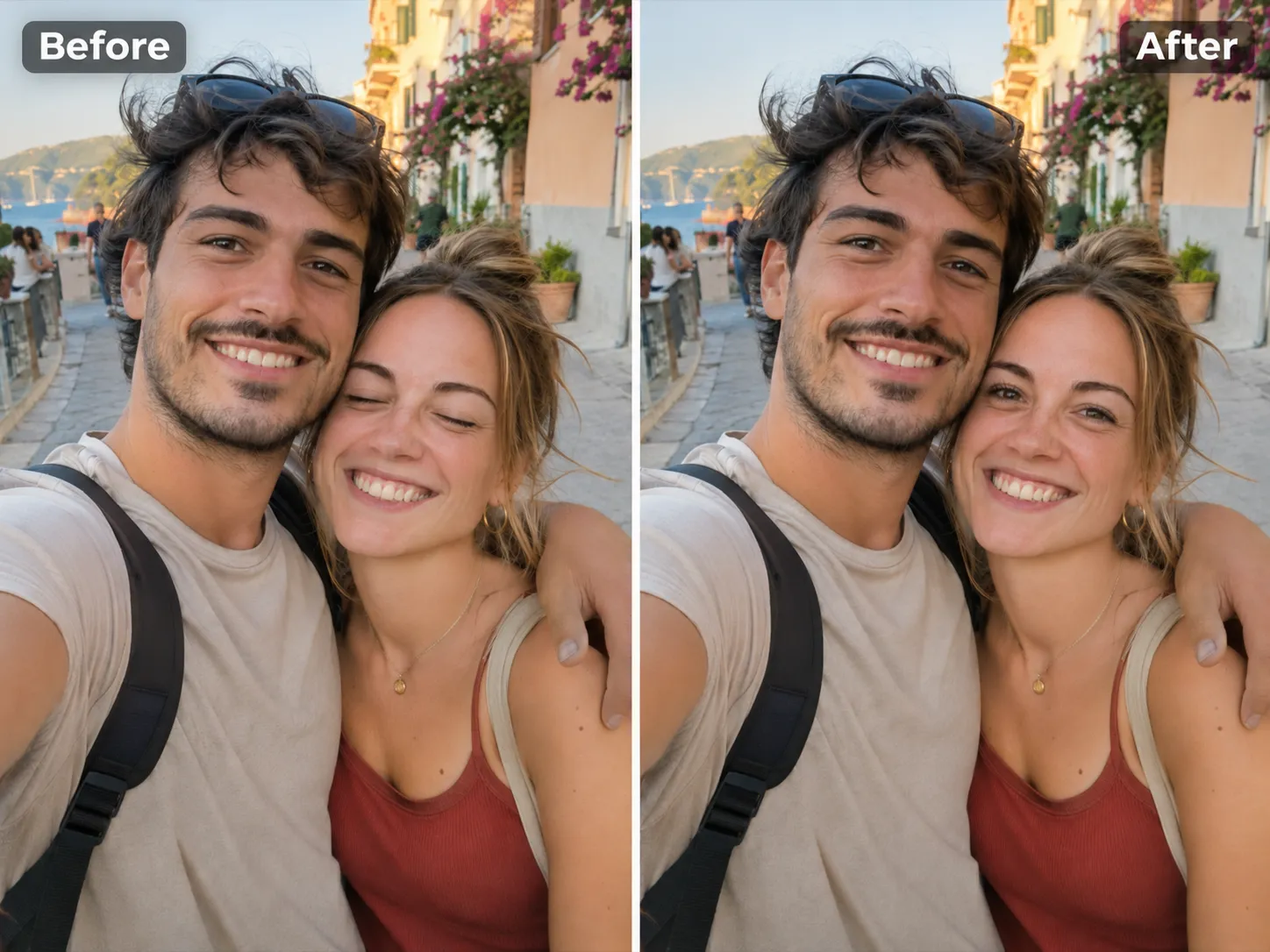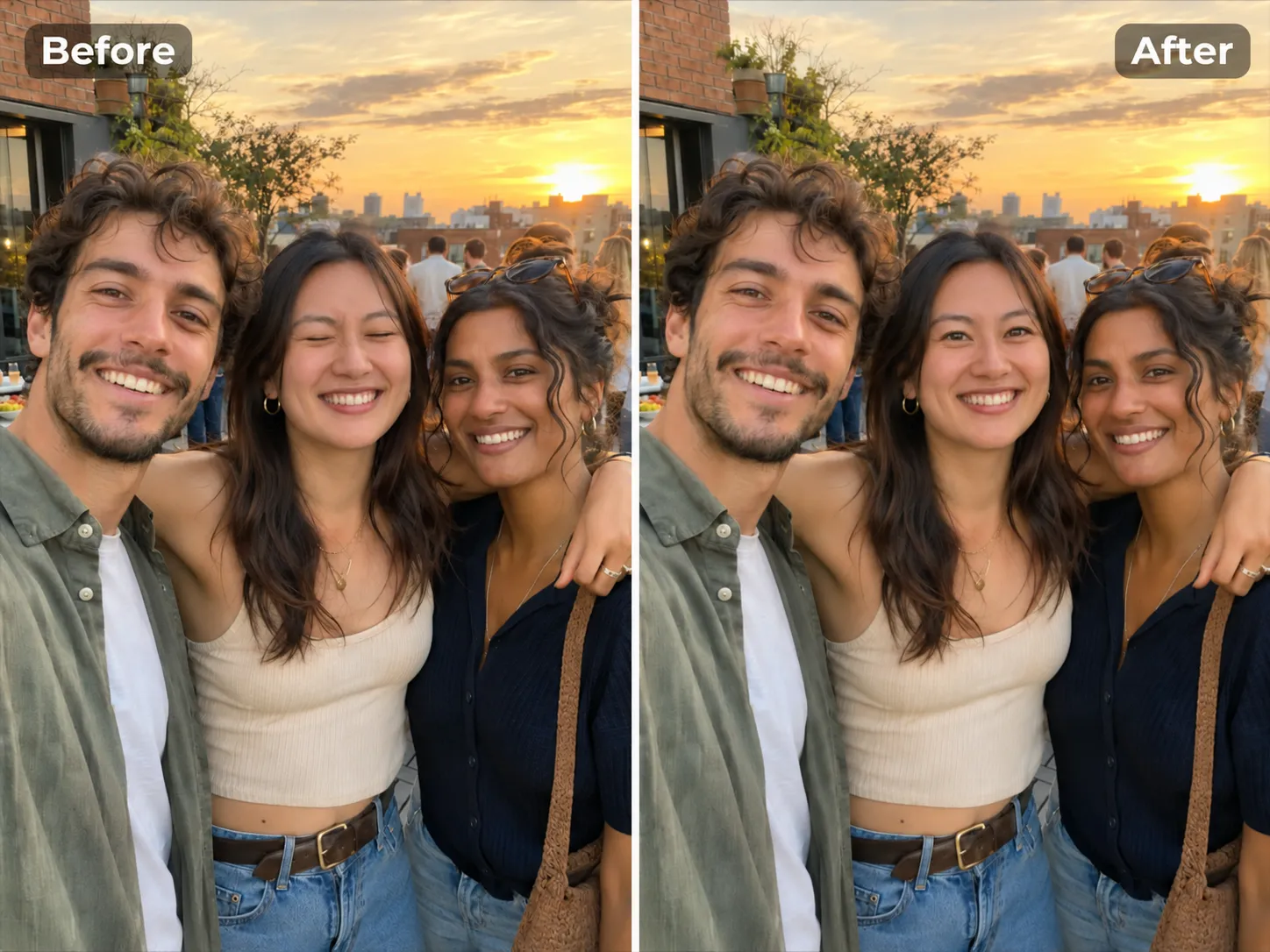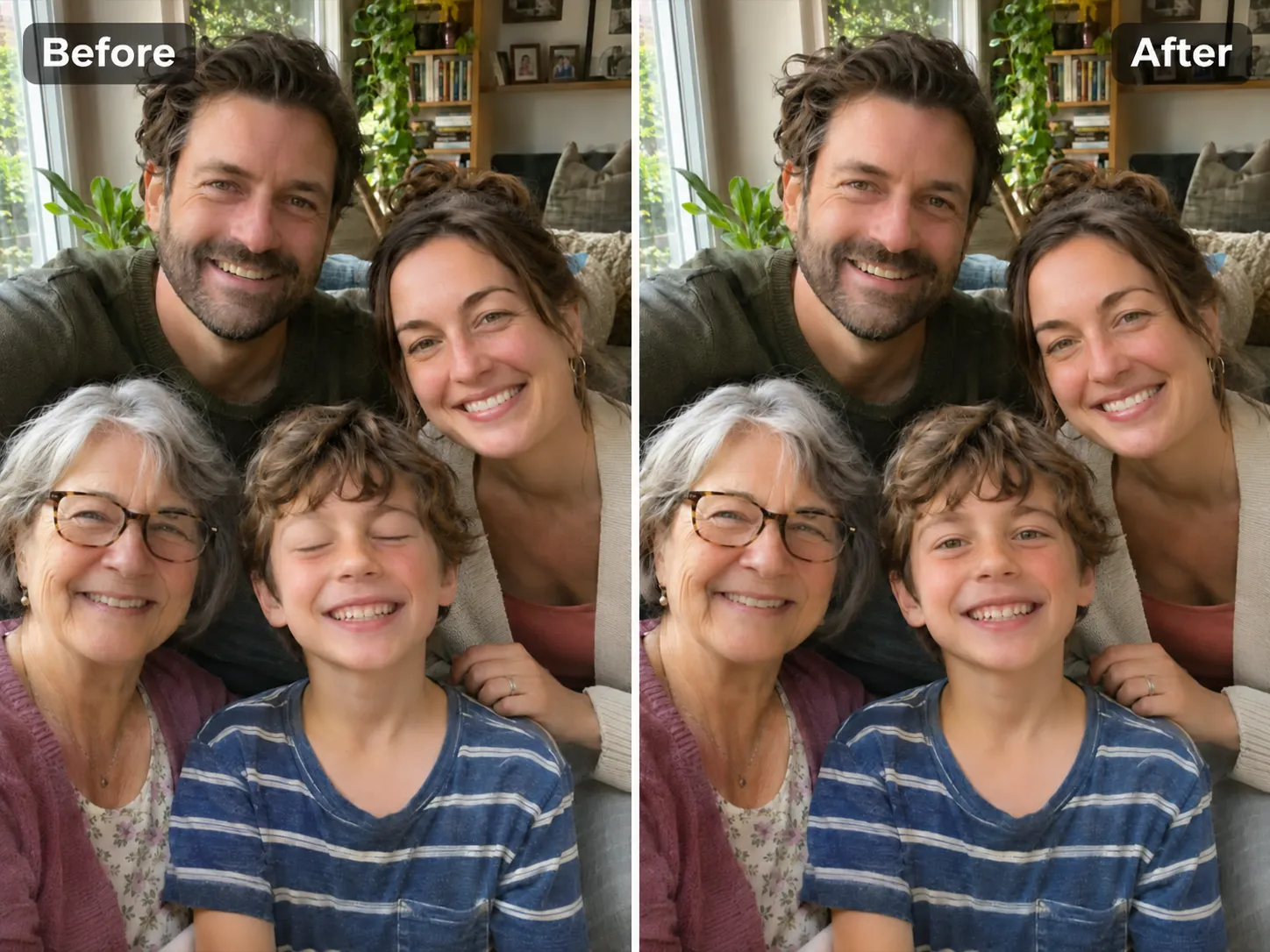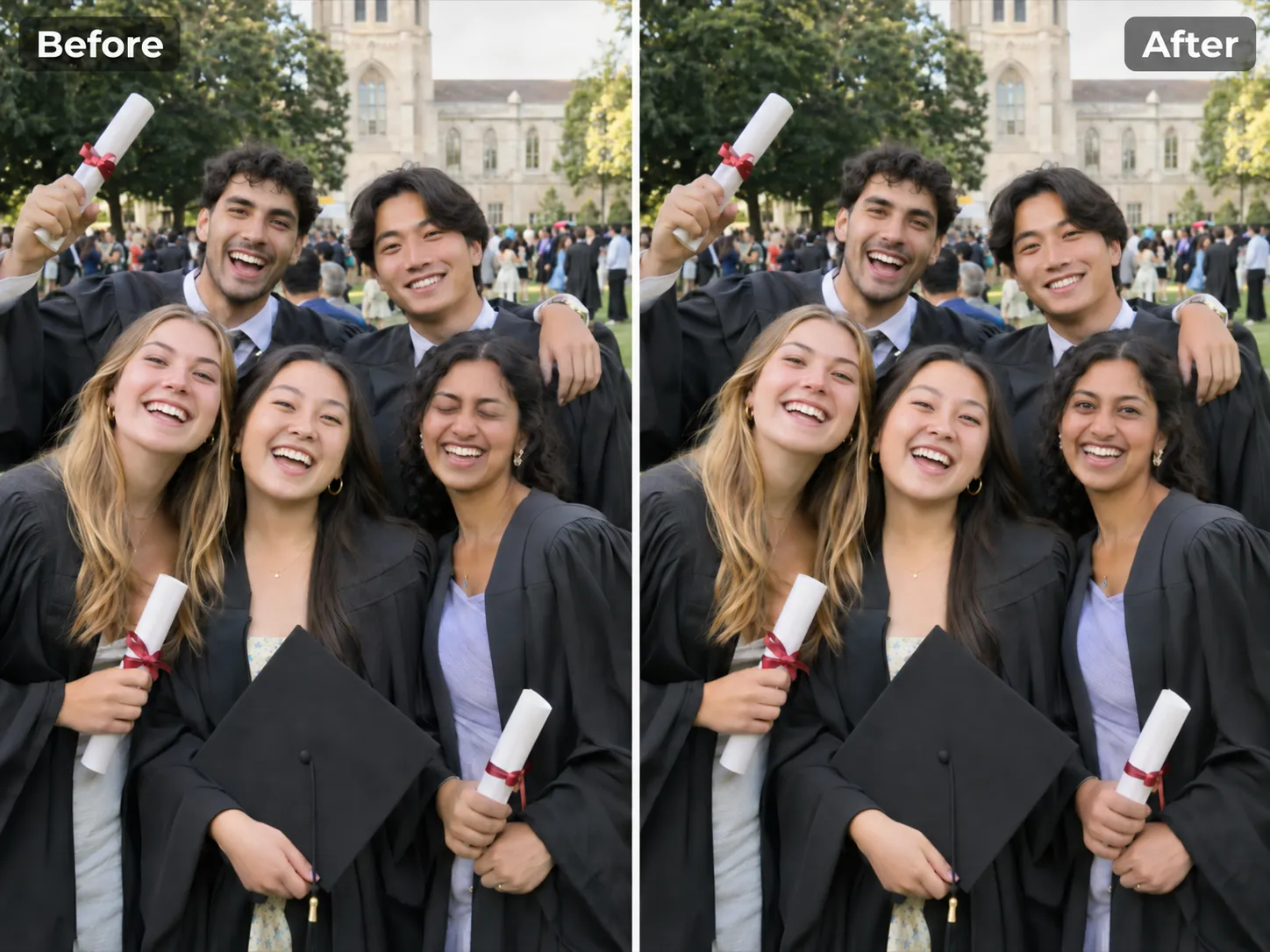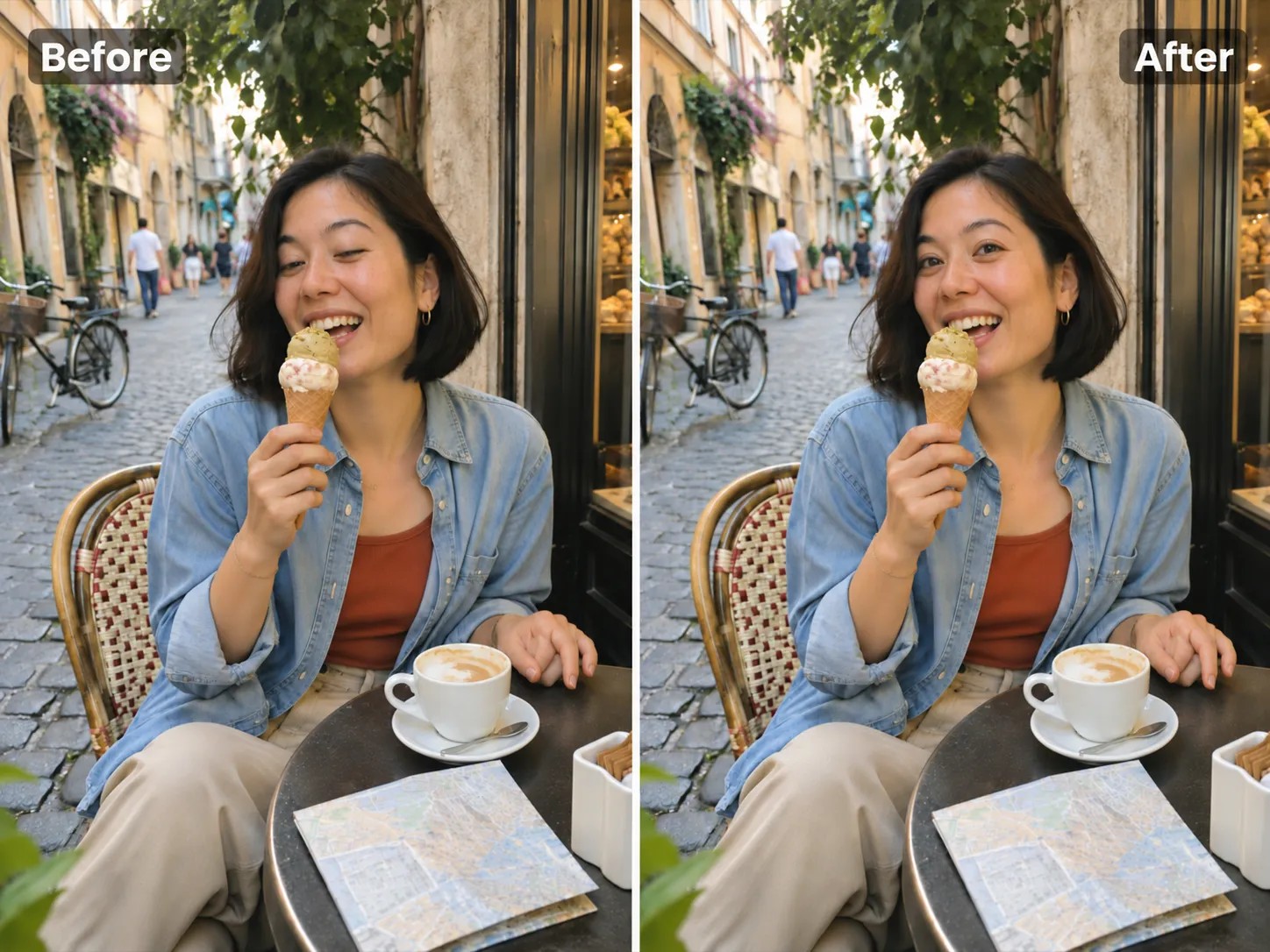
Fix an accidental blink
Caught mid-blink in an otherwise great travel photo? AI reconstructs naturally open eyes while aiming to preserve your expression, pose and surroundings.

Fix an accidental blink without retaking the photo. Upload your picture and let AI create naturally opened eyes while aiming to preserve the original face and scene.
JPG, PNG or WebP · Max 10 MB each
Loading the image model…

An accidental blink can spoil an otherwise good portrait. This AI eye opener focuses on closed or half-closed eyes rather than changing your smile, skin or gaze direction. Review the eye shape, color and lighting before saving.
Use a clear photo with visible facial features. Heavy blur, sunglasses or hair covering the eyes can make the correction less reliable.
Reference photos can guide eye shape and color, but AI still reconstructs the hidden details and cannot guarantee the exact original appearance.
This tool fixes closed eyes in a photo. It does not treat eye conditions or automatically redirect everyone toward the camera.
From solo travel shots to family photos and milestone events, one blink can spoil the moment. Upload your photo and let AI reconstruct closed or half-closed eyes while aiming to preserve the face, expression and surrounding scene.
Caught mid-blink in an otherwise great travel photo? AI reconstructs naturally open eyes while aiming to preserve your expression, pose and surroundings.
Upload a photo, add reference photos if you like, compare the result with the original and download when it looks right.